Memos vs Notesnook
Learn how Memos and Notesnook differ in their key features, development activity, technology
stack and community adoption, so you can decide which of these note-taking tools is best for you.
Learn how Memos and Notesnook differ in their key features, development activity, technology stack and community adoption, so you can decide which of these note-taking tools is best for you.

Memos
Last 30 days
Last commit
1 day agoRepository age
5 yearsVersion
v0.31.0License
MITSelf-hosted
YesRepository
usememos/memos
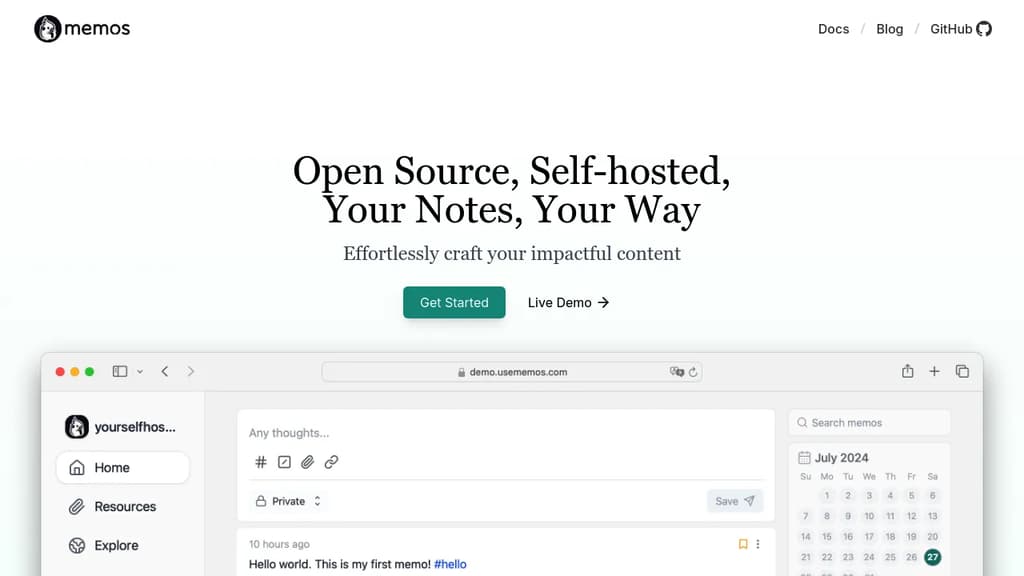

Notesnook
Last 30 days
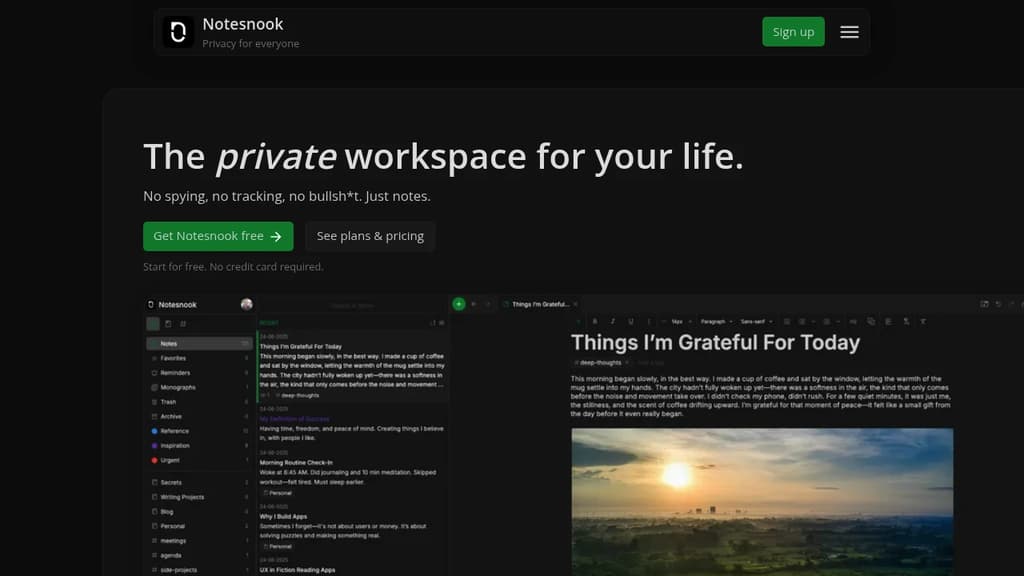
Detailed Comparison
Memos appears to have several advantages over Notesnook, particularly in popularity and licensing. Consider your specific needs regarding popularity, growth, activity, technology, maturity, licensing and features when making your decision.
Memos appears to have several advantages over Notesnook, particularly in popularity and licensing. Consider your specific needs regarding popularity, growth, activity, technology, maturity, licensing and features when making your decision.
Community & Popularity
Memos significantly outpaces Notesnook in community adoption with 64,025 stars compared to 14,820 stars on GitHub. This 4.3x difference suggests Memos has a much larger and more active community. In terms of developer contributions, Memos has 4,882 forks, indicating strong developer engagement.
Growth Momentum
Memos and Notesnook are moving at much the same rate, adding 740 stars and adding 195 stars respectively over the last 30 days (+1.2% vs +1.3%). Neither is pulling away from the other on momentum alone.
Development Activity
Both projects show recent activity, with Memos last updated 1 day ago and Notesnook 19 hours ago.
Technology Stack
Both tools share common technology foundations, being built with JavaScript, CSS, Typescript, JSX. However, they differ in their additional technology choices: Memos uses Bash, Golang while Notesnook leverages C, Objective-C, Java, Swift, Ruby, Kotlin, MATLAB, Remix.
Project Maturity
Both projects started around the same time, with Memos beginning 5 years ago and Notesnook 6 years ago.
Licensing
Memos uses the MIT license, which is more permissive than Notesnook's GPL-3.0 license, potentially offering greater flexibility for commercial use and integration.
Use Cases & Features
Both tools serve similar use cases in Note-Taking, Personal Knowledge Management (PKM), Secure & Encrypted Notes.
Hosting & Deployment
Both Memos and Notesnook offer self-hosting capabilities, giving you full control over your data and infrastructure.
Other tool comparisons to consider
Memosvs
 JoplinMemos
vs
 SiYuanMemos
vs
 LogseqMemos
vs
 TolariaMemos
vs
 BlinkoMemos
vs
 AnyTypeMemos
vs
 SilverbulletMemos
vs
 Standard NotesMemos
vs
 Beaver NotesMemos
vs
 ZenMemos
vs
 DarkwriteMemos
vs
 OpenNotasMemos
vs
 itsnotesMemos
vs
 JustnoteNotesnook
vs
 AppFlowyNotesnook
vs
JoplinNotesnookvs
SiYuanNotesnookvs
LogseqNotesnookvs
TolariaNotesnookvs
BlinkoNotesnookvs
AnyTypeNotesnookvs
SilverbulletNotesnookvs
Standard NotesNotesnookvs
Beaver NotesNotesnookvs
ZenNotesnookvs
DarkwriteNotesnookvs
OpenNotasNotesnookvs
itsnotesNotesnookvs
Justnote Stellar Hosted – Managed Open Source software hosting in the EU: secure, compliant, fast.