Open Source CapCut Alternatives
A curated collection of the 5 best open source alternatives to CapCut.
The best open source alternative to CapCut is OpenCut. If that doesn't suit you, we've compiled a ranked list of other open source CapCut alternatives to help you find a suitable replacement. Other interesting open source alternatives to CapCut are: LosslessCut, Shotcut, OpenShot, and Kdenlive.
CapCut alternatives are mainly Video Editing Software but may also be Audio Editors. Browse these if you want a narrower list of alternatives or looking for a specific functionality of CapCut.

Written by Piotr Kulpinski

Browser-based, open source video editor built for privacy. No installs, no account required, works on any platform.
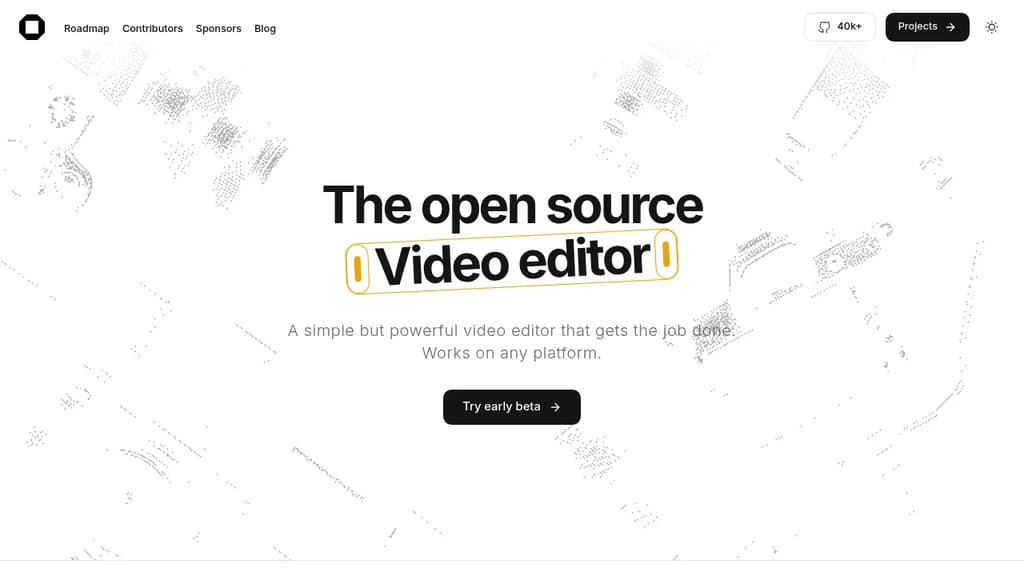
OpenCut is an open source video editor that runs entirely in your browser. Nothing to install. No account to create. Because it works in the browser, it runs on Windows, macOS, and Linux without platform-specific builds or compatibility headaches.
The focus is on keeping things simple. The interface is designed to feel approachable rather than overwhelming, which makes it a practical option for people who need to edit video without learning a complex tool. That said, "simple" here doesn't mean stripped-down. The goal is to cover real editing needs without the friction that comes with heavyweight desktop software like Kdenlive or Shotcut.
Privacy is a core part of the design. Processing happens locally in the browser rather than on a remote server, so your footage never gets uploaded to a third-party service. For anyone editing sensitive or personal video, that's a meaningful difference from cloud-based editors that process files on their own infrastructure.
Being open source means the codebase is publicly available for inspection. You can verify what the tool actually does with your files, and the project can be self-hosted if you want full control over where it runs.
OpenCut suits content creators, journalists, educators, or anyone who edits video occasionally and wants a fast, private, no-install option that works from any device with a modern browser.

Desktop app for lossless video and audio editing. Cut, trim, merge, and remux files in seconds without re-encoding, using FFmpeg under the hood.
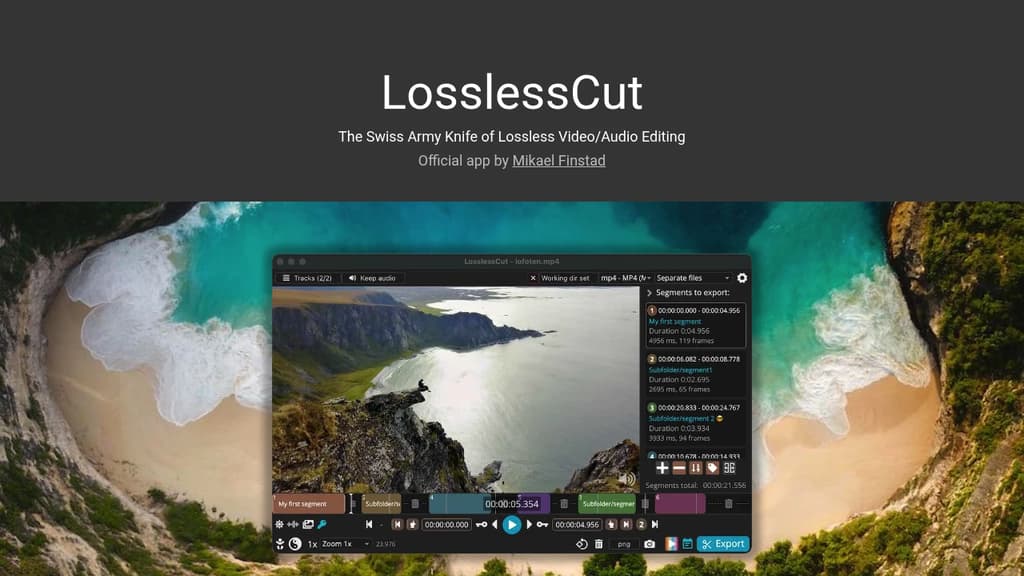
Most video editors re-encode your footage every time you make a cut. That process can take hours and degrades quality with each pass. LosslessCut skips re-encoding entirely. It cuts the data stream directly, so trimming a large file takes seconds instead of hours, and the output is bit-for-bit identical to the source.
It runs on macOS, Windows, and Linux, and handles a wide range of formats thanks to FFmpeg doing the heavy lifting underneath. The interface is built around a timeline with zoom, frame jumping, and keyframe jumping, so you can navigate precisely without touching the command line.
Key capabilities include:
- Lossless trimming and cutting of video and audio files, with labeled segments and CSV export/import for edit decision lists
- Merge and concatenate multiple files with identical codec parameters, no re-encoding required
- Stream editing: pull tracks from multiple files and combine them into one output
- Remux into any compatible container format, such as converting an MKV to MP4 or TS to MOV
- Extract tracks individually, whether that's audio, video, or subtitles
- Full-resolution snapshots exported as JPEG or PNG
- Audio waveform and video thumbnails in the timeline for easier orientation
- Rotation/orientation metadata editing for fixing phone recordings with the wrong flag
One important caveat: cuts are aligned to the nearest preceding keyframe, not to the exact frame you select. For most use cases (removing commercials, trimming intros, splitting long recordings) this is fine. For frame-perfect editing, a re-encoding editor like Kdenlive or Shotcut would be more appropriate.
The app is free to download from GitHub. Paid versions are available through the Mac App Store and Microsoft Store for users who want signed binaries and automatic updates, or who want to support the developer.

Free, open-source video editor supporting 4K resolution, hundreds of formats, and professional features like Blackmagic Design integration across Windows, Mac, and Linux.
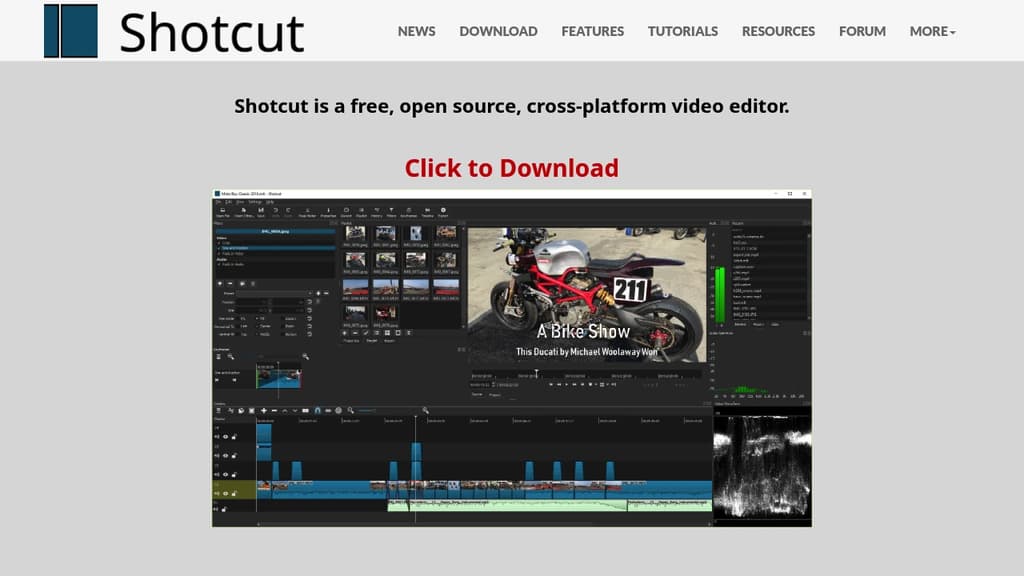
Shotcut delivers professional-grade video editing capabilities completely free of charge. This cross-platform editor works seamlessly on Windows, Mac, and Linux, making it accessible to creators regardless of their operating system preference.
Key advantages include:
- Wide format compatibility - Edit hundreds of audio and video formats natively without importing, supporting multi-format timelines with different resolutions and frame rates in a single project
- Professional hardware support - Blackmagic Design SDI and HDMI integration for input and preview monitoring, plus screen, webcam, and audio capture capabilities
- High-resolution editing - Full 4K resolution support with frame-accurate seeking for precise editing control
- Intuitive workspace - Multiple dockable panels including media properties, playlist with thumbnails, filter panel, and encoding queue for efficient workflow management
- Flexible input options - Capture from SDI, HDMI, webcams, JACK & Pulse audio, IP streams, and various system sources
The software features drag-and-drop functionality for easy asset management and includes helpful keyboard shortcuts like J/K/L for playback control and I/O for setting in/out points. With regular updates every two months and the ability to maintain multiple versions, Shotcut provides both stability and access to the latest features for serious video editing projects.

A free, open-source video editor for Linux, Mac, and Windows with animation, effects, multi-track editing, and 3D title rendering.
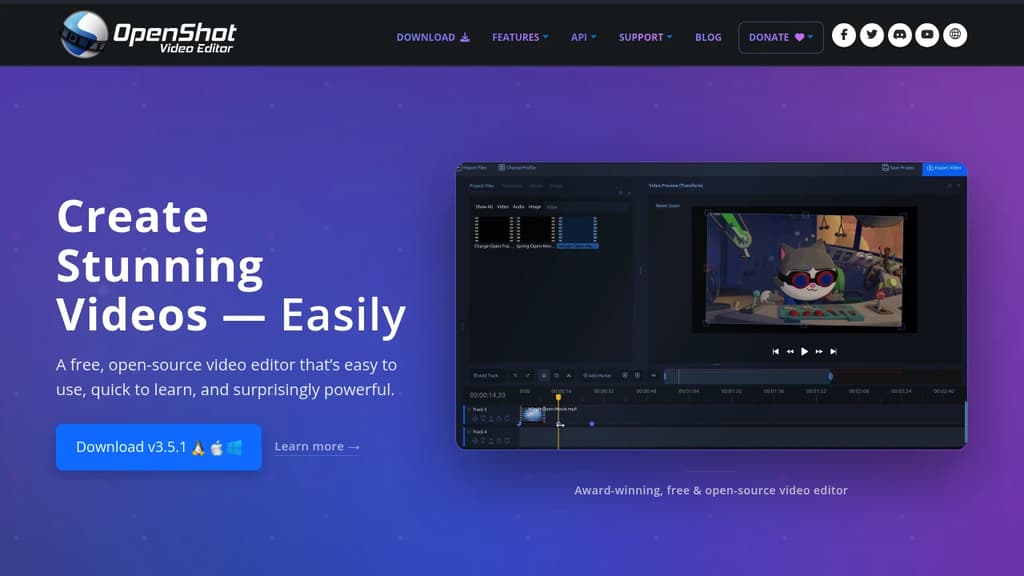
OpenShot is a free, open-source video editor that's been around since 2008 and has been downloaded millions of times. It runs on Linux, Mac, and Windows, making it one of the more accessible options for anyone who doesn't want to pay for software like Filmora or ScreenFlow.
The design goal is simplicity without stripping out capability. You can get started by dragging video, audio, or images directly from your file manager onto the timeline. No complicated import workflows.
Here's what you get out of the box:
- Multi-track timeline – add as many layers as you need for watermarks, background videos, audio tracks, and overlays
- Animation framework – fade, slide, bounce, and animate any element in your project using keyframes
- Video effects engine – remove backgrounds, invert colors, adjust brightness, and apply a range of visual filters
- Time controls – reverse, slow down, or speed up footage, either with presets or animated playback speed
- 3D animated titles – render effects like snow, lens flares, and flying text directly in the editor
- Audio waveform visualization – see your audio as a waveform and optionally include it in the final video export
- Title templates – use built-in templates or build your own from scratch
OpenShot is noticeably different from quick-clip tools like OpenCut or LosslessCut. It's aimed at people who want a full editing environment, not just a trimmer. At the same time, it's less complex than Kdenlive or Shotcut, which makes it a reasonable first stop for beginners.
It's licensed under the GNU GPL v3, so the code is open and the tool stays free.

Cross-platform non-linear video editor offering professional features for free. Edit videos on Linux, Windows, macOS, and BSD with advanced tools and effects.
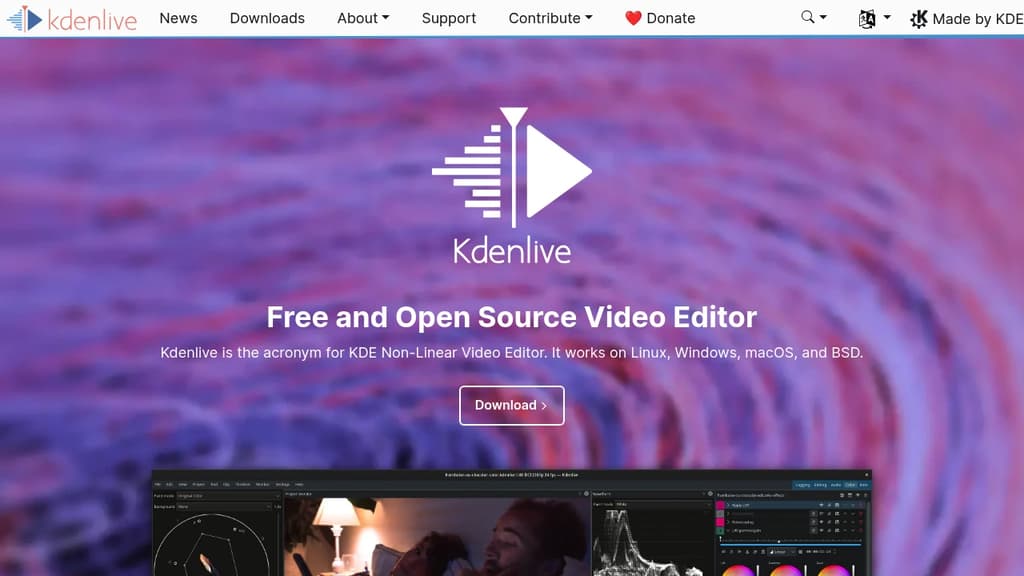
Kdenlive delivers professional-grade video editing capabilities without any licensing fees or subscription costs. This cross-platform non-linear editor runs seamlessly on Linux, Windows, macOS, and BSD systems, making it accessible to creators regardless of their operating system preference.
Built on the robust KDE framework, Kdenlive offers a comprehensive suite of editing tools including multi-track timeline editing, advanced color correction, keyframe animation, and extensive format support. The software handles everything from basic cuts and transitions to complex compositing and effects work.
Key features include:
- Multi-track timeline with unlimited video and audio tracks
- Professional effects library with customizable parameters
- Advanced color grading and correction tools
- Keyframe animation for precise control over effects
- Proxy editing for smooth performance with high-resolution footage
- Wide format support including 4K and HDR content
The active open-source community continuously develops new features and provides extensive documentation, tutorials, and support through forums and mailing lists. Regular updates ensure compatibility with the latest codecs and formats while maintaining stability for professional workflows.

People are looking for alternatives to...
View all alternatives
Spotify

Claude Code

Claude

CapCut

Notion

Lovable
 Windshift – The self-hosted platform that replaces Jira.
 CodeRabbit