Open Source Adobe Photoshop Alternatives
A curated collection of the 4 best open source alternatives to Adobe Photoshop.
The best open source alternative to Adobe Photoshop is Graphite. If that doesn't suit you, we've compiled a ranked list of other open source Adobe Photoshop alternatives to help you find a suitable replacement. Other interesting open source alternatives to Adobe Photoshop are: Compositor, Krita, and GIMP.
Adobe Photoshop alternatives are mainly Photo Editing Software but may also be Whiteboarding Tools or Online Design Tools. Browse these if you want a narrower list of alternatives or looking for a specific functionality of Adobe Photoshop.

Written by Piotr Kulpinski

A free, open source vector graphics editor built around nondestructive, node-based design. Runs locally in the browser, exports SVG, PNG, and JPG.
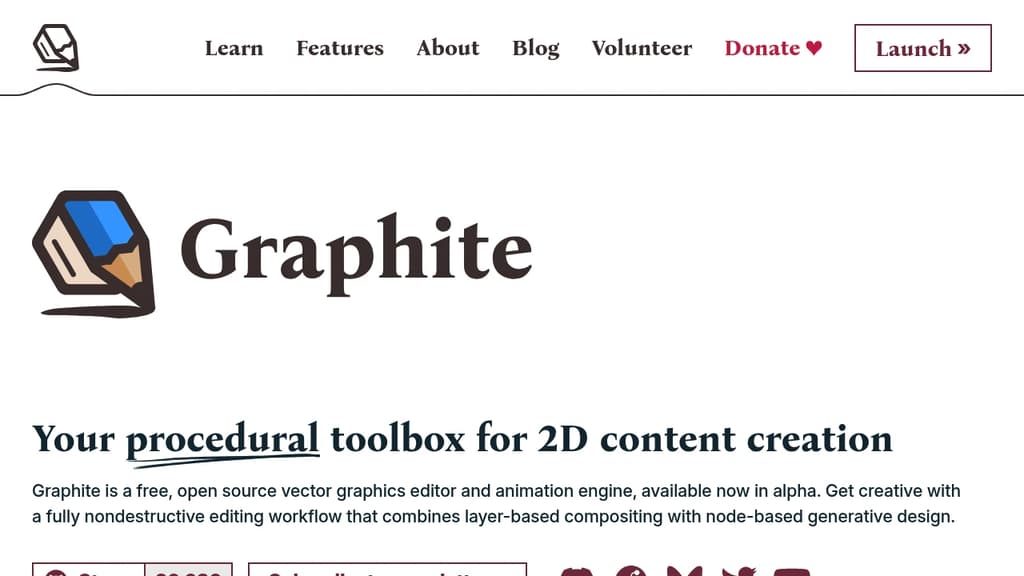
Graphite is a free, open source vector and procedural graphics editor that runs entirely in your browser without requiring an account or installation. It's aimed at designers who want a nondestructive workflow, where every creative decision stays editable through parameters rather than being baked in permanently.
Unlike most online design tools, Graphite is built around a node graph at its core. Instead of drawing shapes and committing to them, you build systems of nodes that generate and transform artwork procedurally. Want your scattered circles denser? Drag a slider. Want a different fill pattern? Swap a node. Nothing is destructive by default.
Key capabilities include:
- Procedural vector editing using a node-based layer system that lets you compose, reuse, and automate design workflows
- Nondestructive boolean operations for combining and modifying shapes without losing the originals
- Parametric iteration so you can morph between states, blend color schemes, or adjust placement areas with sliders rather than manual edits
- Infinite scalability with no pixelation, and export to SVG, PNG, or JPG at any resolution
- Fully local execution with no server involved, keeping your work private on your own hardware
Graphite is built with WebAssembly and WebGPU, which gives it performance closer to a native app than a typical browser tool. It's architecturally more like a game engine than a conventional creative app.
Desktop apps for Windows, Mac, and Linux are in late development, but the browser version is already functional and kept current. The project is in alpha, so some planned features like raster editing, live collaboration, and standalone program compilation from node graphs aren't available yet.
For designers tired of jumping between a vector editor, a compositing tool, and a generative design environment, Graphite is building toward a single app that handles all of it. It's a credible open source alternative to tools like Penpot for those who want procedural depth over a traditional layer-based approach.
Mac-native Photoshop alternative built around compositing and post-processing workflows, with layers, masks, blend modes, filters, and background removal.
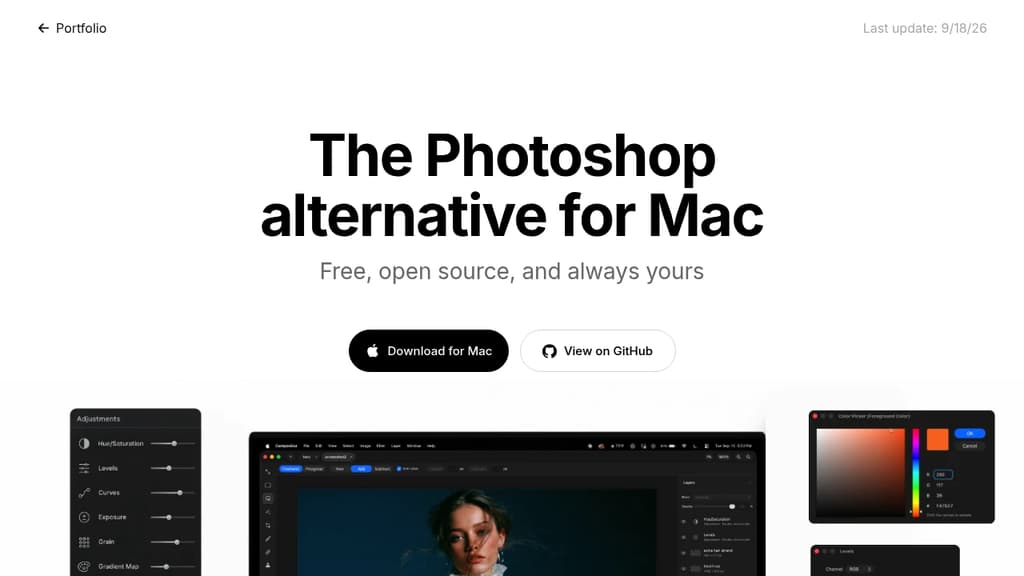
Compositor is a free, open-source image editor for Mac, built specifically around compositing and post-processing. It targets photographers and designers who find Adobe Photoshop too expensive but feel that tools like GIMP break their workflow. The interface and toolset are designed to feel familiar to Photoshop users without the subscription cost.
The core focus is pixel-perfect compositing. That means the feature set isn't spread thin across illustration or vector work; it's concentrated on what you actually need to combine, retouch, and finalize images.
Key capabilities include:
- Layers and folders for organizing complex compositions
- Layer masks and clipping masks for non-destructive editing
- Blend modes to control how layers interact
- Selection tools for isolating subjects and regions
- Adjustment layers for color and tone corrections
- Background removal built directly into the app
- Filters including Gaussian blur, motion blur, and lens correction
- Grain and noise for adding film-like texture
- Liquify and smear for warping and reshaping
- Spot healing and clone stamp for retouching
- Brush tool for painting and touch-ups
Because the full Xcode project is available, you can add, remove, or modify any feature to suit your needs. That's a meaningful difference from other photo and video editors in this space: the source is genuinely open and buildable, not just visible. Mac-only by design, so it takes full advantage of the platform rather than trying to be cross-platform everywhere.

Free and open source painting program built by artists for artists. Features professional brushes, layers, animation tools, and drawing assistants for all skill levels.
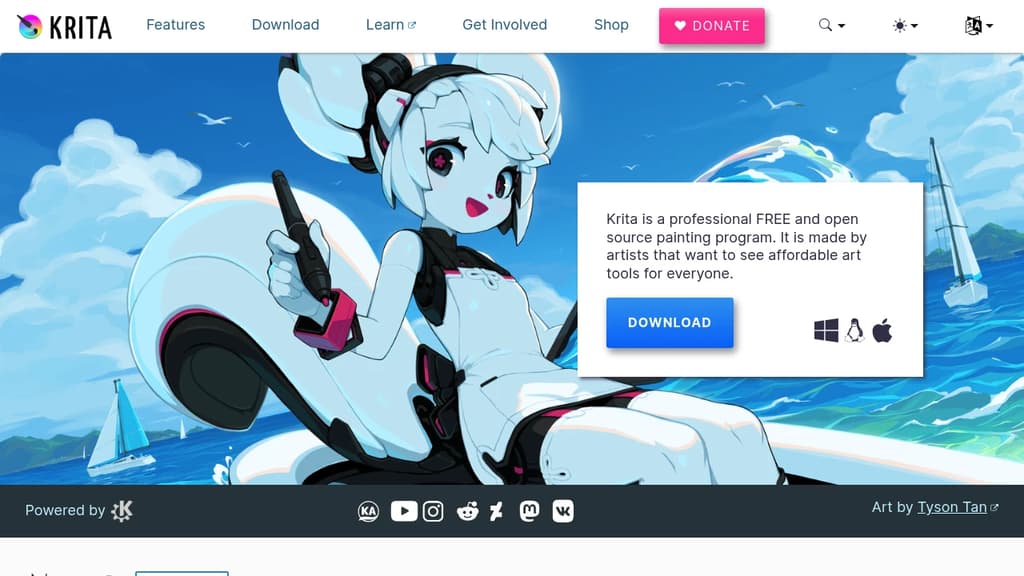
Professional-grade digital art creation without the price tag. This free and open source painting program delivers everything artists need to bring their creative visions to life, from concept sketches to finished masterpieces.
Comprehensive toolset for every artistic style:
- Multiple brush engines optimized for different techniques
- Advanced layer system with blending modes and effects
- Drawing assistants and stabilizers for precise control
- Built-in animation tools for motion graphics and storytelling
Expand your creative possibilities with extensive community resources including custom brushes, texture packs, patterns, and plugins that add new functionality. The active artist community provides ongoing support, feedback opportunities, and inspiration through shared artwork and tutorials.
Built by artists, for artists - this GNU GPL licensed project remains forever free and continuously evolves based on real artist needs. Whether you're a beginner exploring digital art or a professional illustrator, the intuitive interface and powerful features adapt to your workflow and skill level.

Free, open-source image editor with professional tools for photo manipulation, digital art creation, and graphic design. Cross-platform support.
GIMP is a powerful, free alternative to expensive image editing software that delivers professional-grade results. This cross-platform editor runs seamlessly on GNU/Linux, macOS, Windows, and other operating systems, making it accessible to everyone.
Perfect for multiple creative disciplines: Whether you're a graphic designer crafting logos, a photographer retouching portraits, an illustrator creating digital art, or a scientist processing research images, GIMP provides sophisticated tools to match your workflow.
Key capabilities include:
- High-quality photo manipulation - Advanced retouching, restoration, and creative compositing tools
- Original artwork creation - Complete digital painting and illustration suite
- Graphic design elements - Icon creation, UI mockups, and design asset production
- Scripted automation - Multi-language programming support (C, C++, Perl, Python, Scheme)
Professional workflow integration features top-notch color management for consistent reproduction across digital and print media. The software integrates beautifully with other open-source tools in desktop publishing workflows.
Extensive customization through plugins, scripts, and community-created extensions means you can tailor GIMP to your specific needs. The active development community continuously adds new features and improvements, ensuring this free tool stays competitive with premium alternatives.

People are looking for alternatives to...
View all alternatives
Claude Code

Spotify

CapCut

Claude

Notion

Lovable
 c15t – Open-source cookie banner, built for control and lightening fast modern web apps.
 Openlane