Joplin vs Logseq
Learn how Joplin and Logseq differ in their key features, development activity, technology
stack and community adoption, so you can decide which of these note-taking tools is best for you.
Learn how Joplin and Logseq differ in their key features, development activity, technology stack and community adoption, so you can decide which of these note-taking tools is best for you.

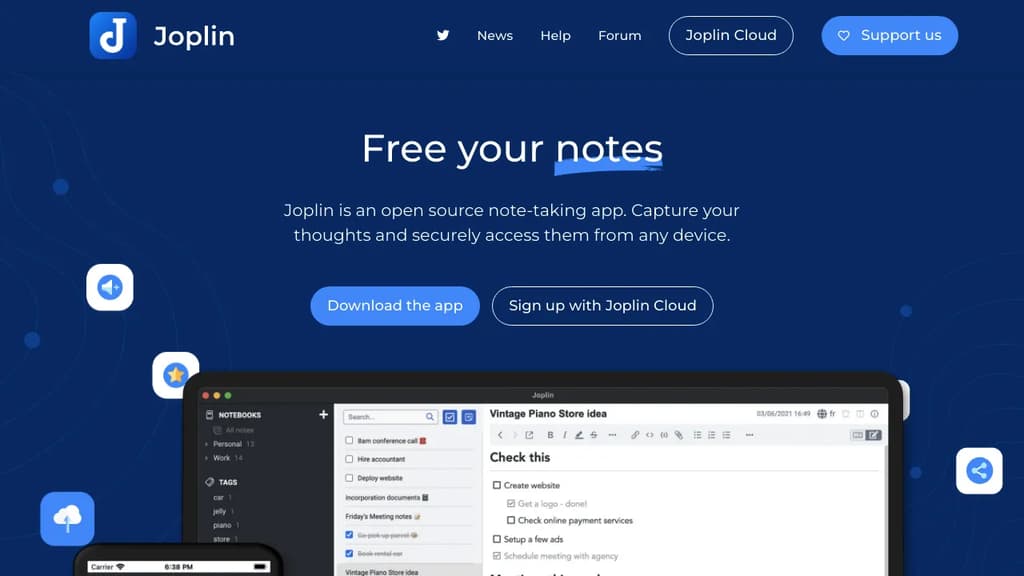
Joplin
Last 30 days
Last commit
10 hours agoRepository age
10 yearsVersion
v3.7.21Self-hosted
YesRepository
laurent22/joplin

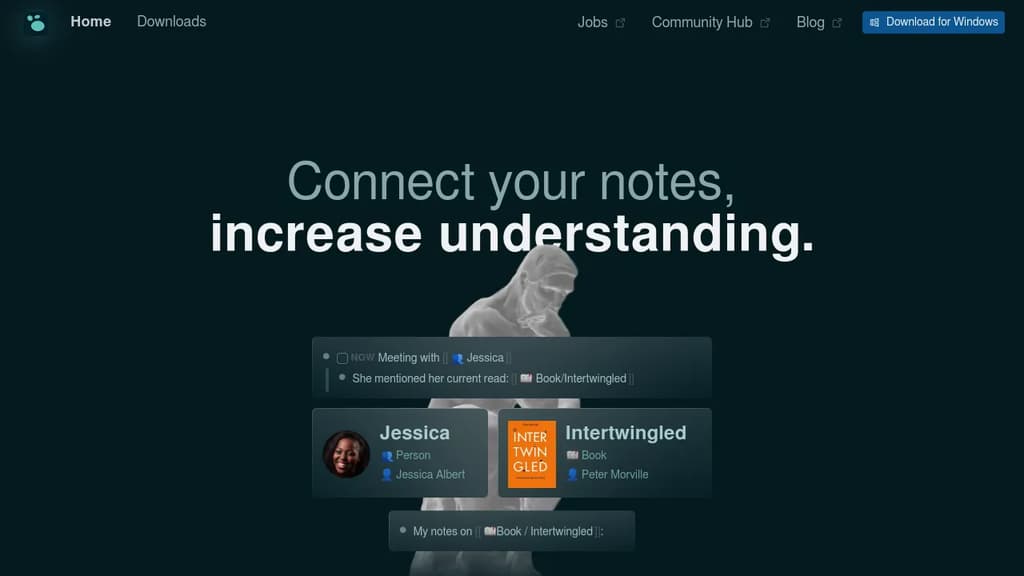
Logseq
Last 30 days
Last commit
9 hours agoRepository age
6 yearsVersion
2.0.2License
AGPL-3.0Self-hosted
YesRepository
logseq/logseq
Detailed Comparison
Both Joplin and Logseq have their unique strengths and serve similar purposes effectively. Consider your specific needs regarding popularity, growth, activity, technology, maturity, licensing and features when making your decision.
Both Joplin and Logseq have their unique strengths and serve similar purposes effectively. Consider your specific needs regarding popularity, growth, activity, technology, maturity, licensing and features when making your decision.
Community & Popularity
Both tools have similar popularity levels, with Joplin having 56,850 stars and Logseq having 45,347 stars on GitHub. In terms of developer contributions, Joplin has 6,363 forks, indicating strong developer engagement.
Growth Momentum
Joplin and Logseq are moving at much the same rate, adding 373 stars and adding 314 stars respectively over the last 30 days (+0.7% vs +0.7%). Neither is pulling away from the other on momentum alone.
Development Activity
Both projects show recent activity, with Joplin last updated 10 hours ago and Logseq 9 hours ago.
Technology Stack
Both tools share common technology foundations, being built with JavaScript, CSS, Bash, Typescript, JSX, C, Objective-C, Java, Swift, Kotlin, MATLAB. However, they differ in their additional technology choices: Joplin uses Python, SCSS, Rust, C++, Ruby while Logseq leverages Clojure.
Project Maturity
Joplin has been in development longer, starting 10 years ago, compared to Logseq which began 6 years ago. This 3.4-year head start suggests Joplin may have more mature features and established processes.
Licensing
Logseq is licensed under AGPL-3.0, while Joplin's license terms are not publicly specified.
Use Cases & Features
Both tools serve similar use cases in Note-Taking, Personal Knowledge Management (PKM). However, they also have distinct specializations: Joplin also focuses on Secure & Encrypted Notes.
Hosting & Deployment
Both Joplin and Logseq offer self-hosting capabilities, giving you full control over your data and infrastructure.
Other tool comparisons to consider
Joplinvs
 AppFlowyJoplin
vs
 MemosJoplin
vs
 SiYuanJoplin
vs
 TolariaJoplin
vs
 NotesnookJoplin
vs
 BlinkoJoplin
vs
 AnyTypeJoplin
vs
 SilverbulletJoplin
vs
 Standard NotesJoplin
vs
 Beaver NotesJoplin
vs
 ZenJoplin
vs
 DarkwriteJoplin
vs
 OpenNotasJoplin
vs
 itsnotesJoplin
vs
 JustnoteLogseq
vs
AppFlowyLogseqvs
MemosLogseqvs
SiYuanLogseqvs
TolariaLogseqvs
NotesnookLogseqvs
BlinkoLogseqvs
AnyTypeLogseqvs
SilverbulletLogseqvs
Standard NotesLogseqvs
Beaver NotesLogseqvs
DarkwriteLogseqvs
OpenNotasLogseqvs
itsnotesLogseqvs
Justnote Sent – Messaging Infrastructure for Developers. One API for SMS, WhatsApp, and RCS across 190+ countries.