Highlight vs Uptrace
Learn how Highlight and Uptrace differ in their key features, development activity, technology
stack and community adoption, so you can decide which of these performance monitoring (apm) tools is best for you.
Learn how Highlight and Uptrace differ in their key features, development activity, technology stack and community adoption, so you can decide which of these performance monitoring (apm) tools is best for you.

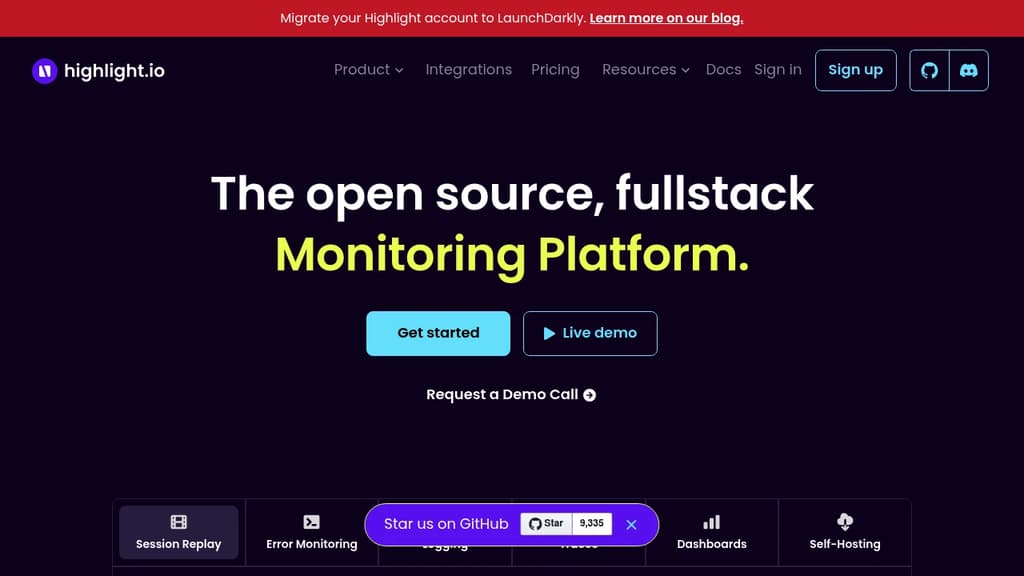
Highlight
Last 30 days
Last commit
10 days agoRepository age
6 yearsVersion
v0.5.6License
Apache-2.0Self-hosted
YesRepository
highlight/highlight

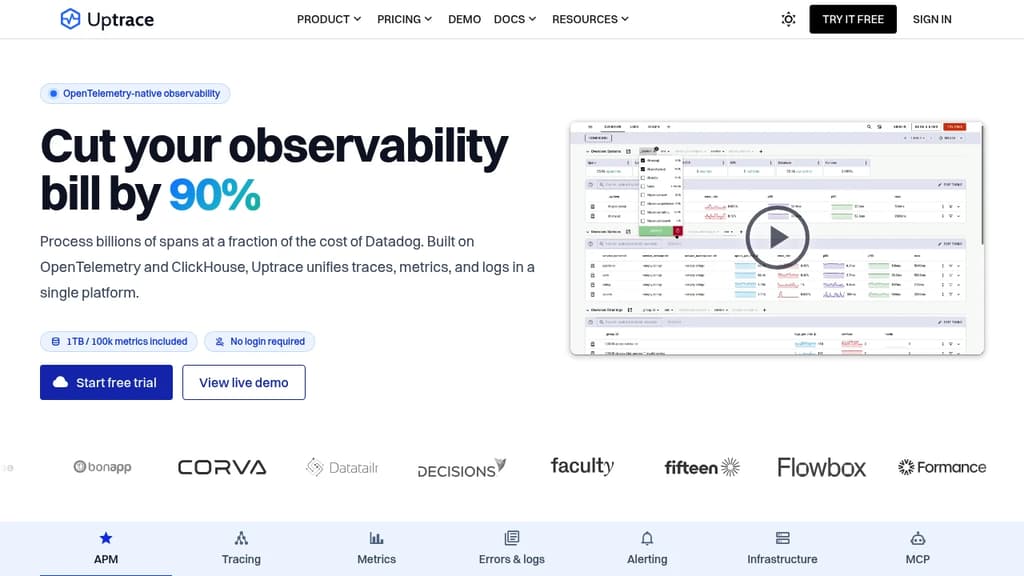
Uptrace
Last 30 days
Last commit
12 days agoRepository age
5 yearsVersion
v2.1.0-rc.2License
AGPL-3.0Self-hosted
YesRepository
uptrace/uptrace
Detailed Comparison
Both Highlight and Uptrace have their unique strengths and serve similar purposes effectively. Consider your specific needs regarding popularity, growth, activity, technology, maturity, licensing and features when making your decision.
Both Highlight and Uptrace have their unique strengths and serve similar purposes effectively. Consider your specific needs regarding popularity, growth, activity, technology, maturity, licensing and features when making your decision.
Community & Popularity
Highlight leads in popularity with 9,385 stars vs 4,311 stars for Uptrace. The 118% higher star count indicates stronger community adoption. In terms of developer contributions, Highlight has 704 forks, indicating moderate developer engagement.
Growth Momentum
Uptrace is growing faster, adding 13 stars in the last 30 days (+0.3%) against adding 3 stars for Highlight (0%). Uptrace is the smaller project of the two, so it is closing the gap rather than extending a lead.
Development Activity
Both projects show recent activity, with Highlight last updated 10 days ago and Uptrace 12 days ago.
Technology Stack
Both tools share common technology foundations, being built with JavaScript, Bash, Typescript, Python, Golang, SCSS, Ruby. However, they differ in their additional technology choices: Highlight uses CSS, JSX, Next.js, Rust, PHP, Java, C#, Perl, Elixir while Uptrace leverages Vue, Django.
Project Maturity
Highlight has been in development longer, starting 6 years ago, compared to Uptrace which began 5 years ago. This 1.4-year head start suggests Highlight may have more mature features and established processes.
Licensing
The projects use different licenses: Highlight is licensed under Apache-2.0 while Uptrace uses AGPL-3.0. Consider the licensing requirements when choosing for your project.
Use Cases & Features
Both tools serve similar use cases in Performance Monitoring (APM). However, they also have distinct specializations: Highlight also focuses on Error Tracking while Uptrace extends into Infrastructure Monitoring.
Hosting & Deployment
Both Highlight and Uptrace offer self-hosting capabilities, giving you full control over your data and infrastructure.
Other tool comparisons to consider
Highlightvs
 SentryHighlight
vs
 HyperDXHighlight
vs
 MapleHighlight
vs
 BugsinkHighlight
vs
 GlitchTipUptrace
vs
 GrafanaUptrace
vs
 NetDataUptrace
vs
 PrometheusUptrace
vs
 ProjectDiscoveryUptrace
vs
 SigNozUptrace
vs
 Apache SkyWalkingUptrace
vs
 OpenObserveUptrace
vs
 VictoriaMetricsUptrace
vs
HyperDXUptracevs
 CorootUptrace
vs
 LogfireUptrace
vs
MapleUptracevs
 Gigapipe
 Bright Data – Web data for AI agents and apps. Built-in unblocking, proxies, and ready-made APIs.