Sentry vs Uptrace
Learn how Sentry and Uptrace differ in their key features, development activity, technology
stack and community adoption, so you can decide which of these performance monitoring (apm) tools is best for you.
Learn how Sentry and Uptrace differ in their key features, development activity, technology stack and community adoption, so you can decide which of these performance monitoring (apm) tools is best for you.

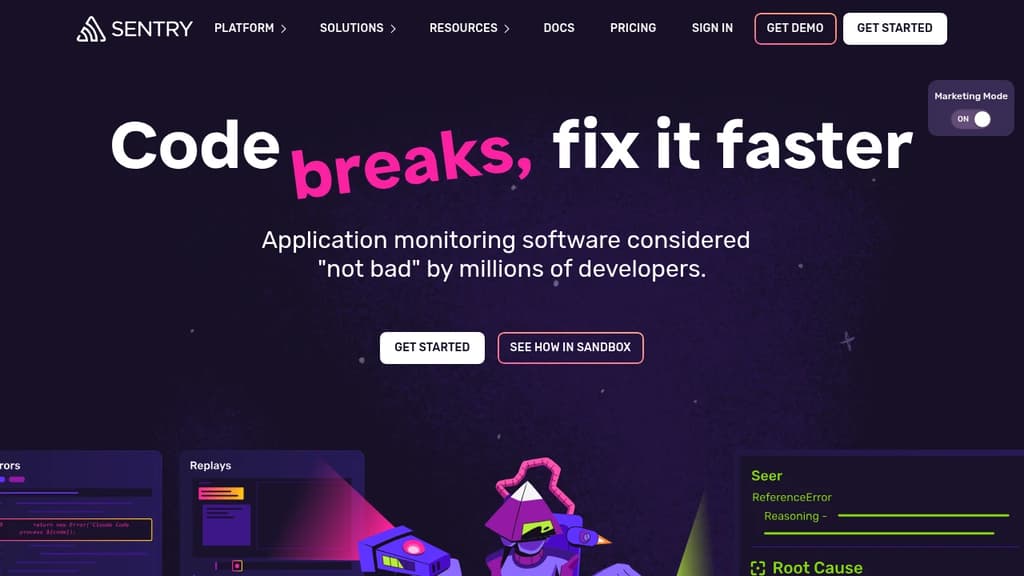
Sentry
Last 30 days
Last commit
12 hours agoRepository age
16 yearsVersion
26.10.0Self-hosted
YesRepository
getsentry/sentry

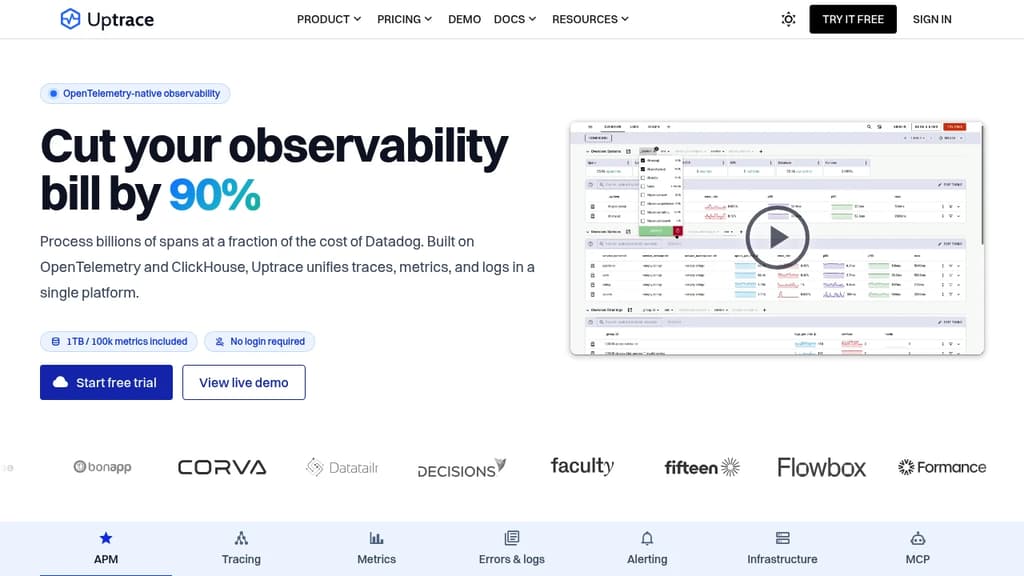
Uptrace
Last 30 days
Last commit
22 hours agoRepository age
5 yearsVersion
v2.1.0-rc.2License
AGPL-3.0Self-hosted
YesRepository
uptrace/uptrace
Detailed Comparison
Sentry appears to have several advantages over Uptrace, particularly in popularity, growth and maturity. Consider your specific needs regarding popularity, growth, activity, technology, maturity, licensing and features when making your decision.
Sentry appears to have several advantages over Uptrace, particularly in popularity, growth and maturity. Consider your specific needs regarding popularity, growth, activity, technology, maturity, licensing and features when making your decision.
Community & Popularity
Sentry significantly outpaces Uptrace in community adoption with 45,628 stars compared to 4,306 stars on GitHub. This 10.6x difference suggests Sentry has a much larger and more active community. In terms of developer contributions, Sentry has 4,943 forks, indicating strong developer engagement.
Growth Momentum
Sentry is growing faster, adding 803 stars in the last 30 days (+1.8%) against adding 16 stars for Uptrace (+0.4%). Sentry is both larger and pulling further ahead.
Development Activity
Both projects show recent activity, with Sentry last updated 12 hours ago and Uptrace 22 hours ago.
Technology Stack
Both tools share common technology foundations, being built with JavaScript, Bash, Typescript, Python. However, they differ in their additional technology choices: Sentry uses CSS, Lua while Uptrace leverages Golang, SCSS, Vue, Ruby, Django.
Project Maturity
Sentry has been in development longer, starting 16 years ago, compared to Uptrace which began 5 years ago. This 11.5-year head start suggests Sentry may have more mature features and established processes.
Licensing
Uptrace is licensed under AGPL-3.0, while Sentry's license terms are not publicly specified.
Use Cases & Features
Both tools serve similar use cases in Performance Monitoring (APM). However, they also have distinct specializations: Sentry also focuses on Error Tracking while Uptrace extends into Infrastructure Monitoring.
Hosting & Deployment
Both Sentry and Uptrace offer self-hosting capabilities, giving you full control over your data and infrastructure.
Other tool comparisons to consider
Sentryvs
 HyperDXSentry
vs
 HighlightSentry
vs
 BugsinkSentry
vs
 GlitchTipUptrace
vs
 GrafanaUptrace
vs
 NetDataUptrace
vs
 PrometheusUptrace
vs
 ProjectDiscoveryUptrace
vs
 SigNozUptrace
vs
 Apache SkyWalkingUptrace
vs
 OpenObserveUptrace
vs
 VictoriaMetricsUptrace
vs
HyperDXUptracevs
HighlightUptracevs
 CorootUptrace
vs
 LogfireUptrace
vs
 MapleUptrace
vs
 Gigapipe
 Sent – A unified API for sending messages across SMS, RCS, and apps like WhatsApp.