Open Source Codex Alternatives
A curated collection of the 22 best open source alternatives to Codex.
The best open source alternative to Codex is OpenCode. If that doesn't suit you, we've compiled a ranked list of other open source Codex alternatives to help you find a suitable replacement. Other interesting open source alternatives to Codex are: pi, Orca, OpenHands, and Cline.
Codex alternatives are mainly AI Coding Agents but may also be AI Coding Agent Orchestrators or AI Coding Assistants. Browse these if you want a narrower list of alternatives or looking for a specific functionality of Codex.

Written by Piotr Kulpinski

Open source AI coding agent that works in your terminal, IDE, or desktop app, supporting 75+ LLM providers with no code storage.
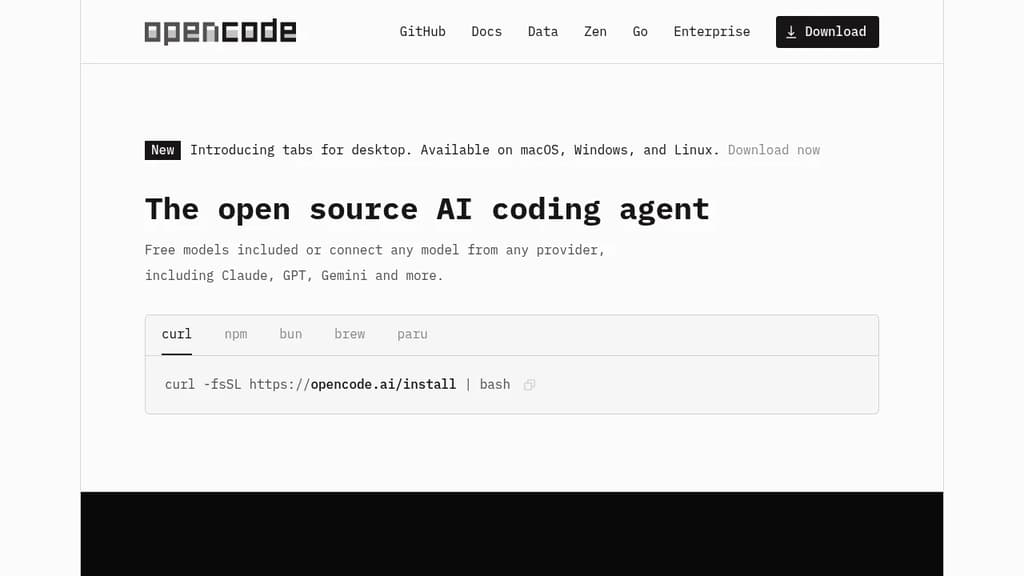
OpenCode is an open source AI coding agent built for developers who want full control over their tools and data. It runs in the terminal, as a desktop app (available in beta on macOS, Windows, and Linux), and as an IDE extension, so it fits into existing workflows without forcing a specific environment.
Model flexibility is a core part of the design. It connects to 75+ LLM providers through Models.dev, including local models, and supports Claude, GPT, Gemini, and others. Developers with existing GitHub Copilot or ChatGPT Plus/Pro subscriptions can log in directly and use those accounts without paying for another service.
LSP (Language Server Protocol) support is built in, meaning OpenCode automatically loads the appropriate language servers for the LLM context. This gives the agent a more accurate understanding of your codebase rather than treating it as plain text. You can also run multiple agents in parallel on the same project, which is useful when working across separate features or debugging threads simultaneously.
Session sharing lets you generate a link to any coding session. That makes it easier to hand off context to a colleague or revisit a debugging thread later.
Privacy is handled by design: OpenCode does not store your code or context data. That makes it usable in environments where sending source code to third-party servers is a concern. Tools like Cline and Continue take similar approaches to local-first AI coding, but OpenCode's combination of desktop, terminal, and IDE support in one package is relatively uncommon.
The project has over 160,000 GitHub stars, 900 contributors, and is used by roughly 7.5 million developers monthly.

Terminal-based coding agent with a minimal core, 15+ LLM providers, tree-structured session history, and a TypeScript extension system for building your own workflows.
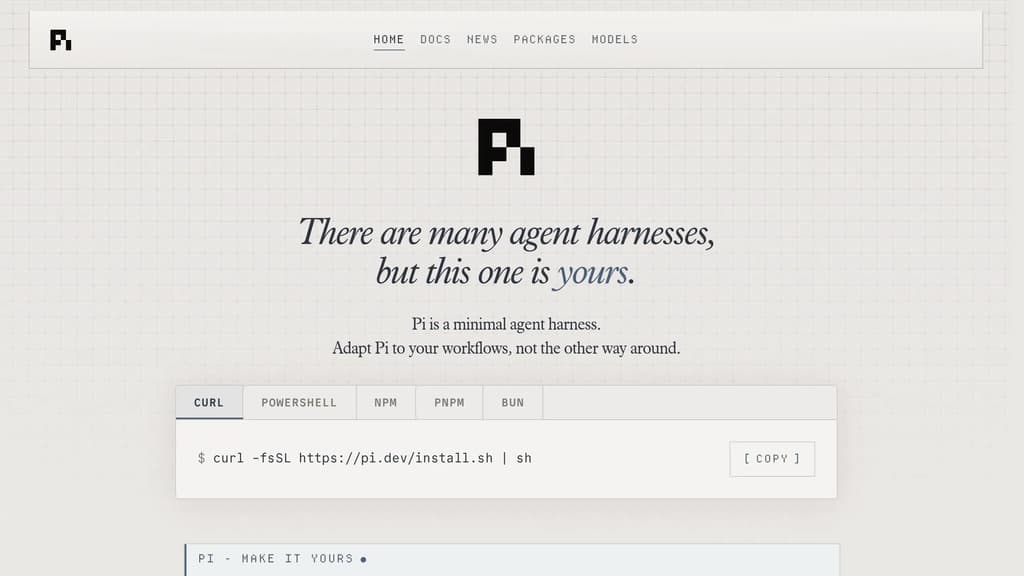
Pi is a terminal coding agent built around a single principle: the harness should adapt to you, not the other way around. Unlike AI coding agents that ship with fixed opinions about plan modes, sub-agents, and permission flows, Pi keeps the core deliberately small and exposes everything through a TypeScript extension system.
The extension model is the real differentiator. You can add tools, commands, keyboard shortcuts, events, custom editors, status bars, and overlays. Bundle those into a package and share it via npm or git. Third-party extensions already exist, including one that turns Pi into a drawing canvas inside the terminal. If you want a feature Pi doesn't have, you ask Pi to build it, hit /reload, and keep going.
Key capabilities:
- 15+ providers including Anthropic, OpenAI, Google, Azure, Bedrock, Mistral, Groq, Cerebras, xAI, Ollama, OpenRouter, and more. Switch models mid-session with
/modelor cycle favorites withCtrl+P. - Tree-structured history so sessions branch rather than scroll. Navigate any prior point with
/tree, export to HTML, or upload to a GitHub gist for a shareable URL. - Context engineering via AGENTS.md (project instructions), SYSTEM.md (custom system prompts), skills (on-demand capability packages), prompt templates, and fully customizable compaction that summarizes older messages before hitting the context limit.
- Steering while running. Press Enter to interrupt the current run with a steering message, or Alt+Enter to queue a follow-up once it finishes.
- Four modes: interactive TUI, print/JSON for scripting, RPC over stdin/stdout for non-Node integrations, and an SDK for embedding Pi in your own apps.
Pi is token-efficient by design. Its system prompt is minimal, and skills use progressive disclosure so you're not burning tokens on capabilities you haven't loaded. Features like Aider or Cline bake more in by default; Pi bets that a smaller, extensible core is more useful to developers who want control over their tooling.
Licensed under MIT and self-hostable.

Agent Development Environment that runs Claude Code, Codex, Gemini, and other CLI agents in parallel across isolated git worktrees, with terminals, browser, diff review, and git tools built in.
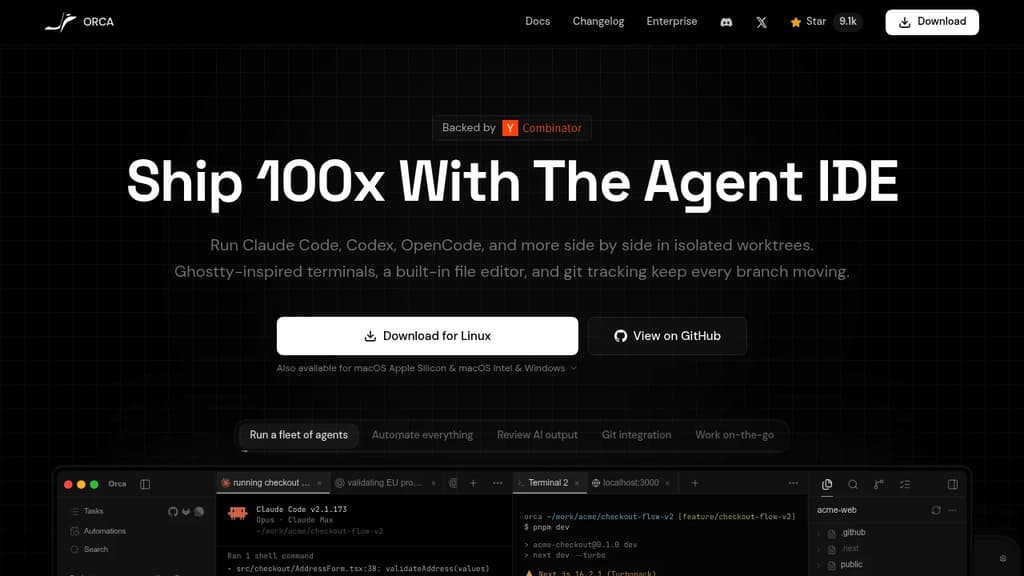
Orca is an Agent Development Environment (ADE) built specifically for running AI coding agents at scale. Where a traditional IDE puts you in the driver's seat, Orca is designed for workflows where multiple agents are doing the driving simultaneously.
The core idea: every task gets its own isolated git worktree. You can fan a single prompt across five agents, let them work in parallel, then compare outputs and merge the winner. No stashing, no branch conflicts, no context bleed between tasks. Each workspace is self-contained.
What's built in:
- Parallel agent support for Claude Code, Codex, Gemini, Grok, Cursor CLI, GitHub Copilot, OpenCode, and 25+ others. Bring your own subscriptions.
- Ghostty-class terminal with WebGL rendering, infinite splits, scrollback search, and state restored on restart.
- Embedded Chromium browser per worktree, with Design Mode: click any UI element to send its HTML, CSS, and a screenshot directly into an agent prompt.
- Inline diff annotation lets you drop markdown comments on any diff line and send them back to the agent, without leaving the app.
- SSH worktrees for running agents on a remote machine, with auto-reconnect, port forwarding, and passphrase caching.
- GitHub and Linear integration for browsing PRs, issues, and project boards in-app, opening worktrees from tasks, and reviewing or approving PRs without switching context.
- Mobile companion (iOS and Android) for monitoring live agent status, checking usage, and keeping work moving away from your desk.
- Orca CLI so agents can drive Orca itself: create worktrees, take snapshots, fill forms, click elements.
Oca runs on macOS (Apple Silicon and Intel), Windows, and Linux. It's MIT-licensed and free. The project ships updates continuously, backed by Y Combinator.
It's a practical fit for developers who are already running Kiro or similar agent tools and want a unified environment rather than a patchwork of terminal windows and browser tabs.

AI agent platform that runs autonomous coding agents to plan, write, and ship changes across codebases end-to-end, with support for any model and self-hosted deployment.
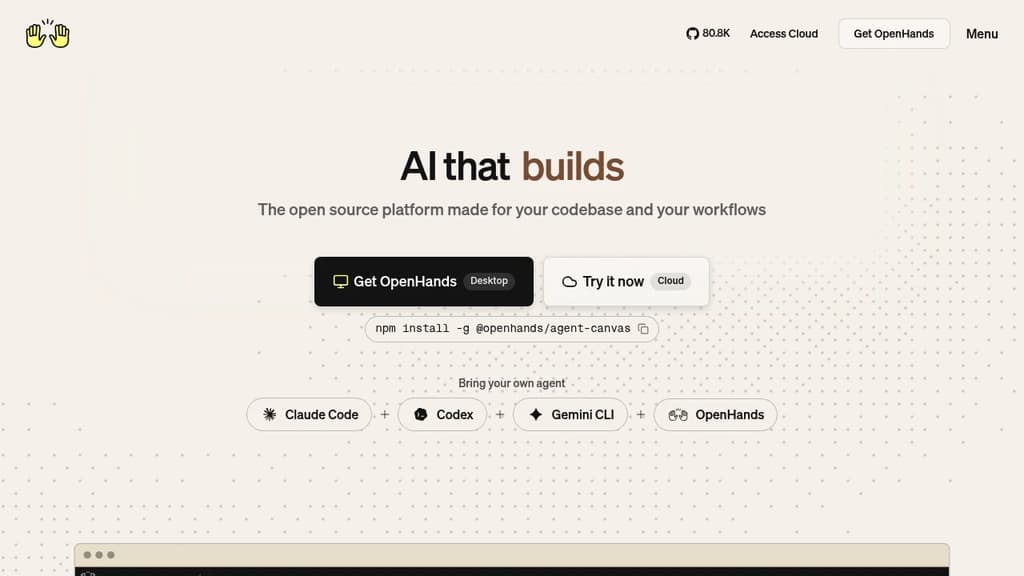
OpenHands is an AI agent platform built for software teams that need more than code suggestions. Instead of autocompleting lines in an editor, it runs autonomous agents that plan, execute, and ship changes across entire codebases. Think: open a GitHub issue, an agent investigates, writes the fix, runs tests, and opens a pull request for review.
It's model-agnostic by design. You can point it at any LLM, swap models as needs change, and integrate it into existing CI/CD pipelines without rearchitecting your workflow. For teams already using self-hosted developer infrastructure, it fits naturally into that setup.
Key capabilities include:
- Vulnerability remediation: Scans repositories, patches security issues, and opens reviewable PRs automatically
- PR review automation: Reviews pull requests for quality, security, and best practices
- Legacy migration: Migrates COBOL systems to Java with testing and validation built in
- Incident triage: Investigates production errors, traces root causes, and posts actionable debugging summaries
- Test coverage expansion: Generates and maintains tests for new features to catch regressions before they ship
- Parallel execution: Runs thousands of agent tasks simultaneously, not just one at a time
The platform runs inside isolated Docker or Kubernetes environments. Your code stays in your environment, on-prem or private cloud, with full auditability over every agent action and artifact. That matters for teams with strict compliance requirements.
A Large Codebase SDK handles dependency mapping across complex systems, letting multiple agents work in parallel without creating conflicts. This makes it practical for large legacy codebases that most AI tools struggle with.
Teams can interact with OpenHands through a web UI, CLI, or SDK. It integrates directly with GitHub, GitLab, Slack, and standard ticketing tools, so agents can be triggered from wherever work already happens. Developers building their own AI-powered tooling can embed the SDK into custom workflows.
OpenHands has accumulated over 75,000 GitHub stars and an active contributor community. The open-source foundation means full visibility into how agents behave, which is a meaningful difference from closed-source alternatives.

AI coding agent that runs inside VS Code and the terminal, supporting multi-file edits, bash execution, and any LLM provider via bring-your-own-key.
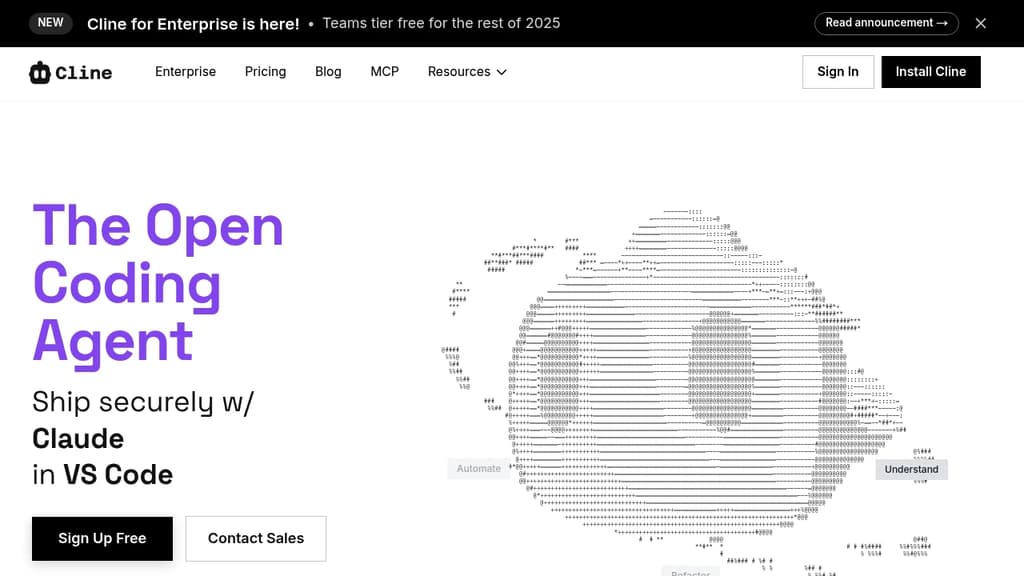
Cline is an open-source AI coding agent that works inside VS Code and the command line. It reads and edits files across a project, runs terminal commands, reacts to their output in real time, and handles long-running processes like dev servers or test suites.
The Plan/Act mode split lets you discuss a strategy with the agent before it touches any code, then switch to Act mode when you're ready to execute. Every step is approvable, or you can enable auto-approve for unattended runs.
Model choice is unrestricted. Claude, GPT, Gemini, local Ollama or LM Studio instances, and any OpenAI-compatible endpoint all work. You bring your own key or your own weights.
For teams, Cline supports multi-agent setups where a coordinator delegates to specialist agents with their own tools and context windows. It also connects to Slack, Discord, Telegram, and Linear, and runs headlessly inside GitHub Actions or GitLab pipelines. Tools like Roo Code and OpenHands take a similar multi-agent approach if you want to compare.
.clinerules files let you ship coding standards, architecture guidelines, and deployment conventions alongside your repo so the agent follows project-specific rules consistently.
Extensibility comes through the SDK and MCP server support, which lets you register custom tools and connect to databases, APIs, or infrastructure. The project is Apache 2.0 licensed with 250+ contributors.

Coding agent that lets LLMs write and execute code, manage files, and control your computer using local or low-cost models.
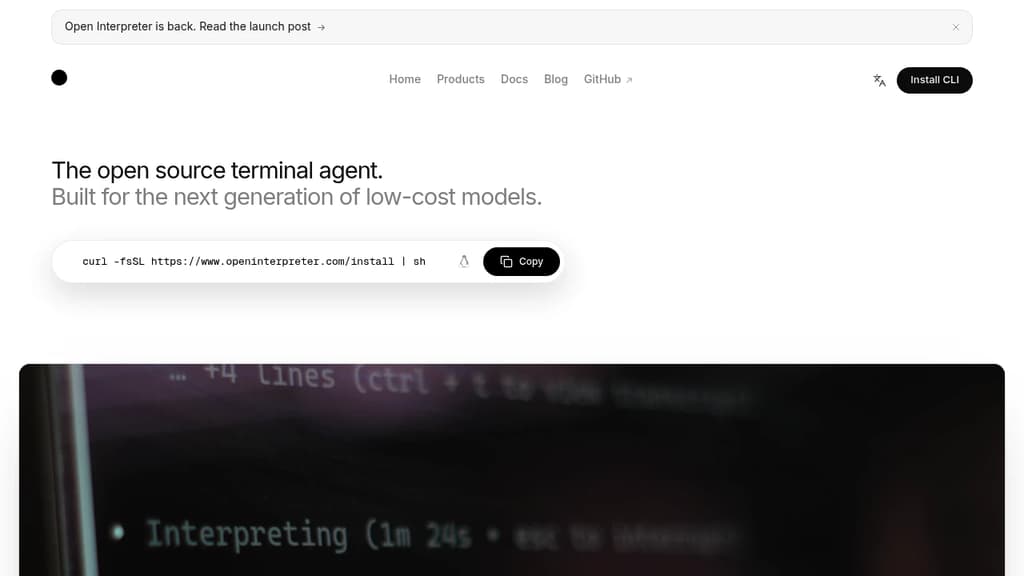
Open Interpreter brings the capabilities of a coding agent to your local machine, without requiring a subscription to a proprietary API. It lets language models write code, run it, browse the web, manage files, and interact with your operating system directly. Think of it as a terminal-based assistant that can actually do things, not just suggest them.
It's built specifically to work well with open-weight and local models, making it a practical choice for anyone who wants to avoid sending code or sensitive data to external servers. You can connect it to models running through Ollama or LocalAI, or point it at hosted providers for more capable models when needed.
Key capabilities include:
- Code execution across Python, JavaScript, Shell, and other languages, run directly in your environment
- File and system access so the agent can read, write, move, and modify files as part of completing tasks
- Web browsing to research, fetch data, or interact with online content
- Multi-model support with easy switching between local and remote LLMs
- Interactive chat interface that keeps context across a session, so you can refine tasks conversationally
- Computer control for more advanced automation tasks
Compared to cloud-only AI coding agent orchestrators like Codex, Open Interpreter puts you in control of which model runs and where. That matters for privacy, cost, and offline use. It also means performance depends heavily on the model you choose. Pair it with a strong open-weight model and it handles real tasks; use a weaker one and you'll feel the limits quickly.
It suits developers, researchers, and power users who want a capable local agent and are comfortable picking and configuring their own models.

Local AI agent with a desktop app, CLI, and API that connects to 15+ LLM providers and 70+ extensions for code, research, automation, and data tasks.
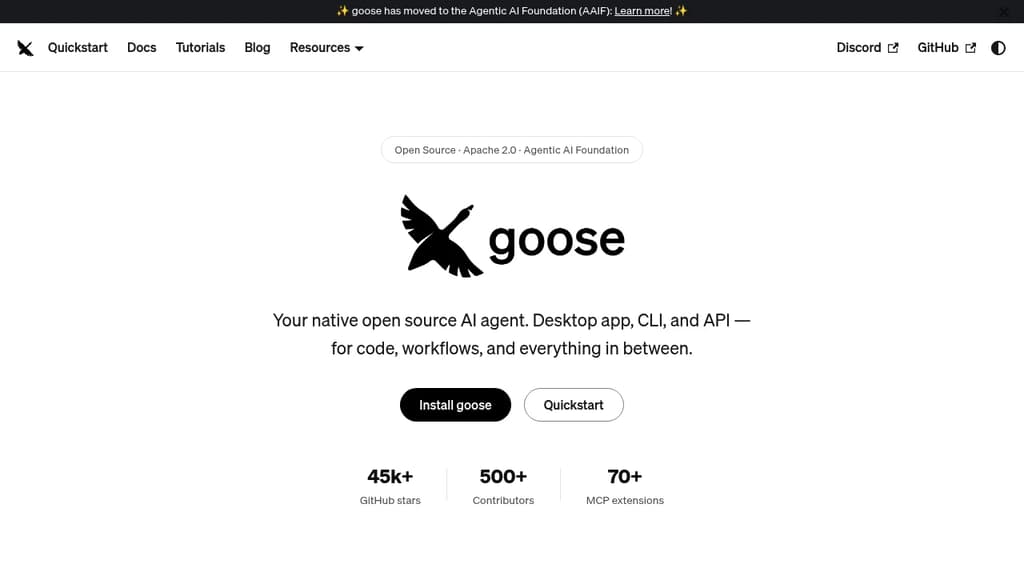
Goose is a general-purpose AI agent that runs natively on your machine. It's not narrowly focused on coding: you can use it for research, writing, data analysis, browser automation, or any multi-step task you'd otherwise piece together manually. It ships as a desktop app for macOS, Linux, and Windows, a full CLI for terminal-first workflows, and an API for embedding it in other tools.
The LLM support is broad. Goose works with 15+ providers, including Anthropic, OpenAI, Google, Ollama, LocalAI, OpenRouter, Azure, and Bedrock. You can use API keys or connect through existing Claude, ChatGPT, or Gemini subscriptions, so you're not locked into a new billing relationship just to try it.
Extensibility is central to how goose works:
- 70+ MCP extensions connect it to databases, APIs, browsers, GitHub, Google Drive, and more via the open Model Context Protocol standard
- MCP Apps let extensions render interactive UIs inside the desktop app, including buttons, forms, and visualizations
- Recipes let you capture repeatable workflows as portable YAML configs, shareable with a team or runnable in CI
- Subagents can be spawned to handle tasks in parallel, keeping the main conversation focused
- Security controls include prompt injection detection, tool permission controls, and a sandbox mode
Goose also implements the Agent Client Protocol, which means it works as an ACP server you can connect from editors like Zed, JetBrains, or VS Code. It can use Codex and similar agents as providers through the same standard.
The project sits under the Agentic AI Foundation at the Linux Foundation, which keeps it vendor-neutral and community-governed. Built in Rust for performance, it has attracted 500+ contributors and 45k+ GitHub stars. If you want a self-hostable, provider-agnostic agent that works across interfaces and integrates deeply with the MCP ecosystem, goose covers a lot of ground.

Terminal-based AI coding tool that lets you edit existing codebases or start new projects using LLMs like Claude, GPT, and DeepSeek.
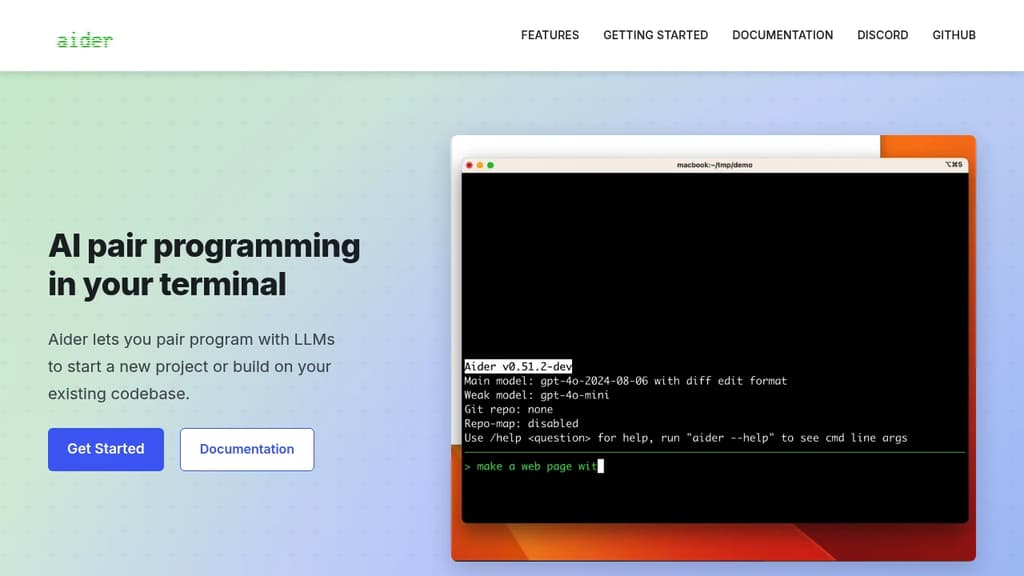
Aider brings AI pair programming directly into your terminal, letting you work with large language models on real codebases. It's built for developers who want to stay in their existing workflow rather than switching to a new editor or browser-based tool.
You point Aider at your project directory and start a conversation. It reads your files, understands the structure, and makes targeted edits across multiple files at once. Changes are applied directly to your code, not pasted into a chat window for you to copy manually.
Key capabilities:
- Multi-model support: works with Claude, GPT-4, o3-mini, DeepSeek, and other LLMs. You bring your own API key.
- Git-aware editing: automatically commits changes with meaningful messages, so every AI-assisted edit is tracked and reversible.
- Multi-file edits: handles changes that span several files in a single request, keeping diffs coherent.
- Existing codebase support: drop it into any project, not just greenfield work. It maps your repo to give the model context.
- Voice input: supports voice-to-code for hands-free coding sessions.
- Linting and test integration: can run your test suite or linter after edits and feed results back to the model for self-correction.
Compared to IDE plugins or browser-based AI coding agents, Aider is lightweight and editor-agnostic. It fits into any setup that has a terminal. The open source model means no subscription lock-in, and you control which LLM backend you use.
It's a practical choice for developers who want AI assistance without giving up their existing tools or paying for a bundled editor.

Advanced AI coding assistant that enhances development workflow with intelligent code suggestions, automated debugging, and seamless integration.
Transform your development experience with AI-powered coding assistance that adapts to your workflow. This intelligent coding companion provides real-time code suggestions, automated debugging, and smart completions to accelerate your programming tasks.
Key features include:
- Intelligent code completion that understands context and intent
- Automated error detection and suggested fixes
- Multi-language support for popular programming languages
- Seamless IDE integration for uninterrupted workflow
- Code optimization suggestions to improve performance
Whether you're building web applications, mobile apps, or enterprise software, this AI assistant helps you write cleaner code faster while reducing common programming errors. The tool learns from your coding patterns to provide increasingly personalized suggestions, making it an invaluable partner for developers at any skill level.

Terminal-based coding agent powered by Grok 4.5 that plans, builds, tests, and deploys across any codebase with parallel subagents and plugin support.
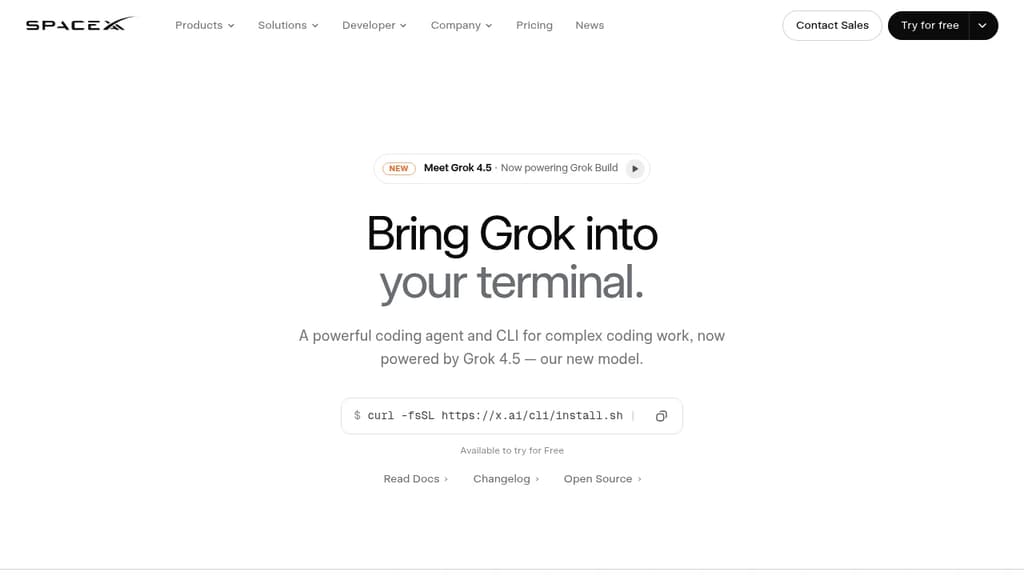
Grok Build is a terminal coding agent built for developers who want serious AI assistance without leaving the command line. It handles the full development cycle: planning, writing code, running tests, committing to git, and deploying. Any language, any codebase.
The tool's Plan Mode sets it apart from simpler autocomplete tools. Before touching a single file, it proposes a structured plan you can approve, comment on line by line, or rewrite entirely. Every approved change appears as a clean diff. Nothing gets written until you say so.
For large tasks, subagents run in parallel, each with its own context window and optionally its own git worktree. Ask it to find a latency regression and it can simultaneously explore your checkout flow, infrastructure, shared libraries, and pricing engine at once.
Key capabilities:
- Skills: reusable slash commands you build from any session using
/skillify, auto-invoked when a task matches - Plugins: bundle skills, agents, hooks, and MCP servers into a single install, shareable via marketplace or a self-hosted git repo
- MCP servers: connect to Cline-style external tools like Linear, Sentry, Grafana, and Postgres
- Hooks: run scripts automatically on file edits or tool calls
- AGENTS.md: set per-directory conventions the agent follows consistently
- Memory: decisions and context persist across sessions
- Headless mode: scriptable in CI/CD pipelines
- Sandboxed execution: run untrusted code in isolation
- Web search: look up docs and packages without switching context
When a task is ambiguous, Grok Build asks targeted multiple-choice questions before starting, so it picks the right framework, schema, or design direction upfront rather than guessing. The fullscreen terminal UI supports mouse input and keyboard-first navigation.
It's free to try, and unlike Grok in a browser chat interface, this is purpose-built for working directly inside your existing development environment.

Open source AI coding agent with 500+ models, bring-your-own-key support, and specialized modes for writing, debugging, and planning code across IDEs and CLI.
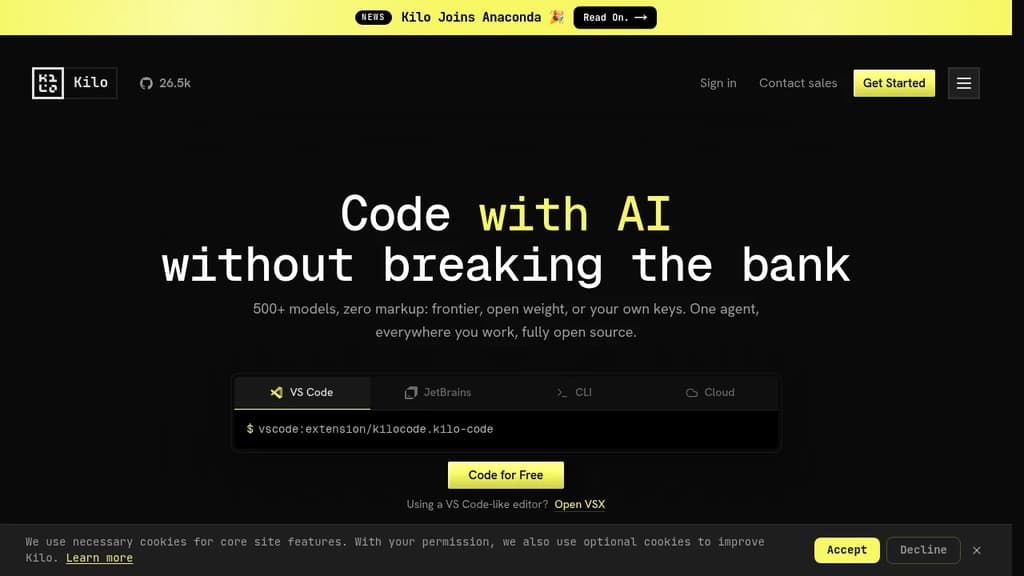
Kilo is an AI coding agent that works inside VS Code, JetBrains, the command line, and a hosted cloud environment. It's built for developers who want full control over their AI setup: bring your own API keys at zero markup, use local models to keep code private, or route through Kilo's model gateway to access 500+ models.
The agent ships with five specialized modes, each suited to a different part of the development workflow:
- Code Mode writes, refactors, and ships production-ready code with full codebase context
- Architect Mode helps plan complex features and structure work before any code is written
- Debug Mode reads errors, traces issues, and suggests targeted fixes
- Ask Mode answers questions about your codebase without making changes
- Custom Mode lets you define your own agent behavior for specific workflows
Switching between modes doesn't mean switching tools. Everything runs in the same agent, in the editor or terminal you're already using.
Kilo also includes KiloClaw, a managed version of the OpenHands open agent platform. It deploys in under 60 seconds with no Docker, SSH, or config files required. Once running, KiloClaw connects to Telegram, Discord, or Slack, handles scheduled tasks and cron jobs, and acts on your behalf autonomously. It's the part of Kilo designed for background work: running tasks while you're away, automating repetitive operations, or handling code review in the cloud.
For teams comparing options, Kilo positions itself against tools like Cline and Roo Code as a more fully integrated alternative with broader model support and cloud agent capabilities built in. The codebase is Apache-2.0 licensed and fully open source.

Terminal-based AI coding agent that reads your codebase, edits files and runs commands, with support for Qwen, OpenAI, Anthropic, Gemini and local models.
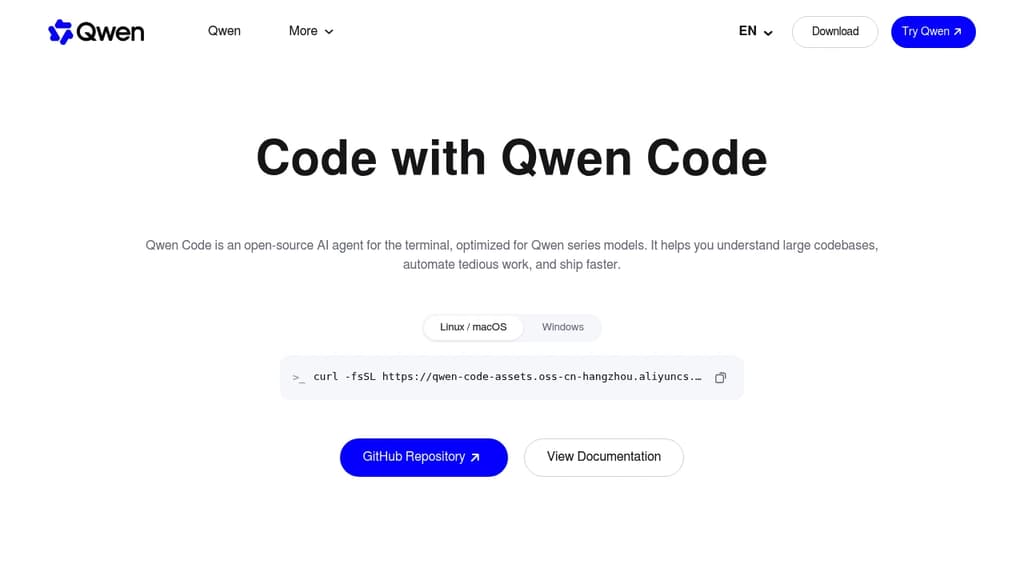
Qwen Code is an open source AI coding agent from the Qwen team at Alibaba. It runs in the terminal and reads your codebase, edits files, runs shell commands, and works through multi-step tasks on your local repository.
The project started from Google's Gemini CLI v0.8.2. Since v0.1 it has been developed independently, with its own features and support for many model providers.
Key capabilities:
- Multi-provider models: works with OpenAI, Anthropic, Gemini and Qwen APIs, any compatible third-party provider, and local models through Ollama or vLLM. You can switch models at runtime.
- Agent features: subagents, agent teams, skills, auto-memory and MCP server support.
- More than a terminal: IDE plugins for VS Code, Zed and JetBrains, a desktop app, a web UI, and SDKs for building on top of the agent.
- Chat integrations: run the agent from Telegram, DingTalk, WeChat or Feishu.
Qwen Code is optimized for Qwen models, and many of those are open-weight, so you can run both the agent and the model on your own hardware. It is a good fit for developers who want a Claude Code alternative without being tied to one model vendor.
Install it with the standalone script, npm (@qwen-code/qwen-code, Node.js 22+) or Homebrew.

Self-hosted AI coding assistant that enhances productivity with context-aware suggestions and privacy-focused implementation.
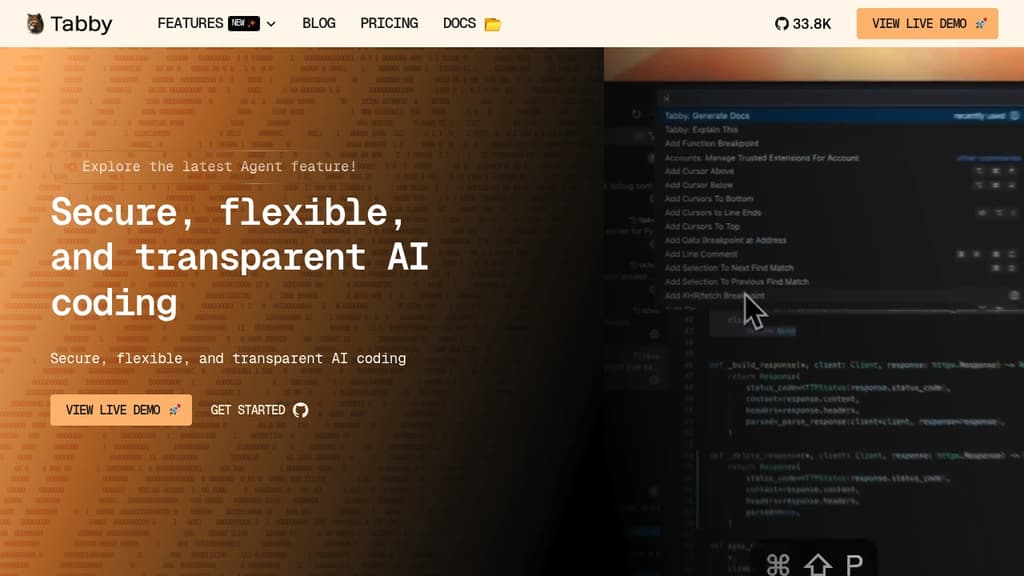
Tabby is a revolutionary self-hosted AI coding assistant that transforms the way developers write code. By leveraging advanced machine learning techniques, Tabby provides intelligent, context-aware code suggestions that seamlessly integrate into your existing workflow.
Key benefits of Tabby include:
- Enhanced Productivity: Tabby accelerates your coding process by offering relevant code completions and snippets, reducing the time spent on repetitive tasks.
- Privacy-Focused: As a self-hosted solution, Tabby ensures that your code and data remain secure within your own infrastructure, addressing privacy concerns associated with cloud-based alternatives.
- Customizable and Adaptable: Tabby learns from your codebase and coding style, providing increasingly accurate and personalized suggestions over time.
- Language Agnostic: Supporting a wide range of programming languages, Tabby seamlessly integrates into diverse development environments.
- Resource Efficient: Designed to run efficiently on consumer-grade hardware, Tabby delivers powerful AI assistance without the need for extensive computational resources.
- Open Source: Benefit from a transparent, community-driven development process and the ability to customize Tabby to your specific needs.
By combining the power of AI with the control and security of self-hosting, Tabby empowers developers to write better code faster while maintaining full ownership of their development process.

Self-hosted orchestrator for coding agents like Claude Code, Codex, and Cursor, controlled from phone, desktop, web, or CLI.
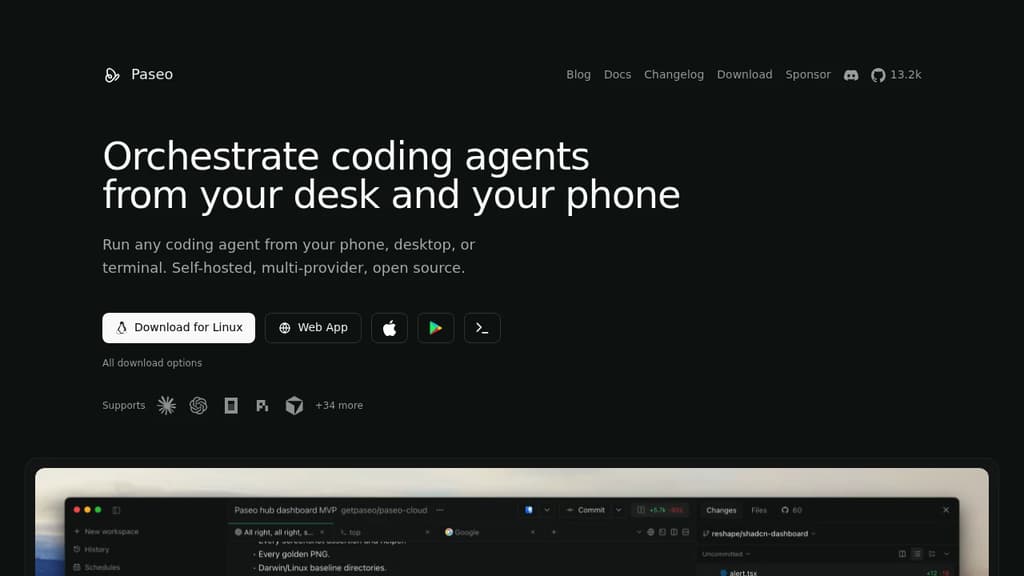
Paseo runs coding agents on your own machines and lets you drive them from your phone, desktop, web, or terminal. It’s for developers who use CLI agents like Claude Code or Codex and want to start, monitor, and steer them without sitting at their laptop. Kick off a task at your desk. Check on it from your phone later.
It sits on top of the agents you already have rather than replacing them. Each provider runs as its own process using its native harness, so your subscriptions, skills, config, and MCP servers keep working, and Paseo doesn’t wrap or modify their behavior.
- Multi-provider: works with Claude Code, Codex, Cursor, OpenCode, Pi, and dozens more.
- Full mobile parity: the native mobile app does everything the desktop app does.
- Runs where you work: start agents on a laptop, VM, or dev server, then reach them over a direct connection or an end-to-end encrypted relay.
- Code stays local: agents run on your machines and talk to their own APIs. Paseo doesn’t send your code anywhere.
- Review and ship inline: create branches, preview the app in a browser, review diffs, commit, open a PR, and merge without leaving the app.
- Scriptable: anything in the app also works from the terminal, including loops and schedules.
An optional self-hosted Hub adds GitHub, Slack, and Discord triggers, so mentioning a bot can start an agent on your own daemon with your own keys. It’s free.

macOS app that orchestrates multiple AI coding agents simultaneously, each in its own isolated Git worktree, so you can work on many tasks at once.
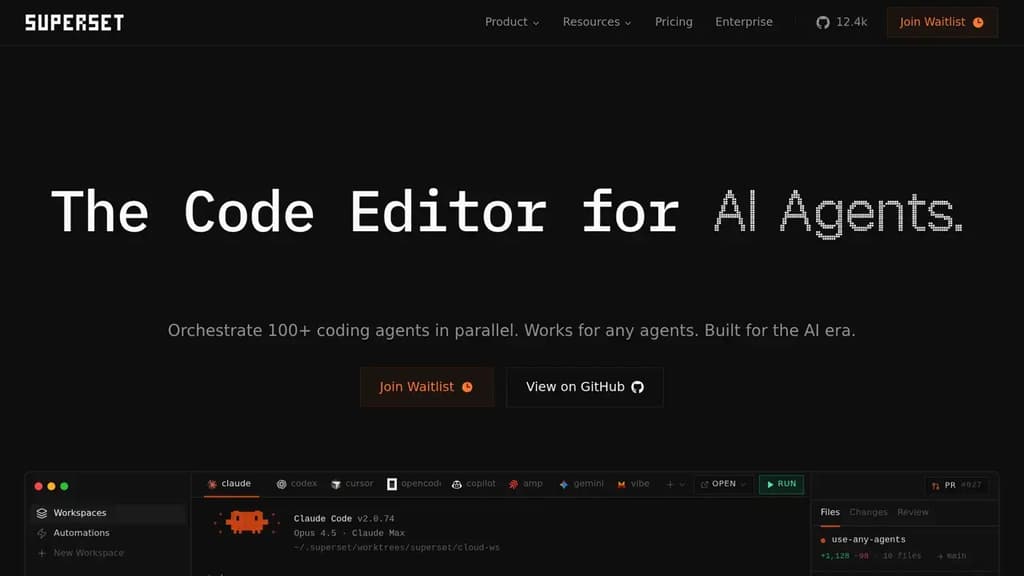
Superset is a macOS desktop app built for running many AI coding agents at the same time. Instead of waiting for one agent to finish before starting the next, you launch dozens of tasks in parallel and switch between them as each needs your attention. It's aimed at developers who already use AI agents heavily and want to stop being the bottleneck.
The core mechanic is Git worktrees. Each agent gets its own isolated branch and working directory, so multiple agents can touch the codebase simultaneously without stepping on each other. No merge conflicts mid-task, no tangled state. When an agent finishes, you review the diff and merge when you're ready.
Superset is agent-agnostic. It works with Claude Code, Cline, Codex, Cursor Agent, Gemini, Mistral, and any other CLI-based coding tool. You can mix agents across tasks or swap one out mid-project. The app doesn't lock you into a single provider.
Key capabilities:
- Parallel task management: launch and monitor dozens of agents from a single sidebar, with status indicators showing what's generating, what's ready for review, and what needs input
- Isolated worktrees: each task runs in its own Git environment, keeping changes separate until you're ready to merge
- Built-in diff review: side-by-side and inline diff views let you inspect changes before merging, without leaving the app
- Open in any IDE: jump from a worktree directly into VS Code, Cursor, Xcode, JetBrains, or a terminal with one click
- Port forwarding: dev servers running inside worktrees are accessible through forwarded ports, so you can preview work in progress
- MCP support: connects to MCP servers for extended agent capabilities
It sits alongside your existing editor rather than replacing it. If you already use Warp or a similar terminal, Superset layers on top, handling the orchestration while your preferred tools handle the editing.

AI coding harness that runs inside your terminal, mixes LLMs per task, and uses multi-agent architecture to handle large codebases without bloating context.
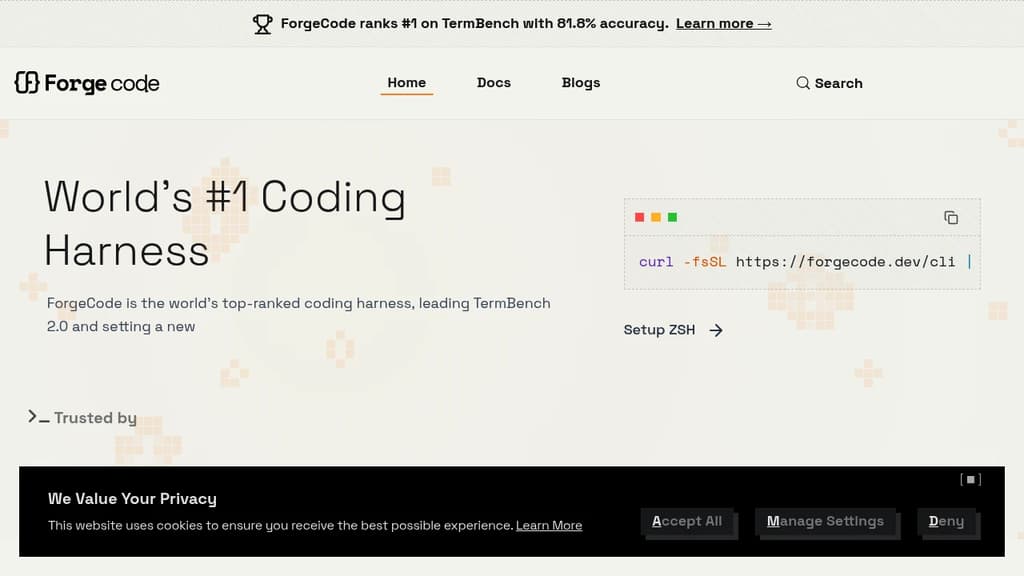
ForgeCode is a terminal-native AI coding agent that sits directly inside your ZSH shell. It's built for developers who want AI assistance without leaving the command line or abandoning their existing setup. Your custom aliases, Oh My Zsh plugins, and shell workflows stay intact. Type : and you're talking to ForgeCode.
What sets it apart from other AI coding tools is how it handles context. Rather than dumping your entire codebase into one prompt, ForgeCode uses a multi-agent architecture with specialized sub-agents for research, planning, and execution. Each agent works on minimal, relevant context, which keeps local models on track and results reliable.
Key capabilities:
- Model mixing per task. Use a thinking model to plan, a fast model to write code, and a large-context model for big files, all within a single session without restarting.
- Codebase understanding at scale. A context engine built for large repos, with fast tool corrections that prevent local models from drifting off course.
- Skills at scale. Handles thousands of skills without bloating the context window.
- Broad LLM support. Connects to hundreds of providers and models natively from the shell.
- Rigorous evaluation. Every change runs through thousands of evaluations across coding tasks and models before shipping.
ForgeCode ranks #1 on TermBench 2.0 with 81.8% accuracy, a benchmark designed specifically for terminal-based coding agents. It processes over 38 billion tokens and 24 million lines of code per day across its user base.
It's fully open source, with over 7,300 GitHub stars and 354 releases, backed by an active community. For teams already living in the terminal, it's a practical alternative to browser-based or IDE-embedded AI coding environments.

Desktop app that runs 25+ coding agents simultaneously, each isolated in its own Git worktree, so you can orchestrate code changes without switching tools.
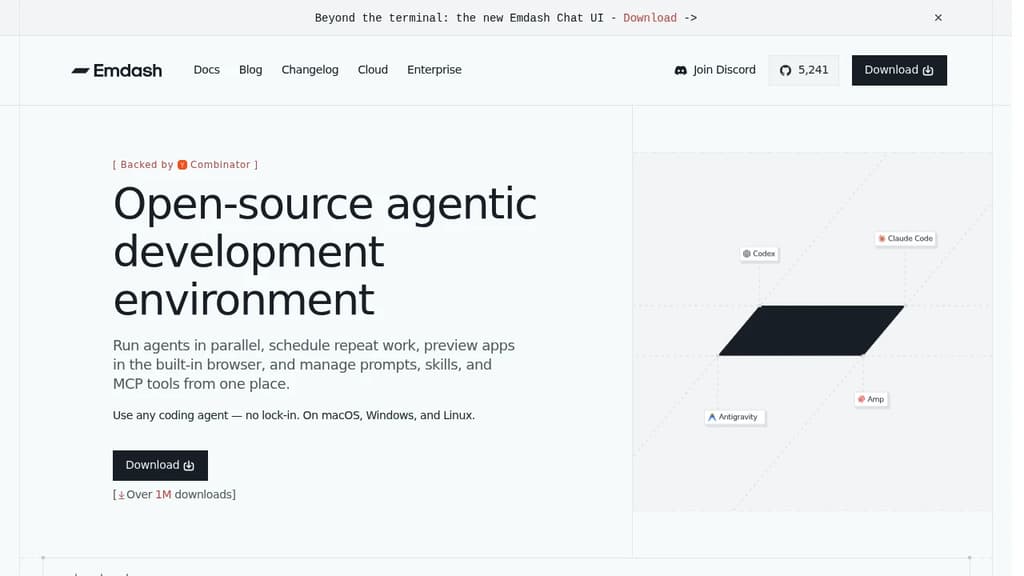
Emdash is a desktop app for developers who want to run multiple coding agents at the same time without juggling terminal windows or context-switching between tools. Each agent gets its own isolated Git worktree, so parallel sessions don't collide. You orchestrate from a single dashboard.
The core idea is agent-native development. Instead of writing code yourself and occasionally asking an AI for help, you direct agents to do the work while you manage the flow. It's a different mental model from a traditional IDE or an AI-assisted editor like Zed.
What it supports:
- 25+ coding agents including Claude Code, Codex, Cursor, Amp, and Gemini. Mix agents per task or stick to one.
- MCP server connections for attaching tools without extra glue code
- CLI auto-detection that finds your installed agent CLIs automatically, no manual setup
- Built-in file editor so you can review and edit without leaving the app
- Git worktree isolation that keeps parallel agent sessions from interfering with each other
The worktree-per-agent approach is what separates Emdash from simply running Aider or Cline in multiple tabs. Each session is genuinely isolated at the filesystem level, which matters when agents are making overlapping changes across a codebase.
It's a macOS and desktop-native app, designed for individual developers who want to scale their output by running agents concurrently rather than sequentially. The app is fully open source and free to use.

Desktop coding workspace that connects to AI subscriptions you already have, with parallel agents, worktrees, one-click PRs, and multi-project management.
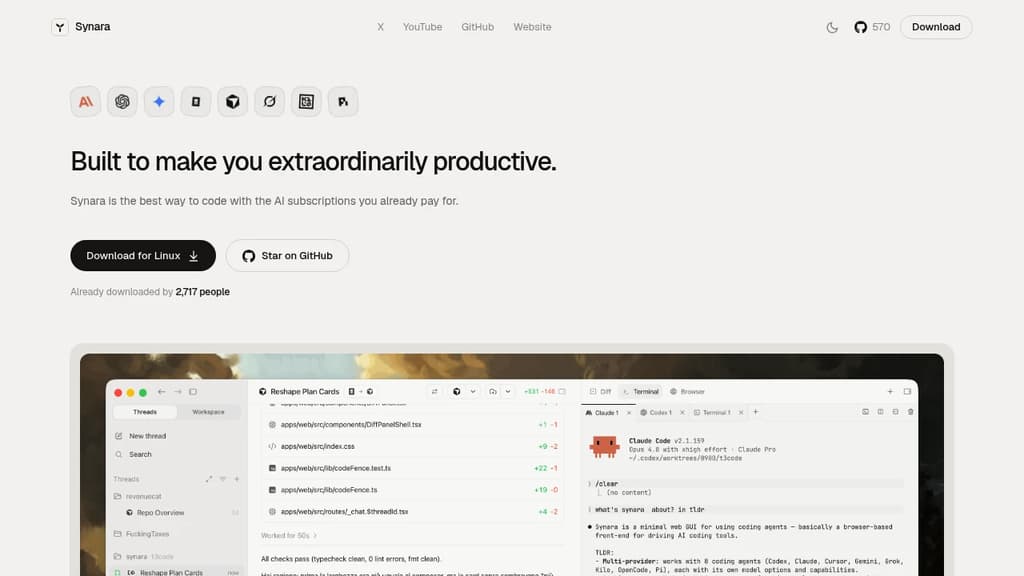
Synara is a desktop coding environment that lets you use the AI subscriptions you already pay for, without adding new accounts or bills. Connect Claude Code, Codex, Gemini, OpenCode, Cursor, or Grok and run them all from a single window.
The core idea is parallelism. Instead of one agent, one task, one terminal, you can run multiple agents across multiple worktrees across multiple projects at the same time. Each thread keeps its own state, so nothing gets lost when you switch focus.
Key capabilities:
- Parallel chats let you open a lane per agent or task. Claude can plan the auth refactor while Codex writes the tests, both visible side by side.
- Worktree-native branching spins up isolated branches without touching a terminal. Three features in parallel, no merge conflicts from stepping on yourself.
- Model handoff passes a thread to a different model mid-conversation. Full context travels with it, so you don't restart from scratch when you want a second opinion on a tough bug.
- One-click PRs open, title, and file a pull request the moment your agent lands a green diff.
- Multi-project sidebar keeps every codebase a click away, each with its own agents, runs, and state. Client work, your product, and side experiments without a dozen windows.
- Integrated terminals and browser pane keep your dev server, test watcher, and docs visible without alt-tabbing away from the thing that just broke.
Synara is free and open source. It's built for developers who already subscribe to one or more AI coding tools and want a single place to run them together rather than juggling separate interfaces.

Open-source AI coding agent for the terminal that works with 25+ model providers, keeps sessions on your disk, and ships as a single Go binary with no telemetry.
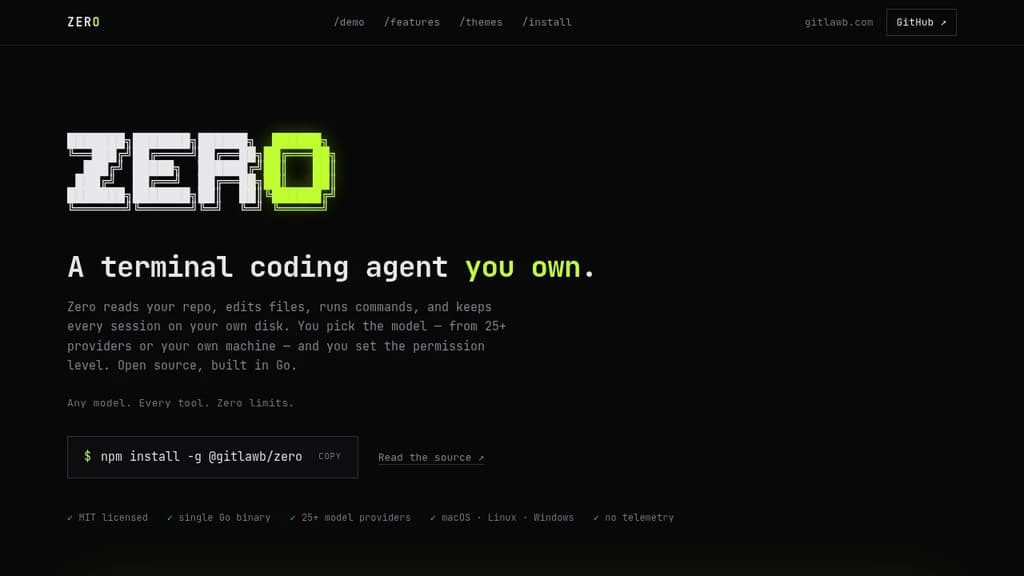
Zero is a terminal coding agent built for developers who want full control over their AI tooling. It reads your repo, edits files, runs commands, and stores every session locally on your disk. No cloud sync, no telemetry, no vendor lock-in on the model side.
The model choice is genuinely open. Zero connects to 25+ providers including OpenAI, Anthropic, Gemini, Mistral, Groq, DeepSeek, Bedrock, Vertex AI, and local options like Ollama and LM Studio. You can switch providers mid-session with /model, or point it at any OpenAI- or Anthropic-compatible endpoint.
Permissions are explicit and visible. Every side effect (file writes, shell commands, network access) is gated, with OS-level sandboxing. Autonomy is an opt-in, not the default. That makes it practical to run in CI as well as interactively.
Key capabilities:
- Headless mode for one-shot or scripted runs with JSON and stream-JSON output, plus reliable exit codes for pipelines
- MCP support in both directions: consume MCP servers over stdio, HTTP, or SSE, or expose Zero itself as an MCP server
- Spec-first runs to draft and review a plan before any file changes
- Specialist subagents to fan work out to focused sub-sessions you can inspect live
- Isolated git worktrees for risky changes you can discard if they don't pan out
- Session history that's searchable, resumable, and forkable from the command line
- Skills and plugins for encoding team conventions in markdown and extending behavior with hooks
- Scheduled agents for recurring jobs like nightly triage or dependency sweeps
- GitHub Action for PR review and CI jobs using the same agent
Sessions live in ~/.config/zero/ and API keys are stored in an encrypted local store. Unlike some other terminal agents, Zero ships as a single Go binary that runs on macOS, Linux, and Windows (x64 and arm64). Twelve contrast-audited themes are included.
It's MIT licensed. You pay your model provider, or nothing at all with a local model.

Run multiple AI coding agents in isolated Git worktrees, with cross-repo context, GitHub/Linear integrations, and support for Claude, Codex, Cursor, and more.
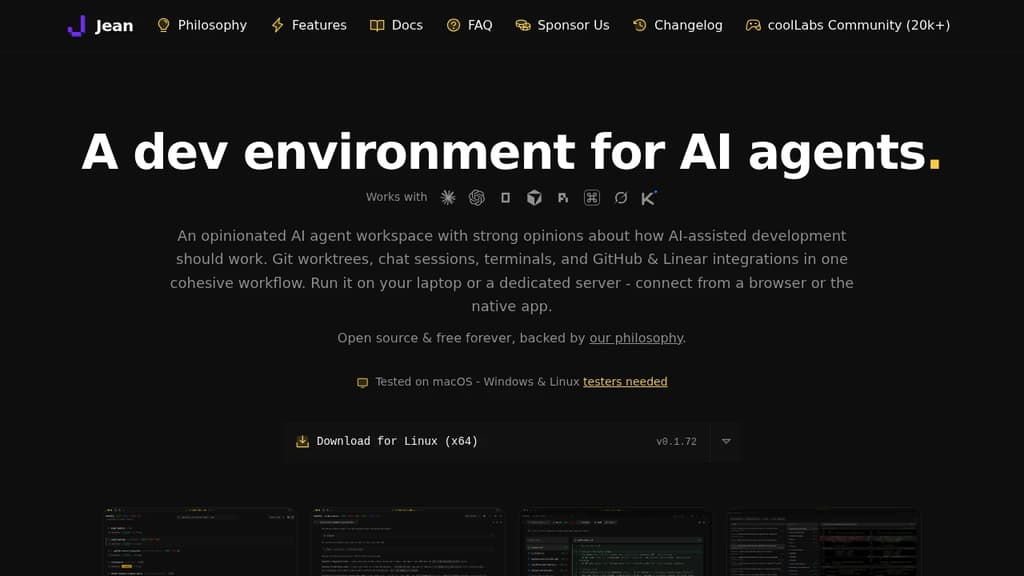
Jean is a dev environment built specifically for AI-assisted coding. Instead of running one agent in one terminal, it lets you spin up multiple agents in parallel, each in its own isolated Git worktree, so they can work on separate branches simultaneously without stepping on each other.
It's opinionated by design. Jean makes decisions about how AI-assisted development should work, so you don't spend time configuring workflows from scratch. Git worktrees, chat sessions, terminals, GitHub and Linear integrations all live in one interface.
Key capabilities:
- Isolated workspaces – every agent task gets its own worktree. Launch multiple agents at once, review each workspace independently, and merge only what you approve.
- Linked Projects – connect related repos (app, API, docs, SDK) so agents share context across all of them without manual copy-pasting.
- Magic Git Commands – load GitHub or Linear issues into a session, run AI code reviews, generate commit messages and PR descriptions, write release notes, and resolve merge conflicts from a command palette.
- Magic Prompts – every built-in workflow has an editable prompt template. You can swap models and reasoning levels per workflow, using faster models for routine tasks and stronger ones for reviews.
- Mr. Robot – polls open GitHub issues, creates a worktree per issue, and drafts a focused plan. Can execute approved plans automatically on a schedule.
- Token-reduction plugins – RTK compresses CLI tool output by 60-90%; Caveman trims Claude's replies by 65-75%. Both install with one click.
- Remote access – run Jean on a Linux server and connect from any browser or the native app. Works well over Tailscale for private network access.
Jean supports OpenCode, Claude CLI, Codex CLI, Cursor, Grok, Kimi Code, and others. You bring your own subscription for each provider. It's a solid alternative to tools like Claude Code or Jules when you need multi-agent coordination and cross-repo context in one place.
Licensed under Apache 2.0, free forever, with no paid tiers or feature gates.

Source-available, self-hosted AI coding agent that connects to your repo, tools, and chat to investigate issues and open reviewable PRs on your own infrastructure.
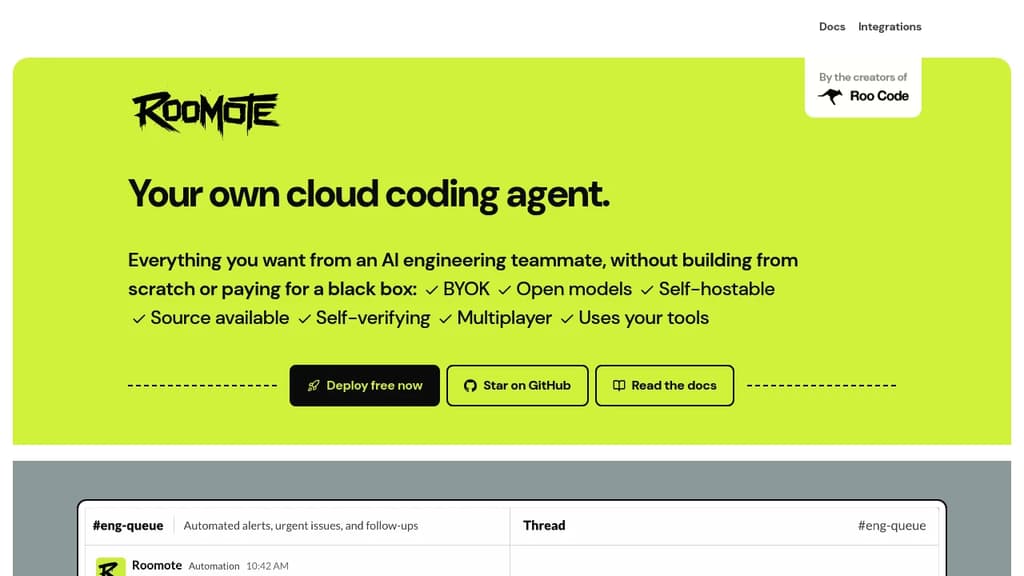
Roomote is a self-hosted, source-available AI coding agent built for engineering teams that want autonomous coding work without handing their code, prompts, or data to a vendor's black box. It connects to the tools your team already uses and returns reviewable pull requests through your normal review workflow.
Unlike IDE-based tools like Cline or local agents, Roomote runs in the cloud on your own infrastructure. You assign it work from Slack, an issue tracker, GitHub, or the web. It investigates, plans, and ships changes, then opens a PR your team can read end to end. You keep full control of what merges.
What it can do:
- Full lifecycle tasks. Repo-backed answers, scoped fixes, database migrations, bug investigations, and reviewable PRs. Not just code suggestions.
- Self-review loops. Before marking work done, it runs the actual app, reviews its own changes, and attaches previews or screenshots as proof.
- Live preview URLs. Reviewers get a running instance to inspect, not just a diff.
- Parallel tasks. Multiple teammates can run unlimited tasks simultaneously, including live multi-user sessions on the same issue.
- Model-agnostic. Bring Claude, GPT, or any open-weight model. Swap providers without changing your workflow.
- Broad integrations. Connects to Jira, Linear, Sentry, Grafana, Supabase, BigQuery, Snowflake, Figma, Notion, PostHog, Vercel, and more.
Roomate uses OpenCode as its underlying harness, which keeps it token-efficient compared to first-party vendor agents.
Every prompt, decision path, and line of the agent is in the repository. You can read it, fork it, and adapt it for your team's needs. The license lets you self-host, modify, and redistribute it for internal use, education, and professional services. Competing commercial products built on top of it are the main restriction.
It's a practical fit for engineering leaders who want model choice and deployment control, and for solo developers who want a cloud agent they own and can run cheaply on open-weight models. Non-engineering teammates can also assign work through familiar interfaces without any local setup.

A Mac app that brings multiple AI coding agents into a single window, running on your existing subscriptions with parallel agent sessions, PR management, and a built-in browser.
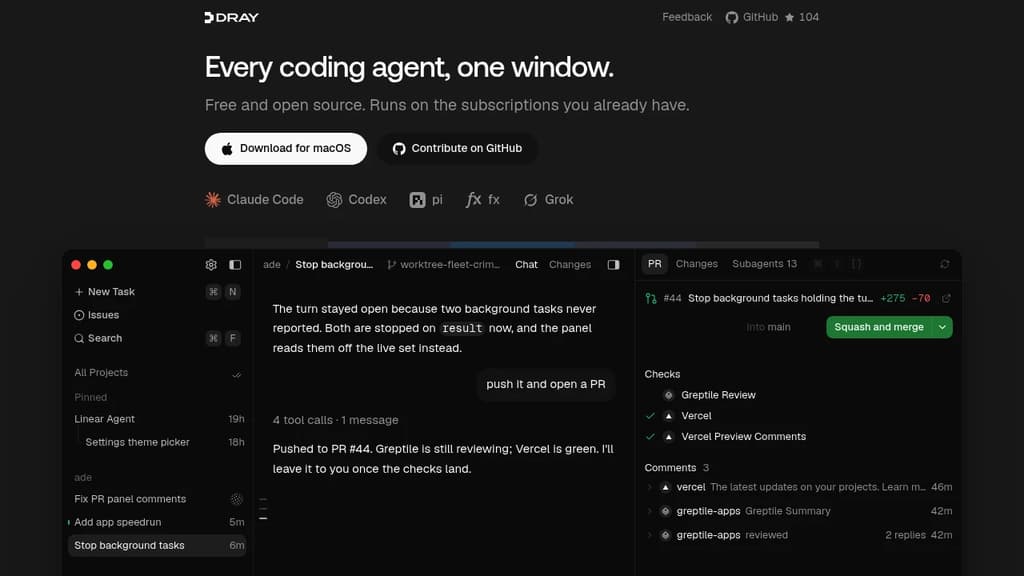
Dray is a Mac app for developers who run AI coding agents constantly and want them all in one place. Instead of juggling separate terminals or browser tabs for each agent, Dray puts Claude Code, Codex, Grok, pi, and fx into a single window, using the subscriptions you already pay for.
The core idea is that one agent shouldn't be your ceiling. Dray lets you run a swarm in parallel: ask one agent to split a task, and it spins up a separate session per subtask, each in its own Git worktree. All of them report back to the parent session when they're done. For a team shipping fast, this means sign-in screen, onboarding copy, and analytics events can all run at the same time.
Key capabilities:
- Split-pane chat, drag any session into a split view and watch multiple agents stream live, side by side
- Built-in PR panel, checks, review threads, and merge readiness update live; merge directly from the panel once everything's green, no browser tab required
- Issue integration, type
#to pull up an issue; description, comments, and attachments sit right beside the transcript - Built-in Chromium browser, the agent can open your running app, check its own UI work, and you can browse alongside it
- Local dictation, press ⌘D and speak; transcription runs on-device via a local model, nothing sent off your Mac
- Worktree-per-session, parallel agents each get an isolated Git worktree, so they don't step on each other
Dray works alongside tools like Greptile for code review and integrates naturally with Cline-style workflows. It's self-contained on macOS, free, and built in the open.

People are looking for alternatives to...
View all alternatives
Spotify

Claude Code

CapCut

Claude

Notion

Lovable
 Sent – Messaging Infrastructure for Developers. One API for SMS, WhatsApp, and RCS across 190+ countries.



 InfluxDB