
Grok Build
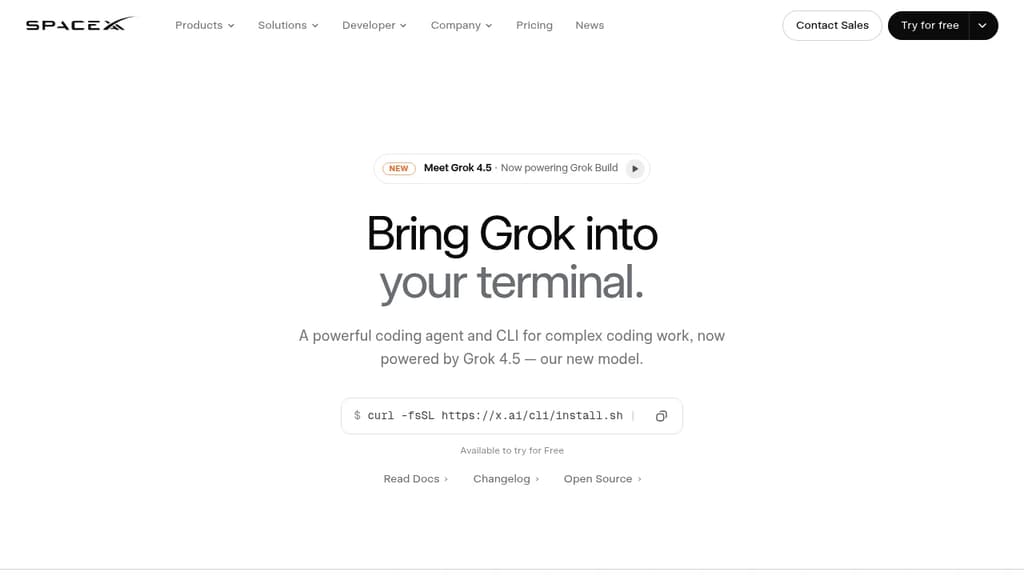
AITerminal-based coding agent powered by Grok 4.5 that plans, builds, tests, and deploys across any codebase with parallel subagents and plugin support.
Open Source Alternative to:




Last 30 days
Last commit
28 days agoRepository age
3 monthsLicense
Apache-2.0Repository
xai-org/grok-build
Grok Build is a terminal coding agent built for developers who want serious AI assistance without leaving the command line. It handles the full development cycle: planning, writing code, running tests, committing to git, and deploying. Any language, any codebase.
The tool's Plan Mode sets it apart from simpler autocomplete tools. Before touching a single file, it proposes a structured plan you can approve, comment on line by line, or rewrite entirely. Every approved change appears as a clean diff. Nothing gets written until you say so.
For large tasks, subagents run in parallel, each with its own context window and optionally its own git worktree. Ask it to find a latency regression and it can simultaneously explore your checkout flow, infrastructure, shared libraries, and pricing engine at once.
Key capabilities:
- Skills: reusable slash commands you build from any session using
/skillify, auto-invoked when a task matches - Plugins: bundle skills, agents, hooks, and MCP servers into a single install, shareable via marketplace or a self-hosted git repo
- MCP servers: connect to Cline-style external tools like Linear, Sentry, Grafana, and Postgres
- Hooks: run scripts automatically on file edits or tool calls
- AGENTS.md: set per-directory conventions the agent follows consistently
- Memory: decisions and context persist across sessions
- Headless mode: scriptable in CI/CD pipelines
- Sandboxed execution: run untrusted code in isolation
- Web search: look up docs and packages without switching context
When a task is ambiguous, Grok Build asks targeted multiple-choice questions before starting, so it picks the right framework, schema, or design direction upfront rather than guessing. The fullscreen terminal UI supports mouse input and keyboard-first navigation.
It's free to try, and unlike Grok in a browser chat interface, this is purpose-built for working directly inside your existing development environment.













Last 30 days
Last commit
28 days agoRepository age
3 monthsLicense
Apache-2.0Repository
xai-org/grok-build
Every Sunday we deconstruct one proprietary app and pick the best open source alternatives worth switching to.
Similar open source projects

Stars
Last commit
License
Stars
Last commit
License
Stars
Last commit
License
 InfluxDB – The purpose-built time series platform for high-velocity ingestion and real-time queries at scale.
 Bright Data