Open Source Warp Alternatives
A curated collection of the 17 best open source alternatives to Warp.
The best open source alternative to Warp is pi. If that doesn't suit you, we've compiled a ranked list of other open source Warp alternatives to help you find a suitable replacement. Other interesting open source alternatives to Warp are: Orca, Ghostty, Alacritty, and T3 Code.
Warp alternatives are mainly AI Coding Agent Orchestrators but may also be Terminal Emulators or AI Coding Agents. Browse these if you want a narrower list of alternatives or looking for a specific functionality of Warp.

Written by Piotr Kulpinski


Terminal-based coding agent with a minimal core, 15+ LLM providers, tree-structured session history, and a TypeScript extension system for building your own workflows.
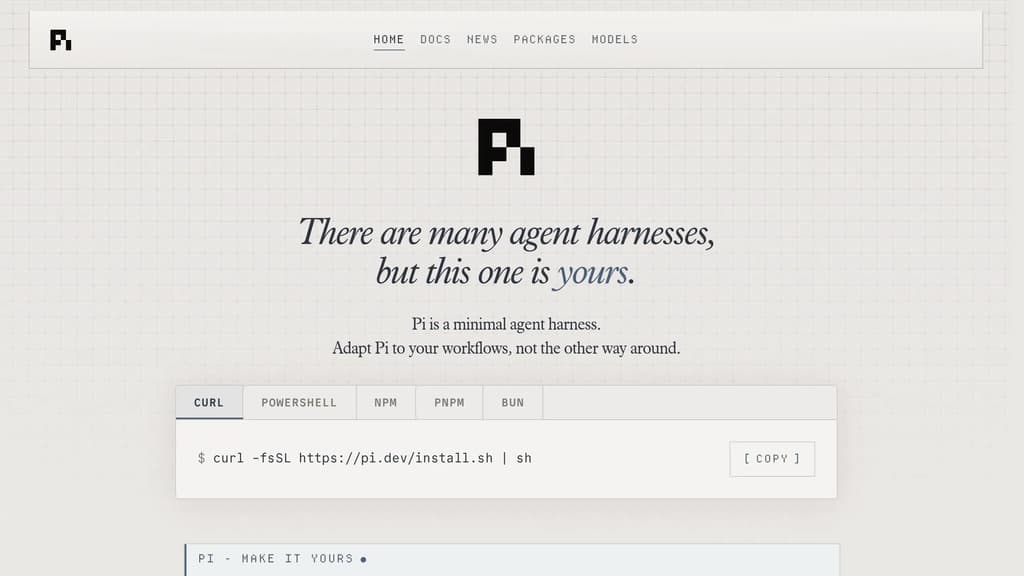
Pi is a terminal coding agent built around a single principle: the harness should adapt to you, not the other way around. Unlike AI coding agents that ship with fixed opinions about plan modes, sub-agents, and permission flows, Pi keeps the core deliberately small and exposes everything through a TypeScript extension system.
The extension model is the real differentiator. You can add tools, commands, keyboard shortcuts, events, custom editors, status bars, and overlays. Bundle those into a package and share it via npm or git. Third-party extensions already exist, including one that turns Pi into a drawing canvas inside the terminal. If you want a feature Pi doesn't have, you ask Pi to build it, hit /reload, and keep going.
Key capabilities:
- 15+ providers including Anthropic, OpenAI, Google, Azure, Bedrock, Mistral, Groq, Cerebras, xAI, Ollama, OpenRouter, and more. Switch models mid-session with
/modelor cycle favorites withCtrl+P. - Tree-structured history so sessions branch rather than scroll. Navigate any prior point with
/tree, export to HTML, or upload to a GitHub gist for a shareable URL. - Context engineering via AGENTS.md (project instructions), SYSTEM.md (custom system prompts), skills (on-demand capability packages), prompt templates, and fully customizable compaction that summarizes older messages before hitting the context limit.
- Steering while running. Press Enter to interrupt the current run with a steering message, or Alt+Enter to queue a follow-up once it finishes.
- Four modes: interactive TUI, print/JSON for scripting, RPC over stdin/stdout for non-Node integrations, and an SDK for embedding Pi in your own apps.
Pi is token-efficient by design. Its system prompt is minimal, and skills use progressive disclosure so you're not burning tokens on capabilities you haven't loaded. Features like Aider or Cline bake more in by default; Pi bets that a smaller, extensible core is more useful to developers who want control over their tooling.
Licensed under MIT and self-hostable.

Agent Development Environment that runs Claude Code, Codex, Gemini, and other CLI agents in parallel across isolated git worktrees, with terminals, browser, diff review, and git tools built in.
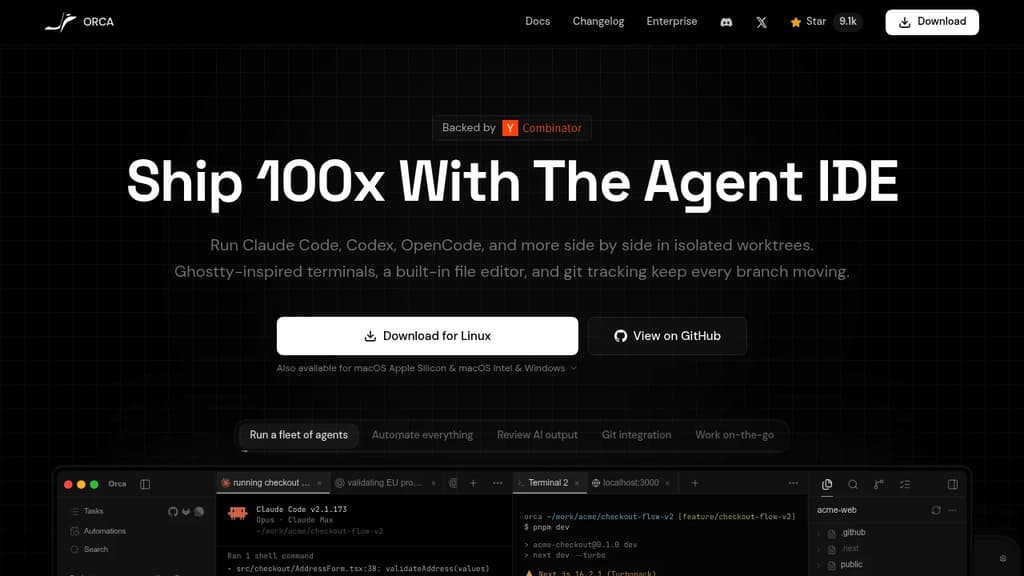
Orca is an Agent Development Environment (ADE) built specifically for running AI coding agents at scale. Where a traditional IDE puts you in the driver's seat, Orca is designed for workflows where multiple agents are doing the driving simultaneously.
The core idea: every task gets its own isolated git worktree. You can fan a single prompt across five agents, let them work in parallel, then compare outputs and merge the winner. No stashing, no branch conflicts, no context bleed between tasks. Each workspace is self-contained.
What's built in:
- Parallel agent support for Claude Code, Codex, Gemini, Grok, Cursor CLI, GitHub Copilot, OpenCode, and 25+ others. Bring your own subscriptions.
- Ghostty-class terminal with WebGL rendering, infinite splits, scrollback search, and state restored on restart.
- Embedded Chromium browser per worktree, with Design Mode: click any UI element to send its HTML, CSS, and a screenshot directly into an agent prompt.
- Inline diff annotation lets you drop markdown comments on any diff line and send them back to the agent, without leaving the app.
- SSH worktrees for running agents on a remote machine, with auto-reconnect, port forwarding, and passphrase caching.
- GitHub and Linear integration for browsing PRs, issues, and project boards in-app, opening worktrees from tasks, and reviewing or approving PRs without switching context.
- Mobile companion (iOS and Android) for monitoring live agent status, checking usage, and keeping work moving away from your desk.
- Orca CLI so agents can drive Orca itself: create worktrees, take snapshots, fill forms, click elements.
Oca runs on macOS (Apple Silicon and Intel), Windows, and Linux. It's MIT-licensed and free. The project ships updates continuously, backed by Y Combinator.
It's a practical fit for developers who are already running Kiro or similar agent tools and want a unified environment rather than a patchwork of terminal windows and browser tabs.

Experience blazing-fast terminal performance with GPU acceleration and platform-native UI. Cross-platform compatibility meets modern design.
Ghostty delivers exceptional terminal performance through intelligent GPU acceleration and platform-native UI integration. This modern terminal emulator combines speed with visual excellence, offering a seamless experience across different operating systems.
Key advantages include:
- GPU-accelerated rendering for ultra-smooth text display and scrolling
- Platform-native UI that feels right at home on your operating system
- Cross-platform compatibility ensuring consistent experience everywhere
- Feature-rich functionality without compromising on performance
- Modern architecture built for today's demanding workflows
Whether you're a developer, system administrator, or power user, Ghostty provides the responsive terminal experience you need. The combination of hardware acceleration and native UI elements creates a terminal that's both fast and visually appealing, making your command-line work more efficient and enjoyable.

Modern cross-platform terminal emulator with OpenGL acceleration, extensive configuration options, and vi mode support for enhanced productivity.
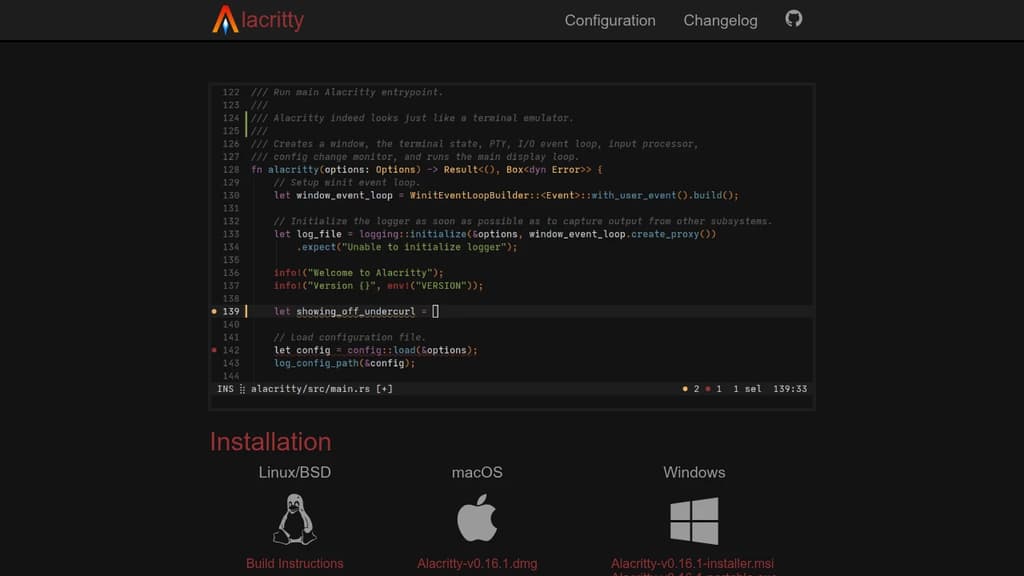
A modern terminal emulator built for performance and flexibility across Linux, macOS, Windows, and BSD systems. Uses OpenGL acceleration to deliver exceptional speed and responsiveness while maintaining extensive customization capabilities.
Key Features:
- Vi Mode - Navigate and select text using familiar vi keybindings
- Search functionality - Find any text within your scrollback buffer instantly
- Regex Hints - Mark and interact with text patterns using mouse or keyboard
- Multi-Window support - Efficient resource usage with single-process architecture
- Extensive configuration - Customize every aspect while maintaining sensible defaults
Currently in beta stage but already trusted by many developers as their daily terminal. Integrates seamlessly with existing tools rather than reimplementing functionality, ensuring high performance without sacrificing features. Perfect for users who spend significant time in the terminal and want a fast, configurable, and reliable experience.

Advanced AI coding assistant that enhances development workflow with intelligent code suggestions, automated debugging, and seamless integration.
Transform your development experience with AI-powered coding assistance that adapts to your workflow. This intelligent coding companion provides real-time code suggestions, automated debugging, and smart completions to accelerate your programming tasks.
Key features include:
- Intelligent code completion that understands context and intent
- Automated error detection and suggested fixes
- Multi-language support for popular programming languages
- Seamless IDE integration for uninterrupted workflow
- Code optimization suggestions to improve performance
Whether you're building web applications, mobile apps, or enterprise software, this AI assistant helps you write cleaner code faster while reducing common programming errors. The tool learns from your coding patterns to provide increasingly personalized suggestions, making it an invaluable partner for developers at any skill level.

Terminal-based coding agent powered by Grok 4.5 that plans, builds, tests, and deploys across any codebase with parallel subagents and plugin support.
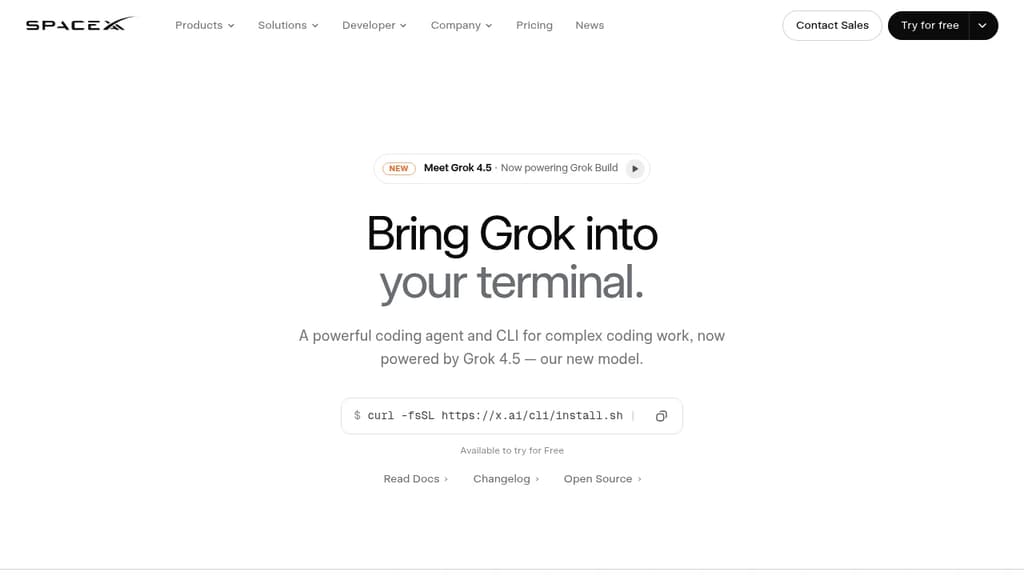
Grok Build is a terminal coding agent built for developers who want serious AI assistance without leaving the command line. It handles the full development cycle: planning, writing code, running tests, committing to git, and deploying. Any language, any codebase.
The tool's Plan Mode sets it apart from simpler autocomplete tools. Before touching a single file, it proposes a structured plan you can approve, comment on line by line, or rewrite entirely. Every approved change appears as a clean diff. Nothing gets written until you say so.
For large tasks, subagents run in parallel, each with its own context window and optionally its own git worktree. Ask it to find a latency regression and it can simultaneously explore your checkout flow, infrastructure, shared libraries, and pricing engine at once.
Key capabilities:
- Skills: reusable slash commands you build from any session using
/skillify, auto-invoked when a task matches - Plugins: bundle skills, agents, hooks, and MCP servers into a single install, shareable via marketplace or a self-hosted git repo
- MCP servers: connect to Cline-style external tools like Linear, Sentry, Grafana, and Postgres
- Hooks: run scripts automatically on file edits or tool calls
- AGENTS.md: set per-directory conventions the agent follows consistently
- Memory: decisions and context persist across sessions
- Headless mode: scriptable in CI/CD pipelines
- Sandboxed execution: run untrusted code in isolation
- Web search: look up docs and packages without switching context
When a task is ambiguous, Grok Build asks targeted multiple-choice questions before starting, so it picks the right framework, schema, or design direction upfront rather than guessing. The fullscreen terminal UI supports mouse input and keyboard-first navigation.
It's free to try, and unlike Grok in a browser chat interface, this is purpose-built for working directly inside your existing development environment.

A terminal multiplexer that organizes your workflow with intuitive layouts, tabs, and panes. Includes batteries for seamless terminal workspace management.
Zellij transforms how you work in the terminal by providing a complete workspace environment with everything you need built-in. Unlike traditional multiplexers, it combines intuitive navigation with powerful features that reduce friction in your daily terminal work.
Key capabilities include:
- Flexible layouts - Organize panes and tabs exactly how you need them, with layouts that persist across sessions
- Intuitive navigation - Switch between panes and tabs using keyboard shortcuts that feel natural and responsive
- Built-in features - No need to hunt for plugins or extensions; essential tools come ready to use
- Cross-platform support - Works seamlessly on Linux, macOS, and Windows
- Session management - Detach and reattach sessions without losing your workspace state
Whether you're managing multiple projects, running parallel processes, or organizing complex development workflows, Zellij provides the structure and responsiveness that makes terminal work more efficient. The batteries-included approach means you can start being productive immediately without extensive configuration.

High-performance terminal emulator with GPU acceleration, graphics support, and advanced scripting capabilities for developers and system administrators.
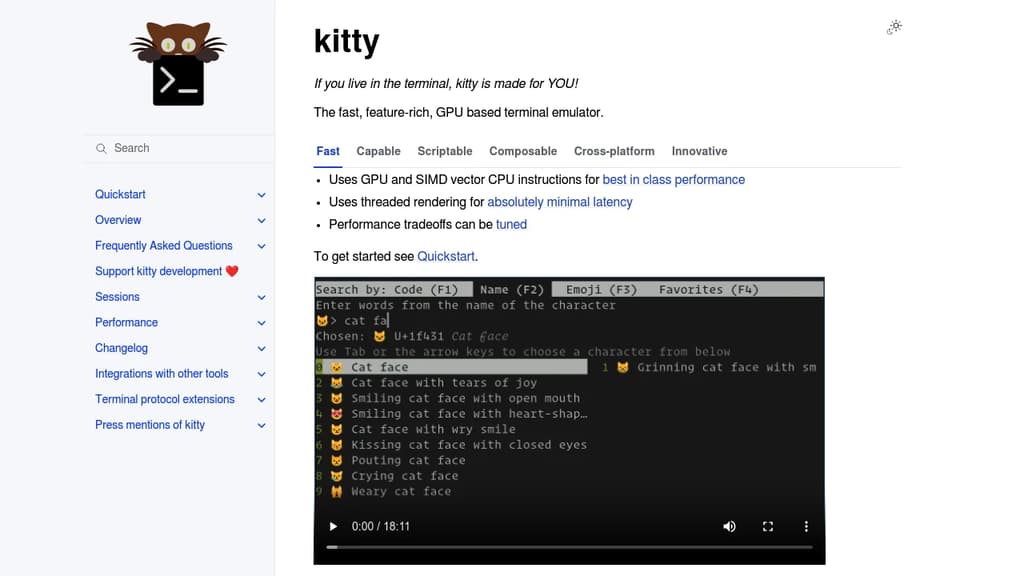
A high-performance terminal emulator designed specifically for users who spend significant time in the command line. Built with cutting-edge technology, it leverages GPU acceleration and SIMD vector CPU instructions to deliver exceptional performance that outpaces traditional terminals.
Key Performance Features:
- GPU-accelerated rendering for smooth, responsive interface
- Threaded rendering architecture for optimal speed
- Configurable performance tradeoffs to match your system
Advanced Capabilities:
- Graphics support with inline image display
- Font ligatures and emoji with proper rendering
- Scriptable interface using Python for automation
- Remote control protocol for external tool integration
Productivity Tools:
- Programmable tabs and windows with flexible layouts
- Built-in pager for comfortable text browsing
- File editing capabilities within SSH sessions
- Hyperlink support for clickable file paths
- Interactive kittens (specialized tools) for various tasks
Cross-Platform Compatibility:
- Full support for Linux, macOS, and various BSD systems
- Consistent experience across different operating systems
The terminal includes innovative features like the graphics protocol for displaying images directly in the terminal, shell integration for enhanced functionality, and broadcast mode for simultaneous input across multiple windows. Perfect for developers, system administrators, and anyone seeking a modern, feature-rich terminal experience.

Self-hosted orchestrator for coding agents like Claude Code, Codex, and Cursor, controlled from phone, desktop, web, or CLI.
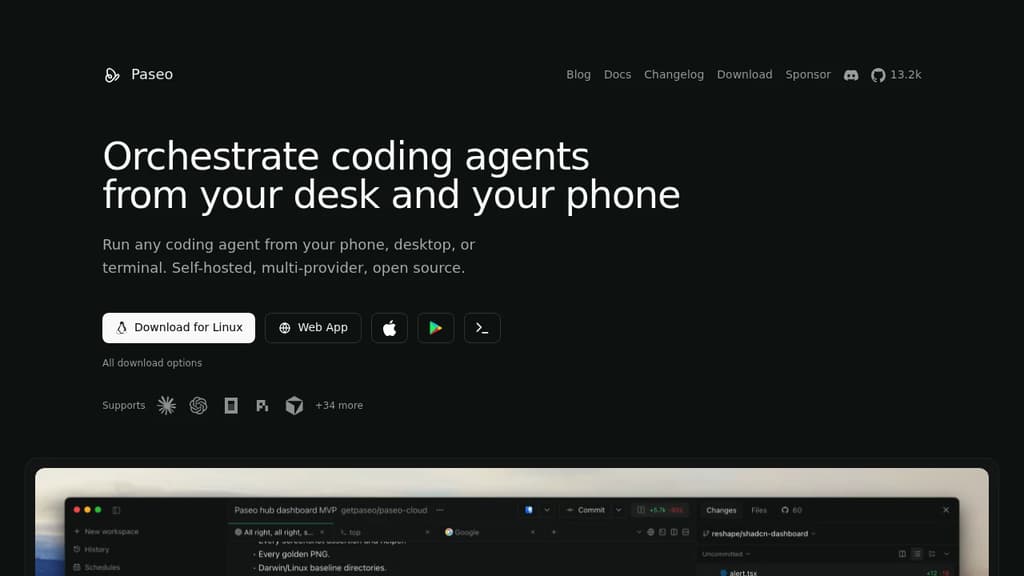
Paseo runs coding agents on your own machines and lets you drive them from your phone, desktop, web, or terminal. It’s for developers who use CLI agents like Claude Code or Codex and want to start, monitor, and steer them without sitting at their laptop. Kick off a task at your desk. Check on it from your phone later.
It sits on top of the agents you already have rather than replacing them. Each provider runs as its own process using its native harness, so your subscriptions, skills, config, and MCP servers keep working, and Paseo doesn’t wrap or modify their behavior.
- Multi-provider: works with Claude Code, Codex, Cursor, OpenCode, Pi, and dozens more.
- Full mobile parity: the native mobile app does everything the desktop app does.
- Runs where you work: start agents on a laptop, VM, or dev server, then reach them over a direct connection or an end-to-end encrypted relay.
- Code stays local: agents run on your machines and talk to their own APIs. Paseo doesn’t send your code anywhere.
- Review and ship inline: create branches, preview the app in a browser, review diffs, commit, open a PR, and merge without leaving the app.
- Scriptable: anything in the app also works from the terminal, including loops and schedules.
An optional self-hosted Hub adds GitHub, Slack, and Discord triggers, so mentioning a bot can start an agent on your own daemon with your own keys. It’s free.

Cross-platform terminal emulator and multiplexer with GPU acceleration, true color support, and Lua configuration. Runs on Linux, macOS, Windows, FreeBSD, and NetBSD.
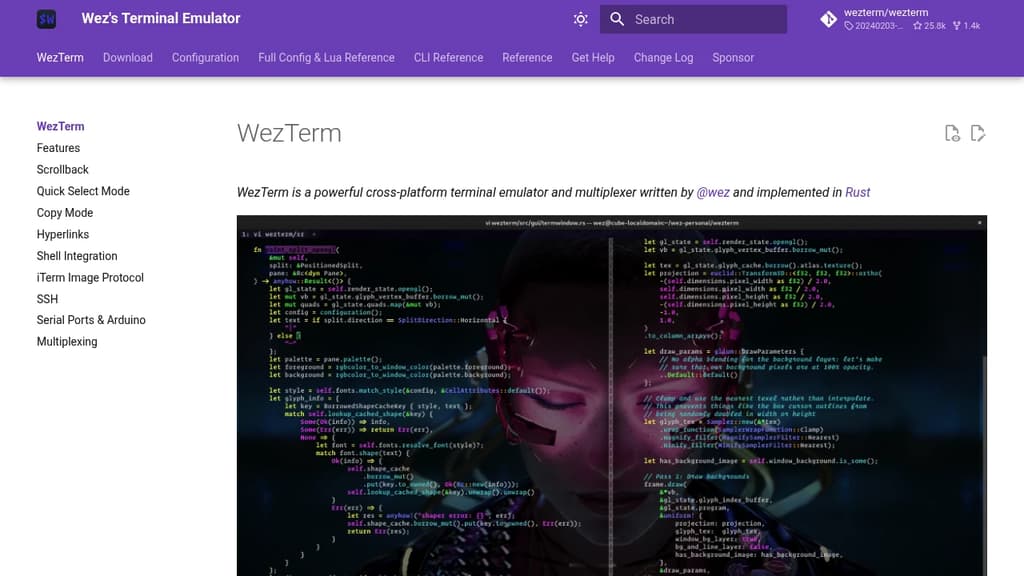
WezTerm is a powerful cross-platform terminal emulator and multiplexer that brings modern features to your command line experience. Built with performance in mind, it leverages GPU acceleration to deliver smooth rendering and responsive interactions.
Key capabilities include:
- Multi-platform support - Runs seamlessly on Linux, macOS, Windows 10, FreeBSD, and NetBSD
- Advanced rendering - GPU-accelerated display with true color support and color emoji rendering
- Font flexibility - Intelligent font fallback system ensures your preferred fonts display correctly
- Multiplexing - Built-in terminal multiplexing for managing multiple sessions and windows
- Lua scripting - Fully customizable through Lua configuration with comprehensive API modules
- Comprehensive CLI - Command-line interface for advanced control and automation
The tool provides extensive configuration options through its Lua-based config system, allowing you to customize colors, key bindings, and behavior. Its modular architecture includes specialized modules for color management, GUI operations, multiplexing, plugins, and more. Whether you're a developer, system administrator, or power user, WezTerm offers the flexibility and performance needed for productive terminal work.

Enhance your terminal with AI, file previews, and web browsing. Available on MacOS, Linux, and Windows.
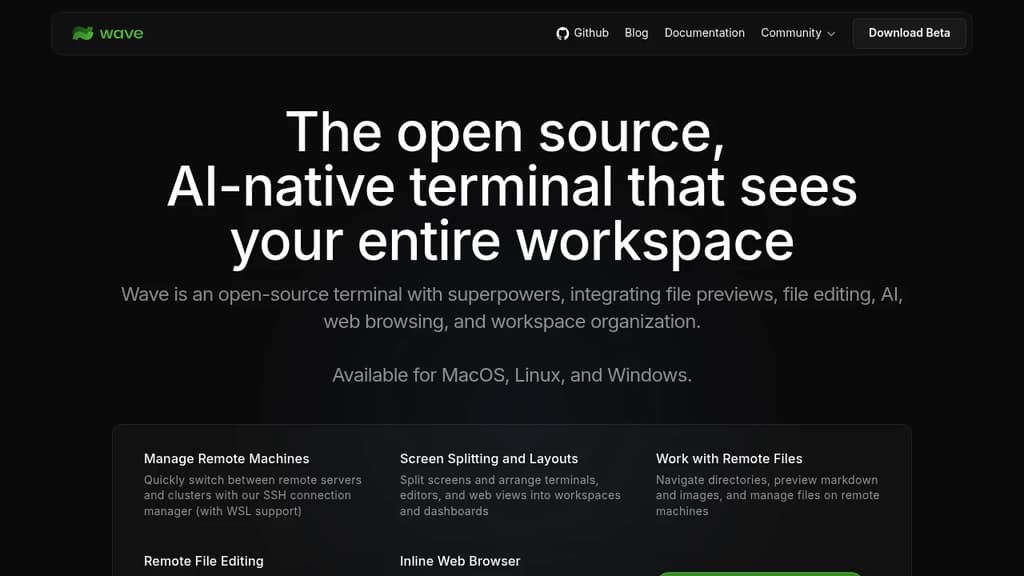
Wave Terminal is an innovative, open-source terminal designed to enhance productivity by integrating file previews, editing, AI, web browsing, and workspace organization. Compatible with MacOS, Linux, and Windows, it offers a seamless experience across platforms.
Key Features:
- Manage Remote Machines: Easily switch between servers with SSH connection management, including WSL support.
- Screen Splitting and Layouts: Organize your workspace with split screens and customizable dashboards.
- Remote File Management: Navigate and manage files on remote machines with ease.
- Inline Web Browser: Access essential sites like GitHub and StackOverflow directly from your terminal.
- Visual Dashboards: Create and share beautiful dashboards with graphical widgets.
- Open Source: Keep your data secure with local storage, no login required.
- Customization: Personalize themes and styles, and share with your team.
Wave Terminal is perfect for developers seeking a powerful, customizable terminal that integrates modern tools and workflows.

macOS app that orchestrates multiple AI coding agents simultaneously, each in its own isolated Git worktree, so you can work on many tasks at once.
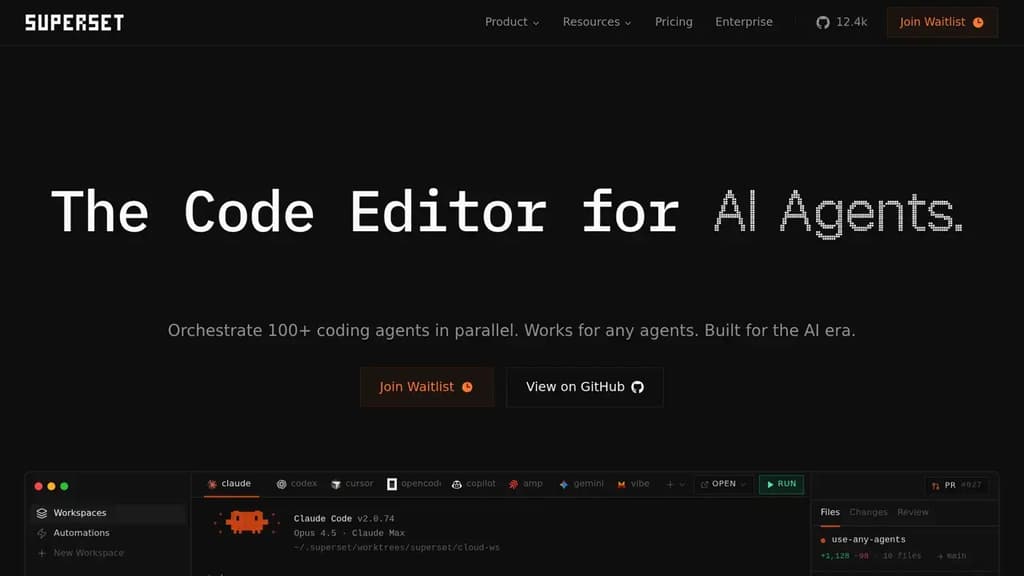
Superset is a macOS desktop app built for running many AI coding agents at the same time. Instead of waiting for one agent to finish before starting the next, you launch dozens of tasks in parallel and switch between them as each needs your attention. It's aimed at developers who already use AI agents heavily and want to stop being the bottleneck.
The core mechanic is Git worktrees. Each agent gets its own isolated branch and working directory, so multiple agents can touch the codebase simultaneously without stepping on each other. No merge conflicts mid-task, no tangled state. When an agent finishes, you review the diff and merge when you're ready.
Superset is agent-agnostic. It works with Claude Code, Cline, Codex, Cursor Agent, Gemini, Mistral, and any other CLI-based coding tool. You can mix agents across tasks or swap one out mid-project. The app doesn't lock you into a single provider.
Key capabilities:
- Parallel task management: launch and monitor dozens of agents from a single sidebar, with status indicators showing what's generating, what's ready for review, and what needs input
- Isolated worktrees: each task runs in its own Git environment, keeping changes separate until you're ready to merge
- Built-in diff review: side-by-side and inline diff views let you inspect changes before merging, without leaving the app
- Open in any IDE: jump from a worktree directly into VS Code, Cursor, Xcode, JetBrains, or a terminal with one click
- Port forwarding: dev servers running inside worktrees are accessible through forwarded ports, so you can preview work in progress
- MCP support: connects to MCP servers for extended agent capabilities
It sits alongside your existing editor rather than replacing it. If you already use Warp or a similar terminal, Superset layers on top, handling the orchestration while your preferred tools handle the editing.

Feature-rich terminal replacement for macOS with split panes, search, autocomplete, and extensive customization options for enhanced productivity.
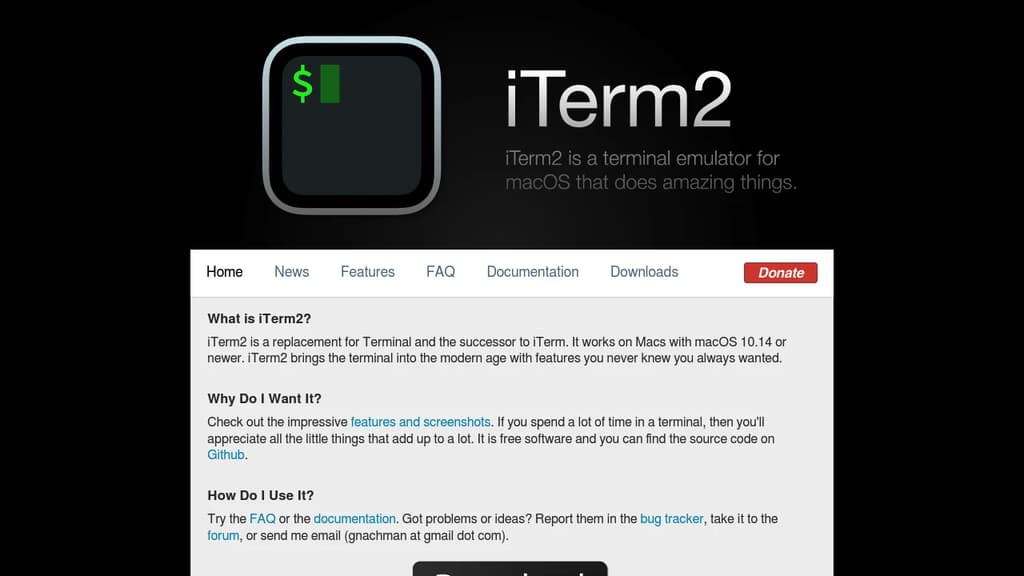
iTerm2 transforms your command-line experience on macOS with powerful features that make terminal work more efficient and enjoyable. This free, open-source terminal replacement offers split panes for multitasking, instant replay to review command history, and smart selection that automatically recognizes URLs, email addresses, and file paths.
Key features include:
- Tabbed interface with unlimited tabs and customizable layouts
- Advanced search with regular expression support and highlighting
- Autocomplete for commands, directories, and previously used arguments
- Hotkey window for quick terminal access from anywhere
- Extensive customization with themes, color schemes, and keyboard shortcuts
- Shell integration with enhanced features like command status indicators
Built specifically for Mac users, iTerm2 supports tmux integration, password manager integration, and trigger actions that can automatically respond to terminal output. The application includes mouseless copy mode, semantic history for navigating file paths, and broadcast input to send commands to multiple sessions simultaneously.
Whether you're a developer, system administrator, or power user, iTerm2's modern interface and productivity-focused features make it an essential upgrade from the standard macOS Terminal application.

AI coding harness that runs inside your terminal, mixes LLMs per task, and uses multi-agent architecture to handle large codebases without bloating context.
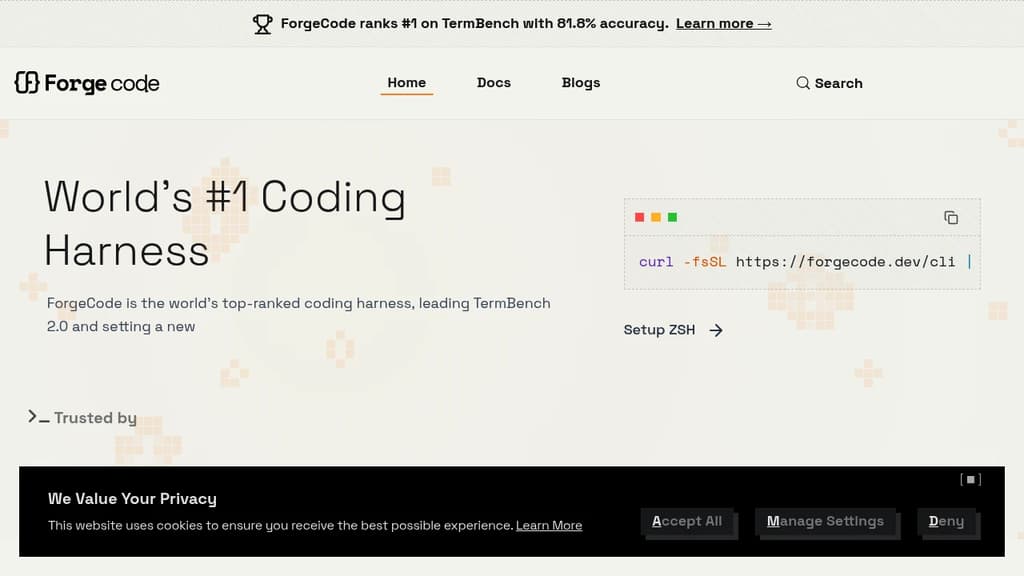
ForgeCode is a terminal-native AI coding agent that sits directly inside your ZSH shell. It's built for developers who want AI assistance without leaving the command line or abandoning their existing setup. Your custom aliases, Oh My Zsh plugins, and shell workflows stay intact. Type : and you're talking to ForgeCode.
What sets it apart from other AI coding tools is how it handles context. Rather than dumping your entire codebase into one prompt, ForgeCode uses a multi-agent architecture with specialized sub-agents for research, planning, and execution. Each agent works on minimal, relevant context, which keeps local models on track and results reliable.
Key capabilities:
- Model mixing per task. Use a thinking model to plan, a fast model to write code, and a large-context model for big files, all within a single session without restarting.
- Codebase understanding at scale. A context engine built for large repos, with fast tool corrections that prevent local models from drifting off course.
- Skills at scale. Handles thousands of skills without bloating the context window.
- Broad LLM support. Connects to hundreds of providers and models natively from the shell.
- Rigorous evaluation. Every change runs through thousands of evaluations across coding tasks and models before shipping.
ForgeCode ranks #1 on TermBench 2.0 with 81.8% accuracy, a benchmark designed specifically for terminal-based coding agents. It processes over 38 billion tokens and 24 million lines of code per day across its user base.
It's fully open source, with over 7,300 GitHub stars and 354 releases, backed by an active community. For teams already living in the terminal, it's a practical alternative to browser-based or IDE-embedded AI coding environments.

Desktop app that runs 25+ coding agents simultaneously, each isolated in its own Git worktree, so you can orchestrate code changes without switching tools.
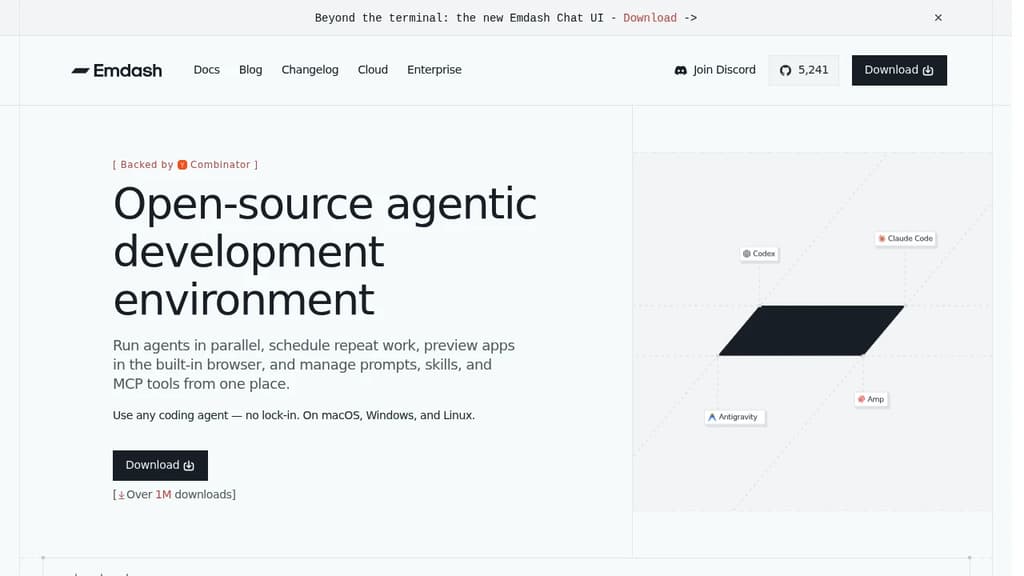
Emdash is a desktop app for developers who want to run multiple coding agents at the same time without juggling terminal windows or context-switching between tools. Each agent gets its own isolated Git worktree, so parallel sessions don't collide. You orchestrate from a single dashboard.
The core idea is agent-native development. Instead of writing code yourself and occasionally asking an AI for help, you direct agents to do the work while you manage the flow. It's a different mental model from a traditional IDE or an AI-assisted editor like Zed.
What it supports:
- 25+ coding agents including Claude Code, Codex, Cursor, Amp, and Gemini. Mix agents per task or stick to one.
- MCP server connections for attaching tools without extra glue code
- CLI auto-detection that finds your installed agent CLIs automatically, no manual setup
- Built-in file editor so you can review and edit without leaving the app
- Git worktree isolation that keeps parallel agent sessions from interfering with each other
The worktree-per-agent approach is what separates Emdash from simply running Aider or Cline in multiple tabs. Each session is genuinely isolated at the filesystem level, which matters when agents are making overlapping changes across a codebase.
It's a macOS and desktop-native app, designed for individual developers who want to scale their output by running agents concurrently rather than sequentially. The app is fully open source and free to use.

Desktop coding workspace that connects to AI subscriptions you already have, with parallel agents, worktrees, one-click PRs, and multi-project management.
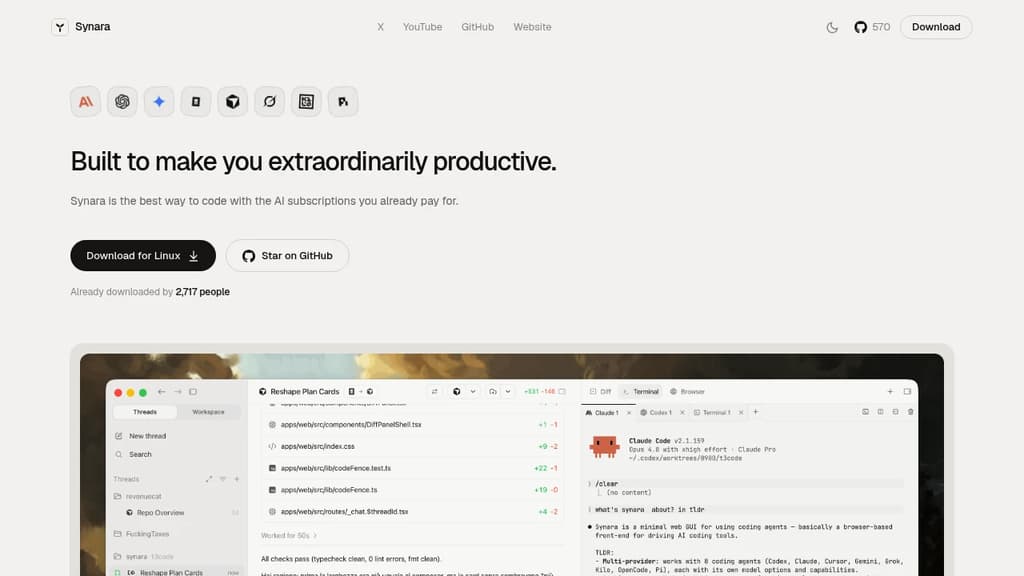
Synara is a desktop coding environment that lets you use the AI subscriptions you already pay for, without adding new accounts or bills. Connect Claude Code, Codex, Gemini, OpenCode, Cursor, or Grok and run them all from a single window.
The core idea is parallelism. Instead of one agent, one task, one terminal, you can run multiple agents across multiple worktrees across multiple projects at the same time. Each thread keeps its own state, so nothing gets lost when you switch focus.
Key capabilities:
- Parallel chats let you open a lane per agent or task. Claude can plan the auth refactor while Codex writes the tests, both visible side by side.
- Worktree-native branching spins up isolated branches without touching a terminal. Three features in parallel, no merge conflicts from stepping on yourself.
- Model handoff passes a thread to a different model mid-conversation. Full context travels with it, so you don't restart from scratch when you want a second opinion on a tough bug.
- One-click PRs open, title, and file a pull request the moment your agent lands a green diff.
- Multi-project sidebar keeps every codebase a click away, each with its own agents, runs, and state. Client work, your product, and side experiments without a dozen windows.
- Integrated terminals and browser pane keep your dev server, test watcher, and docs visible without alt-tabbing away from the thing that just broke.
Synara is free and open source. It's built for developers who already subscribe to one or more AI coding tools and want a single place to run them together rather than juggling separate interfaces.

Run multiple AI coding agents in isolated Git worktrees, with cross-repo context, GitHub/Linear integrations, and support for Claude, Codex, Cursor, and more.
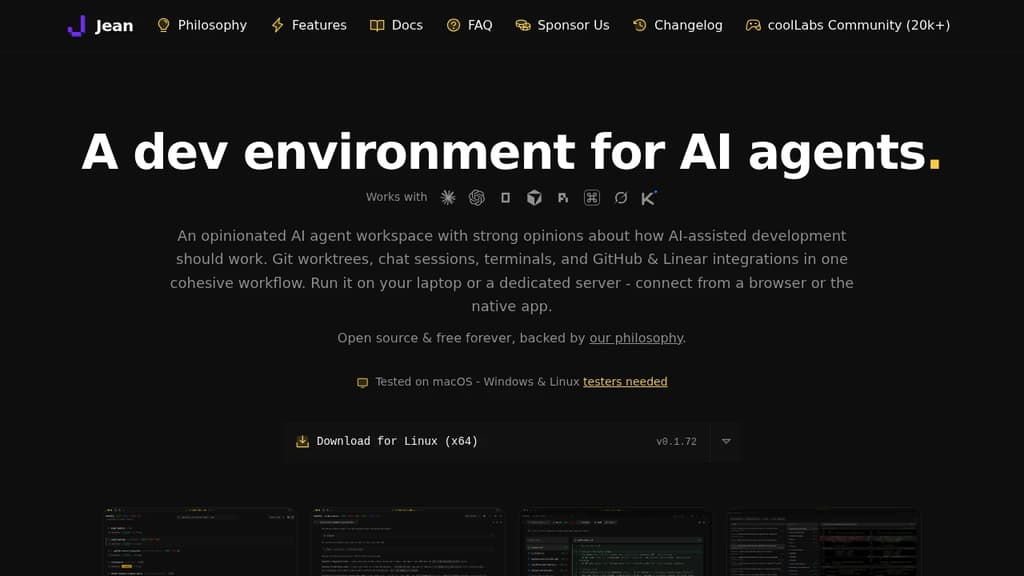
Jean is a dev environment built specifically for AI-assisted coding. Instead of running one agent in one terminal, it lets you spin up multiple agents in parallel, each in its own isolated Git worktree, so they can work on separate branches simultaneously without stepping on each other.
It's opinionated by design. Jean makes decisions about how AI-assisted development should work, so you don't spend time configuring workflows from scratch. Git worktrees, chat sessions, terminals, GitHub and Linear integrations all live in one interface.
Key capabilities:
- Isolated workspaces – every agent task gets its own worktree. Launch multiple agents at once, review each workspace independently, and merge only what you approve.
- Linked Projects – connect related repos (app, API, docs, SDK) so agents share context across all of them without manual copy-pasting.
- Magic Git Commands – load GitHub or Linear issues into a session, run AI code reviews, generate commit messages and PR descriptions, write release notes, and resolve merge conflicts from a command palette.
- Magic Prompts – every built-in workflow has an editable prompt template. You can swap models and reasoning levels per workflow, using faster models for routine tasks and stronger ones for reviews.
- Mr. Robot – polls open GitHub issues, creates a worktree per issue, and drafts a focused plan. Can execute approved plans automatically on a schedule.
- Token-reduction plugins – RTK compresses CLI tool output by 60-90%; Caveman trims Claude's replies by 65-75%. Both install with one click.
- Remote access – run Jean on a Linux server and connect from any browser or the native app. Works well over Tailscale for private network access.
Jean supports OpenCode, Claude CLI, Codex CLI, Cursor, Grok, Kimi Code, and others. You bring your own subscription for each provider. It's a solid alternative to tools like Claude Code or Jules when you need multi-agent coordination and cross-repo context in one place.
Licensed under Apache 2.0, free forever, with no paid tiers or feature gates.

People are looking for alternatives to...
View all alternatives
Spotify

Claude Code

CapCut

Claude

Notion

Lovable
 Sent – Messaging Infrastructure for Developers. One API for SMS, WhatsApp, and RCS across 190+ countries.


 Docmost