Open Source LM Studio Alternatives
A curated collection of the 8 best open source alternatives to LM Studio.
The best open source alternative to LM Studio is Ollama. If that doesn't suit you, we've compiled a ranked list of other open source LM Studio alternatives to help you find a suitable replacement. Other interesting open source alternatives to LM Studio are: llama.cpp, GPT4All, Cherry Studio, and LocalAI.
LM Studio alternatives are mainly Local Model Runners but may also be AI Chat Interfaces or AI Personal Assistants. Browse these if you want a narrower list of alternatives or looking for a specific functionality of LM Studio.

Written by Piotr Kulpinski


Runs open-source language models locally with a simple setup, plus optional cloud access for larger models when local hardware isn't enough.
Ollama lets you run large language models directly on your own hardware, without sending data to third-party APIs. It's built for developers, researchers, and anyone who wants the capabilities of modern AI models without giving up control over their data.
The core idea is local-first. Models run entirely on your machine, which means no usage fees per token, no data leaving your network, and full offline capability for sensitive or mission-critical work. When local hardware isn't enough, an optional cloud tier gives access to larger models running on datacenter-grade hardware.
Key capabilities:
- Local model execution runs models on your own CPU or GPU, keeping all data on-device
- Cloud scaling lets you access larger, faster models when local resources hit their limits, with servers in the US, Europe, and Singapore
- App and agent support connects with tools like Open WebUI and coding assistants, so you can build workflows around open models
- Parallel requests are supported in cloud mode, useful when running multiple agents or serving several users at once
- Web access is available for cloud models, giving them real-time information retrieval
- Data privacy guarantees mean your inputs are never used for training, on either local or cloud runs
Ollama fits naturally into setups where you want a local AI assistant or a self-hosted backend for agent-based tools. The free tier covers cloud model access at a basic level, with paid plans unlocking higher concurrency and usage limits for heavier workloads.

C/C++ inference engine for large language models, supporting quantization, multi-GPU, Apple Silicon, and an OpenAI-compatible server across a wide range of hardware.
llama.cpp is a C/C++ inference engine for running large language models locally or in the cloud, with no external dependencies. It targets developers, researchers, and anyone who wants to run open-weight models on their own hardware without relying on cloud APIs.
The project's defining strength is hardware breadth. It runs on Apple Silicon via Metal and ARM NEON, NVIDIA GPUs via custom CUDA kernels, AMD GPUs via HIP, Intel hardware via SYCL, and a long list of other backends including Vulkan, Ascend NPU, and Snapdragon. CPU-only inference works too, and a hybrid CPU+GPU mode lets you run models larger than your available VRAM by splitting the load.
Quantization is a core feature. Models can be stored and run at 1.5-bit through 8-bit integer precision, dramatically reducing memory requirements while keeping inference fast. The GGUF format is the standard file format for these quantized models, and Hugging Face hosts a large library of compatible weights.
Key capabilities include:
- OpenAI-compatible HTTP server (
llama-server) with multi-user parallel decoding, speculative decoding, embedding endpoints, and reranking support - Grammar-constrained output for structured generation, including JSON, via custom GBNF grammars
- Multimodal support for vision-language models alongside dozens of text-only architectures including LLaMA 3, Mistral, Qwen, Gemma, Phi, DeepSeek, and many more
- Hugging Face integration for downloading models directly by name, with models stored in the standard HF cache so they're shareable with other tools
- Benchmarking and perplexity tools for evaluating model performance and quality
- Bindings for Python, Go, Rust, Node.js, Java, Swift, C#, and more than a dozen other languages
The server's OpenAI-compatible API makes it a drop-in backend for tools like AnythingLLM or observability platforms like Langfuse. A precompiled XCFramework is available for iOS, macOS, tvOS, and visionOS Swift projects.
llama.cpp is the reference implementation for GGUF and the ggml tensor library, making it the upstream project that much of the local LLM ecosystem builds on.

GPT4All runs open-source language models locally on Windows, macOS, and Linux with no cloud dependency, keeping your data on your machine.
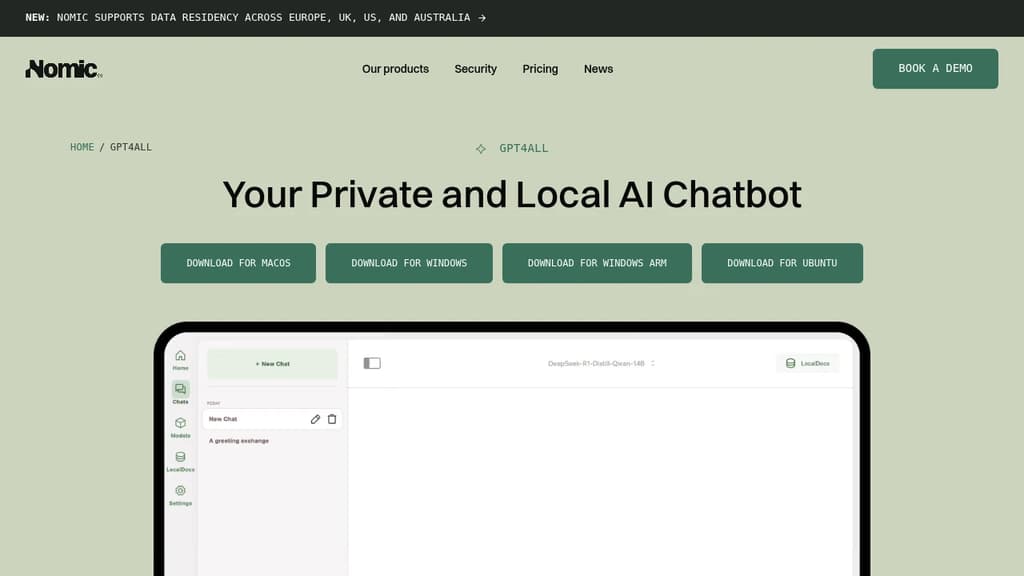
GPT4All is a desktop AI assistant that runs entirely on your own hardware. No cloud connection, no data leaving your machine. It's built for developers, teams, and power users who want the capabilities of a capable AI chatbot without handing their data to a third-party service.
It supports thousands of open-source models, so you're not locked into a single provider's offering. You can swap models depending on the task, your hardware, or your preference. That flexibility is rare among ChatGPT alternatives that run locally.
Key capabilities include:
- LocalDocs: Chat directly with your own documents. Point GPT4All at a folder of PDFs, text files, or other documents and ask questions against them without uploading anything.
- Cross-platform: Runs natively on Windows, macOS, and Linux.
- Model variety: Thousands of compatible open-source models, covering a wide range of sizes and specializations.
- Full customization: Build custom assistants and automate workflows using the local model stack.
- No internet required: Once a model is downloaded, everything runs offline.
For teams concerned about confidentiality, this is a meaningful distinction. Sensitive documents, internal processes, and proprietary data stay local. Tools like AnythingLLM and Open WebUI offer similar local-first approaches, but GPT4All's desktop client is one of the more accessible entry points, especially for non-technical users who still want control.
Performance depends on your hardware, but GPT4All is optimized to run efficiently on consumer-grade CPUs and GPUs. It doesn't demand a high-end workstation to be useful. The project is open source and maintained by Nomic AI, with an active model ecosystem and a growing community contributing compatible models.

Desktop AI client for Windows, macOS, and Linux that connects 300+ models from 50+ providers, with local storage, a built-in knowledge base, and autonomous agent mode.
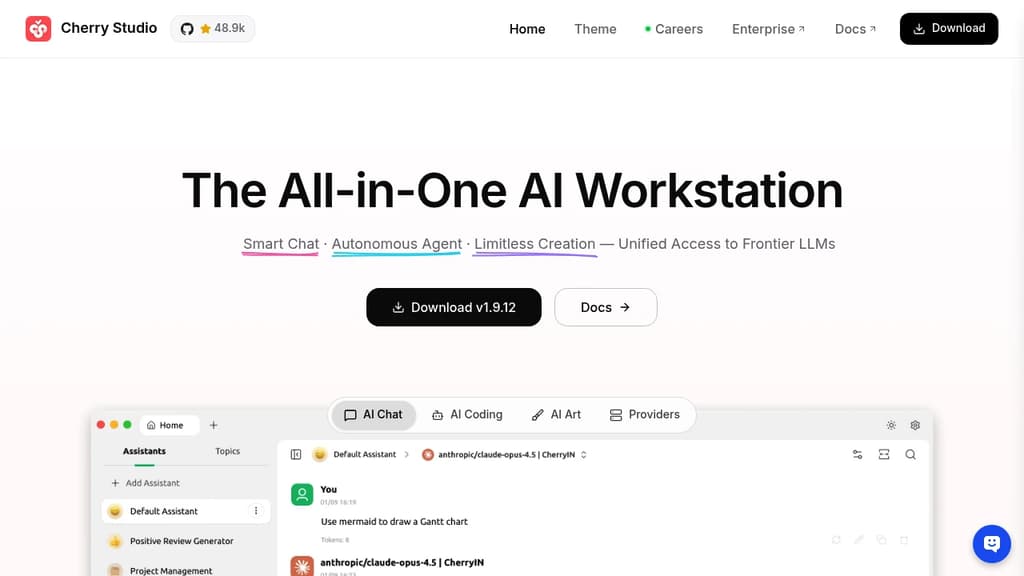
Cherry Studio is a cross-platform desktop client for AI chat interfaces that puts dozens of AI providers under one roof. It runs on Windows, macOS, and Linux, stores all your data locally, and lets you bring your own API keys or use bundled free models without any account setup.
The core appeal is breadth without chaos. You can pull responses from OpenAI, Anthropic, Google Gemini, DeepSeek, and many others, then compare them side by side in the same window. No copy-pasting prompts across browser tabs. Local models through Ollama or LM Studio work the same way, so fully offline use is an option too.
Beyond basic chat, Cherry Studio includes:
- Agent mode: give it a goal, and it reasons through the problem, breaks it into steps, picks the right tools, and executes independently
- Knowledge base: import PDFs, Word docs, Excel files, Markdown, or web pages to build a personal document assistant that answers questions from your own content
- 300+ pre-built assistants: covering writing, coding, translation, marketing, DevOps, and more, so you don't need to write prompts from scratch
- MCP server support: connect to databases, file systems, and external services through the Model Context Protocol to extend what the client can do
- Document handling: renders Mermaid charts, syntax-highlights code, and handles Office files and PDFs natively
- WebDAV backup: sync your chat history and settings across devices without sending data to a third-party server
Privacy is a genuine design constraint here, not a marketing claim. Chat history, settings, and knowledge base files stay on your device. Cherry Studio never routes your data through its own servers.
Compared to browser-based options like LibreChat or Open WebUI, Cherry Studio leans into the desktop experience: global search, drag-and-drop organization, transparent windows, and full Markdown rendering. It's a practical choice for anyone who works across multiple AI personal assistant tools today and wants to consolidate without giving up model flexibility.

Run LLMs, speech, image generation, and autonomous agents on your own hardware with an OpenAI-compatible API and 60+ swappable backends.
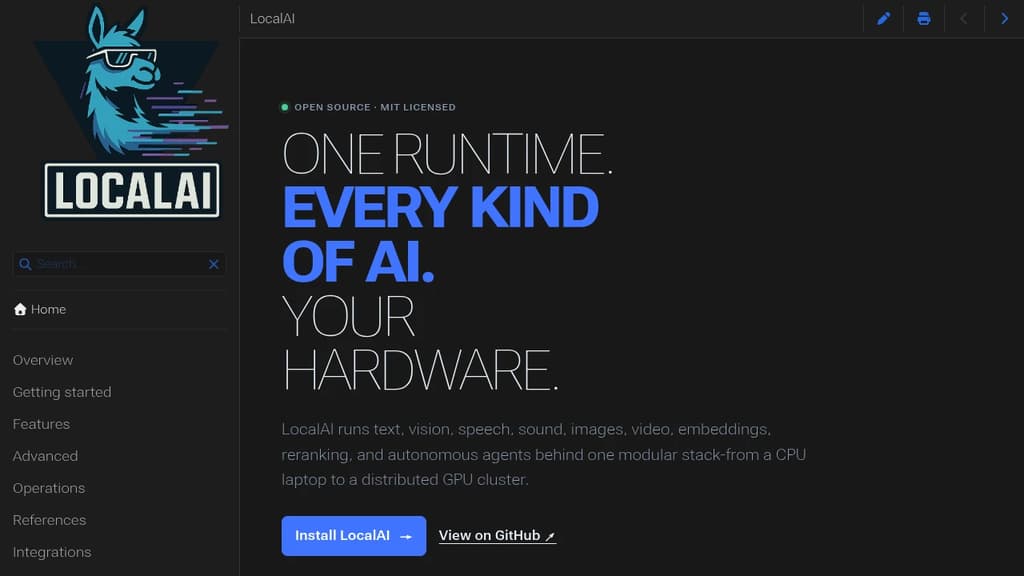
LocalAI is a self-hosted runtime that lets you run virtually any AI workload on hardware you control. Text generation, vision, speech recognition, text-to-speech, image and video generation, embeddings, reranking, and autonomous agents all run behind a single OpenAI-compatible API. If you're already using OpenAI or Anthropic APIs, switching the endpoint is often all it takes.
The core design is deliberately lean. Backends aren't bundled upfront. They're pulled on demand when a model needs them, each one wrapping a best-in-class engine like llama.cpp, vLLM, SGLang, MLX, or whisper.cpp as an isolated service. You can install, update, or remove individual backends without touching the rest of the stack. Hardware mixing is first-class: NVIDIA, AMD, Intel, Apple Silicon, Vulkan, and Jetson all work, and you can route across them in a single cluster.
For cases where existing engines are too heavy or too closed, the LocalAI team builds its own:
- parakeet.cpp for streaming multilingual speech recognition
- vibevoice.cpp for long-form TTS and ASR
- voice-detect.cpp for speaker recognition and anti-spoofing
- face-detect.cpp for vision-based identity analysis
- privacy-filter.cpp for native PII detection and redaction
- apex-quant for MoE-aware GGUF quantization
It scales from a CPU-only laptop to a distributed GPU cluster without changing how you interact with it. A single workstation setup can grow into a team server with API keys, roles, quotas, and usage tracking, then further into a multi-worker cluster with model routing and device-spanning inference. Local model runners rarely cover this range in one package.
Agents are built in, not bolted on. You can create agents with MCP tools, memory, RAG, and citations directly from the UI or API. Realtime voice experiences are supported through WebRTC with interruptible STT, LLM output, and TTS pipelines, similar to what LiveKit handles for general media but focused on AI interaction. Privacy controls go beyond keeping data local: PII analysis, redaction middleware, and audit logging are available at the infrastructure level.
The API surface is compatible with OpenAI, Anthropic, Ollama, and ElevenLabs conventions, so existing tooling like LibreChat or Open WebUI connects without custom adapters.

Jan runs open-source AI models on your own hardware or connects to cloud providers like OpenAI, Anthropic, and Google, keeping your conversations off third-party servers.
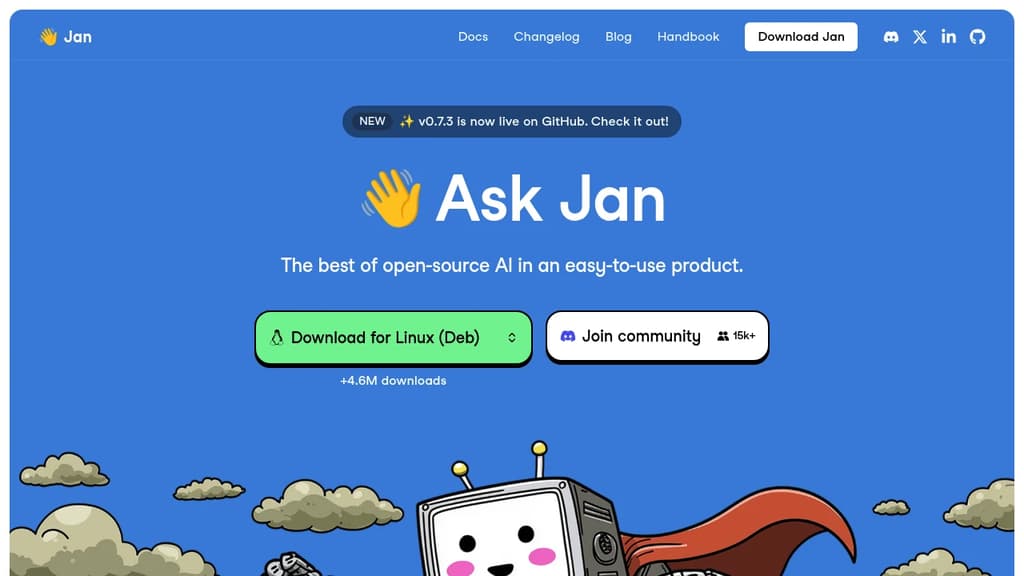
Jan is a desktop AI chat app built for people who want the capabilities of ChatGPT without handing their conversations to a cloud service. It runs entirely on your own machine using open-source models, or you can connect it to hosted providers when you need more power. Either way, you stay in control.
The model selection is broad. Out of the box, Jan supports:
- Local models like Llama, Mistral, Qwen, Gemma, and DeepSeek, downloaded and run on your hardware
- Cloud providers including OpenAI, Anthropic (Claude), Google (Gemini), and others, connected via API key
- Switching between them without leaving the app, so you're not locked into one backend
This flexibility is what separates Jan from simpler local-model runners. You get offline capability when you want privacy, and cloud fallback when a task demands it.
Jan is built in public and has crossed 5.7 million downloads, which puts it among the more widely adopted self-hosted AI interfaces alongside tools like Open WebUI and LibreChat. The codebase is open, community-driven, and free.
The interface is clean and focused on conversation. A memory feature is in development that will carry context and preferences across sessions, so you won't need to re-explain your setup or working style each time you start a new chat.
It's a practical fit for developers, designers, researchers, or anyone who handles sensitive work and doesn't want that data leaving their machine. Local inference does require reasonable hardware, but Jan handles model management inside the app, so you don't need to touch a terminal to get started.

Cross-platform desktop AI assistant supporting multiple providers, local knowledge base, and custom prompts. Integrates MCP protocol for enhanced AI tool capabilities.
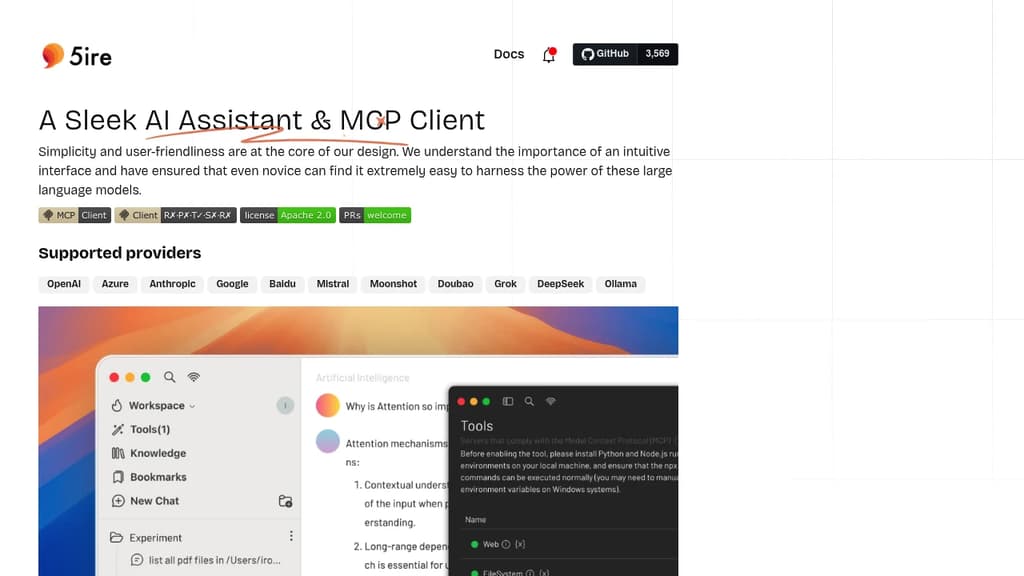
5ire brings sophisticated AI capabilities to your desktop with a clean, intuitive interface that makes advanced AI features accessible to everyone. The application stands out with its support for multiple leading AI providers including OpenAI, Anthropic, Google, and Mistral.
A key differentiator is the integration of the Model Context Protocol (MCP), which acts like a universal connector for AI applications. This allows 5ire to leverage various tools for file system access, database interactions, and remote data retrieval, expanding far beyond simple chat capabilities.
The built-in local knowledge base powered by bge-m3 embedding model enables multilingual document processing and vectorization. Users can analyze docx, pdf, xlsx, and other document formats for powerful local Retrieval-Augmented Generation. Additional features include:
- Usage analytics to track API spending and optimize costs
- Custom prompt library with variable support for reusable templates
- Conversation bookmarks that persist even after message deletion
- Full-text search across all conversations
- Free and open source with cross-platform support
5ire combines enterprise-grade AI capabilities with user-friendly design, making it an ideal choice for both casual users and professionals seeking a powerful desktop AI assistant.

A mobile app for interacting with private, local large language models that work offline and are optimized for Apple silicon.
fullmoon is a revolutionary mobile app that brings the power of large language models to your pocket.
Here's what makes it stand out:
- Private and Local: Chat with AI models that run entirely on your device, ensuring your conversations remain private and secure.
- Offline Capability: Enjoy uninterrupted AI assistance even without an internet connection, perfect for travel or areas with poor connectivity.
- Optimized for Apple Silicon: Leveraging the power of Apple's custom chips, fullmoon delivers fast and efficient performance on iOS, iPadOS, macOS, and visionOS devices.
- Customizable Experience: Personalize your interaction by adjusting themes, fonts, and system prompts to suit your preferences.
- Integration with Apple Ecosystem: Use Shortcuts to incorporate AI-powered text generation into your workflows seamlessly.
- Open Source and Free: fullmoon is completely free to use and open source, allowing for transparency and community contributions.
- Multiple Model Support: Choose from different language models, including Llama-3.2-1B-Instruct and Llama-3.2-3B-Instruct, optimized for mobile devices.
Whether you're a writer seeking inspiration, a student looking for study assistance, or a professional needing quick information, fullmoon puts the power of AI in your hands, all while prioritizing your privacy and device performance.

People are looking for alternatives to...
View all alternatives
Spotify

Claude Code

CapCut

Claude

Notion

Lovable
 CodeRabbit – The leading AI Code Review platform. Ship better quality code in 50% less time, with 90% fewer bugs.

 Docmost