Open Source ChatGPT Alternatives
A curated collection of the 13 best open source alternatives to ChatGPT.
The best open source alternative to ChatGPT is Proton Lumo. If that doesn't suit you, we've compiled a ranked list of other open source ChatGPT alternatives to help you find a suitable replacement. Other interesting open source alternatives to ChatGPT are: Open WebUI, LobeChat, AnythingLLM, and Cherry Studio.
ChatGPT alternatives are mainly AI Chat Interfaces but may also be AI Personal Assistants or AI Agent Platforms. Browse these if you want a narrower list of alternatives or looking for a specific functionality of ChatGPT.

Written by Piotr Kulpinski


AI chat assistant from Proton that stores conversations with zero-access encryption, never logs chats, and never uses your data to train models.
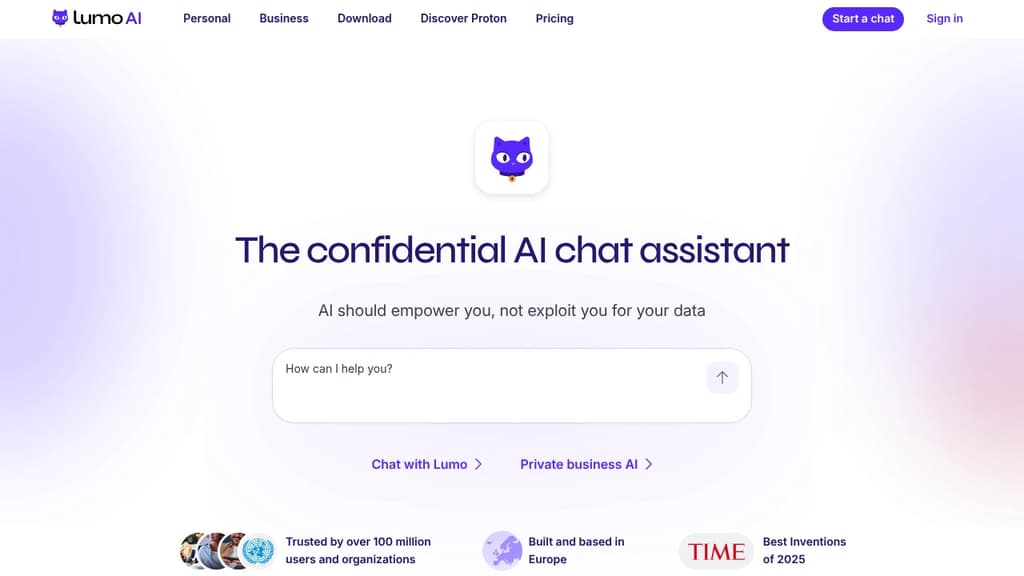
Lumo is an AI chat assistant built by the team behind Proton Mail and Proton Drive. Its core promise is simple: your conversations stay yours. Every chat is stored with zero-access encryption, meaning not even Proton can read what you've asked. No logs, no ad targeting, no data sold to third parties.
Most popular AI chat alternatives collect and retain your messages, often using them to train future models or serve targeted ads. Lumo's open-source code lets anyone verify that it doesn't. You can also use it anonymously via Tor without creating an account.
Based in Switzerland and subject to GDPR, Lumo sits outside US jurisdiction and Big Tech infrastructure. You can delete your account at any time, and Proton cannot share your data with governments or advertisers even if asked.
What Lumo can do day-to-day:
- Image generation: Turn text descriptions into images, with iterative refinement. Your inputs aren't reused to train the model.
- Web search: Built-in real-time search for current information, without queries being tied to an ad profile.
- Document analysis: Upload confidential reports or research and extract insights without that data appearing in future AI outputs.
- Project organization: Turn messy workloads into prioritized plans, handle sensitive admin tasks like visa or tax paperwork.
- Code review and file linking: Connect files from Proton Drive to work with full context across projects.
- Custom Lumos: Create specialized assistants for specific workflows (paid tier).
The free tier covers limited messages, image generations, and one project. Lumo Plus adds unlimited chats, higher model usage, more image generations, and unlimited projects. It's aimed at professionals and teams who handle sensitive information and can't afford to have that data harvested by the tools they rely on daily.

Self-hosted AI platform that connects local and cloud models, extends with Python, and keeps your data under your control.
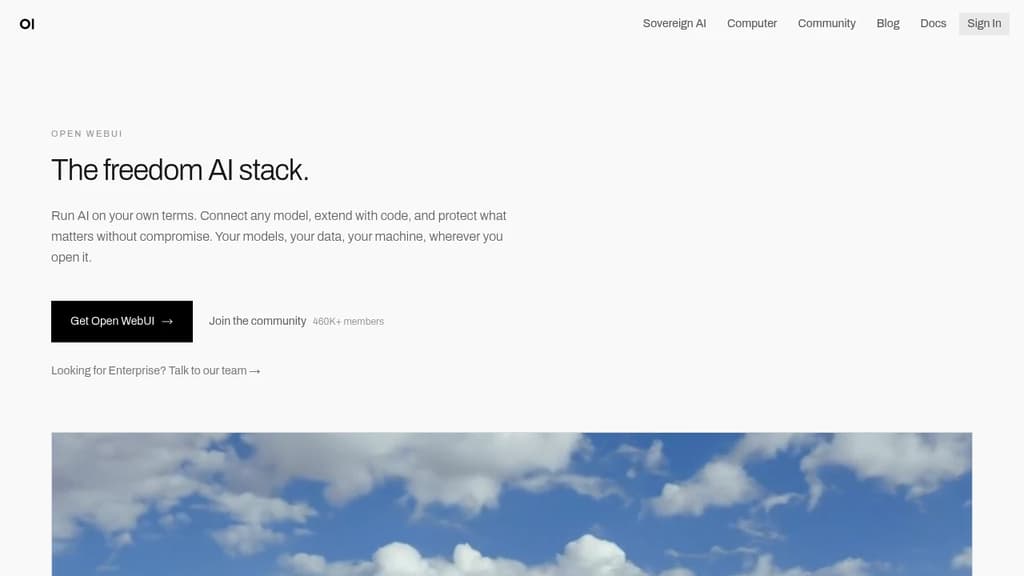
Open WebUI is a self-hosted platform for running AI models without depending on a vendor's infrastructure. It works with local models via Ollama and cloud providers like OpenAI and Anthropic, all through a single interface. Your data stays where you put it.
It's built for people who want real control. That means no accounts required to get started, no third-party data handling, and no lock-in to a single model provider. It fits as well on a personal laptop as it does inside an enterprise network.
What you can connect and do:
- Model flexibility: Connect Ollama, OpenAI, Anthropic, or any OpenAI-compatible API. Mix local and cloud models in the same workspace.
- Voice, vision, and retrieval: Multimodal capabilities are included out of the box, not bolted on later.
- Python extensions: Write custom tools and functions to extend behavior beyond what the default interface offers.
- Web search integration: Pull live information into conversations without leaving the platform.
- Enterprise controls: SSO, role-based access control, and audit logs for teams operating in regulated environments.
The community platform hosts over 410,000 members sharing prompts, models, tools, and functions. You can install what others have built or publish your own. It's a meaningful accelerator if you're experimenting or building on top of Open WebUI for others.
For teams evaluating AI interaction interfaces, Open WebUI sits in a different position than most. Tools like LLMChat or Dyad offer focused experiences for specific use cases, while Open WebUI is designed to be the central hub for everything AI-related in an organization. The scale backs that up: 290 million downloads and 139,000 GitHub stars point to broad, sustained adoption across individual users and large deployments alike.

A collaborative platform to create, schedule, and operate AI agents that handle long-running tasks, team workflows, and automated jobs without constant oversight.
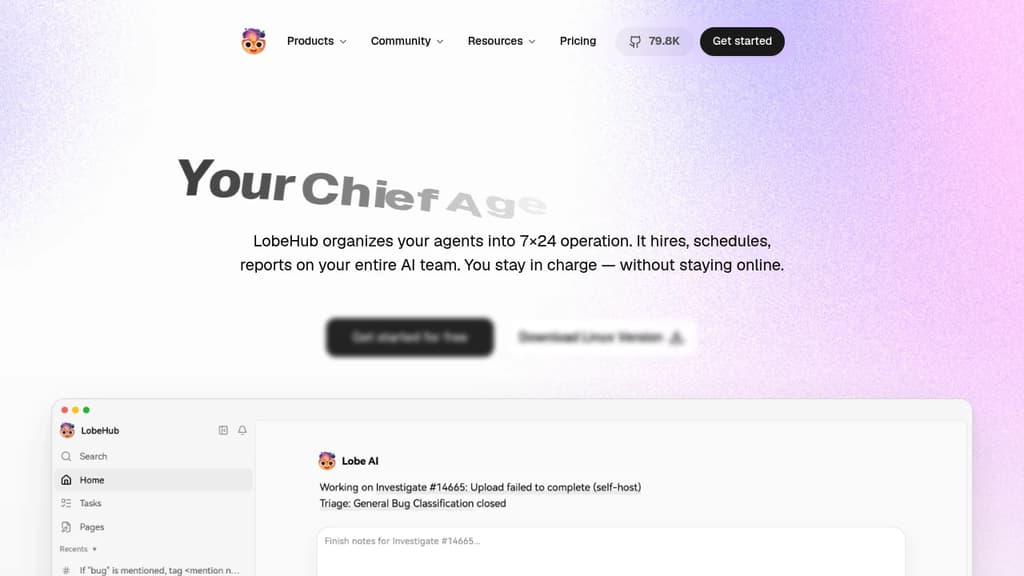
LobeHub is a platform for building and operating teams of AI agents. Rather than managing individual AI tools one at a time, it lets you assemble agents into coordinated groups, assign them tasks, and let them run. Agents report back on progress while you focus on higher-level decisions.
The agent builder starts from a single sentence. From that, LobeHub automatically configures names, roles, skills, and behaviors. Agents connect to a library of over 312,000 skills, and you can attach any model or modality you want. It works with providers like OpenAI and Anthropic, so you're not locked into one AI backend.
For longer or more complex work, LobeHub supports agent groups that self-assemble based on the task at hand. Multiple agents can work in parallel, iterate on each other's output, and handle multi-step jobs. This matters most for things like large-scale issue triage, content workflows, or anything that would otherwise require constant human coordination. Among AI agent platforms, that kind of parallel execution is still relatively rare.
The platform includes several workspace-style features: Pages for writing and refining documents with multiple agents sharing context, Projects for organizing work, Schedules for time-based task automation, and a shared Workspace with visibility controls for teams. There's also an IM Gateway that connects agents to messaging platforms where your team already communicates.
Agents are designed to improve over time. Personal Memory builds a structured, editable model of how you work. Continual Learning adjusts agent behavior based on patterns it observes. Memory is white-box, meaning you can inspect and edit what the system knows about you rather than treating it as a black box. That's a meaningful difference from tools like Khoj, where memory handling is less transparent.
LobeHub is open source and has a community component where agents and skills can be shared. It's built for individuals and teams who want AI to handle ongoing, multi-step work rather than single-turn interactions. If you're already using a knowledge management platform like Pipeshub or a multi-agent framework like Agno, LobeHub sits closer to the operational end of that spectrum, focused on running work rather than just organizing it.

A desktop and self-hostable AI app for chatting with documents, running local LLMs, and using AI agents without writing code or creating an account.
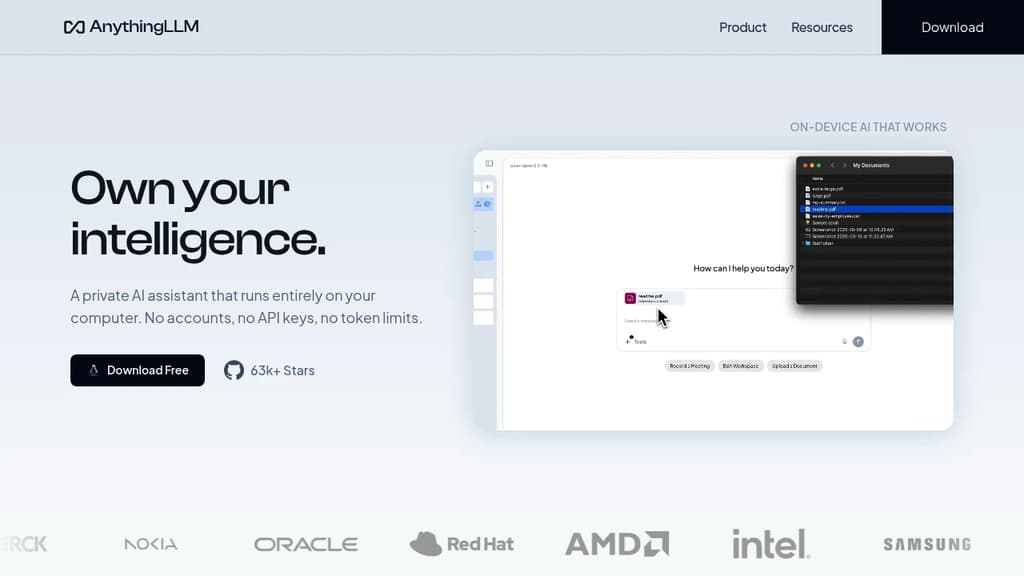
AnythingLLM is a desktop application and self-hostable platform that lets you chat with your documents, run AI agents, and work with large language models entirely on your own machine. No account required. No data leaves your device unless you explicitly connect to a cloud provider. It runs on macOS, Windows, and Linux.
The core use case is document chat. You load in PDFs, Word files, CSVs, codebases, or content pulled from online sources, then ask questions against that material. The underlying LLM can be a local model running on your own hardware or a cloud provider like OpenAI, Azure, or AWS. You pick which one, and you can switch between them. It also supports multi-modal models, so working with images or audio is possible within the same interface.
Privacy is a first-class concern. By default, everything stays local: the model, the vector database, the embedder, your documents, and your chat history. Nothing is shared unless you configure an external provider. That makes it a practical choice for anyone handling sensitive business documents who can't send data to third-party APIs — including use cases that would otherwise call for legal AI platforms.
For teams, there's a self-hosted or cloud-hosted option with multi-user support. Each user gets isolated access, and admins get fine-grained controls over what users can see and do. The platform can also be white-labeled with custom branding, which makes it usable as an internal tool under a company's own identity.
Beyond document chat, it includes a built-in developer API for integrating its capabilities into existing products. If you're building on top of it, the API fits naturally into the broader LLM application framework ecosystem. A community hub provides shared agent skills, system prompts, and slash commands, so you can extend what the assistant can do without building from scratch.
The MIT license means the source is open and free to use or modify. If you want a lighter-weight alternative focused purely on chat, tools like LLMChat or LobeChat cover that narrower scope. AnythingLLM sits closer to a full local AI workspace, with document ingestion, agent support, and multi-user access all in one place.

Desktop AI client for Windows, macOS, and Linux that connects 300+ models from 50+ providers, with local storage, a built-in knowledge base, and autonomous agent mode.
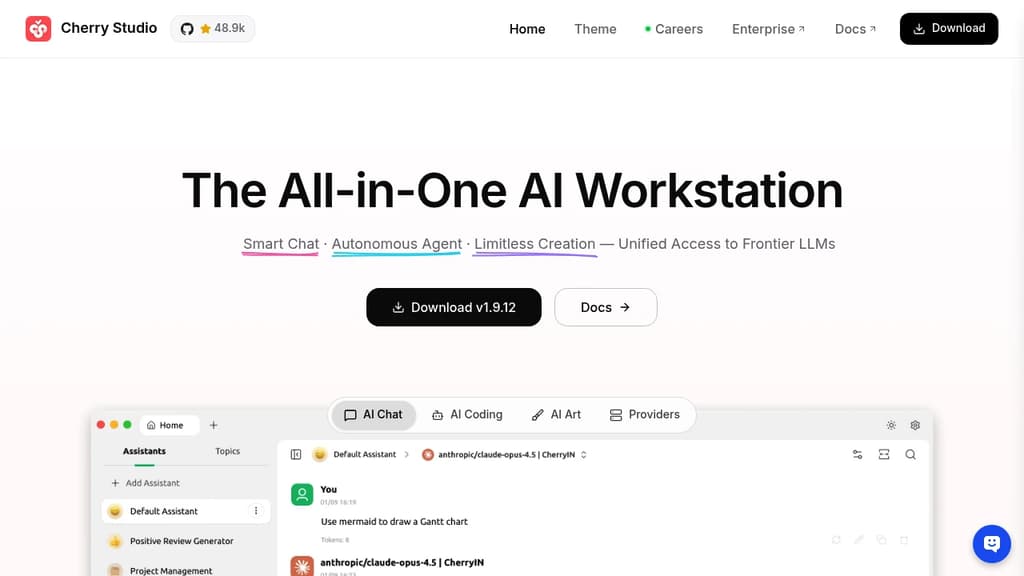
Cherry Studio is a cross-platform desktop client for AI chat interfaces that puts dozens of AI providers under one roof. It runs on Windows, macOS, and Linux, stores all your data locally, and lets you bring your own API keys or use bundled free models without any account setup.
The core appeal is breadth without chaos. You can pull responses from OpenAI, Anthropic, Google Gemini, DeepSeek, and many others, then compare them side by side in the same window. No copy-pasting prompts across browser tabs. Local models through Ollama or LM Studio work the same way, so fully offline use is an option too.
Beyond basic chat, Cherry Studio includes:
- Agent mode: give it a goal, and it reasons through the problem, breaks it into steps, picks the right tools, and executes independently
- Knowledge base: import PDFs, Word docs, Excel files, Markdown, or web pages to build a personal document assistant that answers questions from your own content
- 300+ pre-built assistants: covering writing, coding, translation, marketing, DevOps, and more, so you don't need to write prompts from scratch
- MCP server support: connect to databases, file systems, and external services through the Model Context Protocol to extend what the client can do
- Document handling: renders Mermaid charts, syntax-highlights code, and handles Office files and PDFs natively
- WebDAV backup: sync your chat history and settings across devices without sending data to a third-party server
Privacy is a genuine design constraint here, not a marketing claim. Chat history, settings, and knowledge base files stay on your device. Cherry Studio never routes your data through its own servers.
Compared to browser-based options like LibreChat or Open WebUI, Cherry Studio leans into the desktop experience: global search, drag-and-drop organization, transparent windows, and full Markdown rendering. It's a practical choice for anyone who works across multiple AI personal assistant tools today and wants to consolidate without giving up model flexibility.

Chat with multiple AI providers through a single self-hostable interface, with support for custom agents, file uploads, plugins, and multi-user access control.
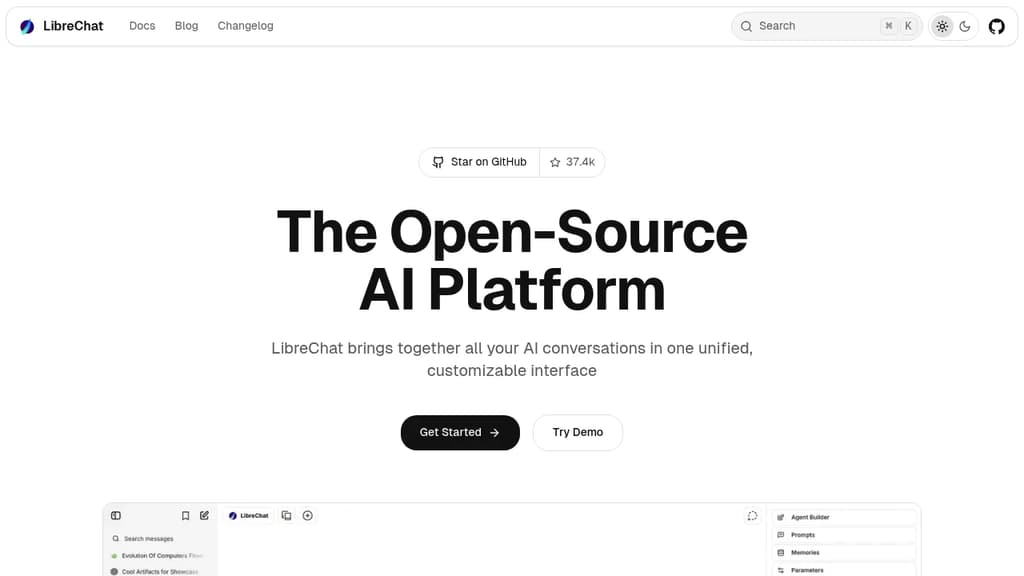
LibreChat is a self-hostable chat interface that connects to virtually every major AI provider from one place. Instead of juggling separate tabs for OpenAI, Anthropic, Google, and others, you get a single UI where you can switch models mid-conversation, compare responses, and manage everything under one login. It's built for teams and organizations that want control over their AI tooling without depending on a SaaS vendor.
The platform sits in the same space as Open WebUI and LobeChat, but LibreChat leans heavily into multi-user deployments. Admins can manage users, set spending limits, assign roles, and configure which models each user can access. That makes it practical for companies rolling out AI access across a team rather than just personal use.
Key capabilities include:
- Multi-provider support: Connect OpenAI, Azure OpenAI, Anthropic, Google Gemini, Mistral, and more, including local models via Ollama.
- Custom agents: Build agents with specific instructions, tools, and model configurations that persist across sessions.
- File handling: Upload images, PDFs, and documents directly into conversations for context-aware responses.
- Plugins and tools: Extend conversations with web search, code execution, and third-party integrations.
- Conversation branching: Fork any message to explore different directions without losing the original thread.
- Presets: Save model configurations and system prompts as reusable presets for consistent workflows.
LibreChat fits into the broader AI chat interfaces category but stands out for its depth of configuration. The UI closely mirrors ChatGPT's layout, which flattens the learning curve for teams migrating off proprietary tools. With over 37,000 GitHub stars and 35 million Docker pulls, it has significant real-world adoption behind it.

Jan runs open-source AI models on your own hardware or connects to cloud providers like OpenAI, Anthropic, and Google, keeping your conversations off third-party servers.
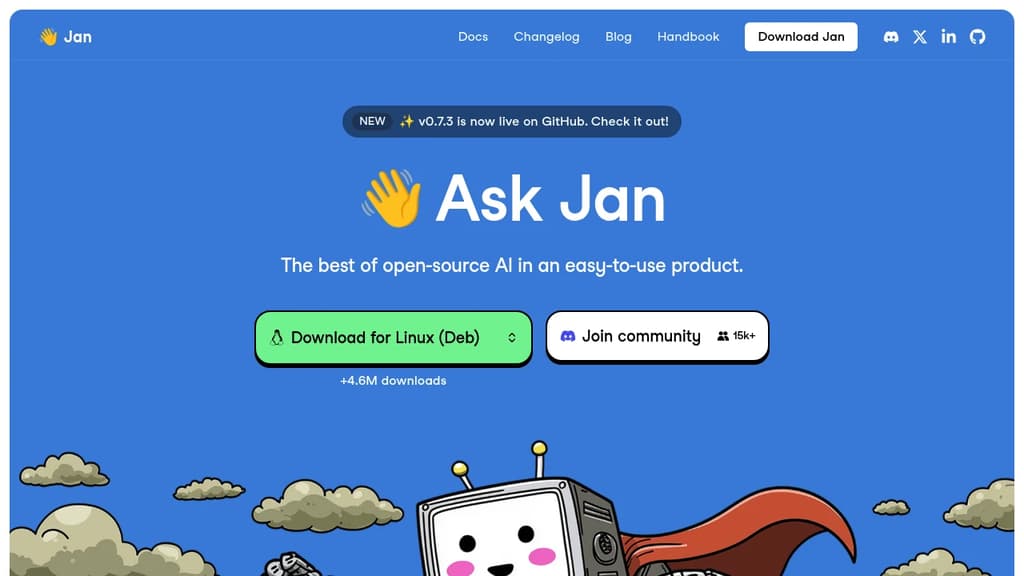
Jan is a desktop AI chat app built for people who want the capabilities of ChatGPT without handing their conversations to a cloud service. It runs entirely on your own machine using open-source models, or you can connect it to hosted providers when you need more power. Either way, you stay in control.
The model selection is broad. Out of the box, Jan supports:
- Local models like Llama, Mistral, Qwen, Gemma, and DeepSeek, downloaded and run on your hardware
- Cloud providers including OpenAI, Anthropic (Claude), Google (Gemini), and others, connected via API key
- Switching between them without leaving the app, so you're not locked into one backend
This flexibility is what separates Jan from simpler local-model runners. You get offline capability when you want privacy, and cloud fallback when a task demands it.
Jan is built in public and has crossed 5.7 million downloads, which puts it among the more widely adopted self-hosted AI interfaces alongside tools like Open WebUI and LibreChat. The codebase is open, community-driven, and free.
The interface is clean and focused on conversation. A memory feature is in development that will carry context and preferences across sessions, so you won't need to re-explain your setup or working style each time you start a new chat.
It's a practical fit for developers, designers, researchers, or anyone who handles sensitive work and doesn't want that data leaving their machine. Local inference does require reasonable hardware, but Jan handles model management inside the app, so you don't need to touch a terminal to get started.

Self-hostable AI assistant that connects to your docs and the web, lets you build agents, schedule automations, and run research with verifiable citations.
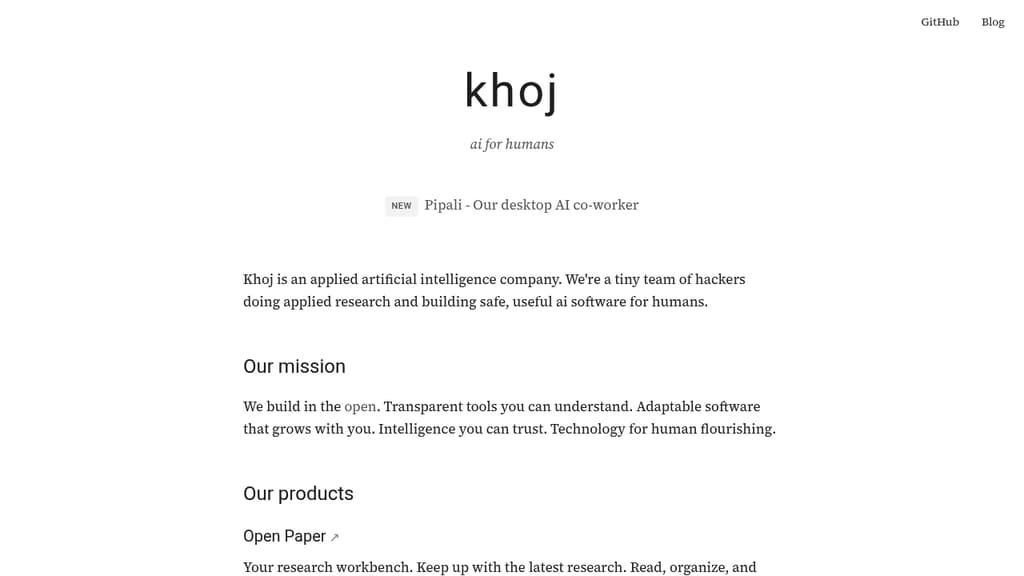
Khoj is a personal AI platform built for people who want a capable assistant they can actually trust. It connects to your documents and the web, turning any supported AI model into a research partner, automation engine, and second brain. The focus is transparency: citations are verifiable, behavior is inspectable, and you stay in control of what it accesses.
At its core, Khoj is designed around three distinct use cases:
- AI second brain: Ingest your own documents, then ask questions, get summaries, or run research across both your files and live web sources. Agents can be built on top to handle recurring tasks.
- Research workbench: Read and organize academic papers with citations you can check. Useful for anyone tracking a field or doing structured literature review.
- AI co-worker (beta): Assign multi-step tasks, track their progress, and receive polished outputs. This runs locally on your machine, keeping sensitive work off third-party servers.
Because it's open source and self-hostable, you're not locked into a single model or vendor. Swap the underlying model, run it on your own infrastructure, and keep your data private. That's a real distinction from closed alternatives like Humanloop or proprietary chat tools.
Khoj sits in similar territory to LobeChat and LLMChat, but leans harder into autonomous agents and scheduled automations rather than pure conversational UI. The scheduled automation feature means Khoj can run tasks on a cadence without you initiating each one manually.
It's a good fit for researchers, knowledge workers, and developers who want an AI assistant with genuine depth rather than a thin chat wrapper.

Leon is an AI-powered virtual assistant that lives on your server, automating tasks and managing your digital life with privacy and customization.

Leon is your open-source personal assistant designed to live on your server and automate your digital life. Built on Node.js, Python, and AI concepts, Leon offers a privacy-focused alternative to commercial virtual assistants.
Key features of Leon include:
- Privacy-first: Leon runs on your own server, giving you full control over your data and interactions.
- Modular architecture: Easily extend Leon's capabilities with custom packages and modules to fit your specific needs.
- AI-powered: Leveraging natural language processing (NLP), text-to-speech (TTS), and speech-to-text (STT) technologies for intuitive interactions.
- Multi-platform support: Interact with Leon through various interfaces, including web, mobile, and command-line.
- Customizable voice: Choose from multiple TTS and STT options, including offline solutions for enhanced privacy.
- Open-source community: Benefit from continuous improvements and contributions from a passionate developer community.
Leon empowers you to automate your virtual life by handling tasks, managing information, and providing assistance across various domains. Whether you need help with scheduling, information retrieval, or custom automation workflows, Leon can be tailored to your specific requirements.
Getting started with Leon is easy:
- Install Leon on your server using the provided CLI tool.
- Customize Leon's modules and skills to suit your needs.
- Interact with Leon through your preferred interface.
- Enjoy a personalized, privacy-respecting virtual assistant experience.
Join the Leon community today and take control of your digital life with an open-source assistant that puts you in charge.

Open-source answer engine that dynamically generates UI components while providing AI-powered responses, combining conversational AI with interactive interfaces.
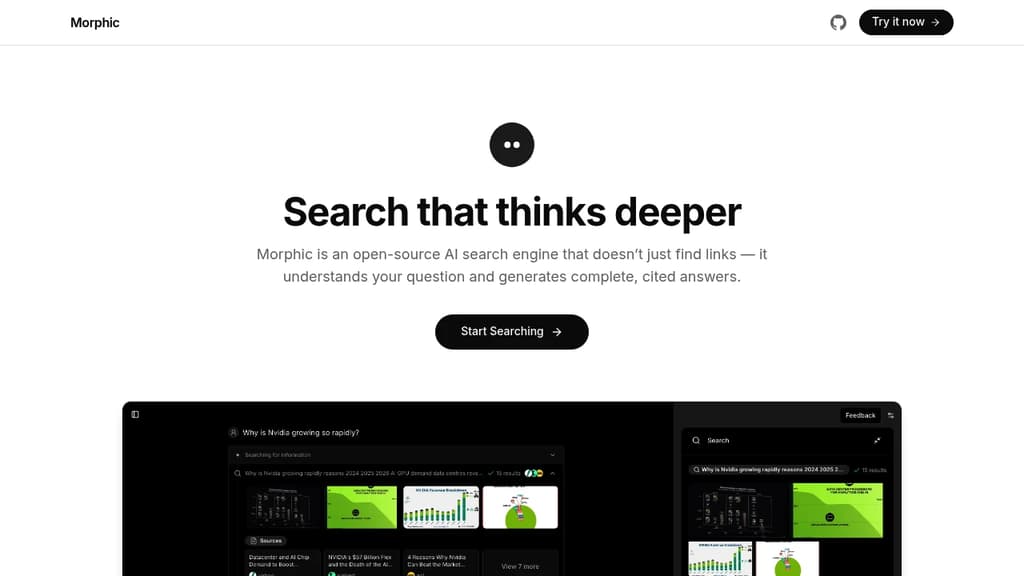
Morphic revolutionizes the way users interact with AI systems by dynamically generating user interfaces as part of its response mechanism. This open-source answer engine goes beyond traditional chatbot interactions by creating contextual UI elements that enhance the user experience.
Key capabilities:
- Generates custom UI components on-the-fly based on user queries
- Provides AI-powered responses with interactive elements
- Handles diverse query types from quick searches to complex analysis
- Creates visual summaries and interactive displays
- Supports both conversational and structured data interactions
The system excels at adapting its interface to match user needs, whether it's displaying comparative analyses, generating charts, or presenting document summaries. Its open-source nature allows for community contributions and customizations, making it a versatile tool for developers and end-users alike.

Cross-platform desktop AI assistant supporting multiple providers, local knowledge base, and custom prompts. Integrates MCP protocol for enhanced AI tool capabilities.
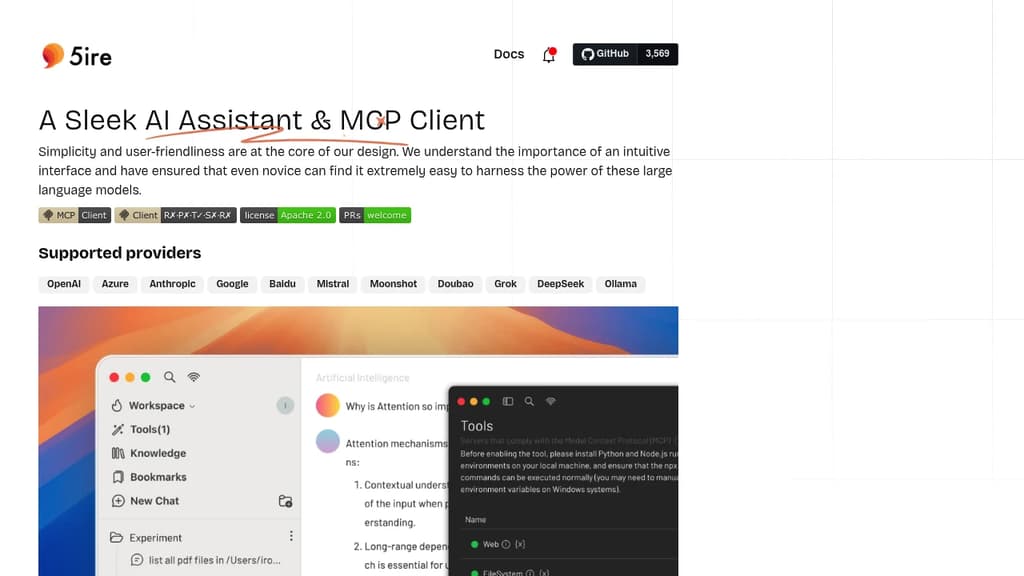
5ire brings sophisticated AI capabilities to your desktop with a clean, intuitive interface that makes advanced AI features accessible to everyone. The application stands out with its support for multiple leading AI providers including OpenAI, Anthropic, Google, and Mistral.
A key differentiator is the integration of the Model Context Protocol (MCP), which acts like a universal connector for AI applications. This allows 5ire to leverage various tools for file system access, database interactions, and remote data retrieval, expanding far beyond simple chat capabilities.
The built-in local knowledge base powered by bge-m3 embedding model enables multilingual document processing and vectorization. Users can analyze docx, pdf, xlsx, and other document formats for powerful local Retrieval-Augmented Generation. Additional features include:
- Usage analytics to track API spending and optimize costs
- Custom prompt library with variable support for reusable templates
- Conversation bookmarks that persist even after message deletion
- Full-text search across all conversations
- Free and open source with cross-platform support
5ire combines enterprise-grade AI capabilities with user-friendly design, making it an ideal choice for both casual users and professionals seeking a powerful desktop AI assistant.

A mobile app for interacting with private, local large language models that work offline and are optimized for Apple silicon.
fullmoon is a revolutionary mobile app that brings the power of large language models to your pocket.
Here's what makes it stand out:
- Private and Local: Chat with AI models that run entirely on your device, ensuring your conversations remain private and secure.
- Offline Capability: Enjoy uninterrupted AI assistance even without an internet connection, perfect for travel or areas with poor connectivity.
- Optimized for Apple Silicon: Leveraging the power of Apple's custom chips, fullmoon delivers fast and efficient performance on iOS, iPadOS, macOS, and visionOS devices.
- Customizable Experience: Personalize your interaction by adjusting themes, fonts, and system prompts to suit your preferences.
- Integration with Apple Ecosystem: Use Shortcuts to incorporate AI-powered text generation into your workflows seamlessly.
- Open Source and Free: fullmoon is completely free to use and open source, allowing for transparency and community contributions.
- Multiple Model Support: Choose from different language models, including Llama-3.2-1B-Instruct and Llama-3.2-3B-Instruct, optimized for mobile devices.
Whether you're a writer seeking inspiration, a student looking for study assistance, or a professional needing quick information, fullmoon puts the power of AI in your hands, all while prioritizing your privacy and device performance.

Open-source chat application that lets you interact with multiple AI models in one interface, offering flexible conversations and diverse capabilities.
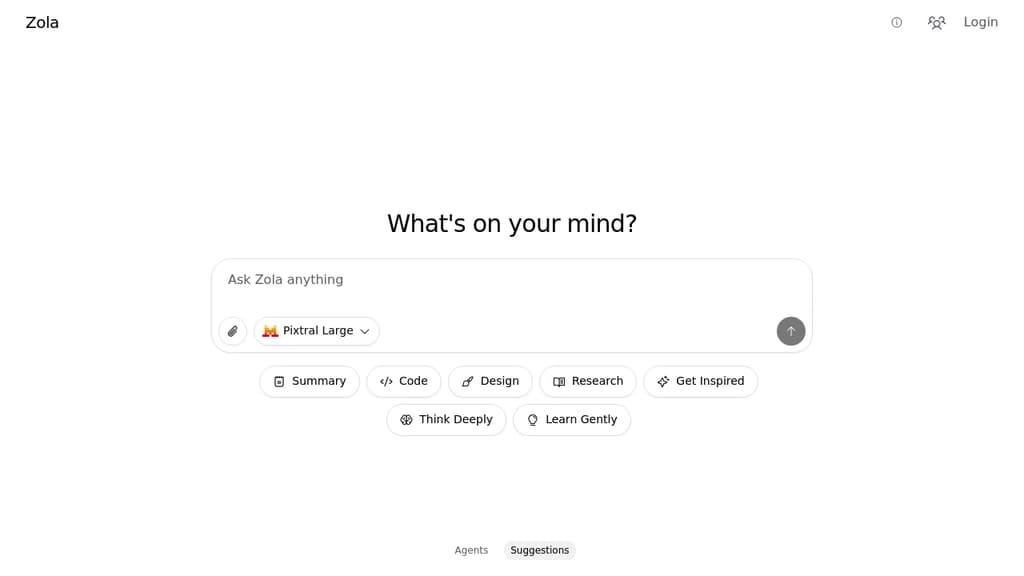
Zola brings a fresh approach to AI chat interactions with its multi-model support and intuitive interface. This open-source application serves as your versatile AI companion, allowing you to seamlessly switch between different AI models for varied conversation styles and capabilities.
The app features a clean, user-friendly design with dedicated sections for different thinking modes - from quick summaries to deep research and creative inspiration. Smart suggestions help guide your interactions, while the agent system enables more focused and specialized conversations.
Key features include:
- Multiple AI model integration
- Specialized conversation modes
- Built-in suggestion system
- Clean and intuitive interface
- Research and learning assistance
- Creative inspiration tools
As a free and open-source solution, Zola offers a transparent and customizable platform for engaging with AI technology, making advanced AI interactions accessible to everyone.

People are looking for alternatives to...
View all alternatives
Claude Code

Spotify

CapCut

Claude

Notion

Lovable
 c15t – Open-source cookie banner, built for control and lightening fast modern web apps.


 CodeRabbit