Open Source Craft Alternatives
A curated collection of the 11 best open source alternatives to Craft.
The best open source alternative to Craft is AppFlowy. If that doesn't suit you, we've compiled a ranked list of other open source Craft alternatives to help you find a suitable replacement. Other interesting open source alternatives to Craft are: Joplin, Logseq, Outline, and Docmost.
Craft alternatives are mainly Personal Knowledge Management (PKM) Tools but may also be Note-Taking Tools or Secure & Encrypted Notes. Browse these if you want a narrower list of alternatives or looking for a specific functionality of Craft.

Written by Piotr Kulpinski


Open source collaborative workspace combining notes, databases, and AI with full data ownership, offline support, and self-hosting options.
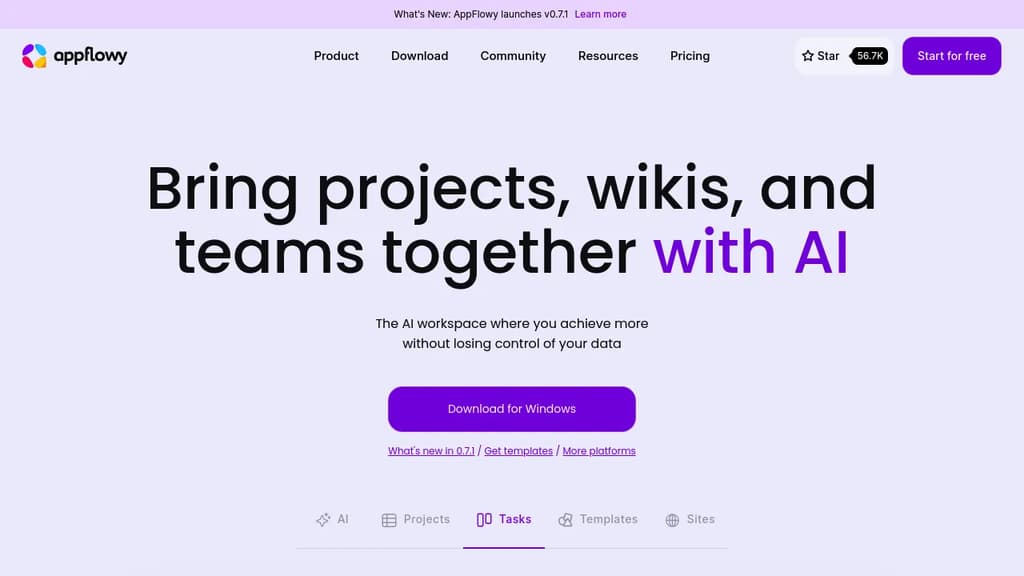
AppFlowy is an open source workspace that brings together documents, wikis, project tracking, and team collaboration in one place. It's built as a self-hostable alternative to tools like Notion, designed for people who want a modern workspace without handing their data to a third-party cloud.
The core of the product is a block-based editor paired with flexible databases. You can build pages with rich content types, attach properties and labels to records, and switch between different views of the same data. Grids, boards, and calendars are all available. Custom themes and fonts let you adjust the look to your preference.
AI is built directly into the workspace, not bolted on as a separate add-on. You can ask questions across your pages, generate and improve writing, and autofill database fields from existing content. AppFlowy supports multiple AI backends including GPT-5, Gemini 2.5, and Claude 3.7, and it also supports running local models like Mistral 7B and Llama 3 on your own machine. That local option matters for teams or individuals who need AI assistance without sending data to external servers — something tools like Flowise AI or Langflow approach from a different angle.
Offline mode is fully supported. The app works without an internet connection and syncs when connectivity returns, across desktop and mobile. iOS and Android apps are available alongside the desktop clients.
Self-hosting is a first-class option, not a workaround. You can run AppFlowy on your own infrastructure with no vendor lock-in. For teams that can't store sensitive information in someone else's cloud, this is a practical path. If you're also evaluating Baserow for database-heavy workflows or OpenWork for team collaboration, AppFlowy sits at the intersection of both.
The project has over 400 contributors and a community spanning more than 215 countries. A plugin and template ecosystem is actively growing, which extends the toolbox beyond what ships by default.

Cross-platform note-taking app with end-to-end encryption, Markdown support, web clipping, and sync via Dropbox, OneDrive, or Joplin Cloud.
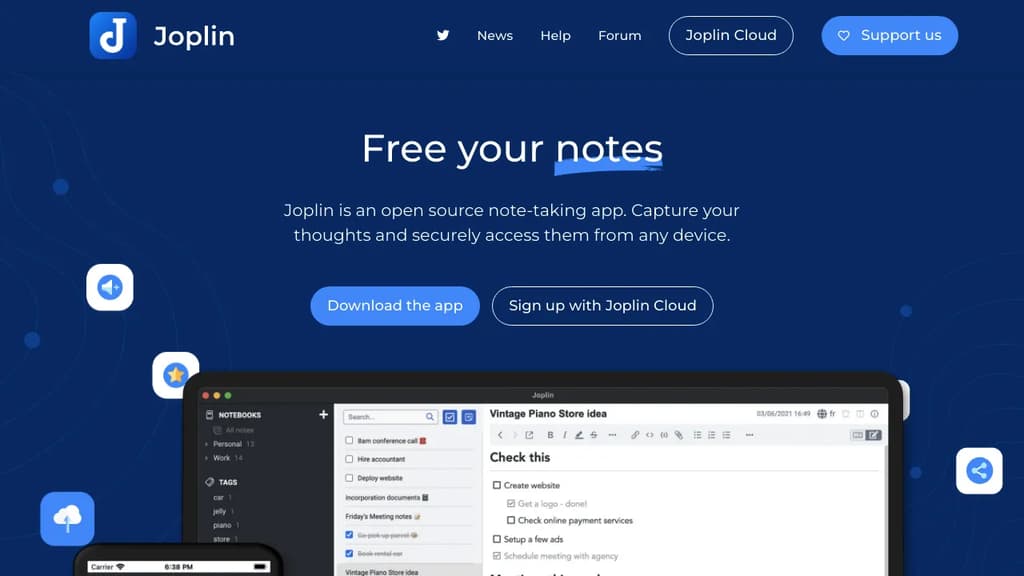
Joplin is a note-taking app built around two principles: your data stays yours, and it works everywhere. It runs on Windows, macOS, Linux, Android, and iOS, with a terminal app for those who prefer the command line. Notes are stored in an open format, so you're never locked in.
The headline feature is end-to-end encryption (E2EE). Unlike Evernote or OneNote, Joplin encrypts your notes before they leave your device, meaning no third party can read them, not even the sync provider. For anyone serious about keeping notes private, that's a meaningful distinction.
What you can do with it:
- Write in Markdown or Rich Text depending on your preference, with support for math expressions and diagrams built in
- Clip web pages directly into notes using browser extensions for Chrome and Firefox
- Attach anything: images, audio, PDFs, and videos all live inside notes
- Sync across devices via Joplin Cloud, Dropbox, or OneDrive
- Collaborate and share through Joplin Cloud, including publishing individual notes to a public URL
- Extend the app with plugins, custom themes, and a full Extension API for building your own tools
Joplin Cloud, the optional hosted sync service, is based in France and subject to EU privacy law. It's a paid add-on, but Joplin works fine with Dropbox or OneDrive if you'd rather not pay.
The plugin ecosystem is mature. There are community-built plugins for task management, kanban boards, note templates, and more, making it closer to a personal knowledge base than a simple notepad. If you've outgrown Google Keep or want something more private than Apple Notes, Joplin covers a lot of ground without requiring a subscription.
Local-first, open-source knowledge management tool with bidirectional linking, outlines, flashcards, PDF annotations, and whiteboards for building a connected second brain.
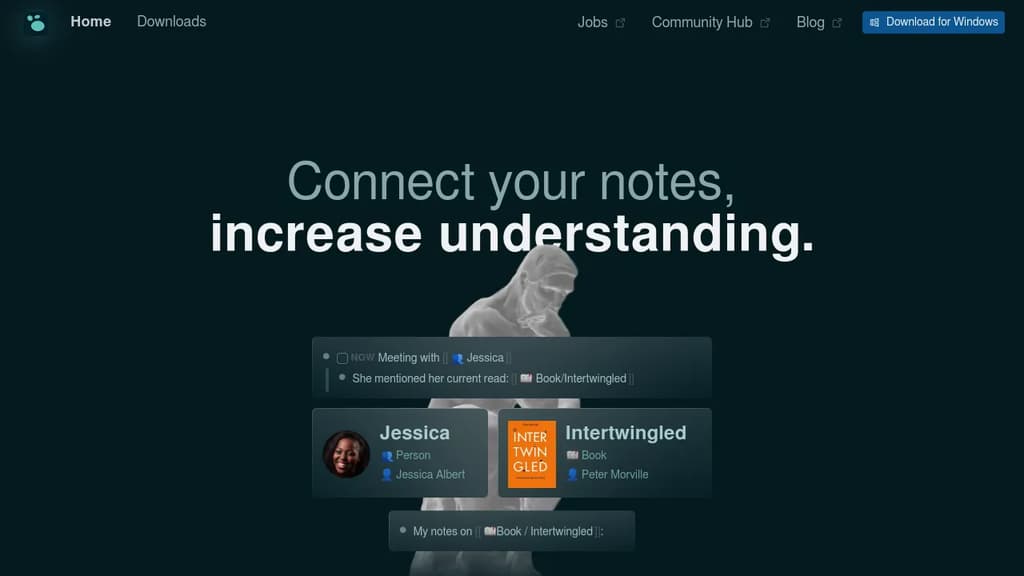
Logseq is a local-first knowledge base for people who work with a lot of information and can't afford to lose the thread. Your notes live as plain Markdown files on your own device, so you own them completely. No subscription required for personal use, no vendor lock-in, and no cloud dependency unless you want one.
It's built around an outliner model where every bullet is a block you can reference, embed, or query from anywhere in your notes. That structure makes it easy to build connections between ideas over time rather than hunting through disconnected documents. If you've tried tools like Obsidian or Roam Research and wanted something fully open source with strong privacy defaults, Logseq is the closest match.
Key capabilities:
- Bidirectional linking connects pages and blocks so related ideas surface automatically
- Outliner-based editing lets you nest, collapse, and reorganize thoughts at any depth
- Flashcards turn any block into a spaced-repetition card for memorizing facts
- PDF annotations keep highlights and notes alongside the source document
- Whiteboards give you an infinite canvas to arrange and connect blocks visually
- Queries let you pull structured tables of information from across your notes
- 150+ plugins extend the core with community-built functionality
- Encrypted sync keeps notes consistent across devices without exposing your data
The daily journal is the default entry point. Capture everything there and let Logseq's linking and query system turn that raw input into something navigable. It suits students reviewing class notes, writers outlining drafts, developers keeping project context, and anyone who needs meeting notes that don't disappear into a folder.
Compared to a tool like Notion, Logseq keeps everything local and doesn't require a browser. Unlike SiYuan or AnyType, its plain-text Markdown storage means your notes are readable in any editor, long after the app itself might change.

Team knowledge base with real-time collaboration, AI-powered search, Slack integration, and self-hosting support for internal docs and wikis.
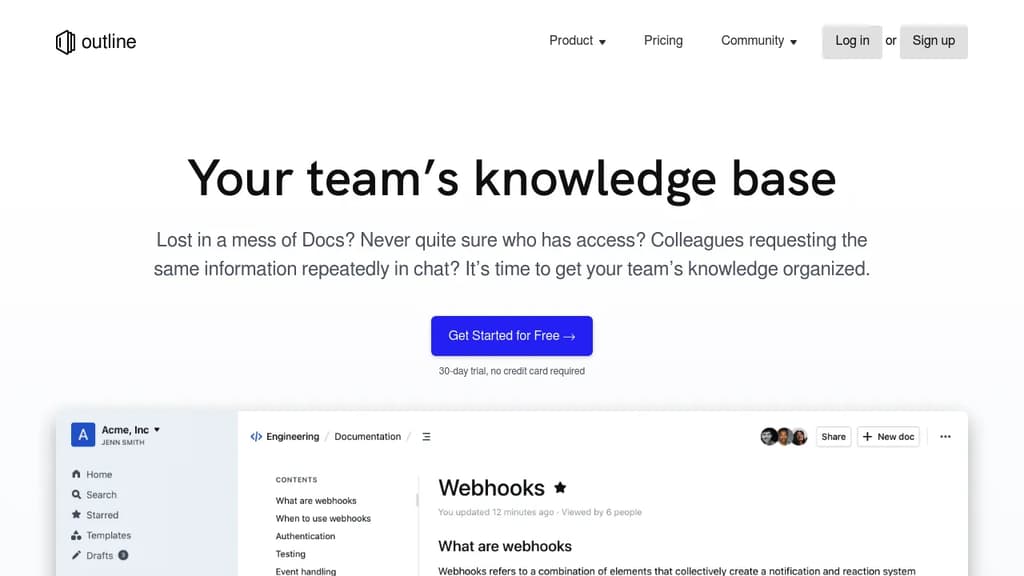
Outline is a team knowledge base built for companies that have outgrown scattered docs, messy shared drives, and repeated Slack questions. It gives teams a single place to write, organize, and find internal documentation, from product specs and onboarding guides to meeting notes and support answers. It's available as a cloud-hosted service or self-hosted on your own infrastructure.
The editor is fast. Documents load instantly, search returns results in milliseconds, and the UI stays snappy even in large workspaces. Writing feels close to plain text, with markdown support and slash commands, but you also get interactive embeds, real-time multiplayer editing, and threaded comments for keeping conversations tied to specific content.
Key capabilities include:
- AI-powered search that lets you ask questions about your documents and get direct answers, not just a list of links
- Slack integration for searching, sharing, and asking questions without leaving chat, plus channel notifications when docs change
- Granular permissions with read/write controls, user groups, guest access, and public sharing via link
- Custom branding with your own domain, colors, and logo
- 20+ integrations including Figma and Loom
- Localization with RTL support and translations in 20 languages
Outline sits in the same space as tools like Docmost or AppFlowy for collaborative wikis, but it's particularly focused on speed and team-wide usability rather than personal note-taking. Unlike personal tools such as Logseq, Outline is designed around shared workspaces with access controls from the start.
The codebase is open source, and self-hosting is a first-class option for teams that need to keep data on their own servers. A cloud-hosted plan with a 30-day free trial is also available for teams that want to get started without managing infrastructure.

Self-hosted wiki platform for enterprise teams with real-time collaboration, built-in AI, SSO, RBAC permissions, and compliance support for ITAR, FedRAMP, and GDPR.
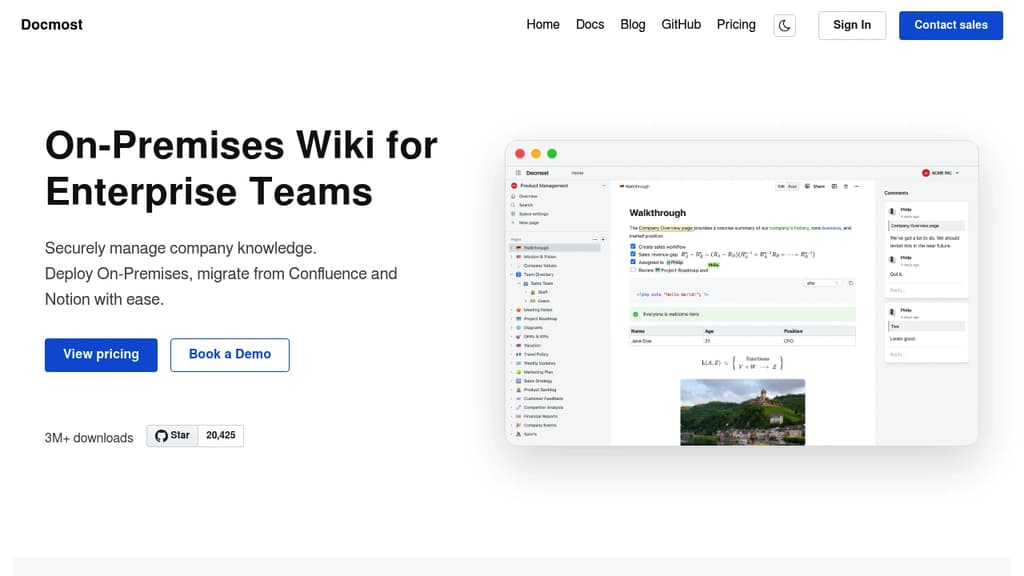
Docmost is a self-hosted wiki platform built for teams that need full control over their data. It's aimed at organizations where compliance isn't optional: defense contractors, regulated industries, and companies subject to GDPR or FedRAMP requirements. You deploy it on your own servers, including air-gapped or isolated environments, and your data never leaves your infrastructure.
The editor supports rich text, tables, code blocks, and real-time collaboration with live cursors. Multiple people can edit the same page simultaneously, with changes syncing instantly across devices. Pages are organized into team spaces, so departments or projects can maintain their own areas without everything bleeding together.
Key capabilities:
- AI assistant that works with self-hosted models (Ollama, vLLM) or cloud providers (OpenAI, Gemini, Azure OpenAI). Chat with your knowledge base, get answers with source citations, and search semantically across all spaces.
- MCP server support exposes your wiki to AI tools like Claude or Cursor via the Model Context Protocol, with no vendor lock-in.
- Built-in diagramming via Draw.io, Excalidraw, and Mermaid, covering everything from UML to quick whiteboard sketches.
- Page verification workflows for tracking reviews and approvals, supporting ISO 9001, ISO 27001, and SOC 2 compliance.
- Enterprise authentication with SAML 2.0, OpenID Connect, LDAP, and MFA.
- RBAC permissions with granular control over who can view, edit, or administer content.
Teams migrating from Confluence or Notion can import existing content directly, including HTML and Markdown files. Integrations cover Figma, Airtable, Google Drive, Miro, Loom, and others, so pages can embed content from tools teams already use.
Docmost sits in the same space as Outline and XWiki, but its combination of self-hosted AI, MCP support, and compliance-focused deployment options makes it a strong fit for organizations that need a collaborative knowledge base without relying on third-party cloud infrastructure.

Transform document collaboration with real-time editing, version control, and secure sharing features that enhance team productivity and communication.
A powerful document collaboration platform that brings teams together for seamless content creation and editing. Real-time collaboration allows multiple users to work simultaneously on documents, with changes reflected instantly across all users.
The platform offers robust version control to track changes and maintain document history, making it easy to review edits and revert to previous versions when needed. Smart commenting and annotation features enable contextual discussions right within documents.
Key features include:
- Intuitive rich text editing with formatting tools
- Secure document sharing with customizable permissions
- Automatic saving and backup
- Cross-platform compatibility for access anywhere
- Integration with popular productivity tools
- Offline mode for uninterrupted work
Whether you're writing business proposals, technical documentation, or creative content, Docs provides the tools needed for efficient document management and team collaboration.

End-to-end encrypted note-taking app with zero-knowledge architecture, cross-device sync, web clipper, and a self-hostable sync server.
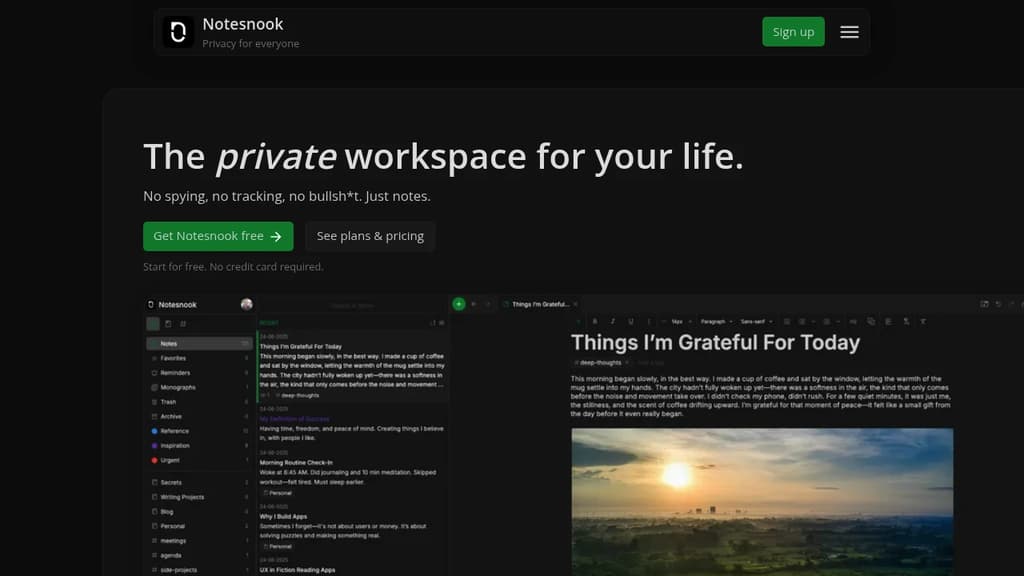
Notesnook is a secure, encrypted note-taking app built around one principle: your notes are yours alone. Every note is encrypted on your device before it syncs anywhere. The company can't read your data. Neither can anyone else.
It's a direct alternative to Evernote, OneNote, and similar apps that store your notes in plaintext on their servers. Notesnook takes a different approach with XChaCha20 encryption and Argon2 key derivation, and you can verify it yourself using their open source tool, Vericrypt, which works entirely offline against real account data.
The full client and sync server are open source. You can self-host the sync server if you want complete independence from their infrastructure.
Key features:
- End-to-end encryption on every note, notebook, and attachment, at rest and in transit
- Cross-device sync across mobile, desktop, and browser, all encrypted
- Notes vault for password-protecting your most sensitive notes with an additional layer of encryption
- App lock that automatically locks your database when you step away
- Rich editor with tables, task lists, math formulas, code blocks, image embeds, outlines, and Markdown
- Bidirectional note linking to connect related ideas, useful for research or planning workflows similar to Logseq
- Web Clipper for saving pages and articles without tracking
- Reminders built in, so you don't need a separate task app
- Password-protected sharing for sending notes to others securely
Notesnook works well as a privacy-focused alternative to Joplin or Standard Notes for users who want a polished interface alongside strong encryption. The free tier covers the core experience across all platforms, with a paid plan for power users.

A local-first, encrypted workspace for notes, tasks, databases, and chats. Your data stays on your device, syncs peer-to-peer, and never passes through a central server.
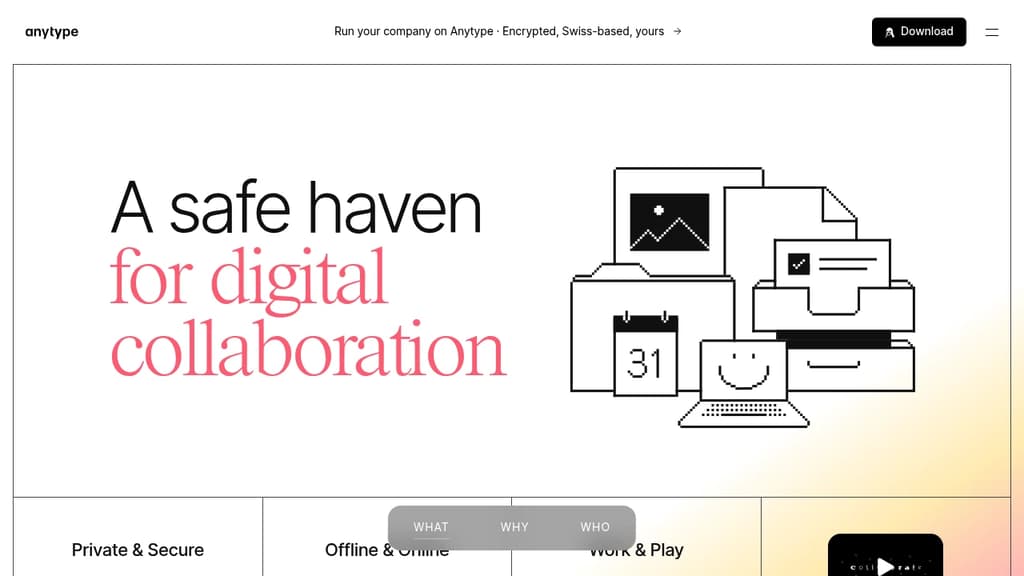
Anytype is a local-first workspace where your data lives on your device, encrypted with keys only you hold. It's built for people who want the flexibility of a tool like Notion or Nuclino without handing their data to a company's servers. Notes, tasks, databases, wikis, and chats all live in one place, and none of it is readable by anyone but you.
The privacy model is the core differentiator. Anytype uses on-device encryption by default. No server sits between your devices; sync happens peer-to-peer over local networks. You can also self-host your own backup node. There's no account recovery through a third party because no third party ever has your keys.
Beyond privacy, it's a capable creation tool:
- Block-based editor for composing pages, notes, and documents with rich formatting
- Databases with multiple views including table, kanban, and gallery layouts
- Templates to standardize recurring structures across your workspace
- Graph view to visualize relationships between objects
- Widgets for surfacing frequently used content on your home screen
- Offline-first operation, so the app works fully without an internet connection
- Native mobile apps for iOS and Android with touch-optimized navigation
The object model is flexible. Everything in Anytype is an "object" with its own type and relations, which means a task, a contact, a note, and a project can all link to each other in structured ways. It's closer to a personal knowledge graph than a simple note-taking app.
For teams, Anytype supports shared spaces with collaborative editing, making it a self-sovereign alternative to tools like Affine for groups that need both privacy and real-time collaboration. A business tier adds features for larger organizations.
The underlying protocols are open, built by Any, a Swiss non-profit association, so third-party developers can build on top of them without permission.

Cross-platform note-taking app with end-to-end encryption, offline access, and powerful organization features for privacy-conscious users.
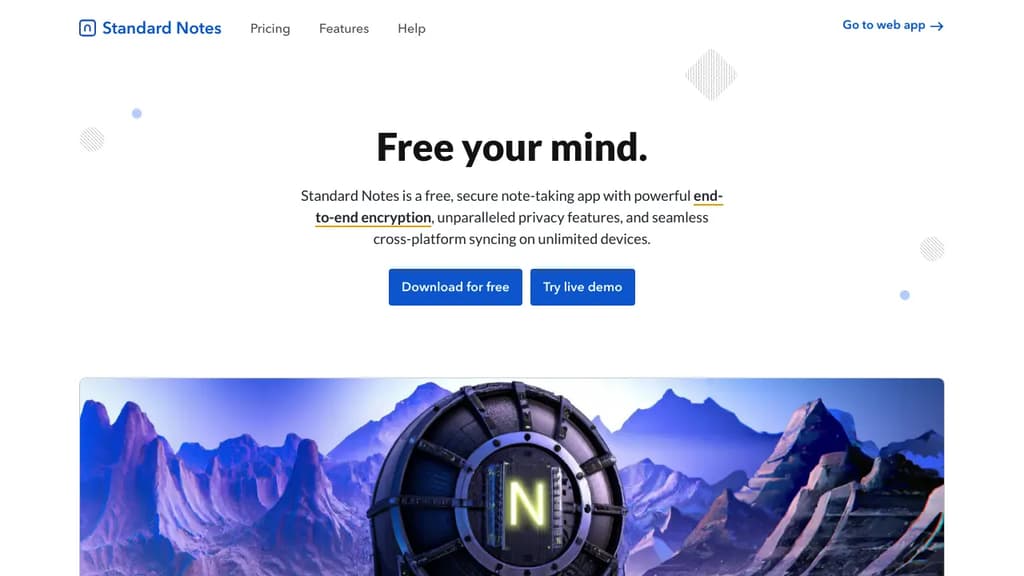
Standard Notes is a powerful, open-source note-taking application designed for those who value privacy and security in their digital lives. With a focus on simplicity and robust encryption, it offers a seamless experience across all your devices.
Key benefits of Standard Notes include:
- End-to-end encryption: Your notes are protected with AES-256 encryption, ensuring that only you can access your data.
- Cross-platform synchronization: Seamlessly access your notes on desktop, mobile, and web browsers.
- Offline access: Work on your notes anytime, anywhere, even without an internet connection.
- Markdown support: Write and format your notes efficiently using Markdown syntax.
- Customizable experience: Extend functionality with editors, themes, and components through the Extensions system.
- Long-term data integrity: With encrypted backups and data portability, your notes are safe and accessible for years to come.
- Open-source transparency: The codebase is open for review, fostering trust and community-driven improvements.
- No ads or tracking: Your privacy is respected with a clean, distraction-free interface.
Standard Notes offers both free and paid plans, allowing users to choose the level of features that best suits their needs. Whether you're jotting down quick thoughts, managing complex projects, or safeguarding sensitive information, Standard Notes provides a secure and versatile solution for all your note-taking requirements.

OpenNotas is a multi-platform, end-to-end encrypted note-taking app that offers simplicity, synchronization, and offline functionality.
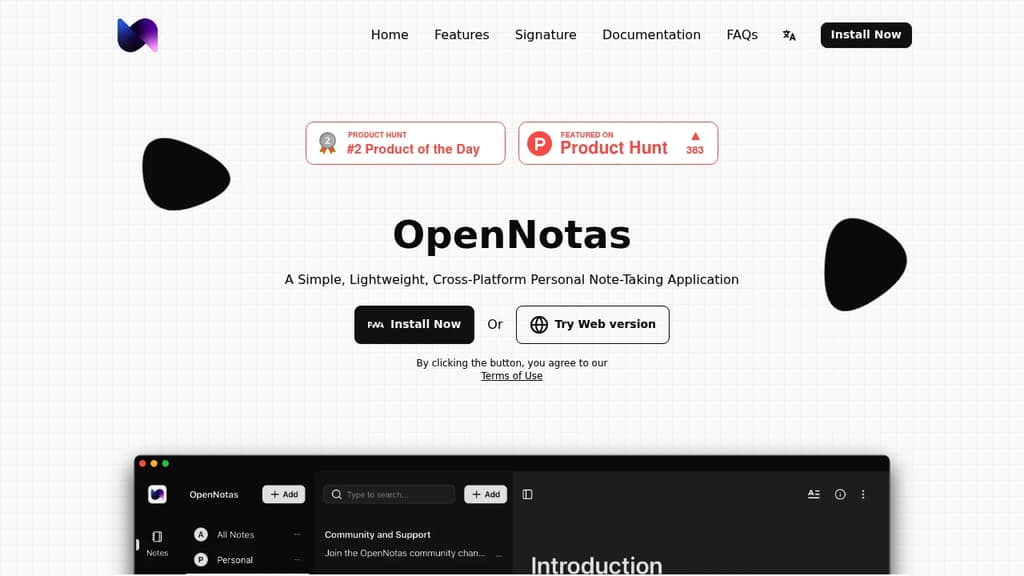
OpenNotas is a versatile and user-friendly note-taking application designed for personal use across multiple platforms. Here are its key features and benefits:
-
Simplicity: OpenNotas boasts an intuitive interface, allowing users to start writing notes immediately without navigating complex settings.
-
Multi-platform support: Available on various devices and operating systems, including mobile phones, computers, Windows, Linux, and macOS.
-
Synchronization: Users can sync their notes across devices through Adapter configuration, ensuring access to their information from anywhere.
-
End-to-End Encryption (E2EE): Utilizes AES algorithm to encrypt note data before storing it on the server, guaranteeing data security and privacy.
-
Offline functionality: OpenNotas can be used without an internet connection, with data stored locally and synced when connectivity is restored.
-
Free and open-source: The application is completely free to use and has its source code openly available.
-
Customizable sync options: Users can set up note syncing across devices through Adapter configuration, providing flexibility in how data is managed.
-
Data control: OpenNotas does not store user note data on its servers, giving users full control over their information.
-
Multiple language support: The application is available in various languages, including English, Vietnamese, and Traditional Chinese.
OpenNotas strikes a balance between simplicity and functionality, making it an excellent choice for users who prioritize privacy, ease of use, and cross-platform availability in their note-taking solution.
Justnote is a secure note-taking app that lets you easily create and sync notes across devices while maintaining full control of your data.
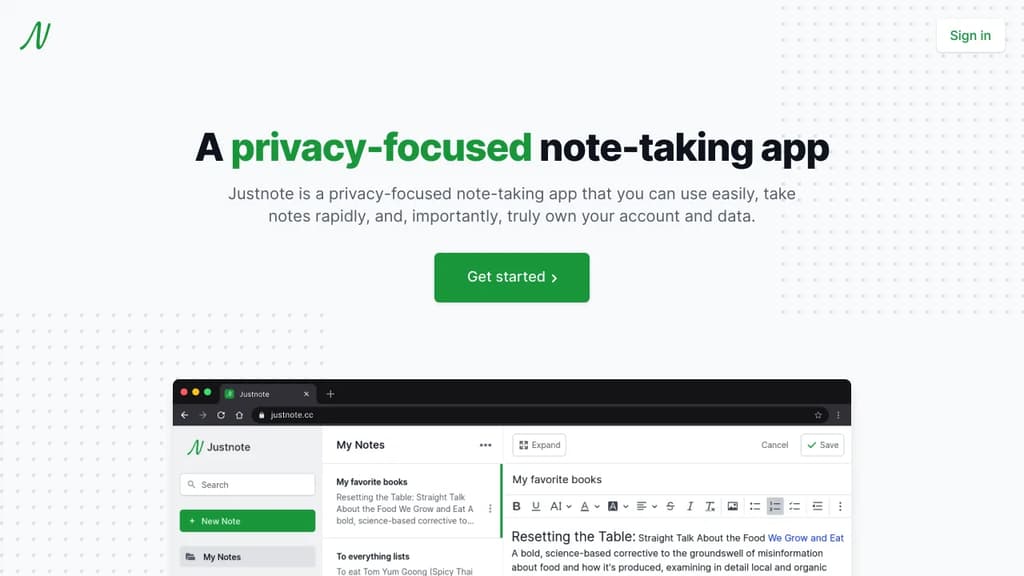
Justnote is a privacy-focused note-taking app designed for simplicity, speed, and data ownership. Key features include:
- Simple and fast interface for quick note-taking on any device
- End-to-end encryption to keep your notes private and secure
- Cross-device syncing to access notes anywhere
- Web3 technology that gives you full control of your account and data
- No ads or data mining
- Rich text editor with formatting options
- Dark mode for comfortable night-time use
- Available on web, iOS, and Android
Justnote uses blockchain technology from Stacks to create a truly decentralized app where only you can access and control your account and notes. Your data is encrypted and stored on servers of your choice.
With Justnote, you can quickly jot down ideas, to-do lists, and other notes without worrying about privacy or losing access to your data. The clean, distraction-free interface lets you focus on your thoughts.
Whether you need a simple notepad for quick memos or a secure place to store sensitive information, Justnote provides an easy-to-use and private note-taking experience across all your devices.

People are looking for alternatives to...
View all alternatives
Spotify

Claude Code

Claude

CapCut

Notion

Lovable
 Sent – A unified API for sending messages across SMS, RCS, and apps like WhatsApp.
 Bright Data