Open Source Scrivener Alternatives
A curated collection of the 5 best open source alternatives to Scrivener.
The best open source alternative to Scrivener is Joplin. If that doesn't suit you, we've compiled a ranked list of other open source Scrivener alternatives to help you find a suitable replacement. Other interesting open source alternatives to Scrivener are: Logseq, Blinko, Standard Notes, and Darkwrite.
Scrivener alternatives are mainly Note-Taking Tools but may also be Personal Knowledge Management (PKM) Tools or Secure & Encrypted Notes. Browse these if you want a narrower list of alternatives or looking for a specific functionality of Scrivener.

Written by Piotr Kulpinski


Cross-platform note-taking app with end-to-end encryption, Markdown support, web clipping, and sync via Dropbox, OneDrive, or Joplin Cloud.
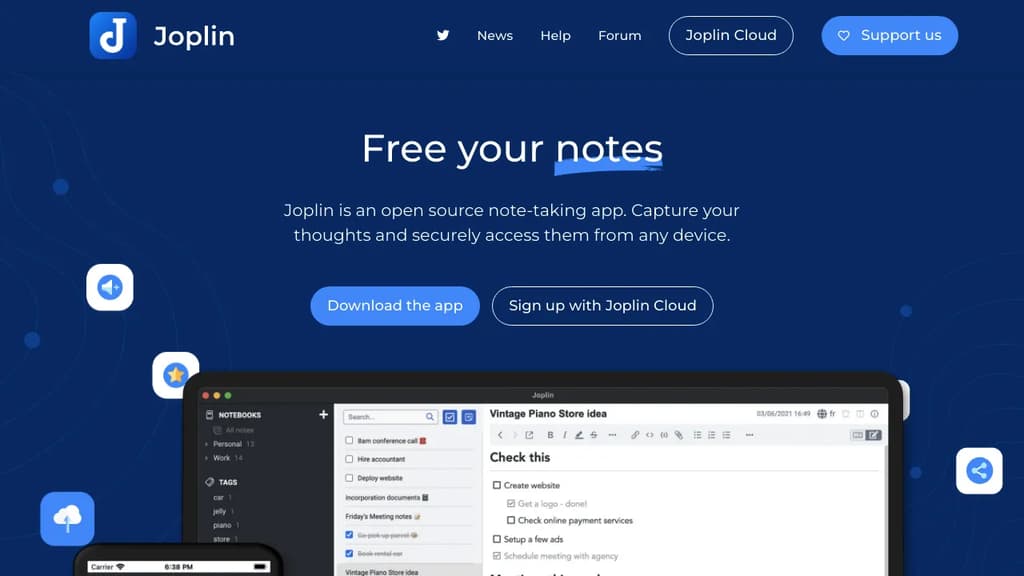
Joplin is a note-taking app built around two principles: your data stays yours, and it works everywhere. It runs on Windows, macOS, Linux, Android, and iOS, with a terminal app for those who prefer the command line. Notes are stored in an open format, so you're never locked in.
The headline feature is end-to-end encryption (E2EE). Unlike Evernote or OneNote, Joplin encrypts your notes before they leave your device, meaning no third party can read them, not even the sync provider. For anyone serious about keeping notes private, that's a meaningful distinction.
What you can do with it:
- Write in Markdown or Rich Text depending on your preference, with support for math expressions and diagrams built in
- Clip web pages directly into notes using browser extensions for Chrome and Firefox
- Attach anything: images, audio, PDFs, and videos all live inside notes
- Sync across devices via Joplin Cloud, Dropbox, or OneDrive
- Collaborate and share through Joplin Cloud, including publishing individual notes to a public URL
- Extend the app with plugins, custom themes, and a full Extension API for building your own tools
Joplin Cloud, the optional hosted sync service, is based in France and subject to EU privacy law. It's a paid add-on, but Joplin works fine with Dropbox or OneDrive if you'd rather not pay.
The plugin ecosystem is mature. There are community-built plugins for task management, kanban boards, note templates, and more, making it closer to a personal knowledge base than a simple notepad. If you've outgrown Google Keep or want something more private than Apple Notes, Joplin covers a lot of ground without requiring a subscription.
Local-first, open-source knowledge management tool with bidirectional linking, outlines, flashcards, PDF annotations, and whiteboards for building a connected second brain.
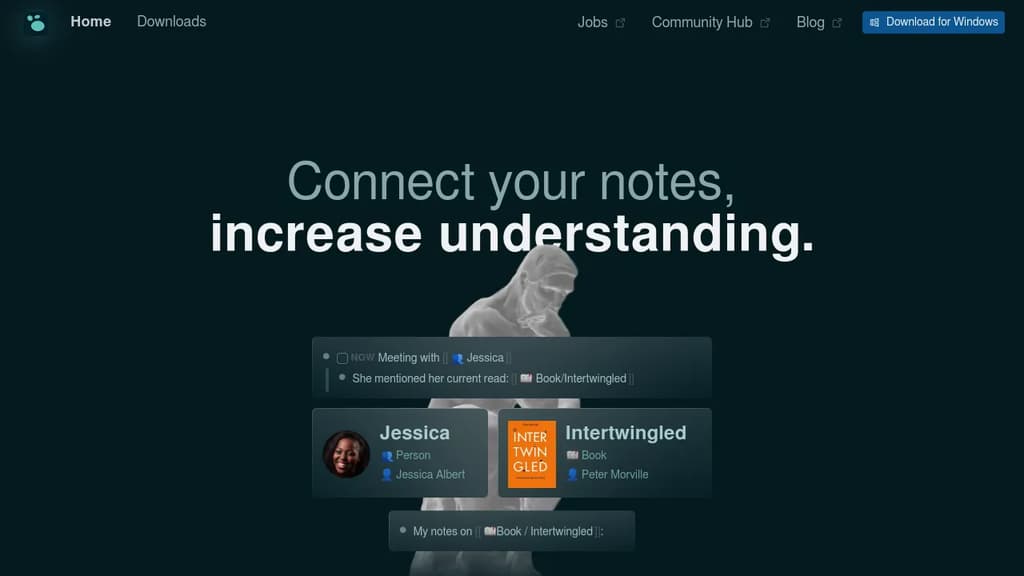
Logseq is a local-first knowledge base for people who work with a lot of information and can't afford to lose the thread. Your notes live as plain Markdown files on your own device, so you own them completely. No subscription required for personal use, no vendor lock-in, and no cloud dependency unless you want one.
It's built around an outliner model where every bullet is a block you can reference, embed, or query from anywhere in your notes. That structure makes it easy to build connections between ideas over time rather than hunting through disconnected documents. If you've tried tools like Obsidian or Roam Research and wanted something fully open source with strong privacy defaults, Logseq is the closest match.
Key capabilities:
- Bidirectional linking connects pages and blocks so related ideas surface automatically
- Outliner-based editing lets you nest, collapse, and reorganize thoughts at any depth
- Flashcards turn any block into a spaced-repetition card for memorizing facts
- PDF annotations keep highlights and notes alongside the source document
- Whiteboards give you an infinite canvas to arrange and connect blocks visually
- Queries let you pull structured tables of information from across your notes
- 150+ plugins extend the core with community-built functionality
- Encrypted sync keeps notes consistent across devices without exposing your data
The daily journal is the default entry point. Capture everything there and let Logseq's linking and query system turn that raw input into something navigable. It suits students reviewing class notes, writers outlining drafts, developers keeping project context, and anyone who needs meeting notes that don't disappear into a folder.
Compared to a tool like Notion, Logseq keeps everything local and doesn't require a browser. Unlike SiYuan or AnyType, its plain-text Markdown storage means your notes are readable in any editor, long after the app itself might change.

The next generation of open-source AI-powered card notes designed to help you quickly capture and organize inspiration so that ideas never run out.
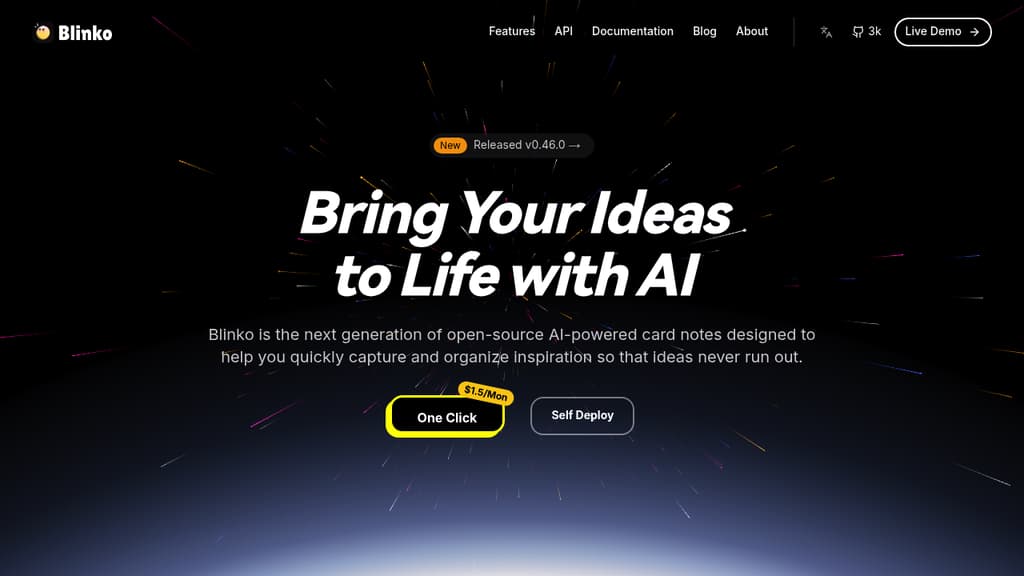
Blinko is a powerful self-hosted note-taking solution that puts you in control of your personal knowledge management. With its intuitive interface, you can:
- Create and organize notes with rich text formatting and markdown support
- Build connections between related notes to create a personal knowledge graph
- Keep your data private and secure by self-hosting on your own infrastructure
- Access your notes from anywhere through web and mobile interfaces
- Import and export notes in standard formats for data portability
- Customize the experience with themes and plugins
Perfect for students, researchers, writers, and anyone who wants to build a structured personal knowledge base while maintaining complete control over their data.

Cross-platform note-taking app with end-to-end encryption, offline access, and powerful organization features for privacy-conscious users.
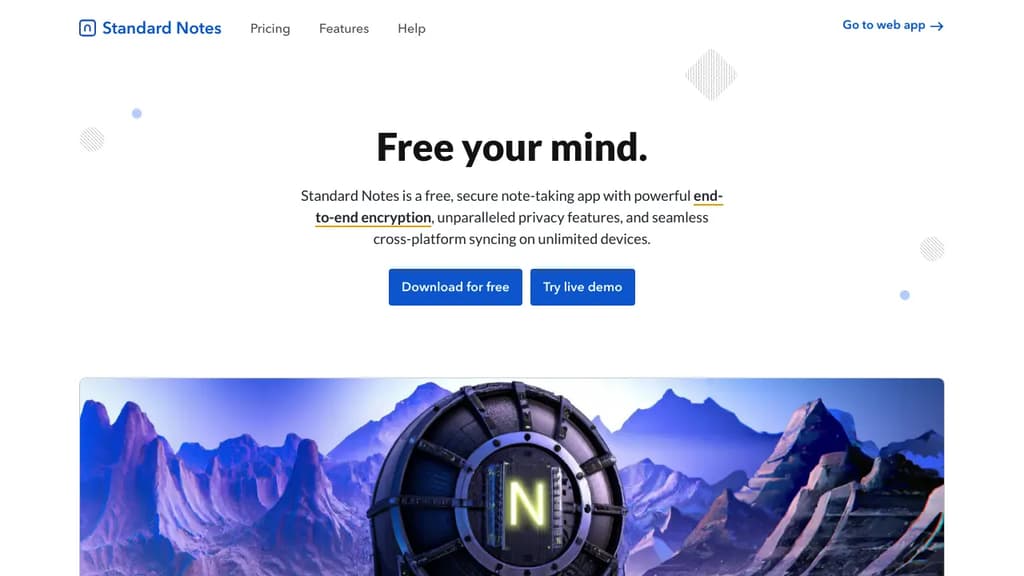
Standard Notes is a powerful, open-source note-taking application designed for those who value privacy and security in their digital lives. With a focus on simplicity and robust encryption, it offers a seamless experience across all your devices.
Key benefits of Standard Notes include:
- End-to-end encryption: Your notes are protected with AES-256 encryption, ensuring that only you can access your data.
- Cross-platform synchronization: Seamlessly access your notes on desktop, mobile, and web browsers.
- Offline access: Work on your notes anytime, anywhere, even without an internet connection.
- Markdown support: Write and format your notes efficiently using Markdown syntax.
- Customizable experience: Extend functionality with editors, themes, and components through the Extensions system.
- Long-term data integrity: With encrypted backups and data portability, your notes are safe and accessible for years to come.
- Open-source transparency: The codebase is open for review, fostering trust and community-driven improvements.
- No ads or tracking: Your privacy is respected with a clean, distraction-free interface.
Standard Notes offers both free and paid plans, allowing users to choose the level of features that best suits their needs. Whether you're jotting down quick thoughts, managing complex projects, or safeguarding sensitive information, Standard Notes provides a secure and versatile solution for all your note-taking requirements.

A customizable, offline-first note editor that lets you format text, create lists, add images, and export to HTML - all while maintaining your privacy.
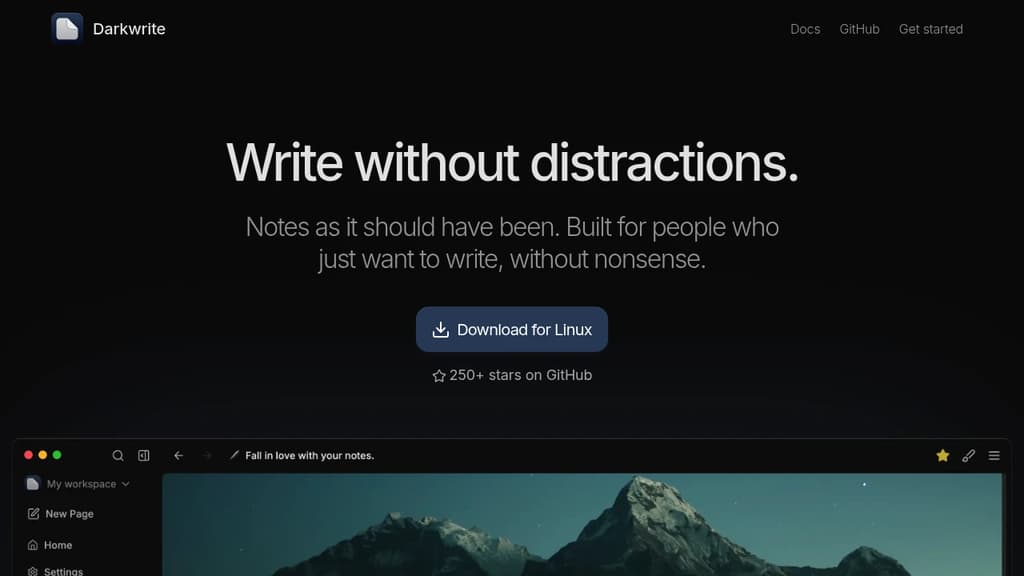
Darkwrite is a feature-rich note-taking application designed for users who value both functionality and privacy. The editor supports essential formatting options like lists, text styling, and image embedding while maintaining a clean, distraction-free interface.
Key benefits:
- Truly offline experience: All your notes are stored locally, ensuring complete privacy and constant access
- Customizable interface: Choose from multiple themes and fonts to create your perfect writing environment
- Export flexibility: Save your work as HTML files for easy sharing and backup
- Cross-platform compatibility: Available for Windows, Linux, and macOS
- Open-source transparency: Full access to the source code ensures security and trust
Whether you're taking quick notes or working on longer documents, Darkwrite provides the perfect balance of features and simplicity while keeping your data private and secure.

People are looking for alternatives to...
View all alternatives
Spotify

Claude Code

Claude

CapCut

Notion

Lovable
 c15t – Open-source cookie banner, built for control and lightening fast modern web apps.
 Bright Data