Open Source GitHub Copilot Alternatives
A curated collection of the 7 best open source alternatives to GitHub Copilot.
The best open source alternative to GitHub Copilot is Codex CLI. If that doesn't suit you, we've compiled a ranked list of other open source GitHub Copilot alternatives to help you find a suitable replacement. Other interesting open source alternatives to GitHub Copilot are: Cline, Aider, Kilo, and Qwen Code.
GitHub Copilot alternatives are mainly AI Coding Agents but may also be AI Coding Assistants. Browse these if you want a narrower list of alternatives or looking for a specific functionality of GitHub Copilot.

Written by Piotr Kulpinski


Terminal-based AI coding agent that inspects files, edits code, runs commands, and integrates into CI pipelines using OpenAI's Codex models.
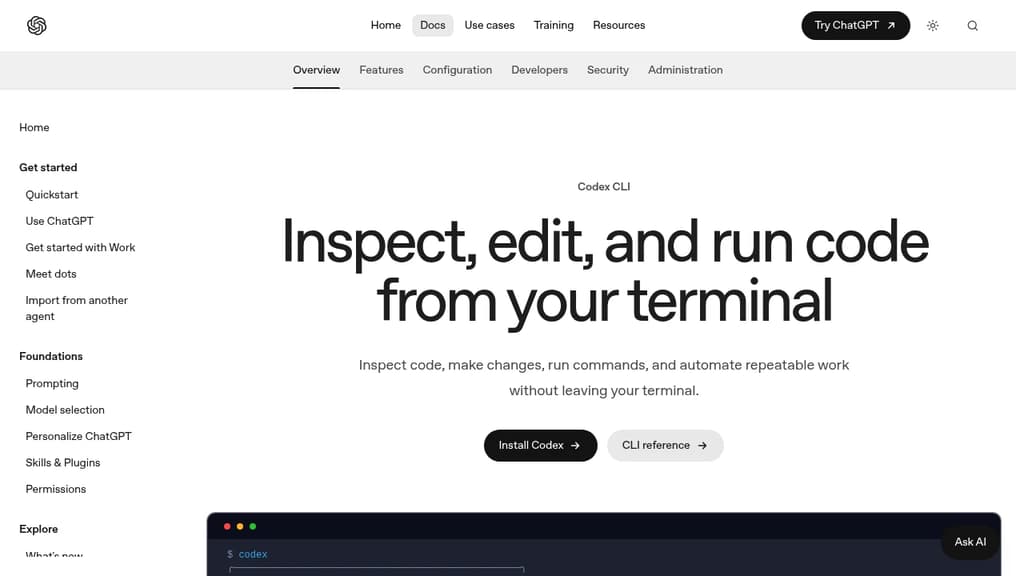
Codex CLI brings an AI coding agent directly into your terminal, letting you inspect, edit, and run code without switching to a browser or separate app. It's built for developers who live in the command line and want AI assistance that operates on their actual local repository, not a sandboxed copy.
At its core, Codex CLI runs a focused loop: you describe a task, and the agent reads your files, proposes edits, and executes commands using the tools already installed on your machine. You can steer it mid-turn, inspect diffs as they appear, and keep follow-up work in the same session.
Key capabilities:
- Interactive sessions for exploring unfamiliar codebases, planning changes, and debugging in a single terminal loop
- Non-interactive execution via
codex execfor scripted workflows, CI pipelines, and repeatable automation - Built-in code review that checks uncommitted changes, specific commits, or a base branch and surfaces prioritized findings without touching your working tree
- Skills and plugins to package repeatable instructions and connect to external tools like GitHub, Gmail, and Google Calendar without leaving the CLI
- Configurable permissions so you control exactly what the agent is allowed to read, modify, or execute
- Model and reasoning controls to choose which Codex model and effort level fits the task
Compared to browser-based tools like ChatGPT or chat-first agents, Codex CLI stays close to your development environment. It reads your actual project files and runs your local toolchain. It also supports Git checkpoints before and after a task, so you can revert if a change misses the mark.
For teams already using Cline or similar terminal agents, Codex CLI's plugin marketplace and CI-friendly execution mode give it a broader surface area. The review workflow is particularly useful before opening a pull request, catching issues without requiring a separate review tool or manual diff inspection.
Cloud offloading is also supported: you can hand a task to Codex Cloud and return to the terminal later, which suits longer-running jobs that don't need active supervision.

AI coding agent that runs inside VS Code and the terminal, supporting multi-file edits, bash execution, and any LLM provider via bring-your-own-key.

Cline is an open-source AI coding agent that works inside VS Code and the command line. It reads and edits files across a project, runs terminal commands, reacts to their output in real time, and handles long-running processes like dev servers or test suites.
The Plan/Act mode split lets you discuss a strategy with the agent before it touches any code, then switch to Act mode when you're ready to execute. Every step is approvable, or you can enable auto-approve for unattended runs.
Model choice is unrestricted. Claude, GPT, Gemini, local Ollama or LM Studio instances, and any OpenAI-compatible endpoint all work. You bring your own key or your own weights.
For teams, Cline supports multi-agent setups where a coordinator delegates to specialist agents with their own tools and context windows. It also connects to Slack, Discord, Telegram, and Linear, and runs headlessly inside GitHub Actions or GitLab pipelines. Tools like Roo Code and OpenHands take a similar multi-agent approach if you want to compare.
.clinerules files let you ship coding standards, architecture guidelines, and deployment conventions alongside your repo so the agent follows project-specific rules consistently.
Extensibility comes through the SDK and MCP server support, which lets you register custom tools and connect to databases, APIs, or infrastructure. The project is Apache 2.0 licensed with 250+ contributors.

Terminal-based AI coding tool that lets you edit existing codebases or start new projects using LLMs like Claude, GPT, and DeepSeek.
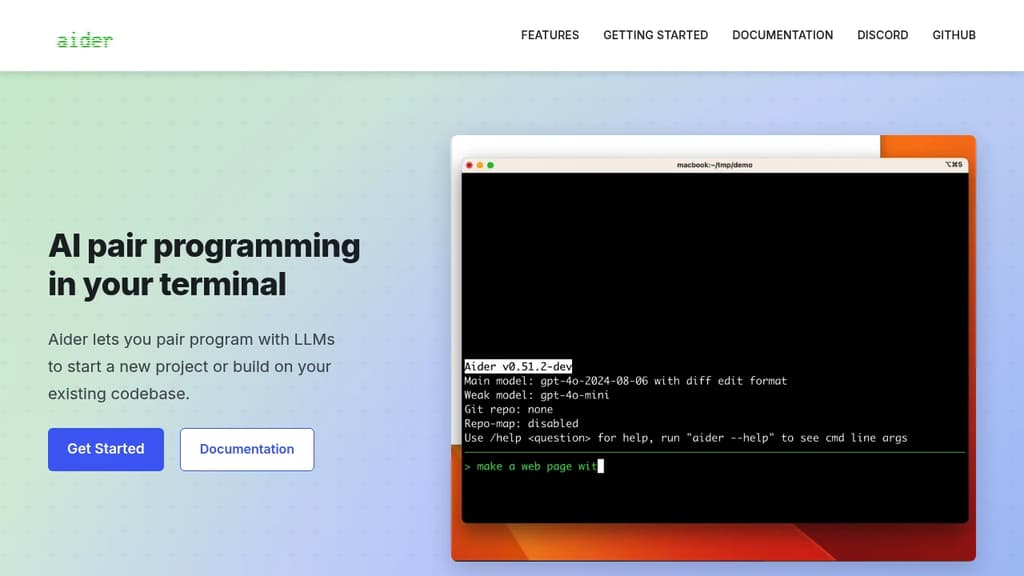
Aider brings AI pair programming directly into your terminal, letting you work with large language models on real codebases. It's built for developers who want to stay in their existing workflow rather than switching to a new editor or browser-based tool.
You point Aider at your project directory and start a conversation. It reads your files, understands the structure, and makes targeted edits across multiple files at once. Changes are applied directly to your code, not pasted into a chat window for you to copy manually.
Key capabilities:
- Multi-model support: works with Claude, GPT-4, o3-mini, DeepSeek, and other LLMs. You bring your own API key.
- Git-aware editing: automatically commits changes with meaningful messages, so every AI-assisted edit is tracked and reversible.
- Multi-file edits: handles changes that span several files in a single request, keeping diffs coherent.
- Existing codebase support: drop it into any project, not just greenfield work. It maps your repo to give the model context.
- Voice input: supports voice-to-code for hands-free coding sessions.
- Linting and test integration: can run your test suite or linter after edits and feed results back to the model for self-correction.
Compared to IDE plugins or browser-based AI coding agents, Aider is lightweight and editor-agnostic. It fits into any setup that has a terminal. The open source model means no subscription lock-in, and you control which LLM backend you use.
It's a practical choice for developers who want AI assistance without giving up their existing tools or paying for a bundled editor.

Open source AI coding agent with 500+ models, bring-your-own-key support, and specialized modes for writing, debugging, and planning code across IDEs and CLI.
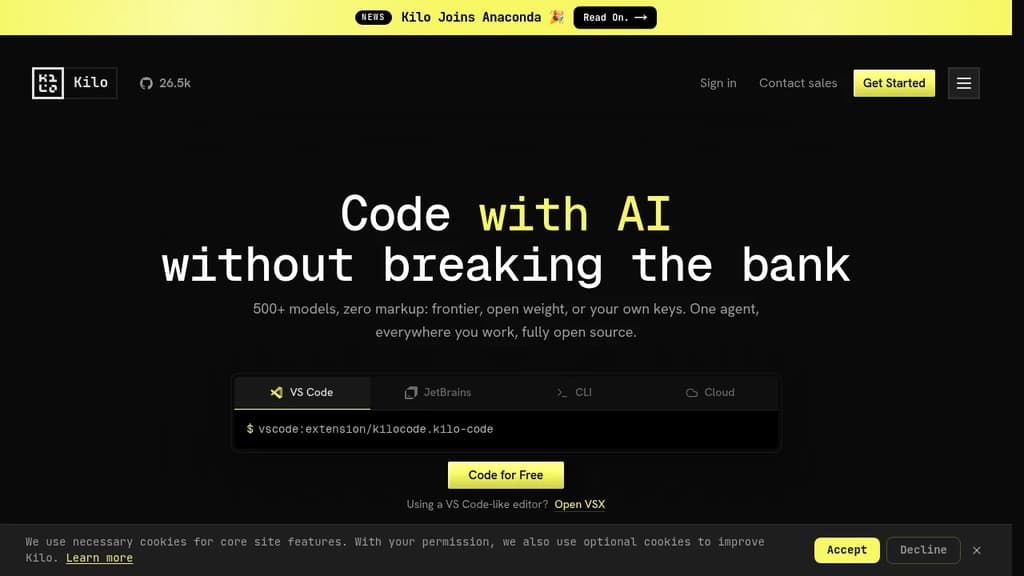
Kilo is an AI coding agent that works inside VS Code, JetBrains, the command line, and a hosted cloud environment. It's built for developers who want full control over their AI setup: bring your own API keys at zero markup, use local models to keep code private, or route through Kilo's model gateway to access 500+ models.
The agent ships with five specialized modes, each suited to a different part of the development workflow:
- Code Mode writes, refactors, and ships production-ready code with full codebase context
- Architect Mode helps plan complex features and structure work before any code is written
- Debug Mode reads errors, traces issues, and suggests targeted fixes
- Ask Mode answers questions about your codebase without making changes
- Custom Mode lets you define your own agent behavior for specific workflows
Switching between modes doesn't mean switching tools. Everything runs in the same agent, in the editor or terminal you're already using.
Kilo also includes KiloClaw, a managed version of the OpenHands open agent platform. It deploys in under 60 seconds with no Docker, SSH, or config files required. Once running, KiloClaw connects to Telegram, Discord, or Slack, handles scheduled tasks and cron jobs, and acts on your behalf autonomously. It's the part of Kilo designed for background work: running tasks while you're away, automating repetitive operations, or handling code review in the cloud.
For teams comparing options, Kilo positions itself against tools like Cline and Roo Code as a more fully integrated alternative with broader model support and cloud agent capabilities built in. The codebase is Apache-2.0 licensed and fully open source.

Terminal-based AI coding agent that reads your codebase, edits files and runs commands, with support for Qwen, OpenAI, Anthropic, Gemini and local models.
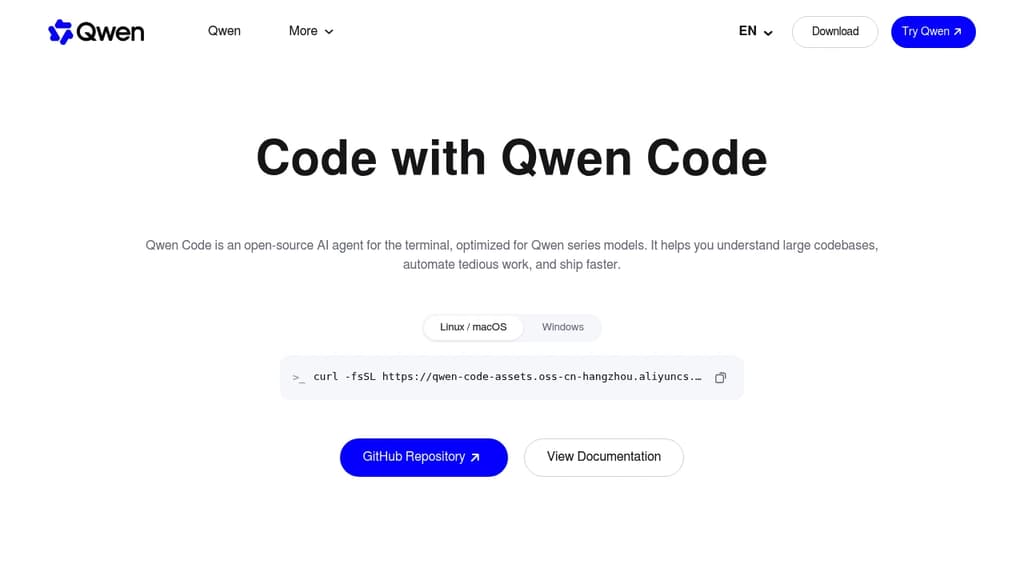
Qwen Code is an open source AI coding agent from the Qwen team at Alibaba. It runs in the terminal and reads your codebase, edits files, runs shell commands, and works through multi-step tasks on your local repository.
The project started from Google's Gemini CLI v0.8.2. Since v0.1 it has been developed independently, with its own features and support for many model providers.
Key capabilities:
- Multi-provider models: works with OpenAI, Anthropic, Gemini and Qwen APIs, any compatible third-party provider, and local models through Ollama or vLLM. You can switch models at runtime.
- Agent features: subagents, agent teams, skills, auto-memory and MCP server support.
- More than a terminal: IDE plugins for VS Code, Zed and JetBrains, a desktop app, a web UI, and SDKs for building on top of the agent.
- Chat integrations: run the agent from Telegram, DingTalk, WeChat or Feishu.
Qwen Code is optimized for Qwen models, and many of those are open-weight, so you can run both the agent and the model on your own hardware. It is a good fit for developers who want a Claude Code alternative without being tied to one model vendor.
Install it with the standalone script, npm (@qwen-code/qwen-code, Node.js 22+) or Homebrew.

Self-hosted AI coding assistant that enhances productivity with context-aware suggestions and privacy-focused implementation.
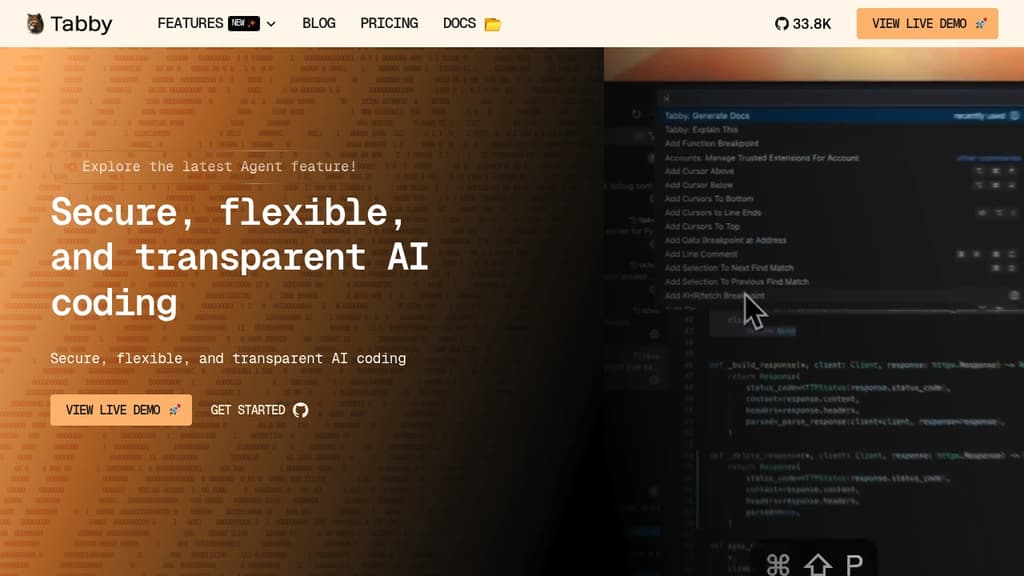
Tabby is a revolutionary self-hosted AI coding assistant that transforms the way developers write code. By leveraging advanced machine learning techniques, Tabby provides intelligent, context-aware code suggestions that seamlessly integrate into your existing workflow.
Key benefits of Tabby include:
- Enhanced Productivity: Tabby accelerates your coding process by offering relevant code completions and snippets, reducing the time spent on repetitive tasks.
- Privacy-Focused: As a self-hosted solution, Tabby ensures that your code and data remain secure within your own infrastructure, addressing privacy concerns associated with cloud-based alternatives.
- Customizable and Adaptable: Tabby learns from your codebase and coding style, providing increasingly accurate and personalized suggestions over time.
- Language Agnostic: Supporting a wide range of programming languages, Tabby seamlessly integrates into diverse development environments.
- Resource Efficient: Designed to run efficiently on consumer-grade hardware, Tabby delivers powerful AI assistance without the need for extensive computational resources.
- Open Source: Benefit from a transparent, community-driven development process and the ability to customize Tabby to your specific needs.
By combining the power of AI with the control and security of self-hosting, Tabby empowers developers to write better code faster while maintaining full ownership of their development process.

AI coding harness that runs inside your terminal, mixes LLMs per task, and uses multi-agent architecture to handle large codebases without bloating context.
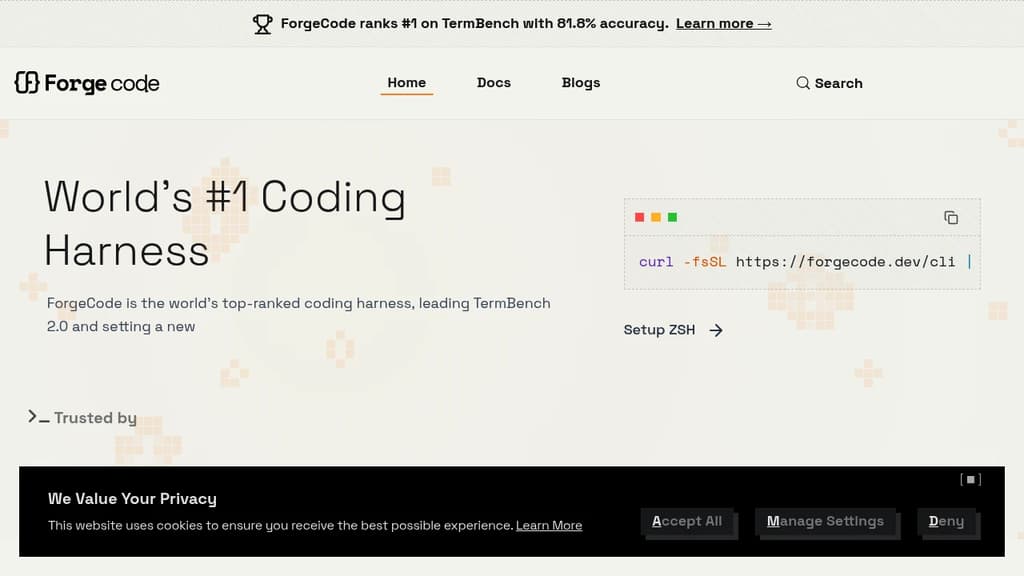
ForgeCode is a terminal-native AI coding agent that sits directly inside your ZSH shell. It's built for developers who want AI assistance without leaving the command line or abandoning their existing setup. Your custom aliases, Oh My Zsh plugins, and shell workflows stay intact. Type : and you're talking to ForgeCode.
What sets it apart from other AI coding tools is how it handles context. Rather than dumping your entire codebase into one prompt, ForgeCode uses a multi-agent architecture with specialized sub-agents for research, planning, and execution. Each agent works on minimal, relevant context, which keeps local models on track and results reliable.
Key capabilities:
- Model mixing per task. Use a thinking model to plan, a fast model to write code, and a large-context model for big files, all within a single session without restarting.
- Codebase understanding at scale. A context engine built for large repos, with fast tool corrections that prevent local models from drifting off course.
- Skills at scale. Handles thousands of skills without bloating the context window.
- Broad LLM support. Connects to hundreds of providers and models natively from the shell.
- Rigorous evaluation. Every change runs through thousands of evaluations across coding tasks and models before shipping.
ForgeCode ranks #1 on TermBench 2.0 with 81.8% accuracy, a benchmark designed specifically for terminal-based coding agents. It processes over 38 billion tokens and 24 million lines of code per day across its user base.
It's fully open source, with over 7,300 GitHub stars and 354 releases, backed by an active community. For teams already living in the terminal, it's a practical alternative to browser-based or IDE-embedded AI coding environments.

People are looking for alternatives to...
View all alternatives
Spotify

Claude Code

CapCut

Claude

Notion

Lovable
 Docmost – Open-source wiki software with real-time collaboration, diagrams, AI, SSO, RBAC permissions and more.

 Windshift