Databuddy vs Trench
Learn how Databuddy and Trench differ in their key features, development activity, technology
stack and community adoption, so you can decide which of these product analytics is best for you.
Learn how Databuddy and Trench differ in their key features, development activity, technology stack and community adoption, so you can decide which of these product analytics is best for you.

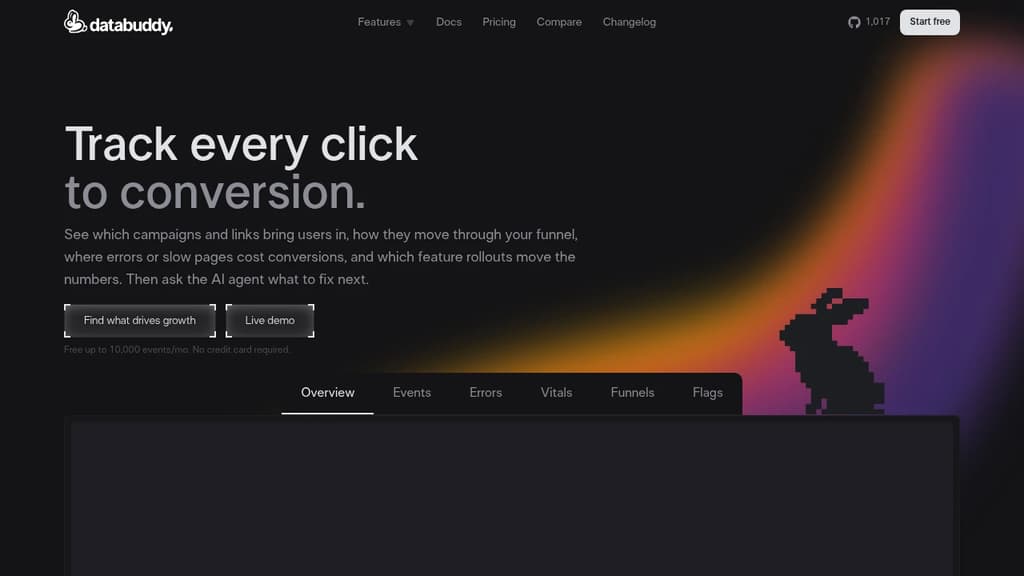
Databuddy
Last 30 days
Last commit
3 hours agoRepository age
2 yearsVersion
v0.0.1License
AGPL-3.0Self-hosted
YesRepository
databuddy-analytics/databuddy

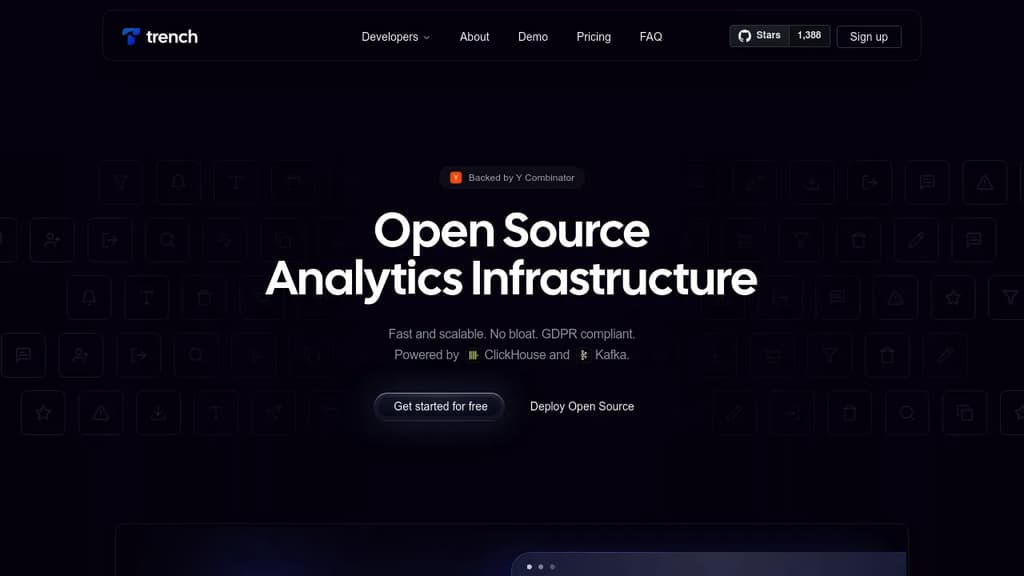
Trench
Last 30 days
Last commit
6 months agoRepository age
2 yearsVersion
0.0.17License
MITSelf-hosted
YesRepository
frigadehq/trench
Detailed Comparison
Both Databuddy and Trench have their unique strengths and serve similar purposes effectively. Consider your specific needs regarding popularity, growth, activity, technology, maturity, licensing and features when making your decision.
Both Databuddy and Trench have their unique strengths and serve similar purposes effectively. Consider your specific needs regarding popularity, growth, activity, technology, maturity, licensing and features when making your decision.
Community & Popularity
Both tools have similar popularity levels, with Databuddy having 1,166 stars and Trench having 1,663 stars on GitHub. In terms of developer contributions, Databuddy has 218 forks, indicating moderate developer engagement.
Growth Momentum
Databuddy is growing faster, adding 25 stars in the last 30 days (+2.2%) against adding 2 stars for Trench (+0.1%). Databuddy is the smaller project of the two, so it is closing the gap rather than extending a lead.
Development Activity
Databuddy shows more recent development activity with its last commit 3 hours ago, while Trench was last updated 6 months ago. This suggests Databuddy is being more actively maintained.
Technology Stack
Both tools share common technology foundations, being built with JavaScript, CSS, Bash, Typescript. However, they differ in their additional technology choices: Databuddy uses JSX, Next.js, Rust while Trench leverages NestJS.
Project Maturity
Both projects started around the same time, with Databuddy beginning 2 years ago and Trench 2 years ago.
Licensing
Trench uses the MIT license, which is more permissive than Databuddy's AGPL-3.0 license, potentially offering greater flexibility for commercial use and integration.
Use Cases & Features
Both tools serve similar use cases in Product Analytics. However, they also have distinct specializations: Databuddy also focuses on Web Analytics while Trench extends into Stream Processing.
Hosting & Deployment
Both Databuddy and Trench offer self-hosting capabilities, giving you full control over your data and infrastructure.
Other tool comparisons to consider
Databuddyvs
 OpenPanelDatabuddy
vs
 UmamiDatabuddy
vs
 PostHogDatabuddy
vs
 PlausibleDatabuddy
vs
 MatomoDatabuddy
vs
 RybbitDatabuddy
vs
 Fathom LiteDatabuddy
vs
 CountlyDatabuddy
vs
 OpenWebAnalyticsDatabuddy
vs
 AptabaseDatabuddy
vs
 LitlyxDatabuddy
vs
 SwetrixDatabuddy
vs
 VemetricDatabuddy
vs
 BetterlyticsDatabuddy
vs
 HitKeepDatabuddy
vs
 Prisme AnalyticsTrench
vs
OpenPanelTrenchvs
PostHogTrenchvs
RybbitTrenchvs
 OpenReplayTrench
vs
CountlyTrenchvs
AptabaseTrenchvs
LitlyxTrenchvs
Vemetric ScreenshotOne – The screenshot API for developers. Render screenshots in one simple API call