Palmr vs Sync-in
Learn how Palmr and Sync-in differ in their key features, development activity, technology
stack and community adoption, so you can decide which of these cloud file sync & share tools is best for you.
Learn how Palmr and Sync-in differ in their key features, development activity, technology stack and community adoption, so you can decide which of these cloud file sync & share tools is best for you.

Palmr
Stars
2,418Forks
99Last commit
2 months agoRepository age
1 yearLicense
Apache-2.0Self-hosted
Yes
Warning: This repository was archived by the owner. It might not be actively maintained anymore.
Auto-fetched .
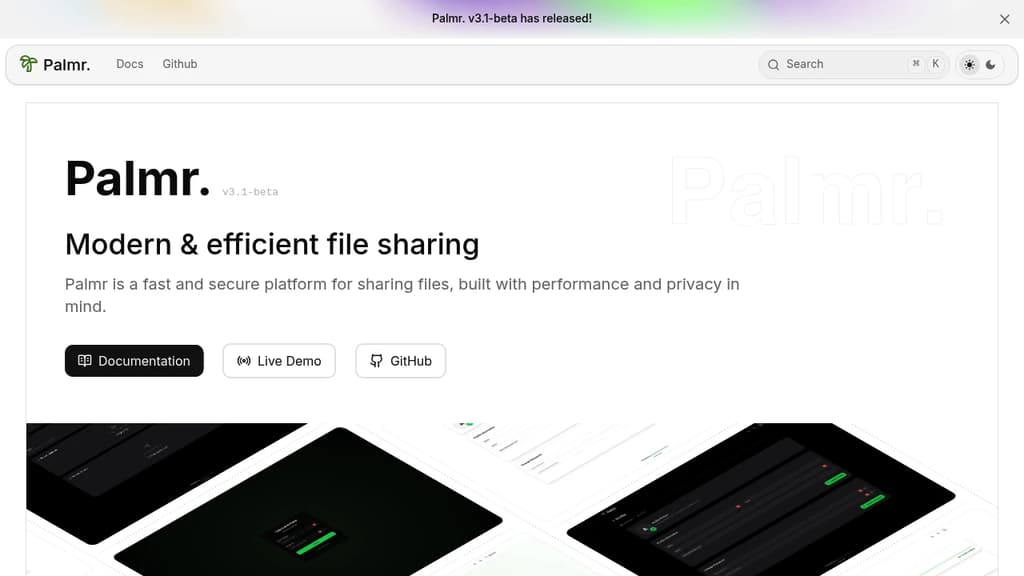

Sync-in
Auto-fetched .
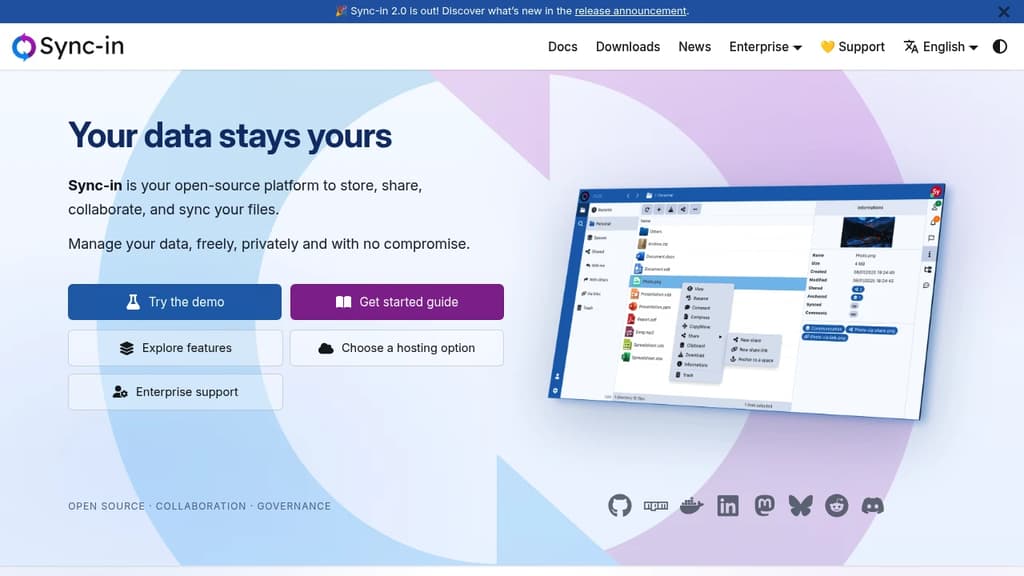
Detailed Comparison
Both Palmr and Sync-in have their unique strengths and serve similar purposes effectively. Consider your specific needs regarding popularity, activity, technology, maturity, licensing and features when making your decision.
Both Palmr and Sync-in have their unique strengths and serve similar purposes effectively. Consider your specific needs regarding popularity, activity, technology, maturity, licensing and features when making your decision.
Community & Popularity
Palmr leads in popularity with 2,418 stars vs 1,152 stars for Sync-in. The 110% higher star count indicates stronger community adoption. In terms of developer contributions, Palmr has 99 forks, indicating growing developer engagement.
Development Activity
Sync-in shows more recent development activity with its last commit 3 days ago, while Palmr was last updated 2 months ago. This suggests Sync-in is being more actively maintained.
Technology Stack
Both tools share common technology foundations, being built with JavaScript, Bash, Typescript. However, they differ in their additional technology choices: Palmr uses CSS, JSX, Python, Next.js while Sync-in leverages SCSS, NestJS.
Project Maturity
Both projects started around the same time, with Palmr beginning 1 year ago and Sync-in 10 months ago.
Licensing
The projects use different licenses: Palmr is licensed under Apache-2.0 while Sync-in uses AGPL-3.0. Consider the licensing requirements when choosing for your project.
Use Cases & Features
Both tools serve similar use cases in Cloud File Sync & Share. However, they also have distinct specializations: Sync-in extends into Collaborative Workspaces, Secure Document Sharing.
Hosting & Deployment
Both Palmr and Sync-in offer self-hosting capabilities, giving you full control over your data and infrastructure.
Other tool comparisons to consider
Palmrvs
 NextcloudPalmr
vs
 SeafilePalmr
vs
 PairDropPalmr
vs
 OpenCloudPalmr
vs
 PeergosPalmr
vs
 HoodikPalmr
vs
 CozyPalmr
vs
 Twake DrivePalmr
vs
 FirefilesSync-in
vs
 PuterSync-in
vs
 SpacedriveSync-in
vs
NextcloudSync-invs
SeafileSync-invs
OpenCloudSync-invs
 PapraSync-in
vs
PeergosSync-invs
HoodikSync-invs
Twake DriveSync-invs
Firefiles Efficient App – Not all Open Source alternatives are equal — Narrow down the best, without the bullsh*t.