Sync-in vs Twake Drive
Learn how Sync-in and Twake Drive differ in their key features, development activity, technology
stack and community adoption, so you can decide which of these cloud file sync & share tools is best for you.
Learn how Sync-in and Twake Drive differ in their key features, development activity, technology stack and community adoption, so you can decide which of these cloud file sync & share tools is best for you.

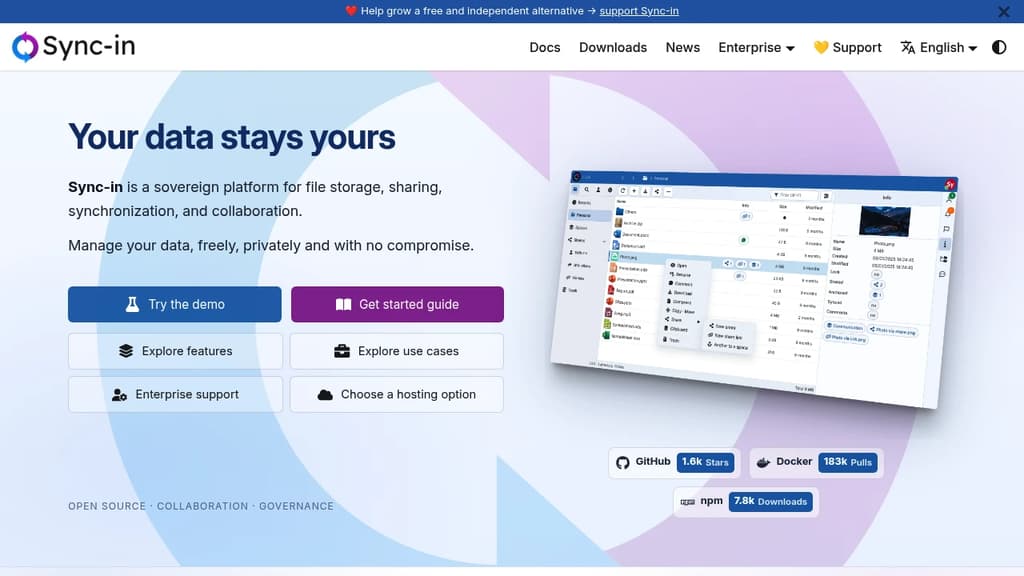
Sync-in
Last 30 days
Last commit
16 hours agoRepository age
1 yearVersion
v2.6.0License
AGPL-3.0Self-hosted
YesRepository
sync-in/server

Twake Drive
Last 30 days
Last commit
8 hours agoRepository age
10 yearsVersion
1.107.0License
AGPL-3.0Repository
linagora/twake-drive
Detailed Comparison
Sync-in appears to have several advantages over Twake Drive, particularly in popularity, growth and features. Consider your specific needs regarding popularity, growth, activity, technology, maturity, licensing and features when making your decision.
Sync-in appears to have several advantages over Twake Drive, particularly in popularity, growth and features. Consider your specific needs regarding popularity, growth, activity, technology, maturity, licensing and features when making your decision.
Community & Popularity
Sync-in leads in popularity with 1,941 stars vs 988 stars for Twake Drive. The 96% higher star count indicates stronger community adoption. In terms of developer contributions, Twake Drive has 165 forks, indicating moderate developer engagement.
Growth Momentum
Sync-in is growing faster, adding 170 stars in the last 30 days (+9.6%) against adding 4 stars for Twake Drive (+0.4%). Sync-in is both larger and pulling further ahead.
Development Activity
Both projects show recent activity, with Sync-in last updated 16 hours ago and Twake Drive 8 hours ago.
Technology Stack
Both tools share common technology foundations, being built with JavaScript, Typescript. However, they differ in their additional technology choices: Sync-in uses Bash, SCSS, NestJS while Twake Drive leverages JSX.
Project Maturity
Twake Drive has been in development longer, starting 10 years ago, compared to Sync-in which began 1 year ago. This 8.7-year head start suggests Twake Drive may have more mature features and established processes.
Licensing
Both projects use the AGPL-3.0 license, providing identical terms for usage and distribution.
Use Cases & Features
Both tools serve similar use cases in Cloud File Sync & Share. However, they also have distinct specializations: Sync-in also focuses on Collaborative Workspaces, Secure Document Sharing.
Hosting & Deployment
Sync-in provides self-hosting options for complete data control and customization, while Twake Drive may be primarily cloud-based or require different deployment approaches.
Other tool comparisons to consider
Sync-invs
 PuterSync-in
vs
 SpacedriveSync-in
vs
 NextcloudSync-in
vs
 SeafileSync-in
vs
 OpenCloudSync-in
vs
 PeergosSync-in
vs
 ownCloudSync-in
vs
 HoodikSync-in
vs
 FirefilesTwake Drive
vs
PuterTwake Drivevs
SpacedriveTwake Drivevs
NextcloudTwake Drivevs
SeafileTwake Drivevs
OpenCloudTwake Drivevs
PeergosTwake Drivevs
ownCloudTwake Drivevs
HoodikTwake Drivevs
 CozyTwake Drive
vs
Firefiles Sent – Messaging Infrastructure for Developers. One API for SMS, WhatsApp, and RCS across 190+ countries.