EasyMonitor vs Uptime Kuma
Learn how EasyMonitor and Uptime Kuma differ in their key features, development activity, technology
stack and community adoption, so you can decide which of these uptime monitoring tools is best for you.
Learn how EasyMonitor and Uptime Kuma differ in their key features, development activity, technology stack and community adoption, so you can decide which of these uptime monitoring tools is best for you.

EasyMonitor
Last 30 days
Last commit
2 months agoRepository age
1 yearVersion
v0.3.0License
MITSelf-hosted
YesRepository
easymonitor
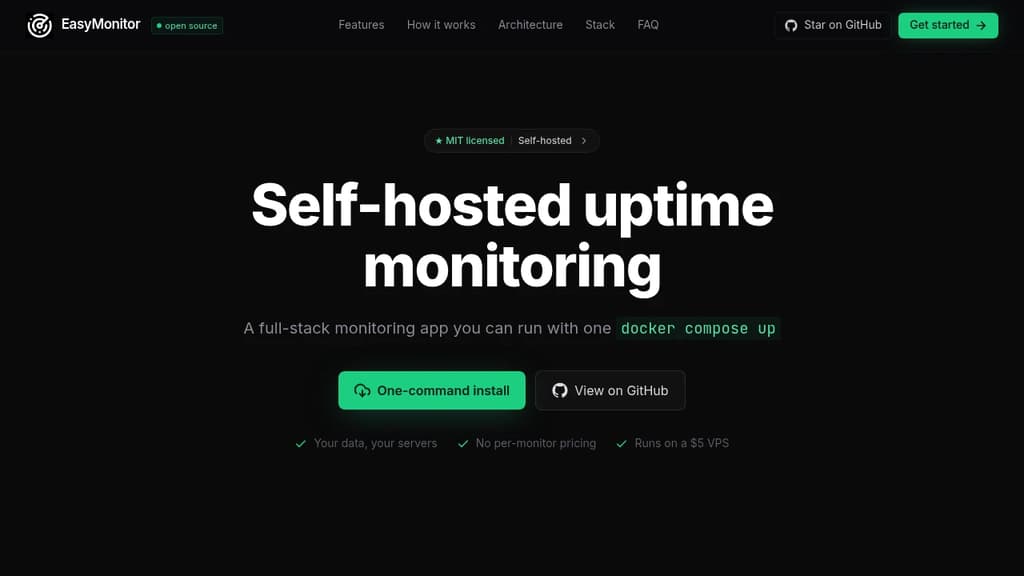

Uptime Kuma
Last 30 days
Last commit
14 hours agoRepository age
5 yearsVersion
2.5.6License
MITSelf-hosted
YesRepository
louislam/uptime-kuma
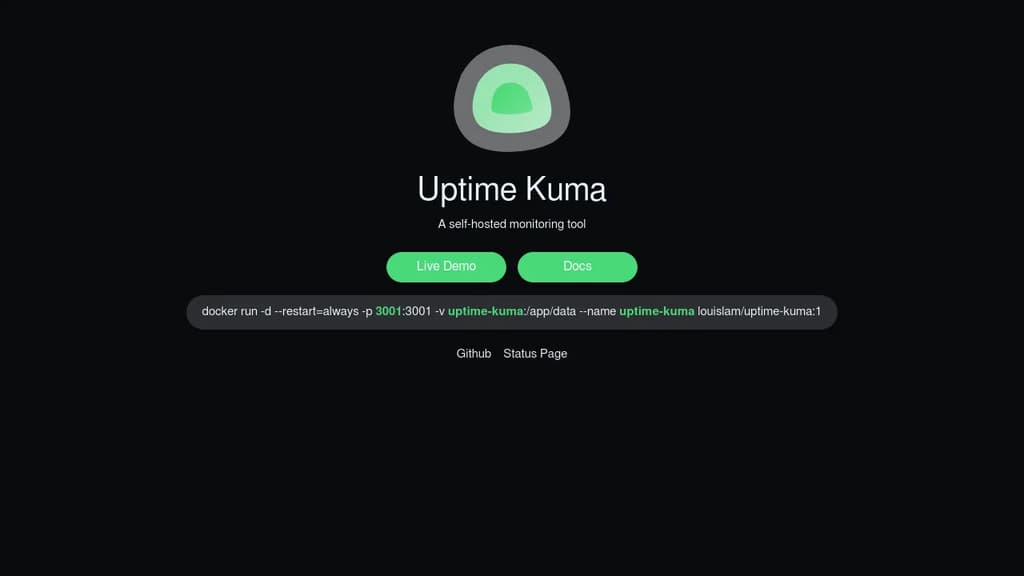
Detailed Comparison
Uptime Kuma appears to have several advantages over EasyMonitor, particularly in popularity, activity and maturity. Consider your specific needs regarding popularity, activity, technology, maturity, licensing and features when making your decision.
Uptime Kuma appears to have several advantages over EasyMonitor, particularly in popularity, activity and maturity. Consider your specific needs regarding popularity, activity, technology, maturity, licensing and features when making your decision.
Community & Popularity
Uptime Kuma significantly outpaces EasyMonitor in community adoption with 92,623 stars compared to 82 stars on GitHub. This 1129.5x difference suggests Uptime Kuma has a much larger and more active community. In terms of developer contributions, Uptime Kuma has 8,569 forks, indicating strong developer engagement.
Development Activity
Uptime Kuma shows more recent development activity with its last commit 14 hours ago, while EasyMonitor was last updated 2 months ago. This suggests Uptime Kuma is being more actively maintained.
Technology Stack
Both tools share common technology foundations, being built with JavaScript, Bash, Golang, PHP. However, they differ in their additional technology choices: EasyMonitor uses CSS, Laravel while Uptime Kuma leverages Typescript, Python, SCSS, Vue, Java, C#.
Project Maturity
Uptime Kuma has been in development longer, starting 5 years ago, compared to EasyMonitor which began 1 year ago. This 4.3-year head start suggests Uptime Kuma may have more mature features and established processes.
Licensing
Both projects use the MIT license, providing identical terms for usage and distribution.
Use Cases & Features
Both tools serve similar use cases in Uptime Monitoring, Status Pages. However, they also have distinct specializations: Uptime Kuma extends into Infrastructure Monitoring.
Hosting & Deployment
Both EasyMonitor and Uptime Kuma offer self-hosting capabilities, giving you full control over your data and infrastructure.
Other tool comparisons to consider
EasyMonitorvs
 CachetEasyMonitor
vs
 CheckmateEasyMonitor
vs
 GatusEasyMonitor
vs
 OpenStatusEasyMonitor
vs
 HealthchecksEasyMonitor
vs
 OneUptimeEasyMonitor
vs
 KenerEasyMonitor
vs
 TianjiEasyMonitor
vs
 PeekapingEasyMonitor
vs
 StatusnookEasyMonitor
vs
 UptimepageEasyMonitor
vs
 StatusScoutUptime Kuma
vs
CachetUptime Kumavs
CheckmateUptime Kumavs
GatusUptime Kumavs
OpenStatusUptime Kumavs
HealthchecksUptime Kumavs
OneUptimeUptime Kumavs
KenerUptime Kumavs
PeekapingUptime Kumavs
StatusnookUptime Kumavs
UptimepageUptime Kumavs
StatusScout CodeRabbit – The leading AI Code Review platform. Ship better quality code in 50% less time, with 90% fewer bugs.