Midori Browser vs Zen Browser
Learn how Midori Browser and Zen Browser differ in their key features, development activity, technology
stack and community adoption, so you can decide which of these web browsers is best for you.
Learn how Midori Browser and Zen Browser differ in their key features, development activity, technology stack and community adoption, so you can decide which of these web browsers is best for you.

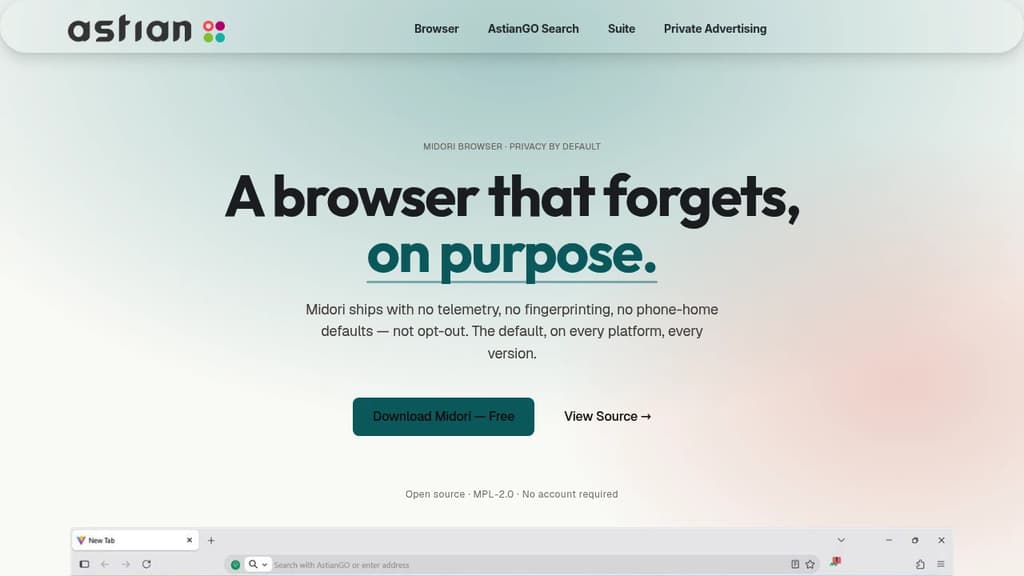
Midori Browser
Last 30 days
Last commit
7 days agoRepository age
3 yearsVersion
v11.9.1License
MPL-2.0Repository
goastian/midori-desktop

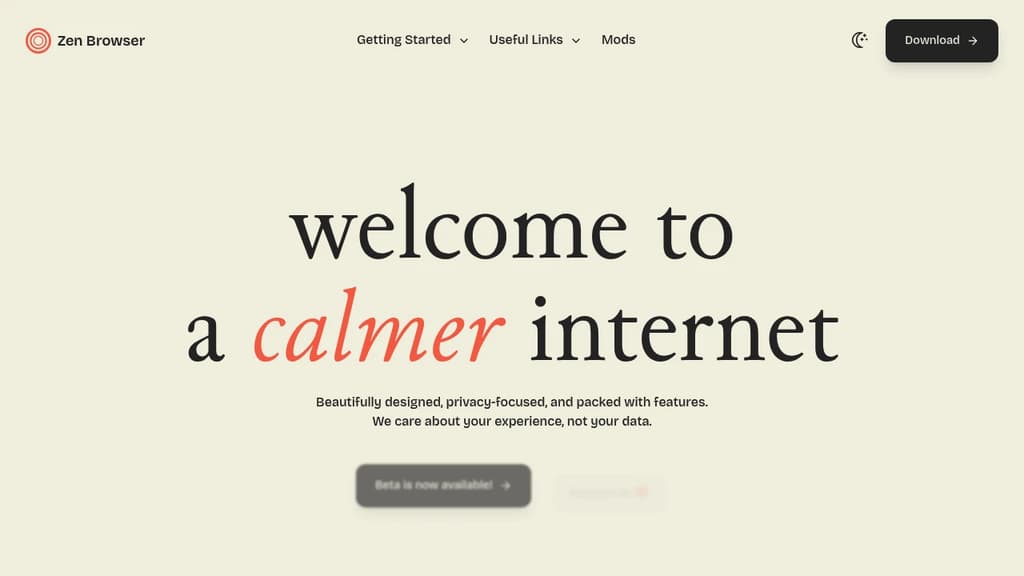
Zen Browser
Last 30 days
Last commit
14 hours agoRepository age
3 yearsVersion
1.23.2License
MPL-2.0Repository
zen-browser/desktop
Detailed Comparison
Both Midori Browser and Zen Browser have their unique strengths and serve similar purposes effectively. Consider your specific needs regarding popularity, growth, activity, technology, maturity, licensing and features when making your decision.
Both Midori Browser and Zen Browser have their unique strengths and serve similar purposes effectively. Consider your specific needs regarding popularity, growth, activity, technology, maturity, licensing and features when making your decision.
Community & Popularity
Zen Browser significantly outpaces Midori Browser in community adoption with 44,916 stars compared to 407 stars on GitHub. This 110.4x difference suggests Zen Browser has a much larger and more active community. In terms of developer contributions, Zen Browser has 1,831 forks, indicating strong developer engagement.
Growth Momentum
Midori Browser is growing faster, adding 11 stars in the last 30 days (+2.8%) against adding 490 stars for Zen Browser (+1.1%). Midori Browser is the smaller project of the two, so it is closing the gap rather than extending a lead.
Development Activity
Both projects show recent activity, with Midori Browser last updated 7 days ago and Zen Browser 14 hours ago.
Technology Stack
Both tools share common technology foundations, being built with JavaScript, CSS, Bash, Typescript, Python, Rust, C, Objective-C, C++. However, they differ in their additional technology choices: Midori Browser uses JSX, Next.js, Golang, SCSS, Vue, PHP, Java, Swift, Ruby, Kotlin, MATLAB, C#, Perl, Nuxt.js, Elixir, GLSL, CoffeeScript.
Project Maturity
Both projects started around the same time, with Midori Browser beginning 3 years ago and Zen Browser 3 years ago.
Licensing
Both projects use the MPL-2.0 license, providing identical terms for usage and distribution.
Use Cases & Features
Both tools serve similar use cases in Web Browsers.
Other tool comparisons to consider
Midori Browservs
 LadybirdMidori Browser
vs
 HeliumMidori Browser
vs
 ego liteMidori Browser
vs
 BraveMidori Browser
vs
 WaterfoxMidori Browser
vs
 LibreWolfMidori Browser
vs
 FlowMidori Browser
vs
 Browser OperatorZen Browser
vs
LadybirdZen Browservs
HeliumZen Browservs
ego liteZen Browservs
BraveZen Browservs
WaterfoxZen Browservs
LibreWolfZen Browservs
FlowZen Browservs
Browser Operator Windshift – The self-hosted platform that replaces Jira.