Ladybird vs Midori Browser
Learn how Ladybird and Midori Browser differ in their key features, development activity, technology
stack and community adoption, so you can decide which of these web browsers is best for you.
Learn how Ladybird and Midori Browser differ in their key features, development activity, technology stack and community adoption, so you can decide which of these web browsers is best for you.

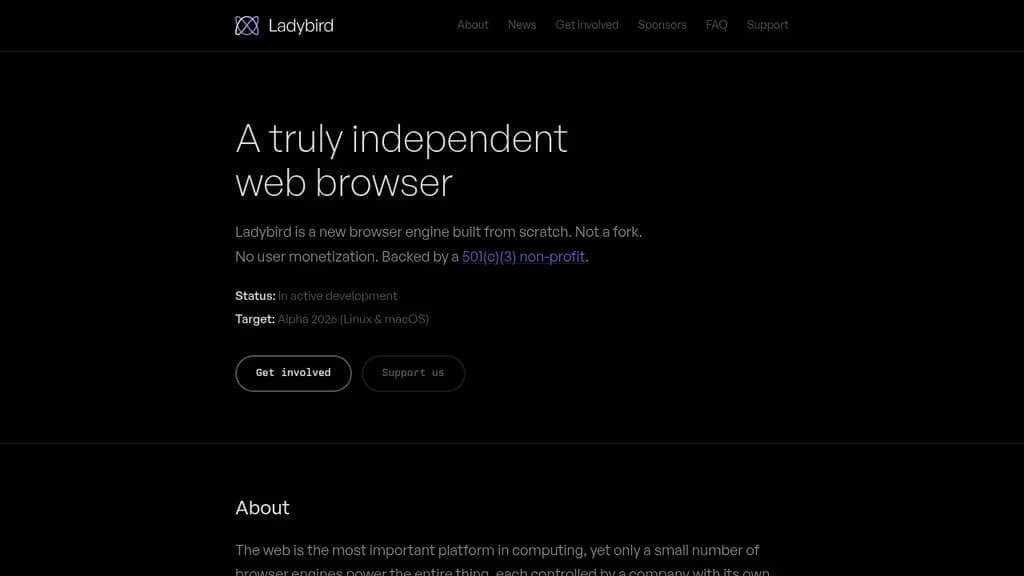
Ladybird
Last 30 days
Last commit
8 hours agoRepository age
2 yearsLicense
BSD-2-ClauseRepository
ladybird

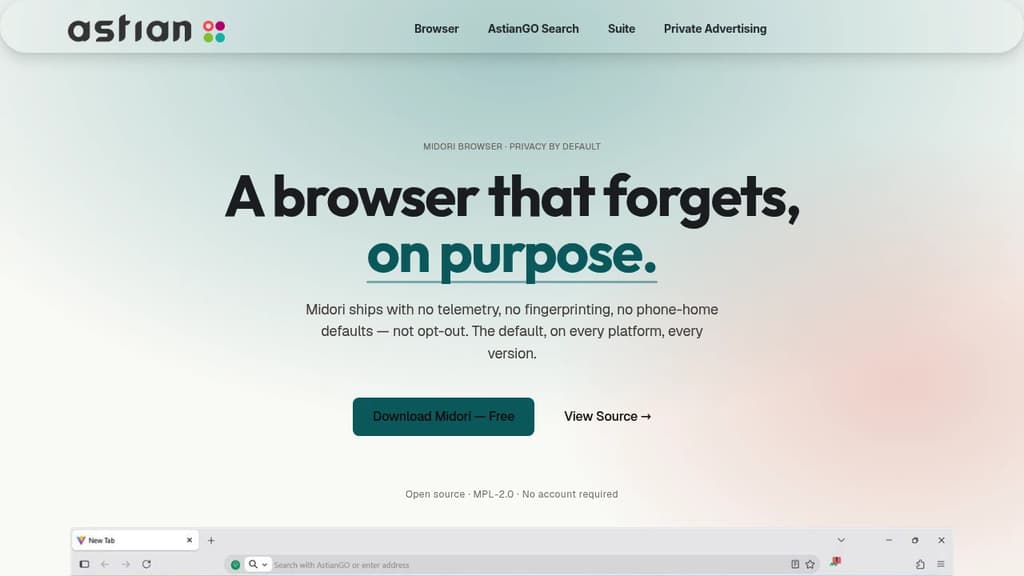
Midori Browser
Last 30 days
Last commit
1 day agoRepository age
3 yearsVersion
v11.9.1License
MPL-2.0Repository
midori-desktop
Detailed Comparison
Both Ladybird and Midori Browser have their unique strengths and serve similar purposes effectively. Consider your specific needs regarding popularity, growth, activity, technology, maturity, licensing and features when making your decision.
Both Ladybird and Midori Browser have their unique strengths and serve similar purposes effectively. Consider your specific needs regarding popularity, growth, activity, technology, maturity, licensing and features when making your decision.
Community & Popularity
Ladybird significantly outpaces Midori Browser in community adoption with 66,807 stars compared to 412 stars on GitHub. This 162.2x difference suggests Ladybird has a much larger and more active community. In terms of developer contributions, Ladybird has 3,194 forks, indicating strong developer engagement.
Growth Momentum
Midori Browser is growing faster, adding 7 stars in the last 30 days (+1.7%) against adding 406 stars for Ladybird (+0.6%). Midori Browser is the smaller project of the two, so it is closing the gap rather than extending a lead.
Development Activity
Both projects show recent activity, with Ladybird last updated 8 hours ago and Midori Browser 1 day ago.
Technology Stack
Both tools share common technology foundations, being built with JavaScript, CSS, Bash, Python, C, Objective-C, Java, Swift, C++, Kotlin. However, they differ in their additional technology choices: Midori Browser leverages Typescript, JSX, Next.js, Golang, SCSS, Rust, PHP, Vue, Ruby, MATLAB, C#, Perl, Nuxt.js, Elixir, GLSL, CoffeeScript.
Project Maturity
Both projects started around the same time, with Ladybird beginning 2 years ago and Midori Browser 3 years ago.
Licensing
Ladybird uses the BSD-2-Clause license, which is more permissive than Midori Browser's MPL-2.0 license, potentially offering greater flexibility for commercial use and integration.
Use Cases & Features
Both tools serve similar use cases in Web Browsers.
Other tool comparisons to consider
Ladybirdvs
 Zen BrowserLadybird
vs
 ego liteLadybird
vs
 HeliumLadybird
vs
 BraveLadybird
vs
 WaterfoxLadybird
vs
 LibreWolfLadybird
vs
 FlowLadybird
vs
 Browser OperatorMidori Browser
vs
Zen BrowserMidori Browservs
ego liteMidori Browservs
HeliumMidori Browservs
BraveMidori Browservs
WaterfoxMidori Browservs
LibreWolfMidori Browservs
FlowMidori Browservs
Browser Operator Stellar Hosted – Managed Open Source software hosting in the EU: secure, compliant, fast.