Open Source Notesnook Alternatives
A curated collection of the 16 best open source alternatives to Notesnook.
The best open source alternative to Notesnook is AppFlowy. If that doesn't suit you, we've compiled a ranked list of other open source Notesnook alternatives to help you find a suitable replacement. Other interesting open source alternatives to Notesnook are: Memos, Joplin, SiYuan, and Logseq.
Notesnook alternatives are mainly Note-Taking Tools but may also be Personal Knowledge Management (PKM) Tools or Secure & Encrypted Notes. Browse these if you want a narrower list of alternatives or looking for a specific functionality of Notesnook.

Written by Piotr Kulpinski


Open source collaborative workspace combining notes, databases, and AI with full data ownership, offline support, and self-hosting options.
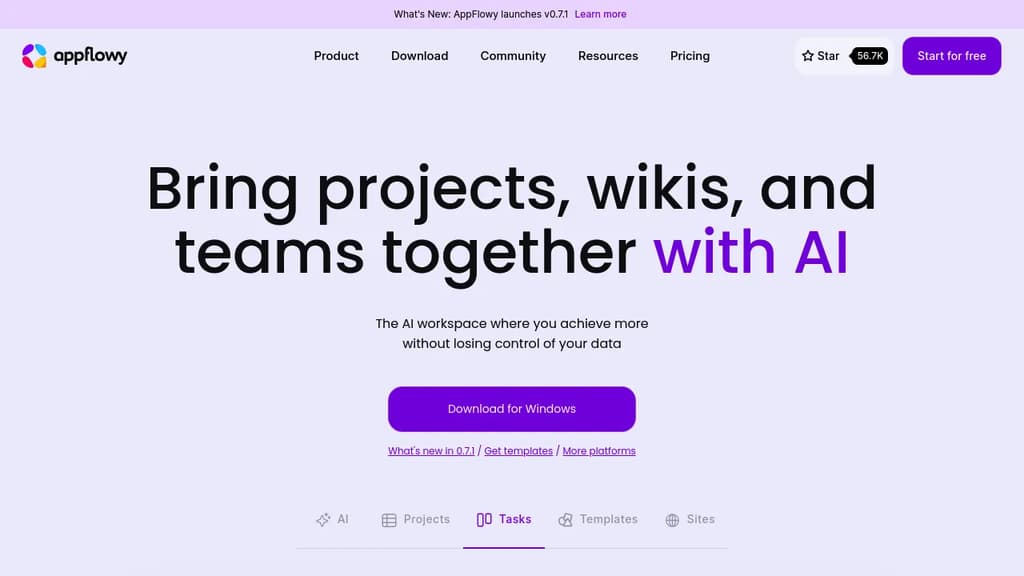
AppFlowy is an open source workspace that brings together documents, wikis, project tracking, and team collaboration in one place. It's built as a self-hostable alternative to tools like Notion, designed for people who want a modern workspace without handing their data to a third-party cloud.
The core of the product is a block-based editor paired with flexible databases. You can build pages with rich content types, attach properties and labels to records, and switch between different views of the same data. Grids, boards, and calendars are all available. Custom themes and fonts let you adjust the look to your preference.
AI is built directly into the workspace, not bolted on as a separate add-on. You can ask questions across your pages, generate and improve writing, and autofill database fields from existing content. AppFlowy supports multiple AI backends including GPT-5, Gemini 2.5, and Claude 3.7, and it also supports running local models like Mistral 7B and Llama 3 on your own machine. That local option matters for teams or individuals who need AI assistance without sending data to external servers — something tools like Flowise AI or Langflow approach from a different angle.
Offline mode is fully supported. The app works without an internet connection and syncs when connectivity returns, across desktop and mobile. iOS and Android apps are available alongside the desktop clients.
Self-hosting is a first-class option, not a workaround. You can run AppFlowy on your own infrastructure with no vendor lock-in. For teams that can't store sensitive information in someone else's cloud, this is a practical path. If you're also evaluating Baserow for database-heavy workflows or OpenWork for team collaboration, AppFlowy sits at the intersection of both.
The project has over 400 contributors and a community spanning more than 215 countries. A plugin and template ecosystem is actively growing, which extends the toolbox beyond what ships by default.

Memos is a self-hosted, open-source note-taking app built around a private timeline. Write in Markdown, skip the folder setup, and keep your data on your own server.
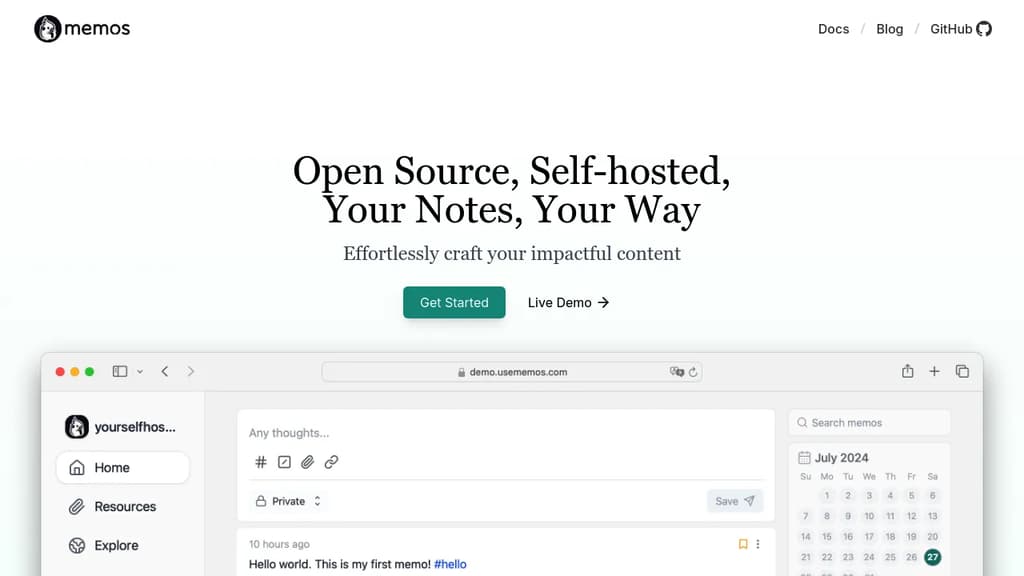
Memos is built around a single idea: capture the thought now, sort it out later. It presents notes as a private timeline rather than a hierarchy of folders, notebooks, or workspaces. You open it, write in Markdown, and move on. No title required, no template to fill out, no folder decision standing between you and saving something.
The timeline format makes it feel closer to a personal feed than a traditional note app. Each memo can carry tags, inline tasks, and links. Tags accumulate naturally as you write, and search works across everything when you need to find something later. The interaction stays light on purpose.
Markdown is the native format throughout. Notes stay readable outside the app, portable to other tools, and easy to back up as plain files. There's no proprietary format holding your content in place — unlike heavier knowledge base tools that lock structure into their own schemas.
Self-hosting is the core premise. Memos runs on your own server, stores notes in your own database, and keeps the full data path under your control. It's lightweight enough to run on a Raspberry Pi or a small VPS. No seat pricing, no paid feature tiers, no account required with a third-party service.
The MIT license means the source is fully inspectable and modifiable. Development happens publicly on GitHub, shaped in part by contributors who run Memos themselves.
Memos fits people who want a private place for operational notes, daily logs, saved links, and fleeting thoughts that don't belong in a project management tool or a shared chat thread. If you want something with end-to-end encryption baked in, Notesnook or Standard Notes are worth a look. If you want outlining and backlinks, Logseq goes much deeper. Memos doesn't try to be any of those things. It's a small, fast place to put things before they disappear.

Cross-platform note-taking app with end-to-end encryption, Markdown support, web clipping, and sync via Dropbox, OneDrive, or Joplin Cloud.
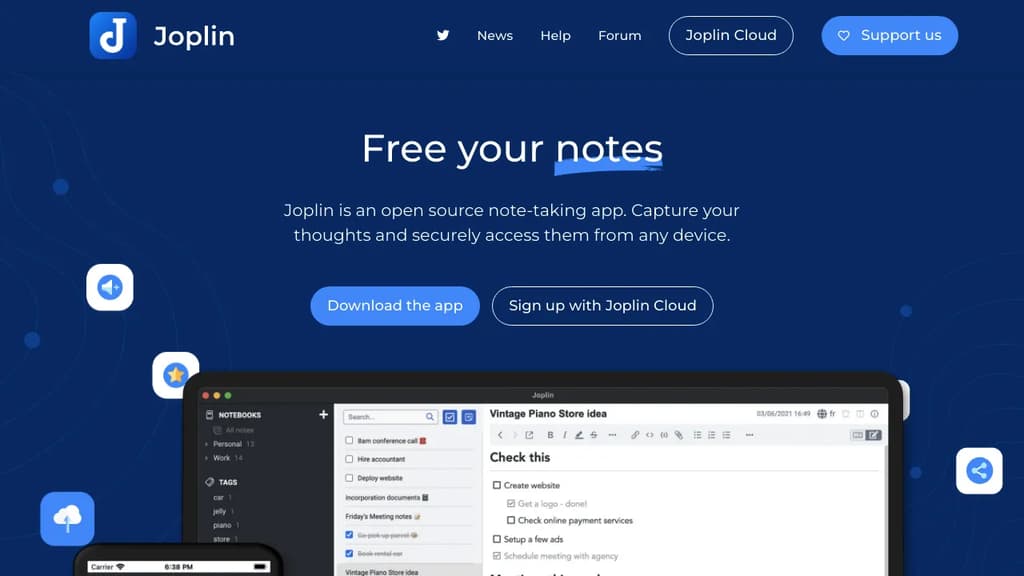
Joplin is a note-taking app built around two principles: your data stays yours, and it works everywhere. It runs on Windows, macOS, Linux, Android, and iOS, with a terminal app for those who prefer the command line. Notes are stored in an open format, so you're never locked in.
The headline feature is end-to-end encryption (E2EE). Unlike Evernote or OneNote, Joplin encrypts your notes before they leave your device, meaning no third party can read them, not even the sync provider. For anyone serious about keeping notes private, that's a meaningful distinction.
What you can do with it:
- Write in Markdown or Rich Text depending on your preference, with support for math expressions and diagrams built in
- Clip web pages directly into notes using browser extensions for Chrome and Firefox
- Attach anything: images, audio, PDFs, and videos all live inside notes
- Sync across devices via Joplin Cloud, Dropbox, or OneDrive
- Collaborate and share through Joplin Cloud, including publishing individual notes to a public URL
- Extend the app with plugins, custom themes, and a full Extension API for building your own tools
Joplin Cloud, the optional hosted sync service, is based in France and subject to EU privacy law. It's a paid add-on, but Joplin works fine with Dropbox or OneDrive if you'd rather not pay.
The plugin ecosystem is mature. There are community-built plugins for task management, kanban boards, note templates, and more, making it closer to a personal knowledge base than a simple notepad. If you've outgrown Google Keep or want something more private than Apple Notes, Joplin covers a lot of ground without requiring a subscription.

Personal knowledge management system with WYSIWYG block editing, bidirectional links, spaced repetition flashcards, a relational database, and end-to-end encrypted sync.
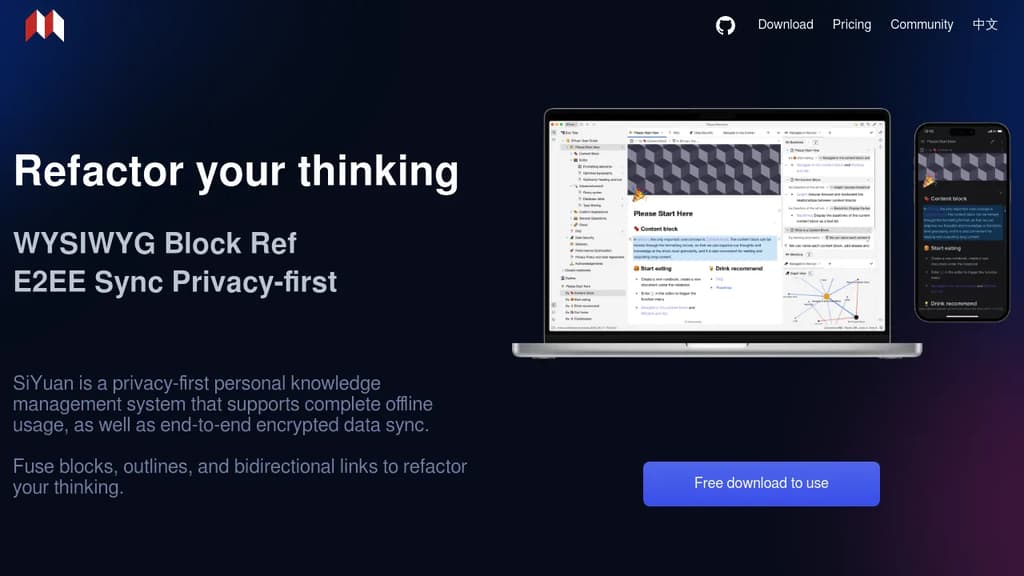
SiYuan is a personal knowledge management tool built around a single core idea: everything is a block. Documents, headings, paragraphs, lists, even pages themselves are all blocks you can reference, link, move, and reorganize without breaking existing connections. It's aimed at people who want a Logseq- or Obsidian-style networked knowledge system but with stronger privacy guarantees and a fully offline-capable architecture.
The editing experience is WYSIWYG with Markdown support. SiYuan ships with 20+ block-level element types and 10+ inline elements, covering most typesetting needs out of the box. Widget blocks handle more specialized cases. Large documents with millions of words load smoothly through dynamic rendering, so file size doesn't become a bottleneck.
Key capabilities:
- Bidirectional links at the block level, not just the page level. Backlinks show unlinked mentions, and a global relationship graph gives a visual map of how your knowledge connects.
- Database blocks with relation and rollup support, letting you link two databases and surface aggregated data across them.
- Spaced repetition flashcards built in, using an algorithm to schedule reviews based on memory decay.
- AI writing assistance for drafting, translation, summarization, grammar correction, and Q&A, accessed directly inside the editor.
- List outlines with folding, rich typography per item, and full integration with document structure.
- Zoom-in focus mode on any block, with breadcrumb navigation to keep context.
On the privacy side, all data lives on your device by default. Sync uses end-to-end encryption with incremental transfers to minimize bandwidth. No network connection is required to use it. SiYuan can also run as a local server accessible from a phone over a LAN, or be self-hosted via Docker for small-team collaboration with access controlled by an authorization code. For people comparing AppFlowy or AnyType, SiYuan's block-reference model and built-in spaced repetition are distinctive features that the others don't combine in one package.
Local-first, open-source knowledge management tool with bidirectional linking, outlines, flashcards, PDF annotations, and whiteboards for building a connected second brain.
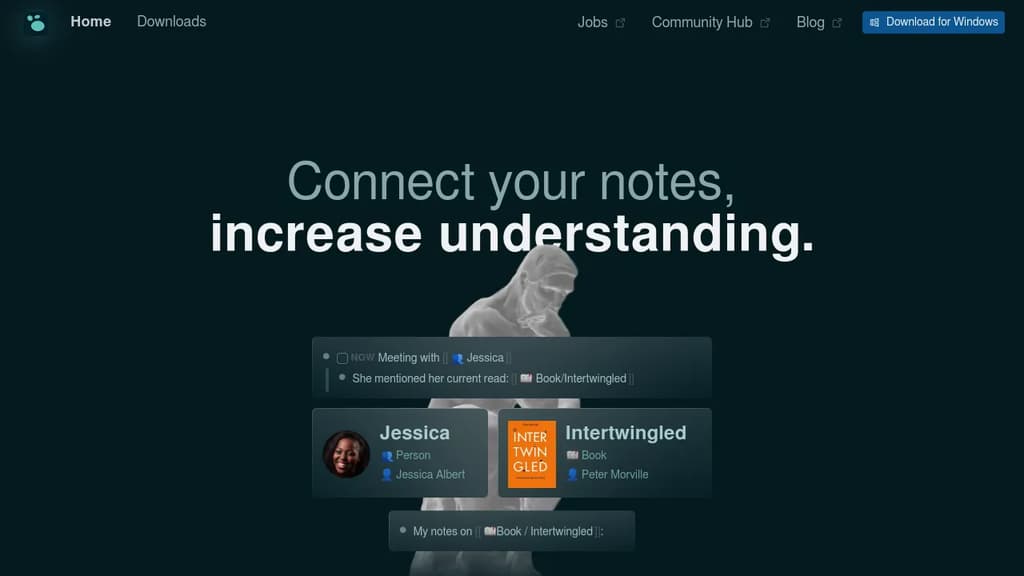
Logseq is a local-first knowledge base for people who work with a lot of information and can't afford to lose the thread. Your notes live as plain Markdown files on your own device, so you own them completely. No subscription required for personal use, no vendor lock-in, and no cloud dependency unless you want one.
It's built around an outliner model where every bullet is a block you can reference, embed, or query from anywhere in your notes. That structure makes it easy to build connections between ideas over time rather than hunting through disconnected documents. If you've tried tools like Obsidian or Roam Research and wanted something fully open source with strong privacy defaults, Logseq is the closest match.
Key capabilities:
- Bidirectional linking connects pages and blocks so related ideas surface automatically
- Outliner-based editing lets you nest, collapse, and reorganize thoughts at any depth
- Flashcards turn any block into a spaced-repetition card for memorizing facts
- PDF annotations keep highlights and notes alongside the source document
- Whiteboards give you an infinite canvas to arrange and connect blocks visually
- Queries let you pull structured tables of information from across your notes
- 150+ plugins extend the core with community-built functionality
- Encrypted sync keeps notes consistent across devices without exposing your data
The daily journal is the default entry point. Capture everything there and let Logseq's linking and query system turn that raw input into something navigable. It suits students reviewing class notes, writers outlining drafts, developers keeping project context, and anyone who needs meeting notes that don't disappear into a folder.
Compared to a tool like Notion, Logseq keeps everything local and doesn't require a browser. Unlike SiYuan or AnyType, its plain-text Markdown storage means your notes are readable in any editor, long after the app itself might change.

A free, open source note-taking app built on plain Markdown files, Git version control, and direct AI model integration. No account required.
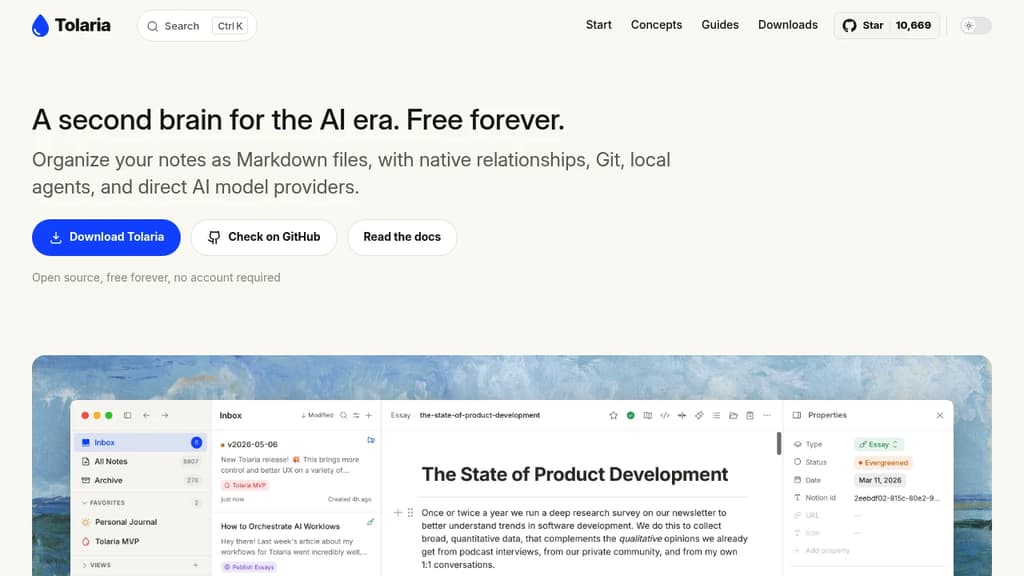
Tolaria is a personal knowledge base built for people who want full ownership of their notes. Every note is a plain Markdown file stored on your disk with YAML frontmatter. No database, no proprietary format, no lock-in. You can open your vault in any editor, search it with standard tools, and version it with Git.
It's a direct Obsidian alternative for writers and engineers who want richer Git integration and AI built into the workflow from the start, not bolted on later.
What makes it distinct:
- Plain files, always. Your vault is just a folder. Nothing is hidden in a database. Move it, back it up, or read it without Tolaria installed.
- Integrated Git client. Commit, push, and browse per-note history directly inside the app. No terminal required for version control.
- Rich block editor. Slash commands,
[[wikilinks]]with autocomplete, whiteboards, table navigation, and media previews. Everything saves as standard Markdown. - AI without the middleman. Connect directly to local models or API providers like Claude, Codex, OpenCode, or Gemini. Use them for chat over your notes, or bring in CLI coding agents for tool-backed editing.
- No account required. Free forever, AGPL-3.0 licensed, and fully self-contained.
Tolaria was built by Luca, a software engineering writer with 300+ published articles and 9,000+ notes accumulated over five years. None of the existing tools, including Logseq or tools like AppFlowy, matched what he needed, so he built his own.
The docs live in the same repo as the app, so documentation stays in sync with actual product behavior. That's a small detail that signals how the project is maintained.

The next generation of open-source AI-powered card notes designed to help you quickly capture and organize inspiration so that ideas never run out.
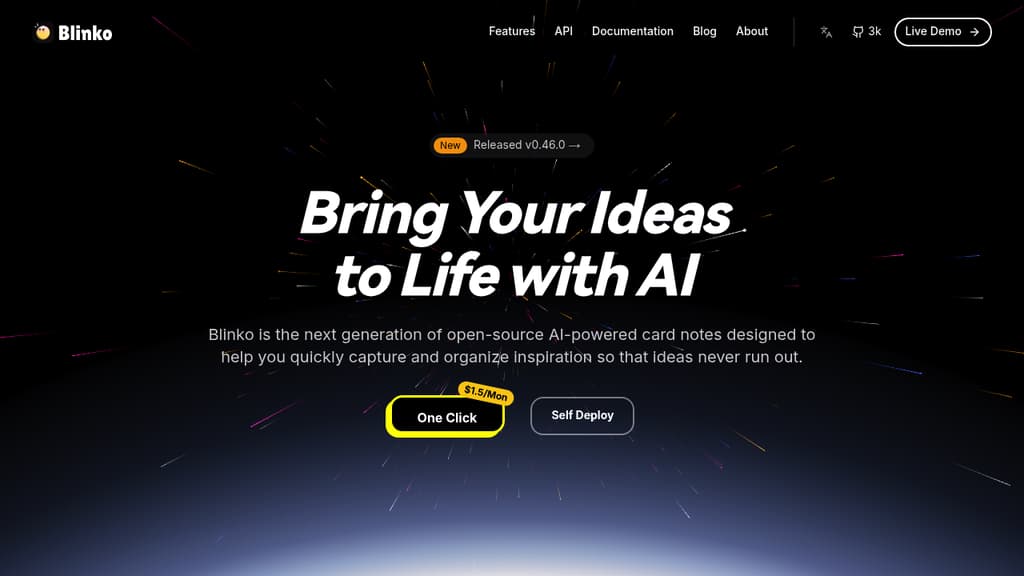
Blinko is a powerful self-hosted note-taking solution that puts you in control of your personal knowledge management. With its intuitive interface, you can:
- Create and organize notes with rich text formatting and markdown support
- Build connections between related notes to create a personal knowledge graph
- Keep your data private and secure by self-hosting on your own infrastructure
- Access your notes from anywhere through web and mobile interfaces
- Import and export notes in standard formats for data portability
- Customize the experience with themes and plugins
Perfect for students, researchers, writers, and anyone who wants to build a structured personal knowledge base while maintaining complete control over their data.

A local-first, encrypted workspace for notes, tasks, databases, and chats. Your data stays on your device, syncs peer-to-peer, and never passes through a central server.
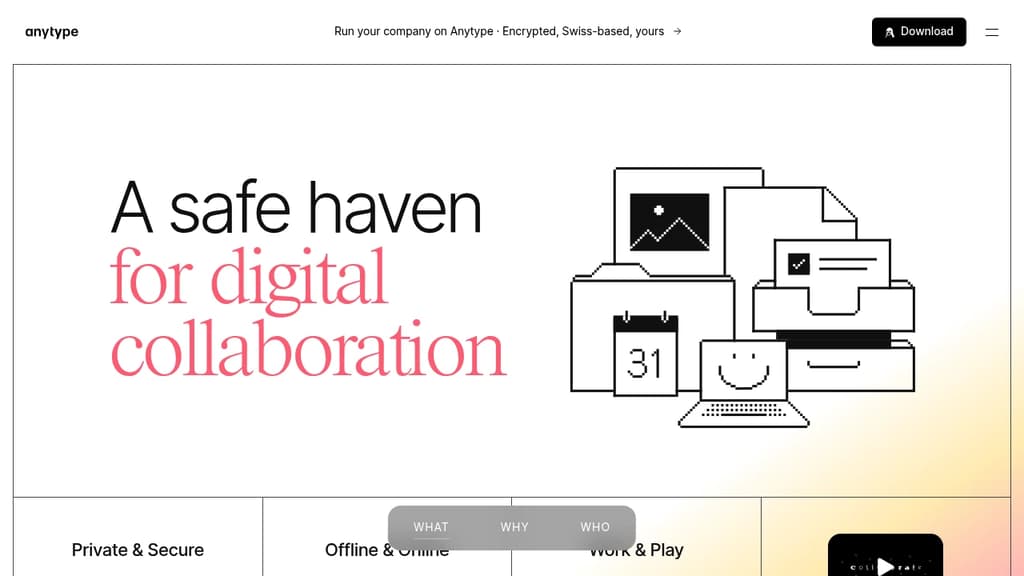
Anytype is a local-first workspace where your data lives on your device, encrypted with keys only you hold. It's built for people who want the flexibility of a tool like Notion or Nuclino without handing their data to a company's servers. Notes, tasks, databases, wikis, and chats all live in one place, and none of it is readable by anyone but you.
The privacy model is the core differentiator. Anytype uses on-device encryption by default. No server sits between your devices; sync happens peer-to-peer over local networks. You can also self-host your own backup node. There's no account recovery through a third party because no third party ever has your keys.
Beyond privacy, it's a capable creation tool:
- Block-based editor for composing pages, notes, and documents with rich formatting
- Databases with multiple views including table, kanban, and gallery layouts
- Templates to standardize recurring structures across your workspace
- Graph view to visualize relationships between objects
- Widgets for surfacing frequently used content on your home screen
- Offline-first operation, so the app works fully without an internet connection
- Native mobile apps for iOS and Android with touch-optimized navigation
The object model is flexible. Everything in Anytype is an "object" with its own type and relations, which means a task, a contact, a note, and a project can all link to each other in structured ways. It's closer to a personal knowledge graph than a simple note-taking app.
For teams, Anytype supports shared spaces with collaborative editing, making it a self-sovereign alternative to tools like Affine for groups that need both privacy and real-time collaboration. A business tier adds features for larger organizations.
The underlying protocols are open, built by Any, a Swiss non-profit association, so third-party developers can build on top of them without permission.

A self-hosted, browser-based note-taking system that turns plain Markdown pages into a queryable, scriptable knowledge base you control.
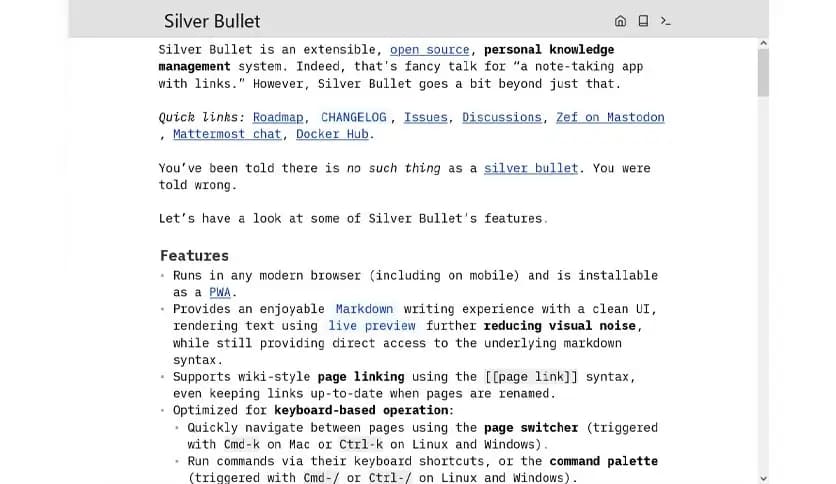
SilverBullet is a self-hosted web app that blends a clean Markdown editor with wiki-style linking, a built-in query language, and a Lua scripting environment. It's aimed at people who want more than a static notes app but don't want to stitch together separate tools to get there.
Your notes live as Markdown files in what SilverBullet calls a "space." You can browse them like a traditional app or follow bi-directional links like a wiki. The live-preview editor keeps things readable while you write, and a page picker lets you jump around quickly.
What sets it apart from tools like Logseq or SiYuan is the depth of its programmability:
- Space Lua scripting lets you write custom logic directly inside your notes, generating content dynamically at render time.
- SLIQ (Space Lua Integrated Query) lets you query your own notes like a database, pulling in tasks, tags, or page metadata on the fly.
- Templates can be driven by queries, so a "product features" page or a "recent pages" list stays current without manual updates.
- Bi-directional links connect pages automatically, and linked mentions surface everywhere a page is referenced.
- Tagging and custom attributes let you annotate pages with structured data that queries can sort, filter, and display.
- Task tracking works across your entire space, so you can collect incomplete tasks from all your pages in one view.
SilverBullet runs as a single self-contained server or container, which means you deploy it on a VPS, a Raspberry Pi, or anywhere you control. Your data stays yours. There's no account to create, no sync service to trust.
It's a good fit for writers who want structure without friction, for outliners who need hierarchy, and especially for people comfortable writing a little Lua who want their notes to do real work.

Cross-platform note-taking app with end-to-end encryption, offline access, and powerful organization features for privacy-conscious users.
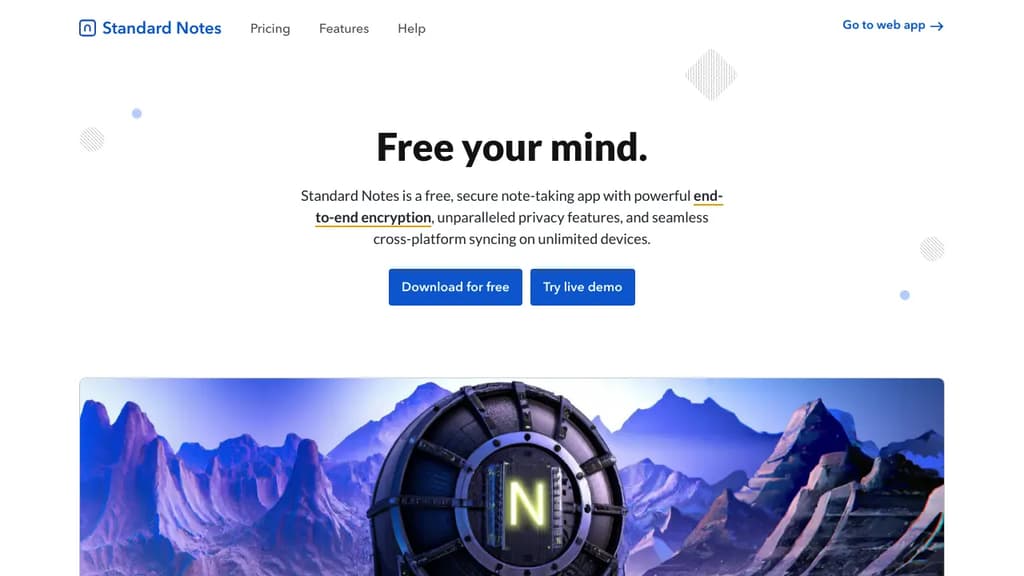
Standard Notes is a powerful, open-source note-taking application designed for those who value privacy and security in their digital lives. With a focus on simplicity and robust encryption, it offers a seamless experience across all your devices.
Key benefits of Standard Notes include:
- End-to-end encryption: Your notes are protected with AES-256 encryption, ensuring that only you can access your data.
- Cross-platform synchronization: Seamlessly access your notes on desktop, mobile, and web browsers.
- Offline access: Work on your notes anytime, anywhere, even without an internet connection.
- Markdown support: Write and format your notes efficiently using Markdown syntax.
- Customizable experience: Extend functionality with editors, themes, and components through the Extensions system.
- Long-term data integrity: With encrypted backups and data portability, your notes are safe and accessible for years to come.
- Open-source transparency: The codebase is open for review, fostering trust and community-driven improvements.
- No ads or tracking: Your privacy is respected with a clean, distraction-free interface.
Standard Notes offers both free and paid plans, allowing users to choose the level of features that best suits their needs. Whether you're jotting down quick thoughts, managing complex projects, or safeguarding sensitive information, Standard Notes provides a secure and versatile solution for all your note-taking requirements.

A privacy-focused, offline-first note-taking app that stores everything on your device, with Markdown, note linking, file attachments, LaTeX math, and bring-your-own sync.
Beaver Notes is a local-first note-taking app that keeps your data on your device by default. There are no accounts to create, no servers to trust, and no telemetry phoning home. It's MIT-licensed and built for people who want full ownership of their notes without trading away convenience.
The core idea is simple: everything works offline, and you decide whether and how to sync. Instead of locking you into a proprietary cloud, Beaver lets you bring your own cloud provider to move notes across devices on your terms.
The feature set covers more ground than a basic editor:
- Note linking connects ideas across your notes, building a personal web of information similar to what you'd find in tools like Logseq
- Tags and labels keep notes organized without complex folder hierarchies
- File attachments let you embed PDFs, images, and audio directly in a note
- LaTeX math renders equations inline as you type, useful for science and engineering notes
- Drawing lets you insert sketches or handwritten sections from any device, and those drawings travel with the note when you share it
- Command prompt gives keyboard-first access to search, settings, and actions without touching the mouse
- Markdown support throughout, with shortcuts that keep your hands on the keyboard
Sharing is built in too. You can send notes to other apps or people directly, and shared notes carry their embedded drawings and files along with them.
Beaver sits in a different lane from cloud-dependent tools like Notesnook or Memos. It's not trying to be a team collaboration platform or an AI-assisted workspace. The focus is on a fast, distraction-free writing environment that respects your privacy by design, not as a setting you have to hunt down.

Minimal note-taking app storing Markdown notes in local SQLite database. Features instant search, flexible tagging, keyboard shortcuts, and offline access.
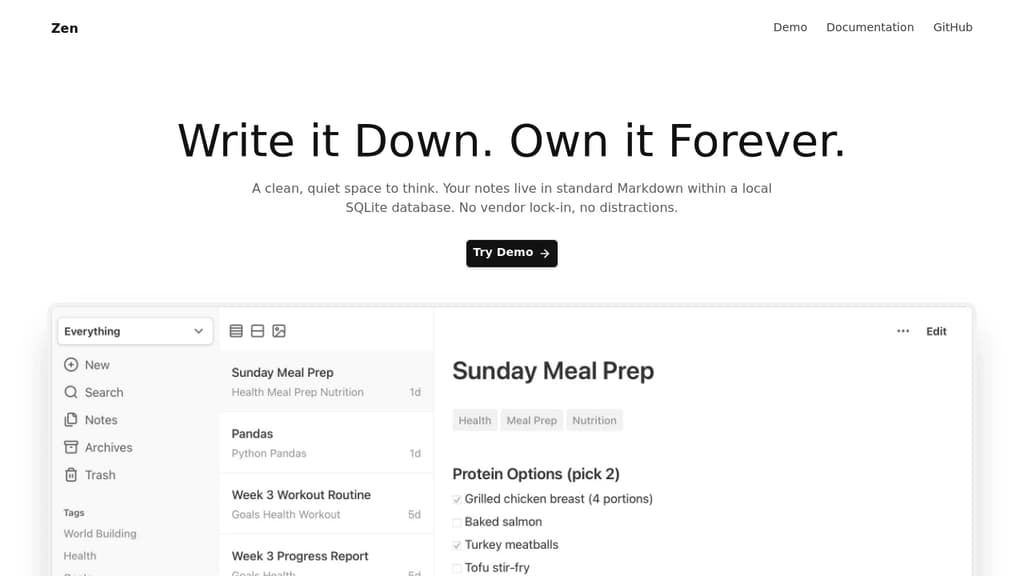
A clean, quiet space for your thoughts with zero vendor lock-in. Your notes live in standard Markdown within a local SQLite database, ensuring your content remains accessible forever.
Key Features:
- Lightweight & Fast: Single Go binary (~20MB memory) or Docker deployment
- Future-Proof Storage: Standard Markdown files in local SQLite - no proprietary formats
- Flexible Organization: Tag-based system with custom "Focus Modes" instead of rigid folders
- Instant Search: Full-text search with BM25 ranking across all content
- Rich Markdown Support: Tables, code blocks, task lists, highlights, and more
Smart Workflow:
- Multiple Views: Switch between list, card, and gallery layouts
- Image Support: Drag-and-drop images with automatic management
- Archive & Restore: Soft delete with cleanup automation
- Keyboard Shortcuts: Essential shortcuts for creating, searching, and formatting
- Mobile-Friendly: Responsive design with PWA installation option
Built for Longevity:
- Offline Access: Read and edit notes without internet connection
- Dark Mode: Comfortable reading in low-light environments
- Import Options: Migrate existing Markdown and text files seamlessly
- MCP Server: Connect AI apps to chat with your notes and discover connections
- Minimal Dependencies: Lean codebase reduces bit rot risk for long-term stability

A customizable, offline-first note editor that lets you format text, create lists, add images, and export to HTML - all while maintaining your privacy.
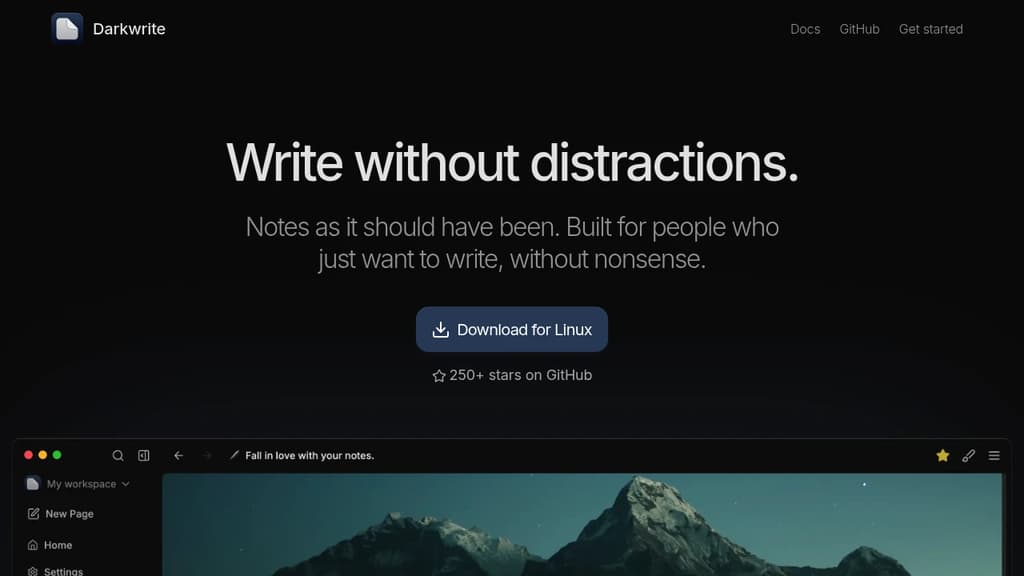
Darkwrite is a feature-rich note-taking application designed for users who value both functionality and privacy. The editor supports essential formatting options like lists, text styling, and image embedding while maintaining a clean, distraction-free interface.
Key benefits:
- Truly offline experience: All your notes are stored locally, ensuring complete privacy and constant access
- Customizable interface: Choose from multiple themes and fonts to create your perfect writing environment
- Export flexibility: Save your work as HTML files for easy sharing and backup
- Cross-platform compatibility: Available for Windows, Linux, and macOS
- Open-source transparency: Full access to the source code ensures security and trust
Whether you're taking quick notes or working on longer documents, Darkwrite provides the perfect balance of features and simplicity while keeping your data private and secure.

OpenNotas is a multi-platform, end-to-end encrypted note-taking app that offers simplicity, synchronization, and offline functionality.
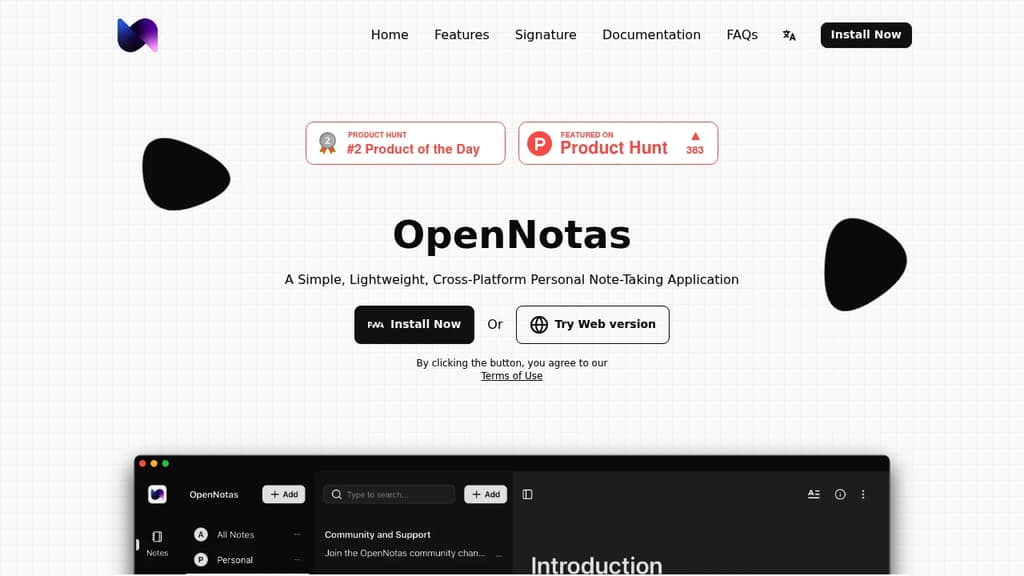
OpenNotas is a versatile and user-friendly note-taking application designed for personal use across multiple platforms. Here are its key features and benefits:
-
Simplicity: OpenNotas boasts an intuitive interface, allowing users to start writing notes immediately without navigating complex settings.
-
Multi-platform support: Available on various devices and operating systems, including mobile phones, computers, Windows, Linux, and macOS.
-
Synchronization: Users can sync their notes across devices through Adapter configuration, ensuring access to their information from anywhere.
-
End-to-End Encryption (E2EE): Utilizes AES algorithm to encrypt note data before storing it on the server, guaranteeing data security and privacy.
-
Offline functionality: OpenNotas can be used without an internet connection, with data stored locally and synced when connectivity is restored.
-
Free and open-source: The application is completely free to use and has its source code openly available.
-
Customizable sync options: Users can set up note syncing across devices through Adapter configuration, providing flexibility in how data is managed.
-
Data control: OpenNotas does not store user note data on its servers, giving users full control over their information.
-
Multiple language support: The application is available in various languages, including English, Vietnamese, and Traditional Chinese.
OpenNotas strikes a balance between simplicity and functionality, making it an excellent choice for users who prioritize privacy, ease of use, and cross-platform availability in their note-taking solution.
A self-hosted, open-source note-taking app that keeps the Google Keep sticky-note feel while adding folders, timelines, list views, and import support.
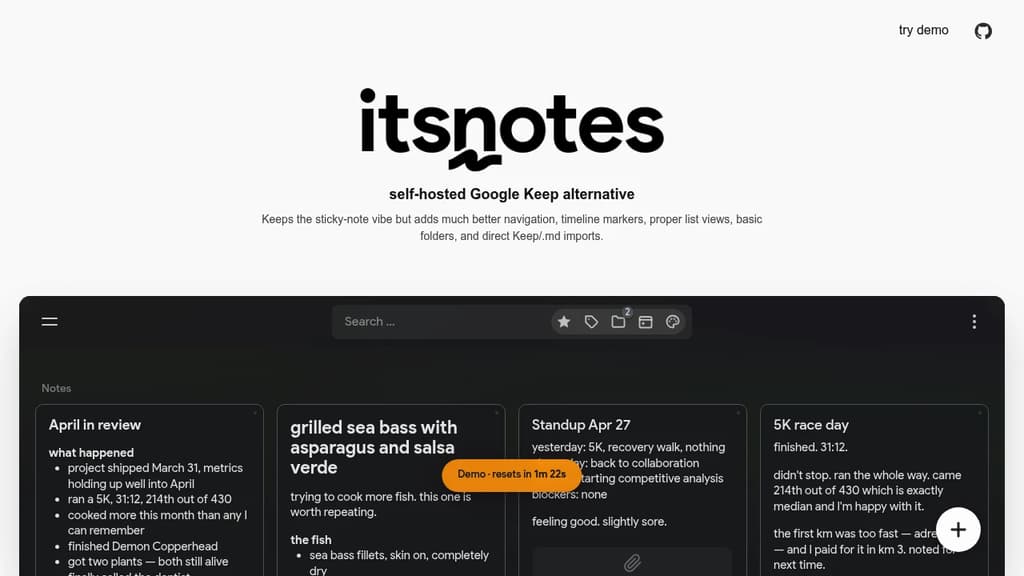
If you like Google Keep's quick-capture sticky-note style but want something you actually control, itsnotes is built for that. It's a self-hosted, open-source app that preserves the lightweight feel of Keep while fixing the parts that frustrate power users.
The core experience is familiar: quick notes, a card-based layout, nothing in the way. But itsnotes layers on features that Keep never offered:
- Timeline markers let you anchor notes to points in time, making it easier to track when things happened or were written.
- Proper list views give you an alternative to the default card grid when you need to scan notes quickly.
- Basic folders let you group notes without needing a full tagging system or complex hierarchy.
- Direct imports from Google Keep and Markdown files mean you're not starting from scratch if you're switching.
It's aimed at people who want a personal, private note-taking setup without the overhead of heavier tools like Logseq or AnyType. No account required, no data leaving your server.
For anyone already running self-hosted services, itsnotes fits cleanly into that stack. It's a focused tool: sticky notes done with a bit more structure, and nothing else pretending to be a second brain.
Justnote is a secure note-taking app that lets you easily create and sync notes across devices while maintaining full control of your data.
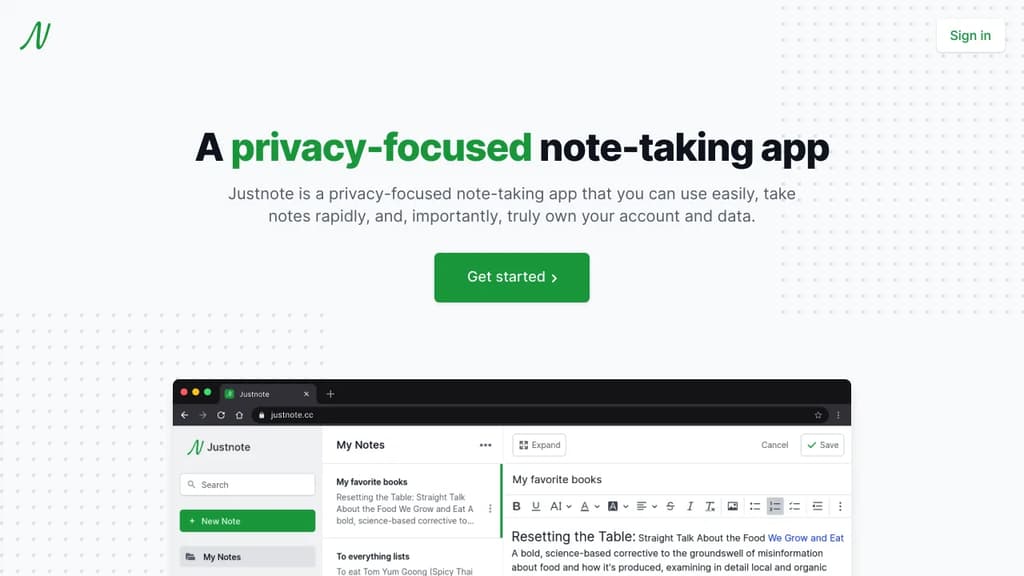
Justnote is a privacy-focused note-taking app designed for simplicity, speed, and data ownership. Key features include:
- Simple and fast interface for quick note-taking on any device
- End-to-end encryption to keep your notes private and secure
- Cross-device syncing to access notes anywhere
- Web3 technology that gives you full control of your account and data
- No ads or data mining
- Rich text editor with formatting options
- Dark mode for comfortable night-time use
- Available on web, iOS, and Android
Justnote uses blockchain technology from Stacks to create a truly decentralized app where only you can access and control your account and notes. Your data is encrypted and stored on servers of your choice.
With Justnote, you can quickly jot down ideas, to-do lists, and other notes without worrying about privacy or losing access to your data. The clean, distraction-free interface lets you focus on your thoughts.
Whether you need a simple notepad for quick memos or a secure place to store sensitive information, Justnote provides an easy-to-use and private note-taking experience across all your devices.

People are looking for alternatives to...
View all alternatives
Spotify

Claude Code

CapCut

Claude

Notion

Lovable
 Openlane – Open-source, developer-first platform for automated compliance, risk management, and built-in Trust Center.


 Stellar Hosted