Ad Sevalla – Deploy your app before your coffee gets cold. It’s that easy. Try Sevalla with $50 free credit.Learn More
Sevalla – Deploy your app before your coffee gets cold. It’s that easy. Try Sevalla with $50 free credit.Sevalla – Deploy your app before your coffee gets cold. It’s that easy. Try Sevalla with $50 free credit.Learn how Checkmk and Uptrace differ in their key features, development activity, technology stack and community adoption, so you can decide which of these infrastructure monitoring tools is best for you.
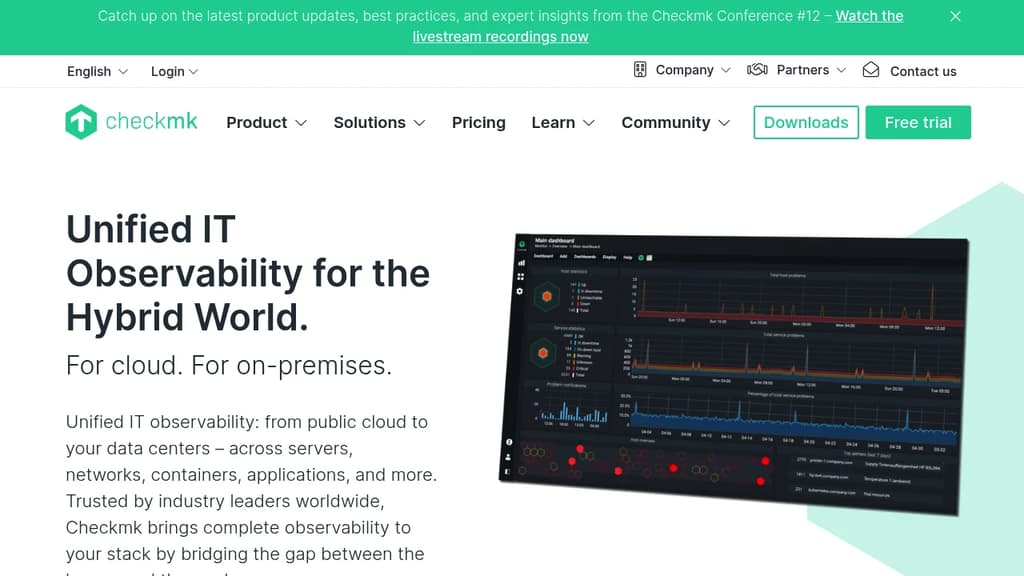

Both Checkmk and Uptrace have their unique strengths and serve similar purposes effectively. Consider your specific needs regarding popularity, activity, technology, maturity, licensing and features when making your decision.
Uptrace leads in popularity with 4,246 stars vs 2,325 stars for Checkmk. The 83% higher star count indicates stronger community adoption. In terms of developer contributions, Checkmk has 550 forks, indicating moderate developer engagement.
Checkmk shows more recent development activity with its last commit 5 hours ago, while Uptrace was last updated 2 months ago. This suggests Checkmk is being more actively maintained.
Both tools share common technology foundations, being built with JavaScript, Bash, Typescript, Python, SCSS, Golang, Vue. However, they differ in their additional technology choices: Checkmk uses CSS, Rust, C, Objective-C, PHP, C++, C#, Perl while Uptrace leverages Ruby, Django.
Checkmk has been in development longer, starting 7 years ago, compared to Uptrace which began 5 years ago. This 2.9-year head start suggests Checkmk may have more mature features and established processes.
The projects use different licenses: Checkmk is licensed under GPL-2.0 while Uptrace uses AGPL-3.0. Consider the licensing requirements when choosing for your project.
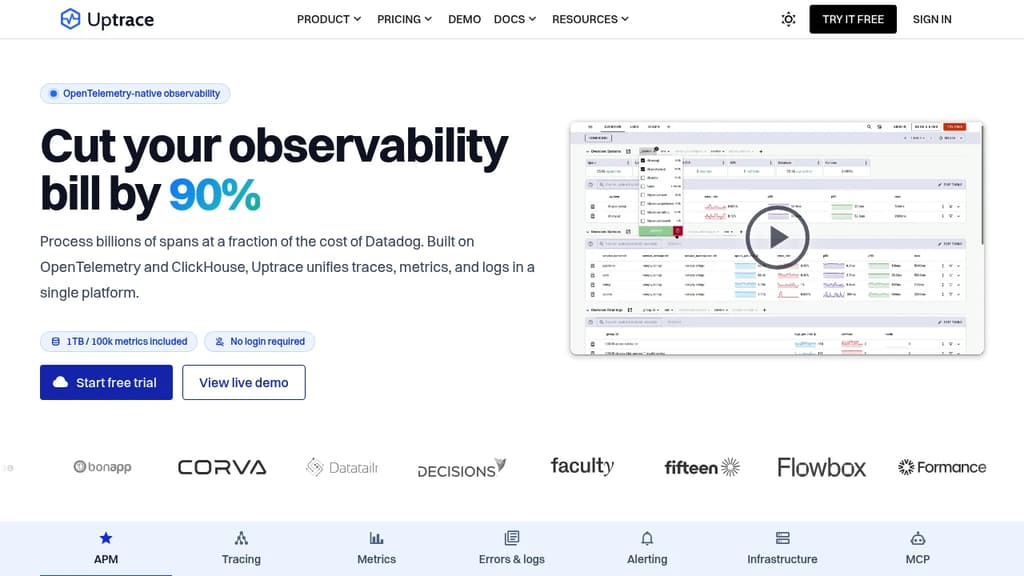
Both tools serve similar use cases in Infrastructure Monitoring. However, they also have distinct specializations: Uptrace extends into Performance Monitoring (APM).
Uptrace provides self-hosting options for complete data control and customization, while Checkmk may be primarily cloud-based or require different deployment approaches.
 Checkmk
vs
 SigNoz
Activity score
Stars
Forks
Last commit
Repository age
License
Repository
Activity score
Stars
Forks
Last commit
Repository age
License
Self-hosted
Repository