Best AI Coding Agent Orchestrators in 2026: 13 Tools Compared
We compared 13 AI agent orchestrators on licensing, mobile apps, self-hosting, and pricing to find the best way to run Claude Code and Codex in parallel.

Written by Piotr Kulpinski

Running a single AI coding agent in a terminal already feels normal. The new frontier is running five at once, each on its own branch, while you review diffs from your phone. That's the promise of AI agent orchestrators: control planes that spawn, supervise, and merge the work of coding agents like Claude Code, Codex, and OpenCode working in parallel.
The category barely existed a year ago. Today it has more than a dozen serious contenders, from polished closed-source Mac apps to fully open-source daemons you can host on a VPS. The choice matters more than it seems: your orchestrator decides which agents you can use, whether you can work away from your desk, and whether your code ever touches someone else's cloud.
This guide compares 13 tools: the three big agent platforms everyone orchestrates (Claude Code, Codex, Cursor) and ten orchestrators that sit on top of them. As always on OpenAlternative, we pay special attention to open-source licensing, self-hosting, and pricing honesty. Credit where due: this comparison was inspired by Thomas Sanlis's hands-on review of the same tools, worth reading for a personal take on daily-driving each one.
Updated September 2026. Three things moved since we first published this in August. Paseo dropped AGPL-3.0 for Apache-2.0 and shipped cron schedules, which changes its answer on two of our seven criteria. Superset put remote access behind a $20 per user subscription. And two new entrants, Emdash and Omnigent, earned their own sections.
TL;DR: Orca is the most powerful open-source AI agent orchestrator, Paseo is the best pick for self-hosters who want real mobile support, and T3 Code is the easiest place to start. All three are free and work with the Claude Code or Codex subscription you already pay for. The full comparison table is further down.
What Is an AI Coding Agent Orchestrator?
An AI coding agent orchestrator is a layer above the agent CLIs you already use. Instead of one terminal tab running one agent, an orchestrator gives you:
- Parallel sessions: Multiple agents working simultaneously, each isolated in its own git worktree so they never step on each other's changes.
- A review surface: Side-by-side diffs, inline comments, and one-click commits or pull requests, because reviewing agent output is the real bottleneck.
- Remote access: A mobile app or web UI, often backed by a server daemon, so you can start and approve work from anywhere.
- Multi-provider freedom: Swap between Claude Code, Codex, OpenCode, Gemini CLI, and others without changing your workflow.
If you've searched for a "Claude Code UI" or a way to run multiple Claude Code instances at once, this is the product category you were looking for. We track all of these tools in our AI Coding Agent Orchestrators category, updated as new ones launch.
How We Compared Them
Every tool below is judged on the same seven criteria:
- Open source: Can you read, fork, and audit the code? Under what license?
- Mobile app: Is there a real iOS/Android client, not just a responsive web page?
- Server daemon: Can it run headless on a home lab or VPS you control?
- Free: Can you use the core product without a subscription, bringing your own agent accounts?
- Multi-provider: Does it orchestrate agents from more than one vendor?
- Automations: Can it run scheduled or triggered agent jobs without you at the keyboard?
- Polish: Does it feel like a finished product day to day?
One pattern worth calling out: almost every orchestrator is free and BYO-subscription. You pay Anthropic or OpenAI for the agents; the orchestrator is just the control plane. That pattern is starting to fray at the edges, though. Superset now charges for remote access and Conductor charges for cloud workspaces, so read the "Free" column carefully rather than assuming.
The Engines: Claude Code, Codex, and Cursor
Before the orchestrators, a quick look at the three platforms most people are actually orchestrating. Each ships its own first-party app, so they double as the baseline to beat.
Claude Code
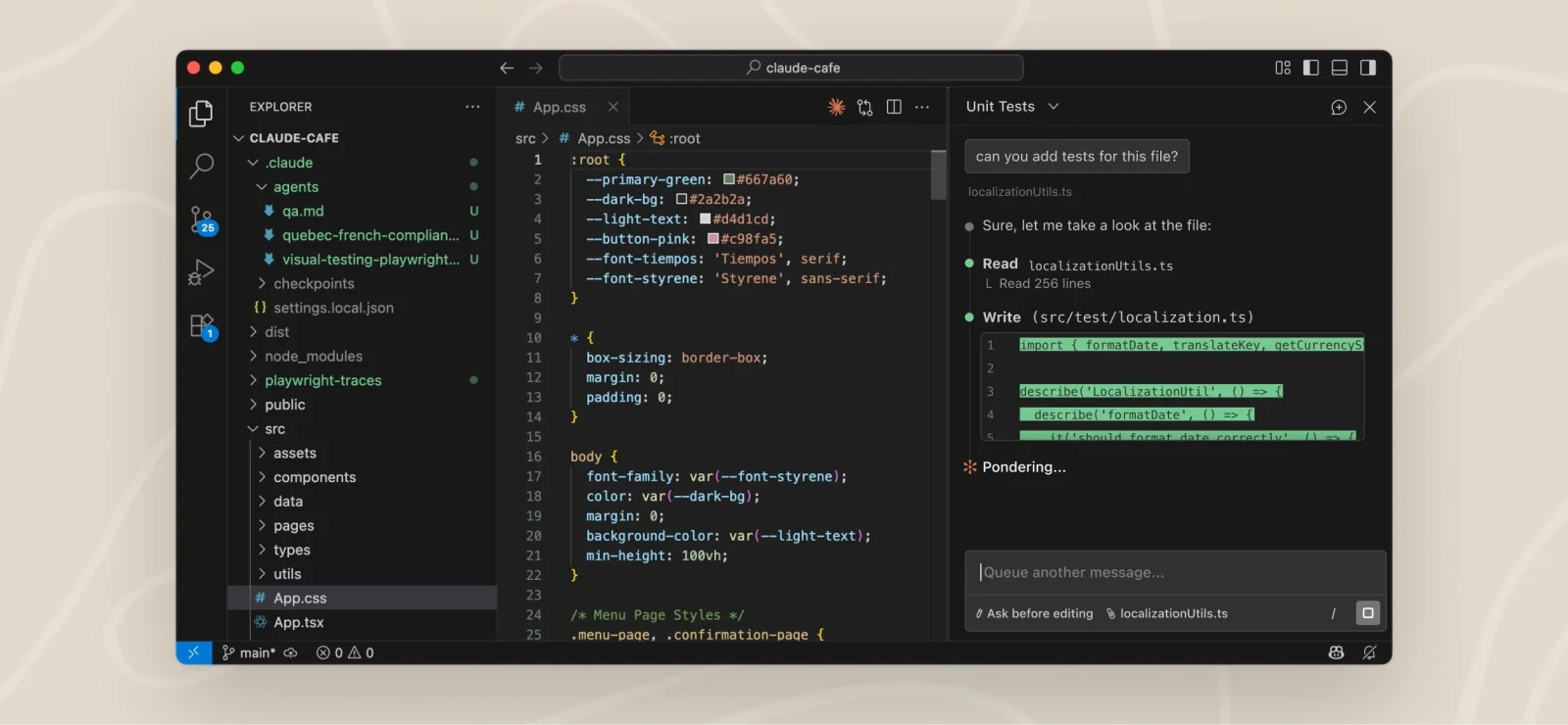
Anthropic's Claude Code is the default agent of this ecosystem. It runs in the terminal, in IDE extensions, on the web, and in a mobile app, and its subscription plans (Pro at $20/month, Max at $100 to $200/month) are what most orchestrator users bring with them. Anthropic has been closing the gap on its own tooling: sessions now sync across desktop, web, and mobile, remote sessions are in beta, and scheduled tasks run server-side with nothing of yours online. The catch for this audience hasn't changed: it's not open source, and it only speaks Anthropic models. That combination is why the orchestrator category exists. If you want the same engine with an open cockpit, that's what the ten tools below provide. We also maintain a list of open-source Claude Code alternatives.
Website: https://claude.com/product/claude-code
Codex
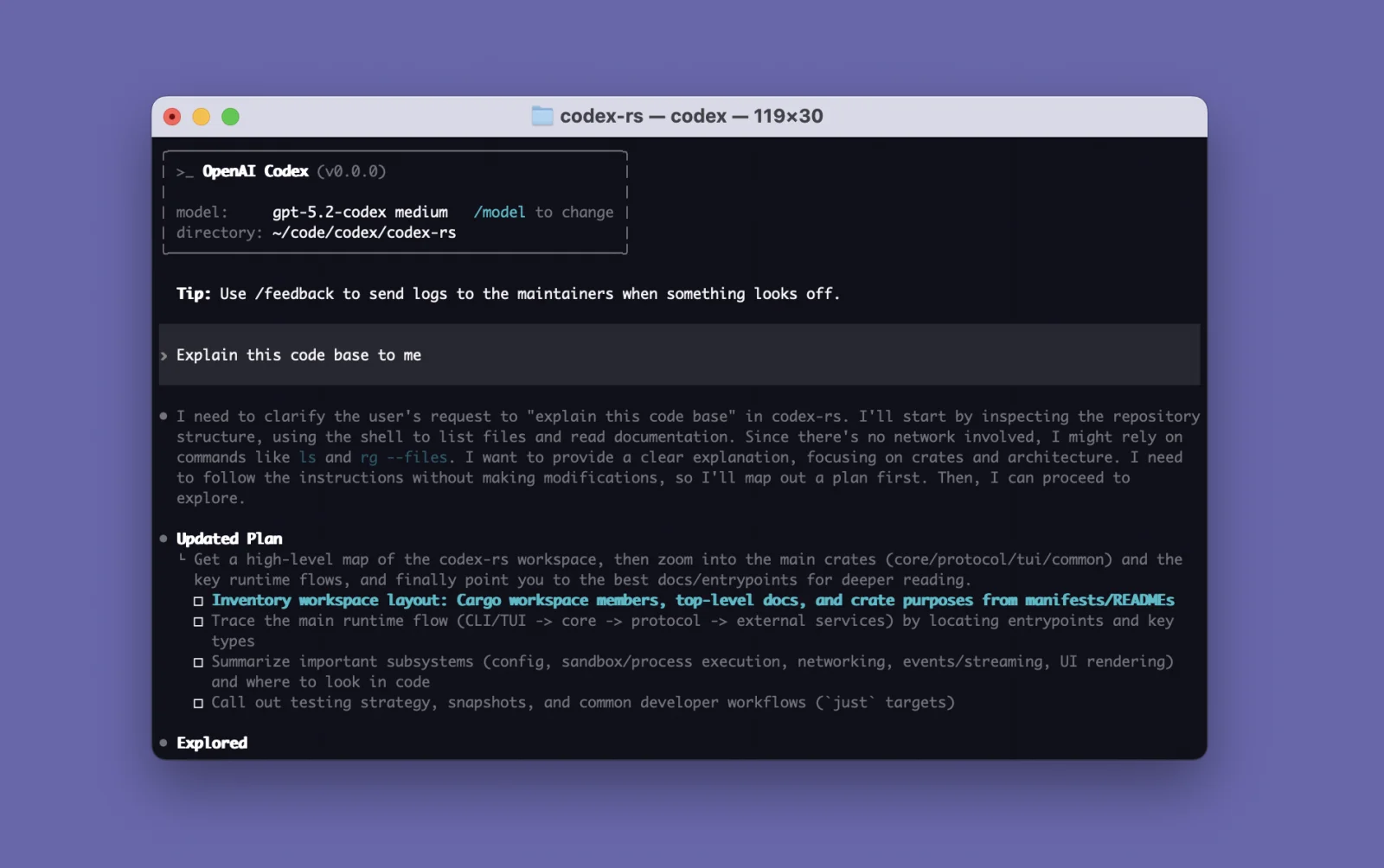
OpenAI's Codex is arguably the most capable single agent today, and its CLI is genuinely open source (Apache-2.0, over 123k GitHub stars, up from 106k a month ago). It comes bundled with ChatGPT Plus and Pro plans and adds cloud sandboxes, a desktop app you launch with codex app, and a solid mobile experience. The limitation is structural: Codex runs OpenAI models only. If you're happy inside one vendor, it's excellent. If not, see the alternatives to Codex or pick an orchestrator that treats Codex as one engine among many.
Website: https://openai.com/codex
Cursor
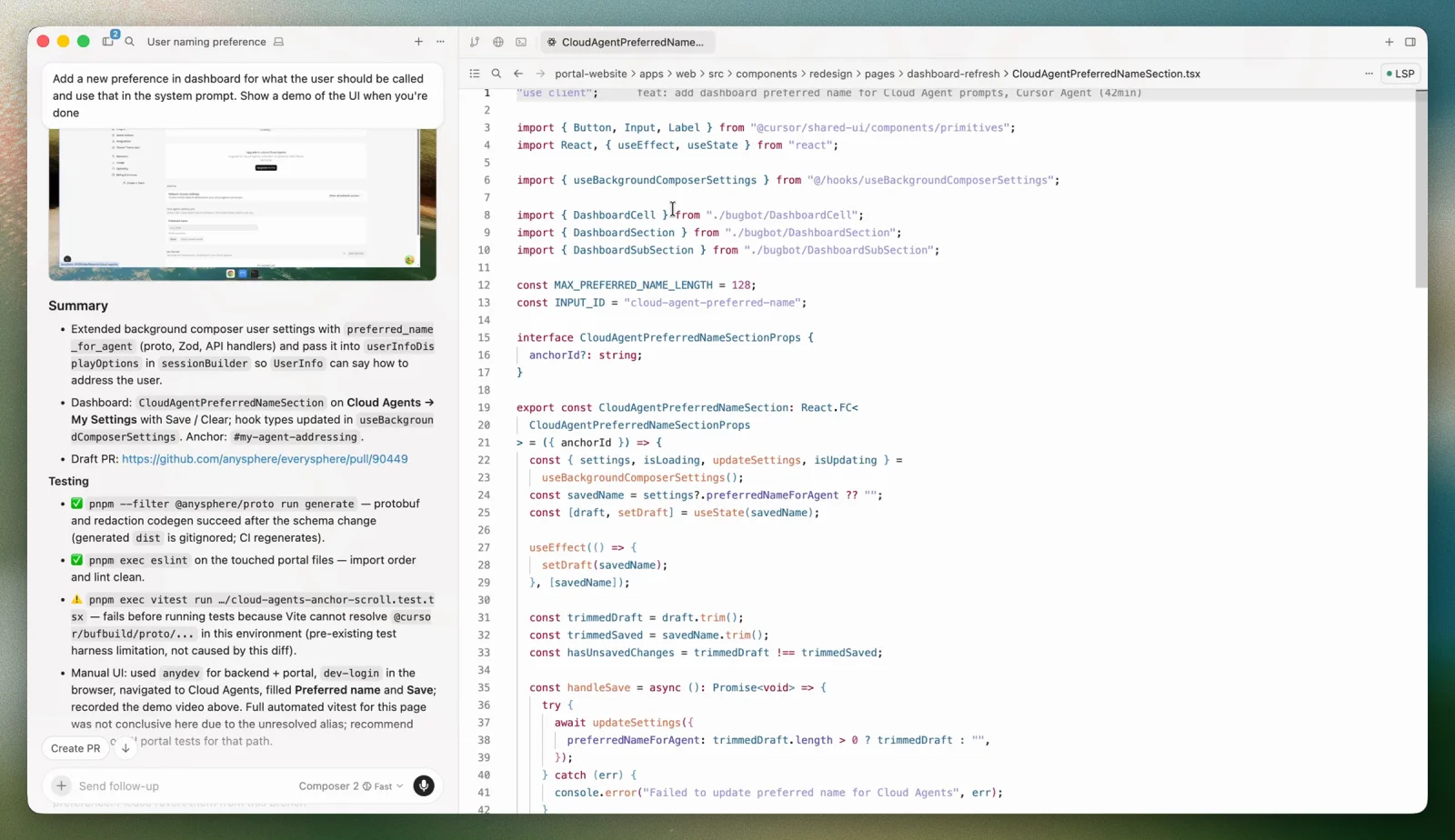
Cursor popularized AI-native editing, and its background agents and mobile app make it a partial orchestrator in its own right. The free Hobby plan caps agent requests; cloud agents start on Pro at $20/month, with Pro+ at $60 and Ultra at $200. But it's a closed-source VS Code fork, and you can't self-host any of it. Many developers who left Cursor over cost ended up on exactly the BYO-subscription orchestrators covered next. We keep a list of open-source Cursor alternatives too.
Website: https://cursor.com
The 10 AI Agent Orchestrators
Ranked with our usual bias: open code, self-hosting, and honest pricing win ties.
1. Orca
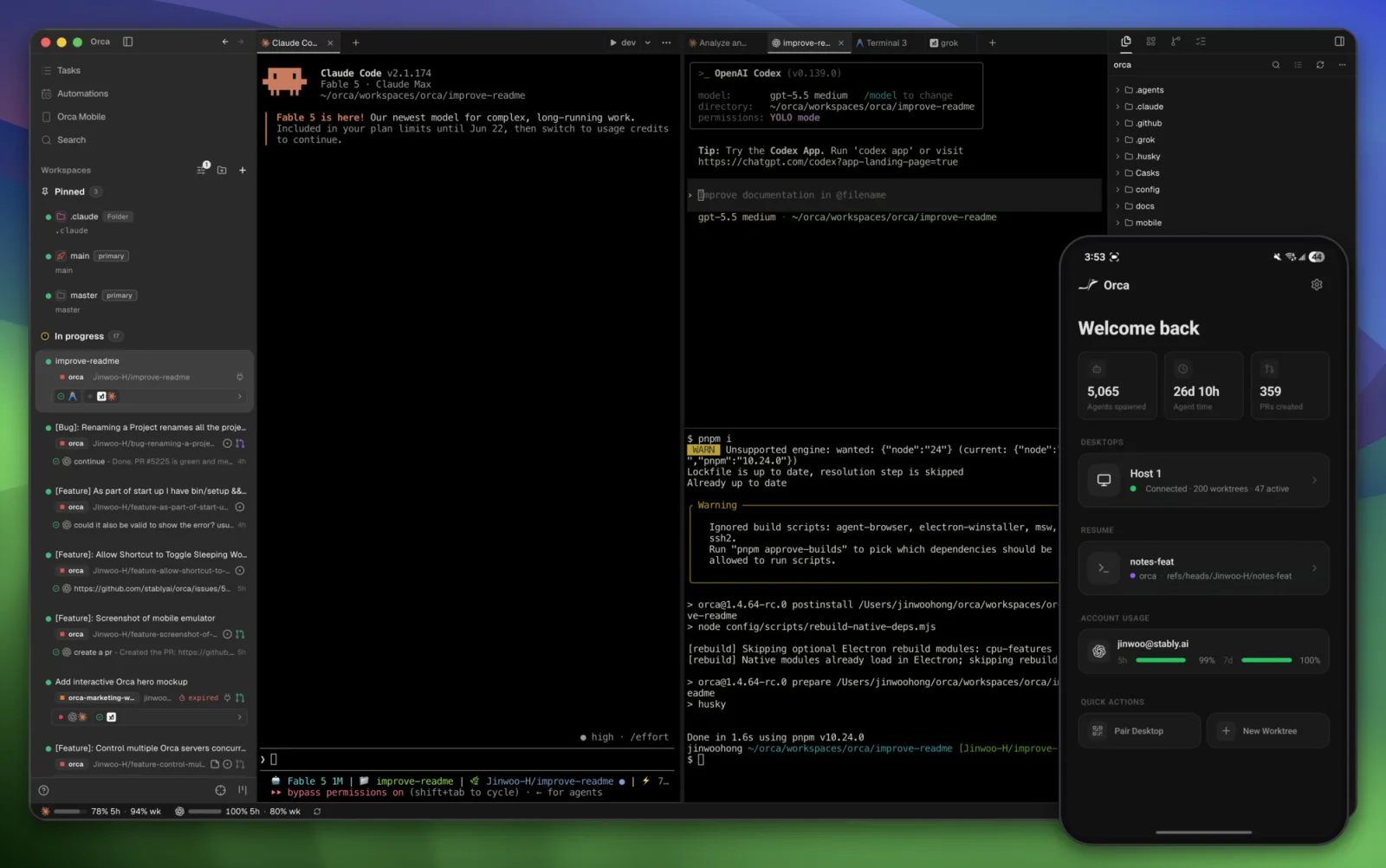
Orca is the heavyweight of the category: MIT-licensed, YC-backed, and past 66,000 GitHub stars, up 20,000 in the month since we first wrote this. It calls itself an "Agent Development Environment," and the scope backs that up: desktop apps for macOS, Windows, and Linux, an iOS app on the App Store plus an Android APK, SSH remote worktrees for running agents on a beefy box elsewhere, and a catalog of 27 named CLI agents that ends with "any other CLI agent."
The feature list goes well beyond session management: an embedded Chromium "design mode" for visual verification, an Agent Dashboard that maps every running agent and flags the ones waiting on you, computer use for driving desktop apps, scheduled automations, diff review with inline comments, a plugin marketplace, and GitHub and Linear integrations. The experimental chat UI we flagged in August has since moved onto the Claude Agent SDK and shipped as native structured chat on macOS and Linux, on desktop and mobile both.
Key Features and Considerations
The trade-off is density. The interface exposes a lot at once, and self-hosting on a VPS takes noticeably more effort than its lighter rivals. Power users will love it; minimalists may bounce.
- Pros:
- The most complete feature set in the category, MIT-licensed and free.
- True cross-platform coverage: desktop, mobile, and VPS.
- Plugin, theme, and skill ecosystem with an active community.
- Cons:
- Busy interface with a steep learning curve.
- VPS installation is more involved than Paseo's Docker setup.
- Android is an APK download, not a Play Store listing.
Website: https://www.onorca.dev
2. Paseo
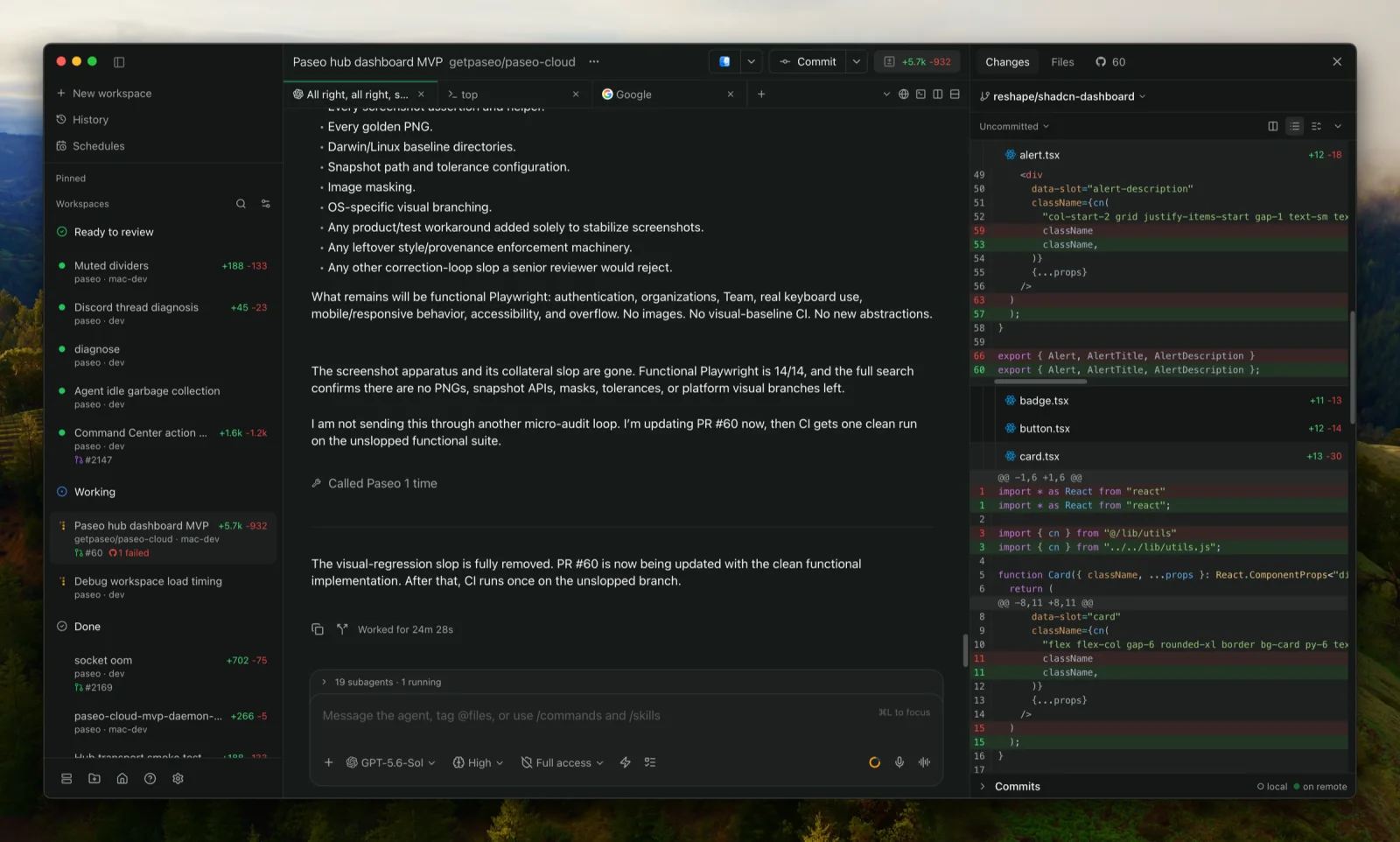
Paseo has earned a reputation for being boringly reliable, in the best sense: clean installs on Mac, VPS, and iPhone, and long stretches of heavy daily use without a single bug. Built by solo developer Mo Boudra, it's daemon-first by design: a self-hosted service (with a simple Docker setup) that your desktop, web, mobile, and CLI clients all talk to, with end-to-end encrypted relays for remote access.
Two things changed in Paseo's favor since August. The project relicensed from AGPL-3.0 to Apache-2.0 in v0.7.0 on 31 August, which removes the copyleft objection we raised last time. And v0.8.0 landed a plugin platform with custom providers, lifecycle hooks, and a TypeScript SDK, on top of the cron schedules and heartbeats that turn Paseo into a genuine automation host rather than a session manager.
The pitch is still "your machines, your keys." Agents run on hardware you control, credentials never leave it, and the mobile apps have full feature parity rather than being a read-only companion. Paseo now launches 40 providers, four of them natively (Claude Code, Codex, OpenCode, Pi) and the rest through a one-click ACP catalog, and Hub handles agents that start on their own from GitHub, Slack, and Discord activity.
Key Features and Considerations
Paseo still has fewer features than Orca, and the desktop app now requires macOS 13 or newer, so Monterey users are stuck on 0.7.x. For individual developers and home-labbers, it's arguably the best overall experience right now, and the Apache-2.0 switch makes it the easiest one to build a business on top of.
- Pros:
- Best-in-class daemon and self-hosting story, with a clean Docker install.
- Apache-2.0 since August 2026, permissive enough to fork and embed commercially.
- Real mobile parity: everything works from the phone.
- Cron schedules, heartbeats, and repo-stored Hub triggers.
- Cons:
- Smaller feature set than Orca.
- Solo-maintainer project, so bus factor is worth considering for teams.
- Desktop now needs macOS 13 or newer.
Website: https://paseo.sh
3. T3 Code
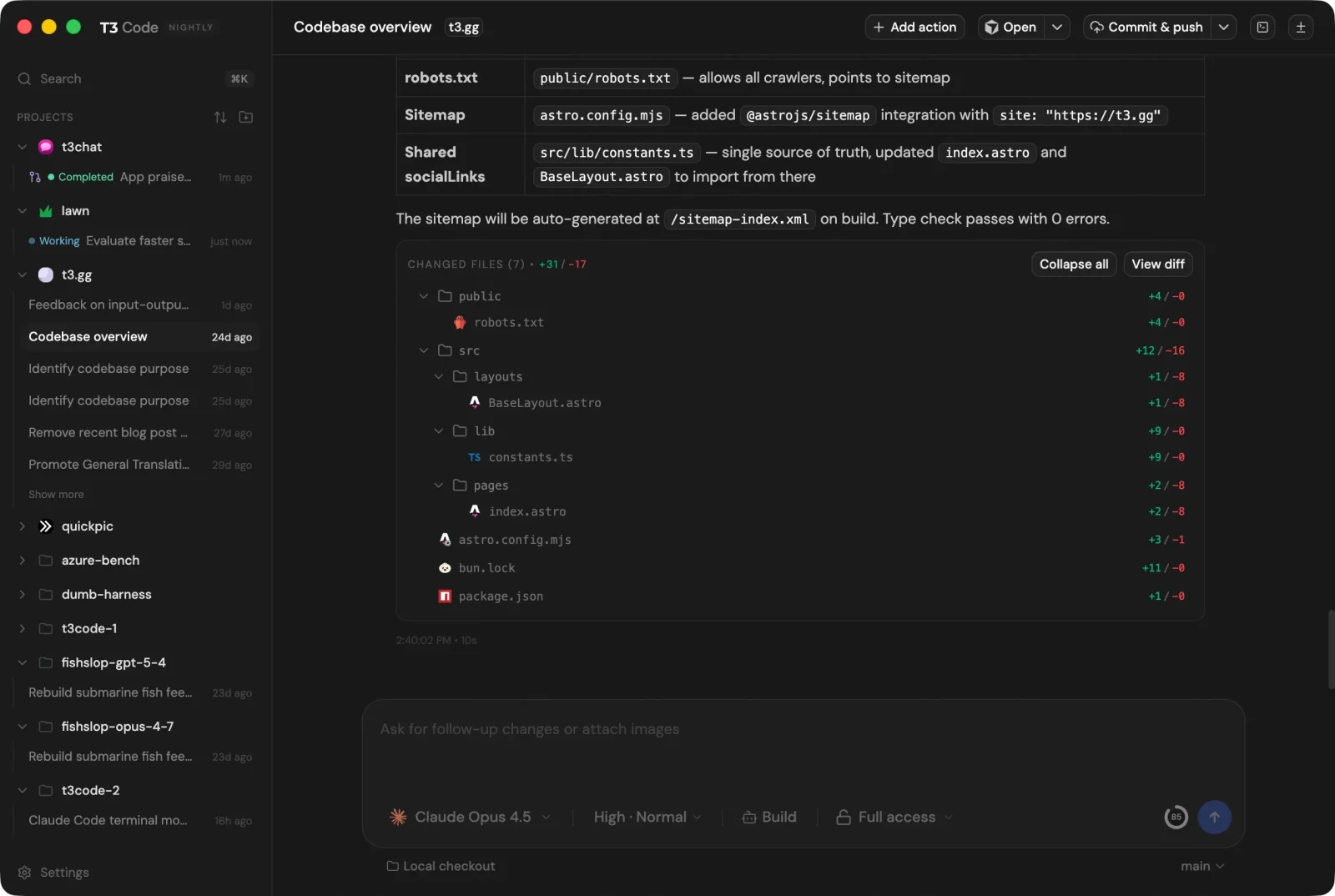
T3 Code is the community favorite from Theo Browne and Ping Labs: MIT-licensed, past 22,000 GitHub stars, and explicit about its business model ("no token reselling"; bring your own subscriptions). It orchestrates Claude Code, Codex, OpenCode, Cursor, Grok, and now Google Antigravity with mid-conversation model switching, per-thread branches, inline diff review, and unusually good pull request tooling (draft, stacked, and amend PRs from one button).
The server story we called "partial" in August is no longer partial. T3 Code installs as a proper background service (npx t3 service install, systemd on Linux, launchd on macOS), and T3 Connect pairs your phone or browser to that machine without router forwarding. You can also pair directly over a LAN or tailnet with t3 serve --host. The new Device panel runs an iOS Simulator or Android Emulator beside a thread, so an agent can verify its own mobile work and you can tap the screen yourself.
Key Features and Considerations
T3 Code is still young. Features land nightly, which cuts both ways: the pace is impressive, but stability lags the two tools above, and there's still no scheduled-automation story. The design, however, is the cleanest in the category, and it's the easiest recommendation for someone graduating from a single terminal tab.
- Pros:
- Clean, fast interface that's easy to learn.
- MIT license and a transparent, no-upsell model.
- Real background service plus a relay, so phone access needs no port forwarding.
- Strong PR workflow, mobile apps, and a live device panel.
- Cons:
- Young and occasionally unstable.
- No scheduled automations.
- Windows can run the app but not the background service.
Website: https://t3.codes
4. Superset
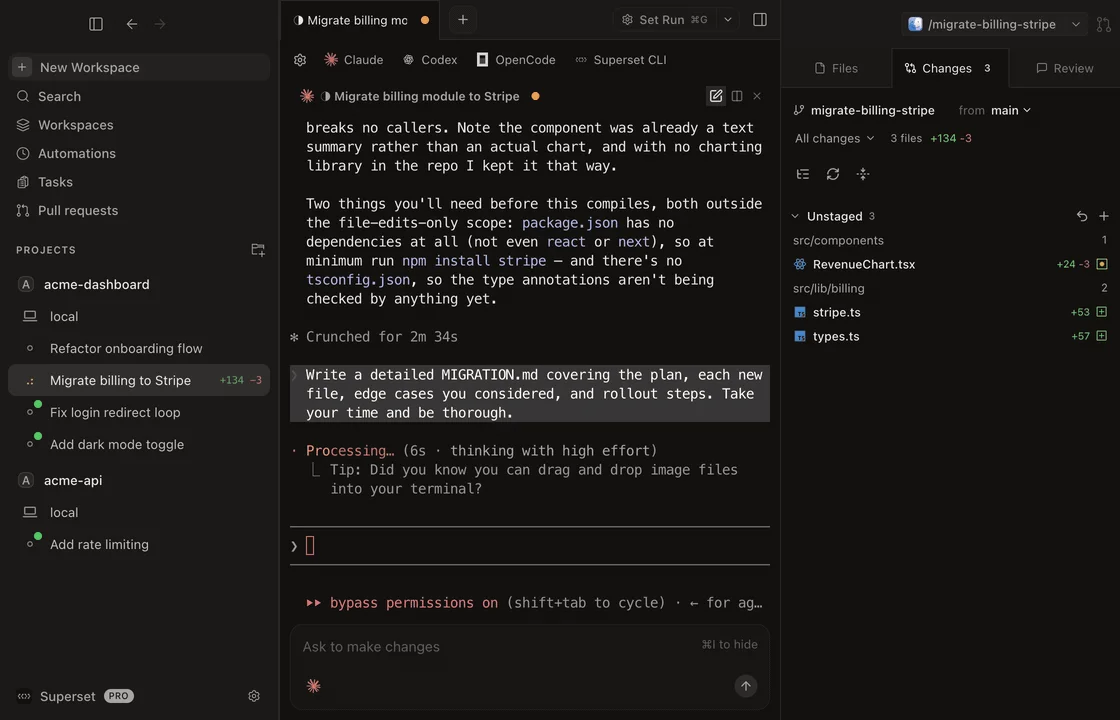
Superset takes the "agentic IDE" angle: alongside the usual parallel worktrees and diff dashboard, it exposes orchestration as a CLI, a TypeScript SDK, and an MCP server, so your agents can spawn and manage other agents programmatically. Its Automations feature (scheduled, recurring agent runs) is still the most mature on this list, and it works with any CLI coding agent. Recent additions include Pages for sharing agent-made designs and reports, Tasks, computer control through an accessibility driver, and Slack and Linear integrations.
Key Features and Considerations
Three caveats now, one of them new. Licensing: Superset is source-available under the Elastic License 2.0, not OSI-approved open source. Platform coverage: it's macOS-first, Linux is an experimental AppImage, Windows is absent, and the mobile app is still "coming soon." And pricing has moved. The free tier is now capped at one user with local workspaces, while remote access, Slack, Linear, and team collaboration all sit behind Pro at $20 per user/month, or $15 billed yearly. Automations stay free, which matters if that's what you came for.
- Pros:
- Best automation and programmatic control (CLI, SDK, MCP) in the category.
- Automations and local parallel work are free with your own agent subscriptions.
- Handles very large agent fleets and multi-host setups well, now with SOC 2 Type II.
- Cons:
- Elastic-2.0 license, not true open source.
- Remote access is a paid Pro feature, and still in beta.
- No mobile app, no Windows build.
Website: https://superset.sh
5. Emdash

Emdash is the entrant that most obviously belonged in the original comparison and didn't exist on our radar yet. It's an Apache-2.0 "agentic development environment" from General Action (YC W26), past 5,700 stars and a million downloads, and it does the core job without ceremony: 25+ coding agents including Codex, Cursor, Claude Code, Amp, and Antigravity, each in its own worktree, with scheduled repeat work, a built-in browser for previewing your app, and one place to manage prompts, skills, and MCP tools.
Key Features and Considerations
Emdash ships real builds for macOS, Windows, and Linux, which is rarer here than it should be, and connects over SSH to a dev server, cloud VM, or GPU box. What it doesn't have is a mobile app or an encrypted relay, so remote work means you bring your own SSH or tailnet. It's free with no paid tier announced.
- Pros:
- Apache-2.0, free, and genuinely cross-platform on all three desktop OSes.
- Scheduled repeat runs and a built-in preview browser out of the box.
- SSH straight into a remote dev box with no relay service in between.
- Cons:
- No mobile app and no managed remote access.
- Newer and less battle-tested than the top three.
Website: https://emdash.com
6. Jean
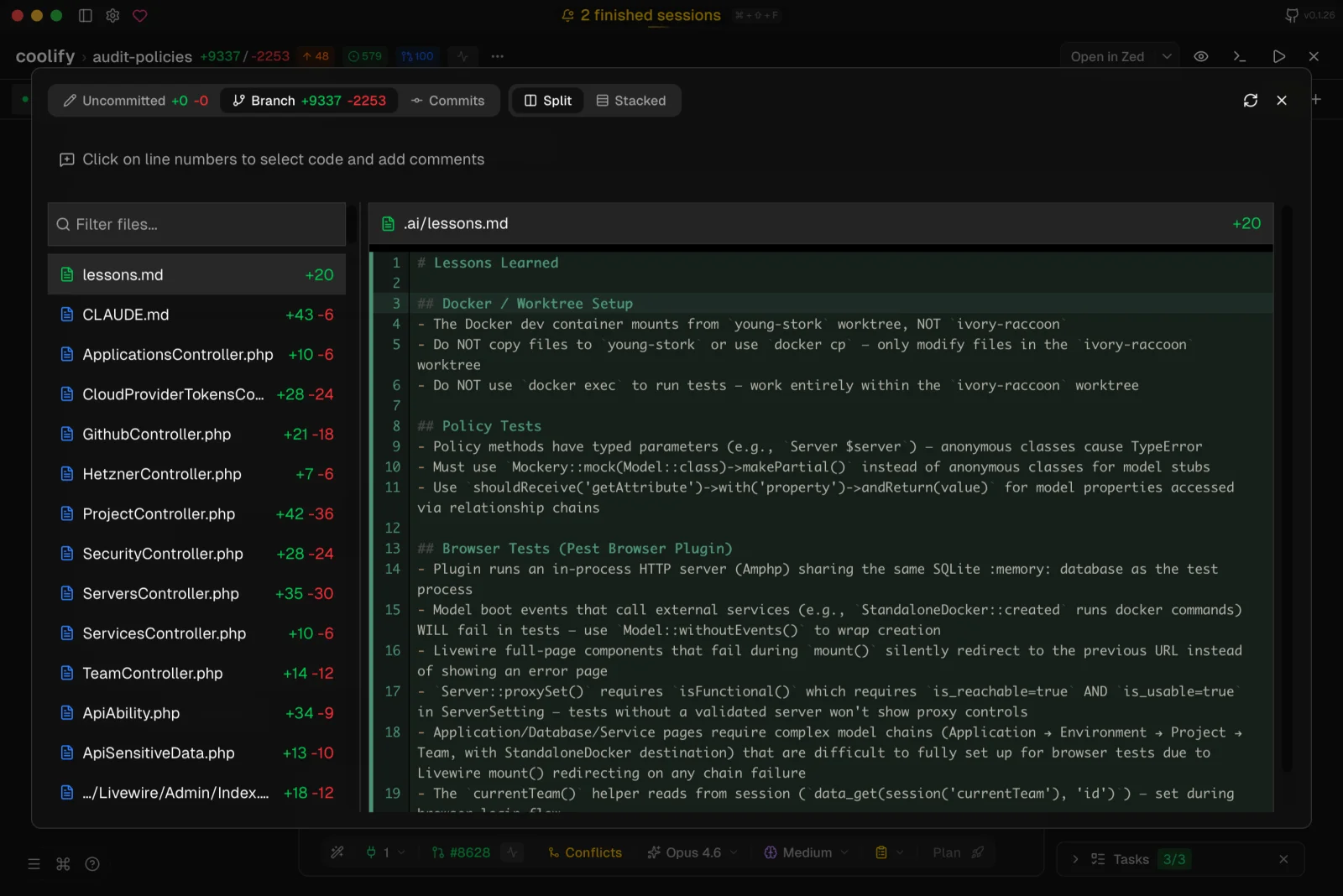
Jean comes from coollabsio, the team behind Coolify, and it shows: Apache-2.0 licensed, aggressively free ("no paid tiers, no feature gates, no usage limits"), and shipped with a headless jean-server you can run on any Linux box. Its personality is automation-heavy: "Magic Git Commands" handle review, commits, PRs, and conflict resolution, while the beta "Mr. Robot" mode sweeps your GitHub issues on a schedule and proposes fixes.
Key Features and Considerations
Jean is opinionated and terminal-flavored, and the design is more functional than pretty; developers coming from the slicker tools above often find the interface cluttered. Development continues at a steady clip, though the last tagged release was v0.1.73 in August, so you're closer to the source than to a polished release cadence. If you live on a VPS anyway and want a genuinely free, Apache-licensed orchestrator from a team with a long open-source track record, it earns a spot on the shortlist.
- Pros:
- Fully free and Apache-2.0 licensed, with a proper headless server.
- Scheduled issue-sweeping automation built in.
- Backed by the Coolify team, not a weekend project.
- Cons:
- Utilitarian design that won't win converts from prettier tools.
- Desktop support beyond macOS is explicitly asking for testers.
Website: https://jean.build
7. Synara
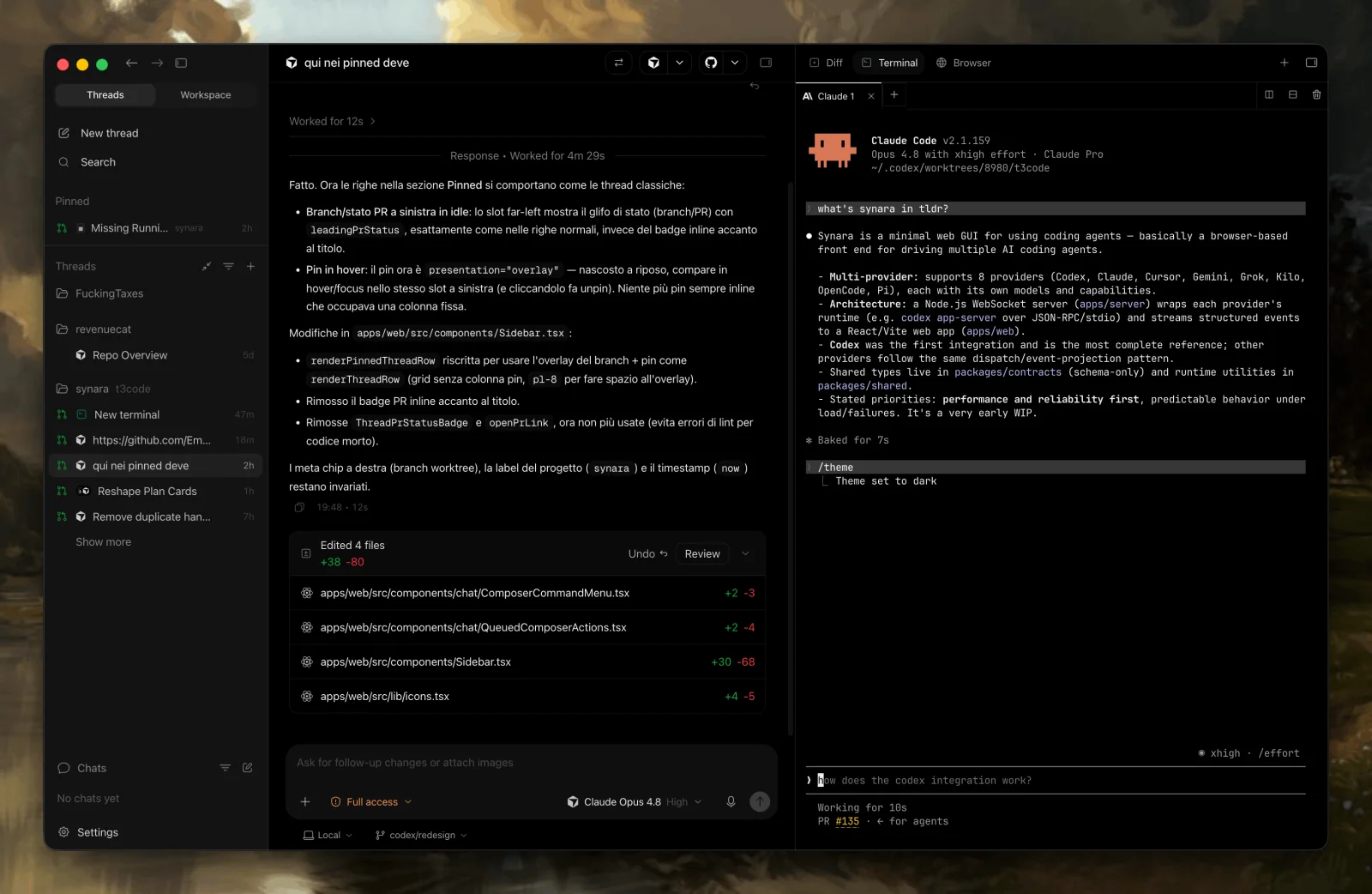
Synara started as a fork of T3 Code and has grown into its own local-first, MIT-licensed workspace. Its signature trick is provider handoffs: you can switch an in-progress task from one agent to another (say, Claude Code to Codex) while keeping the full context. It's also MCP-native in both directions: agents inside Synara get Synara tools, and external MCP clients can drive Synara itself.
The "desktop only" limitation we noted in August has partly lifted. Releases from v0.7.3 onward ship a synara-server tarball with a bundled web client and a synara server status command, alongside signed macOS builds and Windows and Linux desktop artifacts. Automations, a floating browser panel, cross-provider side chats, and support for Devin CLI, Factory Droid, Antigravity, Cursor, and Grok all landed in the same stretch.
Key Features and Considerations
This is still one of the youngest projects on the list, built by a solo developer with a small community, and there's no mobile app. But it's no longer chained to your desk, and the 0.8.x releases come with unusually rigorous published benchmarks for the performance work.
- Pros:
- Unique cross-provider handoffs with preserved context.
- Local-first and privacy-focused, MIT-licensed, with a server and web client now shipping.
- Deep MCP integration on both sides.
- Cons:
- No mobile app.
- Very early; expect gaps and fast churn.
Website: https://www.trysynara.com
8. Omnigent

Omnigent approaches the problem from the governance side. It calls itself a meta-harness: a common layer over Claude Code, Codex, Pi, and agents you write yourself in YAML, adding contextual policies with stateful spend caps, model routing, and an OS-level sandbox that restricts filesystem and network access. Runners execute on your machine, on Modal, or on Daytona, with a server layer holding the policies and history.
Key Features and Considerations
For an Apache-2.0 project that still labels itself alpha, the surface area is surprising: terminal, web UI, a native macOS app, iOS and Android apps, and a REST API. That makes it one of only three tools here with real mobile clients. Treat the alpha label seriously, though. This is the option for someone who wants spend caps and sandboxing enforced by the harness rather than by discipline.
- Pros:
- Apache-2.0 with policy enforcement, spend caps, and a real OS sandbox.
- iOS, Android, web, macOS, and a REST API from an early-stage project.
- Runners can execute locally or on Modal and Daytona.
- Cons:
- Self-described alpha; not the tool for a stable daily driver yet.
- Governance framing means more concepts to learn than a plain worktree manager.
Website: https://omnigent.ai
9. Conductor
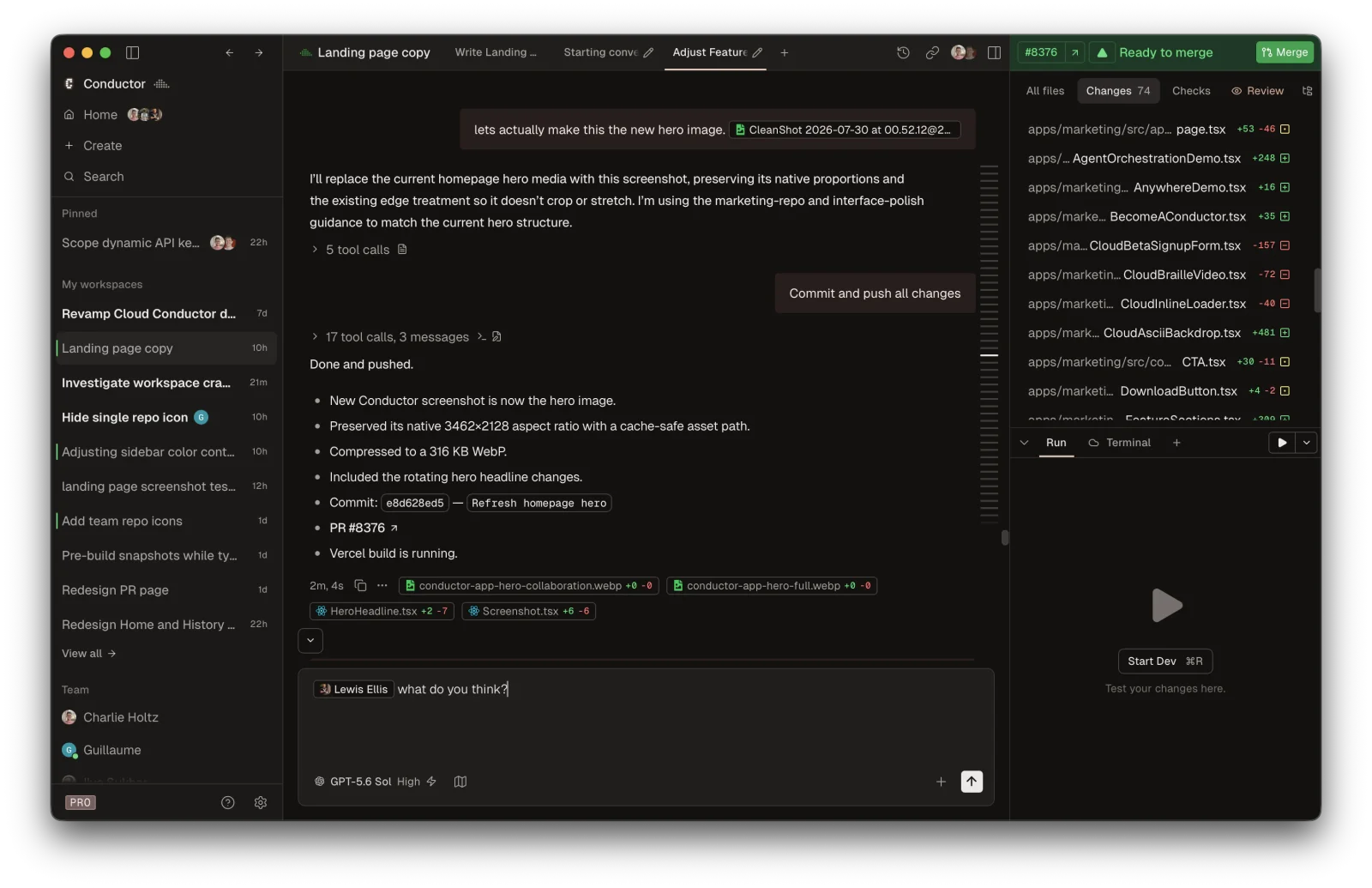
Conductor, by Melty Labs (YC S24), essentially invented the polished "run a team of coding agents" experience on the Mac, and it remains one of the best-designed products in the category. It runs parallel Claude Code, Codex, and Cursor agents in isolated worktrees with checkpoints, rollback, and a multi-model compare mode.
Key Features and Considerations
The reason it slid down this list is the business model. A free tier still covers local workspaces on your Mac with your own subscriptions, but cloud workspaces, multiplayer, the API, and the promised mobile app all require Pro at $50/month, with Teams at $60 per user/month above that. The app is closed source and macOS-only. We track open-source Conductor alternatives if you're in the same position.
- Pros:
- Beautiful, mature product with the smoothest onboarding in the category.
- Checkpoints and rollback are best-in-class.
- Cons:
- Closed source, macOS-only, and $50/month for anything beyond local.
- No self-hosting and no automations.
Website: https://conductor.build
10. Amp
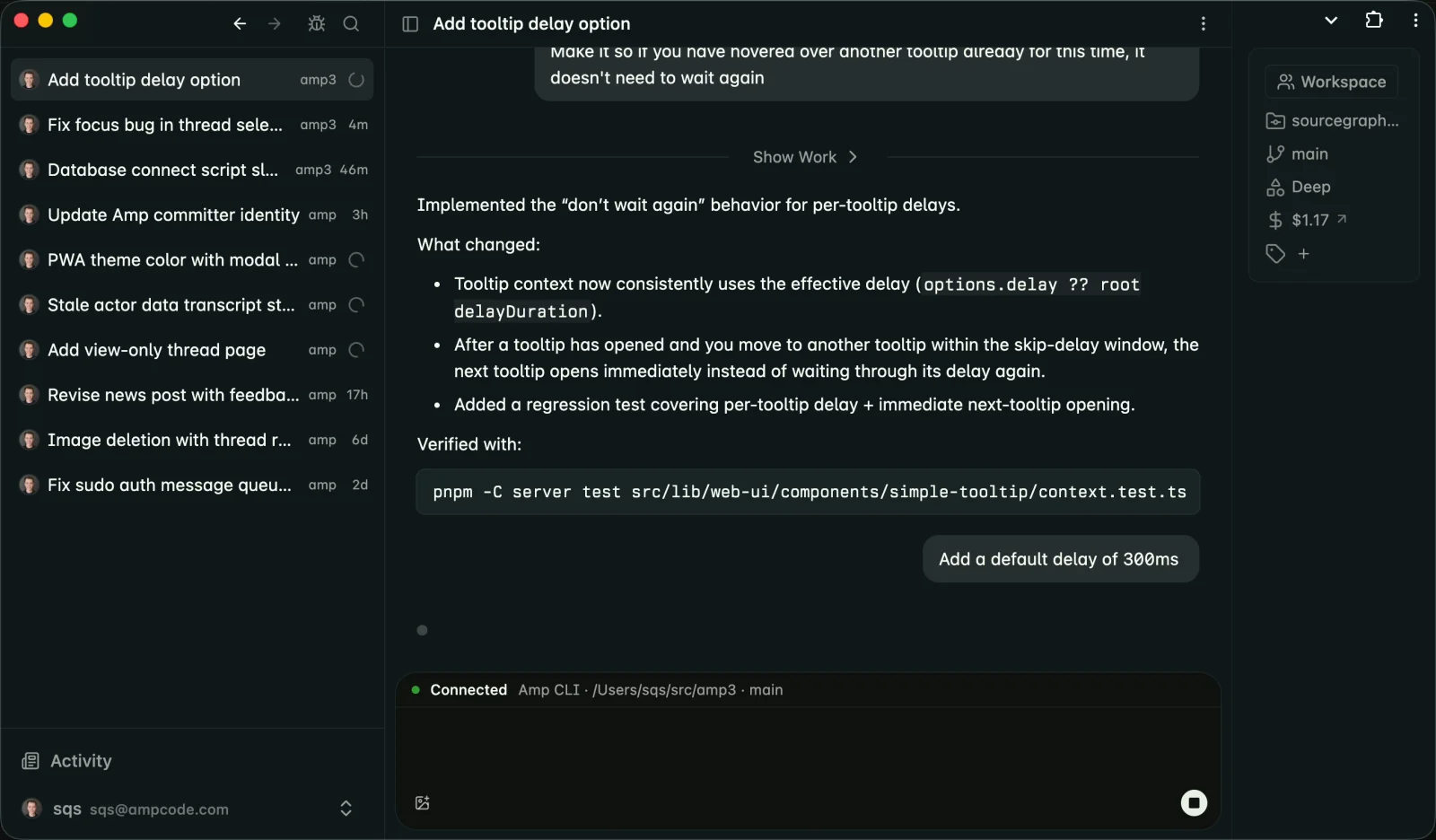
Amp, spun out of Sourcegraph as its own company in late 2025, is the odd one out: not really an orchestrator but a full coding agent that competes with Claude Code and Codex directly. It picks frontier models for you and runs as a CLI, editor extension, web app, and, since 28 August 2026, native iOS and macOS apps. Its Orbs (per-thread cloud machines preloaded with your code and tools) can run on a schedule and react to external events, which is closer to orchestration than it used to be.
Key Features and Considerations
Pricing is friendlier than we described in August. The free Hobby tier is open to new users, ad-free, with pay-as-you-go orb time and no token fees; Megawatt is $20/month including 45,000 orb minutes. Judged by this article's criteria, though, it still misses most boxes: closed source, no self-hosting, no bring-your-own-provider. Amp is a capable agent, but if you came here for an orchestration layer you control, it's answering a different question. See alternatives to Amp for open options.
- Pros:
- Strong agent quality with zero model configuration, plus iOS and macOS apps.
- Open, ad-free free tier and cloud sandboxes bundled into the subscription.
- Orbs can run on schedules and respond to events.
- Cons:
- Closed source and single-vendor.
- Not an orchestrator: it won't manage your other agents.
Website: https://ampcode.com
Comparison Table
| Tool | Open Source | Stars | Mobile App | Server Daemon | Free | Multi-Provider | Automations |
|---|---|---|---|---|---|---|---|
| Orca | ✅ MIT | 66k | ✅ | ✅ | ✅ | ✅ | ✅ |
| Paseo | ✅ Apache-2.0 | 17k | ✅ | ✅ | ✅ | ✅ | ✅ |
| T3 Code | ✅ MIT | 22k | ✅ | ✅ | ✅ | ✅ | ❌ |
| Superset | 🟧 Elastic-2.0 | 14k | ❌ | 🟧 | 🟧 | ✅ | ✅ |
| Emdash | ✅ Apache-2.0 | 5.7k | ❌ | 🟧 | ✅ | ✅ | ✅ |
| Jean | ✅ Apache-2.0 | 1.3k | ❌ | ✅ | ✅ | ✅ | ✅ |
| Synara | ✅ MIT | 1.8k | ❌ | ✅ | ✅ | ✅ | ✅ |
| Omnigent | ✅ Apache-2.0 | 9.8k | ✅ | ✅ | ✅ | ✅ | 🟧 |
| Conductor | ❌ | n/a | 🟧 | ❌ | 🟧 | 🟧 | ❌ |
| Amp | ❌ | n/a | ✅ | ❌ | 🟧 | ❌ | ✅ |
| Claude Code | ❌ | n/a | ✅ | ✅ | 🟧 | ❌ | ✅ |
| Codex | 🟧 CLI only | 123k | ✅ | ❌ | 🟧 | ❌ | ✅ |
| Cursor | ❌ | n/a | ✅ | ❌ | 🟧 | ✅ | ✅ |
Legend: ✅ yes · 🟧 partial or with caveats · ❌ no · "Free" means usable without paying the orchestrator itself (agent subscriptions are always on you). Stars are GitHub stars as of September 2026, when all pricing and licensing details in this article were last verified.
Which AI Agent Orchestrator Should You Choose?
- You want maximum power and don't mind complexity: Orca. Nothing else matches its feature depth, and it's MIT-licensed.
- You want the smoothest self-hosted setup with real mobile support: Paseo. Daemon plus Docker plus phone parity is a combination nobody else nails, and it's Apache-2.0 now.
- You're new to orchestrators and want clean and simple: T3 Code. The gentlest on-ramp, with the caveat that it's still maturing.
- You want agents running on a schedule, or agents managing agents: Superset for its automations and SDK, or Jean if you insist on a true open-source license and a free headless server.
- You want a free, properly cross-platform desktop app on Windows or Linux: Emdash.
- You want spend caps and sandboxing enforced by the tool: Omnigent, accepting its alpha label.
- You want a beautiful Mac app and money is no object: Conductor, eyes open about the pricing and lock-in.
And if you'd rather skip the orchestration layer entirely, open-source agents like OpenCode, Aider, and OpenHands are strong foundations that most of these tools happily manage.
Frequently Asked Questions
What is the best AI agent orchestrator?
For most developers, Orca offers the deepest feature set and an MIT license, while Paseo is the strongest choice if you want a self-hosted daemon with full mobile support and a permissive Apache-2.0 license. If you're new to the category, T3 Code has the gentlest learning curve. All three are free with your own agent subscriptions.
Is there a free UI for Claude Code?
Yes. Orca, Paseo, T3 Code, Emdash, Jean, Synara, and Omnigent are all free graphical interfaces that run Claude Code underneath, using the Claude subscription you already have. They add parallel sessions, diff review, and pull request tooling on top of the terminal experience, and three of them add mobile apps.
Can I self-host an AI agent orchestrator?
Yes. Paseo, Jean, Synara, and Omnigent ship headless servers designed for a VPS or home lab, T3 Code installs as a background service with its own relay, and Orca and Emdash reach remote machines over SSH. Your code and agent credentials stay on hardware you control. Superset puts relay-based remote access behind its paid Pro plan, and Conductor offers no self-hosting at all.
Do AI agent orchestrators charge for model usage?
Almost never. The standard model is bring-your-own-subscription: you pay Anthropic, OpenAI, or another provider for the agent, and the orchestrator is free. Amp is the exception, selling model usage through its own plans, and a few others now charge for the control plane itself rather than for tokens: Superset asks $20 per user/month for remote access, Conductor $50/month for cloud workspaces.
Which AI agent orchestrators have a mobile app?
Orca, Paseo, T3 Code, and Omnigent ship real iOS and Android clients, and Amp added iOS and macOS apps in August 2026. Conductor lists a mobile app as a forthcoming Pro feature and Superset lists one as coming soon. Emdash, Jean, and Synara are desktop-only today.
Final Thoughts
The AI agent orchestrator space moves fast enough that a one-month-old comparison needs corrections, let alone a six-month-old one. In the four weeks since we first published this, Orca gained 20,000 stars, Paseo swapped AGPL-3.0 for Apache-2.0 and shipped cron schedules, Superset introduced a paid tier, and Amp put its agent in your pocket. The strongest picks today are open source or close to it. That's no coincidence: when a tool's job is to hold the keys to your codebase and your agent credentials, being able to read the code and run it on your own hardware stops being a philosophical preference and becomes table stakes.
One adjacent project worth knowing about even though it didn't fit the criteria here: Paperclip, MIT-licensed and past 80,000 stars, manages teams of agents across dev, content, marketing, QA, and research with org charts, per-agent budgets, and ticket audit trails. It's governance for an autonomous business rather than a worktree manager for one repository, which is why it isn't ranked above, but it's the most-starred thing in the category.
We'll keep the AI Coding Agent Orchestrators category updated as the field evolves. If you're building or using one we should know about, submit it to OpenAlternative.

 Windshift – The self-hosted platform that replaces Jira.
 Sent
Sent