Open Source Conductor Alternatives
A curated collection of the 8 best open source alternatives to Conductor.
The best open source alternative to Conductor is Orca. If that doesn't suit you, we've compiled a ranked list of other open source Conductor alternatives to help you find a suitable replacement. Other interesting open source alternatives to Conductor are: T3 Code, Paseo, Superset, and Emdash.
Conductor alternatives are mainly AI Coding Agent Orchestrators. Browse these if you want a narrower list of alternatives or looking for a specific functionality of Conductor.

Written by Piotr Kulpinski


Agent Development Environment that runs Claude Code, Codex, Gemini, and other CLI agents in parallel across isolated git worktrees, with terminals, browser, diff review, and git tools built in.
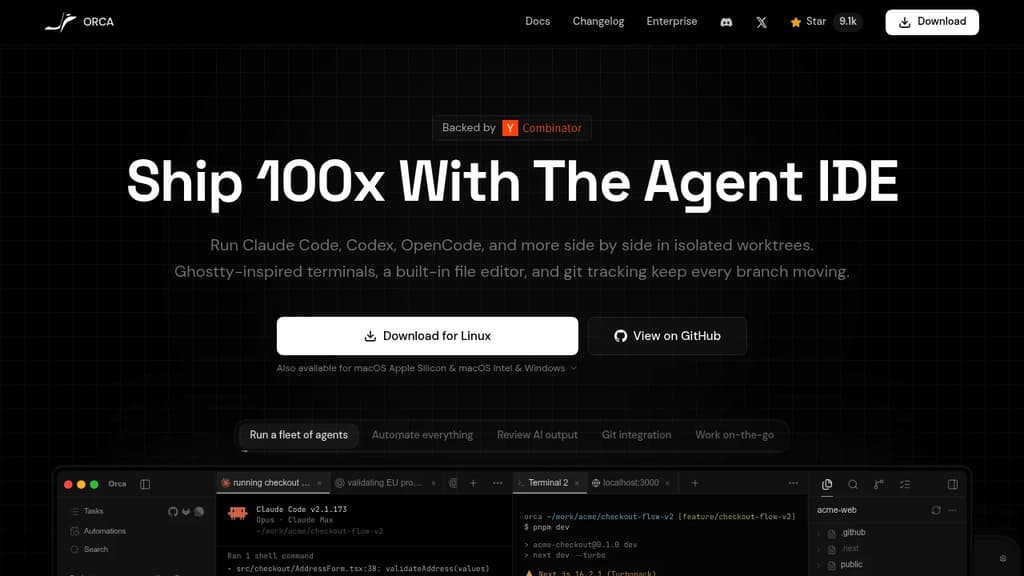
Orca is an Agent Development Environment (ADE) built specifically for running AI coding agents at scale. Where a traditional IDE puts you in the driver's seat, Orca is designed for workflows where multiple agents are doing the driving simultaneously.
The core idea: every task gets its own isolated git worktree. You can fan a single prompt across five agents, let them work in parallel, then compare outputs and merge the winner. No stashing, no branch conflicts, no context bleed between tasks. Each workspace is self-contained.
What's built in:
- Parallel agent support for Claude Code, Codex, Gemini, Grok, Cursor CLI, GitHub Copilot, OpenCode, and 25+ others. Bring your own subscriptions.
- Ghostty-class terminal with WebGL rendering, infinite splits, scrollback search, and state restored on restart.
- Embedded Chromium browser per worktree, with Design Mode: click any UI element to send its HTML, CSS, and a screenshot directly into an agent prompt.
- Inline diff annotation lets you drop markdown comments on any diff line and send them back to the agent, without leaving the app.
- SSH worktrees for running agents on a remote machine, with auto-reconnect, port forwarding, and passphrase caching.
- GitHub and Linear integration for browsing PRs, issues, and project boards in-app, opening worktrees from tasks, and reviewing or approving PRs without switching context.
- Mobile companion (iOS and Android) for monitoring live agent status, checking usage, and keeping work moving away from your desk.
- Orca CLI so agents can drive Orca itself: create worktrees, take snapshots, fill forms, click elements.
Oca runs on macOS (Apple Silicon and Intel), Windows, and Linux. It's MIT-licensed and free. The project ships updates continuously, backed by Y Combinator.
It's a practical fit for developers who are already running Kiro or similar agent tools and want a unified environment rather than a patchwork of terminal windows and browser tabs.

Advanced AI coding assistant that enhances development workflow with intelligent code suggestions, automated debugging, and seamless integration.
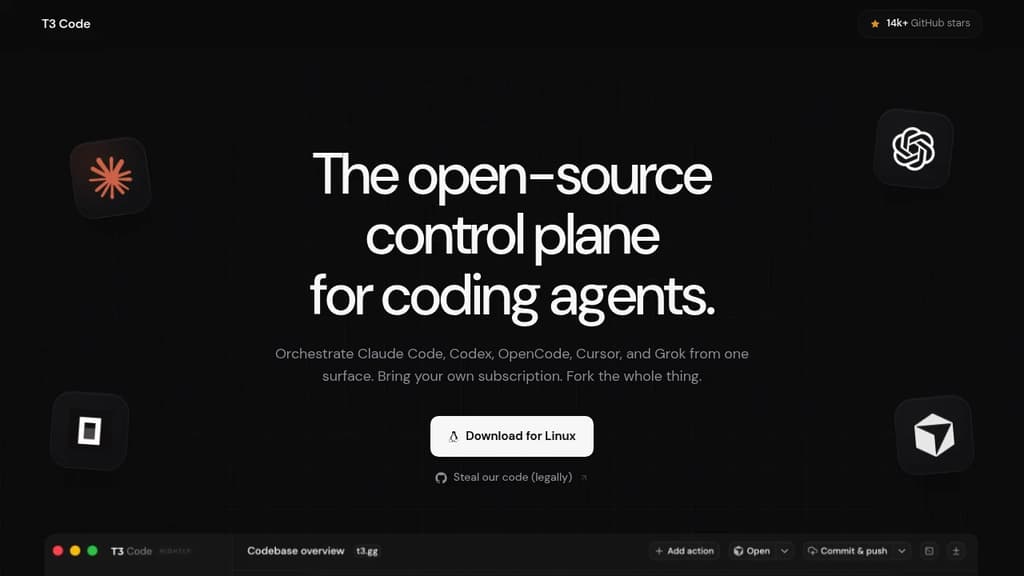
Transform your development experience with AI-powered coding assistance that adapts to your workflow. This intelligent coding companion provides real-time code suggestions, automated debugging, and smart completions to accelerate your programming tasks.
Key features include:
- Intelligent code completion that understands context and intent
- Automated error detection and suggested fixes
- Multi-language support for popular programming languages
- Seamless IDE integration for uninterrupted workflow
- Code optimization suggestions to improve performance
Whether you're building web applications, mobile apps, or enterprise software, this AI assistant helps you write cleaner code faster while reducing common programming errors. The tool learns from your coding patterns to provide increasingly personalized suggestions, making it an invaluable partner for developers at any skill level.

Self-hosted orchestrator for coding agents like Claude Code, Codex, and Cursor, controlled from phone, desktop, web, or CLI.
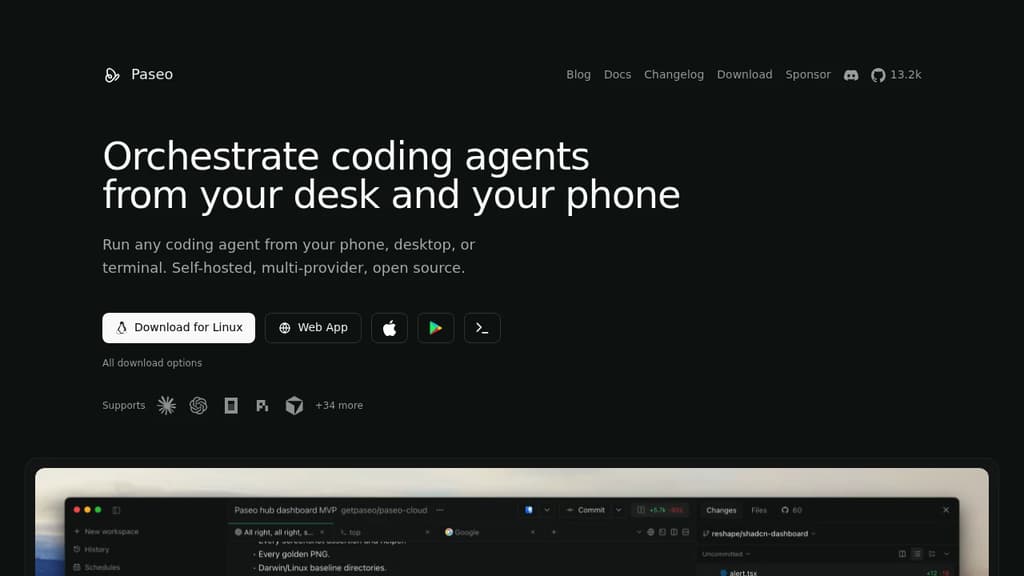
Paseo runs coding agents on your own machines and lets you drive them from your phone, desktop, web, or terminal. It’s for developers who use CLI agents like Claude Code or Codex and want to start, monitor, and steer them without sitting at their laptop. Kick off a task at your desk. Check on it from your phone later.
It sits on top of the agents you already have rather than replacing them. Each provider runs as its own process using its native harness, so your subscriptions, skills, config, and MCP servers keep working, and Paseo doesn’t wrap or modify their behavior.
- Multi-provider: works with Claude Code, Codex, Cursor, OpenCode, Pi, and dozens more.
- Full mobile parity: the native mobile app does everything the desktop app does.
- Runs where you work: start agents on a laptop, VM, or dev server, then reach them over a direct connection or an end-to-end encrypted relay.
- Code stays local: agents run on your machines and talk to their own APIs. Paseo doesn’t send your code anywhere.
- Review and ship inline: create branches, preview the app in a browser, review diffs, commit, open a PR, and merge without leaving the app.
- Scriptable: anything in the app also works from the terminal, including loops and schedules.
An optional self-hosted Hub adds GitHub, Slack, and Discord triggers, so mentioning a bot can start an agent on your own daemon with your own keys. It’s free.

macOS app that orchestrates multiple AI coding agents simultaneously, each in its own isolated Git worktree, so you can work on many tasks at once.
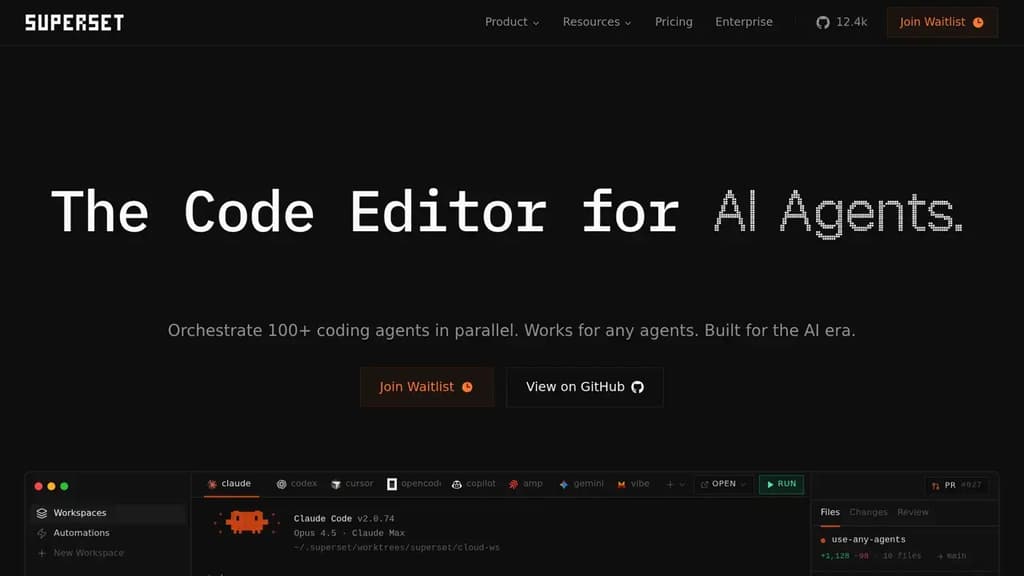
Superset is a macOS desktop app built for running many AI coding agents at the same time. Instead of waiting for one agent to finish before starting the next, you launch dozens of tasks in parallel and switch between them as each needs your attention. It's aimed at developers who already use AI agents heavily and want to stop being the bottleneck.
The core mechanic is Git worktrees. Each agent gets its own isolated branch and working directory, so multiple agents can touch the codebase simultaneously without stepping on each other. No merge conflicts mid-task, no tangled state. When an agent finishes, you review the diff and merge when you're ready.
Superset is agent-agnostic. It works with Claude Code, Cline, Codex, Cursor Agent, Gemini, Mistral, and any other CLI-based coding tool. You can mix agents across tasks or swap one out mid-project. The app doesn't lock you into a single provider.
Key capabilities:
- Parallel task management: launch and monitor dozens of agents from a single sidebar, with status indicators showing what's generating, what's ready for review, and what needs input
- Isolated worktrees: each task runs in its own Git environment, keeping changes separate until you're ready to merge
- Built-in diff review: side-by-side and inline diff views let you inspect changes before merging, without leaving the app
- Open in any IDE: jump from a worktree directly into VS Code, Cursor, Xcode, JetBrains, or a terminal with one click
- Port forwarding: dev servers running inside worktrees are accessible through forwarded ports, so you can preview work in progress
- MCP support: connects to MCP servers for extended agent capabilities
It sits alongside your existing editor rather than replacing it. If you already use Warp or a similar terminal, Superset layers on top, handling the orchestration while your preferred tools handle the editing.

Desktop app that runs 25+ coding agents simultaneously, each isolated in its own Git worktree, so you can orchestrate code changes without switching tools.
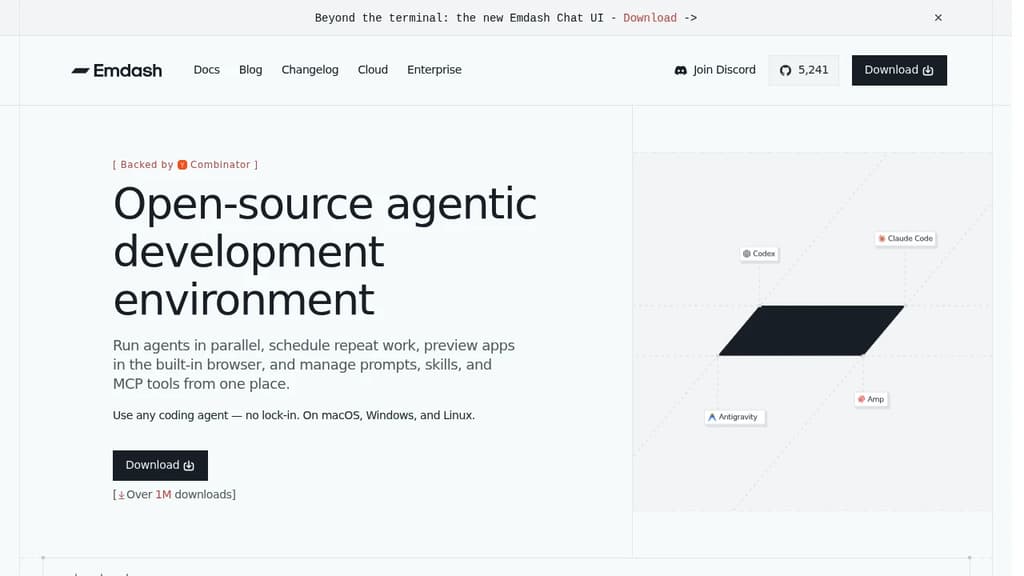
Emdash is a desktop app for developers who want to run multiple coding agents at the same time without juggling terminal windows or context-switching between tools. Each agent gets its own isolated Git worktree, so parallel sessions don't collide. You orchestrate from a single dashboard.
The core idea is agent-native development. Instead of writing code yourself and occasionally asking an AI for help, you direct agents to do the work while you manage the flow. It's a different mental model from a traditional IDE or an AI-assisted editor like Zed.
What it supports:
- 25+ coding agents including Claude Code, Codex, Cursor, Amp, and Gemini. Mix agents per task or stick to one.
- MCP server connections for attaching tools without extra glue code
- CLI auto-detection that finds your installed agent CLIs automatically, no manual setup
- Built-in file editor so you can review and edit without leaving the app
- Git worktree isolation that keeps parallel agent sessions from interfering with each other
The worktree-per-agent approach is what separates Emdash from simply running Aider or Cline in multiple tabs. Each session is genuinely isolated at the filesystem level, which matters when agents are making overlapping changes across a codebase.
It's a macOS and desktop-native app, designed for individual developers who want to scale their output by running agents concurrently rather than sequentially. The app is fully open source and free to use.

Desktop coding workspace that connects to AI subscriptions you already have, with parallel agents, worktrees, one-click PRs, and multi-project management.
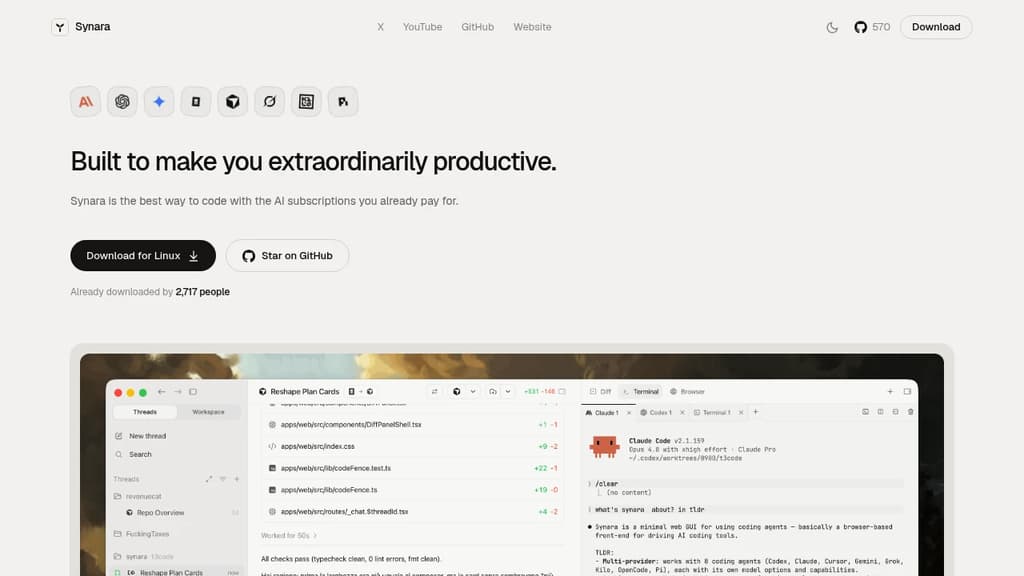
Synara is a desktop coding environment that lets you use the AI subscriptions you already pay for, without adding new accounts or bills. Connect Claude Code, Codex, Gemini, OpenCode, Cursor, or Grok and run them all from a single window.
The core idea is parallelism. Instead of one agent, one task, one terminal, you can run multiple agents across multiple worktrees across multiple projects at the same time. Each thread keeps its own state, so nothing gets lost when you switch focus.
Key capabilities:
- Parallel chats let you open a lane per agent or task. Claude can plan the auth refactor while Codex writes the tests, both visible side by side.
- Worktree-native branching spins up isolated branches without touching a terminal. Three features in parallel, no merge conflicts from stepping on yourself.
- Model handoff passes a thread to a different model mid-conversation. Full context travels with it, so you don't restart from scratch when you want a second opinion on a tough bug.
- One-click PRs open, title, and file a pull request the moment your agent lands a green diff.
- Multi-project sidebar keeps every codebase a click away, each with its own agents, runs, and state. Client work, your product, and side experiments without a dozen windows.
- Integrated terminals and browser pane keep your dev server, test watcher, and docs visible without alt-tabbing away from the thing that just broke.
Synara is free and open source. It's built for developers who already subscribe to one or more AI coding tools and want a single place to run them together rather than juggling separate interfaces.

Run multiple AI coding agents in isolated Git worktrees, with cross-repo context, GitHub/Linear integrations, and support for Claude, Codex, Cursor, and more.
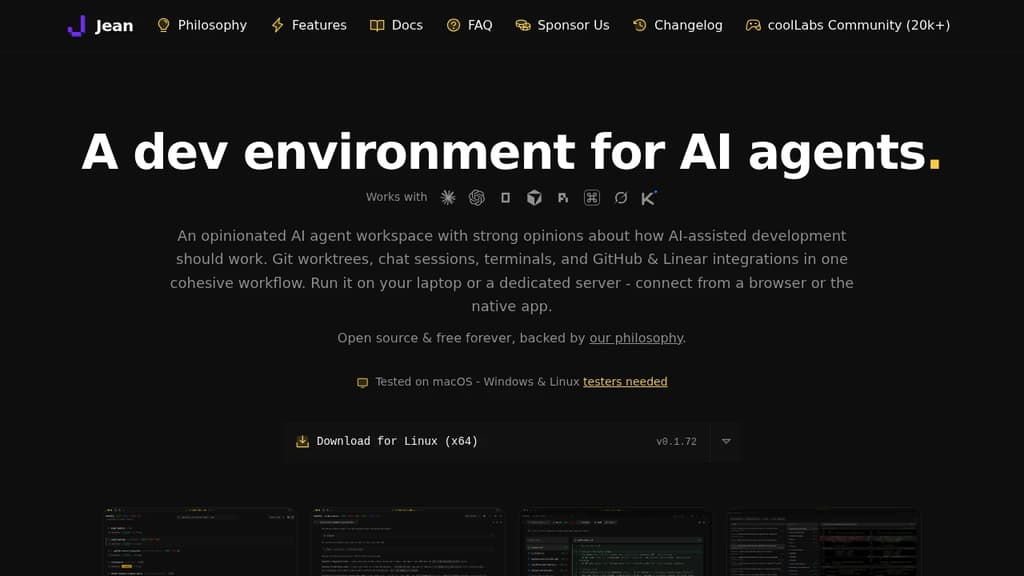
Jean is a dev environment built specifically for AI-assisted coding. Instead of running one agent in one terminal, it lets you spin up multiple agents in parallel, each in its own isolated Git worktree, so they can work on separate branches simultaneously without stepping on each other.
It's opinionated by design. Jean makes decisions about how AI-assisted development should work, so you don't spend time configuring workflows from scratch. Git worktrees, chat sessions, terminals, GitHub and Linear integrations all live in one interface.
Key capabilities:
- Isolated workspaces – every agent task gets its own worktree. Launch multiple agents at once, review each workspace independently, and merge only what you approve.
- Linked Projects – connect related repos (app, API, docs, SDK) so agents share context across all of them without manual copy-pasting.
- Magic Git Commands – load GitHub or Linear issues into a session, run AI code reviews, generate commit messages and PR descriptions, write release notes, and resolve merge conflicts from a command palette.
- Magic Prompts – every built-in workflow has an editable prompt template. You can swap models and reasoning levels per workflow, using faster models for routine tasks and stronger ones for reviews.
- Mr. Robot – polls open GitHub issues, creates a worktree per issue, and drafts a focused plan. Can execute approved plans automatically on a schedule.
- Token-reduction plugins – RTK compresses CLI tool output by 60-90%; Caveman trims Claude's replies by 65-75%. Both install with one click.
- Remote access – run Jean on a Linux server and connect from any browser or the native app. Works well over Tailscale for private network access.
Jean supports OpenCode, Claude CLI, Codex CLI, Cursor, Grok, Kimi Code, and others. You bring your own subscription for each provider. It's a solid alternative to tools like Claude Code or Jules when you need multi-agent coordination and cross-repo context in one place.
Licensed under Apache 2.0, free forever, with no paid tiers or feature gates.

A Mac app that brings multiple AI coding agents into a single window, running on your existing subscriptions with parallel agent sessions, PR management, and a built-in browser.
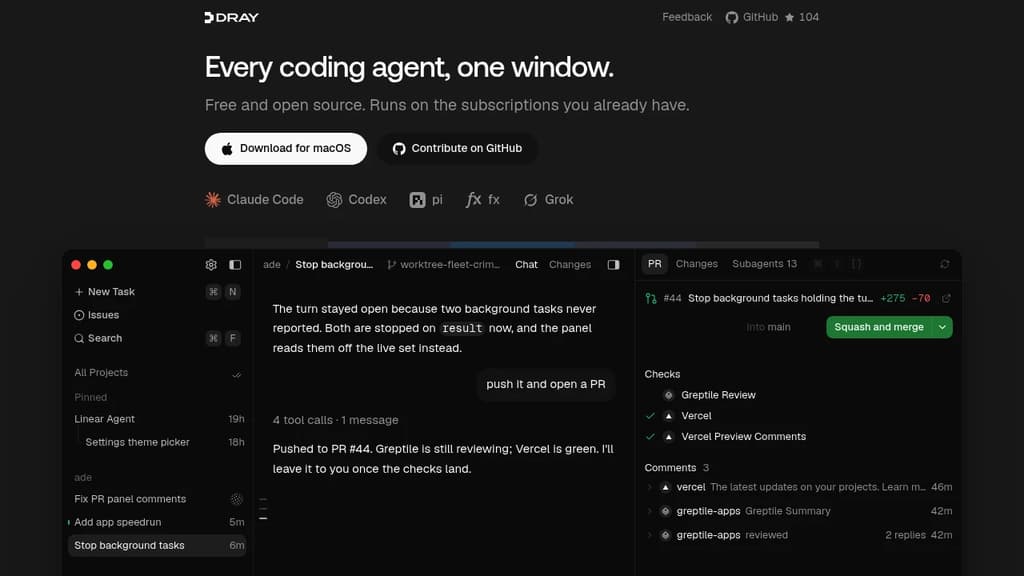
Dray is a Mac app for developers who run AI coding agents constantly and want them all in one place. Instead of juggling separate terminals or browser tabs for each agent, Dray puts Claude Code, Codex, Grok, pi, and fx into a single window, using the subscriptions you already pay for.
The core idea is that one agent shouldn't be your ceiling. Dray lets you run a swarm in parallel: ask one agent to split a task, and it spins up a separate session per subtask, each in its own Git worktree. All of them report back to the parent session when they're done. For a team shipping fast, this means sign-in screen, onboarding copy, and analytics events can all run at the same time.
Key capabilities:
- Split-pane chat, drag any session into a split view and watch multiple agents stream live, side by side
- Built-in PR panel, checks, review threads, and merge readiness update live; merge directly from the panel once everything's green, no browser tab required
- Issue integration, type
#to pull up an issue; description, comments, and attachments sit right beside the transcript - Built-in Chromium browser, the agent can open your running app, check its own UI work, and you can browse alongside it
- Local dictation, press ⌘D and speak; transcription runs on-device via a local model, nothing sent off your Mac
- Worktree-per-session, parallel agents each get an isolated Git worktree, so they don't step on each other
Dray works alongside tools like Greptile for code review and integrates naturally with Cline-style workflows. It's self-contained on macOS, free, and built in the open.

People are looking for alternatives to...
View all alternatives
Spotify

Claude Code

Claude

CapCut

Notion

Lovable
 Stellar Hosted – Managed Open Source software hosting in the EU: secure, compliant, fast.

 InfluxDB