Open Source Kanri Alternatives
A curated collection of the 15 best open source alternatives to Kanri.
The best open source alternative to Kanri is Macro Tasks. If that doesn't suit you, we've compiled a ranked list of other open source Kanri alternatives to help you find a suitable replacement. Other interesting open source alternatives to Kanri are: Plane, Super Productivity, OpenProject, and Kaneo.
Kanri alternatives are mainly Task Management Tools but may also be Project Management Suites or Agile Project Management Tools. Browse these if you want a narrower list of alternatives or looking for a specific functionality of Kanri.

Written by Piotr Kulpinski


Task manager built for engineering teams, combining status tracking, priority management, GitHub integration, and AI agents that can close tasks automatically.
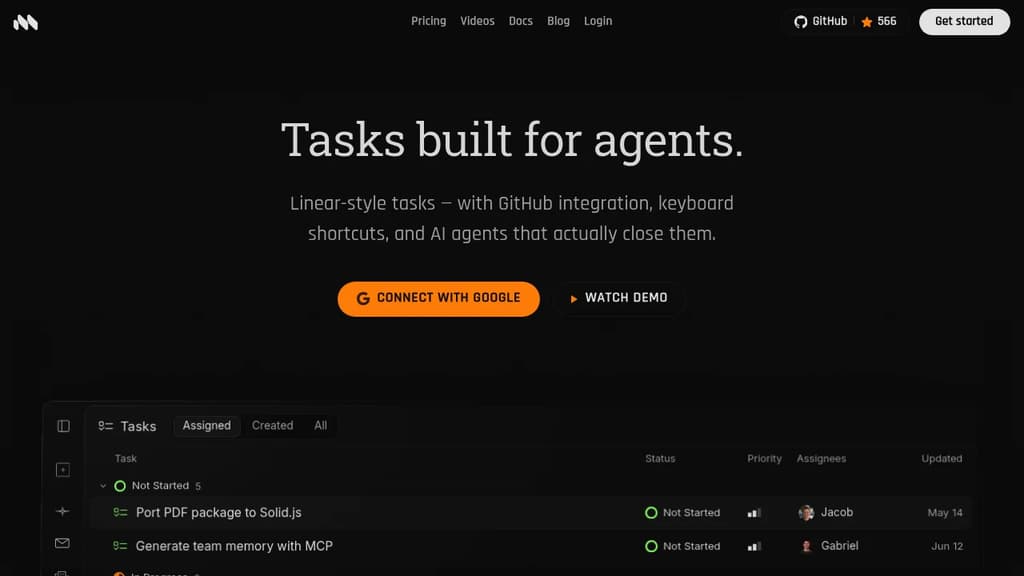
Macro Tasks is a task management tool aimed squarely at engineering teams who want their work tracking, communication, and documentation in one place. It combines the basics you'd expect from any task management app with tighter developer-focused features: GitHub integration for syncing work with code, and AI agents that can act on tasks rather than just surface them.
Instead of bouncing between a project tracker, a chat tool, and a docs platform, Macro puts tasks, channels, email, and docs in one app. While Linear has a honed task management system, an engineering team using Macro has less context-switching and a single source for what's being worked on.
Key capabilities include:
- GitHub integration: that connects tasks directly to pull requests and code activity.
- @mention anything: people, docs, email, channels can be referenced in a task with a full reference history.
- AI agents: that can open or close tasks automatically, not just suggest actions.
- Status and priority tracking: built for engineering teams to manage workflows.
- Tagging System: for organizing by category and team relevance.
- Channels, email, docs alongside tasks, so team communication stays attached to the work.
Most task management tools stop at surfacing information or generating summaries with an agent. Macro's are positioned to take action, closing or opening tasks when needed rather than waiting for a human to update the board.
It's a focused product for teams who find general-purpose project tools too disconnected from how engineering work actually flows. Macro is also open source under AGPLv3 in case you want to self-host or audit what's running.

Open source project management platform combining issues, wikis, and AI agents in one workspace. Available on cloud, self-hosted, and air-gapped deployments.
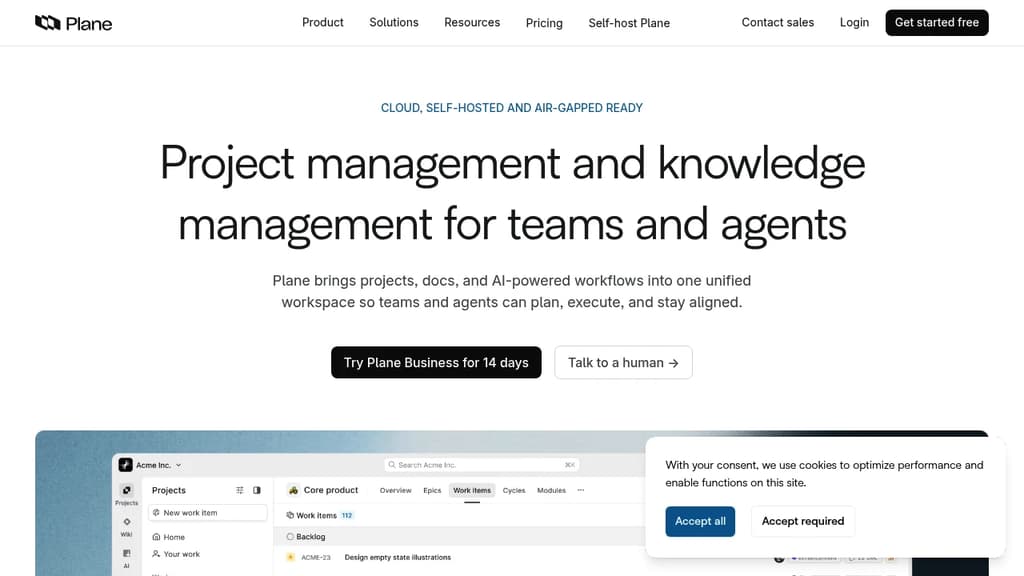
Plane is an open source project management platform that combines issue tracking, documentation, and AI-powered workflows into a single workspace. It's built for software teams that want the flexibility of self-hosting without giving up the polish of tools like Jira or Linear. Projects, wikis, cycles, and dashboards all live in one place, and the AI layer is woven throughout rather than bolted on afterward.
The AI side is genuinely central to how Plane works. Plane AI reads across your entire workspace, including projects, cycles, docs, and threads, so you can ask it about blockers, cycle status, or recent doc changes and get answers grounded in your actual data. Built-in agents can triage incoming requests, assign owners, and post updates automatically. There's also a Slack integration that lets you describe work in a channel and have Plane create, assign, and track it without switching tools.
For teams managing work across different roles, Plane offers board, spreadsheet, list, and Gantt views. Cycles handle time-boxed sprints with burndown charts and velocity tracking built in. Initiatives and epics let you roll team-level work up to org-level goals. Dashboards populate automatically from live data, so there's no manual reporting.
Self-hosting is a first-class option. Plane supports Docker and Kubernetes deployments and includes a God Mode admin panel for configuring SSO, SAML, LDAP, SMTP, and workspace security. Air-gapped environments are explicitly supported, which is rare among modern project management tools. If you're comparing open source alternatives, that air-gap support is a meaningful differentiator.
For teams migrating from Jira, ClickUp, Asana, or Monday, Plane offers full data migration including issues, attachments, comments, and automations. The open API, webhooks, OAuth apps, and a native MCP server make it extensible for teams that want to build custom integrations or AI agents on top of the platform. Projects-as-Code via YAML definitions lets engineering-oriented teams version and deploy project configuration from Git.

Privacy-first task manager combining task lists, Kanban, Pomodoro timers, time tracking, and integrations with GitHub, GitLab, and Jira. No account required, works offline.
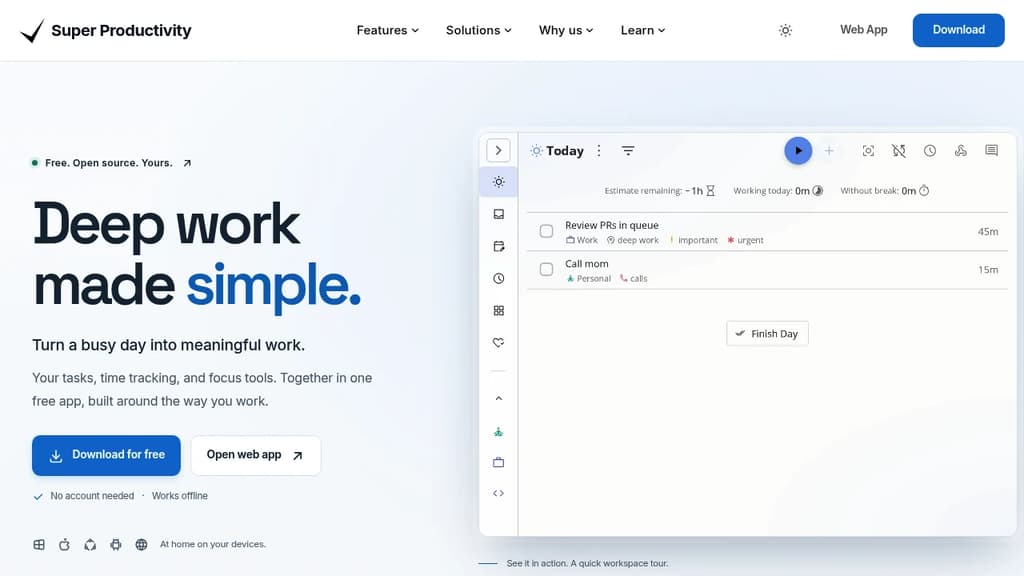
Super Productivity is a time and task management app built for people who want to do focused, meaningful work without the overhead of accounts, subscriptions, or cloud lock-in. It runs on Windows, macOS, Linux, Android, iOS, and the web. Your data stays on your device by default.
It goes well beyond a simple to-do list. You can organize work as a flat list, a Kanban board, or an Eisenhower Matrix, then drop into a distraction-free focus mode with a built-in Pomodoro timer and customizable breaks. Time tracking is built in, not bolted on, so you can see where your day actually went without switching to a separate tool like ActivityWatch or SolidTime.
Key capabilities include:
- GitHub, GitLab, and Jira integration pulls issues directly into your task list, keeping context close without constant tab switching
- Two-way Trello sync lets you work in Super Productivity while keeping a shared Trello board up to date
- Multiple Google Calendar accounts can be connected at once, so personal and work schedules appear in one view
- Live Markdown notes attach rich, editable notes to tasks as you work
- Multi-select task actions let you move, reschedule, or complete a batch of tasks in one go
- Timeboxing helps you assign time budgets to tasks before the day starts
- Full data export means you're never locked in
It's a practical fit for developers, freelancers, students, and anyone running a GTD-style system. Compared to tools like Todoist, it requires no account and no paid tier to access core features. Everything works offline. The open-source codebase is actively maintained, with a community that ships meaningful updates regularly.

Full-featured project management platform with Gantt charts, agile boards, time tracking, and team collaboration. Self-host or use managed cloud hosting.
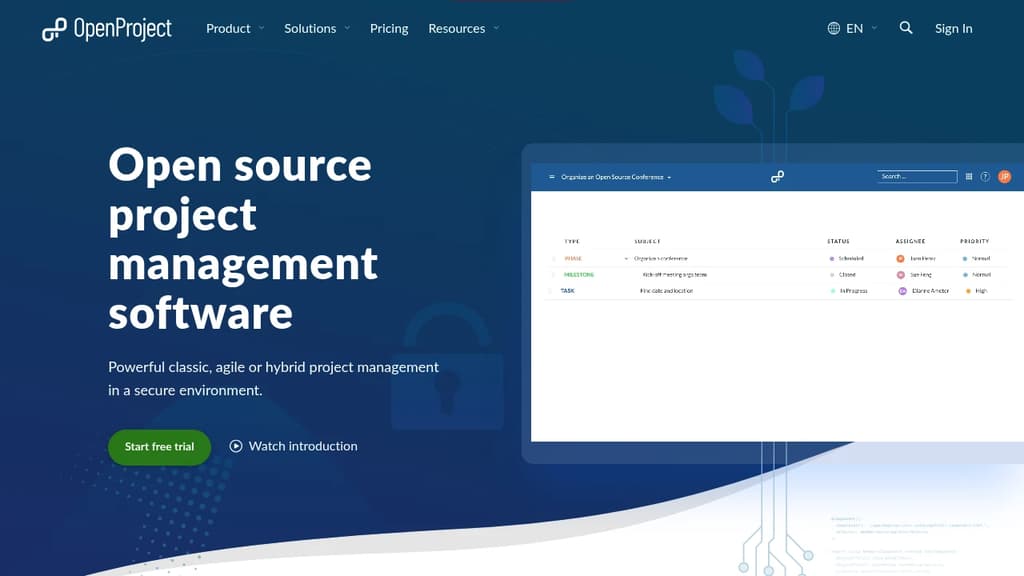
OpenProject is a project management suite built for teams that want full control over their data. It supports classic, agile, and hybrid approaches in a single platform, so you're not forced into one methodology. Organizations with strict data requirements, including government agencies, universities, and NGOs, make up a large share of its user base.
The core feature set covers a lot of ground:
- Gantt charts for visual project planning and scheduling, with dependencies and milestones
- Agile boards supporting Scrum and Kanban workflows, with backlog management and sprint planning
- Team Planner for assigning tasks across a weekly or bi-weekly calendar view
- Time and cost tracking with reporting built in
- Work packages as the central unit for tasks, bugs, features, and more, each with custom fields, watchers, and history
- Meeting management and wiki-style documentation inside each project
Data sovereignty is a genuine differentiator here. You can install it on your own infrastructure and keep everything behind your firewall. The Enterprise on-premises edition adds security features like two-factor authentication, LDAP group sync, and custom branding. For teams that don't want to manage servers, an EU-hosted cloud option is available.
OpenProject is licensed under GNU GPL v3, and development happens publicly. The free Community edition is fully functional and has no time limit. It's a credible Jira alternative for teams leaving Atlassian's self-hosted products, with a migration tool specifically for that transition.
Compared to lighter tools like Kaneo or Operately, OpenProject is heavier and more structured. That's the point. It's built for organizations running multiple concurrent projects that need audit trails, role-based permissions, and reporting across portfolios.

Self-hosted project management platform with visual task management, data privacy, and complete control over customization - built by developers for developers.
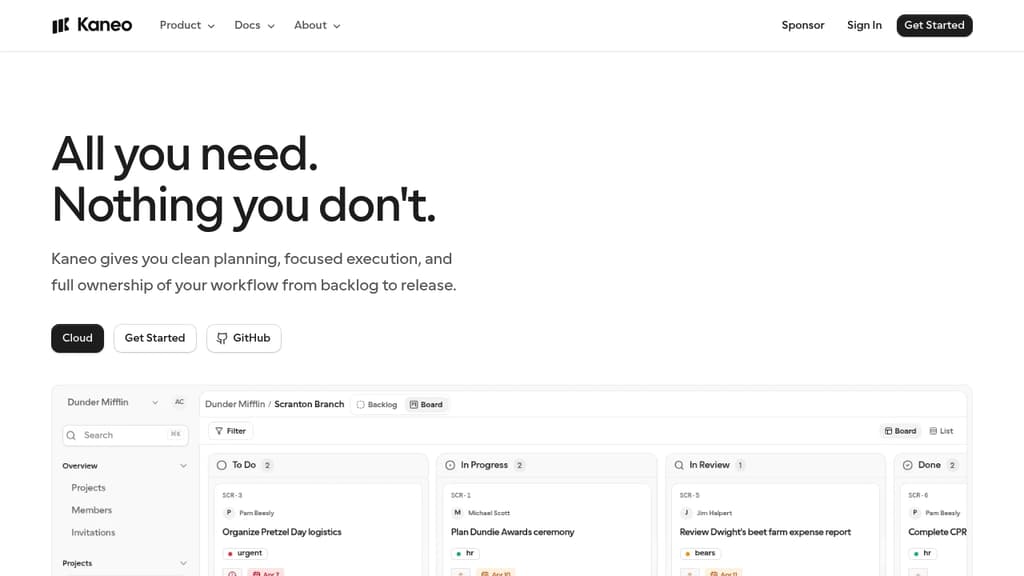
Kaneo brings clarity and efficiency to project management with its intuitive kanban board interface and essential features focused on developer workflows. The platform stands out with its commitment to data privacy and security, allowing teams to self-host on their own infrastructure with full control over customization and data.
Key features:
- Visual task management with drag-and-drop functionality
- Self-hosted deployment for complete data control
- Built-in security measures for data protection
- Active open source community with 1,500+ GitHub stars
- Extensive customization options for team workflows
As an open source solution, Kaneo is continuously improved by a growing community of developers who understand the needs of modern development teams. The platform maintains a perfect balance between simplicity and functionality, providing all essential project management tools without unnecessary complexity.
Self-hosted Kanban board for agile teams. Unlimited boards, real-time sync, GDPR-compliant, and available as a free Community Edition or paid Pro.
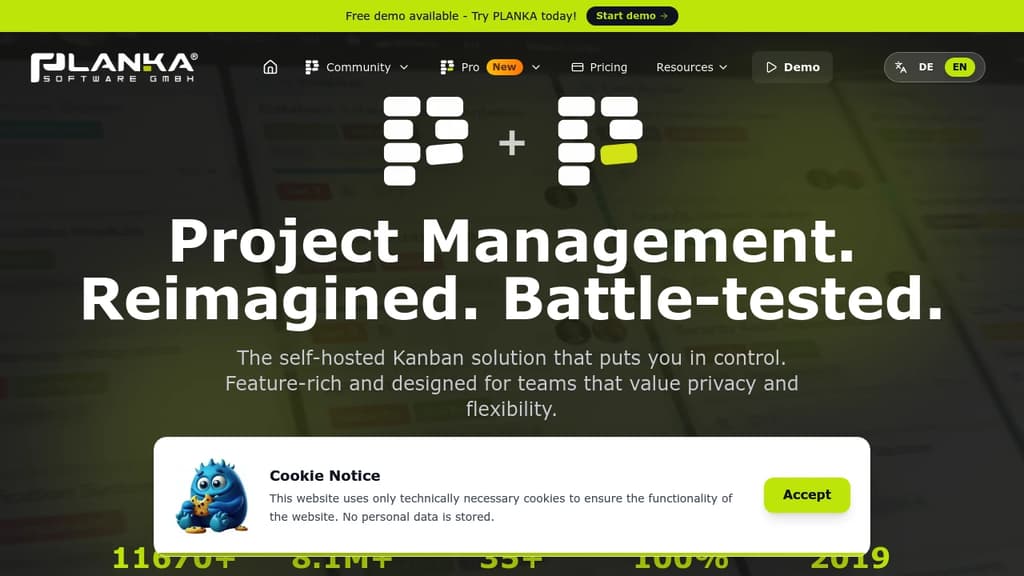
PLANKA is a self-hosted Kanban board built for teams that want full control over their project data without paying per seat or depending on a third-party cloud. It's a direct alternative to tools like Trello, designed to run on your own infrastructure while still feeling polished and modern.
The free Community Edition covers the core use case well:
- Unlimited boards and cards with no artificial limits tied to pricing tiers
- Real-time synchronization so every team member sees updates instantly without refreshing
- 35+ languages supported, making it practical for international teams
- Docker-based deployment with a large base of pulls (8M+) showing it's widely used in production
- GDPR compliance baked in, since you own and host the data yourself
For teams that need more, the Pro Edition adds higher scalability, additional professional features, and priority support. Both editions are available as self-hosted installs or through PLANKA's managed cloud hosting if you'd rather skip the infrastructure work.
Compared to other self-hosted options like Wekan or Focalboard, PLANKA puts a stronger emphasis on visual design and ease of use. It doesn't try to be a full project suite with Gantt charts and resource planning. It stays focused on the Kanban workflow, which keeps the interface clean and the learning curve low.
It's been in active development since 2019 and is backed by a growing community that contributes translations, bug reports, and feature ideas. The codebase is transparent and the project has accumulated over 11,000 GitHub stars, a sign that it's earned trust beyond just being a novelty self-host project.
Teams already using tools like Plane or Kaneo for heavier project management might find PLANKA a better fit when the priority is simplicity and speed over feature depth.

Open-source software designed to streamline tasks, boost productivity, and enhance collaboration for teams of all types, including those with ADHD and neurodiversity.
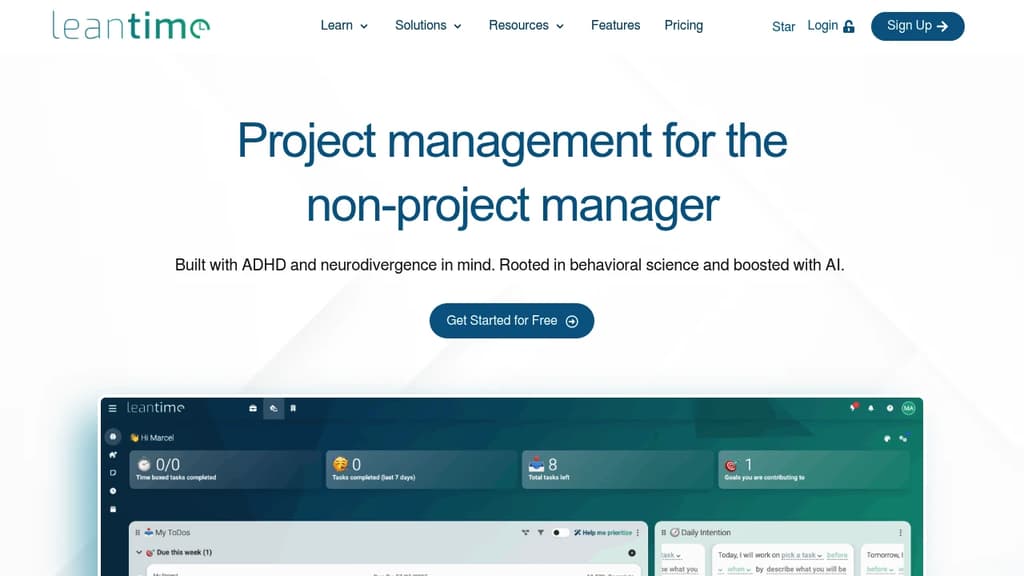
Leantime is an innovative, open-source project management tool that caters to diverse thinking styles, including those with ADHD, ADD, and other neurodivergent conditions. Its goal-driven approach transforms traditional task management into a more engaging and productive experience.
Key features include:
- Strategy-focused workflow: Start with defining goals and objectives before diving into tasks
- Flexible visualization: Multiple views (Kanban, list, timeline) to suit different cognitive styles
- AI-powered assistance: Helps break down large tasks and generates personalized project descriptions
- Time management tools: Built-in Pomodoro timer and time tracking capabilities
- Personal organization: My Work dashboard, time blocking, and note-taking features
Leantime stands out by:
- Prioritizing user experience for neurodivergent individuals
- Offering a comprehensive suite of tools from strategic planning to task execution
- Providing both team collaboration features and personal productivity tools
- Being open-source, allowing for customization and community-driven improvements
Whether you're managing complex projects or organizing personal tasks, Leantime offers a uniquely adaptable platform that turns project management into a more accessible and motivating experience for all types of thinkers.

Track issues, ideas, and projects with a modern kanban board that's fast and straightforward. Free for 1000 cards, then $20/month for unlimited use.
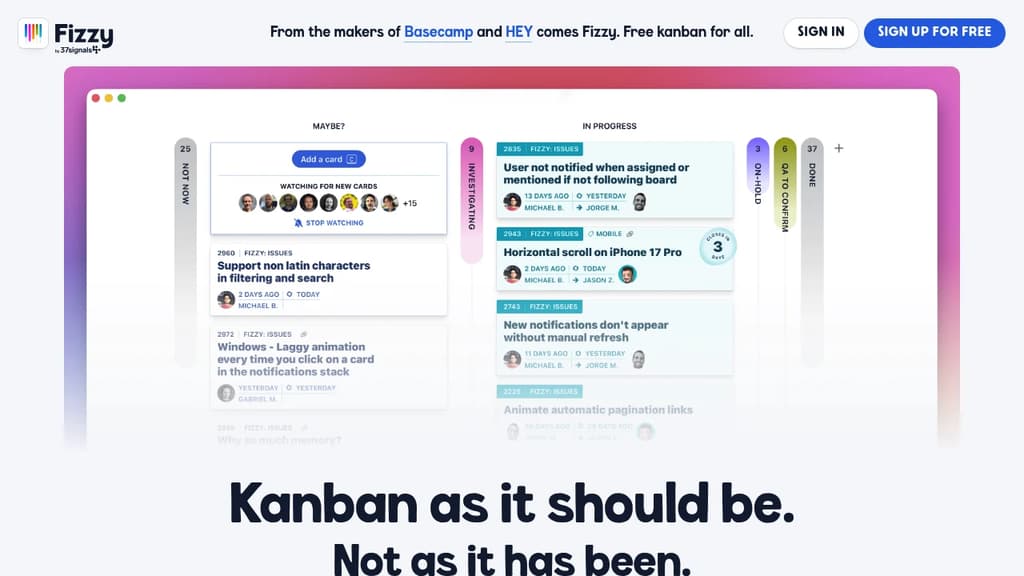
A refreshing alternative to bloated project management tools. While other kanban tools have become slow and cluttered with unnecessary features, Fizzy brings back the simplicity and speed you need to track bugs, issues, ideas, and small projects effectively.
Key features that make work enjoyable:
- Auto close automatically prunes old cards to keep boards clean
- Webhooks integrate with Slack, Campfire, and other tools
- Smart notifications stack for easy access and bubble up when cards need attention
- Public boards let anyone follow project progress
- Stamps provide clear tracking of who filed what and when
- Fast and vibrant interface that makes project management feel fresh again
Generous free tier includes 1000 cards with no time limit, no credit card required, and 1GB storage. After that, unlimited cards and users cost just $20/month with the flexibility to cancel anytime.
Open source flexibility means you can run Fizzy on your own servers for free, customize it for your needs, or contribute to the codebase. Built by 37signals, the team behind Basecamp and HEY, ensuring quality and reliability you can trust.

Free kanban project management with unlimited boards, lists, and cards. Import Trello boards, collaborate with teams, and self-host for complete control.
A powerful, flexible kanban application that helps you organize work, track progress, and deliver results—all in one place. Built as an open source alternative to Trello, offering the same intuitive drag-and-drop interface you love without the limitations.
Key features include:
- Unlimited boards, lists, and cards - No artificial restrictions on your productivity
- Trello import functionality - Migrate your existing boards seamlessly
- Team collaboration tools - Workspace members, comments, and admin roles
- Advanced organization - Labels, filters, and powerful search capabilities
- Complete activity tracking - Detailed logs of all card changes and updates
- Board templates - Save time with reusable project structures
- Flexible visibility controls - Manage who can view and edit your boards
The platform offers a generous free tier with unlimited usage for individuals, plus affordable team plans starting at $8/user/month. For organizations requiring complete data control, self-hosting options are available to run on your own infrastructure.
Whether you're managing personal projects or coordinating large teams, this open source solution provides the flexibility and transparency that proprietary alternatives can't match.

A powerful, open-source task management platform for teams and individuals, offering customizable workflows and seamless integration.
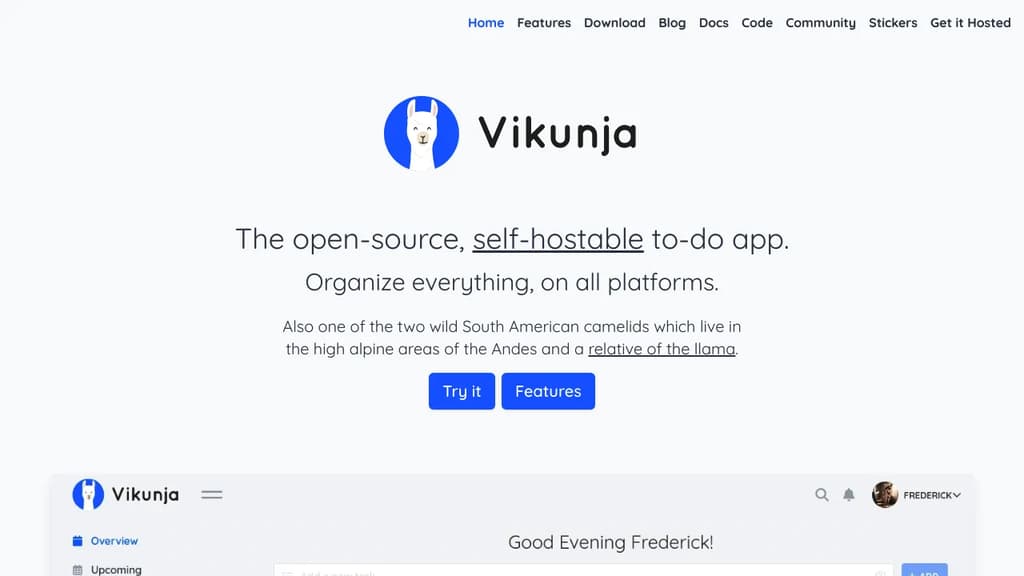
Vikunja is a versatile, open-source task management solution designed to boost productivity and streamline collaboration. Whether you're working solo or managing a team, Vikunja adapts to your unique needs.
Key benefits of Vikunja include:
- Flexible organization: Create projects, lists, and tasks with ease. Use labels, priorities, and due dates to keep everything in order.
- Customizable workflows: Tailor Vikunja to fit your process with customizable Kanban boards, Gantt charts, and list views.
- Team collaboration: Share projects, assign tasks, and communicate effectively with team members in real-time.
- Privacy-focused: Self-host Vikunja on your own infrastructure for complete control over your data.
- Cross-platform accessibility: Access your tasks from anywhere with web, desktop, and mobile apps.
- Powerful integrations: Connect Vikunja with other tools using its robust API and CalDAV support.
- Advanced features: Enjoy recurring tasks, subtasks, file attachments, and more to enhance your productivity.
Vikunja combines the simplicity of personal to-do lists with the power of enterprise project management tools. Its intuitive interface and feature-rich environment make it an ideal choice for individuals, small teams, and large organizations alike. Experience the freedom of open-source task management with Vikunja and take control of your productivity today.

Worklenz is a comprehensive project management platform that helps agencies organize tasks, track resources, and boost productivity.
Worklenz is an open-source agency management tool designed to streamline your workflow and boost productivity. With its user-friendly interface and powerful features, Worklenz offers a comprehensive solution for project management, resource allocation, and team collaboration.
Key benefits include:
- All-in-one solution: Manage projects, tasks, time tracking, and team resources in a single platform.
- Resource overview: Gain insights into team member workloads, task progress, and project health at a glance.
- Project visualization: Utilize Kanban boards and project overviews to track progress and milestones effectively.
- Time tracking: Monitor time spent on tasks and projects to improve efficiency and billing accuracy.
- Collaboration tools: Foster teamwork with file sharing, comments, and real-time updates.
- Customizable workflows: Adapt the platform to fit your agency's unique processes and requirements.
Worklenz empowers agencies to deliver projects on time and within budget while maintaining clear communication with clients and team members. Its open-source nature allows for community-driven improvements and customizations, making it a flexible and evolving tool for agencies of all sizes.

Self-hostable agile project management tool with Kanban and Scrum boards, sprint planning, issue tracking, and reporting for teams of any size.
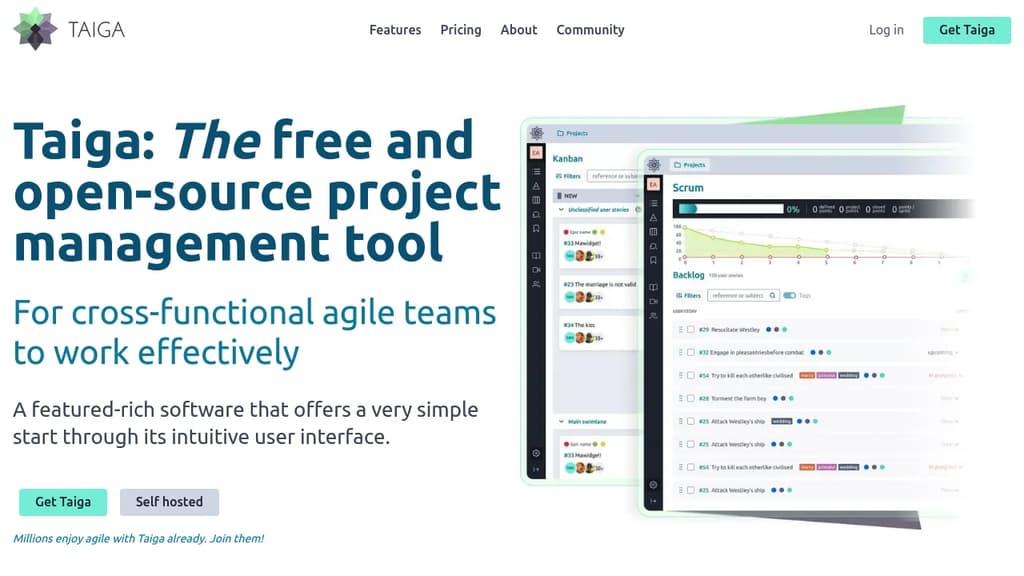
Taiga is an open-source agile project management platform built for cross-functional teams that want structure without complexity. It supports both Kanban and Scrum workflows, and you can switch between them on the same project without losing your work. Teams that don't need training to get started will feel at home immediately.
The Kanban board covers the basics well: WIP limits, swim lanes, custom workflows, EPICS, sub-tasks, and archive functions. Scrum support goes deeper, with full backlog and sprint planning, per-role estimation, a built-in estimation tool called Taiga Seed, burn-down charts at both the project and sprint level, and a sprint task board with swim lanes per user story.
Beyond boards, Taiga includes:
- Issue tracking with customizable types, priorities, and severities, plus the ability to promote an issue directly to a user story
- Dashboards and reporting including a team health function, full project timeline for auditability, and custom real-time CSV reports
- Wiki built into the project for shared documentation
- Custom roles and permissions so you can control what each team member sees and does
- Integrations via Zapier and a project import/export function for migration
For teams comparing it to Jira or Trello, Taiga sits in a middle ground: more capable than a simple board tool, but far less configuration-heavy than enterprise alternatives like OpenProject.
Self-hosting gives full control over your data, and the codebase is translated into more than 20 languages. The cloud-hosted version is available for teams that prefer not to manage infrastructure. Both paths use the same feature set.

A versatile project management platform that combines task organization, team collaboration, and workflow automation in one intuitive interface.
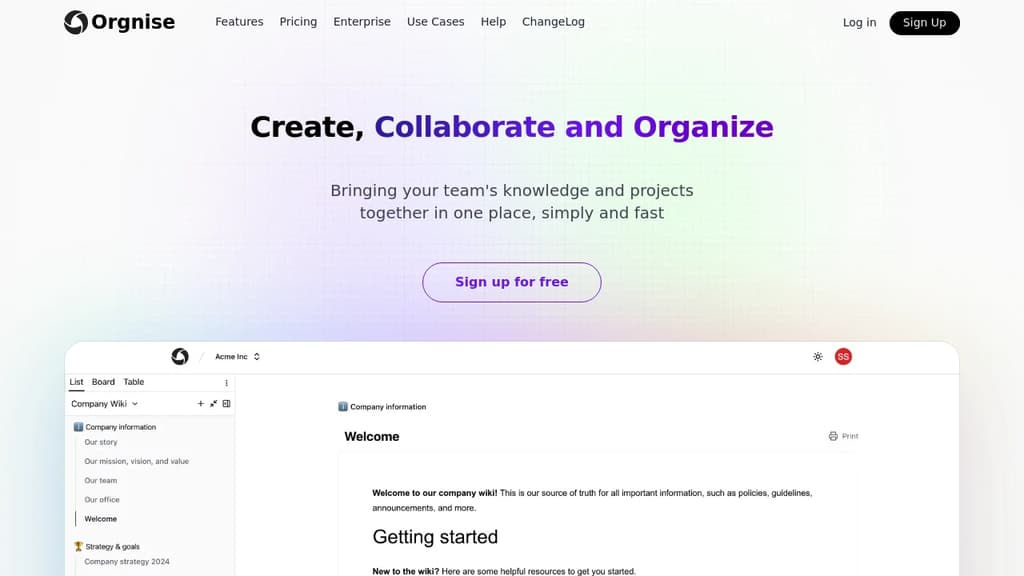
Orgnise is a powerful project management solution designed to help teams of all sizes streamline their workflows and boost productivity. With its user-friendly interface and comprehensive feature set, Orgnise makes it easy to plan, track, and execute projects from start to finish.
Key benefits of Orgnise include:
-
Intuitive Task Management: Create, assign, and prioritize tasks with ease. Use drag-and-drop functionality to organize tasks into customizable lists, boards, or timelines.
-
Team Collaboration: Foster seamless communication with built-in chat, file sharing, and commenting features. Keep everyone on the same page and reduce email clutter.
-
Workflow Automation: Set up automated workflows to handle repetitive tasks, notifications, and status updates, saving time and reducing human error.
-
Customizable Dashboards: Get a bird's-eye view of your projects with personalized dashboards. Monitor progress, track deadlines, and identify bottlenecks at a glance.
-
Time Tracking and Reporting: Log time spent on tasks and generate detailed reports to analyze team performance and project profitability.
-
Integration Ecosystem: Connect Orgnise with your favorite tools through a wide range of integrations, including calendar apps, file storage services, and communication platforms.
Whether you're managing complex projects or simply organizing your daily tasks, Orgnise adapts to your needs, helping you stay focused and productive. Experience the power of efficient project management with Orgnise today.

A self-hosted project management tool offering task management, file sharing, event tracking, and team collaboration features in an intuitive interface.
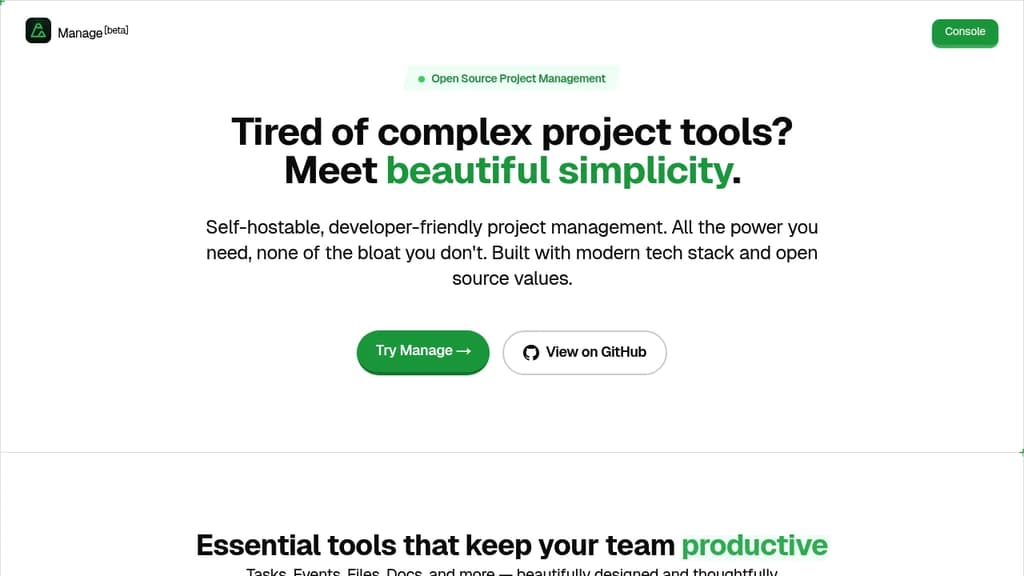
Manage is a powerful open-source project management solution that brings essential collaboration tools together in one intuitive platform. With robust task management capabilities, teams can easily organize and track work progress. The integrated file sharing system keeps all project resources centralized and accessible.
Key features include:
- Task organization and tracking
- File management and sharing
- Event scheduling and calendar
- Team collaboration tools
- Activity logging
- Multi-tenant architecture
- Built-in commenting system
Perfect for engineering teams and developers, Manage emphasizes ease of use while providing the flexibility of self-hosting. The platform's clean interface makes it simple to handle tasks, events, and documents with minimal clicks. Whether you're managing small team projects or complex initiatives, Manage provides the essential tools for successful collaboration.

Open source minimalist task management tool with AI companion that filters noise, automates coordination, and guides teams through complexity with calm focus.
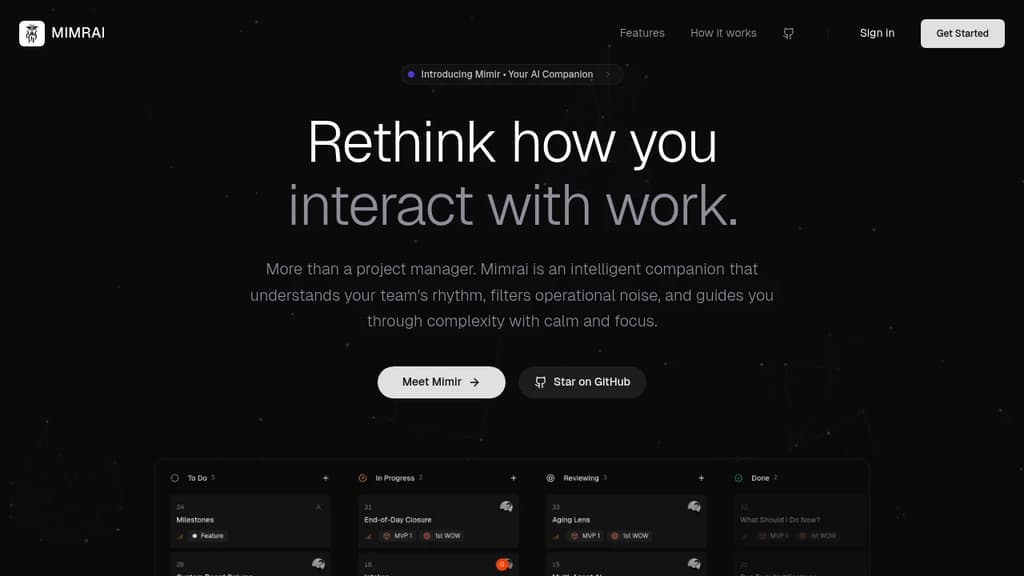
Mimrai transforms task management by acting as an intelligent companion rather than just another project tool. Built around the concept of radical focus, it filters operational noise and helps teams maintain clarity while managing complex projects.
The platform features Mimir AI Assistant, which provides automated suggestions and follow-ups when tasks become blocked. It proactively identifies stalled work and prompts the right team members, eliminating manual coordination overhead.
Zen Mode creates a calm working environment by automatically organizing your day and reducing distractions. Combined with the Smart Daily Digest, users receive curated task prioritization based on real-time blockers and dependencies.
Key capabilities include:
- Project Management: Clear milestone tracking with big-picture visibility
- Task Management: Smart checklists with intelligent assignments and due dates
- End of Day Summaries: Auto-generated progress reports and blocker identification
- Open Source Foundation: AGPL-3.0 licensed with community-driven development
Unlike traditional task managers that simply organize information, Mimrai actively guides decision-making and reduces cognitive load. The platform analyzes team patterns to surface what matters most, when it matters most.
Being open source and building in public, Mimrai welcomes community contributions and user feedback to shape its roadmap. Early adopters can directly influence feature development while benefiting from a tool designed for total visibility with zero anxiety.

People are looking for alternatives to...
View all alternatives
Spotify

Claude Code

CapCut

Claude

Notion

Lovable
 CodeRabbit – The leading AI Code Review platform. Ship better quality code in 50% less time, with 90% fewer bugs.


 Sent
Sent