Kener vs Peekaping
Learn how Kener and Peekaping differ in their key features, development activity, technology
stack and community adoption, so you can decide which of these uptime monitoring tools is best for you.
Learn how Kener and Peekaping differ in their key features, development activity, technology stack and community adoption, so you can decide which of these uptime monitoring tools is best for you.

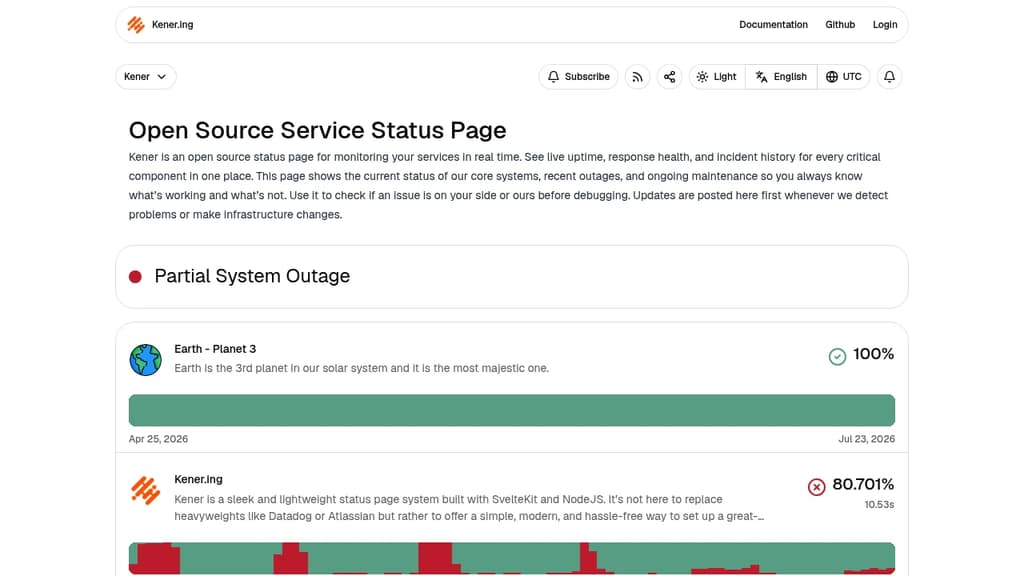
Kener
Last 30 days
Last commit
7 hours agoRepository age
3 yearsVersion
v4.1.7License
MITSelf-hosted
YesRepository
rajnandan1/kener

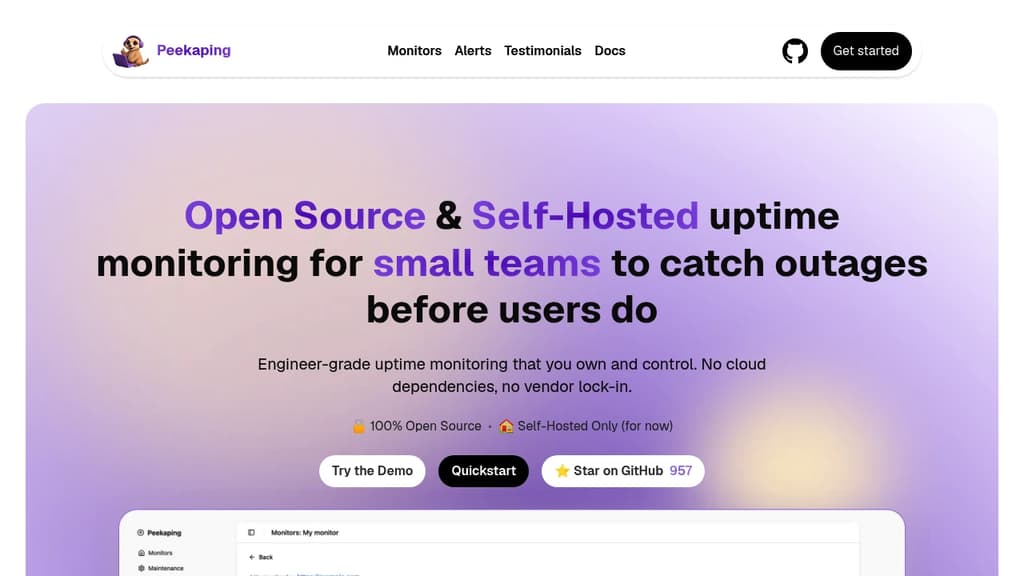
Peekaping
Last 30 days
Last commit
9 hours agoRepository age
1 yearVersion
0.0.46License
MITSelf-hosted
YesRepository
0xfurai/peekaping
Detailed Comparison
Kener appears to have several advantages over Peekaping, particularly in popularity and maturity. Consider your specific needs regarding popularity, growth, activity, technology, maturity, licensing and features when making your decision.
Kener appears to have several advantages over Peekaping, particularly in popularity and maturity. Consider your specific needs regarding popularity, growth, activity, technology, maturity, licensing and features when making your decision.
Community & Popularity
Kener significantly outpaces Peekaping in community adoption with 5,210 stars compared to 1,200 stars on GitHub. This 4.3x difference suggests Kener has a much larger and more active community. In terms of developer contributions, Kener has 308 forks, indicating moderate developer engagement.
Growth Momentum
Kener and Peekaping are moving at much the same rate, adding 40 stars and adding 7 stars respectively over the last 30 days (+0.8% vs +0.6%). Neither is pulling away from the other on momentum alone.
Development Activity
Both projects show recent activity, with Kener last updated 7 hours ago and Peekaping 9 hours ago.
Technology Stack
Both tools share common technology foundations, being built with JavaScript, CSS, Bash, Typescript. However, they differ in their additional technology choices: Kener uses SvelteKit while Peekaping leverages JSX, Golang.
Project Maturity
Kener has been in development longer, starting 3 years ago, compared to Peekaping which began 1 year ago. This 1.5-year head start suggests Kener may have more mature features and established processes.
Licensing
Both projects use the MIT license, providing identical terms for usage and distribution.
Use Cases & Features
Both tools serve similar use cases in Uptime Monitoring, Status Pages. However, they also have distinct specializations: Peekaping extends into Infrastructure Monitoring.
Hosting & Deployment
Both Kener and Peekaping offer self-hosting capabilities, giving you full control over your data and infrastructure.
Other tool comparisons to consider
Kenervs
 Uptime KumaKener
vs
 CachetKener
vs
 CheckmateKener
vs
 GatusKener
vs
 OpenStatusKener
vs
 HealthchecksKener
vs
 OneUptimeKener
vs
 TianjiKener
vs
 StatusnookKener
vs
 EasyMonitorKener
vs
 UptimepageKener
vs
 StatusScoutPeekaping
vs
Uptime KumaPeekapingvs
CachetPeekapingvs
CheckmatePeekapingvs
GatusPeekapingvs
OpenStatusPeekapingvs
HealthchecksPeekapingvs
OneUptimePeekapingvs
TianjiPeekapingvs
StatusnookPeekapingvs
EasyMonitorPeekapingvs
UptimepagePeekapingvs
StatusScout Capture – Capture screenshots, generate PDFs, scrape content, extract metadata, and automate browsers with one API.