Open Source pi Alternatives
A curated collection of the 9 best open source alternatives to pi.
The best open source alternative to pi is OpenCode. If that doesn't suit you, we've compiled a ranked list of other open source pi alternatives to help you find a suitable replacement. Other interesting open source alternatives to pi are: OpenHands, Cline, Open Interpreter, and Goose.
pi alternatives are mainly AI Coding Agents but may also be AI Agent Platforms. Browse these if you want a narrower list of alternatives or looking for a specific functionality of pi.

Written by Piotr Kulpinski


Open source AI coding agent that works in your terminal, IDE, or desktop app, supporting 75+ LLM providers with no code storage.
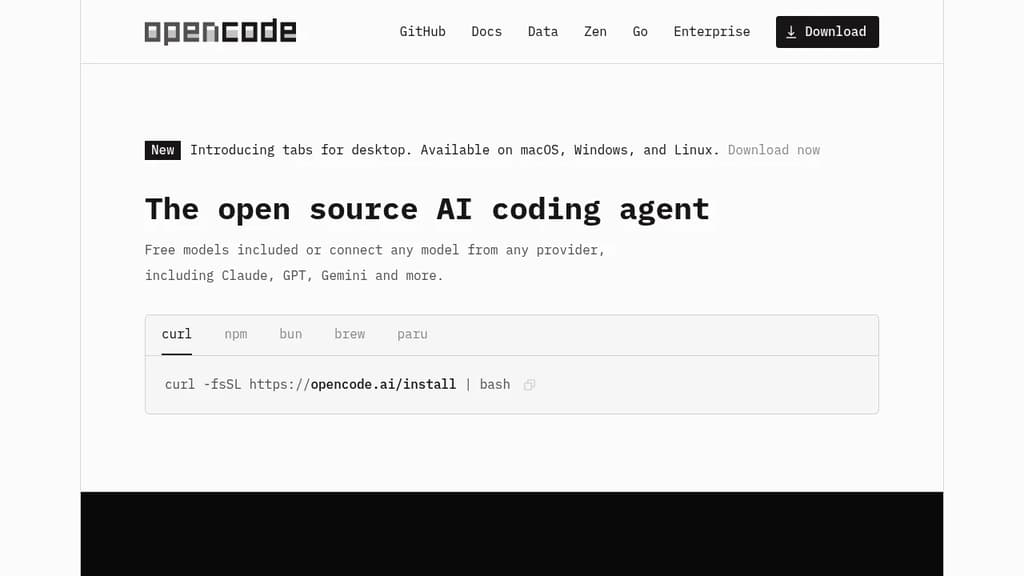
OpenCode is an open source AI coding agent built for developers who want full control over their tools and data. It runs in the terminal, as a desktop app (available in beta on macOS, Windows, and Linux), and as an IDE extension, so it fits into existing workflows without forcing a specific environment.
Model flexibility is a core part of the design. It connects to 75+ LLM providers through Models.dev, including local models, and supports Claude, GPT, Gemini, and others. Developers with existing GitHub Copilot or ChatGPT Plus/Pro subscriptions can log in directly and use those accounts without paying for another service.
LSP (Language Server Protocol) support is built in, meaning OpenCode automatically loads the appropriate language servers for the LLM context. This gives the agent a more accurate understanding of your codebase rather than treating it as plain text. You can also run multiple agents in parallel on the same project, which is useful when working across separate features or debugging threads simultaneously.
Session sharing lets you generate a link to any coding session. That makes it easier to hand off context to a colleague or revisit a debugging thread later.
Privacy is handled by design: OpenCode does not store your code or context data. That makes it usable in environments where sending source code to third-party servers is a concern. Tools like Cline and Continue take similar approaches to local-first AI coding, but OpenCode's combination of desktop, terminal, and IDE support in one package is relatively uncommon.
The project has over 160,000 GitHub stars, 900 contributors, and is used by roughly 7.5 million developers monthly.

AI agent platform that runs autonomous coding agents to plan, write, and ship changes across codebases end-to-end, with support for any model and self-hosted deployment.
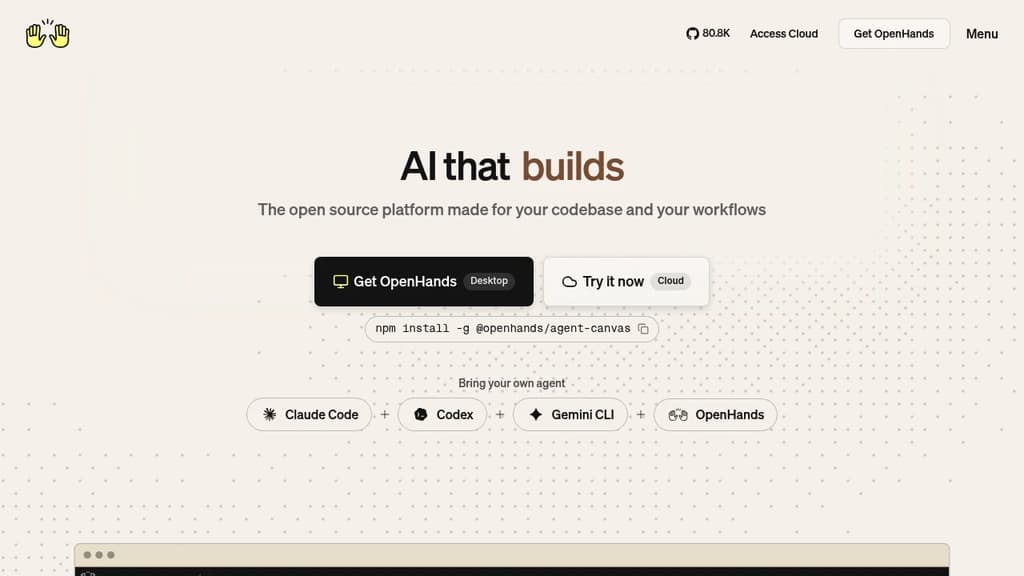
OpenHands is an AI agent platform built for software teams that need more than code suggestions. Instead of autocompleting lines in an editor, it runs autonomous agents that plan, execute, and ship changes across entire codebases. Think: open a GitHub issue, an agent investigates, writes the fix, runs tests, and opens a pull request for review.
It's model-agnostic by design. You can point it at any LLM, swap models as needs change, and integrate it into existing CI/CD pipelines without rearchitecting your workflow. For teams already using self-hosted developer infrastructure, it fits naturally into that setup.
Key capabilities include:
- Vulnerability remediation: Scans repositories, patches security issues, and opens reviewable PRs automatically
- PR review automation: Reviews pull requests for quality, security, and best practices
- Legacy migration: Migrates COBOL systems to Java with testing and validation built in
- Incident triage: Investigates production errors, traces root causes, and posts actionable debugging summaries
- Test coverage expansion: Generates and maintains tests for new features to catch regressions before they ship
- Parallel execution: Runs thousands of agent tasks simultaneously, not just one at a time
The platform runs inside isolated Docker or Kubernetes environments. Your code stays in your environment, on-prem or private cloud, with full auditability over every agent action and artifact. That matters for teams with strict compliance requirements.
A Large Codebase SDK handles dependency mapping across complex systems, letting multiple agents work in parallel without creating conflicts. This makes it practical for large legacy codebases that most AI tools struggle with.
Teams can interact with OpenHands through a web UI, CLI, or SDK. It integrates directly with GitHub, GitLab, Slack, and standard ticketing tools, so agents can be triggered from wherever work already happens. Developers building their own AI-powered tooling can embed the SDK into custom workflows.
OpenHands has accumulated over 75,000 GitHub stars and an active contributor community. The open-source foundation means full visibility into how agents behave, which is a meaningful difference from closed-source alternatives.

AI coding agent that runs inside VS Code and the terminal, supporting multi-file edits, bash execution, and any LLM provider via bring-your-own-key.
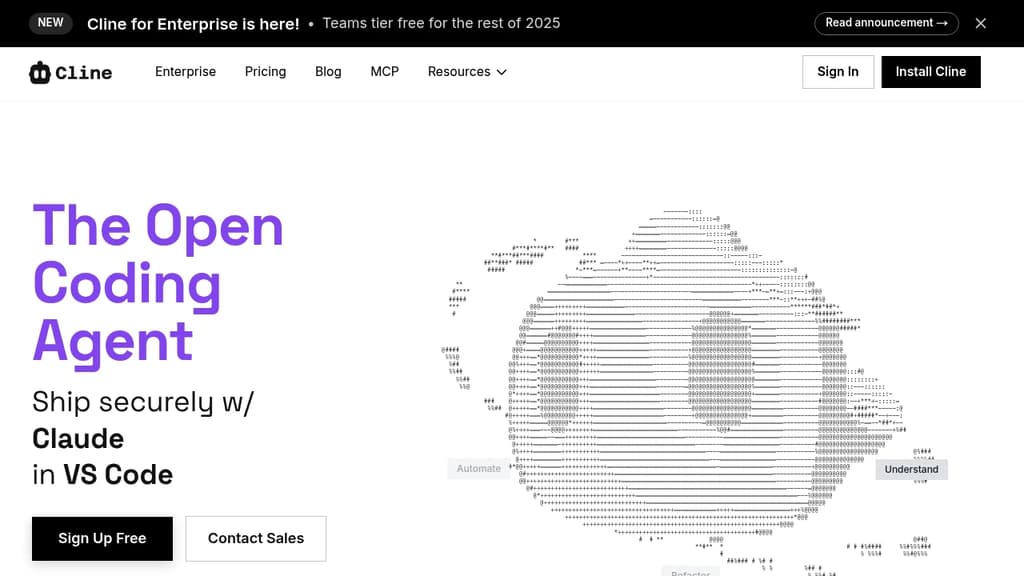
Cline is an open-source AI coding agent that works inside VS Code and the command line. It reads and edits files across a project, runs terminal commands, reacts to their output in real time, and handles long-running processes like dev servers or test suites.
The Plan/Act mode split lets you discuss a strategy with the agent before it touches any code, then switch to Act mode when you're ready to execute. Every step is approvable, or you can enable auto-approve for unattended runs.
Model choice is unrestricted. Claude, GPT, Gemini, local Ollama or LM Studio instances, and any OpenAI-compatible endpoint all work. You bring your own key or your own weights.
For teams, Cline supports multi-agent setups where a coordinator delegates to specialist agents with their own tools and context windows. It also connects to Slack, Discord, Telegram, and Linear, and runs headlessly inside GitHub Actions or GitLab pipelines. Tools like Roo Code and OpenHands take a similar multi-agent approach if you want to compare.
.clinerules files let you ship coding standards, architecture guidelines, and deployment conventions alongside your repo so the agent follows project-specific rules consistently.
Extensibility comes through the SDK and MCP server support, which lets you register custom tools and connect to databases, APIs, or infrastructure. The project is Apache 2.0 licensed with 250+ contributors.

Coding agent that lets LLMs write and execute code, manage files, and control your computer using local or low-cost models.
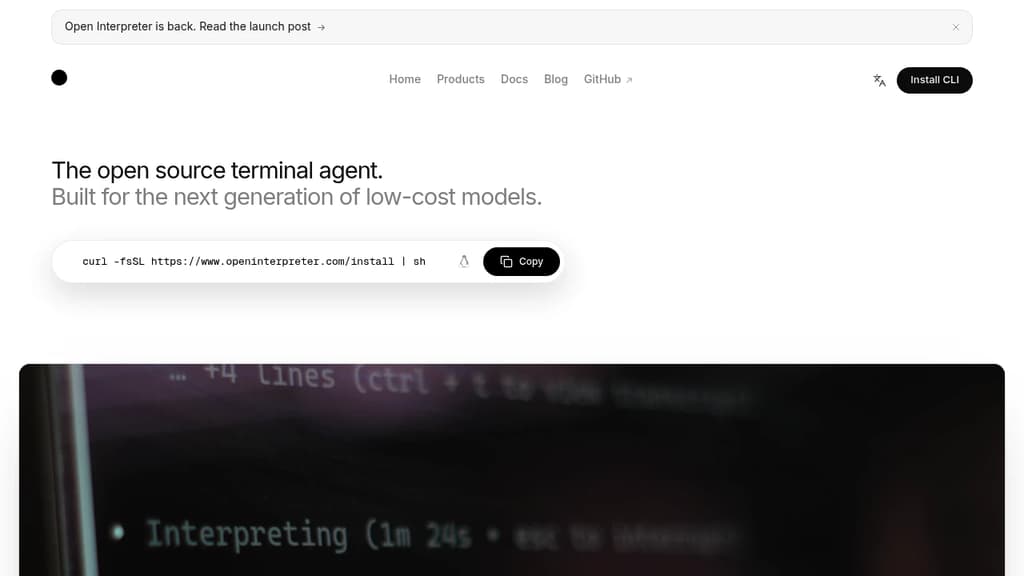
Open Interpreter brings the capabilities of a coding agent to your local machine, without requiring a subscription to a proprietary API. It lets language models write code, run it, browse the web, manage files, and interact with your operating system directly. Think of it as a terminal-based assistant that can actually do things, not just suggest them.
It's built specifically to work well with open-weight and local models, making it a practical choice for anyone who wants to avoid sending code or sensitive data to external servers. You can connect it to models running through Ollama or LocalAI, or point it at hosted providers for more capable models when needed.
Key capabilities include:
- Code execution across Python, JavaScript, Shell, and other languages, run directly in your environment
- File and system access so the agent can read, write, move, and modify files as part of completing tasks
- Web browsing to research, fetch data, or interact with online content
- Multi-model support with easy switching between local and remote LLMs
- Interactive chat interface that keeps context across a session, so you can refine tasks conversationally
- Computer control for more advanced automation tasks
Compared to cloud-only AI coding agent orchestrators like Codex, Open Interpreter puts you in control of which model runs and where. That matters for privacy, cost, and offline use. It also means performance depends heavily on the model you choose. Pair it with a strong open-weight model and it handles real tasks; use a weaker one and you'll feel the limits quickly.
It suits developers, researchers, and power users who want a capable local agent and are comfortable picking and configuring their own models.

Local AI agent with a desktop app, CLI, and API that connects to 15+ LLM providers and 70+ extensions for code, research, automation, and data tasks.
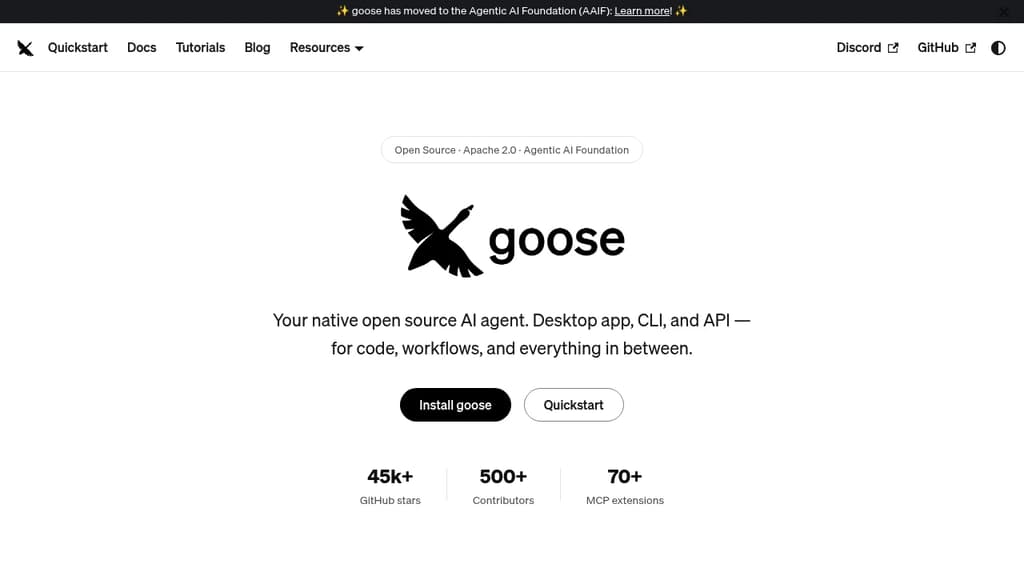
Goose is a general-purpose AI agent that runs natively on your machine. It's not narrowly focused on coding: you can use it for research, writing, data analysis, browser automation, or any multi-step task you'd otherwise piece together manually. It ships as a desktop app for macOS, Linux, and Windows, a full CLI for terminal-first workflows, and an API for embedding it in other tools.
The LLM support is broad. Goose works with 15+ providers, including Anthropic, OpenAI, Google, Ollama, LocalAI, OpenRouter, Azure, and Bedrock. You can use API keys or connect through existing Claude, ChatGPT, or Gemini subscriptions, so you're not locked into a new billing relationship just to try it.
Extensibility is central to how goose works:
- 70+ MCP extensions connect it to databases, APIs, browsers, GitHub, Google Drive, and more via the open Model Context Protocol standard
- MCP Apps let extensions render interactive UIs inside the desktop app, including buttons, forms, and visualizations
- Recipes let you capture repeatable workflows as portable YAML configs, shareable with a team or runnable in CI
- Subagents can be spawned to handle tasks in parallel, keeping the main conversation focused
- Security controls include prompt injection detection, tool permission controls, and a sandbox mode
Goose also implements the Agent Client Protocol, which means it works as an ACP server you can connect from editors like Zed, JetBrains, or VS Code. It can use Codex and similar agents as providers through the same standard.
The project sits under the Agentic AI Foundation at the Linux Foundation, which keeps it vendor-neutral and community-governed. Built in Rust for performance, it has attracted 500+ contributors and 45k+ GitHub stars. If you want a self-hostable, provider-agnostic agent that works across interfaces and integrates deeply with the MCP ecosystem, goose covers a lot of ground.

Terminal-based coding agent powered by Grok 4.5 that plans, builds, tests, and deploys across any codebase with parallel subagents and plugin support.
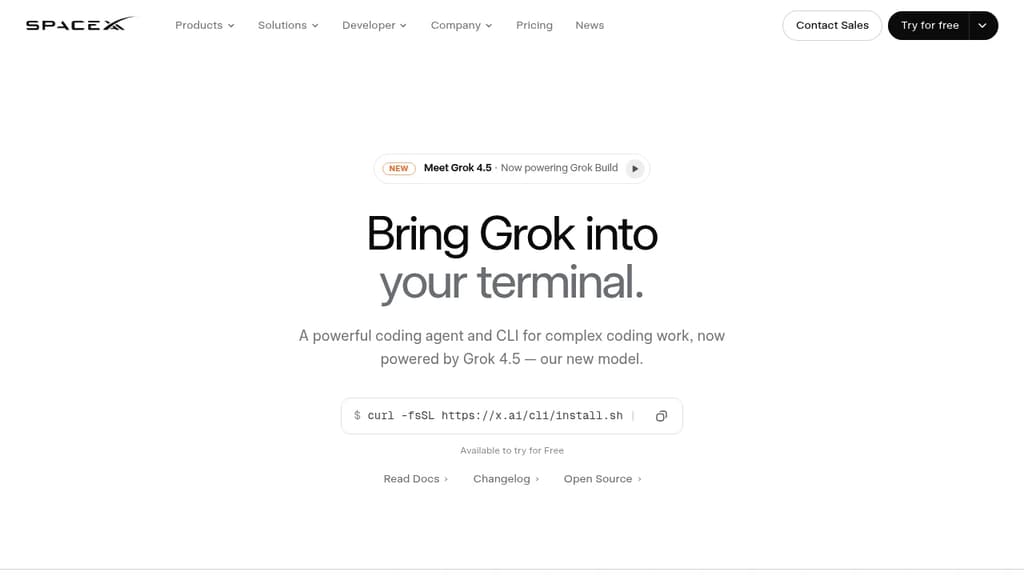
Grok Build is a terminal coding agent built for developers who want serious AI assistance without leaving the command line. It handles the full development cycle: planning, writing code, running tests, committing to git, and deploying. Any language, any codebase.
The tool's Plan Mode sets it apart from simpler autocomplete tools. Before touching a single file, it proposes a structured plan you can approve, comment on line by line, or rewrite entirely. Every approved change appears as a clean diff. Nothing gets written until you say so.
For large tasks, subagents run in parallel, each with its own context window and optionally its own git worktree. Ask it to find a latency regression and it can simultaneously explore your checkout flow, infrastructure, shared libraries, and pricing engine at once.
Key capabilities:
- Skills: reusable slash commands you build from any session using
/skillify, auto-invoked when a task matches - Plugins: bundle skills, agents, hooks, and MCP servers into a single install, shareable via marketplace or a self-hosted git repo
- MCP servers: connect to Cline-style external tools like Linear, Sentry, Grafana, and Postgres
- Hooks: run scripts automatically on file edits or tool calls
- AGENTS.md: set per-directory conventions the agent follows consistently
- Memory: decisions and context persist across sessions
- Headless mode: scriptable in CI/CD pipelines
- Sandboxed execution: run untrusted code in isolation
- Web search: look up docs and packages without switching context
When a task is ambiguous, Grok Build asks targeted multiple-choice questions before starting, so it picks the right framework, schema, or design direction upfront rather than guessing. The fullscreen terminal UI supports mouse input and keyboard-first navigation.
It's free to try, and unlike Grok in a browser chat interface, this is purpose-built for working directly inside your existing development environment.

Open source AI coding agent with 500+ models, bring-your-own-key support, and specialized modes for writing, debugging, and planning code across IDEs and CLI.
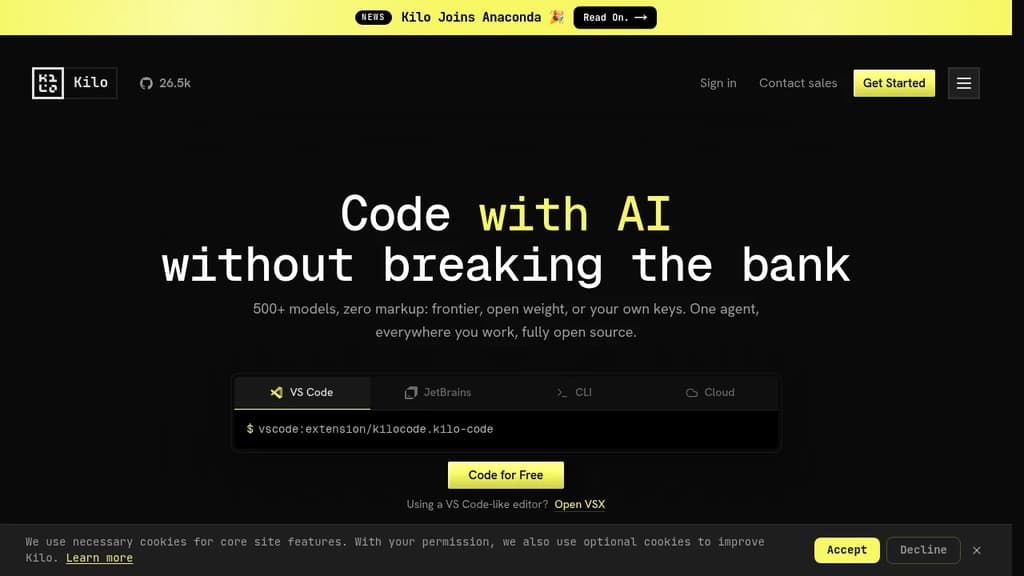
Kilo is an AI coding agent that works inside VS Code, JetBrains, the command line, and a hosted cloud environment. It's built for developers who want full control over their AI setup: bring your own API keys at zero markup, use local models to keep code private, or route through Kilo's model gateway to access 500+ models.
The agent ships with five specialized modes, each suited to a different part of the development workflow:
- Code Mode writes, refactors, and ships production-ready code with full codebase context
- Architect Mode helps plan complex features and structure work before any code is written
- Debug Mode reads errors, traces issues, and suggests targeted fixes
- Ask Mode answers questions about your codebase without making changes
- Custom Mode lets you define your own agent behavior for specific workflows
Switching between modes doesn't mean switching tools. Everything runs in the same agent, in the editor or terminal you're already using.
Kilo also includes KiloClaw, a managed version of the OpenHands open agent platform. It deploys in under 60 seconds with no Docker, SSH, or config files required. Once running, KiloClaw connects to Telegram, Discord, or Slack, handles scheduled tasks and cron jobs, and acts on your behalf autonomously. It's the part of Kilo designed for background work: running tasks while you're away, automating repetitive operations, or handling code review in the cloud.
For teams comparing options, Kilo positions itself against tools like Cline and Roo Code as a more fully integrated alternative with broader model support and cloud agent capabilities built in. The codebase is Apache-2.0 licensed and fully open source.

Terminal-based AI coding agent that reads your codebase, edits files and runs commands, with support for Qwen, OpenAI, Anthropic, Gemini and local models.
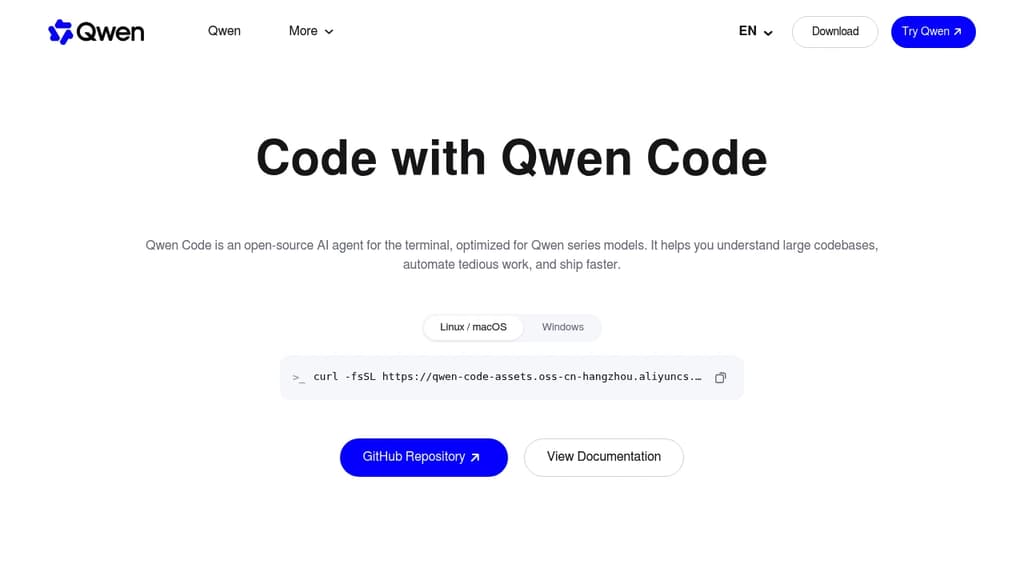
Qwen Code is an open source AI coding agent from the Qwen team at Alibaba. It runs in the terminal and reads your codebase, edits files, runs shell commands, and works through multi-step tasks on your local repository.
The project started from Google's Gemini CLI v0.8.2. Since v0.1 it has been developed independently, with its own features and support for many model providers.
Key capabilities:
- Multi-provider models: works with OpenAI, Anthropic, Gemini and Qwen APIs, any compatible third-party provider, and local models through Ollama or vLLM. You can switch models at runtime.
- Agent features: subagents, agent teams, skills, auto-memory and MCP server support.
- More than a terminal: IDE plugins for VS Code, Zed and JetBrains, a desktop app, a web UI, and SDKs for building on top of the agent.
- Chat integrations: run the agent from Telegram, DingTalk, WeChat or Feishu.
Qwen Code is optimized for Qwen models, and many of those are open-weight, so you can run both the agent and the model on your own hardware. It is a good fit for developers who want a Claude Code alternative without being tied to one model vendor.
Install it with the standalone script, npm (@qwen-code/qwen-code, Node.js 22+) or Homebrew.

Open-source AI coding agent for the terminal that works with 25+ model providers, keeps sessions on your disk, and ships as a single Go binary with no telemetry.
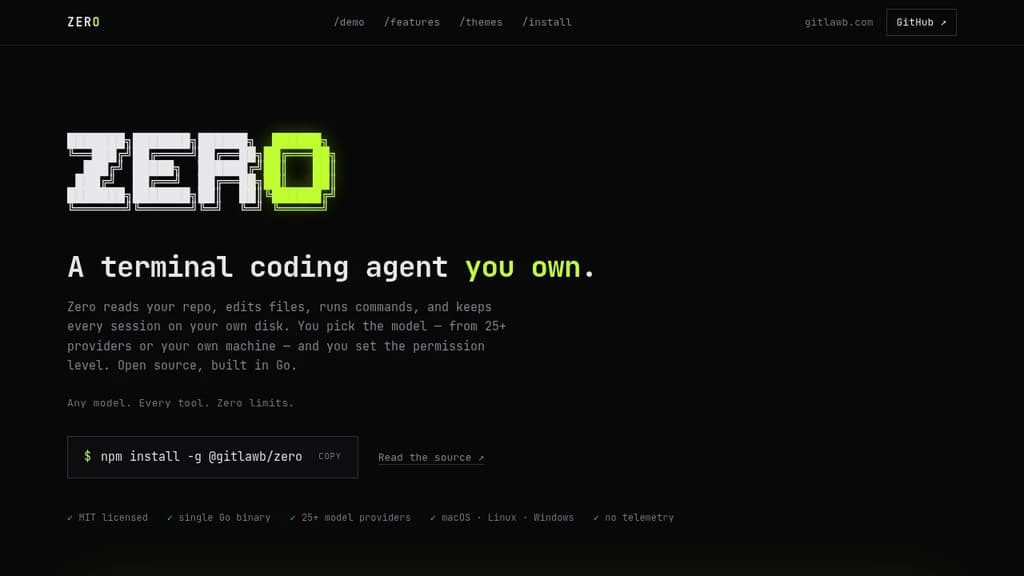
Zero is a terminal coding agent built for developers who want full control over their AI tooling. It reads your repo, edits files, runs commands, and stores every session locally on your disk. No cloud sync, no telemetry, no vendor lock-in on the model side.
The model choice is genuinely open. Zero connects to 25+ providers including OpenAI, Anthropic, Gemini, Mistral, Groq, DeepSeek, Bedrock, Vertex AI, and local options like Ollama and LM Studio. You can switch providers mid-session with /model, or point it at any OpenAI- or Anthropic-compatible endpoint.
Permissions are explicit and visible. Every side effect (file writes, shell commands, network access) is gated, with OS-level sandboxing. Autonomy is an opt-in, not the default. That makes it practical to run in CI as well as interactively.
Key capabilities:
- Headless mode for one-shot or scripted runs with JSON and stream-JSON output, plus reliable exit codes for pipelines
- MCP support in both directions: consume MCP servers over stdio, HTTP, or SSE, or expose Zero itself as an MCP server
- Spec-first runs to draft and review a plan before any file changes
- Specialist subagents to fan work out to focused sub-sessions you can inspect live
- Isolated git worktrees for risky changes you can discard if they don't pan out
- Session history that's searchable, resumable, and forkable from the command line
- Skills and plugins for encoding team conventions in markdown and extending behavior with hooks
- Scheduled agents for recurring jobs like nightly triage or dependency sweeps
- GitHub Action for PR review and CI jobs using the same agent
Sessions live in ~/.config/zero/ and API keys are stored in an encrypted local store. Unlike some other terminal agents, Zero ships as a single Go binary that runs on macOS, Linux, and Windows (x64 and arm64). Twelve contrast-audited themes are included.
It's MIT licensed. You pay your model provider, or nothing at all with a local model.

People are looking for alternatives to...
View all alternatives
Spotify

Claude Code

Claude

CapCut

Notion

Lovable
 Stellar Hosted – Managed Open Source software hosting in the EU: secure, compliant, fast.

 Openlane