Open Source Otter.ai Alternatives
A curated collection of the 4 best open source alternatives to Otter.ai.
The best open source alternative to Otter.ai is Meetily. If that doesn't suit you, we've compiled a ranked list of other open source Otter.ai alternatives to help you find a suitable replacement. Other interesting open source alternatives to Otter.ai are: Anarlog, Minutes, and Prismical.
Otter.ai alternatives are mainly Meeting Transcription & Notetakers but may also be Note-Taking Tools. Browse these if you want a narrower list of alternatives or looking for a specific functionality of Otter.ai.

Written by Piotr Kulpinski

Records, transcribes, and summarizes meetings entirely on your device using local AI. No bots, no cloud uploads, GDPR and HIPAA compliant by design.
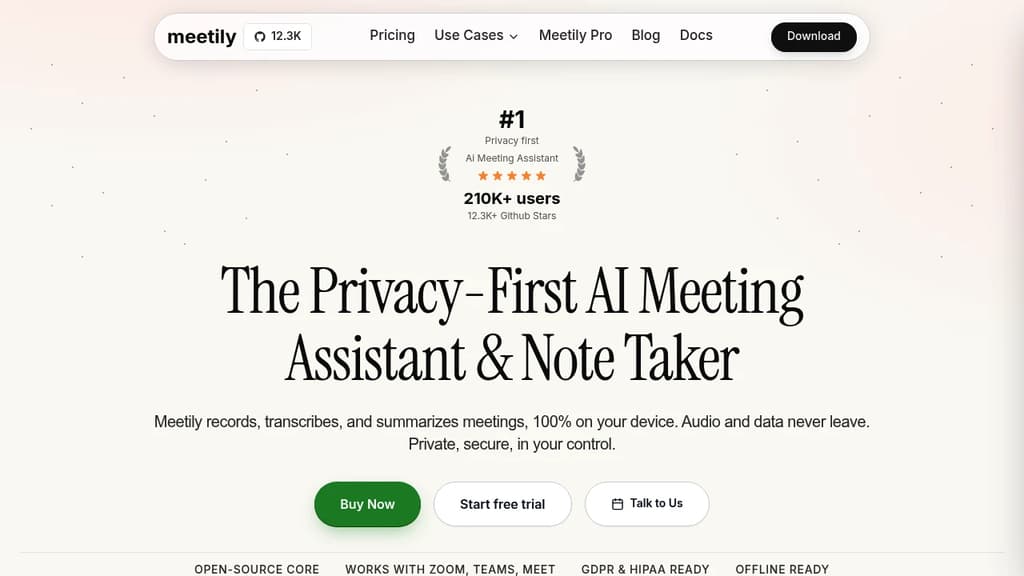
Meetily is an AI meeting assistant built around one constraint: your audio and transcripts never leave your device. It captures system audio directly (no bot joins your call), transcribes in real time using local Whisper models, and generates structured summaries. It's aimed at individuals, developers, and teams in regulated industries where cloud-based tools like Otter.ai or Granola aren't an option.
Because it records at the system audio level, it works with any meeting platform. Zoom, Google Meet, Microsoft Teams, Discord, Slack Huddles, or anything else. No browser extensions, no platform-specific integrations, no host permissions required.
Key capabilities:
- 100% local transcription using OpenAI Whisper (tiny through large-v3), with GPU acceleration support
- Pluggable AI summaries – use a local LLM via Ollama, bring your own API key (Claude, OpenAI, Groq), or use Meetily's hosted option
- Bot-free recording – no visible bot joins the call, no "Recording Bot has joined" notifications
- Audio file import – supports MP4, M4A, WAV, MP3, FLAC, OGG, AAC, MKV, WebM, and WMA for retranscription
- Structured summaries – section summaries, key decisions, and action items extracted automatically
- Offline capable – full transcription and summarization with no internet connection when using local models
- Export formats – Markdown, PDF, and DOCX
- GDPR, HIPAA, and SOX compliant by design, since no data leaves your infrastructure
The Community Edition is free and MIT licensed. Pro ($10/user/month, billed annually) adds enhanced accuracy, advanced exports, and auto-detect. Enterprise plans include centralized self-hosted infrastructure, admin dashboards, and compliance frameworks for Azure, AWS, GCP, or on-premises deployments.
For anyone comparing it against tools like tl;dv or Fathom, the core difference is where processing happens. Those tools send audio or transcripts to external servers. Meetily keeps everything local unless you explicitly choose a cloud summary option. That makes it a practical fit for healthcare, legal, and financial teams where data sovereignty isn't optional.
The open-source core has over 11,600 GitHub stars and 180,000 downloads. Desktop installers ship for macOS and Windows.

Records system audio without joining your call, then turns rough notes into editable summaries. Audio, transcripts, and notes stay as local files.
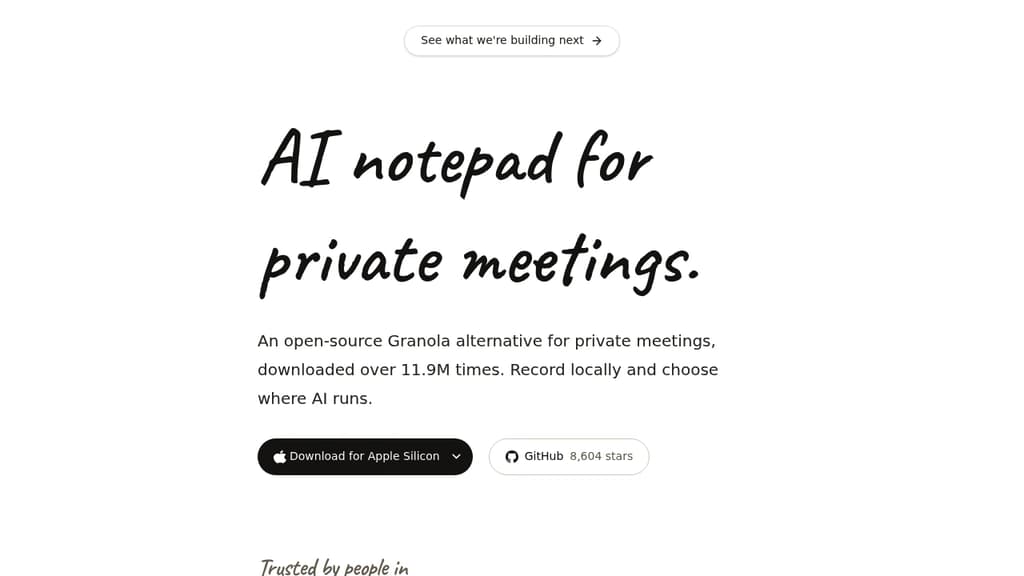
Anarlog is a meeting notepad built around one idea: your notes belong on your device, not in someone else's system. It captures system audio without adding a bot to your call, so participants never see an uninvited attendee in the room. You jot rough shorthand during the meeting, and afterward Anarlog turns those fragments into a structured, editable summary.
It's a direct open-source alternative to Granola for people who don't want cloud-first tools handling their meeting data.
How the core workflow runs:
- Rough notes in, clean summary out. You write fragments like "new dash - urgnet" and the tool produces organized, attributed meeting notes you can edit and keep.
- No bot joins the call. Audio is captured from your device's system audio, invisible to other participants.
- Files on disk. Audio, transcripts, and notes are stored as files you control, not locked in a proprietary database.
- Flexible AI path. Run fully offline with on-device models, or bring your own API key when you prefer a cloud model. You're not tied to a single provider.
For people comparing options, tools like Meetily and Minutes take a similar local-first approach, but Anarlog's combination of bot-free capture, editable post-meeting summaries, and choice of AI backend is its distinguishing shape.
The GPL codebase means you can inspect exactly what runs on your machine. Notes survive as plain files, independent of any service or interface that might change. It works for individual contributors, executives at privacy-conscious organizations, or anyone who's uncomfortable with a third-party bot sitting in sensitive calls.

Records meetings and voice memos locally using whisper.cpp, writes structured markdown to disk, and exposes 31 MCP tools so any AI agent can query your conversation history.
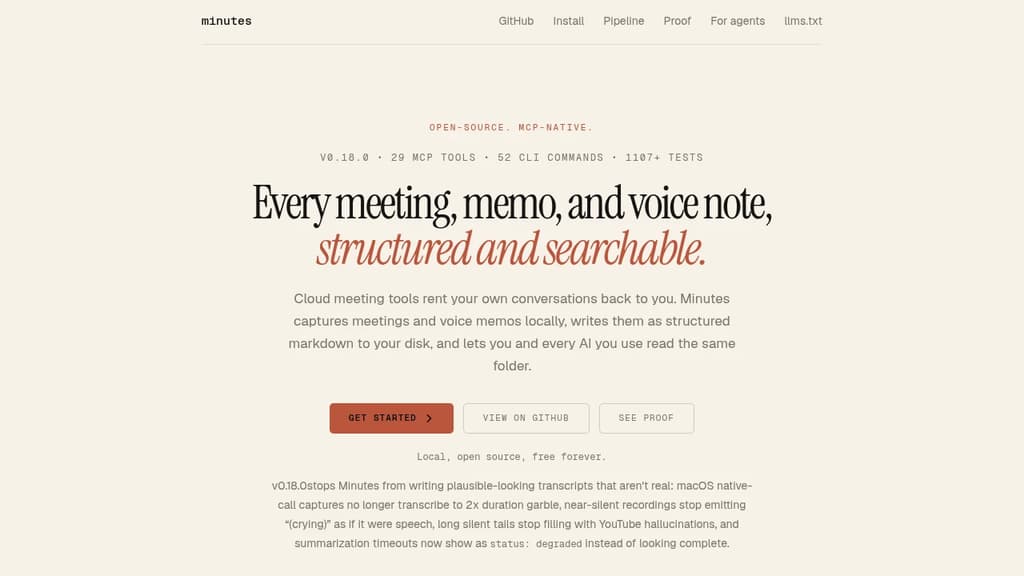
Minutes is a local-first meeting recorder and voice memo tool for people who want full ownership of their conversation history. Audio never leaves your machine. Transcripts land as plain markdown files on your disk, readable by any tool, searchable by any agent.
It's built for three overlapping audiences: developers who want inspectable, grep-friendly output; knowledge workers who need to capture decisions and action items without a SaaS subscription; and AI-heavy workflows where agents need structured context from past conversations.
How the pipeline works:
- Local transcription via whisper.cpp or the multilingual Parakeet backend, with GPU acceleration and streaming partial results as you speak
- Speaker diarization using pyannote, so multi-person meetings show who said what with timestamps
- Structured extraction pulls action items, decisions, and commitments into queryable markdown automatically
- Relationship memory tracks people, projects, and unresolved commitments across meetings, not just within one
- Voice memo pipeline watches for iPhone Voice Memos, transcribes them on your Mac, and folds them into the same memory layer
- Dictation mode sends spoken text to your clipboard and daily note without switching apps
- 31 MCP tools expose your transcript archive to Claude Desktop, Codex, Gemini CLI, and similar agents
Summarization is optional. Claude or Ollama-backed local models can work conversationally over your transcripts when you ask, using your existing subscription. No API keys are required for transcription.
The file format is a genuine design choice. Every transcript is a markdown file with YAML frontmatter. Timestamps, speakers, and action items stay visible in the raw file, so the source is readable before any assistant touches it. That also means the workflow survives outside Minutes entirely: git, grep, and any note-taking tool that reads plain files all work without modification.
Compared to tools like Meetily or cloud recorders like Otter.ai, Minutes adds cross-meeting intelligence and a broader agent surface. It's MIT licensed.

Free, open-source AI note-taker that transcribes meetings and voice notes locally using Whisper and Parakeet. Works on Mac, Windows, and mobile without invasive bots.
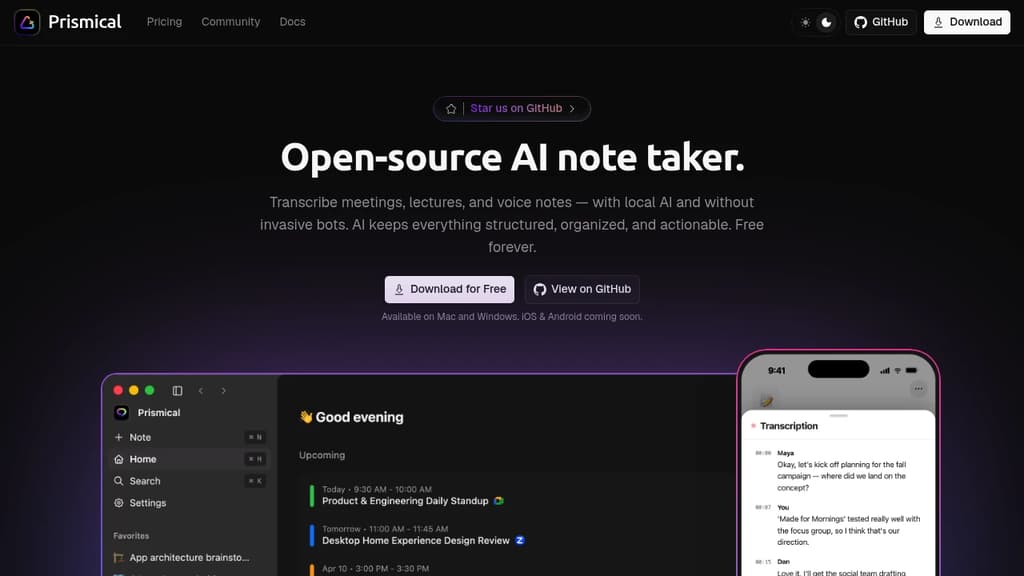
Prismical is a free, open-source AI note-taking companion that captures meetings, lectures, and voice notes with complete privacy. Unlike traditional meeting recorders, it works silently through your system audio—no bot joins your calls, and no one knows you're recording.
Key capabilities include:
- Real-time transcription with speaker identification using local AI models (Whisper, Parakeet) or cloud providers of your choice
- Automatic summaries and action items that extract key decisions and follow-ups from meetings
- Voice notes and brain dumps that get automatically structured and formatted
- AI integrations via MCP server, allowing Claude, ChatGPT, Gemini, and other assistants to read and write your notes
- Works everywhere by capturing system audio from any app—Zoom, Meet, Teams, Slack, WebEx, or anything that plays audio
- Floating window for always-on-top transcripts and action items without switching apps
Privacy is built in. Audio stays on your machine by default with local AI processing. If you choose cloud transcription, you bring your own API keys. The entire codebase is open source and MIT licensed on GitHub with no hidden data collection.
Available as native apps for Mac and Windows, with iOS and Android coming soon. Perfect for teams, students, doctors, lawyers, journalists, creators, and anyone who needs to capture and organize information from conversations.

People are looking for alternatives to...
View all alternatives
Claude Code

Spotify

CapCut

Claude

Notion

Lovable
 Sent – Messaging Infrastructure for Developers. One API for SMS, WhatsApp, and RCS across 190+ countries.
 CodeRabbit