Open Source OpenScreen Alternatives
A curated collection of the 6 best open source alternatives to OpenScreen.
The best open source alternative to OpenScreen is Cap. If that doesn't suit you, we've compiled a ranked list of other open source OpenScreen alternatives to help you find a suitable replacement. Other interesting open source alternatives to OpenScreen are: OBS Studio, ShareX, Screenity, and Kap.
OpenScreen alternatives are mainly Screen Recording Tools but may also be Screenshot Utilities or Browser Extensions. Browse these if you want a narrower list of alternatives or looking for a specific functionality of OpenScreen.

Written by Piotr Kulpinski


Record your screen or webcam, edit with backgrounds and effects, then share via link. Built on Rust and Tauri for native performance on macOS and Windows.

Cap is an open source screen recording tool built as a direct alternative to Loom. It runs natively on macOS and Windows using Rust and Tauri, which keeps CPU usage low and cuts out Electron overhead entirely.
There are three recording modes. Instant mode uploads your video while you record, so a shareable link is ready the moment you stop. Studio mode records at full quality locally with no compression, then lets you adjust backgrounds, padding, rounded corners, shadows, and cursor effects before sharing. Screenshot mode captures your screen and lets you annotate and beautify the image before copying or saving.
Every recording can get an AI-generated title, transcript, chapter markers, and summary automatically. Viewers can leave threaded comments and emoji reactions. That's enough to replace a lot of back-and-forth meetings.
Storage is flexible. You can use Cap Cloud, connect your own S3 bucket, or keep everything local. Custom domains are supported on the Pro plan. The free tier allows recordings up to 5 minutes with shareable links.
The codebase is fully open source, so you can inspect it, contribute, or self-host the entire stack. Pricing includes a one-time desktop license ($58) for unlimited local recording, or a Pro subscription ($8.20/user/month billed annually) for unlimited cloud storage, AI features, and team spaces. If you want something lighter without editing features, Kap is worth a look for macOS-only recording.
Looking for open source alternatives to other popular services? Check out other posts in the alternatives series and openalternative.co, a directory of open source software with filters for tags and alternatives for easy browsing and discovery.

OBS Studio offers high-quality video recording and live streaming capabilities, supporting multiple platforms and providers.

OBS Studio is a powerful, free and open-source software for video recording and live streaming. It's designed to be versatile and user-friendly, catering to both beginners and advanced users.
Key features include:
- High-performance real-time video/audio capturing and mixing
- Scene creation with multiple sources (window captures, images, text, browser windows, webcams, capture cards, etc.)
- Seamless scene switching with custom transitions
- Intuitive audio mixer with per-source filters (noise gate, noise suppression, gain)
- Powerful configuration options for easy source management
- Modular 'Dock' UI for a customizable layout
OBS Studio supports streaming to popular platforms like Twitch and YouTube, as well as local recording with high-quality H264/AAC encoding. It's compatible with Windows, macOS, and Linux, making it accessible to a wide range of users.
The software also offers:
- Studio Mode for previewing scenes before going live
- Multiview for monitoring multiple scenes simultaneously
- Hotkey support for quick actions
- Powerful API enabling plugins and scripts for further customization
Whether you're a content creator, gamer, educator, or business professional, OBS Studio provides the tools you need to produce professional-quality video content and engage with your audience through live streaming.

ShareX is a free, open-source program that captures or records any area of your screen and shares it with a single keypress, supporting various file types and destinations.

ShareX is a versatile and powerful tool for Windows users, offering a wide range of screen capture and file sharing capabilities. With over 16 years of active development, it has become a trusted solution for both individuals and large companies.
Key features of ShareX include:
- Comprehensive screen capture options: Capture full screen, active window, specific region, or even scrolling content with ease.
- Screen recording: Record your screen as video or GIF, perfect for creating tutorials or demonstrating issues.
- Extensive file sharing support: Upload to over 80 destinations, including custom uploaders for maximum flexibility.
- Productivity enhancements: Includes tools like color picker, ruler, QR code generator, and OCR functionality.
- Customizable workflows: Automate your capture and upload process with a powerful task system.
- Image editing and effects: Annotate, crop, or add effects to your captures before sharing.
ShareX stands out for its commitment to user privacy and control. As a free, open-source tool with no advertisements, it puts the power in your hands. Whether you're a casual user or a power user, ShareX offers the flexibility and features to streamline your screen capture and file sharing workflow.
Getting started with ShareX is easy. Simply download from the official website, GitHub, Microsoft Store, or Steam. Its lightweight design ensures it won't bog down your system, while its extensive feature set grows with your needs.
For those concerned about security, ShareX's open-source nature allows for community review and contributions, ensuring a transparent and trustworthy tool for your daily use.

Capture, annotate, and edit screen recordings with no limits or sign-up required. Completely private and open source.

Screenity is a powerful yet user-friendly screen recording tool for Chrome that puts privacy and ease-of-use first. With Screenity, you can:
- Record your screen with no time limits
- Draw and annotate while recording to highlight important areas
- Edit your videos after recording with built-in tools
- Set custom recording timers
- Add camera effects like blur
- Export your recordings in various formats
What sets Screenity apart is its commitment to privacy and open source principles:
- No account required - just install and start recording
- Your data stays private - recordings are saved locally only
- Open source code - audit the software yourself for peace of mind
Whether you're creating tutorials, giving feedback, or recording presentations, Screenity provides a seamless experience without compromising on features or privacy. Its intuitive interface makes it accessible for beginners while offering enough depth for power users.
Try Screenity today and experience hassle-free, private screen recording right in your browser. Perfect for educators, professionals, and anyone who needs to quickly capture and share their screen.

Capture, edit, and share your screen with ease. Create stunning GIFs and videos for tutorials, demos, and bug reports.
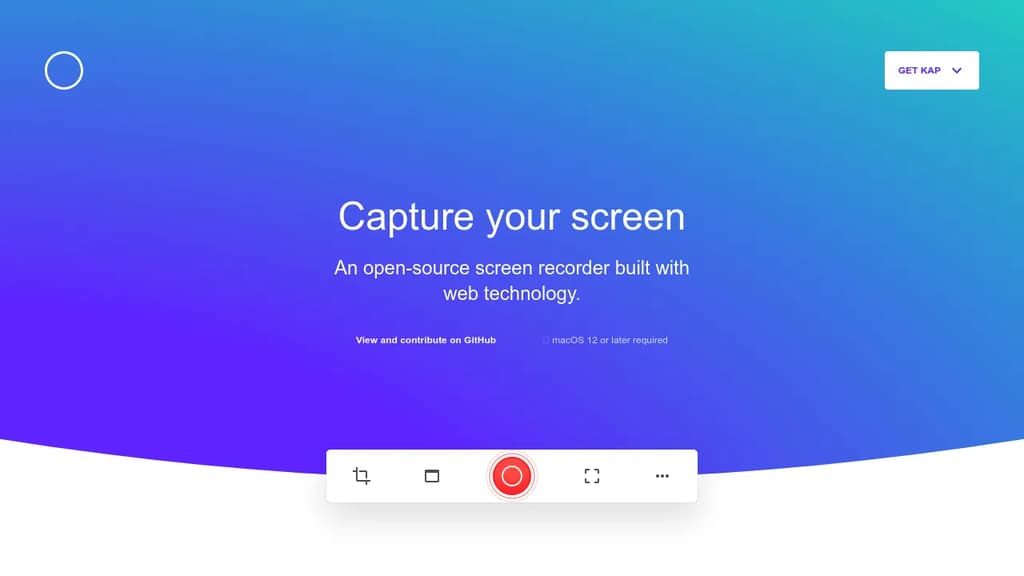
Kap is a powerful, open-source screen recorder designed specifically for macOS users. With its intuitive interface and robust features, Kap makes capturing and sharing your screen a breeze.
Key benefits of Kap include:
- Versatile capture options: Record your entire screen, a specific window, or a custom area with just a few clicks.
- High-quality output: Create crisp, smooth recordings in various formats, including MP4, WebM, and GIF.
- Built-in editor: Trim, crop, and adjust your recordings without leaving the app.
- Customizable shortcuts: Streamline your workflow with fully configurable keyboard shortcuts.
- Export flexibility: Share your creations directly to popular platforms or save them locally.
- Performance optimization: Enjoy efficient recording with minimal impact on system resources.
- Plugin support: Extend Kap's functionality with a growing ecosystem of community-created plugins.
Whether you're creating tutorials, demonstrating software, or reporting bugs, Kap provides the tools you need to produce professional-quality screen recordings quickly and easily. Its lightweight design and powerful features make it an essential tool for developers, designers, and content creators working on macOS.

Effortlessly create, share, and collaborate with screen recordings. Control your data with self-hosting or our secure cloud option.
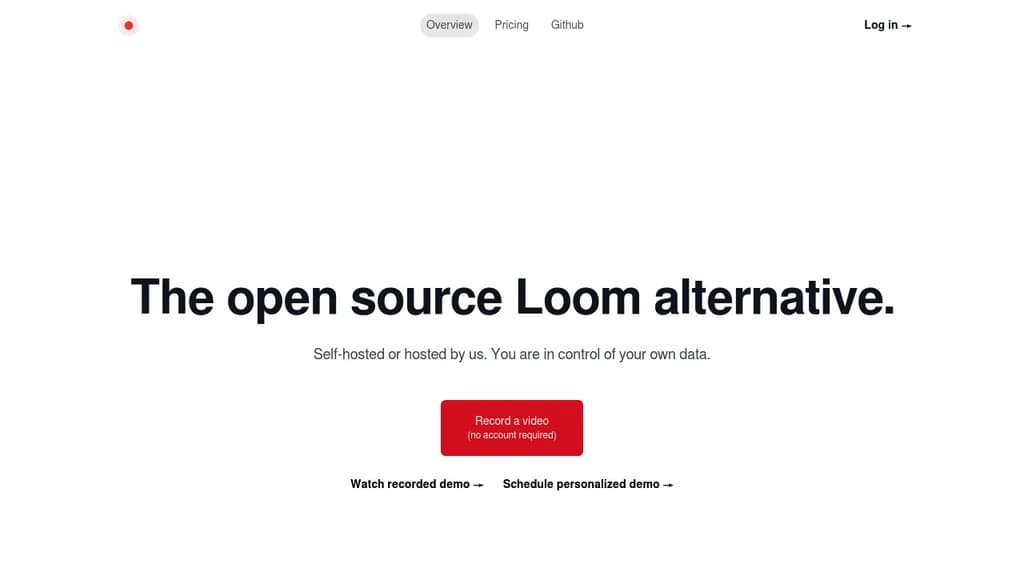
Revolutionize your team's communication with instant, shareable screen recordings. Whether you're documenting bugs, providing customer support, or collaborating on projects, our tool streamlines your workflow with powerful features:
- One-Click Recording: Capture your screen, voice, and camera with a single click
- Instant Sharing: Generate a unique link for immediate viewing, no account required
- Self-Hosting Option: Maintain complete control over your data and privacy
- Cloud Hosting Available: Opt for our secure cloud solution for hassle-free management
- Team Collaboration: Enhance productivity with easy video sharing and feedback
- Customizable Experience: Brand your video player and adjust sharing settings
Perfect for engineering teams, customer support, and cross-functional collaboration. Improve code reviews, create visual documentation, and provide clear, concise explanations without the need for lengthy emails or time-consuming meetings. Experience the power of asynchronous video communication and watch your team's efficiency soar.
 Sent
SentPeople are looking for alternatives to...

 Sevalla – Deploy your app before your coffee gets cold. It’s that easy. Try Sevalla with $50 free credit.