Screenity
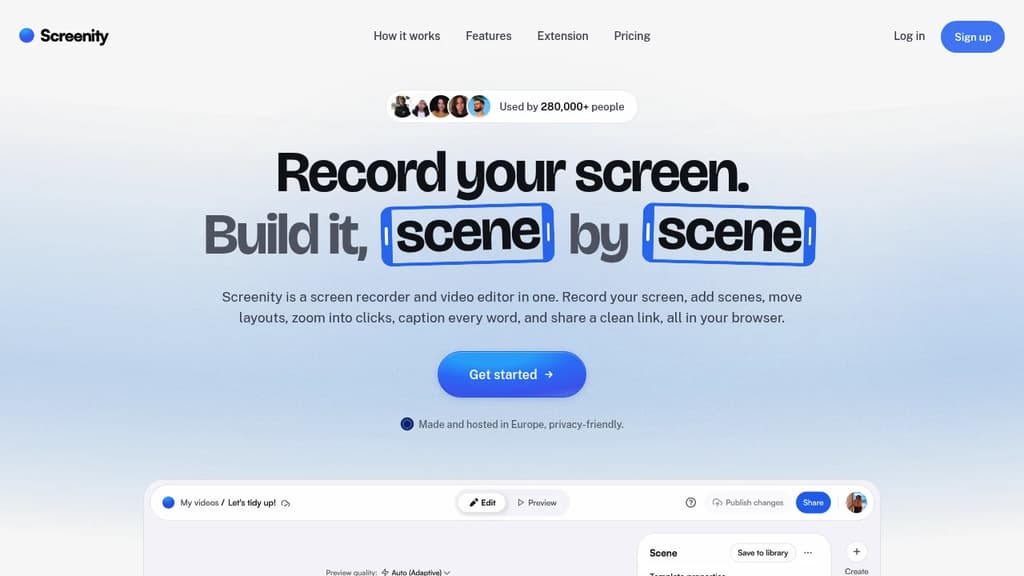
Capture, annotate, and edit screen recordings with no limits or sign-up required. Completely private and open source.
Open Source Alternative to:




Last 30 days
Last commit
14 days agoRepository age
6 yearsVersion
v4.6.12License
GPL-3.0Repository
alyssaxuu/screenity
Screenity is a powerful yet user-friendly screen recording tool for Chrome that puts privacy and ease-of-use first. With Screenity, you can:
- Record your screen with no time limits
- Draw and annotate while recording to highlight important areas
- Edit your videos after recording with built-in tools
- Set custom recording timers
- Add camera effects like blur
- Export your recordings in various formats
What sets Screenity apart is its commitment to privacy and open source principles:
- No account required - just install and start recording
- Your data stays private - recordings are saved locally only
- Open source code - audit the software yourself for peace of mind
Whether you're creating tutorials, giving feedback, or recording presentations, Screenity provides a seamless experience without compromising on features or privacy. Its intuitive interface makes it accessible for beginners while offering enough depth for power users.
Try Screenity today and experience hassle-free, private screen recording right in your browser. Perfect for educators, professionals, and anyone who needs to quickly capture and share their screen.
Tags:








Last 30 days
Last commit
14 days agoRepository age
6 yearsVersion
v4.6.12License
GPL-3.0Repository
alyssaxuu/screenity
Every Sunday we deconstruct one proprietary app and pick the best open source alternatives worth switching to.
Similar open source projects

Stars
Last commit
License
Stars
Last commit
License
Stars
Last commit
License
 CodeRabbit – The leading AI Code Review platform. Ship better quality code in 50% less time, with 90% fewer bugs.
 Stellar Hosted
 Bright Data