Open Source OpenCloud Alternatives
A curated collection of the 10 best open source alternatives to OpenCloud.
The best open source alternative to OpenCloud is Puter. If that doesn't suit you, we've compiled a ranked list of other open source OpenCloud alternatives to help you find a suitable replacement. Other interesting open source alternatives to OpenCloud are: Spacedrive, Nextcloud, Seafile, and Sync-in.
OpenCloud alternatives are mainly Cloud File Sync & Share Tools but may also be Encrypted Storage Tools or File Management Utilities. Browse these if you want a narrower list of alternatives or looking for a specific functionality of OpenCloud.

Written by Piotr Kulpinski

Puter is a cloud-based desktop OS you run in the browser, with built-in apps, file storage, and support for hosting web apps and sites.
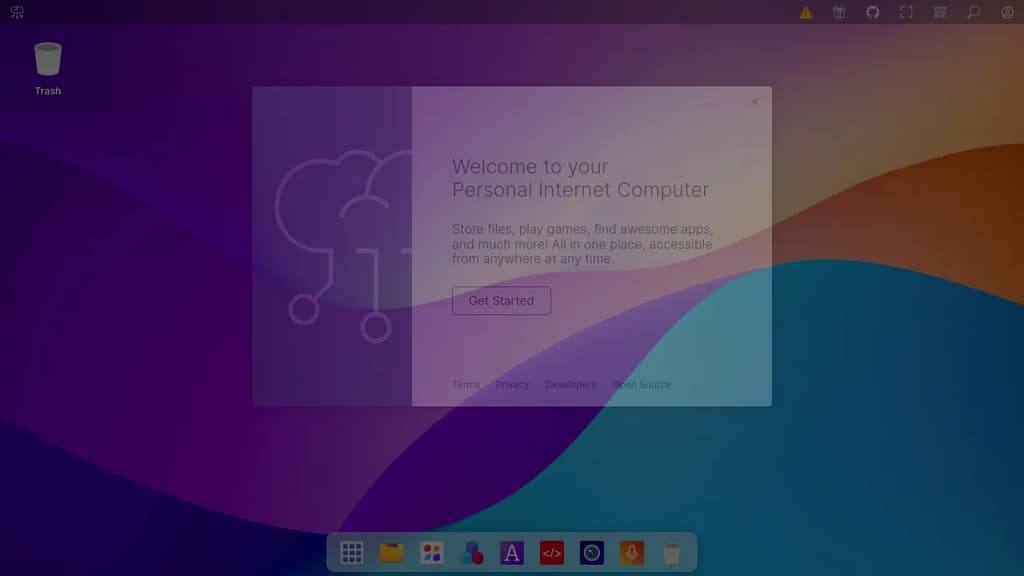
Puter is a browser-based desktop operating system that gives you a full personal computing environment without installing anything. It's built for people who want their files, apps, and tools accessible from any device through a web browser, with everything stored in the cloud.
The experience mirrors a traditional desktop: you get a windowed interface, a file manager, and a suite of built-in applications for common tasks. It's designed to work as a daily driver for productivity, creativity, and general use, all from a single URL.
Key capabilities include:
- Cloud file storage that's accessible from any browser session, with your files persisting across devices
- Built-in apps covering writing, editing, and other everyday tasks without needing third-party installs
- App hosting so developers can deploy and serve web applications directly within the Puter environment
- Authentication options including Google, Microsoft, and Apple sign-in alongside standard email/password login
- Two-factor authentication with recovery code support for account security
What sets Puter apart from simple cloud storage tools is the full desktop metaphor. It's not just a file sync service or a document editor; it's a complete environment where multiple apps run in parallel windows, much like a local OS.
Being open source means you can self-host the entire platform, which matters for teams or individuals who want control over their data rather than relying on a third-party cloud. The codebase is available for inspection, modification, and private deployment.

A cross-platform file manager that unifies your devices into a seamless, organized digital workspace.
Important: Development paused due to funding constraints (source).
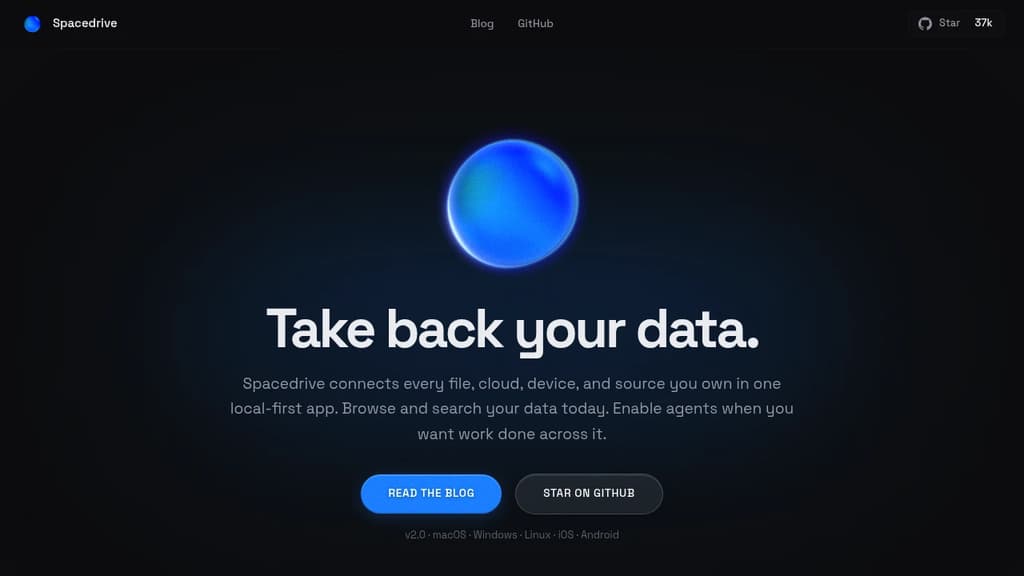
Spacedrive revolutionizes file management by creating a virtual distributed filesystem across all your devices. This open-source application offers a unified interface to access, organize, and manage your files, regardless of their physical location.
Key benefits of Spacedrive include:
- Unified Access: Connect and browse files from multiple devices and cloud services in one place.
- Smart Organization: Utilize powerful tagging, categorization, and search features to keep your digital life in order.
- Cross-Platform Compatibility: Seamlessly work across Windows, macOS, Linux, iOS, and Android.
- Privacy-Focused: Your data remains under your control, with optional end-to-end encryption.
- Customizable: Tailor the interface and workflows to suit your specific needs.
- Offline Capabilities: Access your virtual filesystem even without an internet connection.
- Media Management: Enjoy built-in media viewing and playback features.
- Version Control: Keep track of file changes and revert when needed.
- Extensible: Enhance functionality with a growing ecosystem of plugins and integrations.
Spacedrive empowers you to take control of your digital assets, providing a seamless experience across all your devices and storage solutions. Whether you're a creative professional managing large media libraries, a developer organizing code repositories, or simply someone looking to declutter their digital life, Spacedrive offers the tools you need to create a more efficient and organized digital workspace.

Nextcloud offers on-premises file sync, sharing and collaboration platform with advanced security and privacy features.
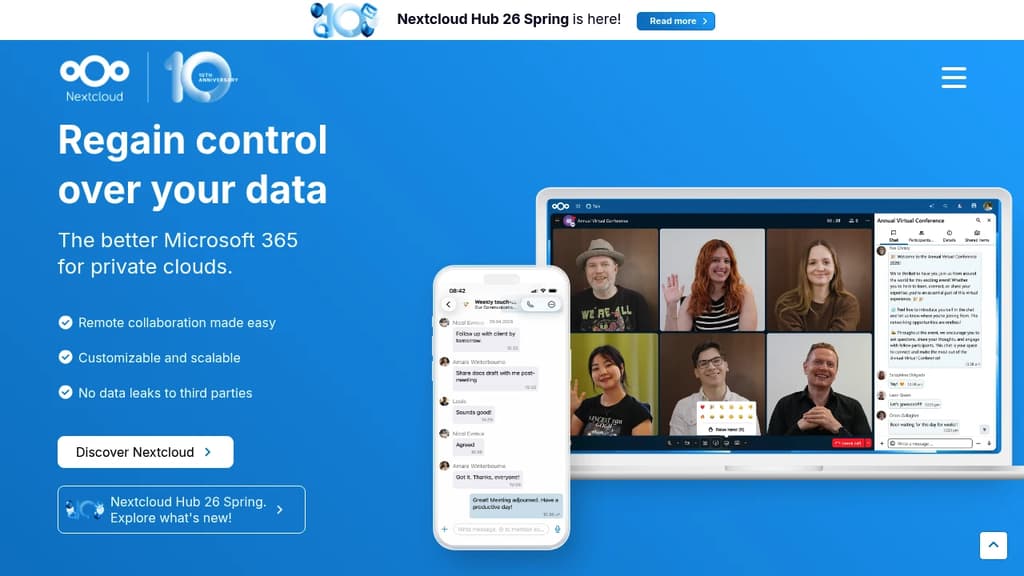
Nextcloud is an open source, self-hosted file sync and share platform that allows organizations to store, share and collaborate on files securely.
Key features include:
- File sync and sharing across devices
- Real-time document collaboration
- Video calls and chat
- Calendar, contacts and email integration
- Advanced security and access control
- On-premises hosting for full data control
- Customizable and extensible through apps
Nextcloud is designed for organizations that need secure file sharing and collaboration while maintaining control over their data. It can be deployed on-premises or with a trusted cloud provider.
Some key benefits of Nextcloud:
- Improved productivity through integrated collaboration tools
- Enhanced security with end-to-end encryption and granular permissions
- Compliance with data protection regulations like GDPR
- Lower costs compared to proprietary cloud solutions
- Flexibility to customize and extend functionality
Nextcloud is used by thousands of organizations worldwide, including major enterprises, educational institutions and government agencies. It provides a powerful yet easy-to-use platform for secure content collaboration.

Open source file sync and sharing platform with custom properties, AI automation, collaborative editing, and enterprise-grade security for teams.
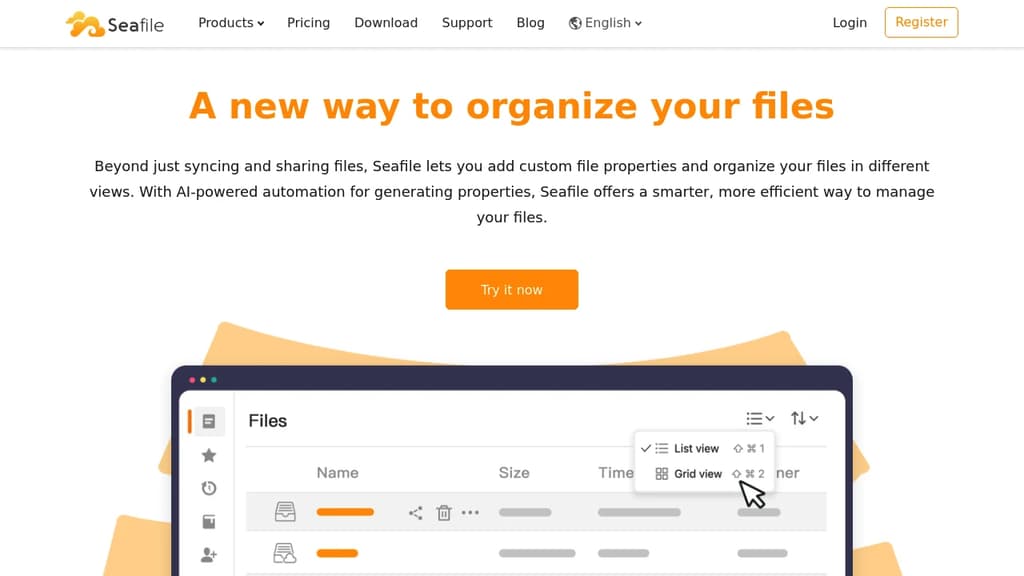
Transform how you organize and collaborate on files with this powerful self-hosted solution that goes beyond traditional file syncing. Built for teams who need complete control over their data while maintaining seamless collaboration.
Key advantages:
- AI-powered file organization - Automatically generate descriptions, tags, and extract key information from your files
- Custom file properties - Add metadata like owner, status, and security level to make files easily searchable and filterable
- Flexible viewing options - Create table, gallery, kanban, and map views based on your file properties
- Real-time collaboration - Built-in document editor (SeaDoc) with co-editing, revision tracking, and review workflows
- Granular permissions - Control access at folder and sub-folder levels with read/write, read-only, and preview permissions
- Enterprise security - Advanced encryption, comprehensive audit logs, and file history recovery
- Multi-level tagging - Organize tags in hierarchical structures for better categorization
Perfect for teams seeking:
- Complete data ownership and privacy
- Advanced file organization capabilities
- Seamless collaboration without vendor lock-in
- Enterprise-grade security and compliance features
Trusted by over 1 million users worldwide, this solution offers the perfect balance of powerful features and data sovereignty.

Secure, open-source platform for file storage, sharing, and collaboration. Host your data on your own infrastructure with full control and transparency.
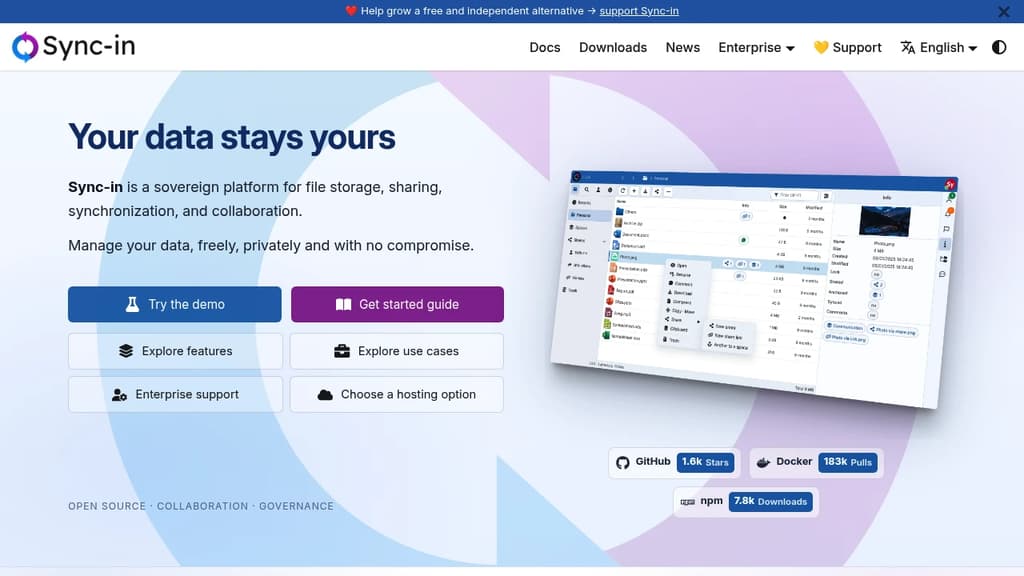
Sync-in is an open-source file storage and collaboration platform that puts you in complete control of your data. Unlike traditional cloud services, you host everything on your own infrastructure, ensuring data sovereignty and compliance with regulatory requirements.
Key features include:
- Real-time collaborative editing with Collabora Online and OnlyOffice integration
- Advanced file synchronization across Windows, macOS, and Linux devices
- Collaborative spaces for team organization with granular permissions
- Smart search with full-text content indexing across document types
- Secure sharing with customizable access controls and expiration dates
- WebDAV integration for seamless file explorer mounting
The platform combines security by design with modern performance, offering a scalable architecture suitable for individual users to enterprise deployments. Built with transparency at its core, Sync-in benefits from continuous community contributions while maintaining the highest security standards.
Whether you need to collaborate with external partners through the guest system, manage complex file workflows, or ensure regulatory compliance, Sync-in provides a powerful alternative to proprietary cloud storage solutions without compromising on functionality or user experience.

A peer-to-peer encrypted filesystem for secure file storage, sharing, and collaboration with end-to-end encryption and user-controlled data.
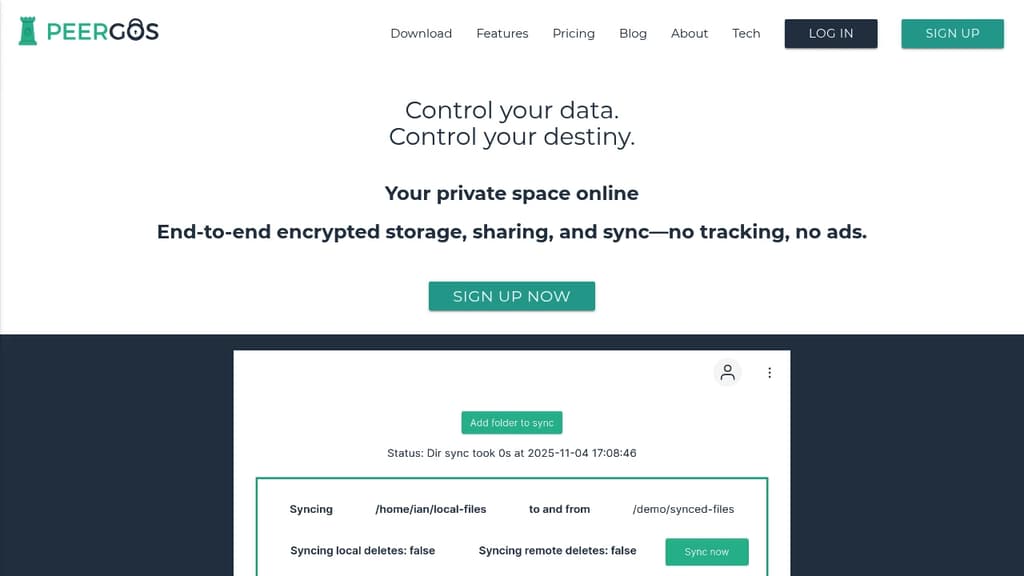
Peergos is a revolutionary platform that puts you in control of your digital life. Built on peer-to-peer technology and end-to-end encryption, Peergos offers a secure and private alternative to traditional cloud storage services.
Key benefits of Peergos include:
- Complete privacy: All your files are encrypted before leaving your device, ensuring that only you and those you choose can access your data.
- Decentralized architecture: Your files are distributed across the network, eliminating single points of failure and reducing the risk of data loss.
- Seamless file sharing: Share files and folders with friends, family, or colleagues while maintaining granular control over access permissions.
- Versioning and backup: Automatically keep track of file changes and easily restore previous versions when needed.
- Open-source transparency: The entire Peergos codebase is open-source, allowing for community audits and contributions.
- Cross-platform compatibility: Access your files from any device with a web browser or dedicated apps for desktop and mobile.
- No file size limits: Upload and store files of any size without artificial restrictions.
- Offline access: Work on your files even when you're not connected to the internet.
With Peergos, you can store, share, and collaborate on your files with peace of mind, knowing that your data remains under your control and protected from prying eyes. Experience the future of secure, decentralized file storage today.
Self-hostable file platform for enterprises needing data sovereignty, real-time document collaboration, and compliance with GDPR, HIPAA, and other regulations.
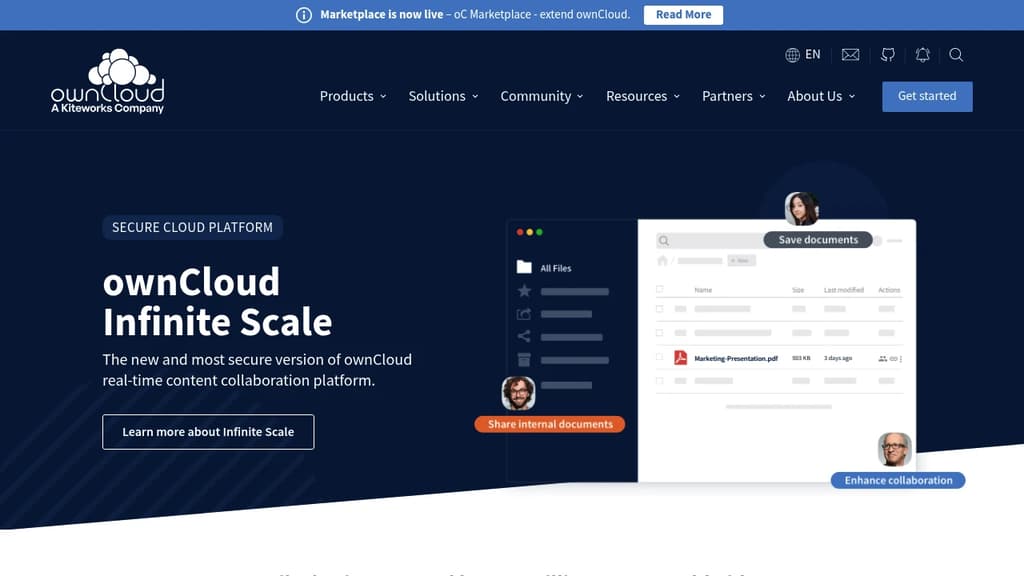
ownCloud is a file sync and share platform built for organizations that can't afford to hand their data to a public cloud. It's trusted by over 200 million users and targets enterprises, regulated industries, and teams with strict data governance requirements. You can deploy it on-premises, in a private data center, or in a hybrid setup.
The current platform, Infinite Scale (oCIS), is built on a three-tier architecture that separates storage, backend, and frontend through well-defined APIs. That design makes it easier to scale, audit, and secure than monolithic alternatives like a basic file server or a generic Nextcloud instance.
Key capabilities include:
- Spaces: Project folder concept for remote teams that reduces admin overhead and keeps data access controlled per project
- Web Office integrations: OnlyOffice, Collabora Online, Microsoft 365, and Microsoft Office Online for real-time co-editing without leaving the platform
- Granular sharing controls: Password-protected public links, expiration dates, and selective external sharing so outside contacts only see what you intend
- Multi-factor authentication and encryption: Built-in, not bolted on
- File lifecycle management: Version history, retention policies, and audit trails
Compliance coverage is broad. ownCloud is designed to meet GDPR, HIPAA, CCPA, LGPD, and the Cloud Computing Regulatory Framework. For organizations that need a managed option, ownCloud.online is hosted entirely in Germany.
The open-source program office (OSPO), operated under the Kiteworks umbrella, handles governance, licensing, and community health. It is worth noting that ownCloud's enterprise focus means tighter compliance tooling and formal support paths compared to more community-driven projects.

Lightweight, self-hosted cloud storage built with Rust and Vue.js. Features end-to-end encryption, file sharing, search capabilities, and Docker deployment.
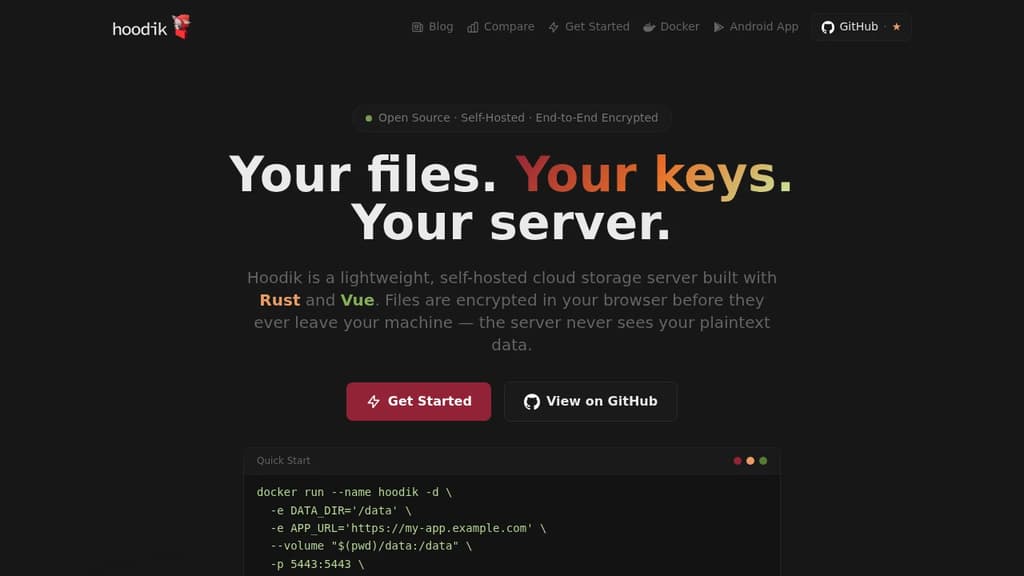
Hoodik is a lightweight, secure, and self-hosted cloud storage solution built with Rust and Vue.js. Designed with privacy at its core, it provides end-to-end encryption that protects your data from unauthorized access.
Key Features:
- 🔐 End-to-End Encryption: Uses hybrid cryptography with RSA and AES encryption. Files are encrypted in your browser and only decrypted in your browser - the server never sees your private data
- 🔎 Smart Search: Tokenized metadata enables fast file searching without decryption, making it easy to find your files quickly
- 🔗 Public Link Sharing: Share files securely with expiring public links. File keys are encrypted with public link keys for safe sharing
- 🚀 High Performance: Built with Rust backend for speed and efficiency, using less than 20MB RAM while delivering lightning-fast data transfers
- 🛠️ Easy Installation: Deploy instantly with a single Docker command - no complex configuration required
The intuitive web interface makes file management simple, while the robust architecture ensures your data remains private and secure. Perfect for individuals and organizations seeking a privacy-focused alternative to mainstream cloud storage providers.
Open source encrypted data storage solution offering secure file sharing, collaboration tools, and on-premises deployment for professional teams.
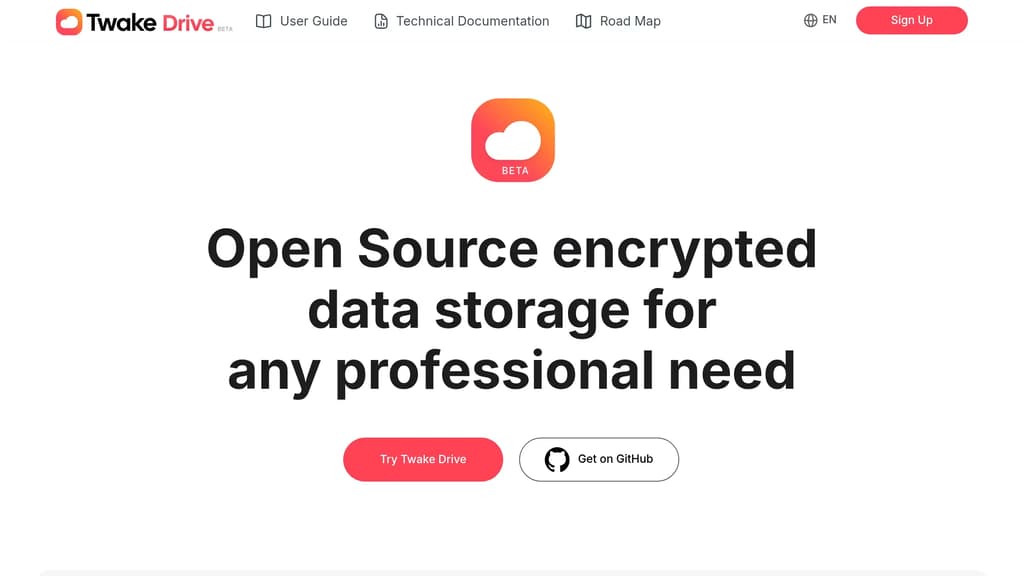
Secure your professional data with an open source encrypted storage solution that puts privacy first. Store, share, and collaborate on files with complete control over your data through on-premises deployment options.
Key features include:
- End-to-end encryption for maximum security with unique keys for each file
- Shared Drive functionality for seamless team collaboration
- Built-in office suite with OnlyOffice integration for creating documents, presentations, and spreadsheets
- Advanced search capabilities to quickly find files by content, name, or sender
- Flexible access controls with public or protected link sharing
- Self-hosted deployment to maintain complete data sovereignty
Perfect for businesses seeking privacy-focused file storage without compromising on functionality. The platform combines enterprise-grade security with an intuitive interface, making it easy for teams of any size to collaborate while keeping sensitive data protected. Built by LINAGORA, a leader in European open source solutions.
Firefiles turns S3 buckets and other cloud backends into a unified file manager with browser-based previews, multi-drive support, and a clean light/dark interface.
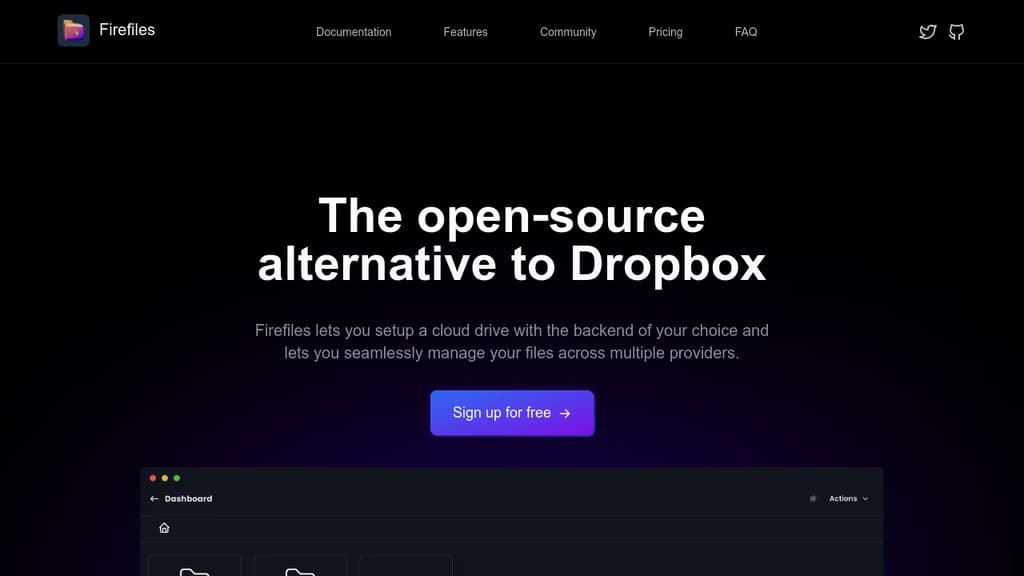
Firefiles is a self-hosted file manager that sits on top of your existing cloud storage. Instead of paying for a service like Dropbox to hold your files, you connect your own storage buckets and manage everything through a modern browser interface. Your data stays wherever you put it.
The core idea is simple: you bring the storage, Firefiles brings the interface. It currently supports AWS S3 buckets as backends, letting you treat them as cloud drives you can browse, upload to, and download from without touching the AWS console.
Key capabilities include:
- Multi-drive dashboard to manage several storage buckets side by side, all from one place
- Browser-based file previews so you can view files without downloading them first
- Bulk uploads and single-click downloads for moving files quickly
- Light and dark themes that you can switch between at will
- Fully open-source codebase on GitHub, so you can inspect or modify anything
Firefiles fits individuals or small teams who already use S3-compatible cloud storage and want a cleaner way to interact with it. If you've been relying on the AWS console or a tool like Filestash and want something more polished and purpose-built, Firefiles is worth a look.
Because you own the backend, there's no storage cap imposed by the app itself. Your limits are whatever your chosen cloud provider allows. Privacy is a genuine advantage here: no third-party service holds your files or has access to your data.

People are looking for alternatives to...
View all alternatives
Spotify

Claude Code

Claude

CapCut

Notion

Lovable
 Capture – Capture screenshots, generate PDFs, scrape content, extract metadata, and automate browsers with one API.

 Postiz