Open Source Khoj Alternatives
A curated collection of the 7 best open source alternatives to Khoj.
The best open source alternative to Khoj is Proton Lumo. If that doesn't suit you, we've compiled a ranked list of other open source Khoj alternatives to help you find a suitable replacement. Other interesting open source alternatives to Khoj are: Jan, SurfSense, Leon, and Scira.
Khoj alternatives are mainly AI Personal Assistants but may also be AI Chat Interfaces or AI Search Tools. Browse these if you want a narrower list of alternatives or looking for a specific functionality of Khoj.

Written by Piotr Kulpinski


AI chat assistant from Proton that stores conversations with zero-access encryption, never logs chats, and never uses your data to train models.
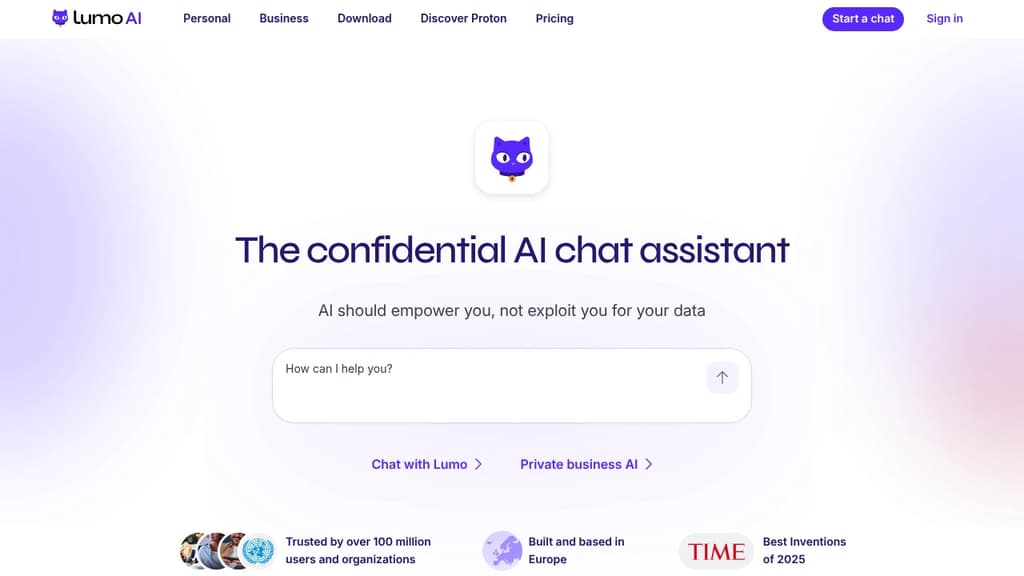
Lumo is an AI chat assistant built by the team behind Proton Mail and Proton Drive. Its core promise is simple: your conversations stay yours. Every chat is stored with zero-access encryption, meaning not even Proton can read what you've asked. No logs, no ad targeting, no data sold to third parties.
Most popular AI chat alternatives collect and retain your messages, often using them to train future models or serve targeted ads. Lumo's open-source code lets anyone verify that it doesn't. You can also use it anonymously via Tor without creating an account.
Based in Switzerland and subject to GDPR, Lumo sits outside US jurisdiction and Big Tech infrastructure. You can delete your account at any time, and Proton cannot share your data with governments or advertisers even if asked.
What Lumo can do day-to-day:
- Image generation: Turn text descriptions into images, with iterative refinement. Your inputs aren't reused to train the model.
- Web search: Built-in real-time search for current information, without queries being tied to an ad profile.
- Document analysis: Upload confidential reports or research and extract insights without that data appearing in future AI outputs.
- Project organization: Turn messy workloads into prioritized plans, handle sensitive admin tasks like visa or tax paperwork.
- Code review and file linking: Connect files from Proton Drive to work with full context across projects.
- Custom Lumos: Create specialized assistants for specific workflows (paid tier).
The free tier covers limited messages, image generations, and one project. Lumo Plus adds unlimited chats, higher model usage, more image generations, and unlimited projects. It's aimed at professionals and teams who handle sensitive information and can't afford to have that data harvested by the tools they rely on daily.

Jan runs open-source AI models on your own hardware or connects to cloud providers like OpenAI, Anthropic, and Google, keeping your conversations off third-party servers.
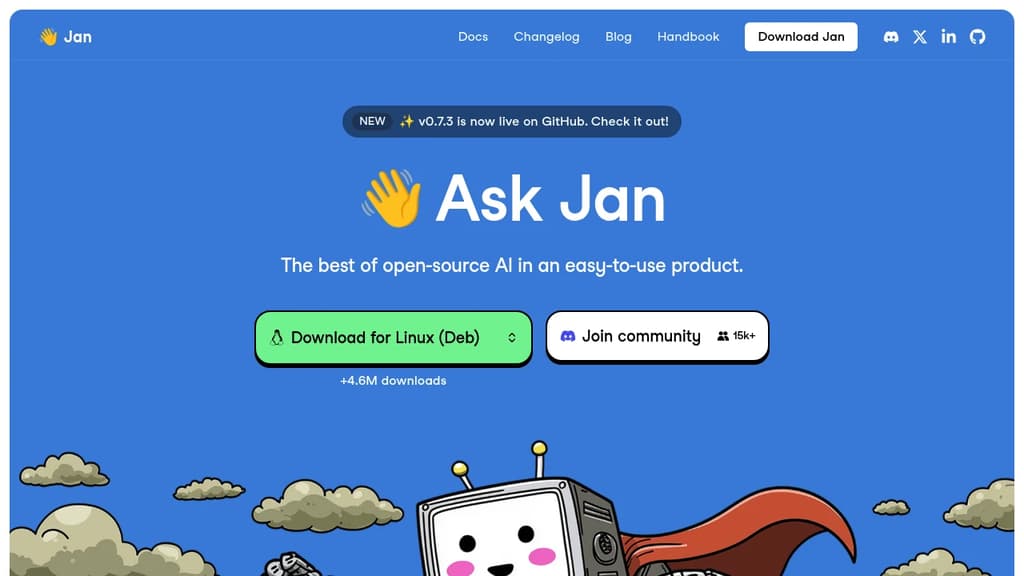
Jan is a desktop AI chat app built for people who want the capabilities of ChatGPT without handing their conversations to a cloud service. It runs entirely on your own machine using open-source models, or you can connect it to hosted providers when you need more power. Either way, you stay in control.
The model selection is broad. Out of the box, Jan supports:
- Local models like Llama, Mistral, Qwen, Gemma, and DeepSeek, downloaded and run on your hardware
- Cloud providers including OpenAI, Anthropic (Claude), Google (Gemini), and others, connected via API key
- Switching between them without leaving the app, so you're not locked into one backend
This flexibility is what separates Jan from simpler local-model runners. You get offline capability when you want privacy, and cloud fallback when a task demands it.
Jan is built in public and has crossed 5.7 million downloads, which puts it among the more widely adopted self-hosted AI interfaces alongside tools like Open WebUI and LibreChat. The codebase is open, community-driven, and free.
The interface is clean and focused on conversation. A memory feature is in development that will carry context and preferences across sessions, so you won't need to re-explain your setup or working style each time you start a new chat.
It's a practical fit for developers, designers, researchers, or anyone who handles sensitive work and doesn't want that data leaving their machine. Local inference does require reasonable hardware, but Jan handles model management inside the app, so you don't need to touch a terminal to get started.

Self-hostable NotebookLM alternative that lets teams build searchable knowledge bases from diverse sources, with support for any LLM and no data limits.
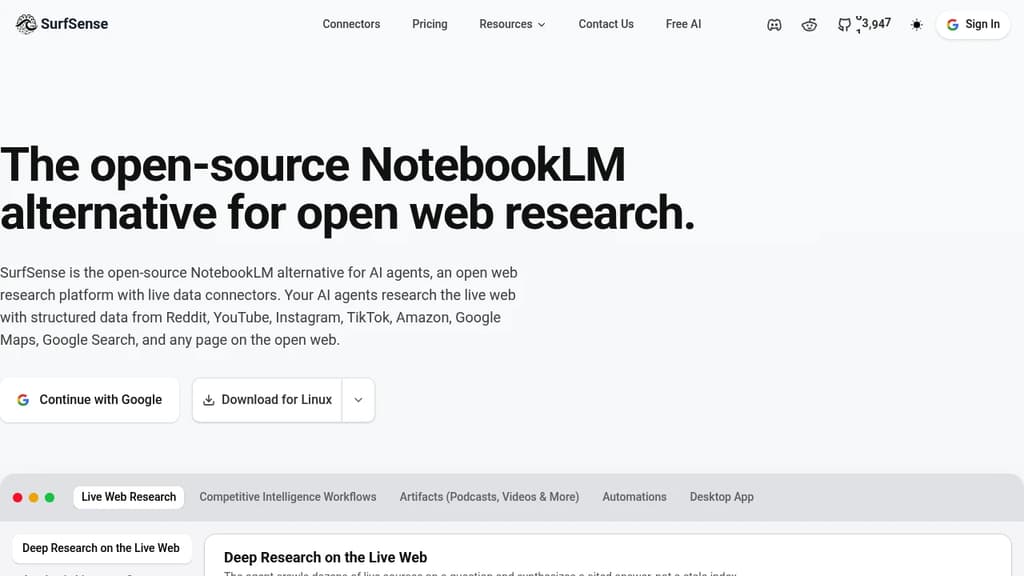
SurfSense is a self-hostable knowledge management tool built for teams who want the core appeal of NotebookLM – asking questions across a collection of documents – without handing their data to a third party or hitting usage caps.
The core idea is straightforward. You connect sources, and SurfSense builds a searchable knowledge base you can query through a chat interface. What sets it apart is the breadth of what counts as a source:
- Web content via a browser extension that saves pages directly to your knowledge base
- Documents including PDFs, slides, and text files
- YouTube videos with transcript ingestion
- Notion, OneDrive, and other integrations for pulling in existing work
- Podcast and audio files with automatic transcription
On the AI side, SurfSense doesn't lock you to one provider. You can point it at OpenAI, Anthropic, or any compatible model, including locally hosted ones. Teams that already use AnythingLLM or similar tools for document chat will recognize the pattern, but SurfSense leans harder into multi-source ingestion and team sharing rather than single-user document Q&A.
Because it's self-hosted, your documents stay on your infrastructure. There are no per-query fees tied to the platform itself, though you'll still pay your chosen LLM provider for API calls. That trade-off suits teams handling sensitive internal knowledge – legal, research, product documentation – where cloud-based tools create compliance friction.
The interface supports organized spaces, so different teams or projects can maintain separate knowledge bases without everything collapsing into one pile. Search pulls from across all ingested content, and responses cite their sources so you can trace answers back to the original material.

Leon is an AI-powered virtual assistant that lives on your server, automating tasks and managing your digital life with privacy and customization.

Leon is your open-source personal assistant designed to live on your server and automate your digital life. Built on Node.js, Python, and AI concepts, Leon offers a privacy-focused alternative to commercial virtual assistants.
Key features of Leon include:
- Privacy-first: Leon runs on your own server, giving you full control over your data and interactions.
- Modular architecture: Easily extend Leon's capabilities with custom packages and modules to fit your specific needs.
- AI-powered: Leveraging natural language processing (NLP), text-to-speech (TTS), and speech-to-text (STT) technologies for intuitive interactions.
- Multi-platform support: Interact with Leon through various interfaces, including web, mobile, and command-line.
- Customizable voice: Choose from multiple TTS and STT options, including offline solutions for enhanced privacy.
- Open-source community: Benefit from continuous improvements and contributions from a passionate developer community.
Leon empowers you to automate your virtual life by handling tasks, managing information, and providing assistance across various domains. Whether you need help with scheduling, information retrieval, or custom automation workflows, Leon can be tailored to your specific requirements.
Getting started with Leon is easy:
- Install Leon on your server using the provided CLI tool.
- Customize Leon's modules and skills to suit your needs.
- Interact with Leon through your preferred interface.
- Enjoy a personalized, privacy-respecting virtual assistant experience.
Join the Leon community today and take control of your digital life with an open-source assistant that puts you in charge.

Scira delivers concise, AI-generated responses to queries using a clean interface and powerful search capabilities.
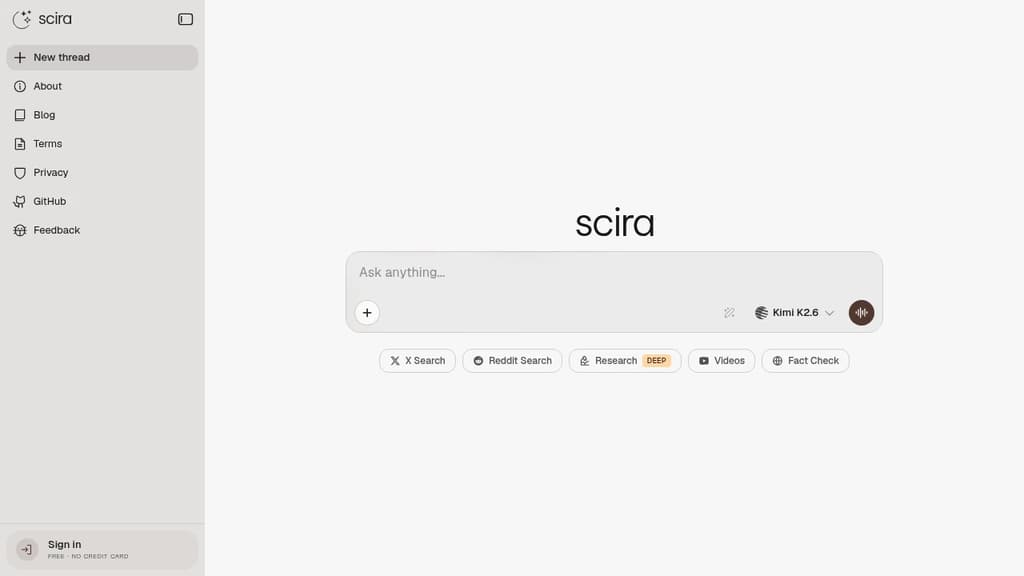
Scira is a cutting-edge, minimalist AI search engine designed to provide instant answers with elegance and simplicity. By leveraging advanced AI technology, Scira strips away clutter to focus on delivering accurate and relevant results quickly.
Key Features:
- Clean Interface: A distraction-free design that puts the focus on your search results.
- AI-Powered Responses: Utilizes cutting-edge AI to understand context and provide precise answers.
- Web Search: Comprehensive web results powered by Tavily AI.
- Code Interpreter: Advanced code interpretation and execution via e2b.dev.
- Weather Forecast: Accurate weather information through OpenWeatherMap.
- URL Summary: Quick web content summarization using FireCrawl's Scrape API.
- Location Search: Find places and nearby locations with Google Maps API integration.
- Translation & TTS: Translate text and convert to speech using OpenAI TTS.
Scira combines the power of various AI services and APIs to create a versatile search experience. Whether you're looking for quick facts, code solutions, or in-depth analysis, Scira adapts to your needs.
Experience the future of search with Scira - where minimalism meets AI power to transform how you find and process information.

Open-source answer engine that dynamically generates UI components while providing AI-powered responses, combining conversational AI with interactive interfaces.
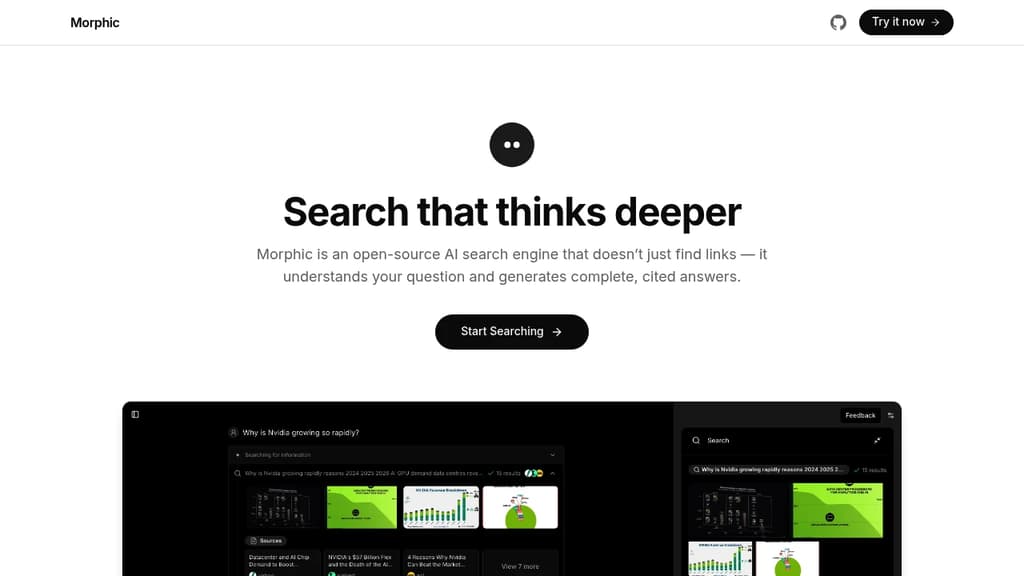
Morphic revolutionizes the way users interact with AI systems by dynamically generating user interfaces as part of its response mechanism. This open-source answer engine goes beyond traditional chatbot interactions by creating contextual UI elements that enhance the user experience.
Key capabilities:
- Generates custom UI components on-the-fly based on user queries
- Provides AI-powered responses with interactive elements
- Handles diverse query types from quick searches to complex analysis
- Creates visual summaries and interactive displays
- Supports both conversational and structured data interactions
The system excels at adapting its interface to match user needs, whether it's displaying comparative analyses, generating charts, or presenting document summaries. Its open-source nature allows for community contributions and customizations, making it a versatile tool for developers and end-users alike.

Cross-platform desktop AI assistant supporting multiple providers, local knowledge base, and custom prompts. Integrates MCP protocol for enhanced AI tool capabilities.
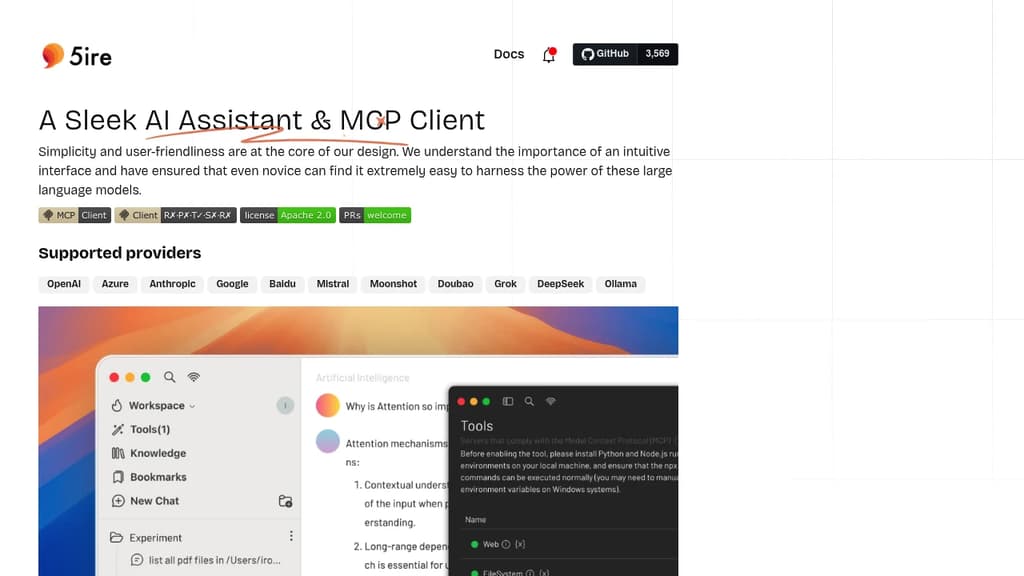
5ire brings sophisticated AI capabilities to your desktop with a clean, intuitive interface that makes advanced AI features accessible to everyone. The application stands out with its support for multiple leading AI providers including OpenAI, Anthropic, Google, and Mistral.
A key differentiator is the integration of the Model Context Protocol (MCP), which acts like a universal connector for AI applications. This allows 5ire to leverage various tools for file system access, database interactions, and remote data retrieval, expanding far beyond simple chat capabilities.
The built-in local knowledge base powered by bge-m3 embedding model enables multilingual document processing and vectorization. Users can analyze docx, pdf, xlsx, and other document formats for powerful local Retrieval-Augmented Generation. Additional features include:
- Usage analytics to track API spending and optimize costs
- Custom prompt library with variable support for reusable templates
- Conversation bookmarks that persist even after message deletion
- Full-text search across all conversations
- Free and open source with cross-platform support
5ire combines enterprise-grade AI capabilities with user-friendly design, making it an ideal choice for both casual users and professionals seeking a powerful desktop AI assistant.

People are looking for alternatives to...
View all alternatives
Spotify

Claude Code

CapCut

Claude

Notion

Lovable
 c15t – Open-source cookie banner, built for control and lightening fast modern web apps.

 Stellar Hosted