Open Source NotebookLM Alternatives
A curated collection of the 3 best open source alternatives to NotebookLM.
The best open source alternative to NotebookLM is Open-Notebook. If that doesn't suit you, we've compiled a ranked list of other open source NotebookLM alternatives to help you find a suitable replacement. Other interesting open source alternatives to NotebookLM are: SurfSense and Deta Surf.
NotebookLM alternatives are mainly AI Research Assistants but may also be Personal Knowledge Management (PKM) Tools or Data Platforms for AI. Browse these if you want a narrower list of alternatives or looking for a specific functionality of NotebookLM.

Written by Piotr Kulpinski


Combines AI summarization, podcast generation, and multi-format content ingestion for researchers and students who want to keep their data private.
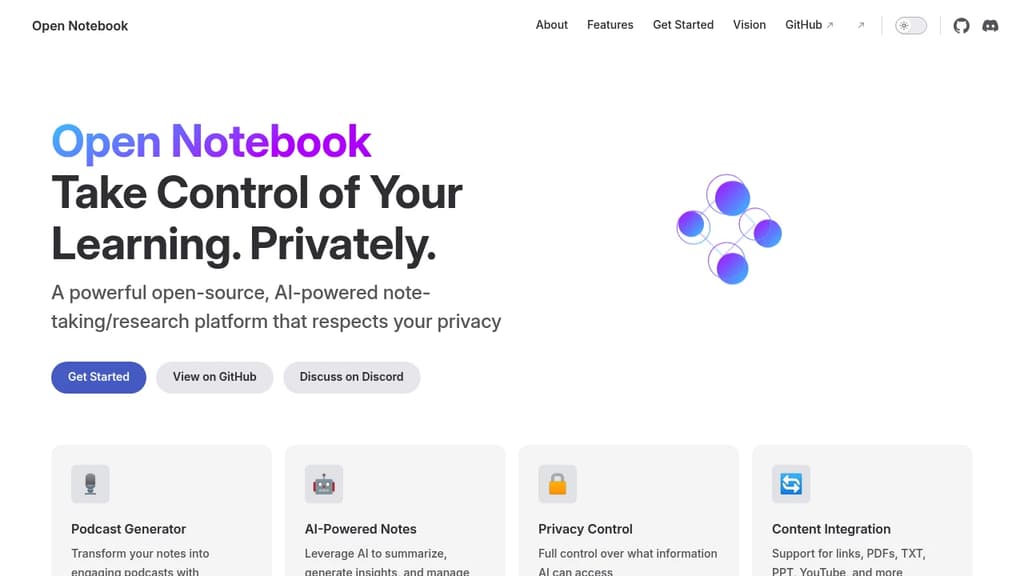
Open Notebook is an AI-assisted note-taking and research platform built for people who want genuine control over their data and their tools. Unlike cloud-first Obsidian alternatives or proprietary tools like NotebookLM, it lets you choose which AI models interact with your content and exactly what those models can see.
It's aimed at researchers, students, and self-directed learners who accumulate more material than they can process. If you have hundreds of saved links and PDFs you'll never get to, Open Notebook is designed to help you actually use that backlog.
Key capabilities:
- Podcast generator: Converts your notes into audio episodes with configurable voices, speakers, and structure. Useful for reviewing material while away from a screen.
- AI-powered notes: Summarizes content, surfaces insights, and helps you build on existing notes without replacing your own thinking.
- Privacy controls: You decide which information the AI can access. Nothing is exposed by default.
- Multi-format ingestion: Accepts links, PDFs, plain text, PowerPoint files, and YouTube videos, so you're not limited to a single content type.
- Model flexibility: You're not locked into one AI provider. Choose the models that fit your workflow and comfort level.
What sets it apart from tools like Logseq or Joplin is the combination of structured AI assistance with explicit privacy boundaries. Most AI note tools either expose everything to a third-party model or offer no AI at all. Open Notebook sits in between: AI-assisted, but on your terms.
It's released under the MIT License, making it fully self-hostable and auditable.

Self-hostable NotebookLM alternative that lets teams build searchable knowledge bases from diverse sources, with support for any LLM and no data limits.
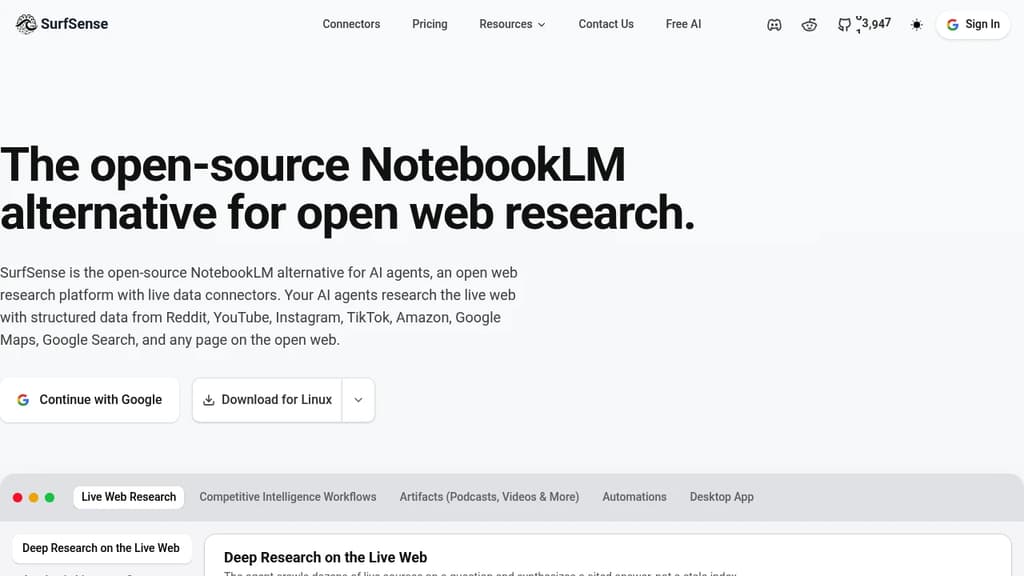
SurfSense is a self-hostable knowledge management tool built for teams who want the core appeal of NotebookLM – asking questions across a collection of documents – without handing their data to a third party or hitting usage caps.
The core idea is straightforward. You connect sources, and SurfSense builds a searchable knowledge base you can query through a chat interface. What sets it apart is the breadth of what counts as a source:
- Web content via a browser extension that saves pages directly to your knowledge base
- Documents including PDFs, slides, and text files
- YouTube videos with transcript ingestion
- Notion, OneDrive, and other integrations for pulling in existing work
- Podcast and audio files with automatic transcription
On the AI side, SurfSense doesn't lock you to one provider. You can point it at OpenAI, Anthropic, or any compatible model, including locally hosted ones. Teams that already use AnythingLLM or similar tools for document chat will recognize the pattern, but SurfSense leans harder into multi-source ingestion and team sharing rather than single-user document Q&A.
Because it's self-hosted, your documents stay on your infrastructure. There are no per-query fees tied to the platform itself, though you'll still pay your chosen LLM provider for API calls. That trade-off suits teams handling sensitive internal knowledge – legal, research, product documentation – where cloud-based tools create compliance friction.
The interface supports organized spaces, so different teams or projects can maintain separate knowledge bases without everything collapsing into one pile. Search pulls from across all ingested content, and responses cite their sources so you can trace answers back to the original material.

A browser that doubles as a personal notebook, letting you research, summarize, and take notes on web pages, PDFs, and videos without switching apps.
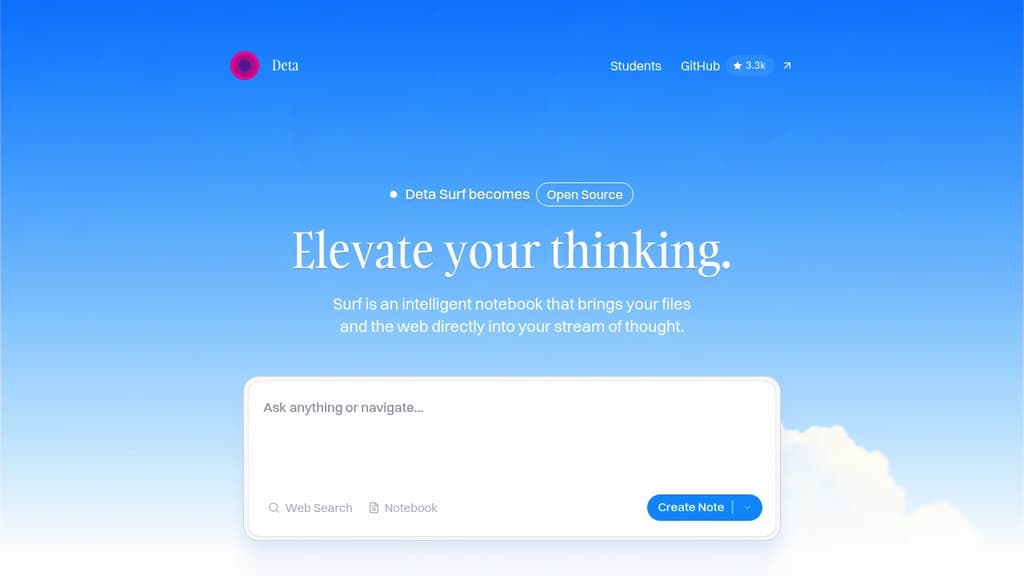
Deta Surf is a browser and notebook rolled into one. It's built for people who spend serious time researching online and find themselves constantly juggling tabs, copy-pasting into notes, and losing track of where they found things. Instead of treating browsing and note-taking as separate activities, Surf makes them happen in the same place.
The core idea: your notes and your browsing exist in the same stream. You can pull in websites, PDFs, YouTube videos, and local files directly into a notebook and start asking questions or writing without ever leaving the page. Summaries, deep dives, and interactive graphs can be generated from the content you're looking at. No copy-pasting, no tab-switching.
Key capabilities include:
- AI summarization across YouTube videos, long PDFs, foreign-language content, and scientific diagrams
- Citations in notes that link back to the original source automatically
- Surflets, small interactive apps you can create to explain or visualize concepts without writing code
- Vertical tab sidebar to keep a large number of open tabs organized
- Local file import for PDFs, images, and documents via drag and drop
- Notebooks that collect websites, images, files, and notes together
Surf is designed to be local-first. Your data stays on your device, and you can import or export it freely. On the AI side, you can bring your own API key, connect to the LLM provider of your choice, or run local models entirely offline. That makes it meaningfully different from cloud-locked tools where your research and notes are held on someone else's server.
If you've used tools like Logseq or AnyType for networked note-taking, Surf occupies adjacent territory but adds a full browser layer on top. It's closer to a Comet Browser in spirit, but with a stronger emphasis on building a personal knowledge base from what you browse. The source code is open on GitHub, and the project is actively developed.

People are looking for alternatives to...
View all alternatives
Claude Code

Spotify

CapCut

Claude

Notion

Lovable
 c15t – Open-source cookie banner, built for control and lightening fast modern web apps.
 Windshift