Open Source Kanba Alternatives
A curated collection of the 17 best open source alternatives to Kanba.
The best open source alternative to Kanba is Plane. If that doesn't suit you, we've compiled a ranked list of other open source Kanba alternatives to help you find a suitable replacement. Other interesting open source alternatives to Kanba are: Huly, Wekan, OpenProject, and Planka.
Kanba alternatives are mainly Project Management Suites but may also be Task Management Tools or Agile Project Management Tools. Browse these if you want a narrower list of alternatives or looking for a specific functionality of Kanba.

Written by Piotr Kulpinski


Open source project management platform combining issues, wikis, and AI agents in one workspace. Available on cloud, self-hosted, and air-gapped deployments.
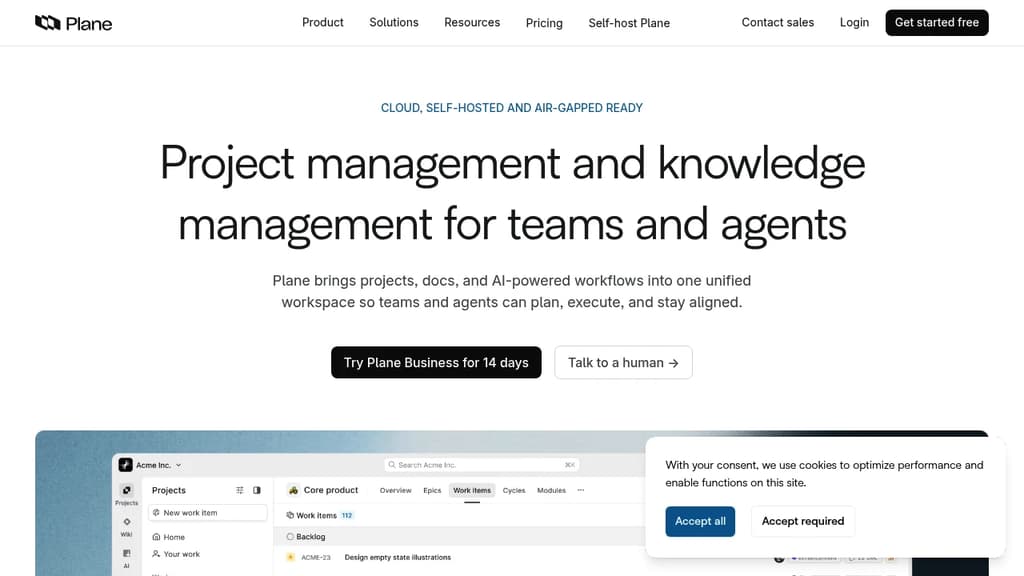
Plane is an open source project management platform that combines issue tracking, documentation, and AI-powered workflows into a single workspace. It's built for software teams that want the flexibility of self-hosting without giving up the polish of tools like Jira or Linear. Projects, wikis, cycles, and dashboards all live in one place, and the AI layer is woven throughout rather than bolted on afterward.
The AI side is genuinely central to how Plane works. Plane AI reads across your entire workspace, including projects, cycles, docs, and threads, so you can ask it about blockers, cycle status, or recent doc changes and get answers grounded in your actual data. Built-in agents can triage incoming requests, assign owners, and post updates automatically. There's also a Slack integration that lets you describe work in a channel and have Plane create, assign, and track it without switching tools.
For teams managing work across different roles, Plane offers board, spreadsheet, list, and Gantt views. Cycles handle time-boxed sprints with burndown charts and velocity tracking built in. Initiatives and epics let you roll team-level work up to org-level goals. Dashboards populate automatically from live data, so there's no manual reporting.
Self-hosting is a first-class option. Plane supports Docker and Kubernetes deployments and includes a God Mode admin panel for configuring SSO, SAML, LDAP, SMTP, and workspace security. Air-gapped environments are explicitly supported, which is rare among modern project management tools. If you're comparing open source alternatives, that air-gap support is a meaningful differentiator.
For teams migrating from Jira, ClickUp, Asana, or Monday, Plane offers full data migration including issues, attachments, comments, and automations. The open API, webhooks, OAuth apps, and a native MCP server make it extensible for teams that want to build custom integrations or AI agents on top of the platform. Projects-as-Code via YAML definitions lets engineering-oriented teams version and deploy project configuration from Git.

Combines project management, team chat, virtual office, and collaborative docs into a single platform. A self-hostable alternative to Linear, Jira, Slack, and Notion.

Huly brings together the tools that most teams spread across four or five separate apps. Project management, real-time chat, collaborative documents, and a virtual office all live in one workspace. It's built for product and engineering teams who are tired of context-switching between a task tracker, a Slack alternative, and a Notion alternative.
The project management side covers what you'd expect from a modern tracker:
- Team Planner consolidates individual tasks into a shared calendar so you can see workload across the whole team at a glance.
- Time-blocking lets you turn tasks into structured time slots in your personal planner.
- GitHub sync works both ways. Huly connects to GitHub Issues and GitHub Projects, syncing changes instantly, supporting multiple repositories, and migrating milestones between them.
- Advanced filtering makes it practical to search and slice project data across large backlogs.
The virtual office is a built-in audio and video conferencing environment. Teams can create custom rooms for departments or recurring meetings, and invite guests without sending them to a separate tool. No third-party conferencing app required.
Documents in Huly support rich text, images, attachments, and code blocks. Live real-time collaboration means multiple people can edit simultaneously. You can tag teammates, link directly to issues, and assign action items from within a document, which keeps planning and execution connected. Version history tracks every edit.
The collaborative workspace also includes a unified inbox and instant notifications, so updates from tasks, documents, and chats surface in one place rather than scattered across tools.
Huly is self-hostable, which matters for teams with data residency requirements or those who simply want control over their infrastructure.

Open-source Kanban board solution offering visual task management, self-hosting capabilities, and robust security features for teams and individuals.
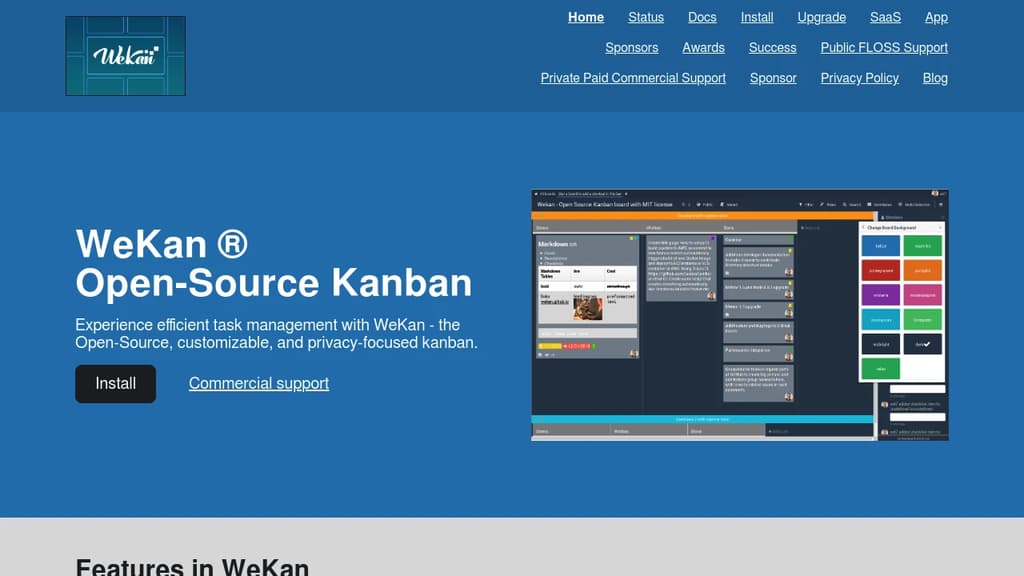
WeKan is a powerful open-source Kanban board platform that puts you in complete control of your project management workflow. Built with privacy and security at its core, this self-hosted solution offers everything you need to organize tasks visually without compromising your data.
Core Features:
- Visual Boards: Create unlimited boards for different projects with customizable columns representing workflow stages
- Flexible Lists: Organize tasks through drag-and-drop functionality across "To Do," "Doing," and "Done" columns
- Rich Cards: Add detailed task information including descriptions, due dates, labels, attachments, and collaborative comments
- Self-Hosting Control: Deploy on your own servers for complete data ownership and customization freedom
Security Advantages:
- Open-source transparency allows community auditing for vulnerabilities
- Granular access controls at board and user levels protect sensitive information
- Data sovereignty through self-hosting eliminates third-party data concerns
- MIT License ensures long-term viability and freedom
Migration Support: Includes tools for importing from other platforms, with special focus on Trello data migration as restrictions tighten on free accounts.
Perfect for teams and organizations requiring visual project management with complete control over their data infrastructure and security policies.

Full-featured project management platform with Gantt charts, agile boards, time tracking, and team collaboration. Self-host or use managed cloud hosting.
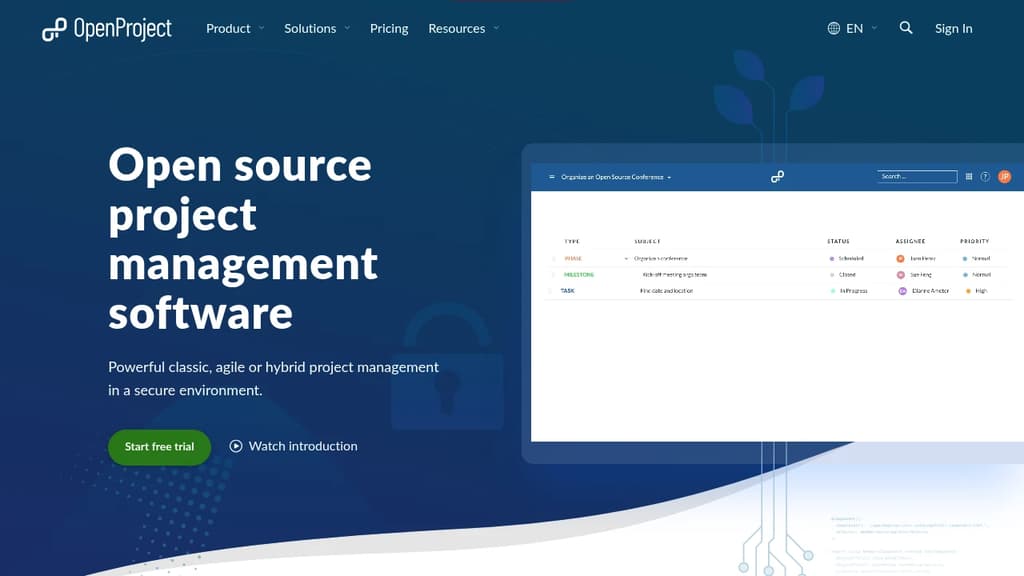
OpenProject is a project management suite built for teams that want full control over their data. It supports classic, agile, and hybrid approaches in a single platform, so you're not forced into one methodology. Organizations with strict data requirements, including government agencies, universities, and NGOs, make up a large share of its user base.
The core feature set covers a lot of ground:
- Gantt charts for visual project planning and scheduling, with dependencies and milestones
- Agile boards supporting Scrum and Kanban workflows, with backlog management and sprint planning
- Team Planner for assigning tasks across a weekly or bi-weekly calendar view
- Time and cost tracking with reporting built in
- Work packages as the central unit for tasks, bugs, features, and more, each with custom fields, watchers, and history
- Meeting management and wiki-style documentation inside each project
Data sovereignty is a genuine differentiator here. You can install it on your own infrastructure and keep everything behind your firewall. The Enterprise on-premises edition adds security features like two-factor authentication, LDAP group sync, and custom branding. For teams that don't want to manage servers, an EU-hosted cloud option is available.
OpenProject is licensed under GNU GPL v3, and development happens publicly. The free Community edition is fully functional and has no time limit. It's a credible Jira alternative for teams leaving Atlassian's self-hosted products, with a migration tool specifically for that transition.
Compared to lighter tools like Kaneo or Operately, OpenProject is heavier and more structured. That's the point. It's built for organizations running multiple concurrent projects that need audit trails, role-based permissions, and reporting across portfolios.

Self-hosted Kanban board for agile teams. Unlimited boards, real-time sync, GDPR-compliant, and available as a free Community Edition or paid Pro.
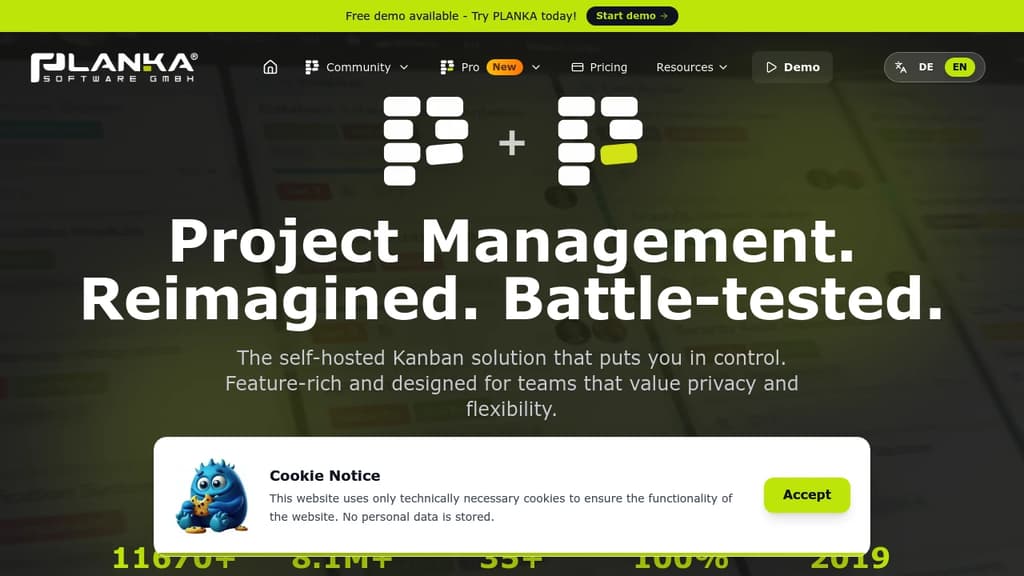
PLANKA is a self-hosted Kanban board built for teams that want full control over their project data without paying per seat or depending on a third-party cloud. It's a direct alternative to tools like Trello, designed to run on your own infrastructure while still feeling polished and modern.
The free Community Edition covers the core use case well:
- Unlimited boards and cards with no artificial limits tied to pricing tiers
- Real-time synchronization so every team member sees updates instantly without refreshing
- 35+ languages supported, making it practical for international teams
- Docker-based deployment with a large base of pulls (8M+) showing it's widely used in production
- GDPR compliance baked in, since you own and host the data yourself
For teams that need more, the Pro Edition adds higher scalability, additional professional features, and priority support. Both editions are available as self-hosted installs or through PLANKA's managed cloud hosting if you'd rather skip the infrastructure work.
Compared to other self-hosted options like Wekan or Focalboard, PLANKA puts a stronger emphasis on visual design and ease of use. It doesn't try to be a full project suite with Gantt charts and resource planning. It stays focused on the Kanban workflow, which keeps the interface clean and the learning curve low.
It's been in active development since 2019 and is backed by a growing community that contributes translations, bug reports, and feature ideas. The codebase is transparent and the project has accumulated over 11,000 GitHub stars, a sign that it's earned trust beyond just being a novelty self-host project.
Teams already using tools like Plane or Kaneo for heavier project management might find PLANKA a better fit when the priority is simplicity and speed over feature depth.

Open-source software designed to streamline tasks, boost productivity, and enhance collaboration for teams of all types, including those with ADHD and neurodiversity.
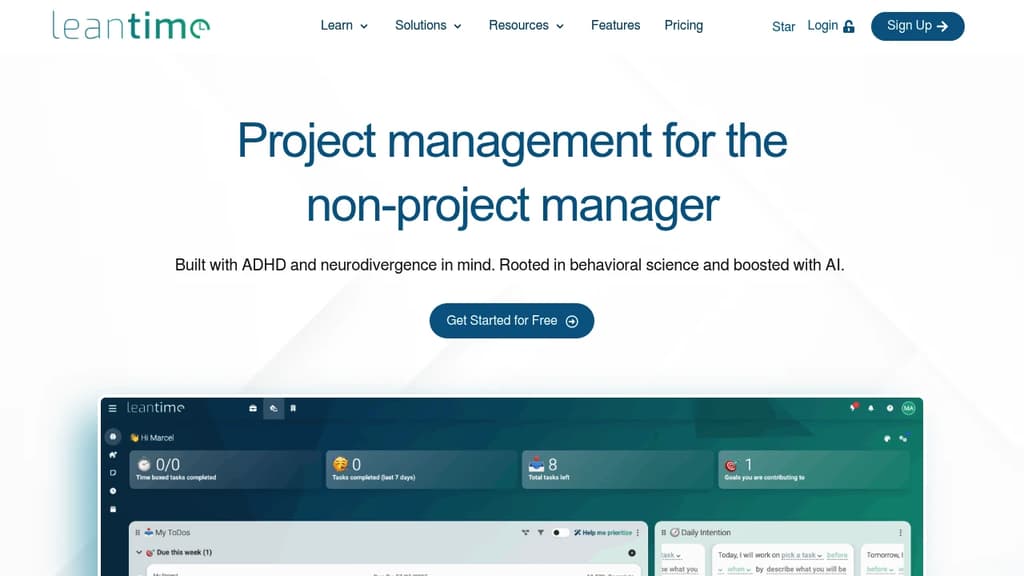
Leantime is an innovative, open-source project management tool that caters to diverse thinking styles, including those with ADHD, ADD, and other neurodivergent conditions. Its goal-driven approach transforms traditional task management into a more engaging and productive experience.
Key features include:
- Strategy-focused workflow: Start with defining goals and objectives before diving into tasks
- Flexible visualization: Multiple views (Kanban, list, timeline) to suit different cognitive styles
- AI-powered assistance: Helps break down large tasks and generates personalized project descriptions
- Time management tools: Built-in Pomodoro timer and time tracking capabilities
- Personal organization: My Work dashboard, time blocking, and note-taking features
Leantime stands out by:
- Prioritizing user experience for neurodivergent individuals
- Offering a comprehensive suite of tools from strategic planning to task execution
- Providing both team collaboration features and personal productivity tools
- Being open-source, allowing for customization and community-driven improvements
Whether you're managing complex projects or organizing personal tasks, Leantime offers a uniquely adaptable platform that turns project management into a more accessible and motivating experience for all types of thinkers.

Self-hosted project management web app built on Ruby on Rails with issue tracking, time logging, SCM integration, and multi-project support across any database.
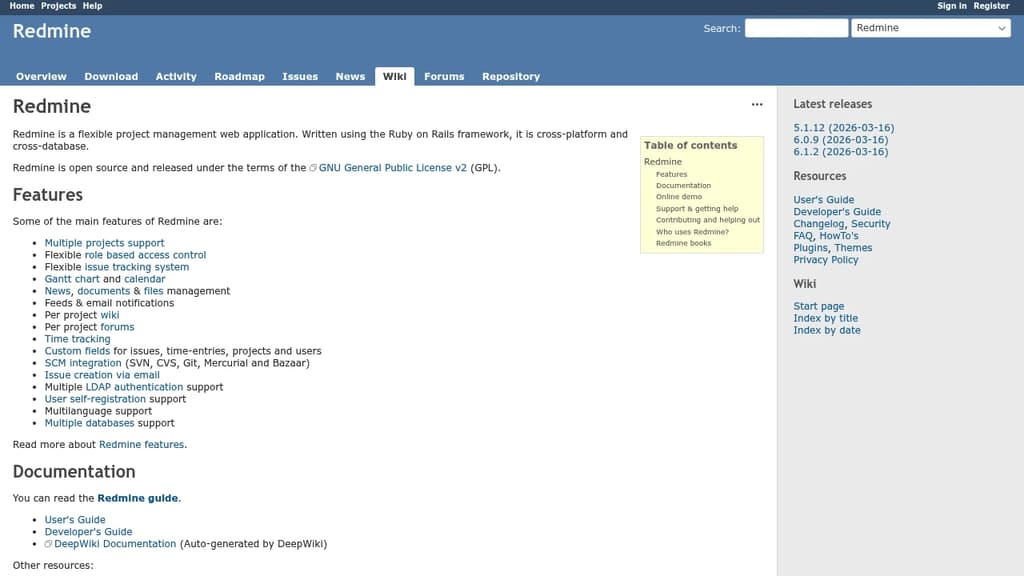
Redmine is a self-hosted project management web application built on Ruby on Rails. It's designed for teams that need full control over their data and want a system flexible enough to fit different workflows, not just one opinionated way of working. It runs on multiple databases and operating systems, so it fits into most existing infrastructure.
At its core, Redmine handles everything a software or operations team needs to track work:
- Issue tracking with flexible role-based access control per project
- Time tracking so teams can log effort against specific tasks
- SCM integration supporting Subversion, Git, Mercurial, Bazaar, and CVS
- Gantt charts and calendars for visualizing schedules
- Wiki and document management built into each project
- Email notifications and feeds to keep everyone updated without manual check-ins
- Custom fields for issues, time entries, projects, and users
- Multiple language support, making it usable across international teams
Each project gets its own wiki, issue categories, and member roles, so large organizations can run many independent teams from a single Redmine instance without them stepping on each other.
Redmine has been around long enough to have a substantial plugin ecosystem, which lets teams extend it well beyond the defaults. If you're comparing it to something like OpenProject, Redmine trades a polished modern UI for a highly configurable, community-driven foundation that's been battle-tested across thousands of deployments.
It's a practical fit for development teams, IT operations, and project managers who want a proven, self-hosted alternative to hosted project management tools without paying per seat or giving up control of their data.

Free kanban project management with unlimited boards, lists, and cards. Import Trello boards, collaborate with teams, and self-host for complete control.
A powerful, flexible kanban application that helps you organize work, track progress, and deliver results—all in one place. Built as an open source alternative to Trello, offering the same intuitive drag-and-drop interface you love without the limitations.
Key features include:
- Unlimited boards, lists, and cards - No artificial restrictions on your productivity
- Trello import functionality - Migrate your existing boards seamlessly
- Team collaboration tools - Workspace members, comments, and admin roles
- Advanced organization - Labels, filters, and powerful search capabilities
- Complete activity tracking - Detailed logs of all card changes and updates
- Board templates - Save time with reusable project structures
- Flexible visibility controls - Manage who can view and edit your boards
The platform offers a generous free tier with unlimited usage for individuals, plus affordable team plans starting at $8/user/month. For organizations requiring complete data control, self-hosting options are available to run on your own infrastructure.
Whether you're managing personal projects or coordinating large teams, this open source solution provides the flexibility and transparency that proprietary alternatives can't match.

A powerful, open-source task management platform for teams and individuals, offering customizable workflows and seamless integration.
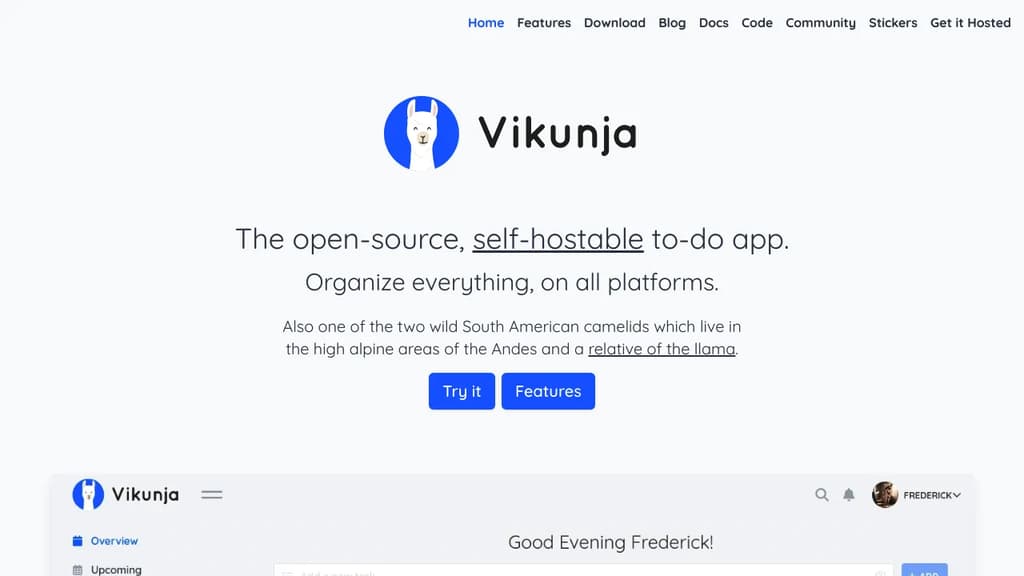
Vikunja is a versatile, open-source task management solution designed to boost productivity and streamline collaboration. Whether you're working solo or managing a team, Vikunja adapts to your unique needs.
Key benefits of Vikunja include:
- Flexible organization: Create projects, lists, and tasks with ease. Use labels, priorities, and due dates to keep everything in order.
- Customizable workflows: Tailor Vikunja to fit your process with customizable Kanban boards, Gantt charts, and list views.
- Team collaboration: Share projects, assign tasks, and communicate effectively with team members in real-time.
- Privacy-focused: Self-host Vikunja on your own infrastructure for complete control over your data.
- Cross-platform accessibility: Access your tasks from anywhere with web, desktop, and mobile apps.
- Powerful integrations: Connect Vikunja with other tools using its robust API and CalDAV support.
- Advanced features: Enjoy recurring tasks, subtasks, file attachments, and more to enhance your productivity.
Vikunja combines the simplicity of personal to-do lists with the power of enterprise project management tools. Its intuitive interface and feature-rich environment make it an ideal choice for individuals, small teams, and large organizations alike. Experience the freedom of open-source task management with Vikunja and take control of your productivity today.

Worklenz is a comprehensive project management platform that helps agencies organize tasks, track resources, and boost productivity.
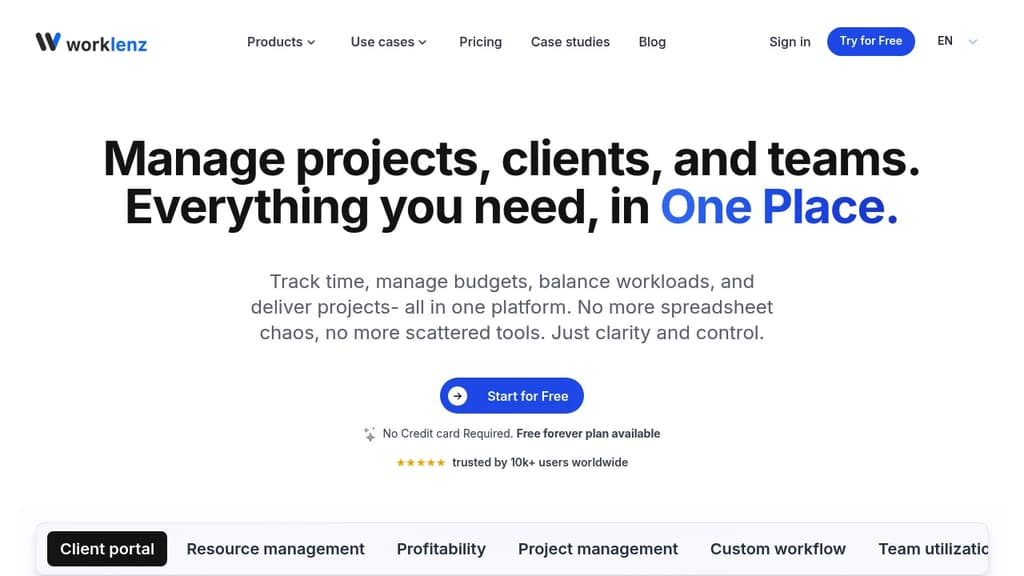
Worklenz is an open-source agency management tool designed to streamline your workflow and boost productivity. With its user-friendly interface and powerful features, Worklenz offers a comprehensive solution for project management, resource allocation, and team collaboration.
Key benefits include:
- All-in-one solution: Manage projects, tasks, time tracking, and team resources in a single platform.
- Resource overview: Gain insights into team member workloads, task progress, and project health at a glance.
- Project visualization: Utilize Kanban boards and project overviews to track progress and milestones effectively.
- Time tracking: Monitor time spent on tasks and projects to improve efficiency and billing accuracy.
- Collaboration tools: Foster teamwork with file sharing, comments, and real-time updates.
- Customizable workflows: Adapt the platform to fit your agency's unique processes and requirements.
Worklenz empowers agencies to deliver projects on time and within budget while maintaining clear communication with clients and team members. Its open-source nature allows for community-driven improvements and customizations, making it a flexible and evolving tool for agencies of all sizes.

Self-hostable agile project management tool with Kanban and Scrum boards, sprint planning, issue tracking, and reporting for teams of any size.
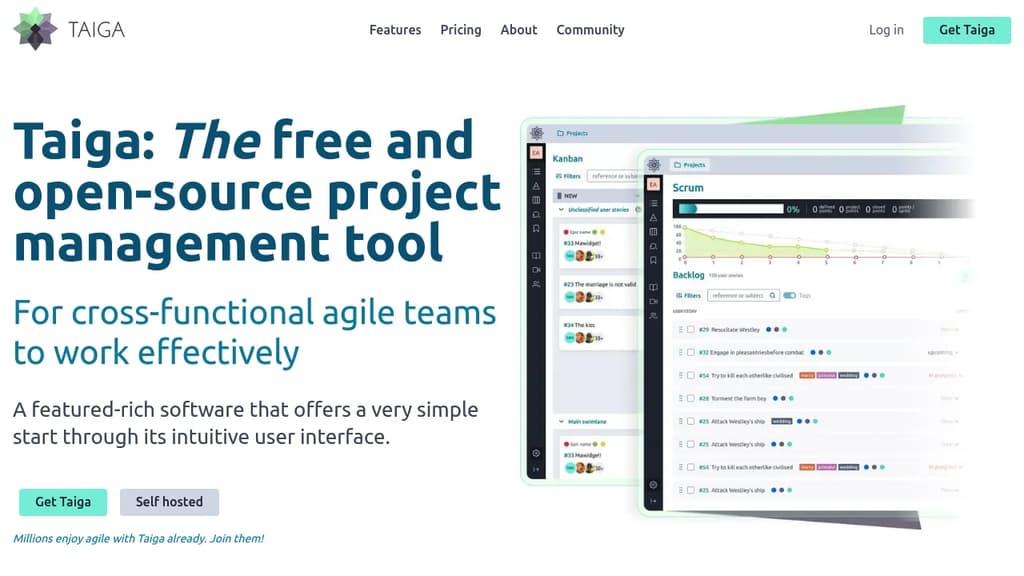
Taiga is an open-source agile project management platform built for cross-functional teams that want structure without complexity. It supports both Kanban and Scrum workflows, and you can switch between them on the same project without losing your work. Teams that don't need training to get started will feel at home immediately.
The Kanban board covers the basics well: WIP limits, swim lanes, custom workflows, EPICS, sub-tasks, and archive functions. Scrum support goes deeper, with full backlog and sprint planning, per-role estimation, a built-in estimation tool called Taiga Seed, burn-down charts at both the project and sprint level, and a sprint task board with swim lanes per user story.
Beyond boards, Taiga includes:
- Issue tracking with customizable types, priorities, and severities, plus the ability to promote an issue directly to a user story
- Dashboards and reporting including a team health function, full project timeline for auditability, and custom real-time CSV reports
- Wiki built into the project for shared documentation
- Custom roles and permissions so you can control what each team member sees and does
- Integrations via Zapier and a project import/export function for migration
For teams comparing it to Jira or Trello, Taiga sits in a middle ground: more capable than a simple board tool, but far less configuration-heavy than enterprise alternatives like OpenProject.
Self-hosting gives full control over your data, and the codebase is translated into more than 20 languages. The cloud-hosted version is available for teams that prefer not to manage infrastructure. Both paths use the same feature set.

Operately is an open source platform that centralizes projects, goals, and processes, helping startups run efficiently without a COO.
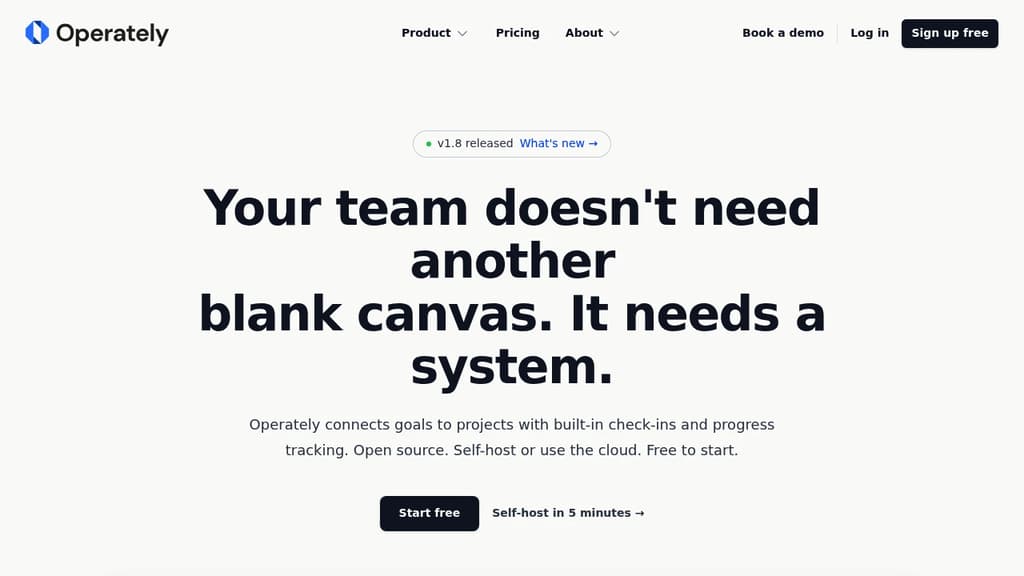
Operately is an open source company management platform designed to help startups operate like high-performance organizations. It centralizes key business functions into one cohesive system:
-
Projects: Standardize project management across teams with built-in accountability and feedback loops. This ensures consistent execution and clear communication.
-
Goals: Connect your long-term vision to short-term objectives and daily tasks. This alignment helps teams stay focused on what matters most and avoid distractions.
-
KPIs (coming soon): Track key performance indicators in relation to ongoing work. This provides a clear view of team performance and enables data-driven decision making.
-
Playbook (coming soon): Create actionable procedures tied to roles and responsibilities. This living document helps maintain operational consistency and simplifies onboarding.
Operately aims to replace the need for multiple disconnected tools like project management software and static Notion documents. By providing a unified, purpose-built system for startup operations, it reduces the headaches of keeping everything organized and in sync.
The platform is open source, allowing for customization and community-driven improvements. It's available as a cloud service (waitlist open) or can be self-hosted in just 5 minutes.
For startups looking to implement professional operational practices without the overhead of a full-time COO, Operately offers a compelling solution to streamline management and drive growth.

Ever Teams offers an all-in-one solution for work management, time tracking, and team collaboration with integrations for popular tools.
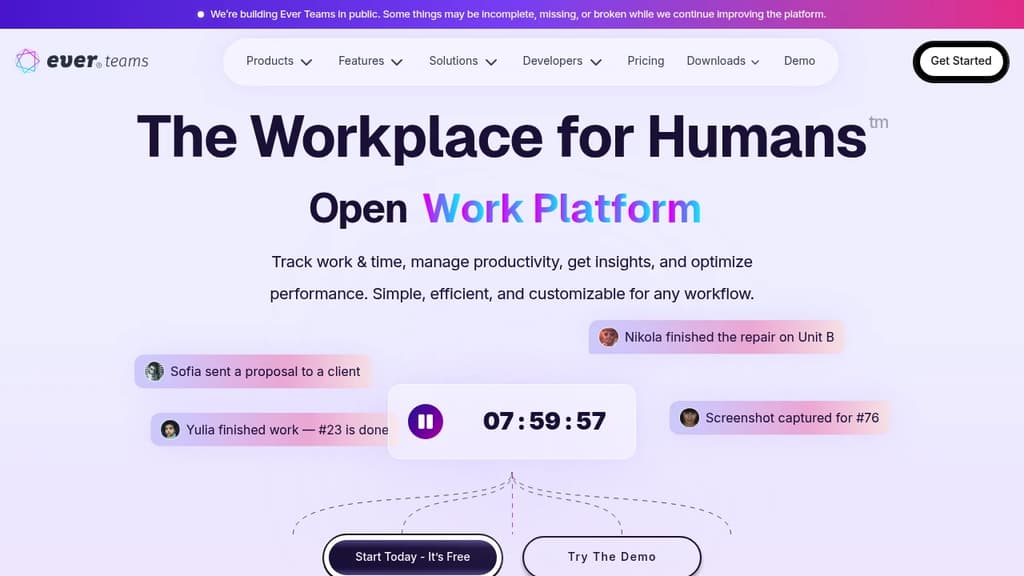
Ever Teams is a comprehensive open-source work and project management platform designed to boost productivity and streamline team collaboration. With its real-time clarity feature, teams can stay on top of their projects and tasks effortlessly.
Key benefits include:
- All-in-One Management: Seamlessly handle work, workforce, time, and project management in a single platform.
- Productivity Tracking: Monitor team activity and track productivity metrics to optimize performance.
- Task and Issue Management: Efficiently organize and manage projects, tasks, and issues.
- Time Management: Built-in time tracking capabilities to monitor work hours and improve time allocation.
- Team Organization: Create and manage multiple organizations and teams within the platform.
- Integrations: Connect with popular tools like GitHub and JIRA to centralize your workflow.
Ever Teams empowers teams to work more efficiently by providing a unified workspace for all project-related activities. Its open-source nature allows for customization and transparency, making it an ideal choice for businesses seeking a flexible and powerful project management solution.

Self-hosted, open-source project management tool with boards, milestones, portals, time tracking, and test management on your own infrastructure.
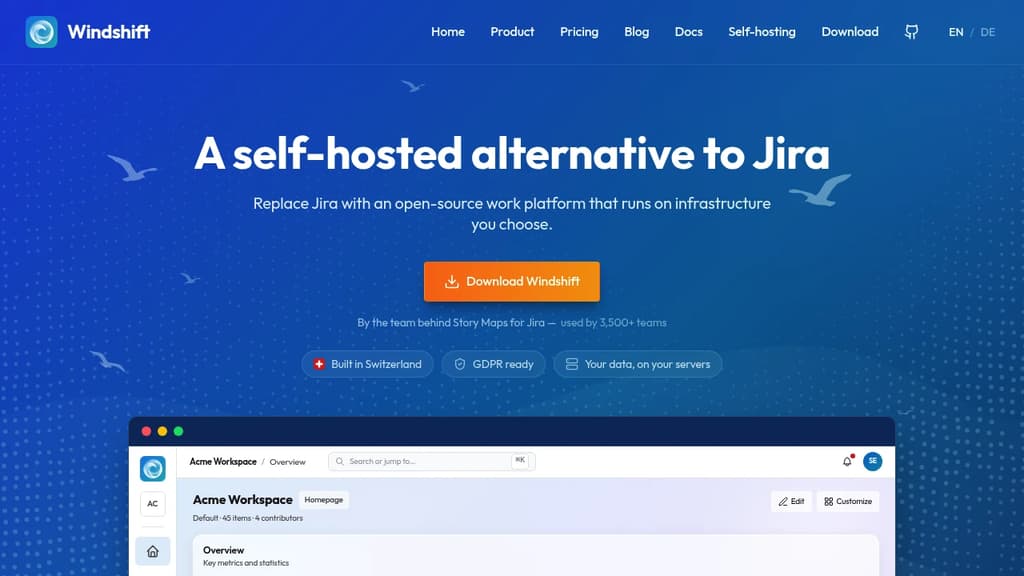
Windshift is a self-hosted Jira alternative built for teams that want full control over their project data. It runs on your own infrastructure, so nothing leaves your environment. The feature set covers the full project lifecycle, from planning through delivery and QA.
Key capabilities include:
- Boards for visualizing work in progress across sprints or workflows
- Milestones to track progress toward release goals and deadlines
- Portals for managing external-facing requests or stakeholder visibility
- Time tracking built in, so you don't need a separate tool for logging hours
- Test management to handle QA directly within the same platform, rather than juggling a separate system
The self-hosted model is a genuine differentiator. Teams in regulated industries or with strict data policies get a capable project management platform without routing sensitive information through a third-party SaaS. You own the database, the backups, and the access controls.
Compared to lighter tools like Kan or Focalboard, Windshift covers more of the project lifecycle out of the box. It sits closer to OpenProject in scope, with test management and portals giving it a broader surface than most open-source alternatives in this space.
It's a practical fit for engineering teams that need more than a kanban board but want to avoid the licensing costs and data-sharing tradeoffs that come with commercial tools.

A versatile project management platform that combines task organization, team collaboration, and workflow automation in one intuitive interface.
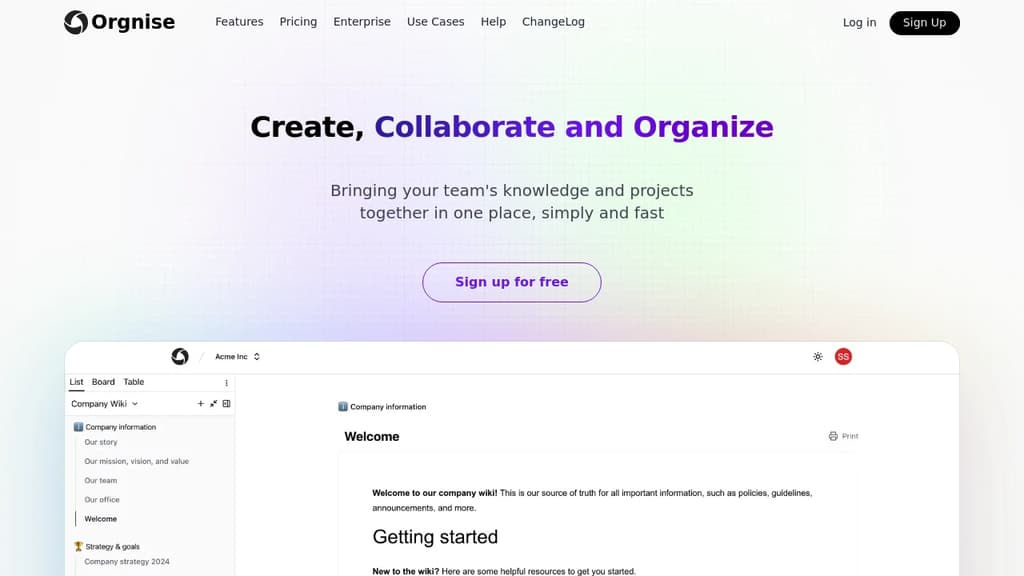
Orgnise is a powerful project management solution designed to help teams of all sizes streamline their workflows and boost productivity. With its user-friendly interface and comprehensive feature set, Orgnise makes it easy to plan, track, and execute projects from start to finish.
Key benefits of Orgnise include:
-
Intuitive Task Management: Create, assign, and prioritize tasks with ease. Use drag-and-drop functionality to organize tasks into customizable lists, boards, or timelines.
-
Team Collaboration: Foster seamless communication with built-in chat, file sharing, and commenting features. Keep everyone on the same page and reduce email clutter.
-
Workflow Automation: Set up automated workflows to handle repetitive tasks, notifications, and status updates, saving time and reducing human error.
-
Customizable Dashboards: Get a bird's-eye view of your projects with personalized dashboards. Monitor progress, track deadlines, and identify bottlenecks at a glance.
-
Time Tracking and Reporting: Log time spent on tasks and generate detailed reports to analyze team performance and project profitability.
-
Integration Ecosystem: Connect Orgnise with your favorite tools through a wide range of integrations, including calendar apps, file storage services, and communication platforms.
Whether you're managing complex projects or simply organizing your daily tasks, Orgnise adapts to your needs, helping you stay focused and productive. Experience the power of efficient project management with Orgnise today.

A self-hosted project management tool offering task management, file sharing, event tracking, and team collaboration features in an intuitive interface.
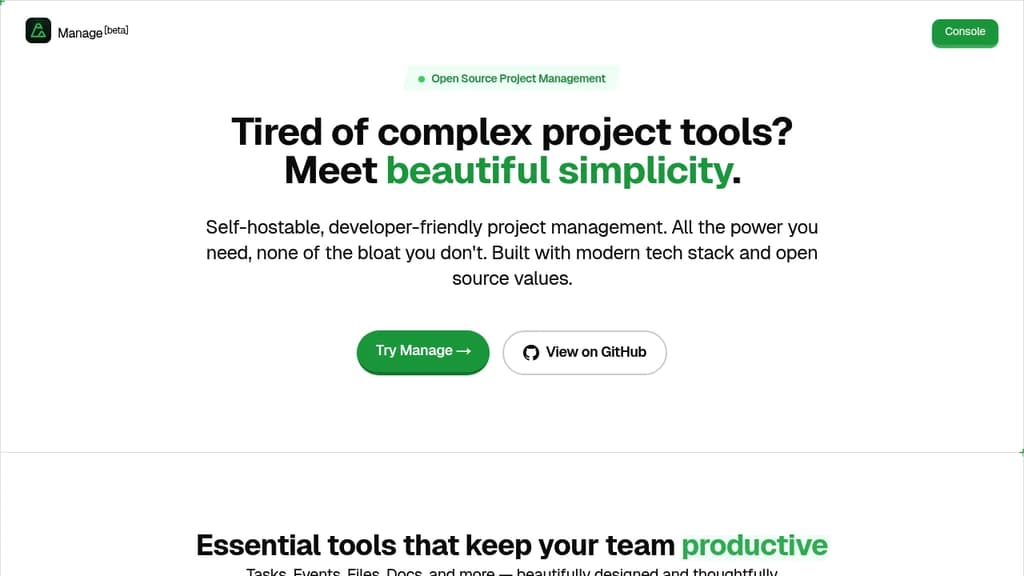
Manage is a powerful open-source project management solution that brings essential collaboration tools together in one intuitive platform. With robust task management capabilities, teams can easily organize and track work progress. The integrated file sharing system keeps all project resources centralized and accessible.
Key features include:
- Task organization and tracking
- File management and sharing
- Event scheduling and calendar
- Team collaboration tools
- Activity logging
- Multi-tenant architecture
- Built-in commenting system
Perfect for engineering teams and developers, Manage emphasizes ease of use while providing the flexibility of self-hosting. The platform's clean interface makes it simple to handle tasks, events, and documents with minimal clicks. Whether you're managing small team projects or complex initiatives, Manage provides the essential tools for successful collaboration.

Open source minimalist task management tool with AI companion that filters noise, automates coordination, and guides teams through complexity with calm focus.
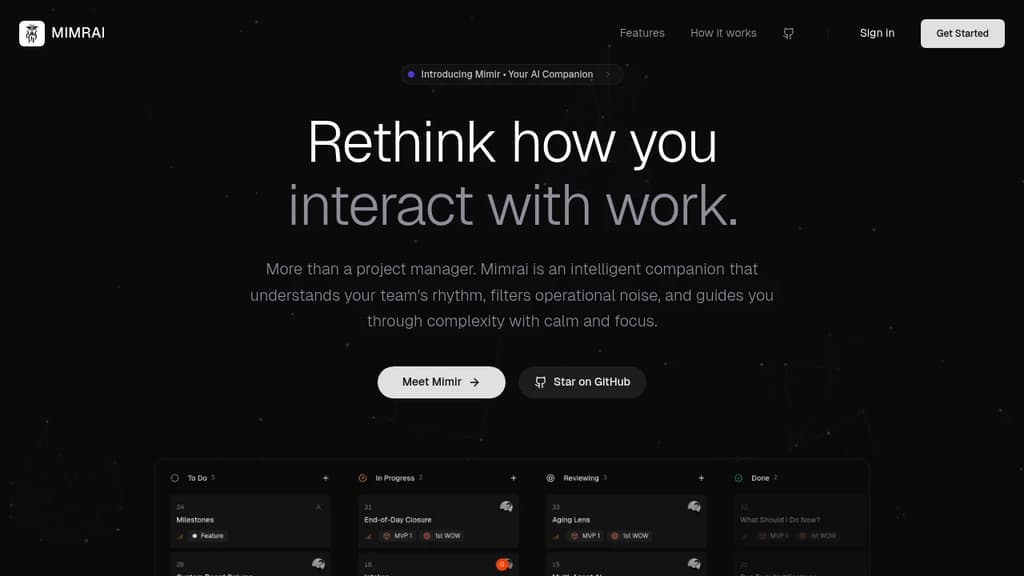
Mimrai transforms task management by acting as an intelligent companion rather than just another project tool. Built around the concept of radical focus, it filters operational noise and helps teams maintain clarity while managing complex projects.
The platform features Mimir AI Assistant, which provides automated suggestions and follow-ups when tasks become blocked. It proactively identifies stalled work and prompts the right team members, eliminating manual coordination overhead.
Zen Mode creates a calm working environment by automatically organizing your day and reducing distractions. Combined with the Smart Daily Digest, users receive curated task prioritization based on real-time blockers and dependencies.
Key capabilities include:
- Project Management: Clear milestone tracking with big-picture visibility
- Task Management: Smart checklists with intelligent assignments and due dates
- End of Day Summaries: Auto-generated progress reports and blocker identification
- Open Source Foundation: AGPL-3.0 licensed with community-driven development
Unlike traditional task managers that simply organize information, Mimrai actively guides decision-making and reduces cognitive load. The platform analyzes team patterns to surface what matters most, when it matters most.
Being open source and building in public, Mimrai welcomes community contributions and user feedback to shape its roadmap. Early adopters can directly influence feature development while benefiting from a tool designed for total visibility with zero anxiety.

People are looking for alternatives to...
View all alternatives
Spotify

Claude Code

CapCut

Claude

Notion

Lovable
 Capture – Capture screenshots, generate PDFs, scrape content, extract metadata, and automate browsers with one API.



 Sent
Sent