Open Source AutoGPT Alternatives
A curated collection of the 7 best open source alternatives to AutoGPT.
The best open source alternative to AutoGPT is Hermes Agent. If that doesn't suit you, we've compiled a ranked list of other open source AutoGPT alternatives to help you find a suitable replacement. Other interesting open source alternatives to AutoGPT are: LobeHub, Goose, OpenWork, and Kortix.
AutoGPT alternatives are mainly AI Agent Platforms but may also be AI Personal Assistants or AI Coding Agents. Browse these if you want a narrower list of alternatives or looking for a specific functionality of AutoGPT.

Written by Piotr Kulpinski


Cross-platform desktop agent from Nous Research that connects to Telegram, Discord, Slack, WhatsApp, and more, with persistent memory, scheduling, and isolated sandboxing.
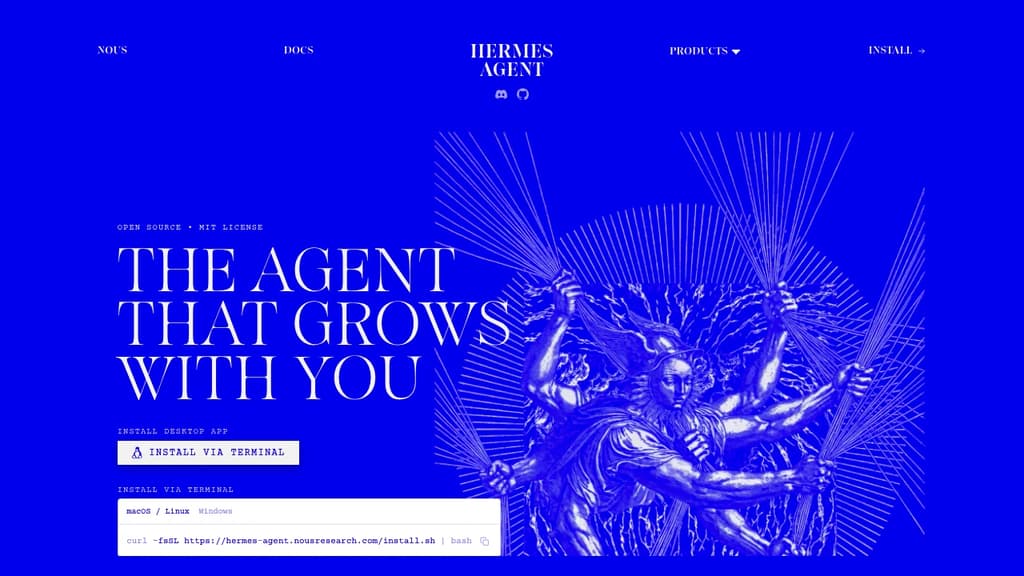
Hermes Agent is a desktop AI agent built by Nous Research that runs natively on macOS, Windows, and Linux. It's designed for people who want a single agent that works across their communication tools, handles recurring tasks, and actually remembers what it's done before.
The core idea is persistence. Most agents start fresh every session. Hermes maintains memory across conversations, auto-generates skills from past interactions, and builds up context about your projects over time. You don't have to re-explain things.
Where it connects:
- Telegram, Discord, Slack, WhatsApp, Signal, and email are all supported natively, so the agent meets you where you already work
- A CLI interface is also available for terminal-first workflows
What it can do:
- Natural-language scheduling for reports, backups, and briefings that run unattended
- Web search and browser automation with vision, image generation, and text-to-speech
- Subagents that run in isolated conversations with their own terminals and Python RPC scripts, useful for parallel pipelines without ballooning context costs
- Multi-model reasoning with access to 300+ models through the Nous Portal
Sandboxing is a genuine differentiator. Five execution backends (local, Docker, SSH, Singularity, and Modal) give you control over where code actually runs, with container hardening and namespace isolation. That matters if you're running automated tasks or untrusted scripts.
For teams or individuals already using LobeChat or similar multi-surface chat interfaces, Hermes takes a different angle: it's less about chat UI and more about an agent that operates autonomously across surfaces. Think of it as closer to an AgentOS approach, where the agent itself is the persistent layer.
It's free to use under the MIT license, with paid tiers through the Nous Portal for higher model access and monthly credits.

Add AI agents to Slack, Discord or Telegram that pick up requests, hand coding to Claude Code or Codex, report back in thread, and learn from your corrections.
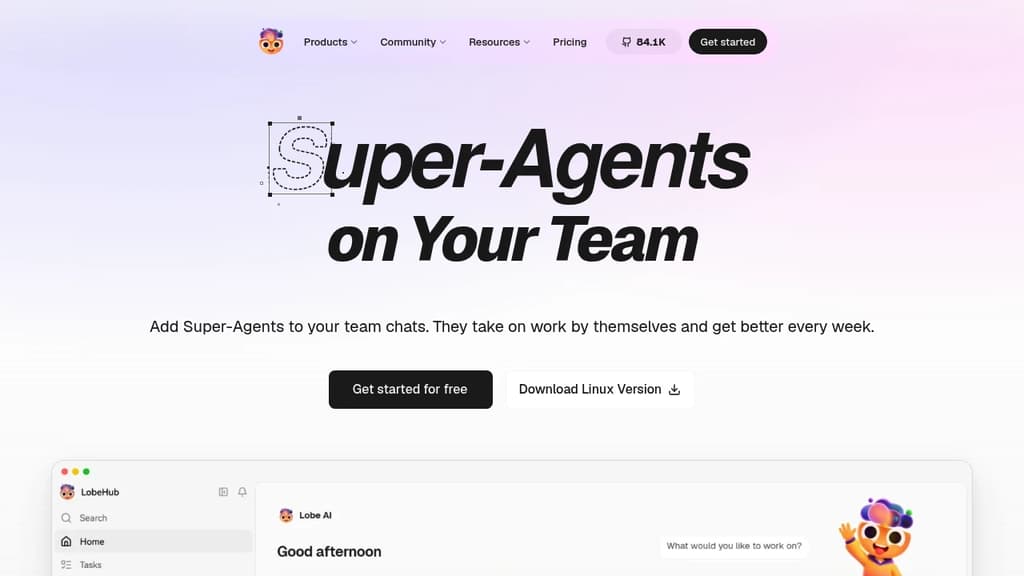
LobeHub is a collaborative agent platform where AI agents join your team chats and take on work. You add an agent to Slack, Discord or Telegram, and it reads the channel history, docs and code before it does anything. It's built for teams that want routine requests handled without someone assigning every task.
The agent can act on its own. With the "speak up on its own" setting on, it spots a feature request that several people have +1'd, creates a task, and starts work without being tagged.
- Coding handoff: it passes the build to Claude Code or Codex and tracks the task
- Acceptance checks: each delivery comes with screenshots or recordings, and you can send back any check that's off
- Pull requests: the PR merges only after you accept
- Thread replies: it tells the people who asked once the work is live
- Permissions: you decide what it can do, for example opening PRs freely while deploys need your OK
- Daily brief: a home page lists what finished, what's running, and what needs your decision
The agent also learns. A Self-evolving page shows each area it practices, the lessons you've taught it, and how often it gets things right. Mistakes become lessons, and a rule it keeps breaking is flagged so you can teach it again.
You can start with one agent and add more later, such as separate agents for design, releases and docs. Each teammate can have their own too. Agents remember team preferences, like sending pricing copy to a specific person for sign-off.

Local AI agent with a desktop app, CLI, and API that connects to 15+ LLM providers and 70+ extensions for code, research, automation, and data tasks.
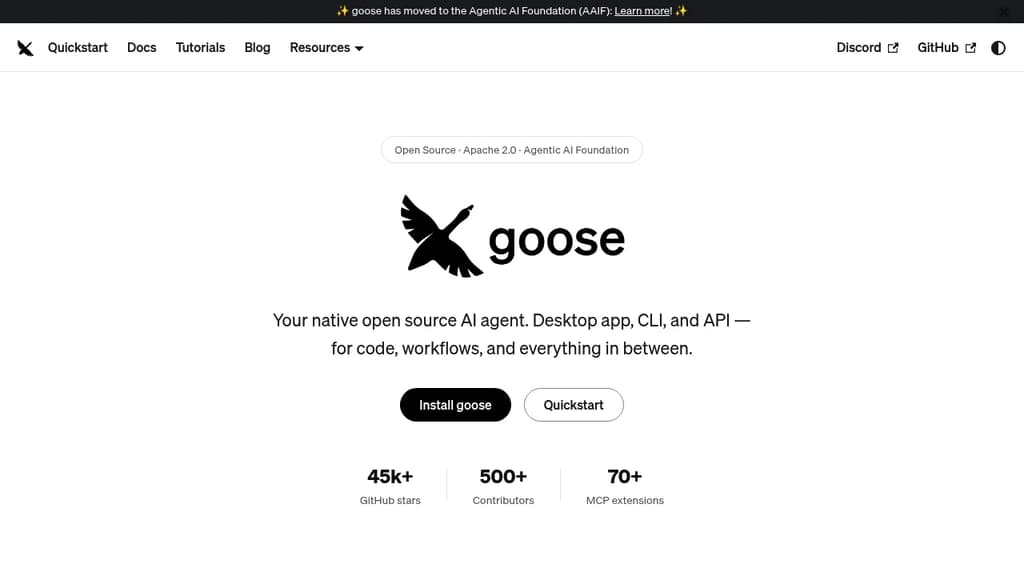
Goose is a general-purpose AI agent that runs natively on your machine. It's not narrowly focused on coding: you can use it for research, writing, data analysis, browser automation, or any multi-step task you'd otherwise piece together manually. It ships as a desktop app for macOS, Linux, and Windows, a full CLI for terminal-first workflows, and an API for embedding it in other tools.
The LLM support is broad. Goose works with 15+ providers, including Anthropic, OpenAI, Google, Ollama, LocalAI, OpenRouter, Azure, and Bedrock. You can use API keys or connect through existing Claude, ChatGPT, or Gemini subscriptions, so you're not locked into a new billing relationship just to try it.
Extensibility is central to how goose works:
- 70+ MCP extensions connect it to databases, APIs, browsers, GitHub, Google Drive, and more via the open Model Context Protocol standard
- MCP Apps let extensions render interactive UIs inside the desktop app, including buttons, forms, and visualizations
- Recipes let you capture repeatable workflows as portable YAML configs, shareable with a team or runnable in CI
- Subagents can be spawned to handle tasks in parallel, keeping the main conversation focused
- Security controls include prompt injection detection, tool permission controls, and a sandbox mode
Goose also implements the Agent Client Protocol, which means it works as an ACP server you can connect from editors like Zed, JetBrains, or VS Code. It can use Codex and similar agents as providers through the same standard.
The project sits under the Agentic AI Foundation at the Linux Foundation, which keeps it vendor-neutral and community-governed. Built in Rust for performance, it has attracted 500+ contributors and 45k+ GitHub stars. If you want a self-hostable, provider-agnostic agent that works across interfaces and integrates deeply with the MCP ecosystem, goose covers a lot of ground.

Desktop app for teams to run AI agents across 50+ LLMs, share skills and MCP servers org-wide, and automate browser tasks with your own keys.
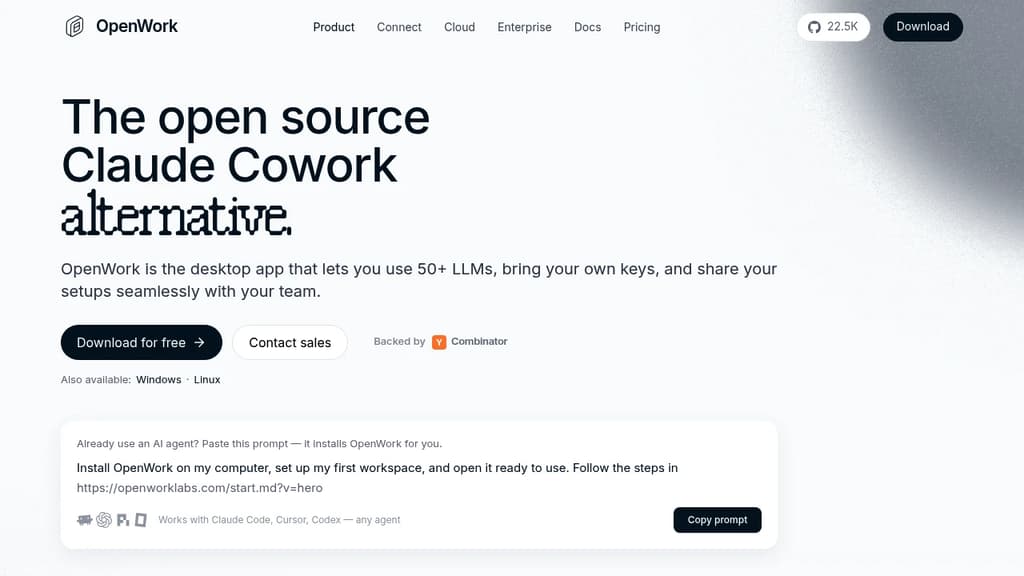
OpenWork is a desktop app (and browser-based workspace) that lets individuals and teams run AI agents against their own files, tools, and data. It's built on OpenCode and positions itself as an open alternative to Claude Cowork, supporting 50+ LLMs from providers like OpenAI, Anthropic, Google, Mistral, and local models, rather than locking you to a single vendor.
The core idea: bring your own API keys, wire in the tools your team already uses, and package everything into reusable setups that anyone can import in one click. No terminal required.
Key capabilities:
- Multi-model support – switch between OpenAI, Anthropic, Gemini, Bedrock, Azure AI Foundry, Mistral, OpenRouter, or local models. Connect your own keys or use a managed provider on cloud plans.
- Browser automation – describe a task in plain language and the agent executes it in a real browser. Like replies, extract data, fill forms, and save results to your machine.
- OpenWork Connect (MCP gateway) – add an MCP server or skill once, and every teammate gets it instantly across desktop, web, and any MCP-compatible client like Claude Code or Cursor. One URL covers your whole org, with auth, roles, and policies applied in transit.
- Skill and plugin sharing – Anthropic-compatible plugins and SKILL.md files work as-is. Teams package skills, configs, and MCP servers into a single shareable link.
- Local-first privacy – in desktop mode, files stay on your machine. Prompts go directly to the LLM provider you choose. Cloud workers are optional and sandboxed.
- Self-host or managed – run it on your own infrastructure or use OpenWork Cloud for central seat management, SSO, and bring-your-own inference.
For teams migrating from Claude Cowork, existing SKILL.md files and MCP servers import without modification. The free desktop app needs no account to start. Team plans add API access and the Extension Marketplace at $10 per seat per month after the first five free seats.

Manages a team of AI agents across your company, with every agent, skill, memory, and connector stored as versioned files in a git repo you own and self-host.
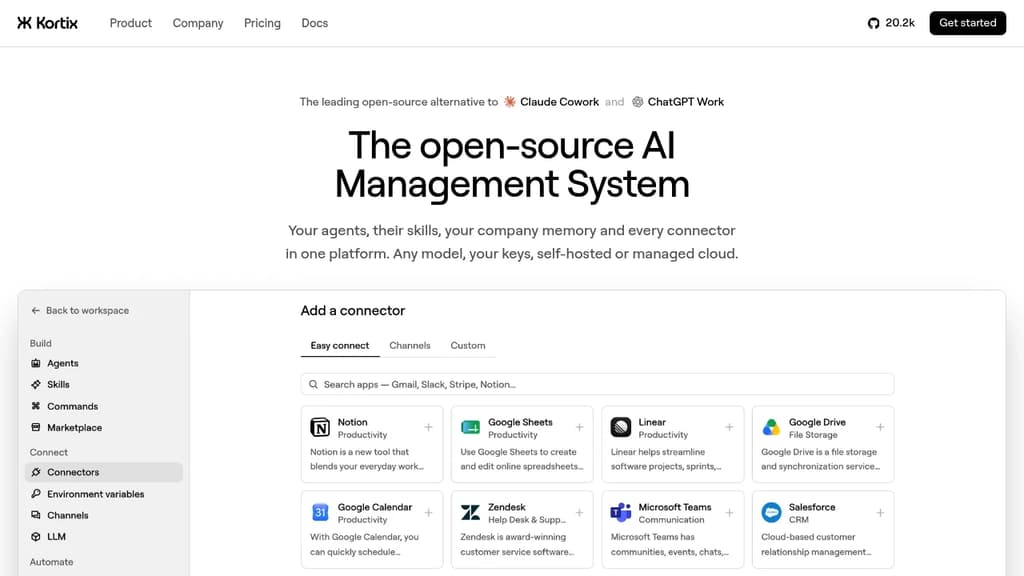
Kortix is a platform for running AI agents across an entire company, where the whole setup lives in a single git repo you own. Agents, skills, memory, connectors, triggers, and permissions are all plain files. You can grep the company, diff any change, and roll anything back. No settings locked in someone else's database.
It fits teams that want AI agents doing real, multi-step work across sales, engineering, finance, marketing, and ops, not just answering questions. Agents start from Slack, MS Teams, the web, a CLI, a cron schedule, or a signed webhook. Work lands back in the repo as a change request you read as a diff before it merges.
The platform is built in six layers that work together:
- Git repo as the source of truth.
kortix.yamldeclares the machine image, connectors, and triggers. Agents and skills are markdown files. Memory accumulates as files over time. - Connectors. 3,000+ app integrations plus MCP, OpenAPI, GraphQL, and raw HTTP. Credentials are brokered server-side and never reach the agent's machine. Each tool call can be set to allow, ask, or block, down to the specific arguments passed.
- Model-agnostic runtime. Pick any model per agent, per session, or per message. Bring your own API keys, use a ChatGPT subscription you already pay for, or point it at any OpenAI-compatible endpoint.
- Agent harness powered by OpenCode. Turns a model into an agent that plans, uses tools, and finishes multi-step runs. Permissions are set per tool in the agent file, so a
git pushcan be blocked until a human reviews the change request. - Isolated sandboxes. Each session boots its own Linux machine with the repo and tools already loaded. Thousands run in parallel with no crossover. Only commits survive.
- Unified control plane. Web, Slack, mobile, CLI, and API all start the same session type. Cron and webhooks start sessions with no human involved.
Practical examples from the source: an engineering agent reads error logs each morning, reproduces the top failure on its own machine, patches it, and opens a pull request. A finance agent reconciles the ledger, chases missing receipts, and closes the month with the variance explained. A data science agent queries the warehouse on a schedule and posts the chart to Slack before the team wakes up.
Kortix is self-hostable, VPC-deployable, or available as managed cloud. It sits in the AI coding agent orchestrators space but extends well beyond code, covering any business function that can be described as a repeatable job.

Autonomous AI agent framework that operates on its own sandboxed computer, creates tools dynamically, manages memory, and executes multi-step workflows with full transparency.
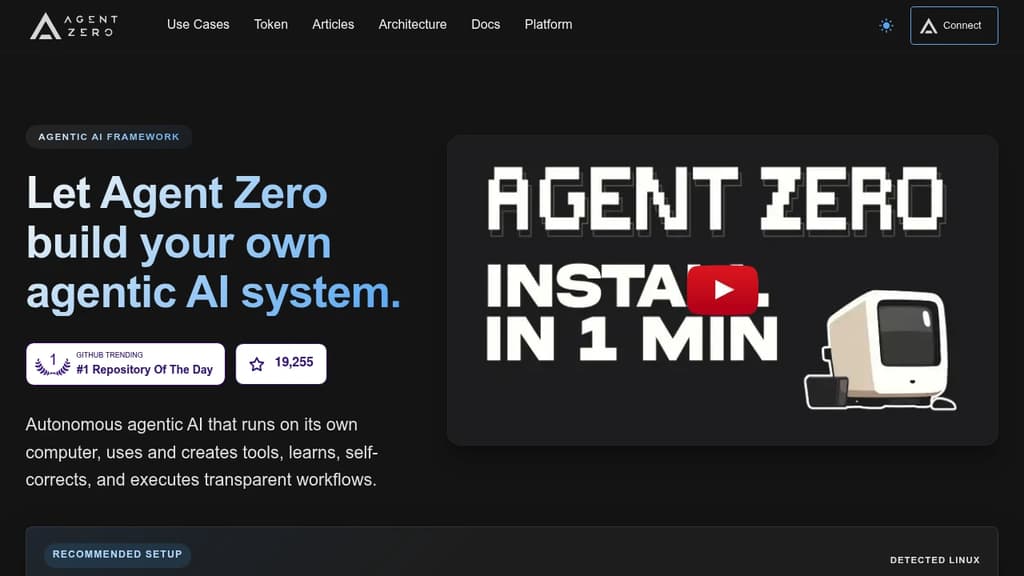
Agent Zero is an agentic AI framework built for people who want autonomous AI that actually does work, not just answers questions. It runs inside a sandboxed Docker environment with its own terminal, file system, and browser, so agents can execute real tasks end-to-end without touching your local machine unless you explicitly connect them.
The core idea is that agents shouldn't need pre-built tools for every situation. Agent Zero creates tools on the fly as tasks demand them, learns from past runs, and self-corrects when something goes wrong. Workflows are fully transparent: you can see what the agent is doing, why, and what it's executing at every step.
Key capabilities:
- Multi-provider support: Connect any LLM provider without exposing API keys to the agent itself.
- Dynamic tool creation: Agents write and reuse tools as needed rather than relying on a fixed library.
- Agentic memory and RAG: Persistent knowledge management lets agents recall context across sessions and build on prior work.
- Subordinate agents: Spawn specialized sub-agents to handle parallel or delegated tasks within a single workflow.
- Plugin Hub: Browse, install, and update community plugins directly from the UI, with built-in AI-driven security scanning before deployment.
- A0 CLI Connector: Bridge the sandboxed agent to your local terminal and project files when you need it.
- Context engineering: Prompt structure is tuned to stay efficient on local models and scale to larger ones without bloat.
Agent Zero suits developers and power users who want a self-hostable AI personal assistant they can extend, audit, and fully control. Unlike closed systems such as ChatGPT or Manus, every layer is inspectable and modifiable.
The project also has a community governance layer backed by the A0T token on Ethereum BASE L2, letting token holders vote on feature priorities and development allocation. Venice AI integration gives community members access to private AI API keys at no cost.

Create powerful AI agents using an intuitive node-based interface that connects multiple LLMs and data sources for automated documentation and development workflows.
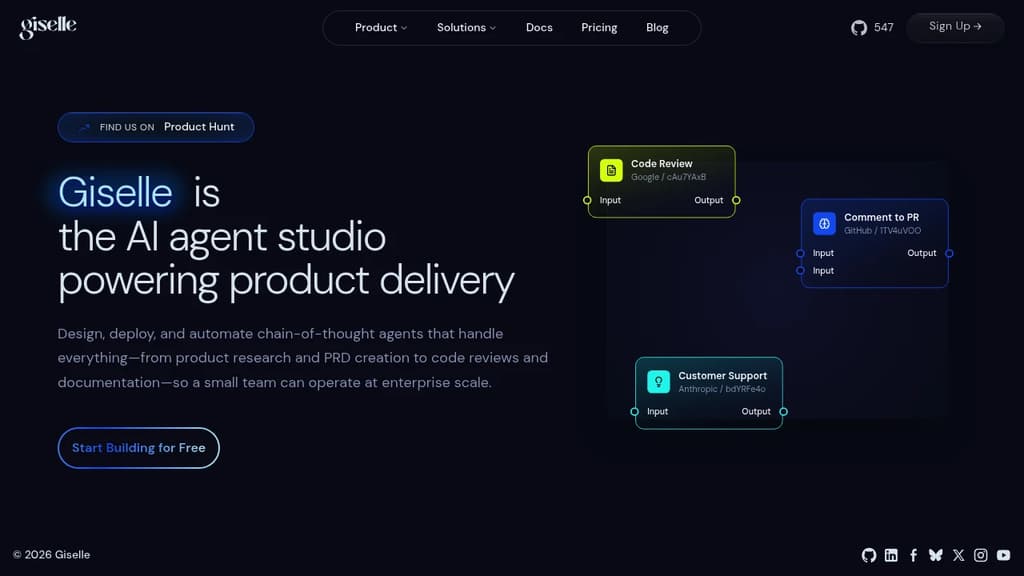
Giselle is a powerful AI agent builder that enables teams to create sophisticated automation workflows through a visual interface. The platform features a node-based editor that makes it easy to connect multiple LLMs and data sources, similar to game engine development environments.
Key capabilities include:
- Auto-evolving documentation that keeps your docs current
- Multi-agent workflow orchestration for complex tasks
- Native GitHub integration for code reviews and suggestions
- Visual development environment for building AI workflows
- Pre-built agent templates for common use cases
The platform is designed to help teams scale beyond size limitations by creating AI agents that can handle tasks like market research, pull request reviews, and documentation updates automatically. With Giselle, you can deploy custom AI agents in minutes without complex setup, making AI-powered automation accessible to every team member.

People are looking for alternatives to...
View all alternatives
Spotify

Claude

Claude Code

CapCut

Lovable

Notion
 c15t – Open-source cookie banner, built for control and lightening fast modern web apps.


 Sent