Open Source Password Managers You Can Self-Host (2026)
Compare the 6 best self-hosted password managers in 2026, from Vaultwarden and Bitwarden to Passbolt and KeePassXC, with setup, pricing, and security notes.

Written by Piotr Kulpinski

Your password manager holds the keys to everything else, so where it runs matters. Cloud services like 1Password and LastPass keep your encrypted vault on their servers, and the 2022 LastPass breach, in which attackers stole copies of customer vaults, showed what that trust can cost. A self-hosted password manager keeps the vault on hardware you control: a home server, a Raspberry Pi, or a small VPS.
Self-hosting is not automatically safer. You take on updates, backups, and HTTPS yourself, and 2026 has been a busy year for security advisories in this category. But with the right tool and a little discipline, you get full control, no per-seat subscription, and a vault nobody else can hand over or lose.
This guide compares the 6 best open-source self-hosted password managers in 2026, for individuals, families, and teams.
TL;DR: Vaultwarden is the best choice for individuals and families: one small container that works with the official Bitwarden apps and includes every premium feature for free. Passbolt is the best fit for teams that share credentials, and KeePassXC is the pick if you would rather not run a server at all. The full comparison table is further down.
Two Ways to Self-Host Your Passwords
Self-hosted password managers fall into two main models:
- A server you run. Vaultwarden, Bitwarden, Passbolt, Psono, and TeamPass run a server that your browser extensions and phone apps sync with. This gives you real-time sync and sharing, at the cost of maintaining an internet-facing service.
- A file you sync. KeePassXC stores everything in one encrypted file. You sync that file with Nextcloud or Syncthing, and there is no password server to attack.
A third model, peer-to-peer sync with no server at all, looked promising in 2025, but the main project using it is now paused (more on that below).
In Vaultwarden, Bitwarden, Passbolt, and Psono, encryption happens on your device, so the server only ever stores encrypted data. That matters: even if someone copies your database, they still need each user's master password.
How We Picked
Every tool below is open source, installable on your own hardware, and was actively maintained as of September 2026. We compared the server footprint, client apps, what sharing costs, passkey support, and each project's recent security record. We track all of them in Password Managers.
The 6 Best Self-Hosted Password Managers
1. Vaultwarden
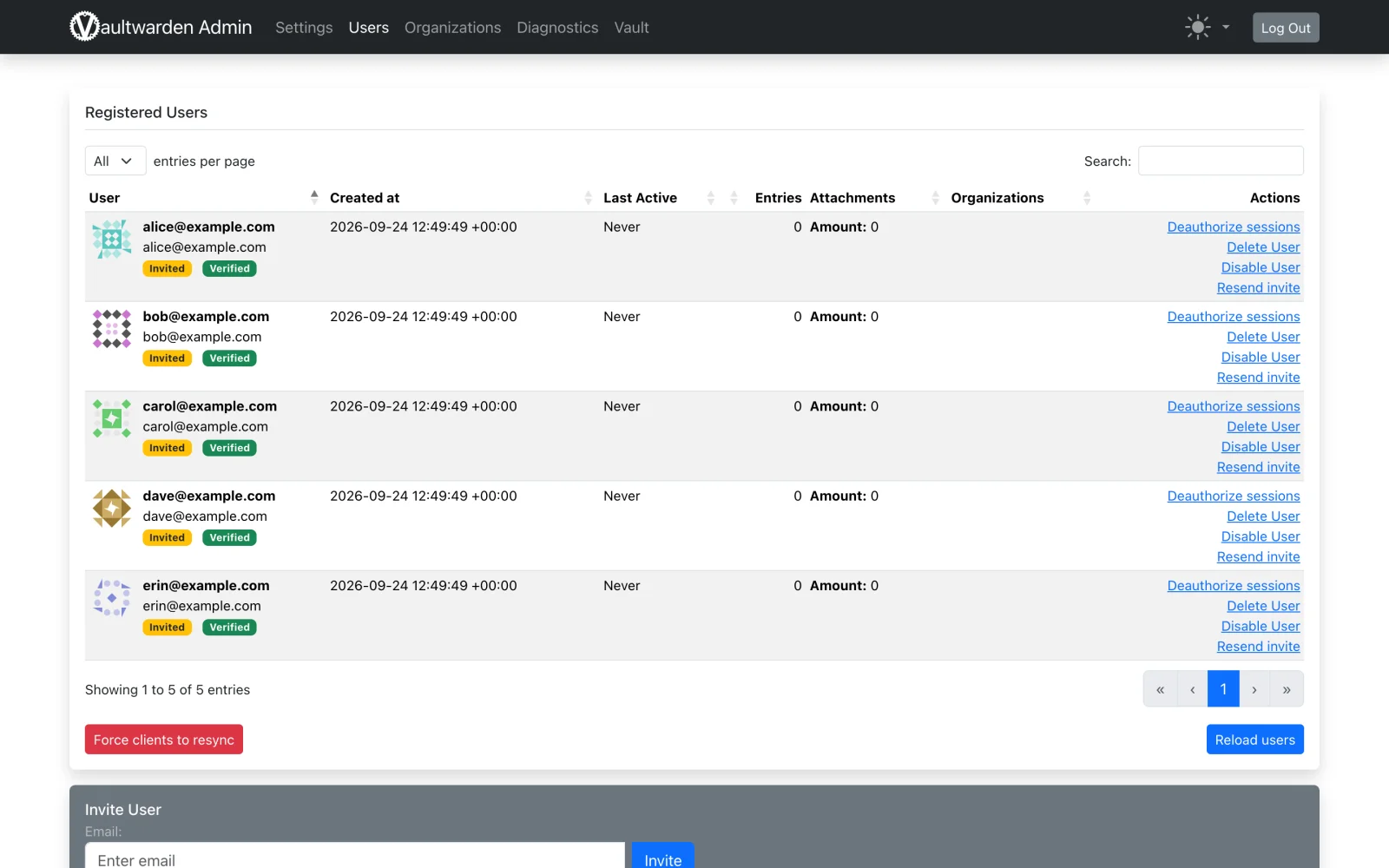
Vaultwarden is an unofficial, Bitwarden-compatible server written in Rust, and with over 68,000 GitHub stars it is the most popular way to self-host a password manager. It runs as a single Docker container on SQLite by default (MySQL and PostgreSQL also work), with images for ARM, so a Raspberry Pi is enough. You use it with the official Bitwarden apps, browser extensions, desktop app, and CLI.
Its biggest draw: Vaultwarden marks every user as premium. TOTP codes, file attachments, emergency access, Send, vault health reports, and organizations for sharing with family or colleagues all work without paying anyone. An admin panel manages users and invites, and OpenID Connect single sign-on arrived in version 1.35 in December 2025.
Key Features and Considerations
Vaultwarden has to keep up with Bitwarden's client releases, and it sometimes lags: version 1.37.0 was required for the July 2026 Bitwarden apps, and it briefly broke organization invites. 2026 also brought around 17 published security advisories, many in organization permission checks, all fixed in 1.37.0 and later. Keep it updated. A few Bitwarden features are missing, including passkey login, SCIM provisioning, and custom roles. It is AGPL-3.0 and free, with no vendor support.
- Pros:
- One small container that runs almost anywhere.
- Every Bitwarden premium feature, including sharing, for free.
- Works with the polished official Bitwarden apps.
- Cons:
- Unofficial, so client updates can break things.
- A busy 2026 for security fixes; updates are mandatory.
Website: https://github.com/dani-garcia/vaultwarden
2. Bitwarden
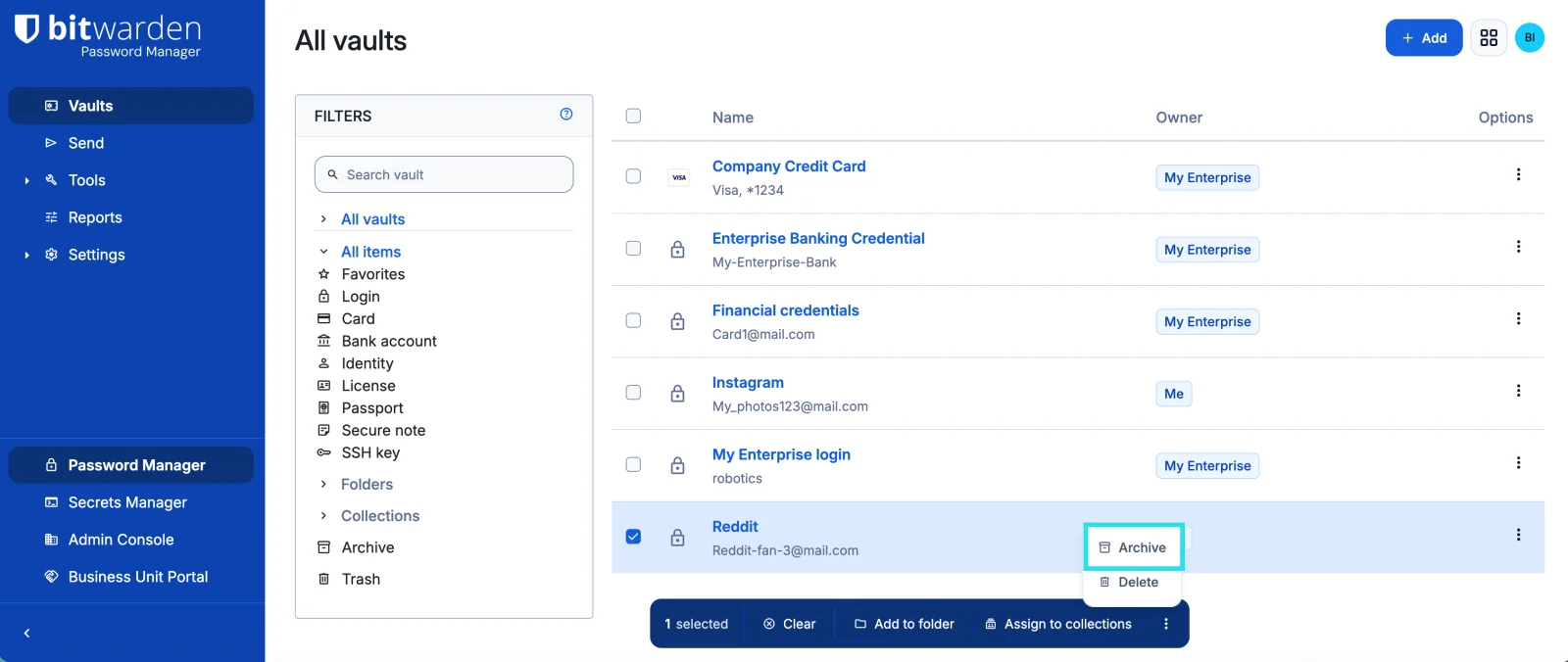
Bitwarden is the official option: the same server behind the cloud service, audited, and supported by the company. The core server is AGPL-3.0, while enterprise features such as SSO and SCIM live in a separate folder under the source-available Bitwarden License. There are two ways to run it. The standard deployment uses 11 containers and Microsoft SQL Server, needing at least 2 GB of RAM. Bitwarden lite, the single-container edition that left beta in December 2025, needs around 200 MB, supports SQLite, PostgreSQL, and MySQL, and runs on ARM, but Bitwarden positions it for personal and home-lab use rather than business.
Key Features and Considerations
The catch is licensing. A free self-hosted Bitwarden server gives you individual accounts only. Sharing through organizations requires a paid license file, and only Families ($47.88 a year for six people) and Enterprise ($6 per user per month) licenses can be self-hosted; the Teams plan cannot. Premium features like TOTP and emergency access also need a license ($19.80 a year since January 2026). If you want Bitwarden's apps without the licensing, that is exactly what Vaultwarden offers.
- Pros:
- Official, audited, and supported.
- Bitwarden lite runs in one small container.
- Full enterprise feature set with a license.
- Cons:
- Sharing and premium features require a paid license.
- The standard deployment is heavy; lite is not meant for business.
Website: https://bitwarden.com
3. Passbolt
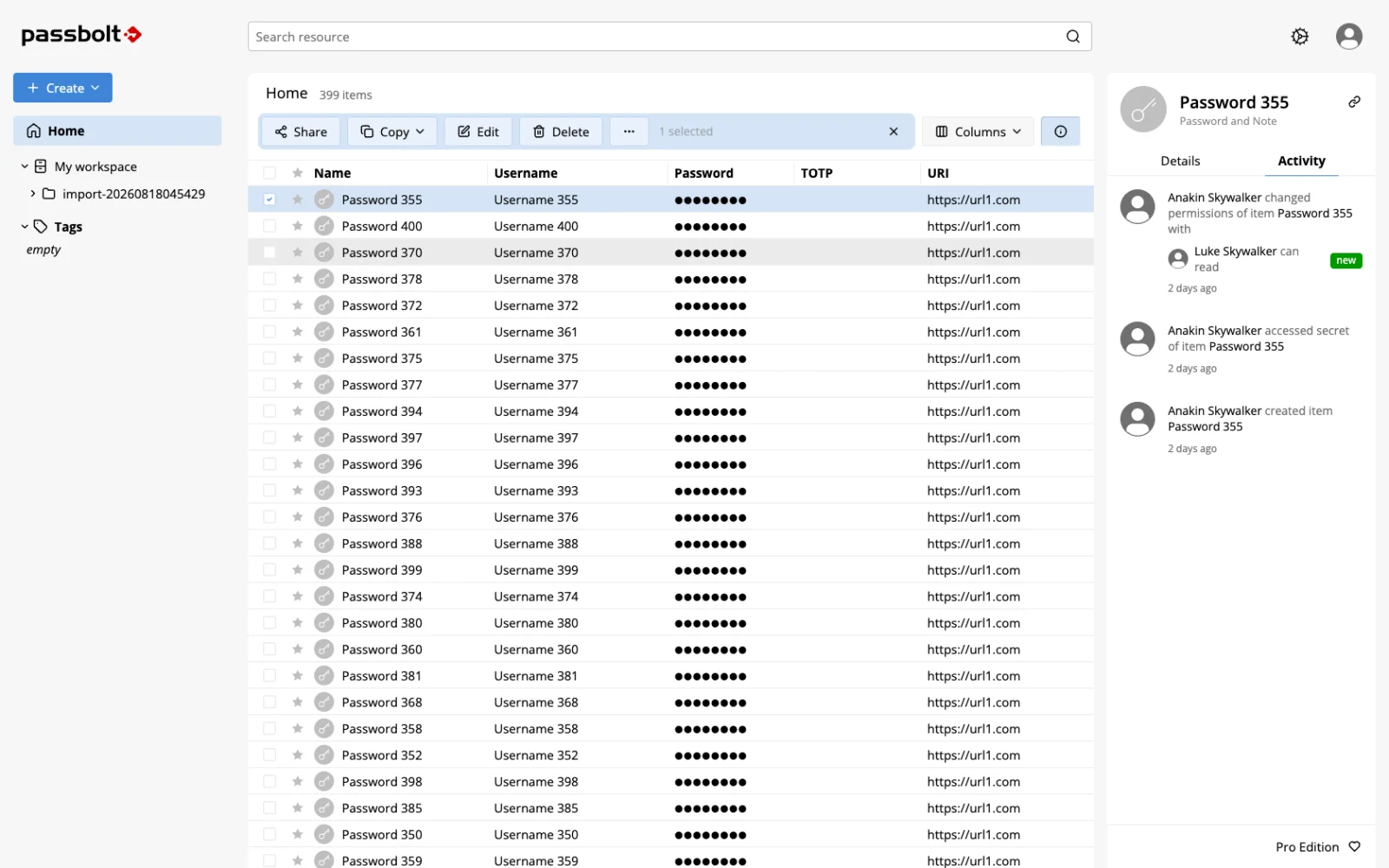
Passbolt is built for teams that share credentials. Its encryption uses OpenPGP: every user has their own key pair, the private key never leaves their device, and each shared secret is encrypted separately for every person who can access it. Independent audits by Cure53 have run almost every year since 2021.
The free Community Edition has no user limit and covers what most teams need: sharing, private and shared folders, groups, role-based access control, TOTP, multi-factor login, password expiry, and secret history. It installs from Debian, Ubuntu, or RHEL packages or with Docker (a two-container setup with MariaDB), on a server with 2 cores and 2 GB of RAM. Clients include browser extensions, iOS and Android apps, a Windows desktop app, and a CLI. Version 5.16 in September 2026 added an offline mode in beta.
Key Features and Considerations
Passbolt does not store passkeys yet, and it has no emergency access or Send-style one-time sharing. The browser extension is required even for the web app. LDAP sync, SSO, SCIM, and audit logs are part of Passbolt Pro, at $4.90 per user per month with a 10-user minimum. It is AGPL-3.0 and aimed squarely at teams rather than families.
- Pros:
- Per-user OpenPGP encryption and regular independent audits.
- Free Community Edition with unlimited users and sharing.
- Strong permissions for teams.
- Cons:
- No passkey storage yet.
- SSO, directory sync, and audit logs are paid.
Website: https://www.passbolt.com
4. Psono
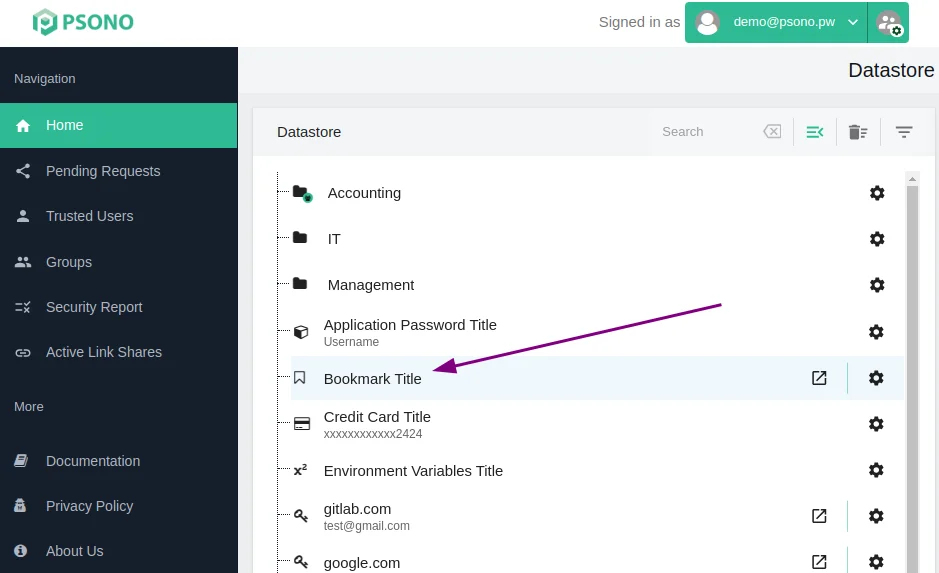
Psono is a team password manager from esaqa GmbH in Germany, licensed under Apache-2.0. Encryption happens on the client, and the server runs in Docker with PostgreSQL. It has a web client, browser extensions, iOS and Android apps, and since April 2026 desktop apps for Windows, macOS, and Linux.
The feature list is broad: sharing with users and groups, detailed share rights, passkeys, TOTP, several 2FA methods (YubiKey, Duo, WebAuthn), file attachments, link shares, an offline mode, breach detection, security reports, and an API. Its licensing is unusually generous for small teams: the Enterprise Edition, which adds LDAP, SAML and OIDC single sign-on, audit logging, and enforced 2FA, is free for up to 10 users, then €2.50 per user per month with a 25-user minimum.
Key Features and Considerations
Psono's community is small, which means fewer eyes on the code and fewer tutorials. It runs only in Docker with PostgreSQL. A critical cross-site scripting flaw (CVE-2025-1987) affected web clients up to 4.0.4 and was fixed in 2025, and LDAP login sends the plaintext password to the server, so prefer SAML or OIDC if you use single sign-on.
- Pros:
- Enterprise features free for up to 10 users.
- Apps on every platform, including desktop since 2026.
- Passkeys, attachments, and security reports included.
- Cons:
- Small community.
- Docker and PostgreSQL only.
Website: https://psono.com
5. KeePassXC
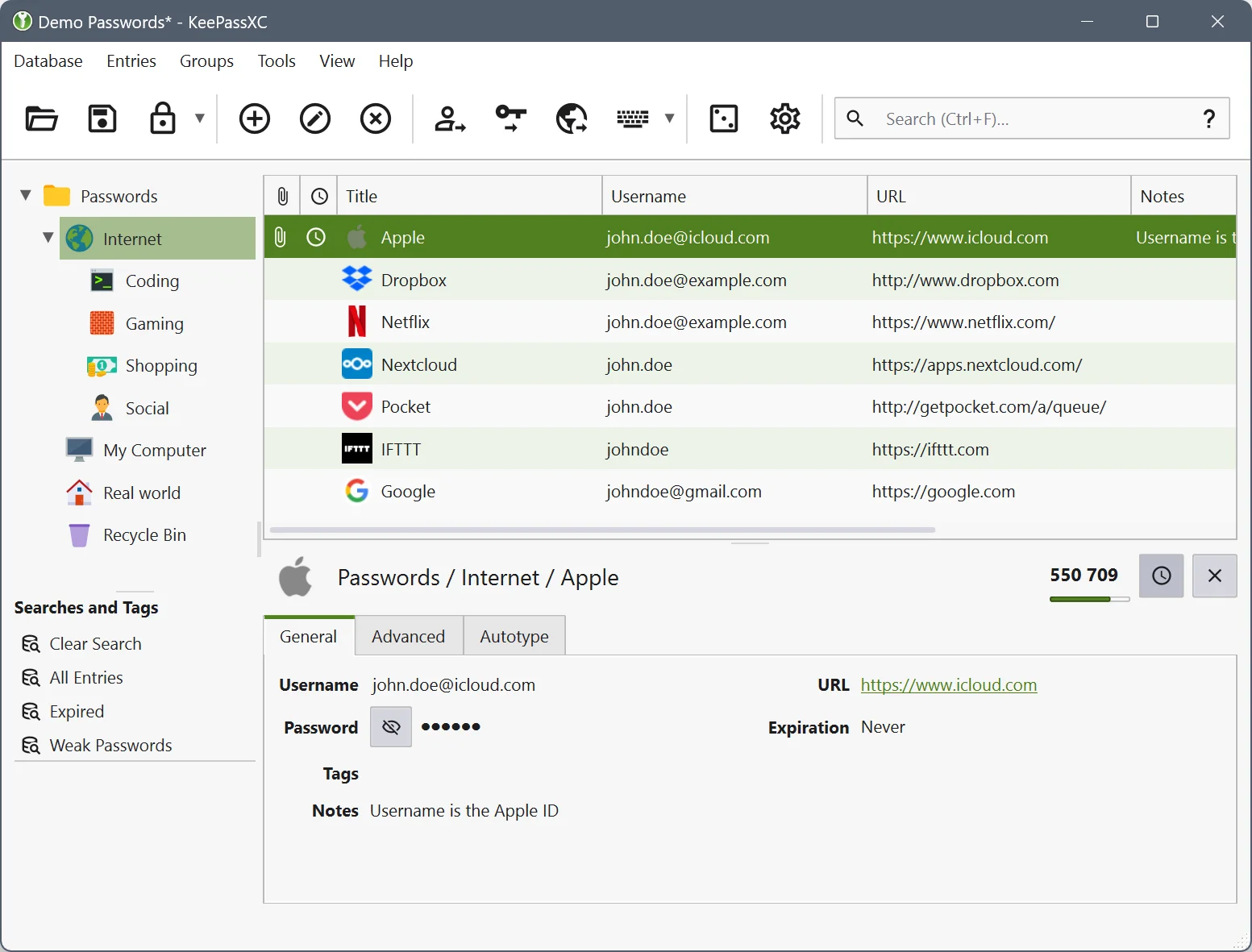
KeePassXC takes the opposite approach: no server at all. It is an offline desktop app for Windows, macOS, and Linux that keeps your vault in a single encrypted .kdbx file. The usual self-hosted setup is to store that file in Nextcloud or sync it with Syncthing, then open it on your phone with a compatible app such as KeePassDX on Android or Strongbox and KeePassium on iOS.
It is licensed under GPL-2.0 or GPL-3.0, has nearly 29,000 GitHub stars, and supports passkeys, TOTP, an SSH agent, Auto-Type, a browser extension, and YubiKey challenge-response. KeeShare can sync selected groups with other people through shared files. The 2.8.0 beta in September 2026 moved to Qt 6 and added remote database sync.
Key Features and Considerations
Without a server there is nothing to expose to the internet, which is a real security advantage. The trade-off is convenience: there is no built-in sync or sharing, two devices editing the file at once can create conflicts, and there is no official mobile app. KeePassXC is free and funded by donations.
- Pros:
- No server to secure or keep online.
- Mature, free, and widely supported file format.
- Passkeys, TOTP, and an SSH agent built in.
- Cons:
- Sync and sharing depend on third-party tools.
- No official mobile app.
Website: https://keepassxc.org
6. TeamPass
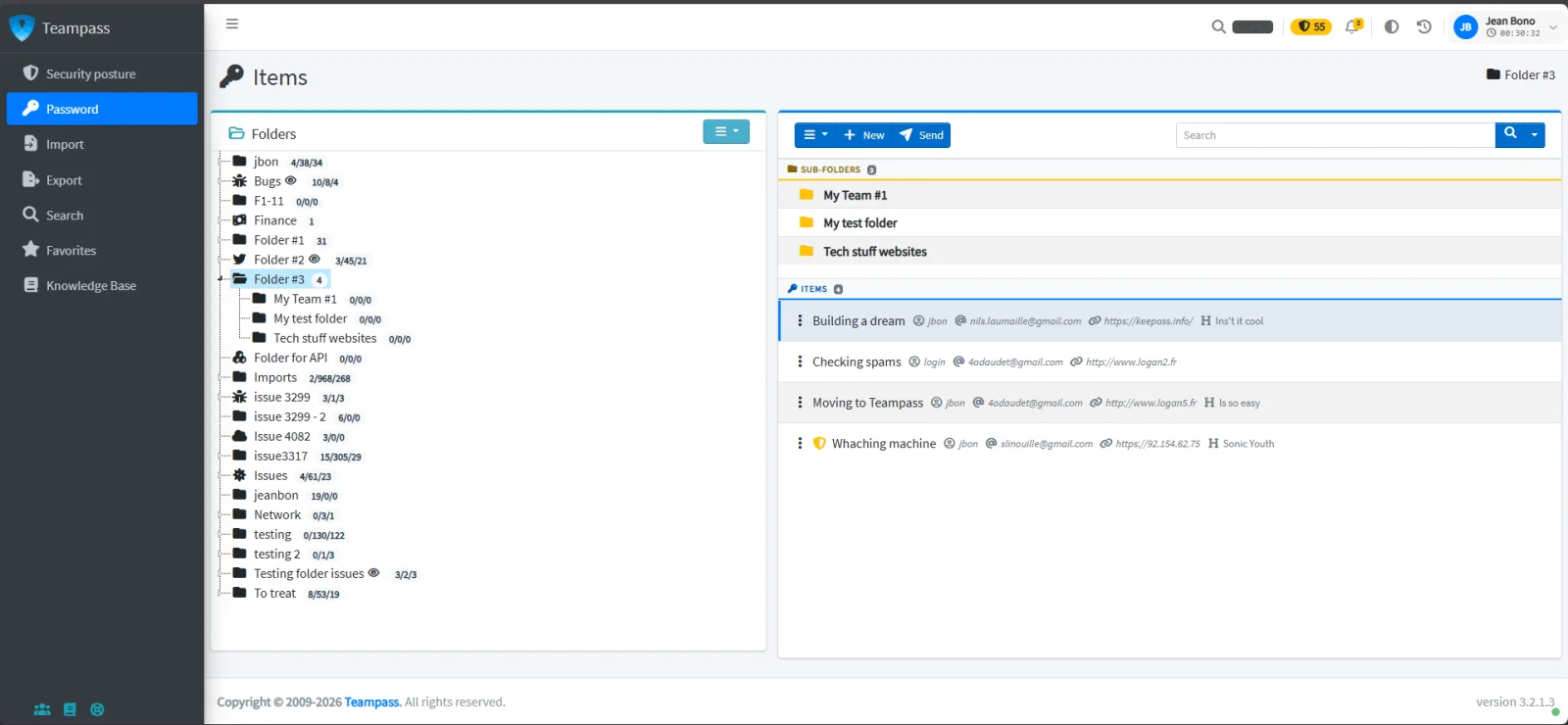
TeamPass has been around since 2009 and is the choice of many IT departments that want a shared vault on a classic PHP and MySQL stack. Its permission model is detailed: roles grant write, read-only, no-edit, or no-delete rights per folder, the most restrictive right wins when roles overlap, and personal folders stay private even from administrators. It connects to LDAP and Active Directory with nested groups, supports OAuth2 single sign-on and several 2FA methods, and includes a REST API, an audit trail, and breach checks against Have I Been Pwned.
The GPL-3.0 server is free with no feature limits. The browser extension for autofill is the paid part, from €49 a year for three users to €1,200 a year for unlimited users.
Key Features and Considerations
TeamPass comes with a caution. Between July and September 2026 the project published 37 security advisories, five of them critical, including pre-authentication flaws; all are fixed in the 3.2.2 releases, but only if you stay current. It is maintained mostly by one person, the interface looks dated, and there is no mobile app.
- Pros:
- Detailed folder-level roles and LDAP group mapping.
- Free server with no feature limits.
- Cons:
- A heavy run of security advisories in 2026.
- Dated interface, no mobile app, paid autofill.
Website: https://www.teampass.net
What About Padloc and PearPass?
Both still show up in "best password manager" lists, and we left both out on purpose. Padloc had its last release in March 2023 and its last commit to the main branch that December; a 2024 issue asking whether the project is alive has no reply from the maintainer. PearPass, Tether's peer-to-peer password manager with no server, added a notice in August 2026 that development is paused and that you should use it "at your own caution until further notice".
A Short Self-Hosting Checklist
Whichever tool you pick, the same rules keep a self-hosted vault safe:
- Serve it over HTTPS only, and keep admin panels off the public internet (a VPN like WireGuard or Tailscale is ideal).
- Update promptly. Several tools here shipped critical fixes in 2026.
- Back up the database and test a restore. A password manager you can't restore is worse than none.
- Turn on two-factor login for every account, and keep an offline copy of recovery codes.
Comparison Table
| Tool | License | Stars | Best For | Runs As | Free Sharing | Official Mobile Apps | Passkeys |
|---|---|---|---|---|---|---|---|
| Vaultwarden | ✅ AGPL-3.0 | 68k | Individuals, families | 1 container | ✅ | ✅ Bitwarden apps | ✅ Stored |
| Bitwarden | 🟧 AGPL-3.0 + Bitwarden License | 20k | Official, audited setup | 1 or 11 containers | ❌ License needed | ✅ | ✅ |
| Passbolt | ✅ AGPL-3.0 | 6k | Teams | 2 containers or packages | ✅ | ✅ | ❌ |
| Psono | ✅ Apache-2.0 | n/a | Small teams | Docker + PostgreSQL | ✅ | ✅ | ✅ |
| KeePassXC | ✅ GPL-2.0/3.0 | 29k | No server at all | Desktop app | 🟧 Via shared files | ❌ Third-party apps | ✅ |
| TeamPass | ✅ GPL-3.0 | 2k | IT teams on PHP stacks | PHP + MySQL | ✅ | ❌ | ❌ |
Legend: ✅ yes · 🟧 partial or with caveats · ❌ no · Psono's main repository is on GitLab, so it has no comparable GitHub star count. Stars are GitHub stars as of September 2026, when all licensing, pricing, and security details in this article were last verified.
Which Self-Hosted Password Manager Should You Choose?
- You want the best option for yourself or your family: Vaultwarden. One container, free sharing, and Bitwarden's apps.
- You want the official, supported server: Bitwarden, with a Families or Enterprise license if you need sharing.
- You manage passwords for a team: Passbolt for its encryption model and free Community Edition, or Psono if you want SSO and audit logs free for up to 10 users.
- You don't want to run a server: KeePassXC with Syncthing or Nextcloud.
- You need folder-level roles on a PHP stack: TeamPass, kept strictly up to date.
If you are leaving a cloud service, we also keep lists of open-source 1Password alternatives, LastPass alternatives, and Bitwarden alternatives.
Frequently Asked Questions
Is it safe to self-host a password manager?
Yes, if you maintain it. Most tools here encrypt on your device, so a stolen database is still protected by each master password. The risks come from neglect: an outdated server, an exposed admin panel, or missing backups. Serve it over HTTPS, update promptly, restrict admin access, and test your backups regularly.
Is Vaultwarden safe?
Vaultwarden is widely used and was audited by Germany's BSI in 2024, but it had around 17 published security advisories in 2026, mostly in organization permission checks. All are fixed in version 1.37.0 and later. Run the latest release, keep the admin panel private, and it is a sound choice for individuals and families.
What is the difference between Vaultwarden and Bitwarden?
Bitwarden is the official server from Bitwarden Inc. Vaultwarden is an independent, lightweight reimplementation in Rust that works with the same apps. Vaultwarden gives every user premium features and sharing for free in one small container, while self-hosted Bitwarden needs a paid license for sharing and premium features but offers official support and audits.
Can I self-host Bitwarden for free?
Partly. A free self-hosted Bitwarden server supports individual accounts, the vault, passkeys, and Send. Sharing through organizations and premium features such as TOTP and emergency access require a paid license file, and only Families and Enterprise licenses can be self-hosted. Vaultwarden is the free way to get those features with Bitwarden's apps.
What is the best open source password manager?
For most people it is Vaultwarden paired with the official Bitwarden apps, since it combines a polished experience with free sharing and a tiny server. If you prefer no server, KeePassXC is the most trusted open-source desktop option, and Passbolt leads for teams.
What is the best self-hosted password manager for families?
Vaultwarden is the best fit for families: one container can serve everyone, organizations let you share logins between family members for free, and each person gets the full Bitwarden app experience on their phone and browser. Official Bitwarden also works, but family sharing requires its $47.88 Families license.
Final Thoughts
Self-hosting a password manager has never been easier. Vaultwarden runs in one container on a Raspberry Pi, Bitwarden lite does the same officially, and Passbolt and Psono bring serious team features without per-seat pricing for small groups. The trade is responsibility: 2026 showed that popular self-hosted tools get real security fixes every month, and the people who benefit are the ones who install them.
If you'd rather avoid running any server, KeePassXC and a synced file remain a sturdy fallback. We'll keep the Password Managers category updated as new tools launch. If you build or use one we should know about, submit it to OpenAlternative.

 Windshift – The self-hosted platform that replaces Jira.
 Sent
Sent