Open Source Bitwarden Alternatives
A curated collection of the 7 best open source alternatives to Bitwarden.
The best open source alternative to Bitwarden is Vaultwarden. If that doesn't suit you, we've compiled a ranked list of other open source Bitwarden alternatives to help you find a suitable replacement. Other interesting open source alternatives to Bitwarden are: KeePassXC, Passbolt, Padloc, and TeamPass.
Bitwarden alternatives are mainly Password Managers but may also be Secure & Encrypted Notes. Browse these if you want a narrower list of alternatives or looking for a specific functionality of Bitwarden.

Written by Piotr Kulpinski


Unofficial Bitwarden-compatible server written in Rust, built for self-hosting on low-resource hardware without sacrificing client compatibility.
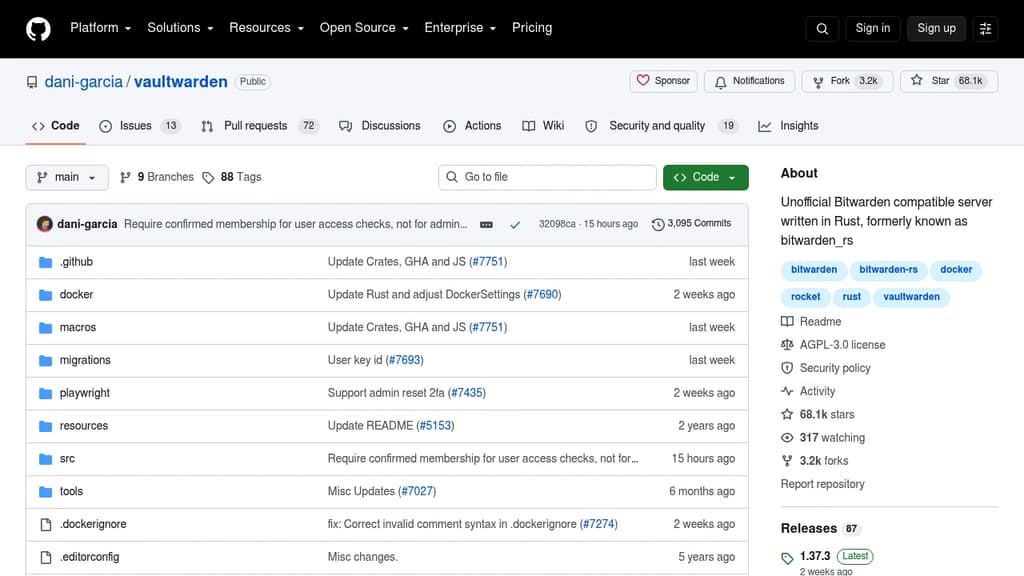
Vaultwarden is an unofficial, community-built server that speaks the Bitwarden client API. It lets you run your own password vault on hardware that would struggle with the official server, including a Raspberry Pi or a small VPS. All the standard Bitwarden apps, browser extensions, and mobile clients connect to it without modification.
The appeal is straightforward: you keep full control of your credentials, attachments, and vault data, and you don't need beefy infrastructure to do it. Written in Rust, it's lightweight by design.
Key capabilities include:
- Full vault management covering logins, secure notes, cards, and identities
- Organizations and collections for sharing credentials across a family or small team
- Two-factor authentication with multiple methods including TOTP, email, and hardware keys
- File attachments and Send (Bitwarden's encrypted file and text sharing feature)
- Admin panel for managing users, invitations, and server configuration
- Emergency access so trusted contacts can request vault access if needed
- Event logs for tracking activity within organizations
It ships as a container image for Docker and Podman, making deployment straightforward on any machine that supports containers. A built-in web vault is bundled, so you get a browser-based interface without needing to set anything else up. Running it behind a reverse proxy with HTTPS is the recommended setup, since the web vault requires a secure context for features like the clipboard API.
Vaultwarden is aimed at individuals, families, and small organizations who want the Bitwarden experience without relying on the cloud service. It's not affiliated with Bitwarden, Inc., though one maintainer is a Bitwarden employee contributing independently. Bugs and issues should go to the Vaultwarden project directly, not Bitwarden's official support.
KeePassXC is an open-source password manager that securely stores and manages sensitive information across Windows, macOS, and Linux.
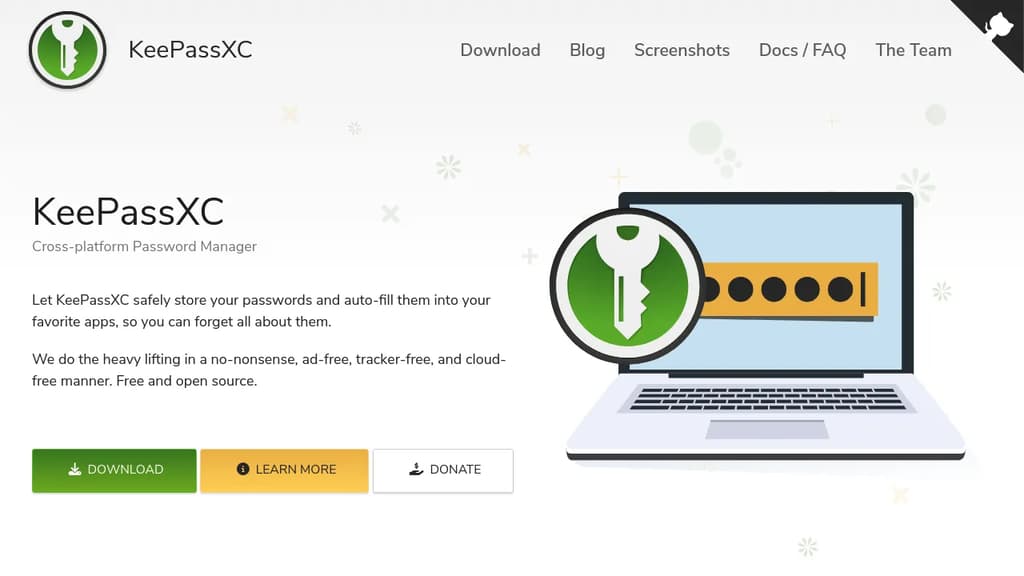
KeePassXC is a modern, secure, and open-source password manager designed for users with high demands for personal data security. It offers a robust solution for storing and managing sensitive information like usernames, passwords, URLs, attachments, and notes.
Key features:
- Secure encryption: All data remains encrypted at all times, with no cloud storage or remote servers involved
- Cross-platform compatibility: Thoroughly tested and optimized for Windows, macOS, and Linux
- Open-source: Fully transparent codebase available on GitHub under the GPLv3 license
- Offline storage: Encrypted database file can be stored locally or in any cloud solution of your choice
- No ads or subscriptions: Completely free to use without any hidden costs
- Browser integration: Auto-fill passwords in your favorite web browsers
- Passkeys support: Store and use modern authentication alternatives to passwords
KeePassXC stands out for its commitment to user privacy and data control. It offers a comprehensive solution for password management without relying on cloud services, advertisements, or tracking mechanisms. The software is actively maintained by a dedicated team, with regular updates introducing new features and security enhancements.
Getting started with KeePassXC is straightforward. Users can download the application from the official website, with installation guides available for different operating systems. The project provides extensive documentation, including a Getting Started Guide and a detailed User Guide, to help users make the most of the software's features.
For developers and security enthusiasts, KeePassXC's open-source nature invites code inspection, contributions, and community involvement, fostering a transparent and collaborative approach to password management.

Open source password manager focused on security, collaboration and privacy for organizations
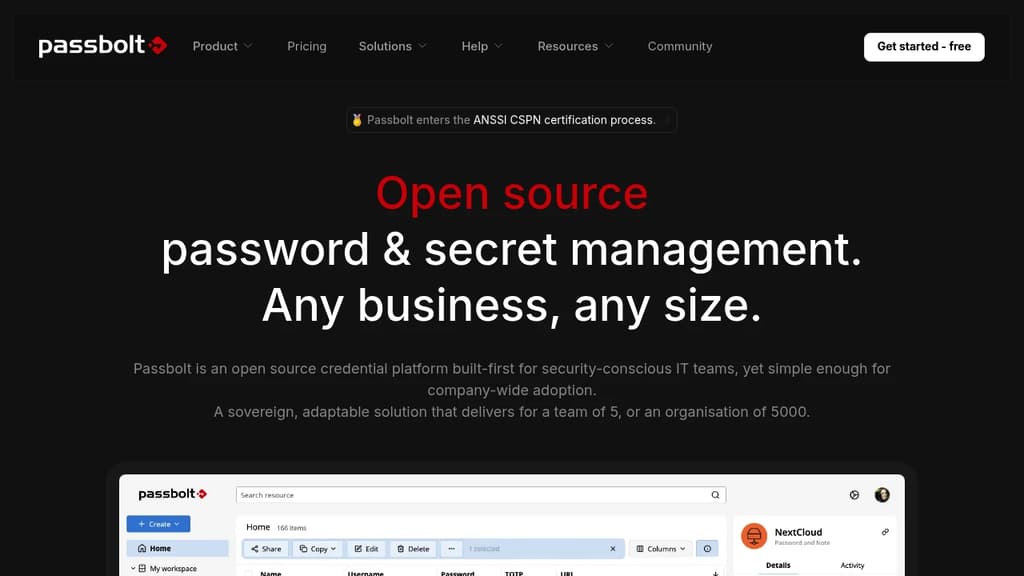
Passbolt 4.9 brings significant improvements to performance and search efficiency:
- Enhanced search functionality for faster and more accurate results when looking up passwords and other sensitive data
- Optimized database queries and caching to improve overall system responsiveness, especially for large organizations with many users and credentials
- Improved indexing to speed up searches across large password repositories
- New filtering options to quickly narrow down search results
- Performance enhancements to the browser extension for smoother user experience
Key benefits:
- Faster access to needed credentials, improving productivity
- Reduced system load and resource usage
- Better scalability for growing organizations
- Improved user experience with snappier performance
Passbolt continues to focus on being a security-first, open source password manager built for team collaboration. It offers:
- End-to-end encryption and user-owned encryption keys
- Self-hosting option for full control over data
- Granular sharing and access controls
- Audit logs and advanced security features
- Browser extensions and mobile apps for easy access
- API and CLI for developer workflows and automation
- 100% open source code for transparency and auditability
As an EU-based company, Passbolt also emphasizes privacy compliance and data protection.

Open-source password manager with end-to-end encryption for passwords, credit cards, notes, and documents. Cross-platform sync with secure sharing capabilities.
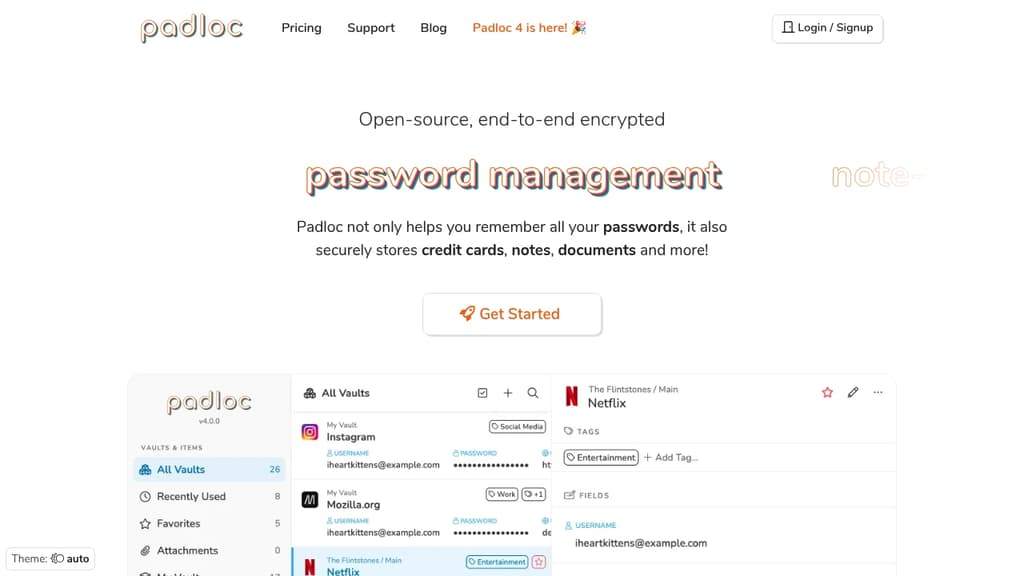
Padloc is a comprehensive security solution that goes beyond traditional password management. This open-source platform provides end-to-end encryption for all your sensitive data, ensuring complete privacy and security.
Key Features:
- Multi-format storage - Securely store passwords, credit cards, notes, documents, and license keys
- Cross-platform compatibility - Available on Windows, MacOS, iOS, Android, and major browsers
- Cloud synchronization - Access your encrypted data anywhere, anytime
- Secure sharing - Share sensitive information with family, friends, or colleagues safely
- Open-source transparency - Fully auditable code developed under open-source license
Security & Trust: Padloc has been independently audited by three different security expert groups, providing additional assurance of its reliability. The end-to-end encryption means that even Padloc cannot access your data - only you hold the keys.
Perfect for personal use, families, teams, and businesses looking for a trustworthy solution to manage and share sensitive information securely across all devices.

Collaborative password manager with folder-level access control, AES-256-GCM encryption, governance tools, and Linux password rotation, runs on your own servers.
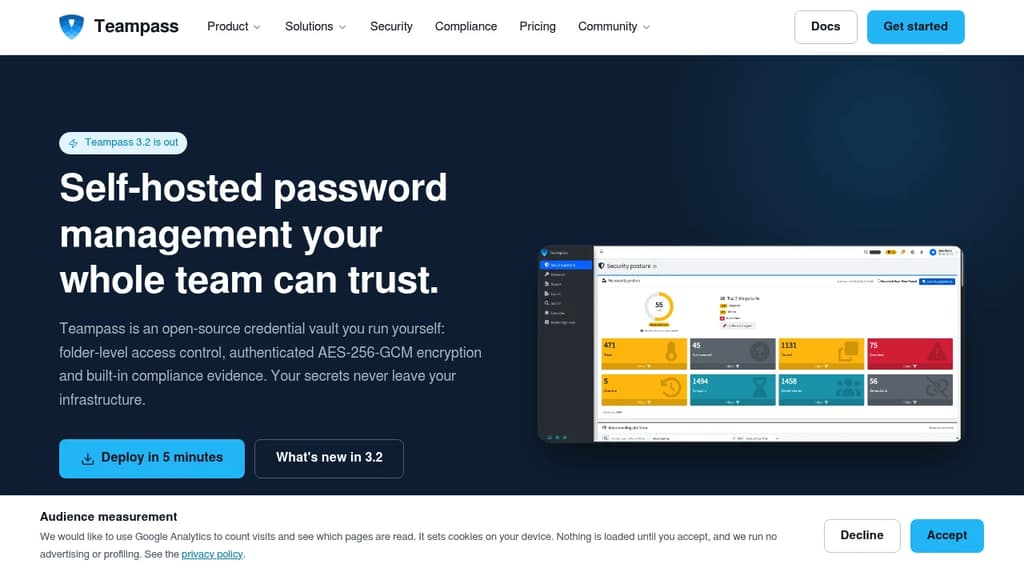
Teampass is a self-hosted password manager for teams, built for organizations that can't afford to hand their credentials to a third-party cloud. It's been maintained since 2009, runs on Docker or bare metal, and every security and governance feature ships in the free, GPL-3.0 server.
The access model centers on a folder tree. Roles carry preset rights, per-user overrides are available, and the same rules apply in the web interface and through the API. Personal folders are decryptable only by their owner and a designated recovery account.
Encryption is authenticated AES-256-GCM with random IVs, per-secret salts, 256-bit object keys, PBKDF2 at 600,000 iterations, and HKDF-SHA256 key derivation. Tampering is detected rather than silently decrypted. Existing vaults migrate lazily on first read, with no maintenance window required.
Key capabilities include:
- Security Posture Dashboard scores every user out of 100 and surfaces weak, reused, breached, and overdue credentials, with optional Have I Been Pwned checks
- Linux password rotation (LAPR) changes local account passwords over SSH, agentless, recording only passwords the target machine has already accepted
- Governance tools cover access recertification campaigns, rotation policy tracking, leaver risk detection, four-level data classification, and CSV evidence export for auditors
- Secure Send shares a credential outside the vault under an expiry, a view limit, and an optional passphrase
- Identity integration supports LDAP and Active Directory with nested groups, OAuth2 SSO, and configurable TOTP
- Migration imports from Bitwarden, KeePassXC, LastPass, 1Password, and CSV; exports to KeePass 2.x XML
- REST API with Bash and PowerShell clients for scripted credential delivery into pipelines
Teampass has been validated against GDPR, ISO 27001, and ISO 9001 requirements by real organizations. It's a practical fit for IT teams managing thousands of accounts, small charities that need internal control without cloud exposure, and regulated businesses that need audit evidence on demand.
The server is free with no seat limits. A paid browser extension (from €49/year) adds autofill, password capture, and domain matching across Chrome, Firefox, and Edge. Unlike tools such as Passbolt, there's no feature-gated enterprise edition, everything in the server is available to everyone running it.

Open-source password manager with peer-to-peer syncing, local storage, and end-to-end encryption. No cloud servers, complete privacy control across devices.
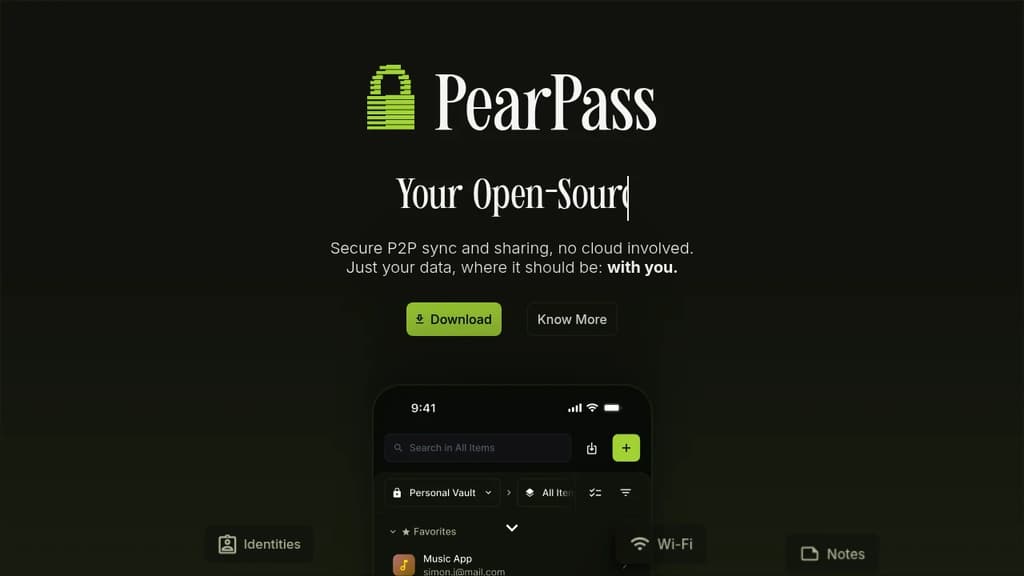
Complete control over your passwords with zero cloud dependency. PearPass is an open-source password manager that stores credentials exclusively on your devices, eliminating server vulnerabilities and maximizing privacy.
Key benefits include:
- Local-first storage - Your passwords never leave your control or touch external servers
- Peer-to-peer syncing - Seamlessly sync across devices without compromising privacy
- Robust encryption - End-to-end encryption using Libsodium cryptographic primitives
- Security audited - Independently reviewed by Secfault Security for cryptographic integrity
- Built-in password generator - Create complex, secure passwords instantly
- Lightweight design - Easy installation and intuitive interface for effortless password management
Perfect for privacy-conscious users who want enterprise-grade security without surrendering data control. The open-source architecture ensures transparency and customization while maintaining the highest security standards through proven cryptographic methods.

Team-focused password manager with client-side encryption, SAML, LDAP, audit logs, and compliance policies. Self-host on your own servers or use as SaaS.
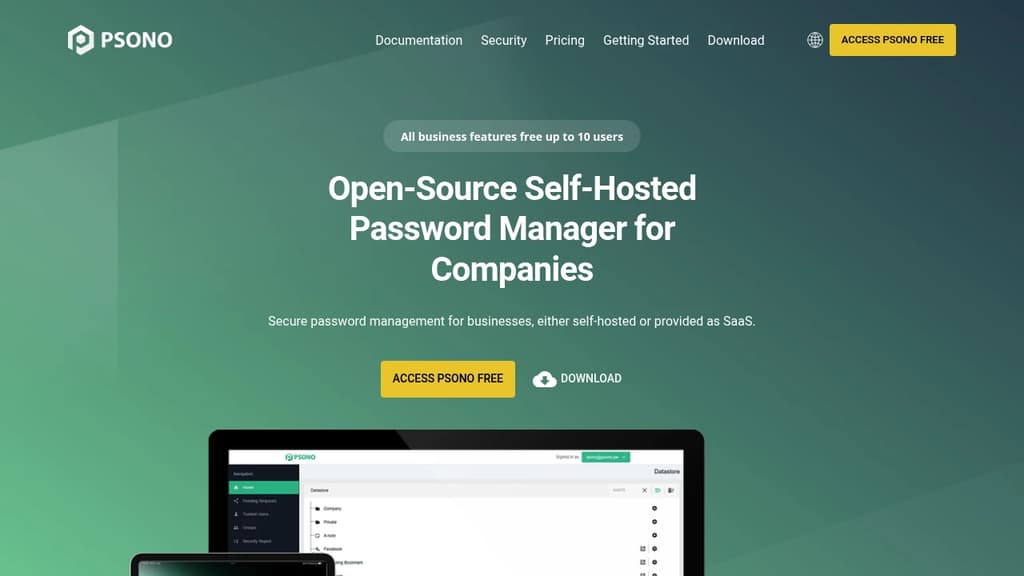
Psono is a self-hosted password manager built specifically for organizations that need control over where their credentials live. Instead of trusting a third-party cloud vault, you run the server yourself, keeping encrypted data behind your own firewalls. It's also available as a managed SaaS option if you'd rather skip the infrastructure work.
Vault data is encrypted on the client before it ever reaches the server. That means even if someone gains access to the server, they get ciphertext, not credentials. Encryption happens at multiple layers: client-side, in transit, and at rest.
Key capabilities include:
- SAML and LDAP integration for connecting to existing identity providers and directory services
- Audit logs so you can track who accessed or changed what
- Compliance policies to enforce password rules across your organization
- Encrypted sharing lets teams share credentials without exposing plaintext
- Cross-platform access across Windows, macOS, Linux, iOS, and Android, with browser extensions for Chrome, Firefox, and Edge
- Admin client for centralized management of users, groups, and permissions
All business features are free for teams up to 10 users, which makes it practical for small organizations to evaluate it fully before committing. Larger teams can self-host without per-seat licensing pressure, or contact the team for supported SaaS plans with SLAs.
Compared to tools like Bitwarden or Passbolt, Psono leans heavily into enterprise compliance and directory integration out of the box. The fully auditable codebase means your security team can verify the encryption implementation rather than taking it on trust, which matters in regulated industries.
The source code is publicly available, and the architecture is designed so security doesn't depend on obscurity.

People are looking for alternatives to...
View all alternatives
Spotify

Claude Code

Claude

CapCut

Notion

Lovable
 c15t – Open-source cookie banner, built for control and lightening fast modern web apps.

 Openlane