Open Source Zo Computer Alternatives
A curated collection of the 7 best open source alternatives to Zo Computer.
The best open source alternative to Zo Computer is OpenClaw. If that doesn't suit you, we've compiled a ranked list of other open source Zo Computer alternatives to help you find a suitable replacement. Other interesting open source alternatives to Zo Computer are: Hermes Agent, nanobot, NanoClaw, and ZeroClaw.
Zo Computer alternatives are mainly AI Personal Assistants but may also be AI Agent Platforms. Browse these if you want a narrower list of alternatives or looking for a specific functionality of Zo Computer.

Written by Piotr Kulpinski


A personal AI assistant that connects to your existing chat apps and handles real tasks like email, calendar, and flight check-ins on your behalf.
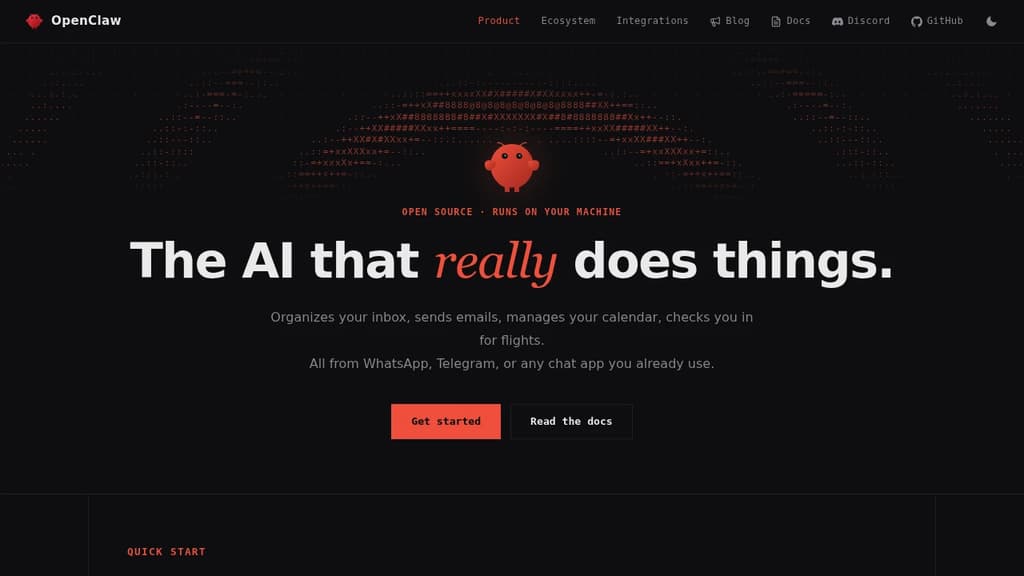
OpenClaw is a personal AI assistant built to take action. It doesn't just answer questions. It clears your inbox, sends emails, manages your calendar, and handles tasks like flight check-ins, all triggered through chat apps you already use every day.
The core idea is that you shouldn't need a new app to talk to your assistant. OpenClaw works through WhatsApp, Telegram, Discord, Slack, Signal, and iMessage, so you interact with it wherever you already spend time. No dashboard to open, no new habit to build.
It connects to a wide range of services out of the box:
- Email and calendar via Gmail and similar tools, handling real actions, not just summaries
- AI models including Claude and GPT, so you can route requests through your preferred backend
- Productivity tools like Obsidian and GitHub for note-taking and code workflows
- Smart home and media through Philips Hue and Spotify
- Social and browser via Twitter and direct browser control
What sets it apart from most chat-based AI tools is the action layer. Many assistants can tell you what to do. OpenClaw does it. The integrations aren't read-only; it can send, create, update, and automate across connected services.
The project is open source and self-hostable, which matters if you're handing an assistant access to your email and calendar. You control where it runs and what it can reach. A companion menubar app is available for macOS users who want quick access without switching windows.
It's an independent project, not affiliated with Anthropic or any of the AI providers it connects to. That independence shows in the breadth of integrations rather than a walled ecosystem.

Cross-platform desktop agent from Nous Research that connects to Telegram, Discord, Slack, WhatsApp, and more, with persistent memory, scheduling, and isolated sandboxing.
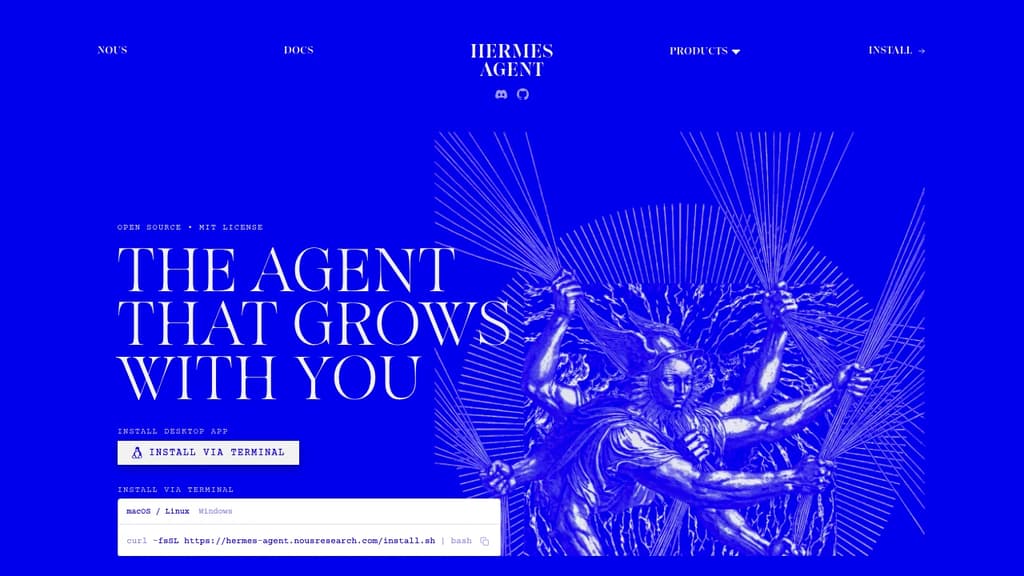
Hermes Agent is a desktop AI agent built by Nous Research that runs natively on macOS, Windows, and Linux. It's designed for people who want a single agent that works across their communication tools, handles recurring tasks, and actually remembers what it's done before.
The core idea is persistence. Most agents start fresh every session. Hermes maintains memory across conversations, auto-generates skills from past interactions, and builds up context about your projects over time. You don't have to re-explain things.
Where it connects:
- Telegram, Discord, Slack, WhatsApp, Signal, and email are all supported natively, so the agent meets you where you already work
- A CLI interface is also available for terminal-first workflows
What it can do:
- Natural-language scheduling for reports, backups, and briefings that run unattended
- Web search and browser automation with vision, image generation, and text-to-speech
- Subagents that run in isolated conversations with their own terminals and Python RPC scripts, useful for parallel pipelines without ballooning context costs
- Multi-model reasoning with access to 300+ models through the Nous Portal
Sandboxing is a genuine differentiator. Five execution backends (local, Docker, SSH, Singularity, and Modal) give you control over where code actually runs, with container hardening and namespace isolation. That matters if you're running automated tasks or untrusted scripts.
For teams or individuals already using LobeChat or similar multi-surface chat interfaces, Hermes takes a different angle: it's less about chat UI and more about an agent that operates autonomously across surfaces. Think of it as closer to an AgentOS approach, where the agent itself is the persistent layer.
It's free to use under the MIT license, with paid tiers through the Nous Portal for higher model access and monthly credits.

Lightweight, self-hosted AI agent that runs in a web UI, terminal, or chat app, handling long-running workflows with controlled token budgets.
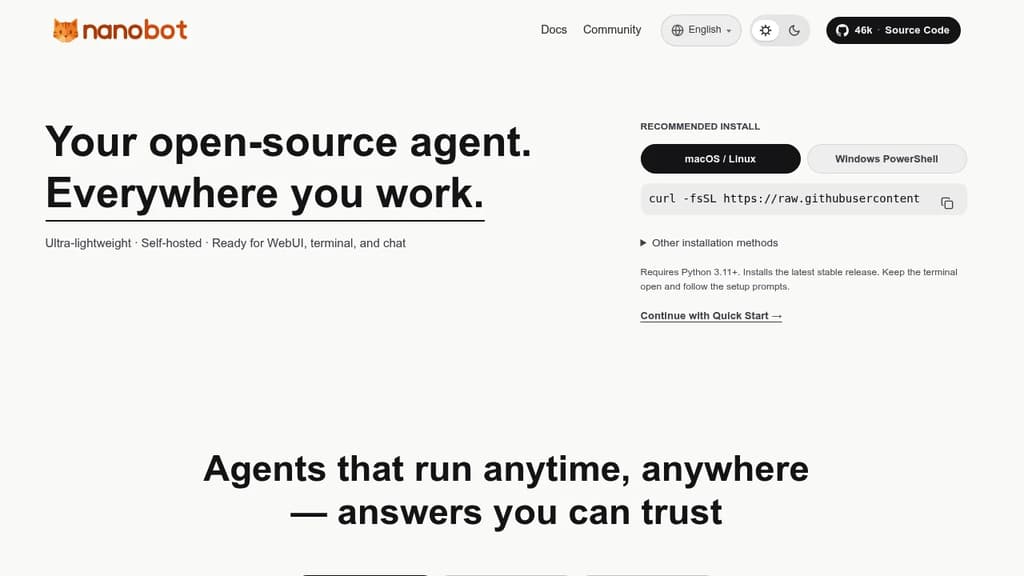
nanobot is a minimal, self-hosted AI agent designed to run wherever you work: a web UI, your terminal, or a chat interface. It's built for people who want a personal AI agent they control, without the overhead of bloated frameworks or cloud-locked platforms.
The core design philosophy is lean execution. Rather than consuming tokens without restraint, nanobot applies sensible context management and explicit token budgets, so your costs stay predictable. That matters especially for long-horizon tasks, where the agent needs to sustain coherent reasoning across tens or even hundreds of steps without losing the thread.
Key capabilities:
- Multi-surface operation: runs in a browser-based web UI, a terminal, or directly inside chat apps, so you're not locked into one interface
- Long-running workflows: maintains steady execution across complex, multi-step tasks without context drift
- Token budgeting: built-in controls keep spending predictable, unlike agents that leave cost management entirely to the user
- Embeddable runtime kernel: the agent core is portable, so you can drop it into a business workflow or a personal automation setup without rewiring everything around it
- Self-hosted: your data stays on your infrastructure; no third-party service holds your conversations or task history
Compared to heavier agent frameworks or fully managed platforms like Agenta, nanobot stays deliberately small. The codebase is compact, the runtime is portable, and the architecture doesn't assume you want a full orchestration platform. It suits developers and technically minded individuals who want an agent they can embed, extend, or just run locally without a lot of ceremony.
It supports automation tasks, developer integrations, and conversational use cases through the same core runtime. The MIT license means you can adapt it freely for personal or commercial use.

Self-hosted AI agent that connects to WhatsApp, Telegram, Slack, and a dozen more messaging apps, running each agent in an isolated Docker container with credential injection via a secure vault.
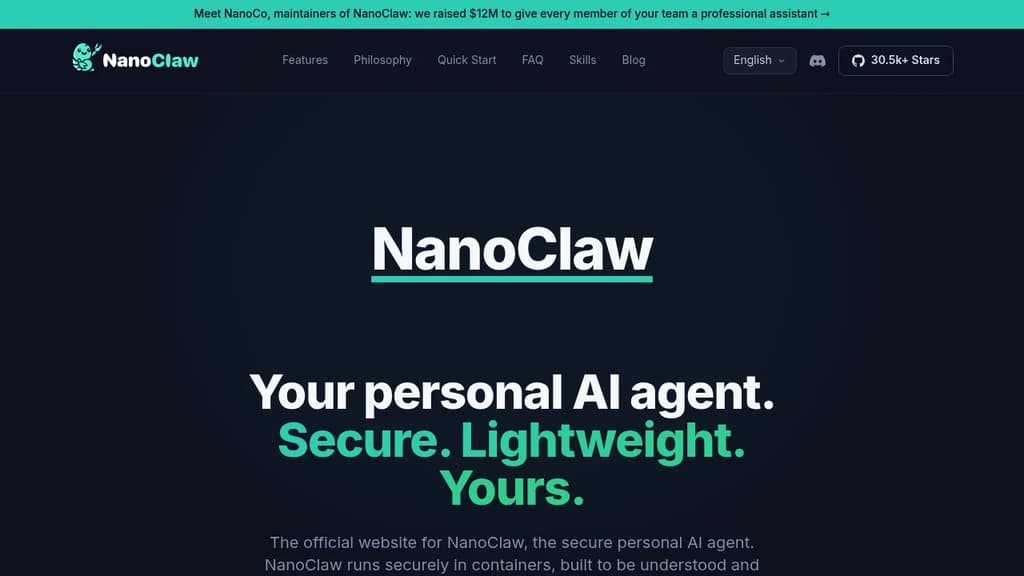
NanoClaw is a self-hosted personal AI agent built for individuals who want full control over their AI assistant. It connects to messaging apps including WhatsApp, Telegram, Discord, Slack, Microsoft Teams, iMessage, Matrix, Google Chat, Webex, WeChat, and email, then routes every conversation through isolated Docker containers. The codebase is intentionally small: 132 source files, roughly 17,500 lines of code, and fewer than 10 dependencies. You can read the whole thing in an afternoon.
It positions itself as a lightweight alternative to OpenClaw, which ships 3,680 source files and 70 dependencies. That size difference isn't cosmetic. It shapes whether you can audit what your agent actually does, customize it without fear, and trust its security model.
Security is structural, not policy-based. Each agent group runs in its own Linux container with its own filesystem. It can only see directories you explicitly mount. Credentials never enter the container at all. Outbound API requests route through OneCLI's Agent Vault, which injects authentication at the proxy level and enforces per-agent rate limits and policies.
Key capabilities:
- Multi-channel messaging – WhatsApp, Telegram, Slack, Discord, Teams, iMessage, Matrix, and more, installed on demand with
/add-<channel>skills - Flexible agent wiring – give each channel its own isolated agent, share one agent across channels for unified memory, or fold channels into a shared session
- Per-agent workspaces – each agent group has its own memory, its own
CLAUDE.md, and its own container boundary - Scheduled tasks – recurring jobs that run Claude and message you back (morning briefings, weekly reviews)
- Multiple AI providers – runs Claude Code natively via the Claude Agent SDK; drop-in options for OpenAI Codex, OpenRouter, Google, DeepSeek, and local models via Ollama
- Skills over features – install only the adapters you need; nothing is bundled that you didn't ask for
The architecture is a single Node.js host process that routes inbound messages through an entity model, writes to SQLite, and wakes per-session containers. No microservices, no message brokers, no shared memory across agent boundaries.
NanoClaw is MIT-licensed and designed to be forked. The philosophy is that your personal AI agent should be working software shaped to your exact needs, not a generic framework you configure around.

A single Rust binary that runs a personal AI agent on your own hardware, connecting to 70+ LLM providers and 30+ messaging channels with built-in sandboxing and cryptographic tool receipts.
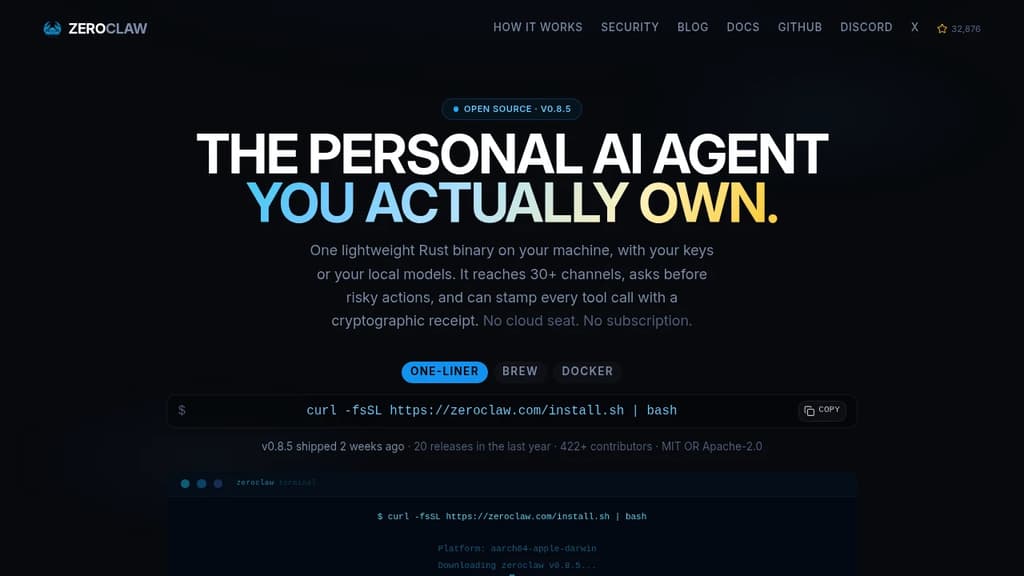
Most AI assistants are a seat you rent on someone else's infrastructure. ZeroClaw runs as a single native binary on your own machine, using your own API keys or fully local models like Ollama. No cloud seat, no subscription, no ZeroClaw server in the middle.
The binary is built in Rust and starts in under 20ms. It uses less memory than a browser tab and runs on everything from a workstation to a Raspberry Pi, including ARM and x86. There's no Node, JVM, or Python environment to install.
What it connects to:
- 70+ LLM providers: local options like LM Studio, llama.cpp, vLLM, and LocalAI, plus hosted providers including Anthropic, OpenAI, Google Gemini, Amazon Bedrock, Mistral, Groq, and any OpenAI-compatible endpoint
- 30+ channels: Telegram, Discord, WhatsApp, Slack, Signal, iMessage, Matrix, email, IRC, Bluesky, Reddit, Nostr, Notion, webhooks, and more
- Hardware: GPIO on Raspberry Pi, STM32, Arduino, and ESP32
Security is the default posture, not an add-on.
- Supervised autonomy: medium-risk actions require your approval before they run; high-risk ones are blocked outright
- OS-level sandboxes: Landlock, Bubblewrap, Seatbelt, or Docker contain what the agent can touch, enforced by the kernel rather than a prompt
- Command allowlists: explicit workspace scoping decides what runs and where
- Tool receipts: every successful tool call can be stamped with an HMAC-SHA256 tag the model cannot forge, making fabricated runs or invented results detectable
YOLO mode exists for trusted dev environments and is strictly opt-in.
The agent supports multiple named agents running from a single daemon, each isolated. Skills package repeatable tasks with their tools. Scheduled jobs, webhook triggers, and channel events all run through the same agent loop inside the same sandbox and allowlists you've scoped. A2A discovery lets agents describe and find one another through the gateway.
With a local model, nothing leaves your machine at all. With a hosted provider, only your prompts go to the provider you chose, using your own key. Dual-licensed MIT OR Apache-2.0.

Autonomous AI agent framework that operates on its own sandboxed computer, creates tools dynamically, manages memory, and executes multi-step workflows with full transparency.
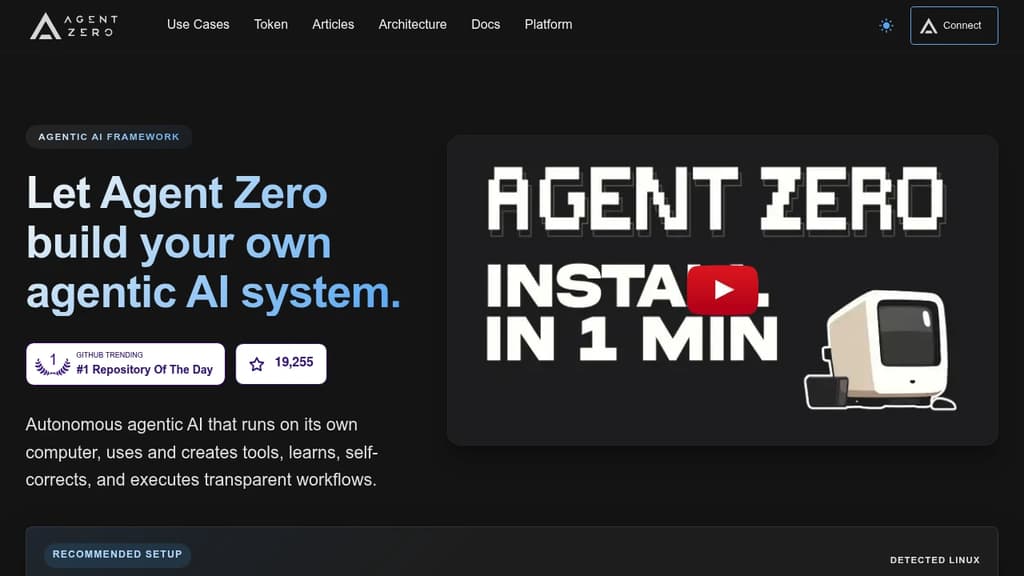
Agent Zero is an agentic AI framework built for people who want autonomous AI that actually does work, not just answers questions. It runs inside a sandboxed Docker environment with its own terminal, file system, and browser, so agents can execute real tasks end-to-end without touching your local machine unless you explicitly connect them.
The core idea is that agents shouldn't need pre-built tools for every situation. Agent Zero creates tools on the fly as tasks demand them, learns from past runs, and self-corrects when something goes wrong. Workflows are fully transparent: you can see what the agent is doing, why, and what it's executing at every step.
Key capabilities:
- Multi-provider support: Connect any LLM provider without exposing API keys to the agent itself.
- Dynamic tool creation: Agents write and reuse tools as needed rather than relying on a fixed library.
- Agentic memory and RAG: Persistent knowledge management lets agents recall context across sessions and build on prior work.
- Subordinate agents: Spawn specialized sub-agents to handle parallel or delegated tasks within a single workflow.
- Plugin Hub: Browse, install, and update community plugins directly from the UI, with built-in AI-driven security scanning before deployment.
- A0 CLI Connector: Bridge the sandboxed agent to your local terminal and project files when you need it.
- Context engineering: Prompt structure is tuned to stay efficient on local models and scale to larger ones without bloat.
Agent Zero suits developers and power users who want a self-hostable AI personal assistant they can extend, audit, and fully control. Unlike closed systems such as ChatGPT or Manus, every layer is inspectable and modifiable.
The project also has a community governance layer backed by the A0T token on Ethereum BASE L2, letting token holders vote on feature priorities and development allocation. Venice AI integration gives community members access to private AI API keys at no cost.

Runs AI agents inside Trusted Execution Environments on NEAR AI Cloud, keeping credentials encrypted and invisible to the model at all times.
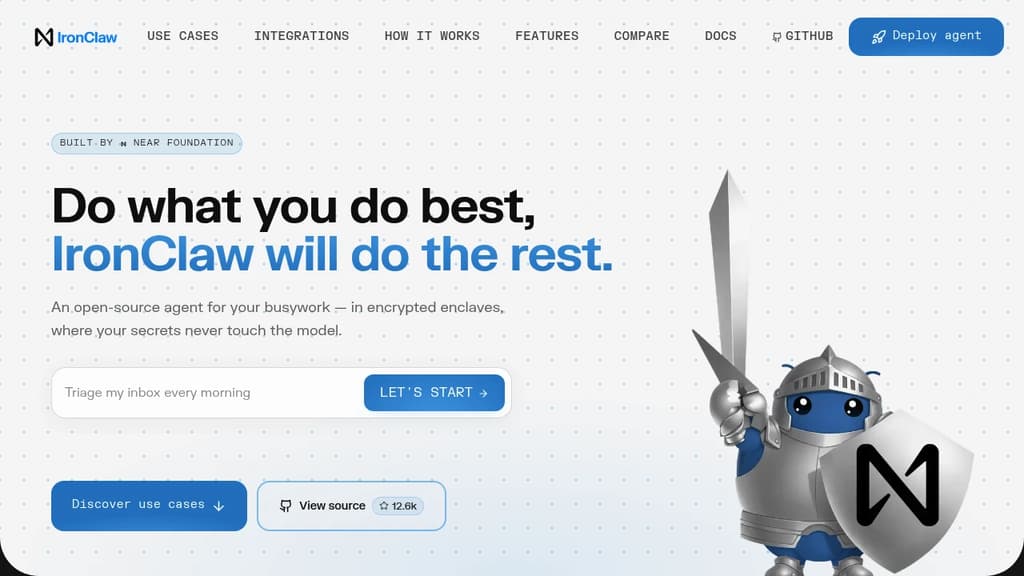
IronClaw is a secure AI agent runtime built for people who want to hand off real work to an AI agent without handing over their passwords, API keys, and tokens along with it. It runs on NEAR AI Cloud inside Trusted Execution Environments, meaning credentials are encrypted in memory from boot to shutdown. The AI model never sees the raw values.
The core problem it solves is real. Tools like OpenClaw give agents broad system access, but that access cuts both ways. A crafted prompt can trick the model into leaking every secret it holds. Malicious community skills have been found specifically designed to exfiltrate credentials. IronClaw's answer isn't a policy or a warning prompt; it's architecture.
Key security layers:
- Encrypted vault: Credentials are stored encrypted at rest and injected into outbound requests only at the host boundary, only for endpoints you've pre-approved.
- Per-tool Wasm sandboxes: Every skill runs in its own WebAssembly container with capability-based permissions. A compromised tool can't reach anything outside its sandbox.
- Network allowlisting: Tools can only contact endpoints you've explicitly approved. No silent phone-home, no unknown destinations.
- Real-time leak detection: Outbound traffic is scanned continuously. Anything resembling a secret heading out gets blocked before it leaves.
- Built in Rust: Memory safety is enforced at compile time. No garbage collector, no buffer overflows, no use-after-free vulnerabilities.
On the practical side, IronClaw handles the kind of recurring busywork that eats time. Inbox triage, daily briefings, meeting prep, deployment health checks, release tracking, invoice parsing, KPI reporting. It connects to Gmail, Google Calendar, Slack, Telegram, GitHub, Linear, Google Sheets, and anything else with an API. Missing an integration? It builds the connector itself from a plain-language description.
It's model-agnostic, compatible with Anthropic, OpenAI, Gemini, Mistral, Ollama, and several others. Deployment is one click on NEAR AI Cloud, with a free starter tier and paid plans scaling up to five concurrent agent instances.

People are looking for alternatives to...
View all alternatives
Claude Code

Spotify

CapCut

Claude

Notion

Lovable
 Sent – A unified API for sending messages across SMS, RCS, and apps like WhatsApp.

 Sent
Sent