Open Source Viktor Alternatives
A curated collection of the 5 best open source alternatives to Viktor.
The best open source alternative to Viktor is OpenClaw. If that doesn't suit you, we've compiled a ranked list of other open source Viktor alternatives to help you find a suitable replacement. Other interesting open source alternatives to Viktor are: LobeHub, NanoClaw, ZeroClaw, and Pearl.
Viktor alternatives are mainly AI Personal Assistants but may also be AI Agent Platforms. Browse these if you want a narrower list of alternatives or looking for a specific functionality of Viktor.

Written by Piotr Kulpinski


A personal AI assistant that connects to your existing chat apps and handles real tasks like email, calendar, and flight check-ins on your behalf.
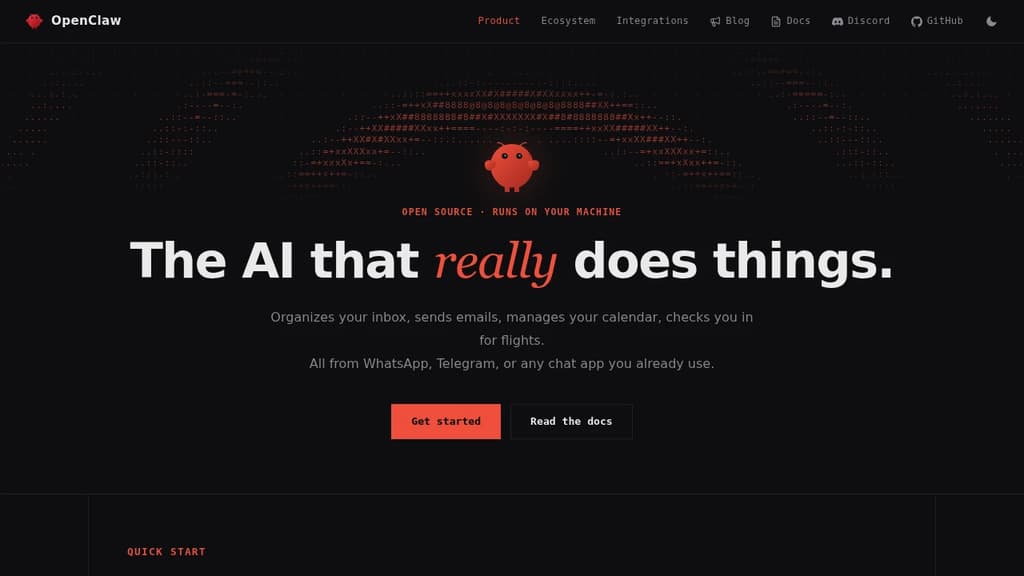
OpenClaw is a personal AI assistant built to take action. It doesn't just answer questions. It clears your inbox, sends emails, manages your calendar, and handles tasks like flight check-ins, all triggered through chat apps you already use every day.
The core idea is that you shouldn't need a new app to talk to your assistant. OpenClaw works through WhatsApp, Telegram, Discord, Slack, Signal, and iMessage, so you interact with it wherever you already spend time. No dashboard to open, no new habit to build.
It connects to a wide range of services out of the box:
- Email and calendar via Gmail and similar tools, handling real actions, not just summaries
- AI models including Claude and GPT, so you can route requests through your preferred backend
- Productivity tools like Obsidian and GitHub for note-taking and code workflows
- Smart home and media through Philips Hue and Spotify
- Social and browser via Twitter and direct browser control
What sets it apart from most chat-based AI tools is the action layer. Many assistants can tell you what to do. OpenClaw does it. The integrations aren't read-only; it can send, create, update, and automate across connected services.
The project is open source and self-hostable, which matters if you're handing an assistant access to your email and calendar. You control where it runs and what it can reach. A companion menubar app is available for macOS users who want quick access without switching windows.
It's an independent project, not affiliated with Anthropic or any of the AI providers it connects to. That independence shows in the breadth of integrations rather than a walled ecosystem.

Add AI agents to Slack, Discord or Telegram that pick up requests, hand coding to Claude Code or Codex, report back in thread, and learn from your corrections.
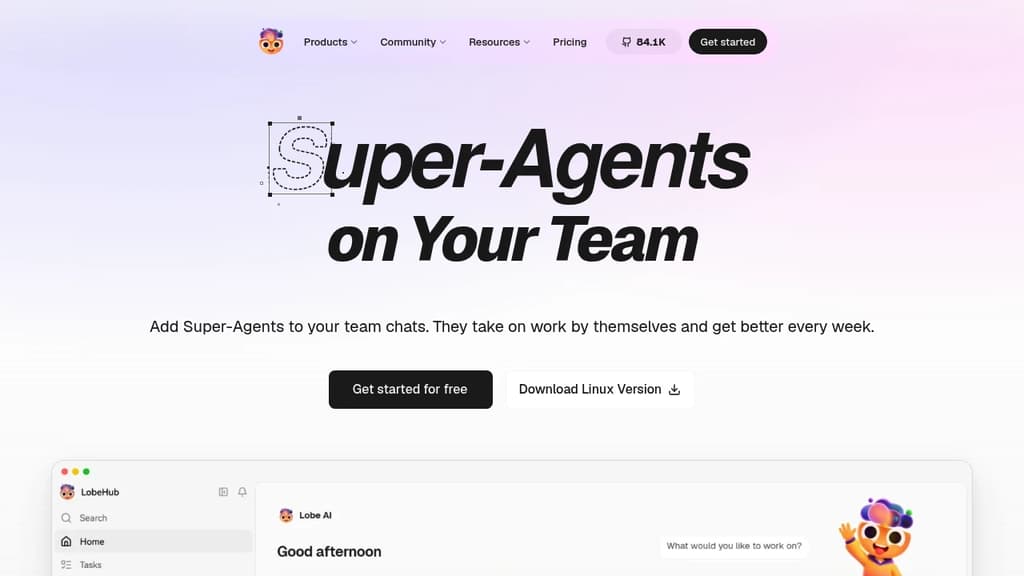
LobeHub is a collaborative agent platform where AI agents join your team chats and take on work. You add an agent to Slack, Discord or Telegram, and it reads the channel history, docs and code before it does anything. It's built for teams that want routine requests handled without someone assigning every task.
The agent can act on its own. With the "speak up on its own" setting on, it spots a feature request that several people have +1'd, creates a task, and starts work without being tagged.
- Coding handoff: it passes the build to Claude Code or Codex and tracks the task
- Acceptance checks: each delivery comes with screenshots or recordings, and you can send back any check that's off
- Pull requests: the PR merges only after you accept
- Thread replies: it tells the people who asked once the work is live
- Permissions: you decide what it can do, for example opening PRs freely while deploys need your OK
- Daily brief: a home page lists what finished, what's running, and what needs your decision
The agent also learns. A Self-evolving page shows each area it practices, the lessons you've taught it, and how often it gets things right. Mistakes become lessons, and a rule it keeps breaking is flagged so you can teach it again.
You can start with one agent and add more later, such as separate agents for design, releases and docs. Each teammate can have their own too. Agents remember team preferences, like sending pricing copy to a specific person for sign-off.

Self-hosted AI agent that connects to WhatsApp, Telegram, Slack, and a dozen more messaging apps, running each agent in an isolated Docker container with credential injection via a secure vault.
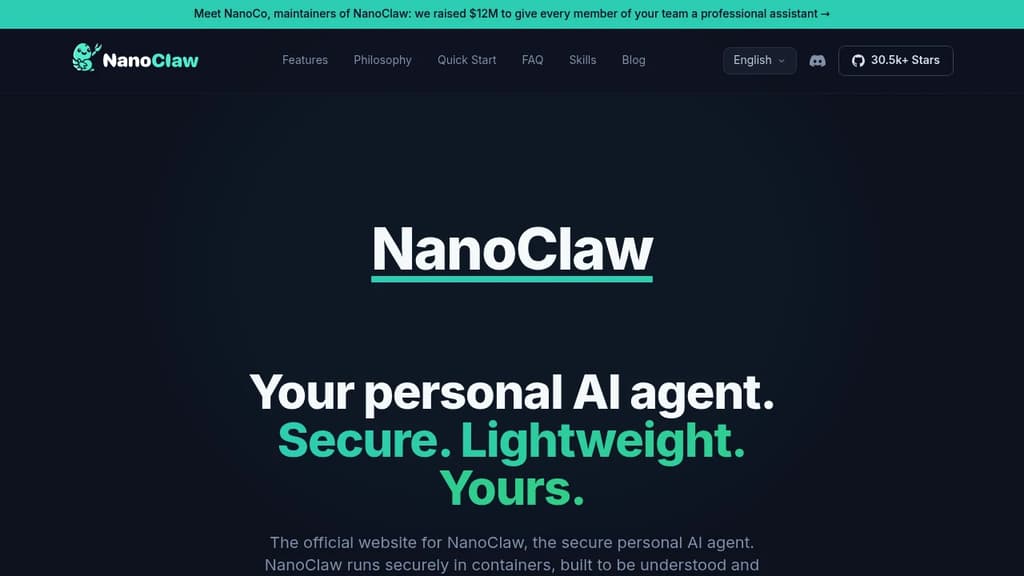
NanoClaw is a self-hosted personal AI agent built for individuals who want full control over their AI assistant. It connects to messaging apps including WhatsApp, Telegram, Discord, Slack, Microsoft Teams, iMessage, Matrix, Google Chat, Webex, WeChat, and email, then routes every conversation through isolated Docker containers. The codebase is intentionally small: 132 source files, roughly 17,500 lines of code, and fewer than 10 dependencies. You can read the whole thing in an afternoon.
It positions itself as a lightweight alternative to OpenClaw, which ships 3,680 source files and 70 dependencies. That size difference isn't cosmetic. It shapes whether you can audit what your agent actually does, customize it without fear, and trust its security model.
Security is structural, not policy-based. Each agent group runs in its own Linux container with its own filesystem. It can only see directories you explicitly mount. Credentials never enter the container at all. Outbound API requests route through OneCLI's Agent Vault, which injects authentication at the proxy level and enforces per-agent rate limits and policies.
Key capabilities:
- Multi-channel messaging – WhatsApp, Telegram, Slack, Discord, Teams, iMessage, Matrix, and more, installed on demand with
/add-<channel>skills - Flexible agent wiring – give each channel its own isolated agent, share one agent across channels for unified memory, or fold channels into a shared session
- Per-agent workspaces – each agent group has its own memory, its own
CLAUDE.md, and its own container boundary - Scheduled tasks – recurring jobs that run Claude and message you back (morning briefings, weekly reviews)
- Multiple AI providers – runs Claude Code natively via the Claude Agent SDK; drop-in options for OpenAI Codex, OpenRouter, Google, DeepSeek, and local models via Ollama
- Skills over features – install only the adapters you need; nothing is bundled that you didn't ask for
The architecture is a single Node.js host process that routes inbound messages through an entity model, writes to SQLite, and wakes per-session containers. No microservices, no message brokers, no shared memory across agent boundaries.
NanoClaw is MIT-licensed and designed to be forked. The philosophy is that your personal AI agent should be working software shaped to your exact needs, not a generic framework you configure around.

A single Rust binary that runs a personal AI agent on your own hardware, connecting to 70+ LLM providers and 30+ messaging channels with built-in sandboxing and cryptographic tool receipts.
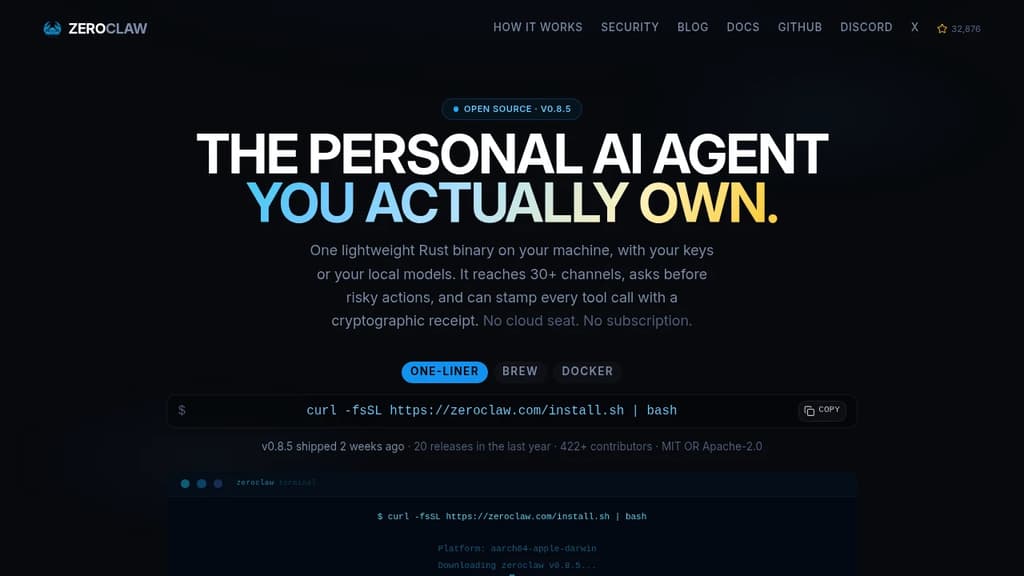
Most AI assistants are a seat you rent on someone else's infrastructure. ZeroClaw runs as a single native binary on your own machine, using your own API keys or fully local models like Ollama. No cloud seat, no subscription, no ZeroClaw server in the middle.
The binary is built in Rust and starts in under 20ms. It uses less memory than a browser tab and runs on everything from a workstation to a Raspberry Pi, including ARM and x86. There's no Node, JVM, or Python environment to install.
What it connects to:
- 70+ LLM providers: local options like LM Studio, llama.cpp, vLLM, and LocalAI, plus hosted providers including Anthropic, OpenAI, Google Gemini, Amazon Bedrock, Mistral, Groq, and any OpenAI-compatible endpoint
- 30+ channels: Telegram, Discord, WhatsApp, Slack, Signal, iMessage, Matrix, email, IRC, Bluesky, Reddit, Nostr, Notion, webhooks, and more
- Hardware: GPIO on Raspberry Pi, STM32, Arduino, and ESP32
Security is the default posture, not an add-on.
- Supervised autonomy: medium-risk actions require your approval before they run; high-risk ones are blocked outright
- OS-level sandboxes: Landlock, Bubblewrap, Seatbelt, or Docker contain what the agent can touch, enforced by the kernel rather than a prompt
- Command allowlists: explicit workspace scoping decides what runs and where
- Tool receipts: every successful tool call can be stamped with an HMAC-SHA256 tag the model cannot forge, making fabricated runs or invented results detectable
YOLO mode exists for trusted dev environments and is strictly opt-in.
The agent supports multiple named agents running from a single daemon, each isolated. Skills package repeatable tasks with their tools. Scheduled jobs, webhook triggers, and channel events all run through the same agent loop inside the same sandbox and allowlists you've scoped. A2A discovery lets agents describe and find one another through the gateway.
With a local model, nothing leaves your machine at all. With a hosted provider, only your prompts go to the provider you chose, using your own key. Dual-licensed MIT OR Apache-2.0.

Connect all your apps through Pearl, an AI assistant that automates workflows directly in Slack. No coding required - save 10+ hours weekly with intelligent task automation.
Pearl transforms your Slack into a powerful automation hub that connects your entire tool stack without requiring any coding skills. This AI-powered assistant learns your preferences and handles complex workflows across Gmail, Jira, Notion, GitHub, and 25+ other integrations.
Key benefits include:
- Instant setup in under 1 minute - Deploy Pearl directly to your Slack workspace with zero engineering required
- Intelligent learning capabilities - Pearl remembers your tone, preferences, and shortcuts, becoming smarter with every interaction
- Enterprise-grade security - SOC 2 certified with end-to-end encryption and Tier 2 CASA verification
- Massive time savings - Teams report saving 10-40+ hours weekly on repetitive operational tasks
What makes Pearl different: Unlike basic chatbots, Pearl actually takes action. It creates tickets, sends emails, queries databases, and runs multi-step workflows autonomously. You can promote frequently used tasks into permanent workflows that run 10x faster and cost 90% less than one-time actions.
Perfect for: Operations teams, founders, and business professionals who want to automate standup summaries, report generation, lead enrichment, and other routine tasks without leaving Slack. Trusted by 4,000+ professionals and backed by Y Combinator.

People are looking for alternatives to...
View all alternatives
Claude

Claude Code

CapCut

Notion

Wispr Flow

Grok Bot
 Sent – Messaging Infrastructure for Developers. One API for SMS, WhatsApp, and RCS across 190+ countries.

 Sent