Open Source Valentina Studio Alternatives
A curated collection of the 6 best open source alternatives to Valentina Studio.
The best open source alternative to Valentina Studio is Beekeeper Studio. If that doesn't suit you, we've compiled a ranked list of other open source Valentina Studio alternatives to help you find a suitable replacement. Other interesting open source alternatives to Valentina Studio are: DBeaver, drawDB, Chat2DB, and Tabularis.
Valentina Studio alternatives are mainly Database Tools & GUIs but may also be Data Visualization Tools. Browse these if you want a narrower list of alternatives or looking for a specific functionality of Valentina Studio.

Written by Piotr Kulpinski


SQL GUI client for MySQL, Postgres, SQLite, SQL Server, and more, with a spreadsheet-like data editor, AI shell, SSH tunneling, and team workspaces.
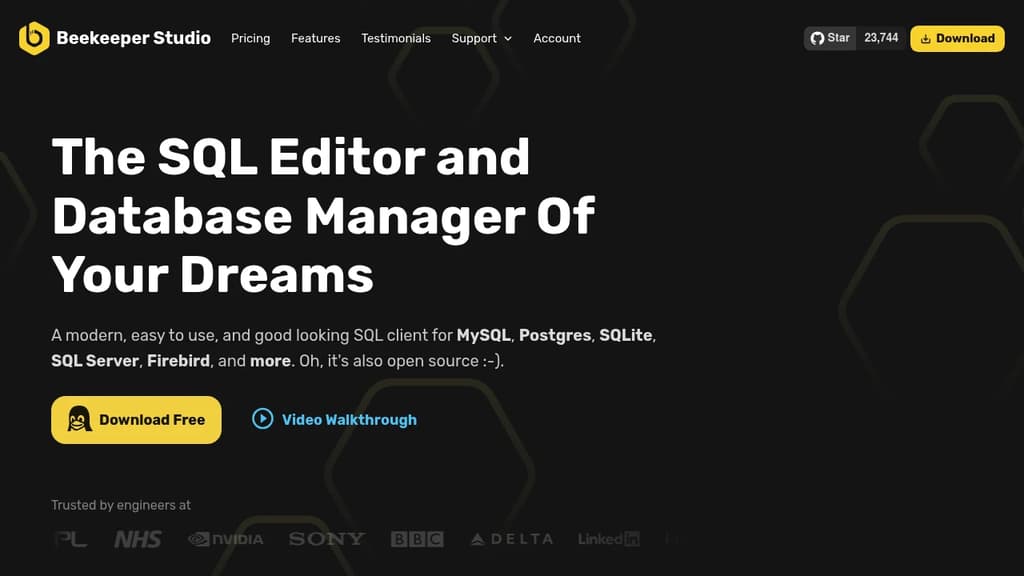
Beekeeper Studio is a SQL editor and database manager built for developers who want something fast, clean, and genuinely pleasant to use. It supports MySQL, Postgres, SQLite, SQL Server, Firebird, and several other databases, with full feature parity across macOS, Windows, and Linux. If you've been frustrated by clunky interfaces in tools like DBeaver or the cost of proprietary options like DataGrip, Beekeeper Studio is worth a look.
The core editing experience is solid. The built-in SQL editor includes syntax highlighting and table-aware autocomplete, and you can open dozens of tabs without the app slowing down. Saved queries and connections can be organized into folders, keeping things tidy as projects grow.
Key capabilities include:
- Spreadsheet-like data editing: Browse and edit table data directly, or modify cells inline in query results with a single click. JSON stored as TEXT gets syntax highlighting and validation.
- AI Shell: Connects your database to an AI model of your choice. It can explore your schema, write and run SQL with your permission, and verify results against real data.
- SSH tunneling and SSL: Connect securely through firewalls without extra tooling.
- Table creator: Build and modify table structures, indexes, and foreign keys through a UI, no SQL required.
- Import and export: Load data from CSV, or export to CSV, JSON, JSONL, and SQL with optional filters.
- Cloud workspaces: Sync connections and saved queries across devices and share them with a team. Onboarding a new teammate takes minutes rather than days, and workspace data is encrypted at rest and in transit.
The team workspace feature is notably rare among TablePlus alternatives. Most competitors treat connections as local-only; Beekeeper lets you share them across a whole team in a shared folder.
Beekeeper Studio works fully offline by default. It collects no ad-tracking data and doesn't phone home on install. A feature-complete community edition is available under an open source license.

Cross-platform database management tool for exploring, editing, and querying SQL databases including MySQL, PostgreSQL, SQLite, MariaDB, and more.
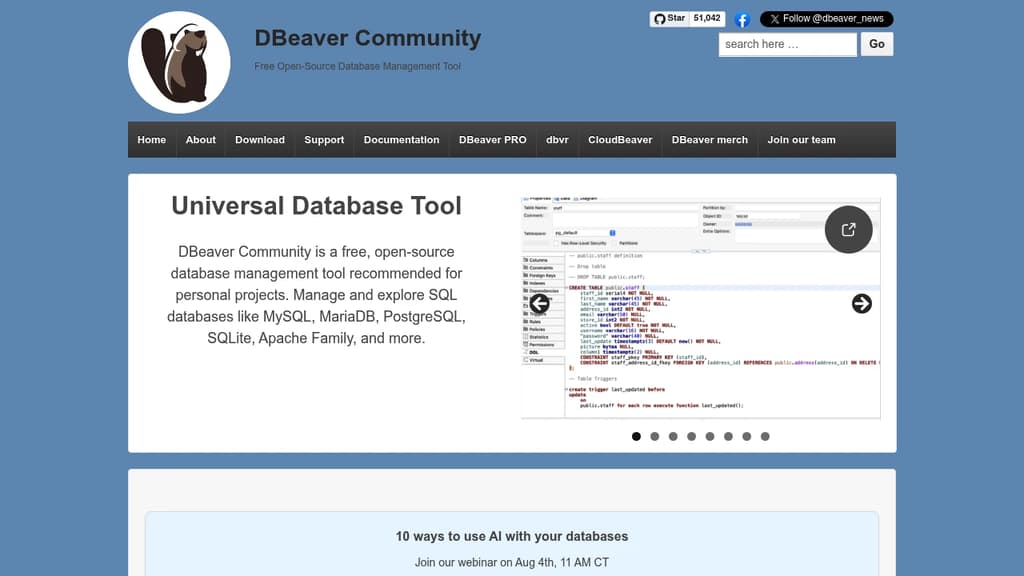
DBeaver Community is a free, open-source database management tool built for developers, analysts, and database administrators who work with relational databases daily. It runs on Windows, macOS, and Linux, and connects to a wide range of SQL databases out of the box.
The Community edition covers the essentials well:
- SQL Editor with autocomplete, syntax highlighting, and dialect-aware suggestions for global variables like
SYSDATEandcurrent_date - Data Editor for browsing and editing table data directly, with filtering, quick search, and support for complex types like JSONB
- Database maintenance tools for routine tasks like schema inspection, object search, and metadata management
- Task management for organizing and running recurring database operations
- Data transfer supporting CSV import/export with multi-character delimiters and XML escaping for structured formats
DBeaver supports MySQL, PostgreSQL, SQL Server, SQLite, MariaDB, and a growing list of community-contributed drivers including Apache Doris, DuckDB, Timeplus, and CUBRID. Each database gets tailored handling rather than a generic JDBC wrapper where possible.
For teams that need more, the commercial PRO edition adds NoSQL support for MongoDB, Cassandra, and Redis, cloud database connections to Redshift and BigQuery, native AWS/GCP/Azure integration, a visual query builder, and an AI assistant for SQL generation. The companion web tool dbvr extends access through a browser with enterprise authentication (SSO, Kerberos, SSL) and secret management via AWS Secrets Manager, Vault, and CyberArk.
Compared to alternatives like Beekeeper Studio or TablePlus, DBeaver's Community edition goes deeper on database-specific features and driver coverage. It's not the most minimal tool available, but for anyone managing multiple database types across different environments, the breadth of support is hard to match without paying for a commercial product.
Security is taken seriously: the project actively patches CVEs and has fixed XML external entity and SQL injection vulnerabilities in recent releases.

Free online database diagram editor with SQL generation. Create ER diagrams, visualize relationships, export scripts, and reverse engineer schemas - no signup required.
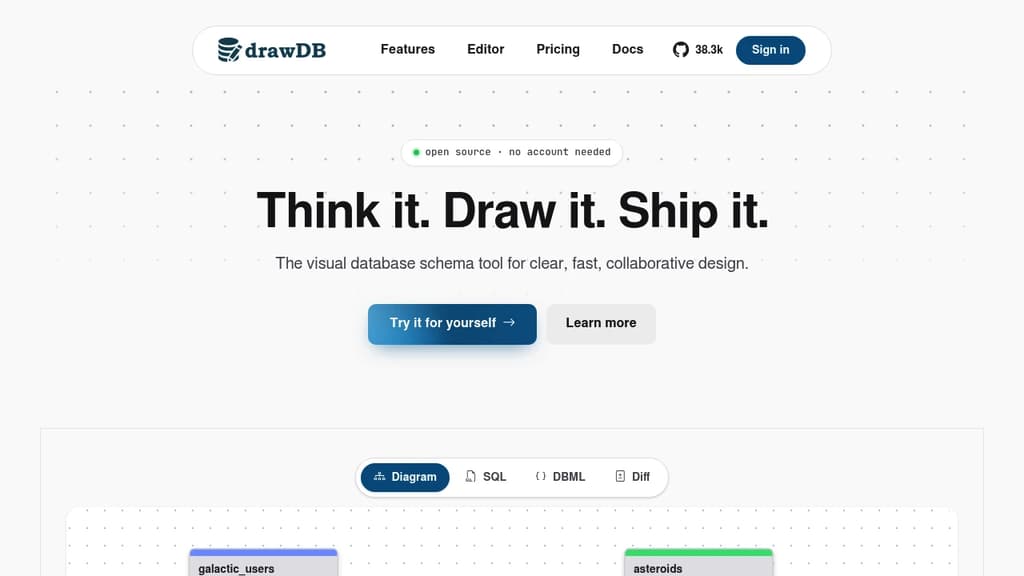
Free and intuitive database design tool that lets you create professional entity-relationship diagrams and generate SQL scripts without any account registration. Perfect for developers, database administrators, and data architects who need quick visualization solutions.
Key features include:
- Visual diagram editor with drag-and-drop functionality for tables, relationships, and constraints
- Multi-database support for MySQL, PostgreSQL, SQLite, MariaDB, and SQL Server
- SQL script generation with DDL export capabilities for immediate database implementation
- Reverse engineering to import existing DDL scripts and automatically generate visual diagrams
- Template library with pre-built structures and custom template saving for recurring projects
Advanced capabilities:
- Issue detection system that identifies diagram errors before script generation
- Presentation mode for team meetings and collaborative discussions
- Customizable workspace with adjustable UI components and keyboard shortcuts
- Object-relational database support with custom types and JSON schema creation
- Task tracking with built-in todo management for project organization
The tool operates entirely in your browser with local storage, ensuring privacy and speed while maintaining full functionality. Export options include SQL scripts, JSON files, and image formats for documentation purposes.

AI-powered SQL client that converts natural language to SQL queries. Supports MySQL, Redis, MongoDB with Text2SQL, BI dashboards, and secure database management.
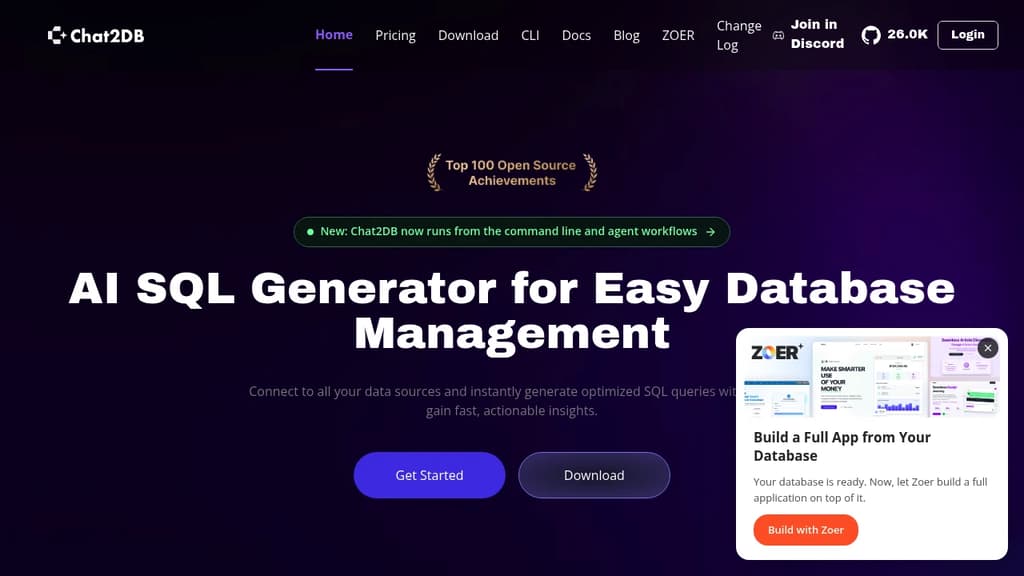
Transform database management with AI-powered natural language queries. Chat2DB revolutionizes how you interact with databases by converting plain English into optimized SQL queries instantly.
Key Features:
- Text-to-SQL AI: Convert natural language questions into accurate SQL queries without coding knowledge
- Multi-Database Support: Connect to MySQL, PostgreSQL, Redis, MongoDB, and 20+ other databases in one platform
- AI Data Analysis: Generate automated BI dashboards and charts with chain reasoning capabilities
- Visual Database Management: Edit data, create ER diagrams, and manage schemas through an intuitive GUI
- Enterprise Security: Local data processing, AES/RSA encryption, SSH tunneling, and SQL audit trails
Perfect for teams of all sizes - from individual developers to enterprise organizations. The open-source platform handles millions of rows efficiently while maintaining high performance and stability.
Advanced AI Features:
- Context-aware chatbot that understands your database structure
- One-click SQL error fixing and optimization
- Custom business term integration for better AI comprehension
- Real-time collaboration and dashboard sharing
Data stays secure with local processing - only table structures are analyzed, never your actual data. Trusted by over 1 million users worldwide for critical database operations across finance, healthcare, e-commerce, and education sectors.

Desktop database client for PostgreSQL, MySQL/MariaDB, SQLite, and 14+ more databases, with a built-in MCP server, SQL notebooks, visual query builder, and a plugin system.
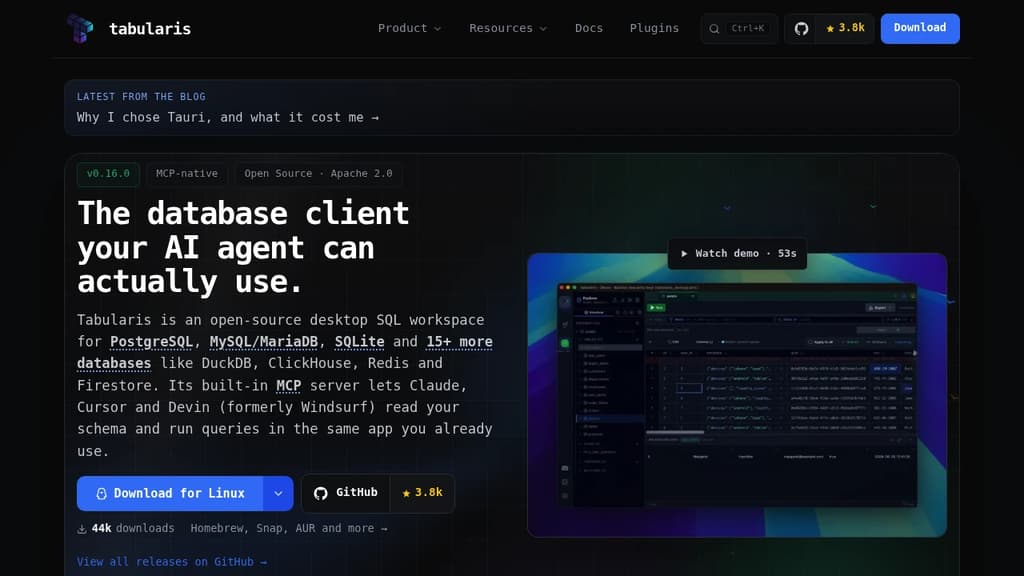
Tabularis is a desktop SQL workspace built for teams that use both human developers and AI agents. It supports PostgreSQL, MySQL/MariaDB, and SQLite natively, with additional databases like DuckDB, ClickHouse, Redis, and Firestore available through a plugin system. If you're looking for a DBeaver alternative or something closer to TablePlus but with AI-agent integration baked in, this is worth a look.
The standout feature is its built-in Model Context Protocol (MCP) server. AI tools like Claude, Cursor, and Devin can inspect your database schema and run queries directly through Tabularis, using the same connection profiles you've already set up. No separate scripts, no credentials pasted into chat windows. The agent works through the app.
For human workflows, it holds its own:
- Monaco SQL editor with multi-tab support, syntax highlighting, and run-selection controls
- SQL Notebooks combining SQL and Markdown in multi-cell workflows, with inline charts, shared variables, and parameters
- Visual query builder for assembling joins, filters, and aggregations before dropping to raw SQL
- Visual EXPLAIN that turns execution plans into interactive graphs with optional AI analysis
- ER diagrams and inline schema editing for structural changes
- Data grid for browsing and editing result sets, with CSV and JSON export
- SSH and Kubernetes tunneling with system keychain storage for secrets
- Split view for comparing datasets across multiple connections side by side
The plugin system is genuinely open. Plugins are standalone executables that communicate over JSON-RPC 2.0, so you can write a driver in Rust, Go, Python, or anything else that speaks JSON over stdin/stdout. Plugins install without restarting the app and run in isolated processes. A community bounty market tracks which drivers are funded, in progress, or already shipped.
AI assistance (currently experimental) supports OpenAI, Anthropic, OpenRouter, and Ollama for local models. Built on a Rust and Tauri backend with a React 19 frontend, licensed Apache 2.0. Comparable tools like Beekeeper Studio and Chat2DB cover some of this ground, but the MCP-native design is what sets Tabularis apart for agent-assisted database work.

Modern PostgreSQL database management with AI-powered filtering, natural language queries, and cloud sync. Focus on your data while AI handles complexity.
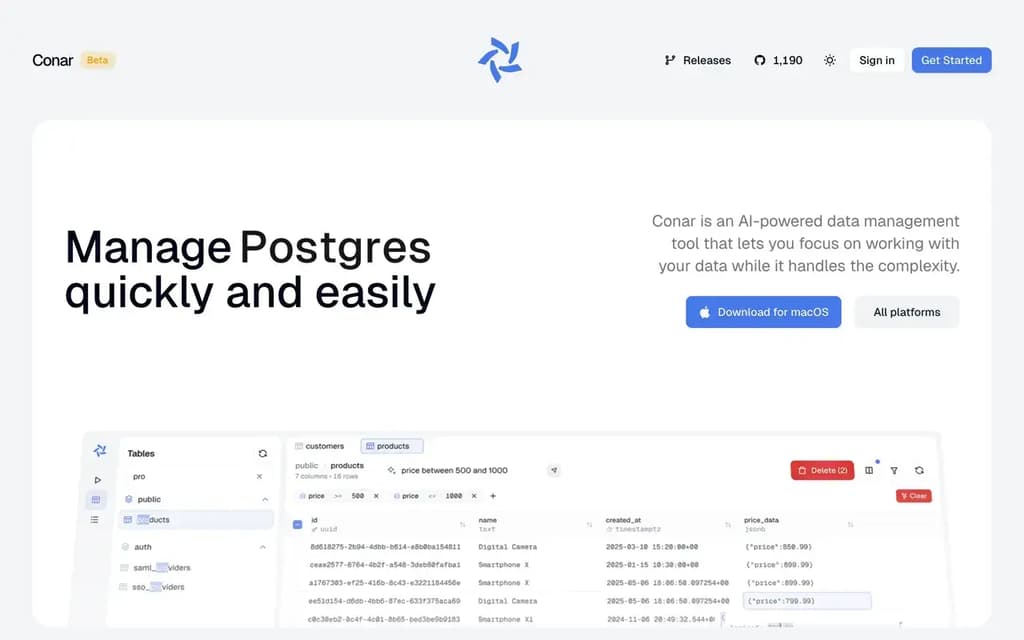
Transform how you work with PostgreSQL databases using intelligent automation and natural language processing. This modern database management tool eliminates the complexity of traditional database operations.
Key features that set it apart:
- Smart AI Data Filtering - Create complex filters using natural language instead of manual SQL entry
- Natural Language Queries - Ask questions in plain English and receive instant SQL queries and results
- Comprehensive Data Management - Add, edit, view, and delete records with intuitive form validation and real-time feedback
- Reliable Cloud Sync - Keep your database connections secure and accessible across all devices
- Modern Interface - Clean, user-friendly design that makes database operations feel effortless
Perfect for developers and teams who want to focus on working with their data rather than wrestling with complex database syntax. The AI assistant understands your intent and translates it into proper SQL operations, making database management accessible to users of all skill levels.
Currently in beta with all features available free, including advanced AI capabilities that typically require premium subscriptions in other tools. Built specifically for PostgreSQL with plans to expand database support.

People are looking for alternatives to...
View all alternatives
Spotify

Claude Code

CapCut

Claude

Notion

Lovable
 Bright Data – Web data for AI agents and apps. Built-in unblocking, proxies, and ready-made APIs.
 Sent
Sent