Open Source Outline Alternatives
A curated collection of the 4 best open source alternatives to Outline.
The best open source alternative to Outline is Macro Docs. If that doesn't suit you, we've compiled a ranked list of other open source Outline alternatives to help you find a suitable replacement. Other interesting open source alternatives to Outline are: AppFlowy, Docmost, and XWiki.
Outline alternatives are mainly Collaborative Notes & Wikis but may also be Wiki Software or Internal Knowledge Bases. Browse these if you want a narrower list of alternatives or looking for a specific functionality of Outline.

Written by Piotr Kulpinski


Collaborative markdown documents with real-time CRDT editing, AI agent cursors, mention linking, and built-in properties tied to your tasks, channels, and email.
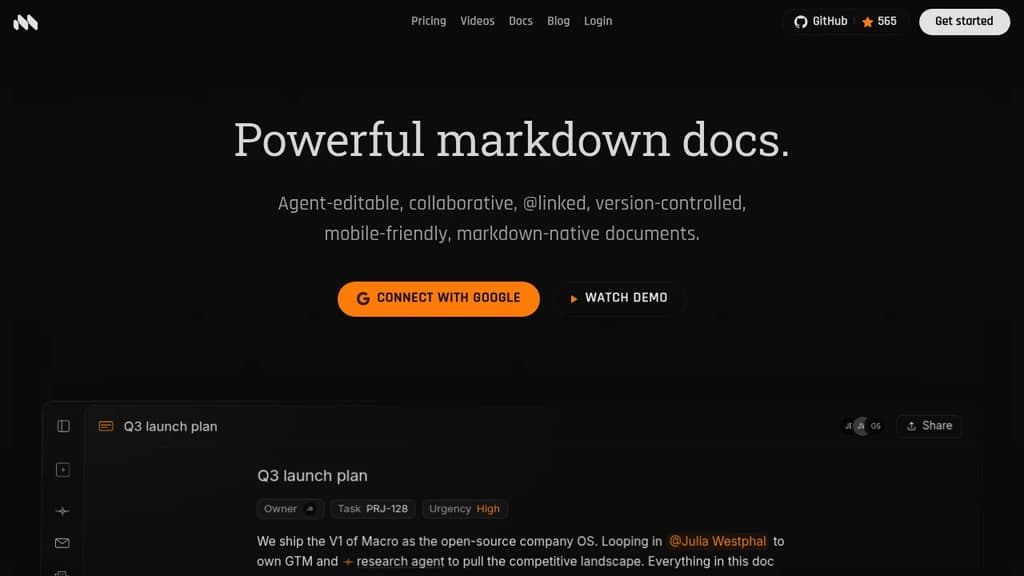
Macro is a markdown-native document editor built to live inside a broader workspace, not alongside one. Every doc connects directly to tasks, email, channels, and AI agents through @mentions that render as live inline pills. What sets Macro apart from tools like Notion or Google Docs is the agent layer. AI agents can edit documents alongside you with a live cursor, not just suggest a diff.
Key capabilities include:
- @mention anything: people, docs, tasks, channels, and calls all render as live inline pills inside any page.
- Markdown-native: type standard markdown and it formats in real time; export back to clean plain markdown anytime.
- Document properties: attach status, assignee, tags, dates, and custom fields directly to a doc without leaving the editor.
- Slash commands: insert headings, tables, code blocks, math equations, and task items with a single keystroke.
- Inline comments and version history: comment on any selection, resolve threads, and restore or fork any past version.
- Unified search: one search index across docs, tasks, email, and channels.
The editing foundation is built on CRDTs (Conflict-free Replicated Data Types), which means multiple people can type on the same line simultaneously without conflicts. Edits apply locally first and reconcile in the background, so the experience stays fast even offline. The backend is written in Rust with a SolidJS frontend, and each document runs as its own Durable Object in the cloud, keeping latency low. Macro is licensed under AGPLv3.
Macro is aimed at teams who want the writing experience of something like Outline or Logseq but need their docs to stay in sync with everything else happening at work. Things can be @mentioned directly in a doc and given context from tasks, channels, or email threads in the same workspace.

Open source collaborative workspace combining notes, databases, and AI with full data ownership, offline support, and self-hosting options.
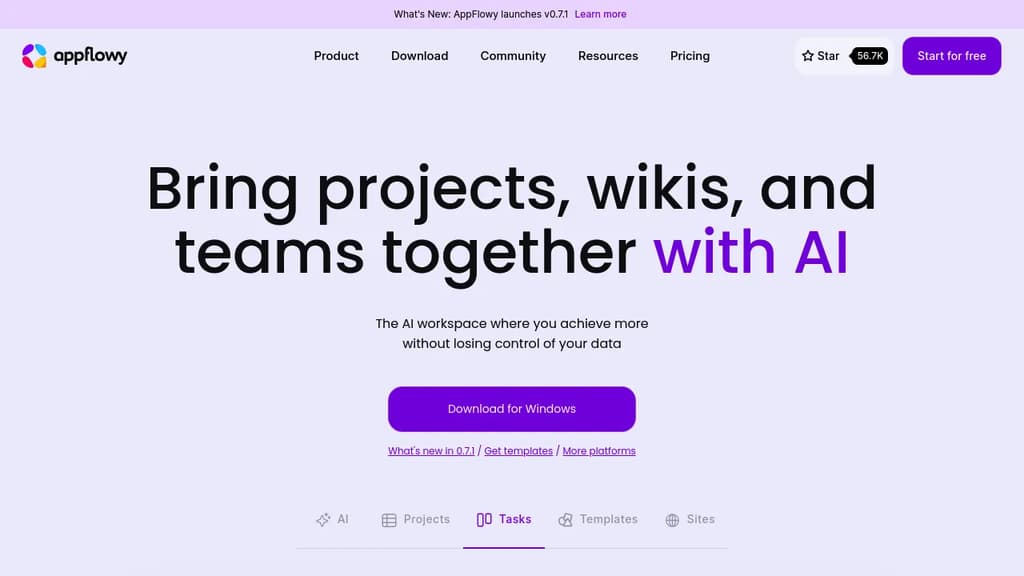
AppFlowy is an open source workspace that brings together documents, wikis, project tracking, and team collaboration in one place. It's built as a self-hostable alternative to tools like Notion, designed for people who want a modern workspace without handing their data to a third-party cloud.
The core of the product is a block-based editor paired with flexible databases. You can build pages with rich content types, attach properties and labels to records, and switch between different views of the same data. Grids, boards, and calendars are all available. Custom themes and fonts let you adjust the look to your preference.
AI is built directly into the workspace, not bolted on as a separate add-on. You can ask questions across your pages, generate and improve writing, and autofill database fields from existing content. AppFlowy supports multiple AI backends including GPT-5, Gemini 2.5, and Claude 3.7, and it also supports running local models like Mistral 7B and Llama 3 on your own machine. That local option matters for teams or individuals who need AI assistance without sending data to external servers — something tools like Flowise AI or Langflow approach from a different angle.
Offline mode is fully supported. The app works without an internet connection and syncs when connectivity returns, across desktop and mobile. iOS and Android apps are available alongside the desktop clients.
Self-hosting is a first-class option, not a workaround. You can run AppFlowy on your own infrastructure with no vendor lock-in. For teams that can't store sensitive information in someone else's cloud, this is a practical path. If you're also evaluating Baserow for database-heavy workflows or OpenWork for team collaboration, AppFlowy sits at the intersection of both.
The project has over 400 contributors and a community spanning more than 215 countries. A plugin and template ecosystem is actively growing, which extends the toolbox beyond what ships by default.

Self-hosted wiki platform for enterprise teams with real-time collaboration, built-in AI, SSO, RBAC permissions, and compliance support for ITAR, FedRAMP, and GDPR.
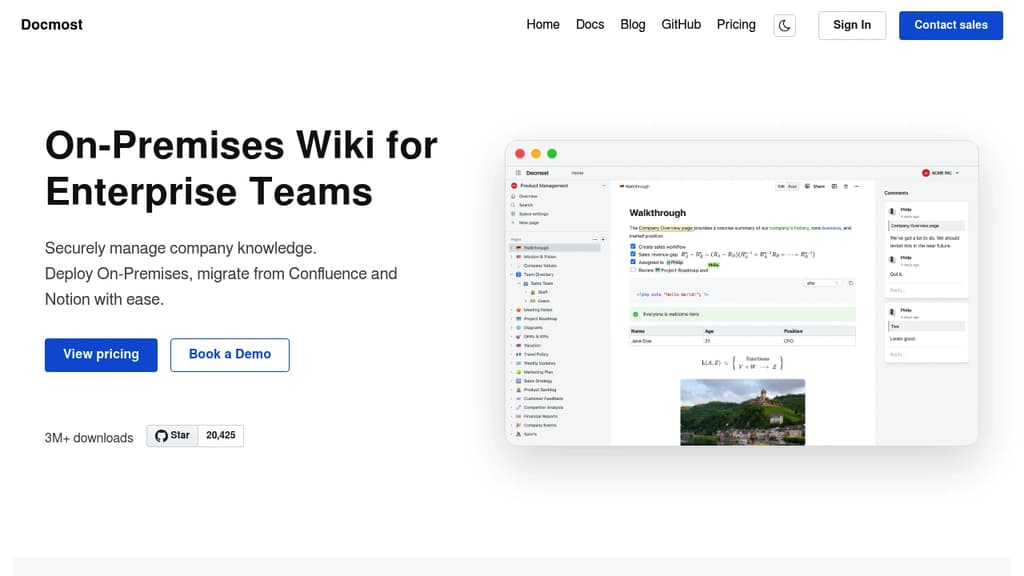
Docmost is a self-hosted wiki platform built for teams that need full control over their data. It's aimed at organizations where compliance isn't optional: defense contractors, regulated industries, and companies subject to GDPR or FedRAMP requirements. You deploy it on your own servers, including air-gapped or isolated environments, and your data never leaves your infrastructure.
The editor supports rich text, tables, code blocks, and real-time collaboration with live cursors. Multiple people can edit the same page simultaneously, with changes syncing instantly across devices. Pages are organized into team spaces, so departments or projects can maintain their own areas without everything bleeding together.
Key capabilities:
- AI assistant that works with self-hosted models (Ollama, vLLM) or cloud providers (OpenAI, Gemini, Azure OpenAI). Chat with your knowledge base, get answers with source citations, and search semantically across all spaces.
- MCP server support exposes your wiki to AI tools like Claude or Cursor via the Model Context Protocol, with no vendor lock-in.
- Built-in diagramming via Draw.io, Excalidraw, and Mermaid, covering everything from UML to quick whiteboard sketches.
- Page verification workflows for tracking reviews and approvals, supporting ISO 9001, ISO 27001, and SOC 2 compliance.
- Enterprise authentication with SAML 2.0, OpenID Connect, LDAP, and MFA.
- RBAC permissions with granular control over who can view, edit, or administer content.
Teams migrating from Confluence or Notion can import existing content directly, including HTML and Markdown files. Integrations cover Figma, Airtable, Google Drive, Miro, Loom, and others, so pages can embed content from tools teams already use.
Docmost sits in the same space as Outline and XWiki, but its combination of self-hosted AI, MCP support, and compliance-focused deployment options makes it a strong fit for organizations that need a collaborative knowledge base without relying on third-party cloud infrastructure.

XWiki is a flexible, feature-rich wiki software that helps organizations structure and share knowledge efficiently.
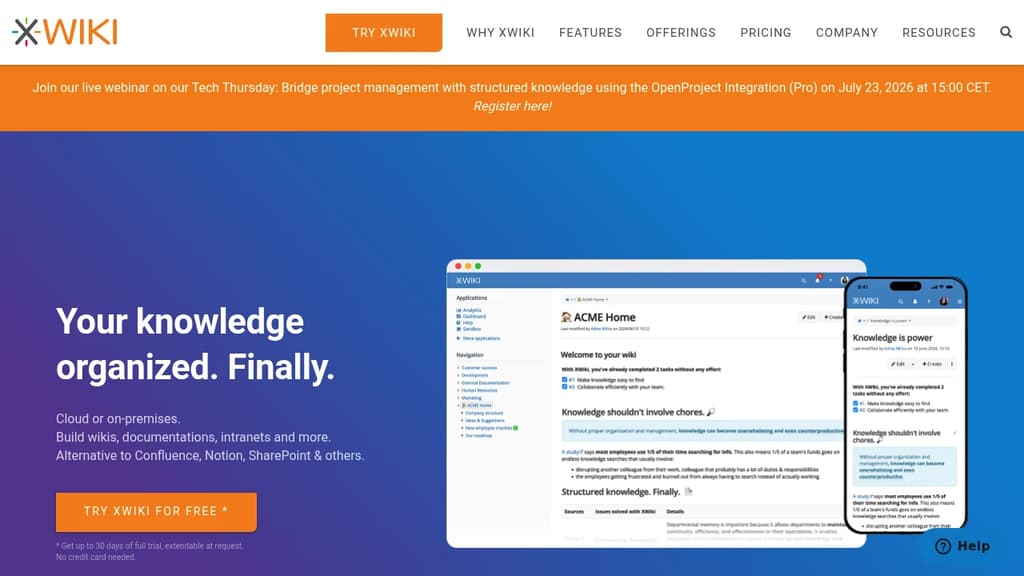
XWiki is an enterprise-grade, open-source platform for knowledge management and collaboration. It offers a unique "Structured Wiki" concept, combining the flexibility of wikis with powerful organization features.
Key benefits include:
-
Structured Knowledge: XWiki goes beyond traditional wikis by allowing users to create structured content, making information easier to organize and find.
-
Customization: The platform is highly adaptable, supporting custom applications and workflows to meet specific organizational needs.
-
Collaboration Tools: XWiki provides robust features for team collaboration, including real-time editing, comments, and version control.
-
Security and Access Control: Granular permissions and access controls ensure that sensitive information remains protected.
-
Integration: XWiki can integrate with various third-party tools and systems, enhancing its functionality and fitting into existing workflows.
-
Open Source: As an open-source solution, XWiki offers transparency, community support, and freedom from vendor lock-in.
-
Scalability: XWiki is designed to handle large amounts of data and users, making it suitable for organizations of all sizes.
-
Multiple Deployment Options: Available as a cloud service or for on-premises installation, providing flexibility in deployment.
XWiki is trusted by over 800 teams worldwide, including major organizations like Amazon, SNCF, and CNFPT. It's particularly well-suited for creating knowledge bases, managing procedures, building intranets, and developing custom collaborative applications.
Whether you're looking for a standard solution or a custom-tailored platform, XWiki offers the tools and services to streamline your organization's knowledge sharing and collaboration processes.

People are looking for alternatives to...
View all alternatives
Spotify

Claude Code

Claude

CapCut

Notion

Lovable
 Sent – A unified API for sending messages across SMS, RCS, and apps like WhatsApp.
 Postiz