Open Source OpenBot Alternatives
A curated collection of the 7 best open source alternatives to OpenBot.
The best open source alternative to OpenBot is OpenClaw. If that doesn't suit you, we've compiled a ranked list of other open source OpenBot alternatives to help you find a suitable replacement. Other interesting open source alternatives to OpenBot are: Hermes Agent, NanoClaw, Eigent, and MausBot.
OpenBot alternatives are mainly AI Personal Assistants but may also be AI Agent Platforms. Browse these if you want a narrower list of alternatives or looking for a specific functionality of OpenBot.

Written by Piotr Kulpinski


A personal AI assistant that connects to your existing chat apps and handles real tasks like email, calendar, and flight check-ins on your behalf.
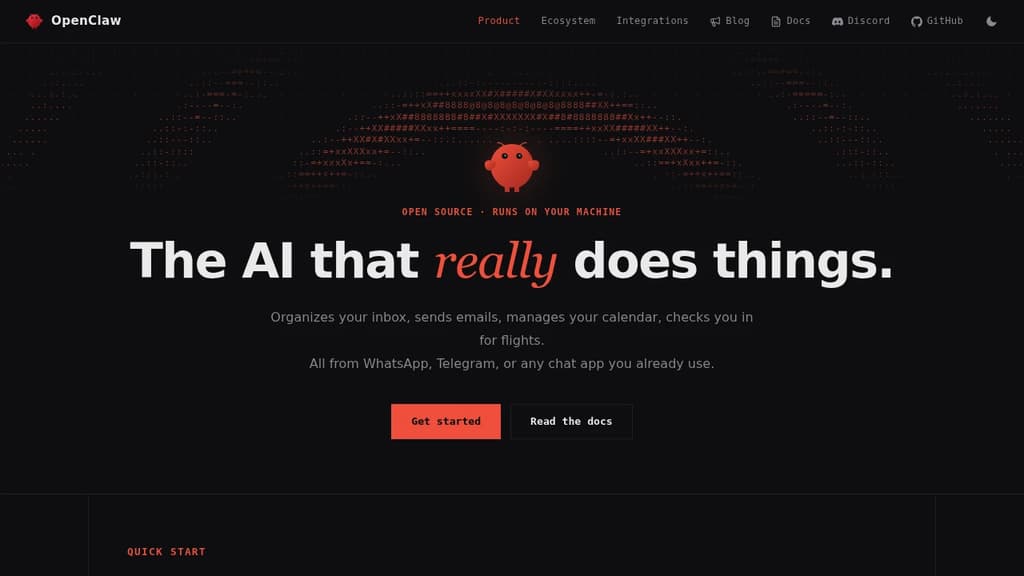
OpenClaw is a personal AI assistant built to take action. It doesn't just answer questions. It clears your inbox, sends emails, manages your calendar, and handles tasks like flight check-ins, all triggered through chat apps you already use every day.
The core idea is that you shouldn't need a new app to talk to your assistant. OpenClaw works through WhatsApp, Telegram, Discord, Slack, Signal, and iMessage, so you interact with it wherever you already spend time. No dashboard to open, no new habit to build.
It connects to a wide range of services out of the box:
- Email and calendar via Gmail and similar tools, handling real actions, not just summaries
- AI models including Claude and GPT, so you can route requests through your preferred backend
- Productivity tools like Obsidian and GitHub for note-taking and code workflows
- Smart home and media through Philips Hue and Spotify
- Social and browser via Twitter and direct browser control
What sets it apart from most chat-based AI tools is the action layer. Many assistants can tell you what to do. OpenClaw does it. The integrations aren't read-only; it can send, create, update, and automate across connected services.
The project is open source and self-hostable, which matters if you're handing an assistant access to your email and calendar. You control where it runs and what it can reach. A companion menubar app is available for macOS users who want quick access without switching windows.
It's an independent project, not affiliated with Anthropic or any of the AI providers it connects to. That independence shows in the breadth of integrations rather than a walled ecosystem.

Cross-platform desktop agent from Nous Research that connects to Telegram, Discord, Slack, WhatsApp, and more, with persistent memory, scheduling, and isolated sandboxing.
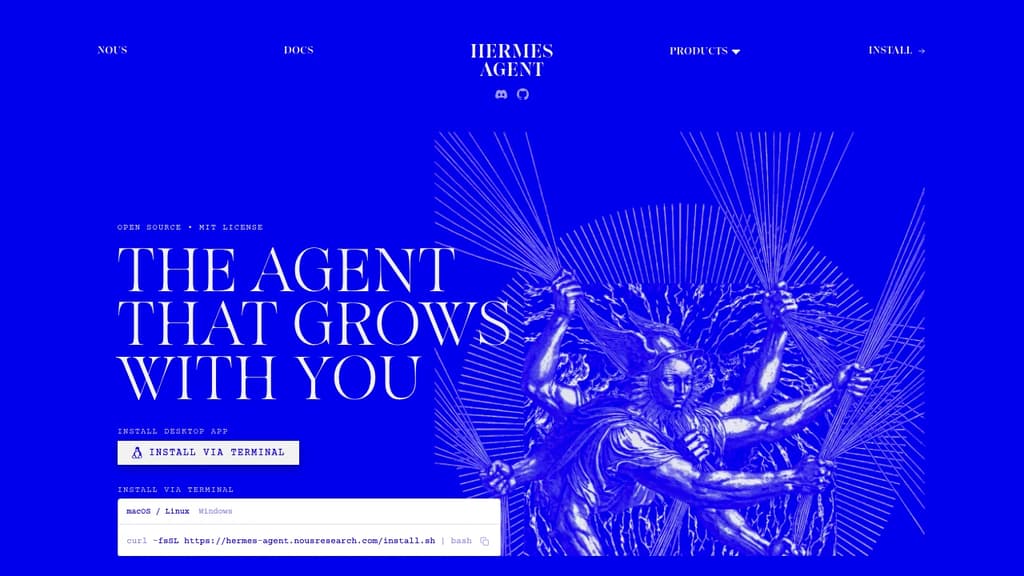
Hermes Agent is a desktop AI agent built by Nous Research that runs natively on macOS, Windows, and Linux. It's designed for people who want a single agent that works across their communication tools, handles recurring tasks, and actually remembers what it's done before.
The core idea is persistence. Most agents start fresh every session. Hermes maintains memory across conversations, auto-generates skills from past interactions, and builds up context about your projects over time. You don't have to re-explain things.
Where it connects:
- Telegram, Discord, Slack, WhatsApp, Signal, and email are all supported natively, so the agent meets you where you already work
- A CLI interface is also available for terminal-first workflows
What it can do:
- Natural-language scheduling for reports, backups, and briefings that run unattended
- Web search and browser automation with vision, image generation, and text-to-speech
- Subagents that run in isolated conversations with their own terminals and Python RPC scripts, useful for parallel pipelines without ballooning context costs
- Multi-model reasoning with access to 300+ models through the Nous Portal
Sandboxing is a genuine differentiator. Five execution backends (local, Docker, SSH, Singularity, and Modal) give you control over where code actually runs, with container hardening and namespace isolation. That matters if you're running automated tasks or untrusted scripts.
For teams or individuals already using LobeChat or similar multi-surface chat interfaces, Hermes takes a different angle: it's less about chat UI and more about an agent that operates autonomously across surfaces. Think of it as closer to an AgentOS approach, where the agent itself is the persistent layer.
It's free to use under the MIT license, with paid tiers through the Nous Portal for higher model access and monthly credits.

Self-hosted AI agent that connects to WhatsApp, Telegram, Slack, and a dozen more messaging apps, running each agent in an isolated Docker container with credential injection via a secure vault.
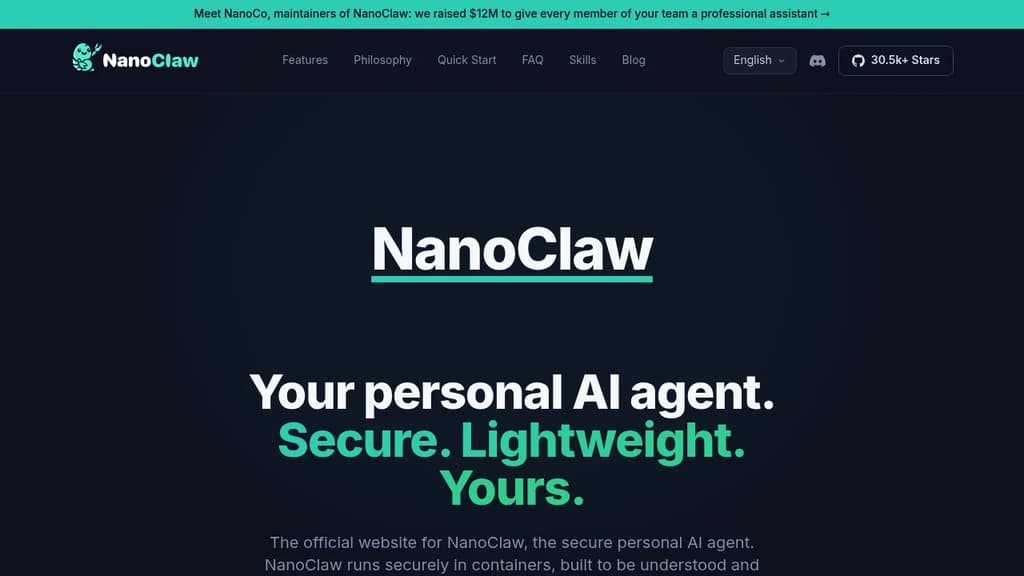
NanoClaw is a self-hosted personal AI agent built for individuals who want full control over their AI assistant. It connects to messaging apps including WhatsApp, Telegram, Discord, Slack, Microsoft Teams, iMessage, Matrix, Google Chat, Webex, WeChat, and email, then routes every conversation through isolated Docker containers. The codebase is intentionally small: 132 source files, roughly 17,500 lines of code, and fewer than 10 dependencies. You can read the whole thing in an afternoon.
It positions itself as a lightweight alternative to OpenClaw, which ships 3,680 source files and 70 dependencies. That size difference isn't cosmetic. It shapes whether you can audit what your agent actually does, customize it without fear, and trust its security model.
Security is structural, not policy-based. Each agent group runs in its own Linux container with its own filesystem. It can only see directories you explicitly mount. Credentials never enter the container at all. Outbound API requests route through OneCLI's Agent Vault, which injects authentication at the proxy level and enforces per-agent rate limits and policies.
Key capabilities:
- Multi-channel messaging – WhatsApp, Telegram, Slack, Discord, Teams, iMessage, Matrix, and more, installed on demand with
/add-<channel>skills - Flexible agent wiring – give each channel its own isolated agent, share one agent across channels for unified memory, or fold channels into a shared session
- Per-agent workspaces – each agent group has its own memory, its own
CLAUDE.md, and its own container boundary - Scheduled tasks – recurring jobs that run Claude and message you back (morning briefings, weekly reviews)
- Multiple AI providers – runs Claude Code natively via the Claude Agent SDK; drop-in options for OpenAI Codex, OpenRouter, Google, DeepSeek, and local models via Ollama
- Skills over features – install only the adapters you need; nothing is bundled that you didn't ask for
The architecture is a single Node.js host process that routes inbound messages through an entity model, writes to SQLite, and wakes per-session containers. No microservices, no message brokers, no shared memory across agent boundaries.
NanoClaw is MIT-licensed and designed to be forked. The philosophy is that your personal AI agent should be working software shaped to your exact needs, not a generic framework you configure around.
Self-hostable desktop app that runs a coordinated team of AI agents to browse the web, manage files, execute terminal commands, and complete complex workflows.
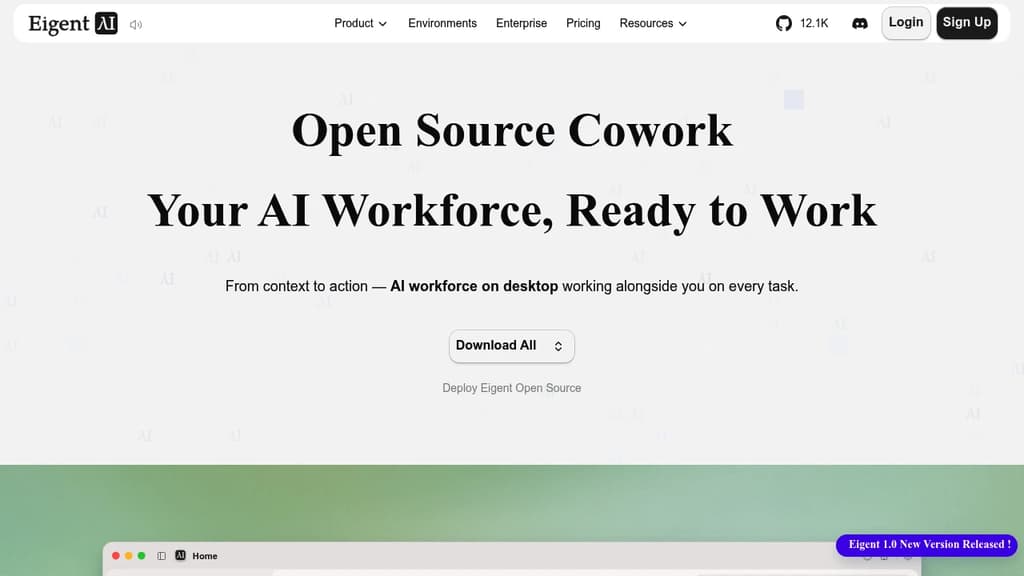
Eigent is a desktop application that puts a multi-agent AI workforce on your machine. You describe a task, and a pool of specialized agents divides it up, works in parallel, and delivers results. It's built for people who want AI to actually finish work, not just assist with it.
The core idea is "cowork": agents operate alongside you in your desktop environment with access to your local files, browser, and terminal. You can run a single focused agent for direct tasks or spin up a full workforce where agents collaborate across steps. A Browser Agent handles web research, a Document Agent reads and writes files, a Terminal Agent runs shell commands, and a Multi-modal Agent processes images and other media.
Key capabilities include:
- Scheduled automation: set recurring workflows so agents run tasks on a timer, even when you're not at your desk
- Local-first execution: files, credentials, and context stay on your machine; nothing has to leave it
- Model agnostic: connect cloud APIs, enterprise model gateways, or local inference. No vendor lock-in
- MCP and skill support: track which tools, skills, and referenced files each agent uses during a task
- Agent folder: every file an agent creates or modifies during a task is surfaced in one place for review
The open source version is fully self-hostable with your own API keys or local models. It's built on CAMEL-AI, a multi-agent framework, and runs on Mac, Windows, and Linux.
For teams doing research-heavy work, competitive analysis, report generation, or any task that involves pulling from multiple sources and producing structured output, Eigent is closer to OpenHands than a simple chat interface. It's designed to complete multi-step work end-to-end rather than hand control back to you at every turn.
Run a team of AI agents locally on your own API keys and subscriptions, with scheduled tasks, computer use, and Gmail, GitHub and Slack integrations.
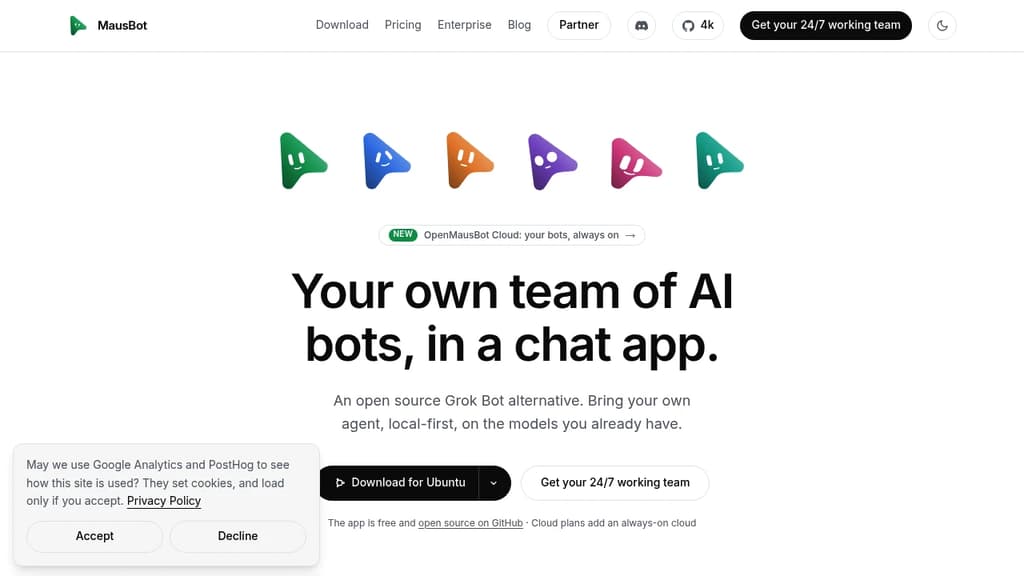
MausBot is a local-first Grok Bot alternative that lets you run a team of AI agents from a familiar chat interface. Each bot gets its own model, its own computer, and access to your connected apps. They work in parallel, come back when something needs your attention, and never proxy your credentials through a third party.
It runs on Mac, Windows, and Linux under Apache 2.0. Your transcripts, keys, and events stay in a local folder on your own disk. Local-first isn't a setting; it's the default.
Key capabilities:
- Model per bot. Assign Claude, Codex, or other models to individual bots and switch mid-conversation.
- Computer use. Each bot gets a desktop it can see and click, either a cloud desktop from a provider you connect or your local machine directly.
- Scheduled tasks. Inbox sweeps, weekly reports, competitor watches, PR reviews, and support triage all run on a calendar you define.
- Connected apps. Gmail, Slack, GitHub, Notion, Linear, and hundreds more via Composio. Authenticate once and every bot on the team can use them.
- Voice. Hit call and the bot hears you, narrates its work, and asks for approvals out loud.
- Playbooks. A whole team, its routines, and its app connections ship as a single Markdown file. Connections stay off until you approve them.
- Manage bots like contacts. Pin, duplicate, mark unread, hide, or delete. The interface is a messaging app, not a dashboard.
For teams that want bots running around the clock without leaving a laptop on, Cloud plans add always-on workspaces with scheduled tasks and voice included. You still bring your own Claude or ChatGPT account; MausBot never sits between you and the model provider.
Compared to other AI chat interfaces, MausBot is built specifically for multi-agent workflows where each agent has persistent tasks, tool access, and its own compute rather than just a shared conversation window.

Run persistent AI bots that sign into your tools, complete tasks autonomously, and ask for approval when needed. Your keys, your model, your infrastructure.
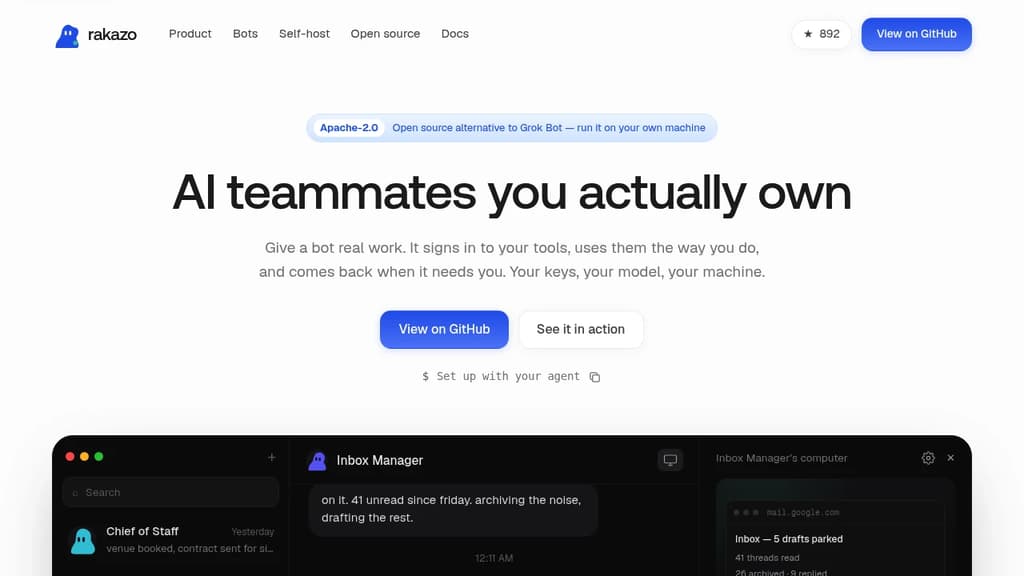
Rakazo is a self-hosted platform for running AI agents that actually do things. Each bot gets a sandboxed browser and shell, signs into your tools the way you would, and completes tasks while you're away. It's a direct Grok Bot alternative built around one principle: you own everything.
Bots run in Docker on your own machine, behind your firewall. Sessions and credentials never leave your infrastructure. You point each bot at whatever model you want (Claude, GPT, Grok, or a local model), and you can mix and match per bot. The cheap model triages; the smart one writes.
Setup starts with an interview. A new bot asks you a few questions about the work, your writing style, and which tools it should use. Then it gets going.
What bots can handle out of the box:
- Inbox Manager archives noise, replies to routine threads, and parks drafts for your review
- Sales Outbound researches accounts overnight, scores intent, and drafts outreach in your voice
- Talent Scout reads applicants, shortlists against your criteria, and writes intro emails
- Bug Triage reproduces reports in a real browser and attaches reproduction steps to the issue
- Expense Manager matches receipts to charges and files reports, asking before guessing
- Chief of Staff runs briefings, bookings, and handoffs between your other bots
Routines are saved as plain Markdown. Show a bot a workflow once and it writes a routine you can read, edit, and commit to version control. Approvals are configurable: set what a bot may do alone and what it must ask you about first. Every action lands in an audit log you own.
Rakazo is Apache-2.0 licensed with no seats, no pricing tiers, and nothing gated. Unlimited bots, no limits on usage. A managed cloud option (where you bring your own keys and they run the sandboxes) is planned, with no migration required when it arrives.

Run Claude Code, Codex, Cursor, and 40+ AI agents as persistent bots across iPhone, Mac, Windows, and Linux with group chats, approvals, and end-to-end encryption.
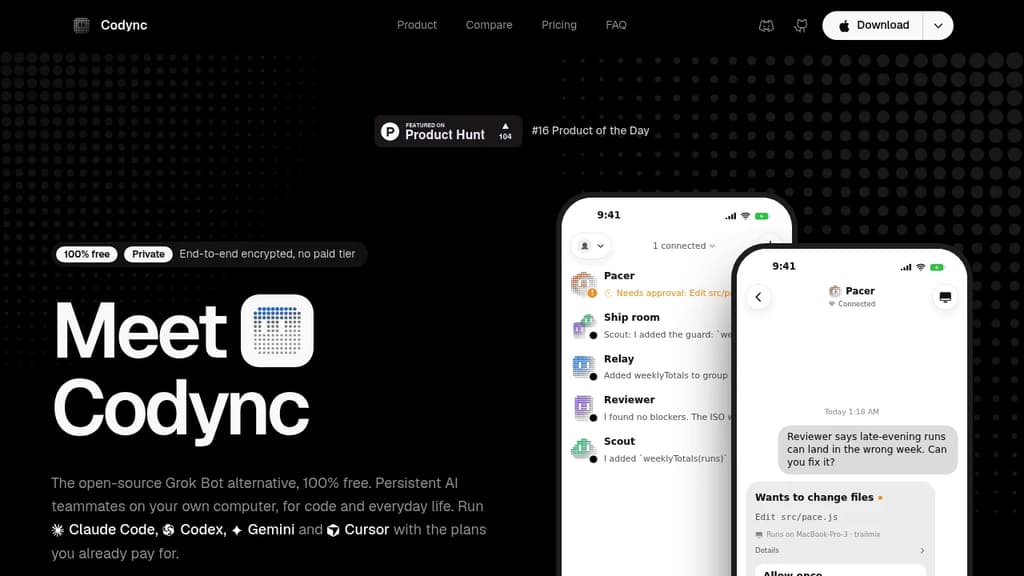
Codync gives you persistent, named AI bots that live on your own computer and stay reachable from your iPhone, Mac, Windows PC, or Linux machine. It's a free, Grok Bot alternative built in the open, so you're not locked into one model or one subscription. No paid tier, no hidden fees.
Each bot keeps a continuous chat. You see its final reply by default; tool calls and intermediate steps are there when you want them. Bots remember context across sessions and can be given standing instructions and a project scope.
What you can do with bots:
- Group chats put multiple bots in one room. They read each other, disagree, and hand work back. Mention one with @ to direct a question at it specifically.
- Approval cards surface file edits and shell commands as allow-once, always-allow, or deny prompts on your phone. Nothing runs without your say.
- Per-bot memory carries context across sessions, so a bot doesn't start cold every time.
- Routines run on a schedule or a webhook trigger.
- Remote screen and voice let you watch, control, and talk to a bot from your phone.
Codync speaks the Agent Client Protocol, so it works with Codex, OpenCode, Grok Build, Claude Code, Cursor, Gemini, Copilot, and around 40 more. Each bot picks its own agent. Mix them in one room. You use the logins and plans you already have; Codync never calls a provider's API on your behalf.
The host is a single Rust binary. It runs on macOS, Windows, and Linux, including headless servers. The iPhone app is native SwiftUI. There's also a full terminal UI for SSH sessions. All clients talk to the same host, so your bots and chat history are consistent everywhere.
Privacy is structural. Bots, transcripts, and memory stay on your computer. Your phone connects directly on the same network, or through an end-to-end encrypted relay anywhere else. The relay forwards ciphertext only. Even push notification text is sealed to your phone's key, so the relay never sees what your bots said.
Apache 2.0 licensed. The only costs are the agent plans you already pay for.

People are looking for alternatives to...
View all alternatives
Spotify

Claude

Claude Code

CapCut

Notion

Lovable
 Bright Data – Web data for AI agents and apps. Built-in unblocking, proxies, and ready-made APIs.

 Sent
Sent