Open Source Msty Claw Alternatives
A curated collection of the 6 best open source alternatives to Msty Claw.
The best open source alternative to Msty Claw is OpenClaw. If that doesn't suit you, we've compiled a ranked list of other open source Msty Claw alternatives to help you find a suitable replacement. Other interesting open source alternatives to Msty Claw are: Hermes Agent, nanobot, ZeroClaw, and Kortix.
Msty Claw alternatives are mainly AI Personal Assistants but may also be AI Agent Platforms. Browse these if you want a narrower list of alternatives or looking for a specific functionality of Msty Claw.

Written by Piotr Kulpinski


A personal AI assistant that connects to your existing chat apps and handles real tasks like email, calendar, and flight check-ins on your behalf.
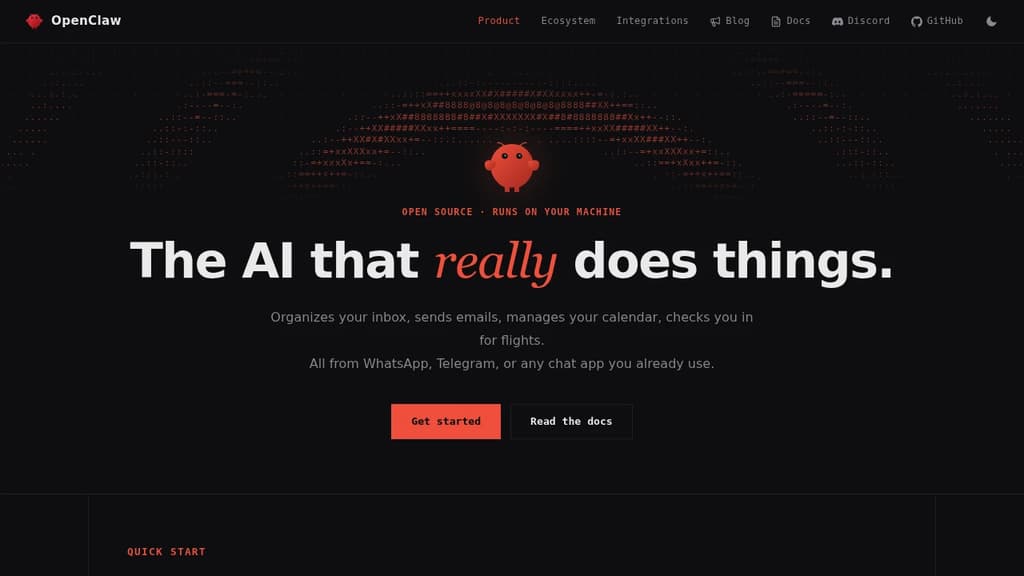
OpenClaw is a personal AI assistant built to take action. It doesn't just answer questions. It clears your inbox, sends emails, manages your calendar, and handles tasks like flight check-ins, all triggered through chat apps you already use every day.
The core idea is that you shouldn't need a new app to talk to your assistant. OpenClaw works through WhatsApp, Telegram, Discord, Slack, Signal, and iMessage, so you interact with it wherever you already spend time. No dashboard to open, no new habit to build.
It connects to a wide range of services out of the box:
- Email and calendar via Gmail and similar tools, handling real actions, not just summaries
- AI models including Claude and GPT, so you can route requests through your preferred backend
- Productivity tools like Obsidian and GitHub for note-taking and code workflows
- Smart home and media through Philips Hue and Spotify
- Social and browser via Twitter and direct browser control
What sets it apart from most chat-based AI tools is the action layer. Many assistants can tell you what to do. OpenClaw does it. The integrations aren't read-only; it can send, create, update, and automate across connected services.
The project is open source and self-hostable, which matters if you're handing an assistant access to your email and calendar. You control where it runs and what it can reach. A companion menubar app is available for macOS users who want quick access without switching windows.
It's an independent project, not affiliated with Anthropic or any of the AI providers it connects to. That independence shows in the breadth of integrations rather than a walled ecosystem.

Cross-platform desktop agent from Nous Research that connects to Telegram, Discord, Slack, WhatsApp, and more, with persistent memory, scheduling, and isolated sandboxing.
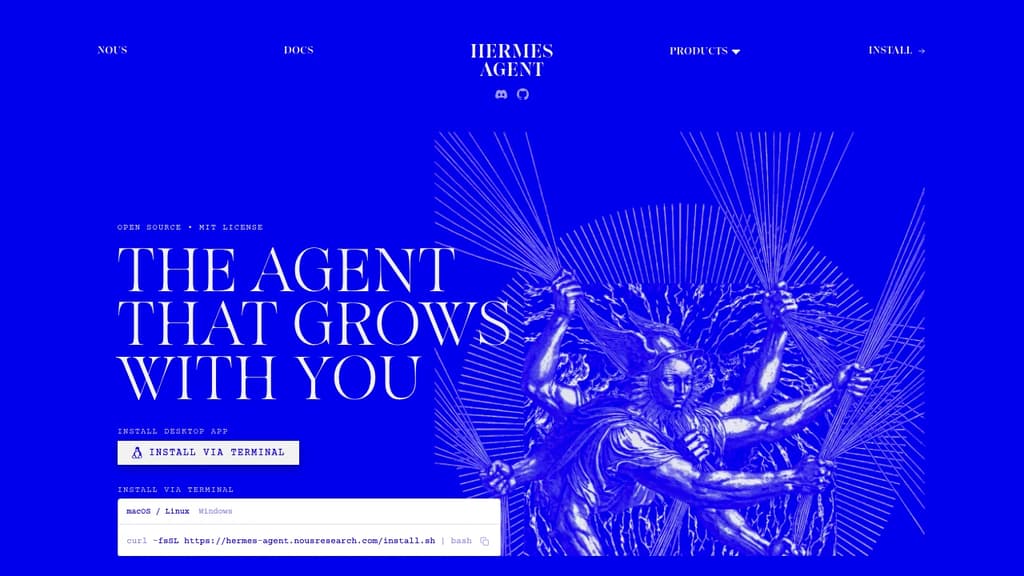
Hermes Agent is a desktop AI agent built by Nous Research that runs natively on macOS, Windows, and Linux. It's designed for people who want a single agent that works across their communication tools, handles recurring tasks, and actually remembers what it's done before.
The core idea is persistence. Most agents start fresh every session. Hermes maintains memory across conversations, auto-generates skills from past interactions, and builds up context about your projects over time. You don't have to re-explain things.
Where it connects:
- Telegram, Discord, Slack, WhatsApp, Signal, and email are all supported natively, so the agent meets you where you already work
- A CLI interface is also available for terminal-first workflows
What it can do:
- Natural-language scheduling for reports, backups, and briefings that run unattended
- Web search and browser automation with vision, image generation, and text-to-speech
- Subagents that run in isolated conversations with their own terminals and Python RPC scripts, useful for parallel pipelines without ballooning context costs
- Multi-model reasoning with access to 300+ models through the Nous Portal
Sandboxing is a genuine differentiator. Five execution backends (local, Docker, SSH, Singularity, and Modal) give you control over where code actually runs, with container hardening and namespace isolation. That matters if you're running automated tasks or untrusted scripts.
For teams or individuals already using LobeChat or similar multi-surface chat interfaces, Hermes takes a different angle: it's less about chat UI and more about an agent that operates autonomously across surfaces. Think of it as closer to an AgentOS approach, where the agent itself is the persistent layer.
It's free to use under the MIT license, with paid tiers through the Nous Portal for higher model access and monthly credits.

Lightweight, self-hosted AI agent that runs in a web UI, terminal, or chat app, handling long-running workflows with controlled token budgets.
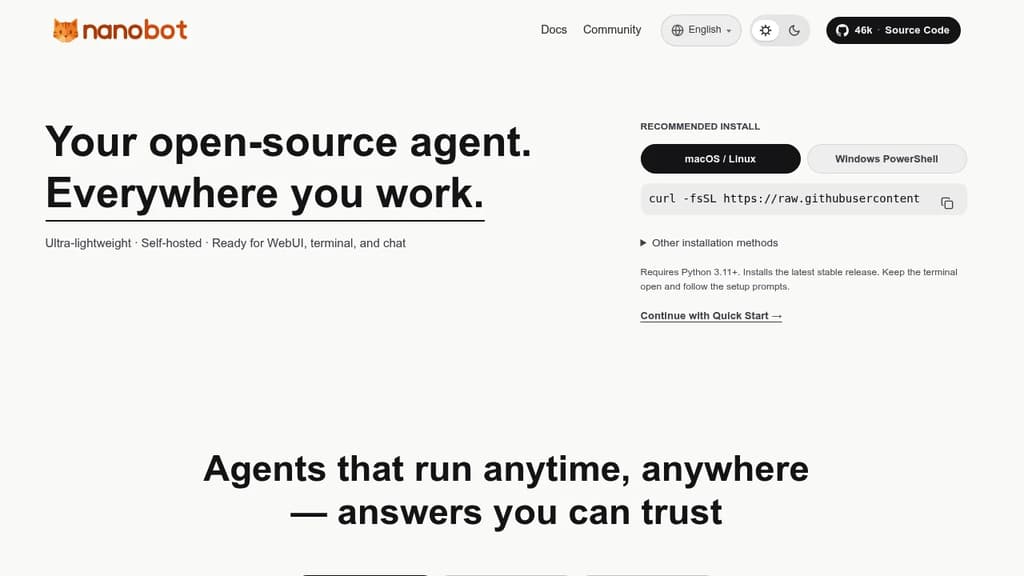
nanobot is a minimal, self-hosted AI agent designed to run wherever you work: a web UI, your terminal, or a chat interface. It's built for people who want a personal AI agent they control, without the overhead of bloated frameworks or cloud-locked platforms.
The core design philosophy is lean execution. Rather than consuming tokens without restraint, nanobot applies sensible context management and explicit token budgets, so your costs stay predictable. That matters especially for long-horizon tasks, where the agent needs to sustain coherent reasoning across tens or even hundreds of steps without losing the thread.
Key capabilities:
- Multi-surface operation: runs in a browser-based web UI, a terminal, or directly inside chat apps, so you're not locked into one interface
- Long-running workflows: maintains steady execution across complex, multi-step tasks without context drift
- Token budgeting: built-in controls keep spending predictable, unlike agents that leave cost management entirely to the user
- Embeddable runtime kernel: the agent core is portable, so you can drop it into a business workflow or a personal automation setup without rewiring everything around it
- Self-hosted: your data stays on your infrastructure; no third-party service holds your conversations or task history
Compared to heavier agent frameworks or fully managed platforms like Agenta, nanobot stays deliberately small. The codebase is compact, the runtime is portable, and the architecture doesn't assume you want a full orchestration platform. It suits developers and technically minded individuals who want an agent they can embed, extend, or just run locally without a lot of ceremony.
It supports automation tasks, developer integrations, and conversational use cases through the same core runtime. The MIT license means you can adapt it freely for personal or commercial use.

A single Rust binary that runs a personal AI agent on your own hardware, connecting to 70+ LLM providers and 30+ messaging channels with built-in sandboxing and cryptographic tool receipts.
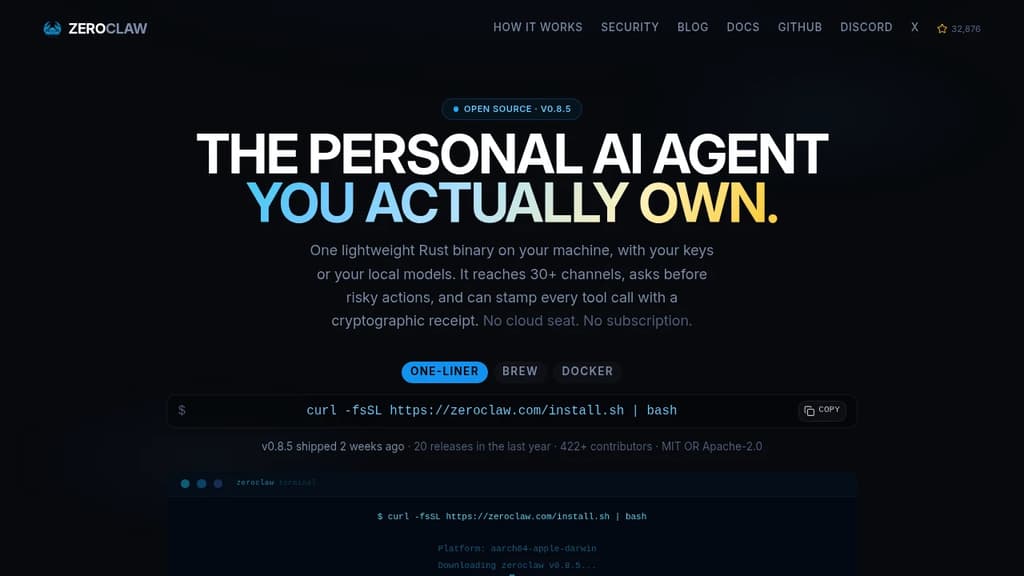
Most AI assistants are a seat you rent on someone else's infrastructure. ZeroClaw runs as a single native binary on your own machine, using your own API keys or fully local models like Ollama. No cloud seat, no subscription, no ZeroClaw server in the middle.
The binary is built in Rust and starts in under 20ms. It uses less memory than a browser tab and runs on everything from a workstation to a Raspberry Pi, including ARM and x86. There's no Node, JVM, or Python environment to install.
What it connects to:
- 70+ LLM providers: local options like LM Studio, llama.cpp, vLLM, and LocalAI, plus hosted providers including Anthropic, OpenAI, Google Gemini, Amazon Bedrock, Mistral, Groq, and any OpenAI-compatible endpoint
- 30+ channels: Telegram, Discord, WhatsApp, Slack, Signal, iMessage, Matrix, email, IRC, Bluesky, Reddit, Nostr, Notion, webhooks, and more
- Hardware: GPIO on Raspberry Pi, STM32, Arduino, and ESP32
Security is the default posture, not an add-on.
- Supervised autonomy: medium-risk actions require your approval before they run; high-risk ones are blocked outright
- OS-level sandboxes: Landlock, Bubblewrap, Seatbelt, or Docker contain what the agent can touch, enforced by the kernel rather than a prompt
- Command allowlists: explicit workspace scoping decides what runs and where
- Tool receipts: every successful tool call can be stamped with an HMAC-SHA256 tag the model cannot forge, making fabricated runs or invented results detectable
YOLO mode exists for trusted dev environments and is strictly opt-in.
The agent supports multiple named agents running from a single daemon, each isolated. Skills package repeatable tasks with their tools. Scheduled jobs, webhook triggers, and channel events all run through the same agent loop inside the same sandbox and allowlists you've scoped. A2A discovery lets agents describe and find one another through the gateway.
With a local model, nothing leaves your machine at all. With a hosted provider, only your prompts go to the provider you chose, using your own key. Dual-licensed MIT OR Apache-2.0.

Manages a team of AI agents across your company, with every agent, skill, memory, and connector stored as versioned files in a git repo you own and self-host.
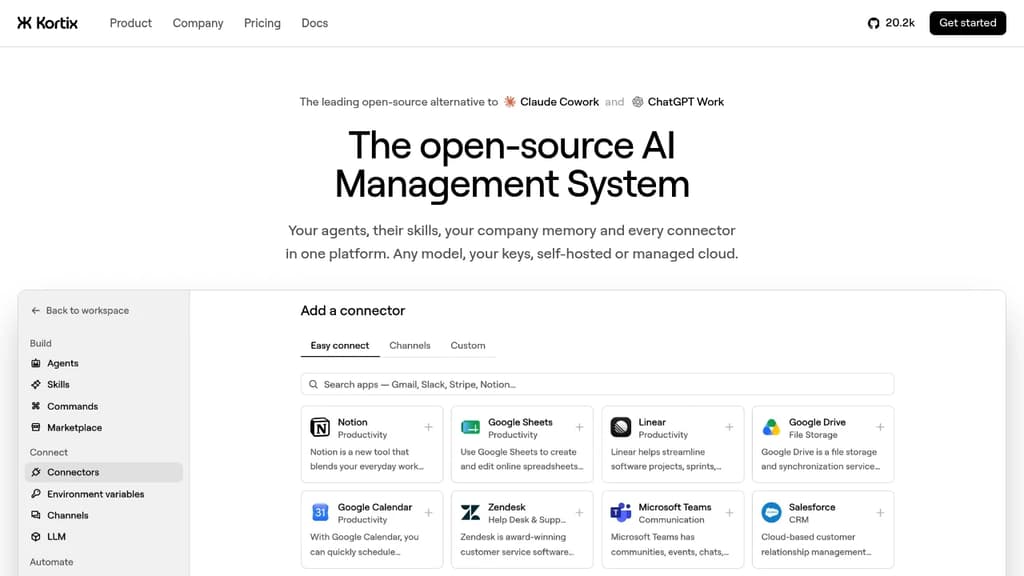
Kortix is a platform for running AI agents across an entire company, where the whole setup lives in a single git repo you own. Agents, skills, memory, connectors, triggers, and permissions are all plain files. You can grep the company, diff any change, and roll anything back. No settings locked in someone else's database.
It fits teams that want AI agents doing real, multi-step work across sales, engineering, finance, marketing, and ops, not just answering questions. Agents start from Slack, MS Teams, the web, a CLI, a cron schedule, or a signed webhook. Work lands back in the repo as a change request you read as a diff before it merges.
The platform is built in six layers that work together:
- Git repo as the source of truth.
kortix.yamldeclares the machine image, connectors, and triggers. Agents and skills are markdown files. Memory accumulates as files over time. - Connectors. 3,000+ app integrations plus MCP, OpenAPI, GraphQL, and raw HTTP. Credentials are brokered server-side and never reach the agent's machine. Each tool call can be set to allow, ask, or block, down to the specific arguments passed.
- Model-agnostic runtime. Pick any model per agent, per session, or per message. Bring your own API keys, use a ChatGPT subscription you already pay for, or point it at any OpenAI-compatible endpoint.
- Agent harness powered by OpenCode. Turns a model into an agent that plans, uses tools, and finishes multi-step runs. Permissions are set per tool in the agent file, so a
git pushcan be blocked until a human reviews the change request. - Isolated sandboxes. Each session boots its own Linux machine with the repo and tools already loaded. Thousands run in parallel with no crossover. Only commits survive.
- Unified control plane. Web, Slack, mobile, CLI, and API all start the same session type. Cron and webhooks start sessions with no human involved.
Practical examples from the source: an engineering agent reads error logs each morning, reproduces the top failure on its own machine, patches it, and opens a pull request. A finance agent reconciles the ledger, chases missing receipts, and closes the month with the variance explained. A data science agent queries the warehouse on a schedule and posts the chart to Slack before the team wakes up.
Kortix is self-hostable, VPC-deployable, or available as managed cloud. It sits in the AI coding agent orchestrators space but extends well beyond code, covering any business function that can be described as a repeatable job.

Runs AI agents inside Trusted Execution Environments on NEAR AI Cloud, keeping credentials encrypted and invisible to the model at all times.
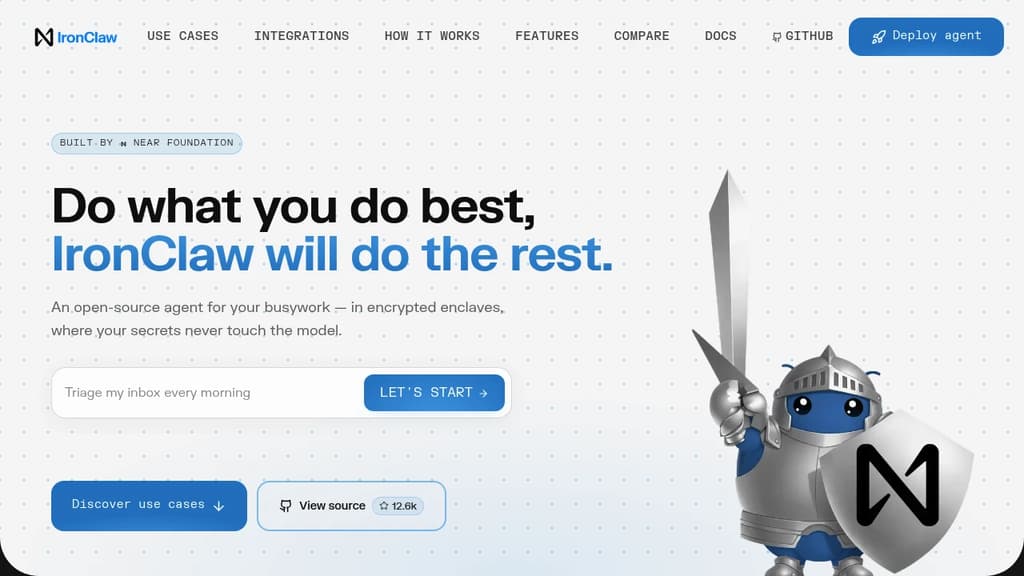
IronClaw is a secure AI agent runtime built for people who want to hand off real work to an AI agent without handing over their passwords, API keys, and tokens along with it. It runs on NEAR AI Cloud inside Trusted Execution Environments, meaning credentials are encrypted in memory from boot to shutdown. The AI model never sees the raw values.
The core problem it solves is real. Tools like OpenClaw give agents broad system access, but that access cuts both ways. A crafted prompt can trick the model into leaking every secret it holds. Malicious community skills have been found specifically designed to exfiltrate credentials. IronClaw's answer isn't a policy or a warning prompt; it's architecture.
Key security layers:
- Encrypted vault: Credentials are stored encrypted at rest and injected into outbound requests only at the host boundary, only for endpoints you've pre-approved.
- Per-tool Wasm sandboxes: Every skill runs in its own WebAssembly container with capability-based permissions. A compromised tool can't reach anything outside its sandbox.
- Network allowlisting: Tools can only contact endpoints you've explicitly approved. No silent phone-home, no unknown destinations.
- Real-time leak detection: Outbound traffic is scanned continuously. Anything resembling a secret heading out gets blocked before it leaves.
- Built in Rust: Memory safety is enforced at compile time. No garbage collector, no buffer overflows, no use-after-free vulnerabilities.
On the practical side, IronClaw handles the kind of recurring busywork that eats time. Inbox triage, daily briefings, meeting prep, deployment health checks, release tracking, invoice parsing, KPI reporting. It connects to Gmail, Google Calendar, Slack, Telegram, GitHub, Linear, Google Sheets, and anything else with an API. Missing an integration? It builds the connector itself from a plain-language description.
It's model-agnostic, compatible with Anthropic, OpenAI, Gemini, Mistral, Ollama, and several others. Deployment is one click on NEAR AI Cloud, with a free starter tier and paid plans scaling up to five concurrent agent instances.

People are looking for alternatives to...
View all alternatives
Spotify

Claude Code

Claude

CapCut

Notion

Lovable
 Windshift – The self-hosted platform that replaces Jira.
 Sent
Sent