Open Source Microsoft Visio Alternatives
A curated collection of the 5 best open source alternatives to Microsoft Visio.
The best open source alternative to Microsoft Visio is Excalidraw. If that doesn't suit you, we've compiled a ranked list of other open source Microsoft Visio alternatives to help you find a suitable replacement. Other interesting open source alternatives to Microsoft Visio are: Mermaid, Tldraw, drawDB, and draw.io.
Microsoft Visio alternatives are mainly Data Visualization Tools but may also be Collaborative Workspaces or Whiteboarding Tools. Browse these if you want a narrower list of alternatives or looking for a specific functionality of Microsoft Visio.

Written by Piotr Kulpinski


Virtual whiteboard for sketching diagrams, flowcharts, and wireframes with a distinctive hand-drawn look. Real-time collaboration built in.
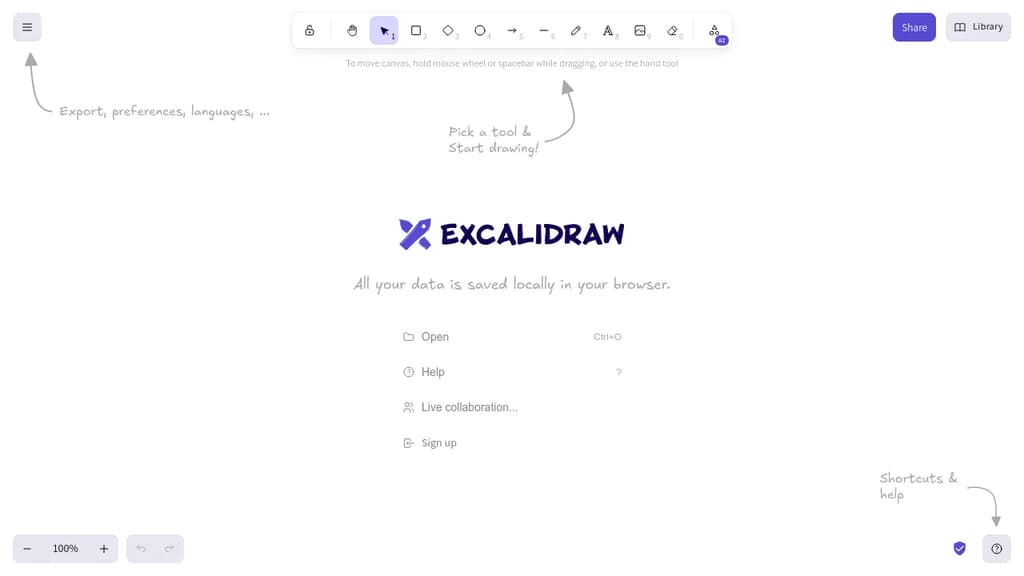
Excalidraw is a browser-based whiteboarding tool built around one idea: making diagrams feel human. Everything you draw comes out with a sketchy, hand-drawn style that keeps things informal and approachable, which makes it popular for brainstorming sessions, technical diagrams, and quick wireframes where polish would actually get in the way.
It's built for collaboration. Multiple people can work on the same canvas in real time, making it a practical choice for remote teams who need a shared visual space without spinning up heavy software.
Key capabilities include:
- Hand-drawn rendering that gives shapes, arrows, and text a natural, informal look
- Real-time multiplayer so teams can sketch together live
- Exportable scenes to PNG, SVG, or the native
.excalidrawformat for reuse - Libraries of reusable shapes and components you can drop into any canvas
- End-to-end encrypted sharing when you share a link with collaborators
- Embeddable in other apps via its open API, which is why it shows up inside tools like Obsidian and Notion
Compared to tools like draw.io or tldraw, Excalidraw leans harder into the sketchy aesthetic as a deliberate design choice rather than a mode you toggle. It's not trying to produce publication-ready diagrams. That constraint is the point: it keeps conversations focused on ideas rather than pixel-perfect layouts.
The canvas is infinite, the interface stays minimal, and the whole thing runs in the browser with no account required to start drawing.

Create flowcharts, sequence diagrams, Gantt charts, and more using a simple Markdown-like syntax that renders anywhere.
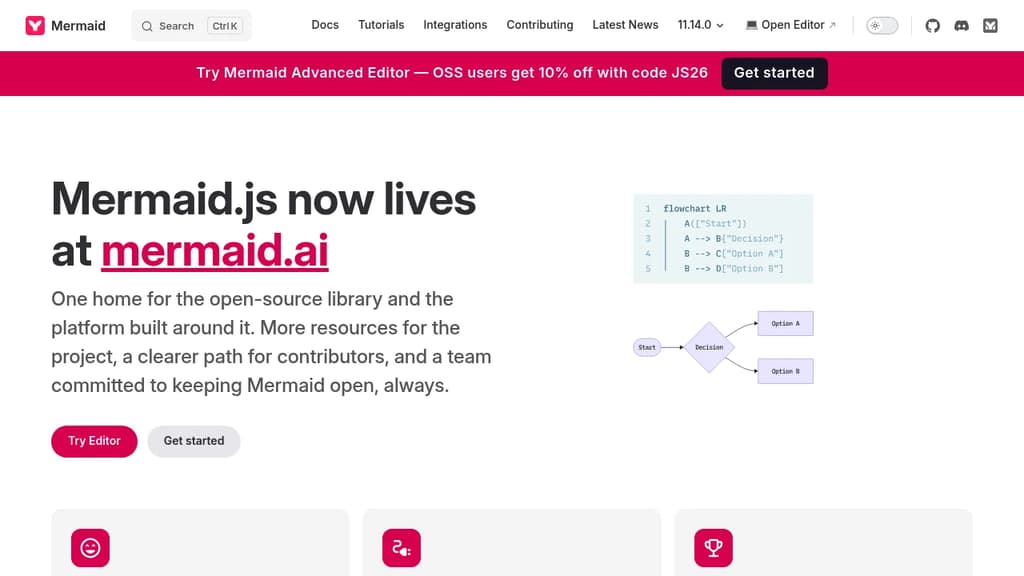
Mermaid lets you write diagrams as text and renders them as visuals. Instead of dragging shapes around in a GUI tool like draw.io, you describe your diagram in a lightweight syntax, and Mermaid generates the image. That means diagrams live alongside your code, version-control cleanly, and update without hunting through a visual editor.
It's built for developers, technical writers, and teams who want diagrams embedded in documentation, READMEs, wikis, or markdown-based doc platforms. Many tools that handle technical documentation support Mermaid natively, so diagrams render inline without any extra setup.
The diagram types it supports cover a wide range:
- Flowcharts for process and decision logic
- Sequence diagrams for showing interactions between systems or actors
- Gantt charts for project timelines
- Class and entity-relationship diagrams for data modeling
- State diagrams, pie charts, quadrant charts, and more
The syntax is intentionally minimal. A few lines of text produce a clean, readable diagram. Because everything is plain text, diagrams fit naturally into pull requests, code reviews, and documentation pipelines.
Beyond the core library, Mermaid also offers a live editor and a collaborative platform at mermaid.ai, where teams can build and share diagrams together. The live editor is useful for prototyping a diagram before dropping the syntax into a doc or codebase.
Mermaid integrates with a broad set of tools including GitHub (which renders Mermaid natively in markdown), Notion, Confluence, and various static site generators. For teams building data dashboards or internal tools, embedding Mermaid diagrams into existing workflows is straightforward.
The project is open source and actively maintained by a sizable core team.

Virtual whiteboard that works instantly on any device, no signup required, with real-time multiplayer collaboration built in.
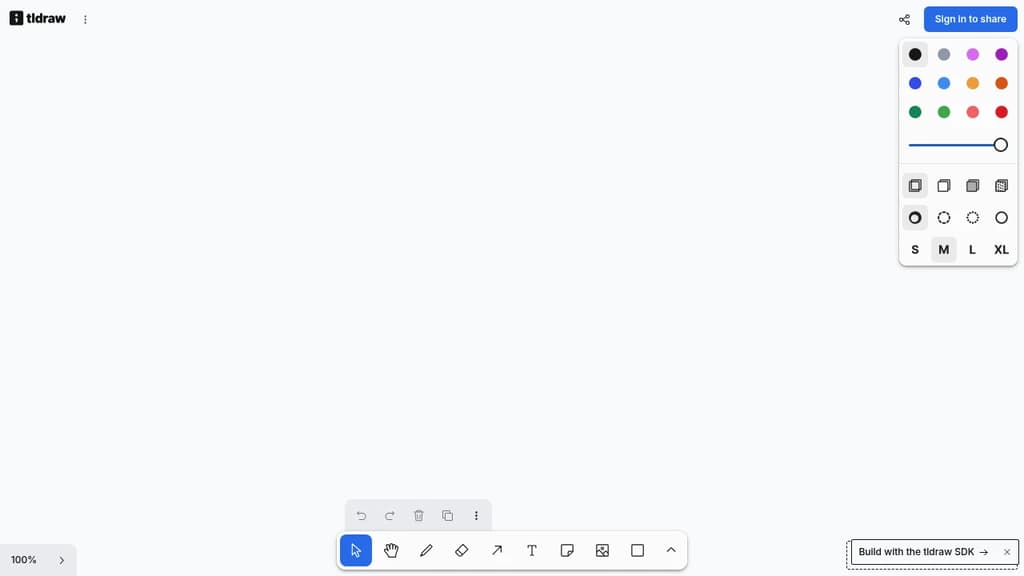
tldraw is a free virtual whiteboard that opens in your browser and works immediately. No account, no installation, no waiting. It runs on desktop, tablet, and mobile, making it practical for quick sketches, brainstorming sessions, or visual collaboration across teams.
The core experience is fast and low-friction. You get a clean infinite canvas with drawing tools, shapes, text, arrows, and sticky notes. Real-time multiplayer is built in, so multiple people can draw and edit together without any setup. Share a link and collaborators are in.
What sets tldraw apart from tools like Excalidraw or draw.io is its focus on feel. The drawing experience is deliberately smooth, with snapping, alignment guides, and a hand-drawn aesthetic that makes diagrams feel approachable rather than stiff. It's well-suited for informal collaboration: wireframes, quick diagrams, meeting notes with visuals, or just thinking out loud with a colleague.
Key capabilities include:
- Infinite canvas with zoom and pan that stays responsive at any scale
- Multiplayer collaboration via shareable links, no accounts required for guests
- Shape library covering arrows, connectors, text, and freehand drawing
- Embeds so you can drop in images and other content directly onto the board
- Export to PNG, SVG, and JSON for use outside the app
tldraw is also available as an open-source SDK, which means developers can embed the whiteboard engine directly into their own products. That dual nature (polished end-user tool and embeddable component) gives it a broader reach than most LucidChart alternatives in this space.

Free online database diagram editor with SQL generation. Create ER diagrams, visualize relationships, export scripts, and reverse engineer schemas - no signup required.
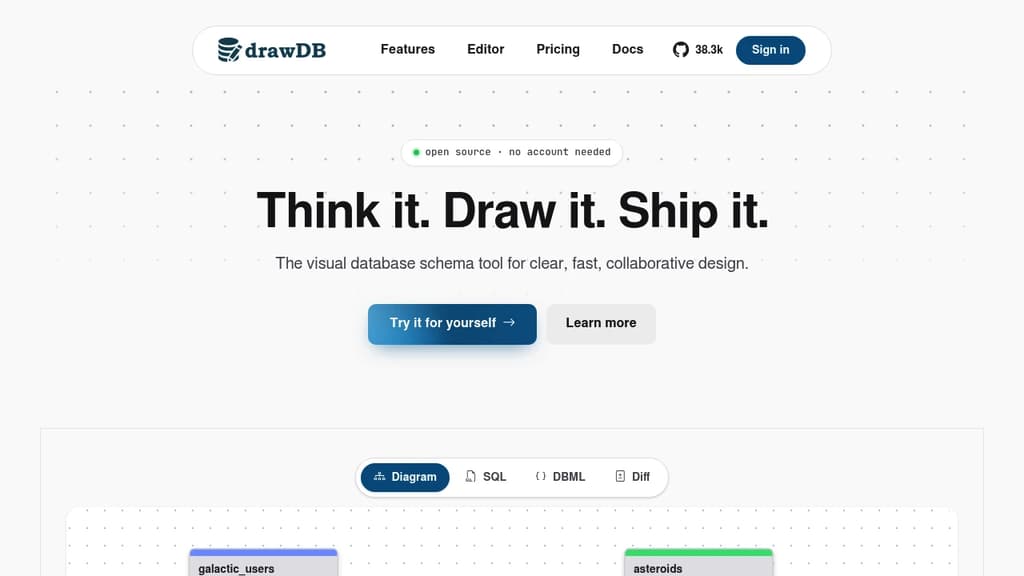
Free and intuitive database design tool that lets you create professional entity-relationship diagrams and generate SQL scripts without any account registration. Perfect for developers, database administrators, and data architects who need quick visualization solutions.
Key features include:
- Visual diagram editor with drag-and-drop functionality for tables, relationships, and constraints
- Multi-database support for MySQL, PostgreSQL, SQLite, MariaDB, and SQL Server
- SQL script generation with DDL export capabilities for immediate database implementation
- Reverse engineering to import existing DDL scripts and automatically generate visual diagrams
- Template library with pre-built structures and custom template saving for recurring projects
Advanced capabilities:
- Issue detection system that identifies diagram errors before script generation
- Presentation mode for team meetings and collaborative discussions
- Customizable workspace with adjustable UI components and keyboard shortcuts
- Object-relational database support with custom types and JSON schema creation
- Task tracking with built-in todo management for project organization
The tool operates entirely in your browser with local storage, ensuring privacy and speed while maintaining full functionality. Export options include SQL scripts, JSON files, and image formats for documentation purposes.

Create professional diagrams online or offline with security-first approach. No registration needed. Works with Google Drive, SharePoint, Atlassian, and more.
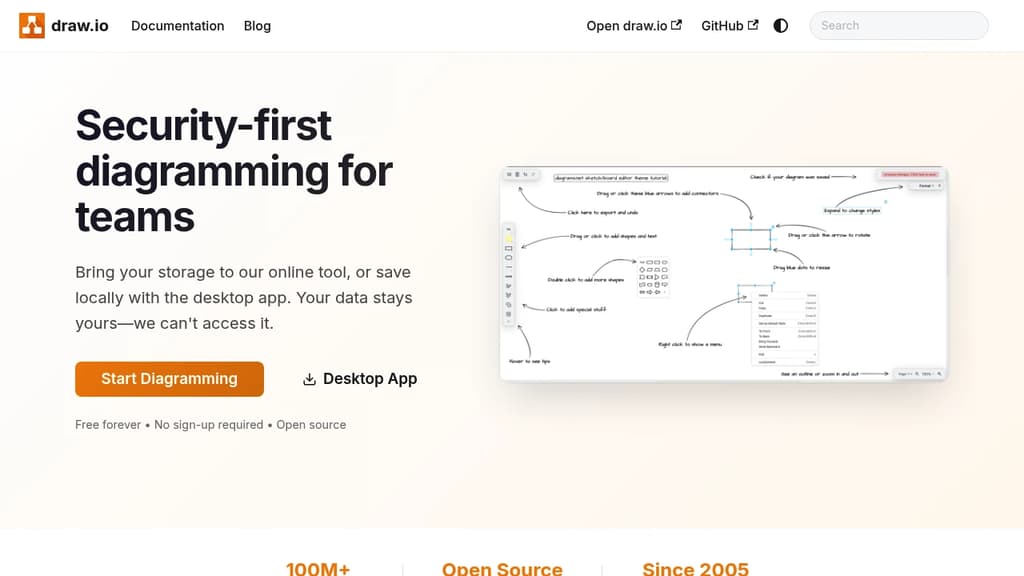
Security-first diagramming solution that puts your data privacy first. Create professional flowcharts, network diagrams, org charts, and technical drawings without compromising security.
Key features:
- No login or registration required - start diagramming immediately
- Bring your own storage - works with Google Drive, SharePoint, OneDrive, Dropbox, and Git
- Desktop app available for complete offline functionality
- AI-powered diagram generation using OpenAI integration
- Long-term compatibility - files from 2005 still work today
Extensive integrations make it perfect for teams:
- Google Workspace and Google Drive integration
- Microsoft SharePoint and OneDrive support
- Atlassian products (highest-rated Confluence app)
- Git repositories for version-controlled documentation
- Notion embedding for seamless workflow integration
Whether you need quick sketches or complex technical diagrams, this tool adapts to your workflow while keeping your data secure. The combination of browser-based convenience and desktop reliability makes it suitable for individual users and enterprise teams alike.

People are looking for alternatives to...
View all alternatives
Spotify

Claude Code

CapCut

Claude

Notion

Lovable
 CodeRabbit – The leading AI Code Review platform. Ship better quality code in 50% less time, with 90% fewer bugs.
 Openlane