Open Source Microsoft To Do Alternatives
A curated collection of the 3 best open source alternatives to Microsoft To Do.
The best open source alternative to Microsoft To Do is Super Productivity. If that doesn't suit you, we've compiled a ranked list of other open source Microsoft To Do alternatives to help you find a suitable replacement. Other interesting open source alternatives to Microsoft To Do are: Vikunja and Donetick.
Microsoft To Do alternatives are mainly Task Management Tools but may also be Time Tracking Tools or Project Management Suites. Browse these if you want a narrower list of alternatives or looking for a specific functionality of Microsoft To Do.

Written by Piotr Kulpinski


Privacy-first task manager combining task lists, Kanban, Pomodoro timers, time tracking, and integrations with GitHub, GitLab, and Jira. No account required, works offline.
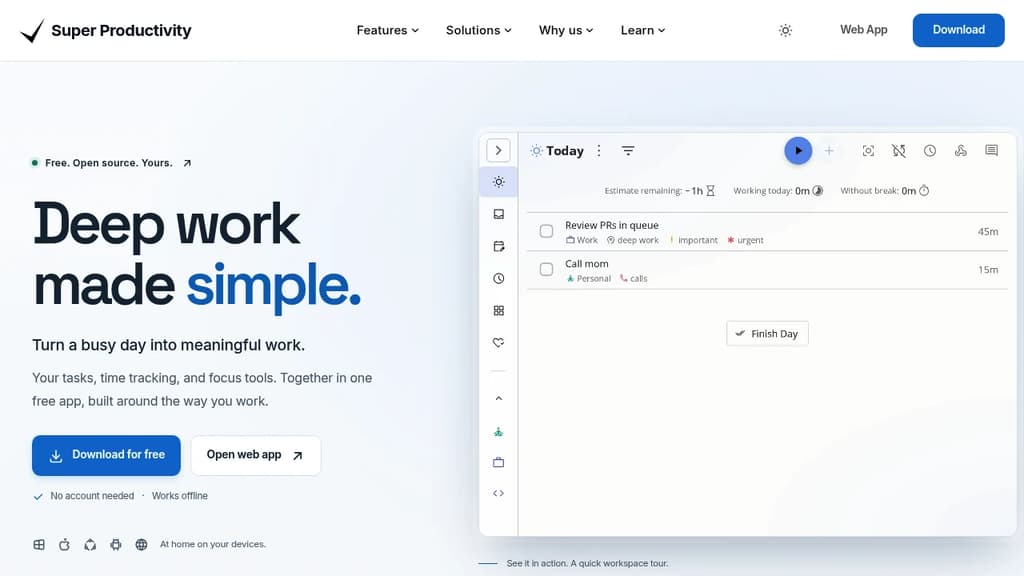
Super Productivity is a time and task management app built for people who want to do focused, meaningful work without the overhead of accounts, subscriptions, or cloud lock-in. It runs on Windows, macOS, Linux, Android, iOS, and the web. Your data stays on your device by default.
It goes well beyond a simple to-do list. You can organize work as a flat list, a Kanban board, or an Eisenhower Matrix, then drop into a distraction-free focus mode with a built-in Pomodoro timer and customizable breaks. Time tracking is built in, not bolted on, so you can see where your day actually went without switching to a separate tool like ActivityWatch or SolidTime.
Key capabilities include:
- GitHub, GitLab, and Jira integration pulls issues directly into your task list, keeping context close without constant tab switching
- Two-way Trello sync lets you work in Super Productivity while keeping a shared Trello board up to date
- Multiple Google Calendar accounts can be connected at once, so personal and work schedules appear in one view
- Live Markdown notes attach rich, editable notes to tasks as you work
- Multi-select task actions let you move, reschedule, or complete a batch of tasks in one go
- Timeboxing helps you assign time budgets to tasks before the day starts
- Full data export means you're never locked in
It's a practical fit for developers, freelancers, students, and anyone running a GTD-style system. Compared to tools like Todoist, it requires no account and no paid tier to access core features. Everything works offline. The open-source codebase is actively maintained, with a community that ships meaningful updates regularly.

A powerful, open-source task management platform for teams and individuals, offering customizable workflows and seamless integration.
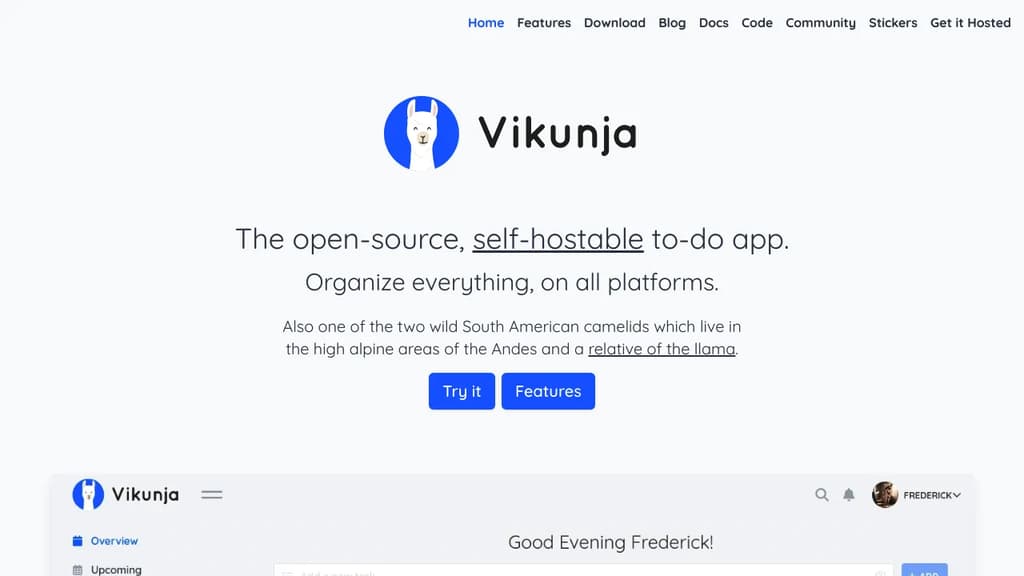
Vikunja is a versatile, open-source task management solution designed to boost productivity and streamline collaboration. Whether you're working solo or managing a team, Vikunja adapts to your unique needs.
Key benefits of Vikunja include:
- Flexible organization: Create projects, lists, and tasks with ease. Use labels, priorities, and due dates to keep everything in order.
- Customizable workflows: Tailor Vikunja to fit your process with customizable Kanban boards, Gantt charts, and list views.
- Team collaboration: Share projects, assign tasks, and communicate effectively with team members in real-time.
- Privacy-focused: Self-host Vikunja on your own infrastructure for complete control over your data.
- Cross-platform accessibility: Access your tasks from anywhere with web, desktop, and mobile apps.
- Powerful integrations: Connect Vikunja with other tools using its robust API and CalDAV support.
- Advanced features: Enjoy recurring tasks, subtasks, file attachments, and more to enhance your productivity.
Vikunja combines the simplicity of personal to-do lists with the power of enterprise project management tools. Its intuitive interface and feature-rich environment make it an ideal choice for individuals, small teams, and large organizations alike. Experience the freedom of open-source task management with Vikunja and take control of your productivity today.

Organize tasks and chores with intelligent scheduling, fair assignment, and collaboration features. Perfect for families and teams with smart notifications.
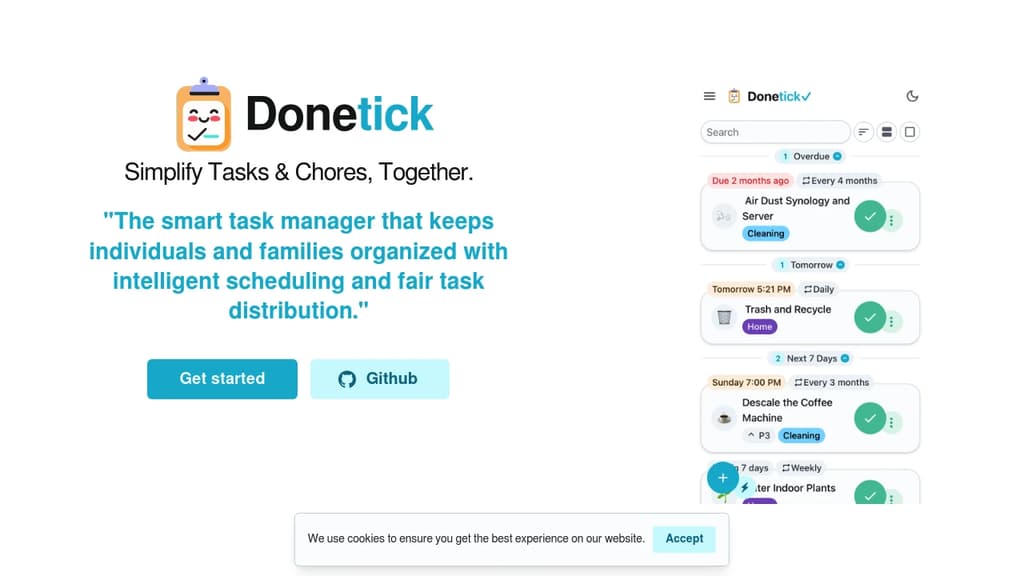
Smart task management that keeps individuals and families organized with intelligent scheduling and fair task distribution. Whether managing personal tasks or coordinating household chores, this tool provides robust assignment options and flexible scheduling.
Key features include:
- Natural language input - Add tasks simply by typing with automatic date and priority recognition
- Smart assignment algorithms - Distribute tasks fairly using round-robin, least busy, or random assignment
- Flexible recurring schedules - Set daily, weekly, monthly, or custom intervals with adaptive scheduling
- Group collaboration - Create groups for family, friends, or teams to share and assign tasks
- Gamification system - Earn points and climb leaderboards for completing tasks
- Visual calendar view - See all tasks in color-coded calendar with filtering options
- Built-in time tracking - Track work sessions with timer and analyze productivity patterns
- Smart notifications - Get timely reminders via app, Telegram, push, or webhooks
- Task automation - Link tasks with API triggers for automatic initiation
- Detailed history tracking - Record due dates, completion dates, assignees, and notes
Perfect for tablet installations in kitchens or offices, providing always-accessible task management for shared spaces. Open-source with privacy focus, offering web app, mobile apps, and self-hosted options.

People are looking for alternatives to...
View all alternatives
Spotify

Claude Code

Claude

CapCut

Notion

Lovable
 Openlane – Open-source, developer-first platform for automated compliance, risk management, and built-in Trust Center.
 CodeRabbit