Open Source Microsoft OneDrive Alternatives
A curated collection of the 12 best open source alternatives to Microsoft OneDrive.
The best open source alternative to Microsoft OneDrive is Puter. If that doesn't suit you, we've compiled a ranked list of other open source Microsoft OneDrive alternatives to help you find a suitable replacement. Other interesting open source alternatives to Microsoft OneDrive are: Spacedrive, Nextcloud, Ente, and Seafile.
Microsoft OneDrive alternatives are mainly Cloud File Sync & Share Tools but may also be File Management Utilities or Secure Document Sharing Tools. Browse these if you want a narrower list of alternatives or looking for a specific functionality of Microsoft OneDrive.

Written by Piotr Kulpinski
Puter is a cloud-based desktop OS you run in the browser, with built-in apps, file storage, and support for hosting web apps and sites.
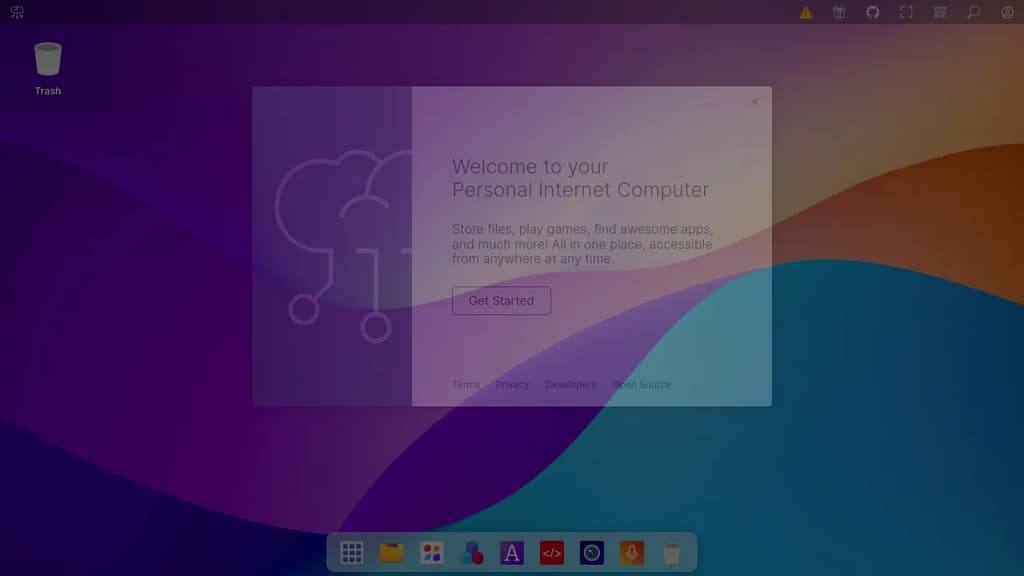
Puter is a browser-based desktop operating system that gives you a full personal computing environment without installing anything. It's built for people who want their files, apps, and tools accessible from any device through a web browser, with everything stored in the cloud.
The experience mirrors a traditional desktop: you get a windowed interface, a file manager, and a suite of built-in applications for common tasks. It's designed to work as a daily driver for productivity, creativity, and general use, all from a single URL.
Key capabilities include:
- Cloud file storage that's accessible from any browser session, with your files persisting across devices
- Built-in apps covering writing, editing, and other everyday tasks without needing third-party installs
- App hosting so developers can deploy and serve web applications directly within the Puter environment
- Authentication options including Google, Microsoft, and Apple sign-in alongside standard email/password login
- Two-factor authentication with recovery code support for account security
What sets Puter apart from simple cloud storage tools is the full desktop metaphor. It's not just a file sync service or a document editor; it's a complete environment where multiple apps run in parallel windows, much like a local OS.
Being open source means you can self-host the entire platform, which matters for teams or individuals who want control over their data rather than relying on a third-party cloud. The codebase is available for inspection, modification, and private deployment.

A cross-platform file manager that unifies your devices into a seamless, organized digital workspace.
Important: Development paused due to funding constraints (source).
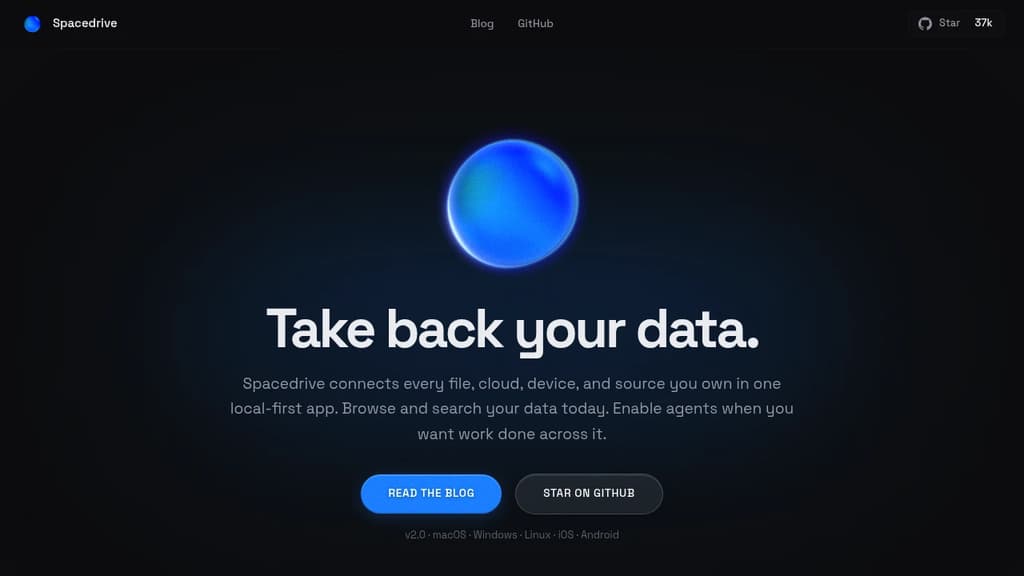
Spacedrive revolutionizes file management by creating a virtual distributed filesystem across all your devices. This open-source application offers a unified interface to access, organize, and manage your files, regardless of their physical location.
Key benefits of Spacedrive include:
- Unified Access: Connect and browse files from multiple devices and cloud services in one place.
- Smart Organization: Utilize powerful tagging, categorization, and search features to keep your digital life in order.
- Cross-Platform Compatibility: Seamlessly work across Windows, macOS, Linux, iOS, and Android.
- Privacy-Focused: Your data remains under your control, with optional end-to-end encryption.
- Customizable: Tailor the interface and workflows to suit your specific needs.
- Offline Capabilities: Access your virtual filesystem even without an internet connection.
- Media Management: Enjoy built-in media viewing and playback features.
- Version Control: Keep track of file changes and revert when needed.
- Extensible: Enhance functionality with a growing ecosystem of plugins and integrations.
Spacedrive empowers you to take control of your digital assets, providing a seamless experience across all your devices and storage solutions. Whether you're a creative professional managing large media libraries, a developer organizing code repositories, or simply someone looking to declutter their digital life, Spacedrive offers the tools you need to create a more efficient and organized digital workspace.

Nextcloud offers on-premises file sync, sharing and collaboration platform with advanced security and privacy features.
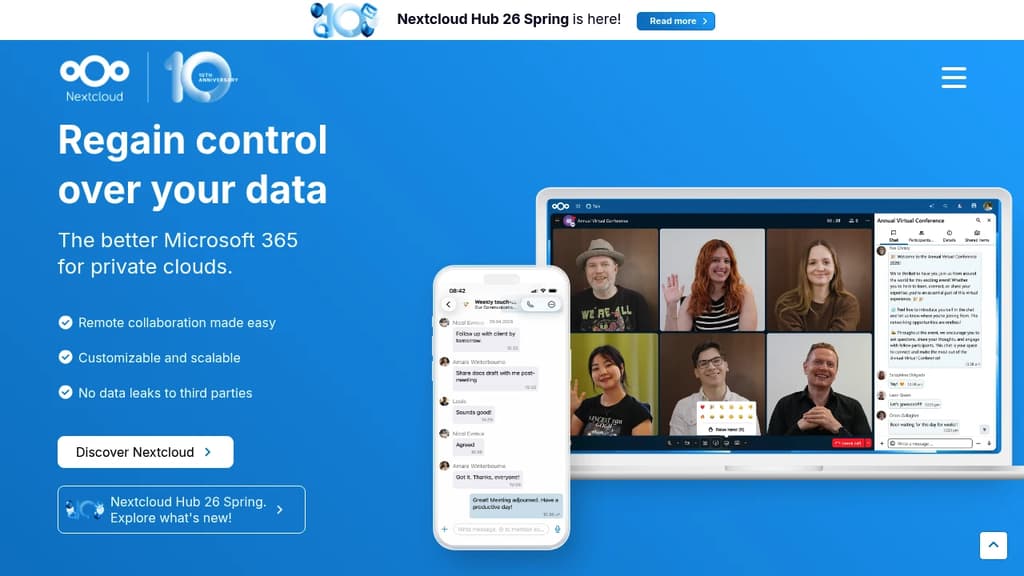
Nextcloud is an open source, self-hosted file sync and share platform that allows organizations to store, share and collaborate on files securely.
Key features include:
- File sync and sharing across devices
- Real-time document collaboration
- Video calls and chat
- Calendar, contacts and email integration
- Advanced security and access control
- On-premises hosting for full data control
- Customizable and extensible through apps
Nextcloud is designed for organizations that need secure file sharing and collaboration while maintaining control over their data. It can be deployed on-premises or with a trusted cloud provider.
Some key benefits of Nextcloud:
- Improved productivity through integrated collaboration tools
- Enhanced security with end-to-end encryption and granular permissions
- Compliance with data protection regulations like GDPR
- Lower costs compared to proprietary cloud solutions
- Flexibility to customize and extend functionality
Nextcloud is used by thousands of organizations worldwide, including major enterprises, educational institutions and government agencies. It provides a powerful yet easy-to-use platform for secure content collaboration.

End-to-end encrypted cloud storage for photos and videos, offering privacy, security, and seamless cross-device syncing.
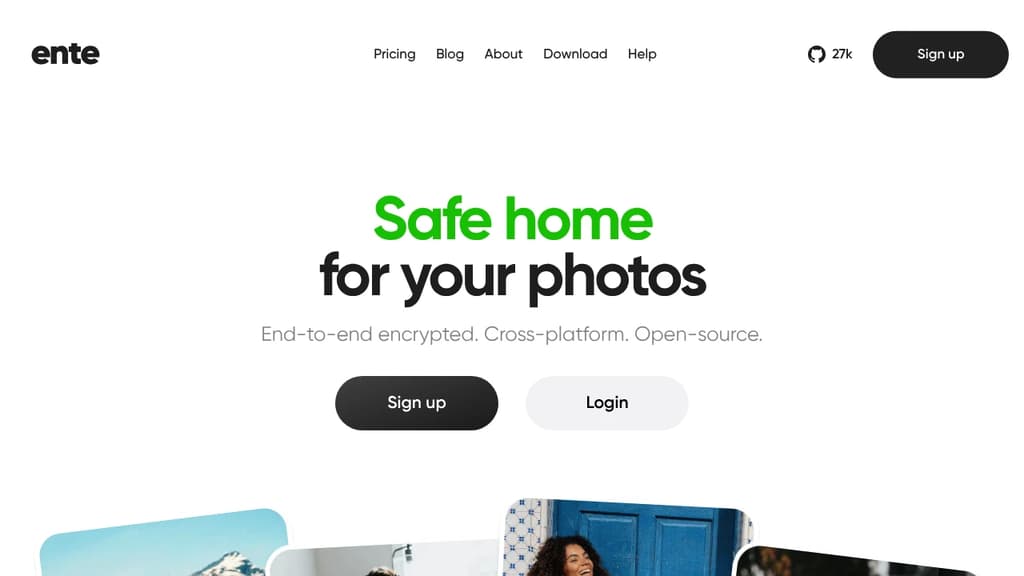
Ente is a revolutionary cloud storage platform designed for those who value privacy and security in the digital age. With a focus on protecting your precious memories, Ente offers end-to-end encryption for all your photos and videos, ensuring that only you have access to your personal content.
Key benefits of Ente include:
-
Uncompromising Security: Your data is encrypted on your device before being uploaded, making it impossible for anyone, including Ente, to access your files without your permission.
-
Cross-Device Syncing: Seamlessly access your photos and videos across all your devices, with real-time updates and automatic backups.
-
User-Friendly Interface: Enjoy a clean, intuitive design that makes organizing and sharing your media effortless.
-
Sharing with Confidence: Share albums or individual photos securely with friends and family, maintaining control over who can view your content.
-
Open Source Transparency: Ente's commitment to privacy is backed by its open-source nature, allowing for community verification of security practices.
-
Affordable Plans: Choose from flexible storage options that cater to your needs without breaking the bank.
-
No Ads or Data Mining: Your personal information is never sold or used for targeted advertising.
Experience the peace of mind that comes with knowing your digital memories are safe, accessible, and under your control with Ente.

Open source file sync and sharing platform with custom properties, AI automation, collaborative editing, and enterprise-grade security for teams.
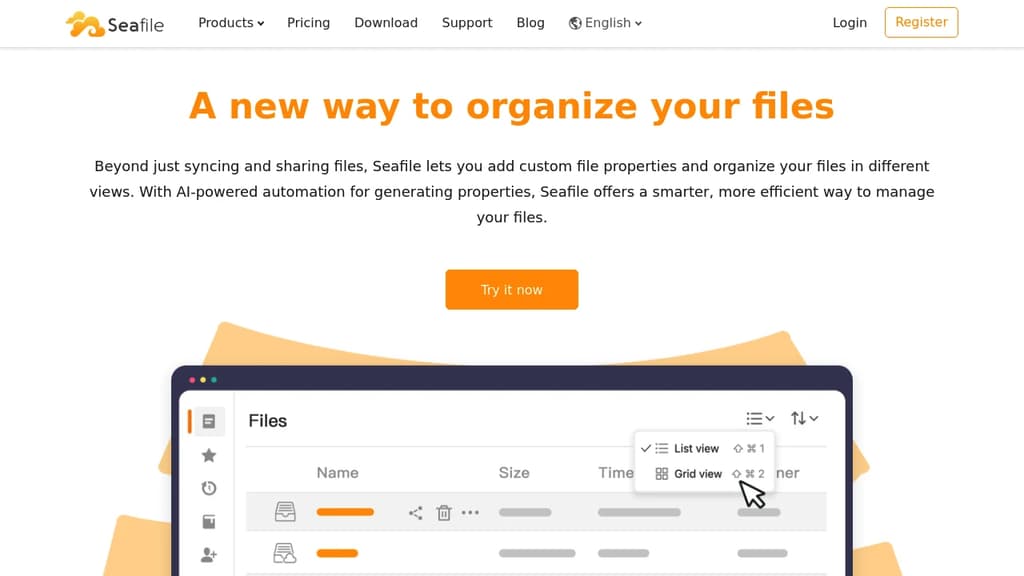
Transform how you organize and collaborate on files with this powerful self-hosted solution that goes beyond traditional file syncing. Built for teams who need complete control over their data while maintaining seamless collaboration.
Key advantages:
- AI-powered file organization - Automatically generate descriptions, tags, and extract key information from your files
- Custom file properties - Add metadata like owner, status, and security level to make files easily searchable and filterable
- Flexible viewing options - Create table, gallery, kanban, and map views based on your file properties
- Real-time collaboration - Built-in document editor (SeaDoc) with co-editing, revision tracking, and review workflows
- Granular permissions - Control access at folder and sub-folder levels with read/write, read-only, and preview permissions
- Enterprise security - Advanced encryption, comprehensive audit logs, and file history recovery
- Multi-level tagging - Organize tags in hierarchical structures for better categorization
Perfect for teams seeking:
- Complete data ownership and privacy
- Advanced file organization capabilities
- Seamless collaboration without vendor lock-in
- Enterprise-grade security and compliance features
Trusted by over 1 million users worldwide, this solution offers the perfect balance of powerful features and data sovereignty.
Filestash is an open-source file manager that integrates with multiple storage backends, authentication systems, and offers customization options.
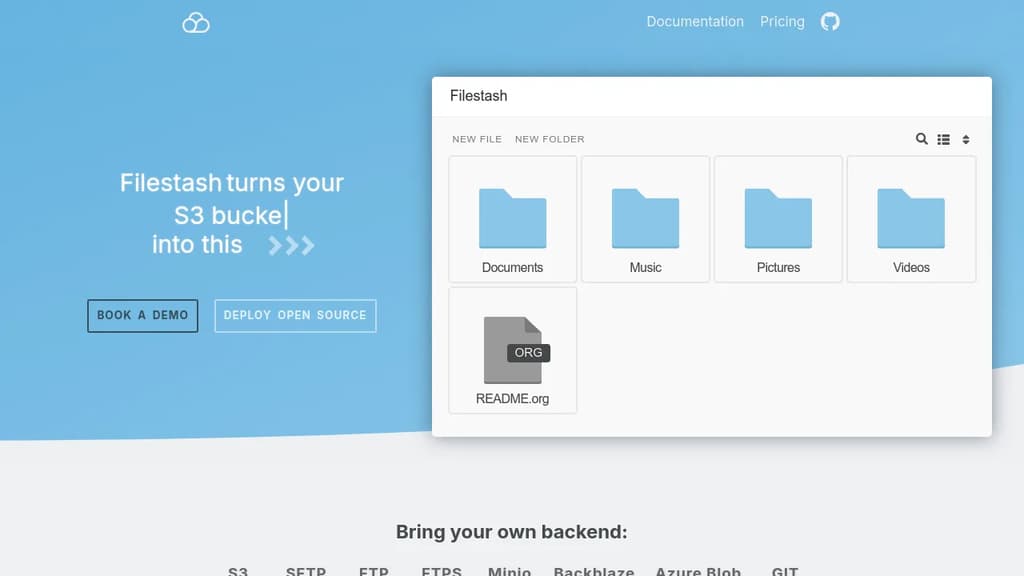
Filestash is a versatile, open-source file management solution designed for enterprises. It offers a unified interface to access and manage files across various storage backends, including S3, SFTP, FTP, WebDAV, Samba, and many more.
Key features include:
-
Universal File Manager: Browse, organize, and share files across multiple storage solutions through a single intuitive interface.
-
SSO Integration: Seamlessly integrates with corporate SSO systems like LDAP, SAML, and OIDC for secure and familiar authentication.
-
White-Label Solution: Customize Filestash's appearance to match your company branding and deploy it as your own solution.
-
Extendable Architecture: Utilize plugins to extend functionality and adapt to specific business needs. Custom plugin development is available for specialized requirements.
-
Security & Compliance: Maintain high security standards with activity logs and audit trails, allowing you to monitor user actions and protect confidential data.
-
Wide Range of Supported Backends: Compatible with popular storage solutions like S3, SFTP, FTP, WebDAV, Samba, Minio, Azure Blob, Git, and many others.
-
Enterprise-Ready: Trusted by notable organizations including MIT, DHL, Schneider Electric, and others.
Filestash offers both an open-source version for self-deployment and an enterprise version with additional features and support. It's an ideal solution for businesses looking to streamline file management across diverse storage systems while maintaining security and compliance.

Self-hostable cloud file management and collaboration platform with an integrated office suite, zero-trust security, and GDPR compliance for teams and organizations.
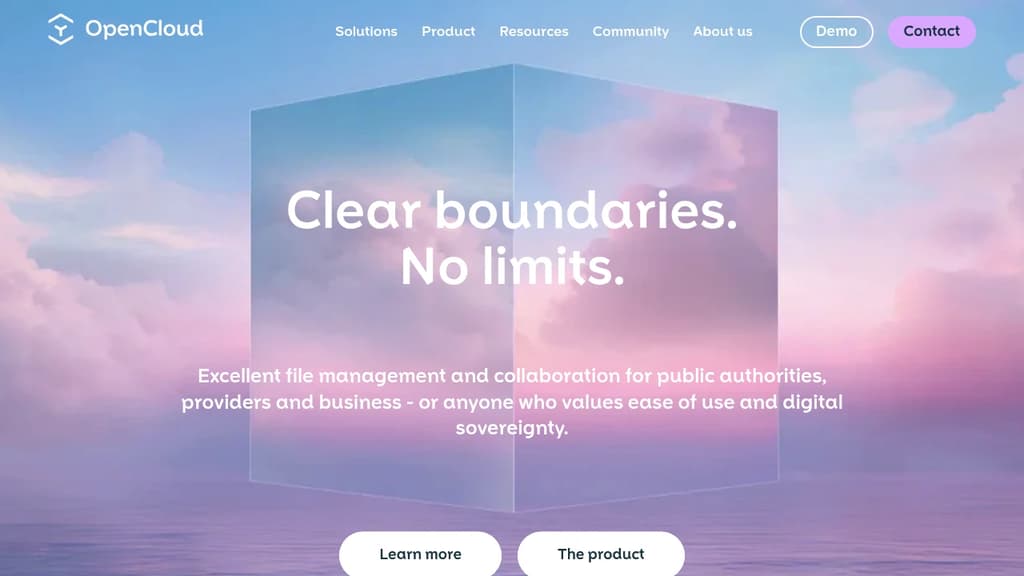
OpenCloud is a file management and collaboration platform built for organizations that need full control over their data. It's developed by the Heinlein Group, a Berlin-based open source IT company with three decades of experience. The platform targets public sector bodies, research institutions, educational organizations, and businesses that can't afford to hand their data to a third-party cloud provider.
At its core, OpenCloud handles what tools like Nextcloud or Seafile also tackle: storing, syncing, and sharing files across teams. What sets it apart is its cloud-native architecture designed for high data volumes and large user counts, combined with a strong emphasis on GDPR compliance and zero-trust security principles.
Key capabilities include:
- Integrated office suite for real-time document collaboration without switching tools
- Encryption and secure versioning that protects against ransomware
- Two-factor authentication and flexible access rights management
- On-premise or SaaS deployment through selected partners, depending on your infrastructure needs
- Mobile accessibility with a barrier-free interface suited for distributed teams
For IT administrators, the platform is designed to slot into existing infrastructure without heavy customization. Installation is straightforward, and the system handles growing teams without performance degradation.
OpenCloud sits in the same cloud file sync and share space as Dropbox alternatives, but with a self-hostable model that keeps data under your organization's control. The zero-trust approach means access is verified continuously, not just at login. That makes it a practical fit for regulated industries or public institutions where data residency requirements are non-negotiable.
A document management platform that helps you archive, organize, and search files with email ingestion, tagging capabilities, and powerful search functionality.
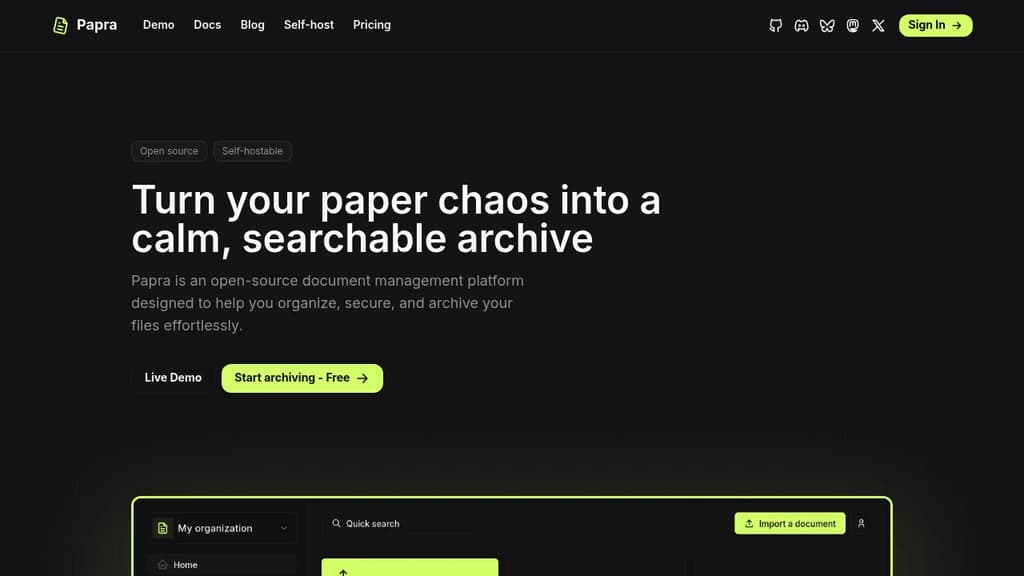
Papra is an open-source document management solution that brings order to digital chaos. With features like automated email attachment ingestion and intelligent document tagging, it streamlines how you organize and access your files.
Key benefits include:
- Centralized document storage - Keep all your files in one secure location instead of scattered across platforms
- Smart email integration - Forward emails to a unique address and automatically save attachments
- Powerful search capabilities - Find any document instantly with advanced search functionality
- Flexible organization - Use tags to create a customized filing system that works for your needs
Whether you're an individual looking to organize personal documents or a business seeking to improve document workflows, Papra provides the tools to make document management effortless and efficient.

Secure, open-source platform for file storage, sharing, and collaboration. Host your data on your own infrastructure with full control and transparency.
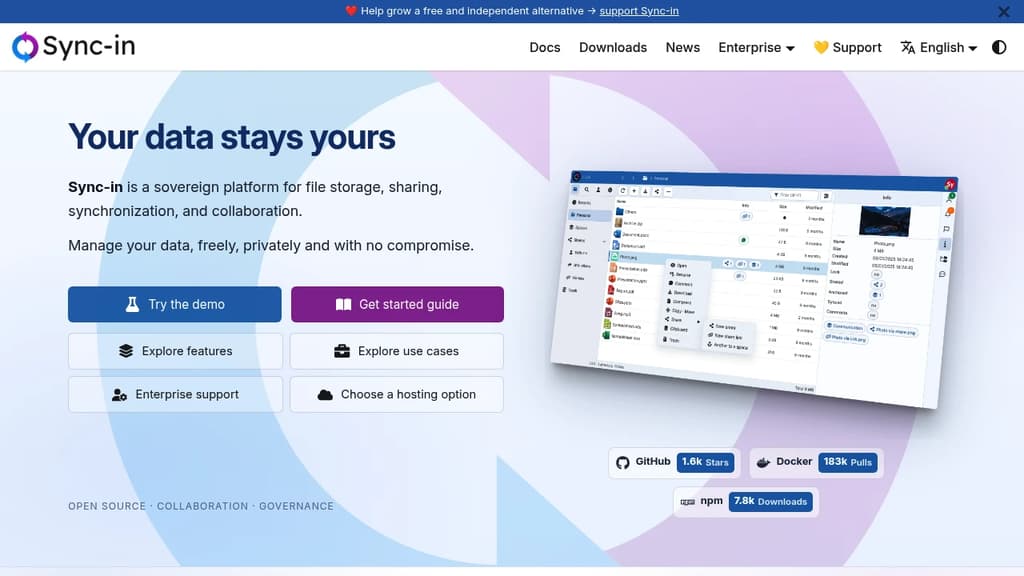
Sync-in is an open-source file storage and collaboration platform that puts you in complete control of your data. Unlike traditional cloud services, you host everything on your own infrastructure, ensuring data sovereignty and compliance with regulatory requirements.
Key features include:
- Real-time collaborative editing with Collabora Online and OnlyOffice integration
- Advanced file synchronization across Windows, macOS, and Linux devices
- Collaborative spaces for team organization with granular permissions
- Smart search with full-text content indexing across document types
- Secure sharing with customizable access controls and expiration dates
- WebDAV integration for seamless file explorer mounting
The platform combines security by design with modern performance, offering a scalable architecture suitable for individual users to enterprise deployments. Built with transparency at its core, Sync-in benefits from continuous community contributions while maintaining the highest security standards.
Whether you need to collaborate with external partners through the guest system, manage complex file workflows, or ensure regulatory compliance, Sync-in provides a powerful alternative to proprietary cloud storage solutions without compromising on functionality or user experience.
Self-hostable file platform for enterprises needing data sovereignty, real-time document collaboration, and compliance with GDPR, HIPAA, and other regulations.
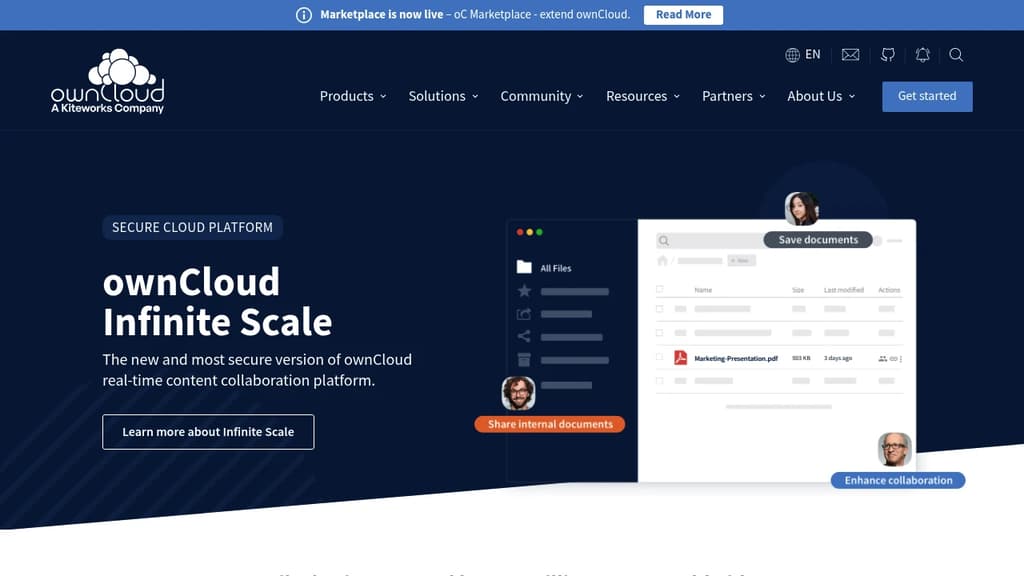
ownCloud is a file sync and share platform built for organizations that can't afford to hand their data to a public cloud. It's trusted by over 200 million users and targets enterprises, regulated industries, and teams with strict data governance requirements. You can deploy it on-premises, in a private data center, or in a hybrid setup.
The current platform, Infinite Scale (oCIS), is built on a three-tier architecture that separates storage, backend, and frontend through well-defined APIs. That design makes it easier to scale, audit, and secure than monolithic alternatives like a basic file server or a generic Nextcloud instance.
Key capabilities include:
- Spaces: Project folder concept for remote teams that reduces admin overhead and keeps data access controlled per project
- Web Office integrations: OnlyOffice, Collabora Online, Microsoft 365, and Microsoft Office Online for real-time co-editing without leaving the platform
- Granular sharing controls: Password-protected public links, expiration dates, and selective external sharing so outside contacts only see what you intend
- Multi-factor authentication and encryption: Built-in, not bolted on
- File lifecycle management: Version history, retention policies, and audit trails
Compliance coverage is broad. ownCloud is designed to meet GDPR, HIPAA, CCPA, LGPD, and the Cloud Computing Regulatory Framework. For organizations that need a managed option, ownCloud.online is hosted entirely in Germany.
The open-source program office (OSPO), operated under the Kiteworks umbrella, handles governance, licensing, and community health. It is worth noting that ownCloud's enterprise focus means tighter compliance tooling and formal support paths compared to more community-driven projects.
Open source encrypted data storage solution offering secure file sharing, collaboration tools, and on-premises deployment for professional teams.
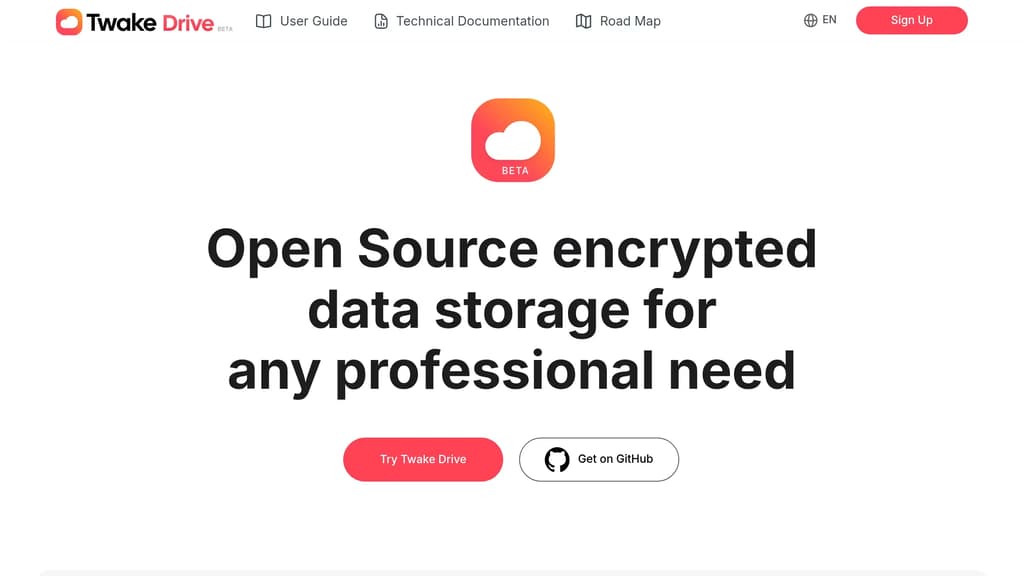
Secure your professional data with an open source encrypted storage solution that puts privacy first. Store, share, and collaborate on files with complete control over your data through on-premises deployment options.
Key features include:
- End-to-end encryption for maximum security with unique keys for each file
- Shared Drive functionality for seamless team collaboration
- Built-in office suite with OnlyOffice integration for creating documents, presentations, and spreadsheets
- Advanced search capabilities to quickly find files by content, name, or sender
- Flexible access controls with public or protected link sharing
- Self-hosted deployment to maintain complete data sovereignty
Perfect for businesses seeking privacy-focused file storage without compromising on functionality. The platform combines enterprise-grade security with an intuitive interface, making it easy for teams of any size to collaborate while keeping sensitive data protected. Built by LINAGORA, a leader in European open source solutions.
Firefiles turns S3 buckets and other cloud backends into a unified file manager with browser-based previews, multi-drive support, and a clean light/dark interface.
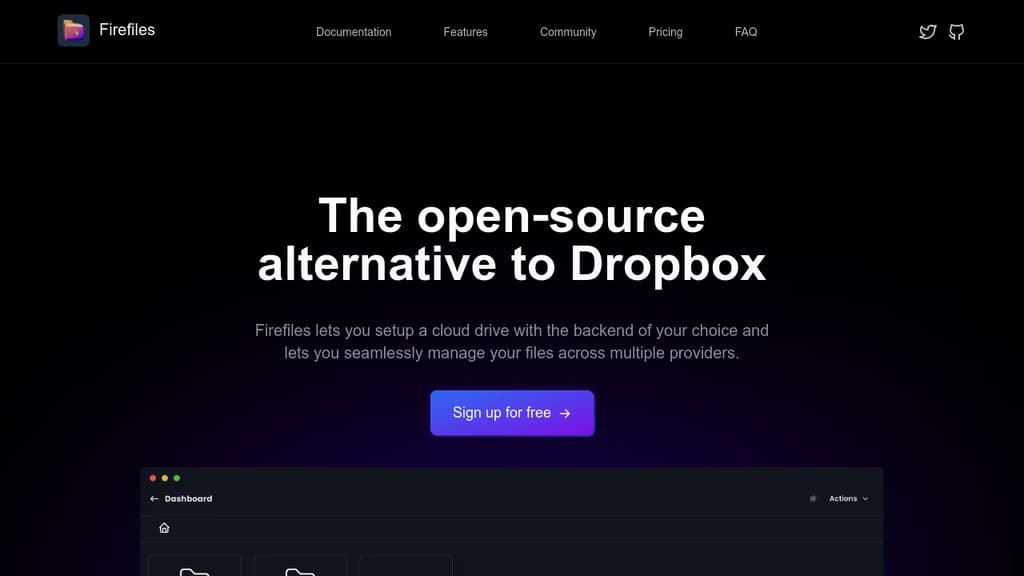
Firefiles is a self-hosted file manager that sits on top of your existing cloud storage. Instead of paying for a service like Dropbox to hold your files, you connect your own storage buckets and manage everything through a modern browser interface. Your data stays wherever you put it.
The core idea is simple: you bring the storage, Firefiles brings the interface. It currently supports AWS S3 buckets as backends, letting you treat them as cloud drives you can browse, upload to, and download from without touching the AWS console.
Key capabilities include:
- Multi-drive dashboard to manage several storage buckets side by side, all from one place
- Browser-based file previews so you can view files without downloading them first
- Bulk uploads and single-click downloads for moving files quickly
- Light and dark themes that you can switch between at will
- Fully open-source codebase on GitHub, so you can inspect or modify anything
Firefiles fits individuals or small teams who already use S3-compatible cloud storage and want a cleaner way to interact with it. If you've been relying on the AWS console or a tool like Filestash and want something more polished and purpose-built, Firefiles is worth a look.
Because you own the backend, there's no storage cap imposed by the app itself. Your limits are whatever your chosen cloud provider allows. Privacy is a genuine advantage here: no third-party service holds your files or has access to your data.

People are looking for alternatives to...
View all alternatives
Spotify

Claude Code

CapCut

Claude

Notion

Lovable
 c15t – Open-source cookie banner, built for control and lightening fast modern web apps.


 Openlane