Open Source Leon Alternatives
A curated collection of the 4 best open source alternatives to Leon.
The best open source alternative to Leon is Proton Lumo. If that doesn't suit you, we've compiled a ranked list of other open source Leon alternatives to help you find a suitable replacement. Other interesting open source alternatives to Leon are: Jan, Khoj, and 5ire.
Leon alternatives are mainly AI Personal Assistants but may also be AI Chat Interfaces or Local Model Runners. Browse these if you want a narrower list of alternatives or looking for a specific functionality of Leon.

Written by Piotr Kulpinski


AI chat assistant from Proton that stores conversations with zero-access encryption, never logs chats, and never uses your data to train models.
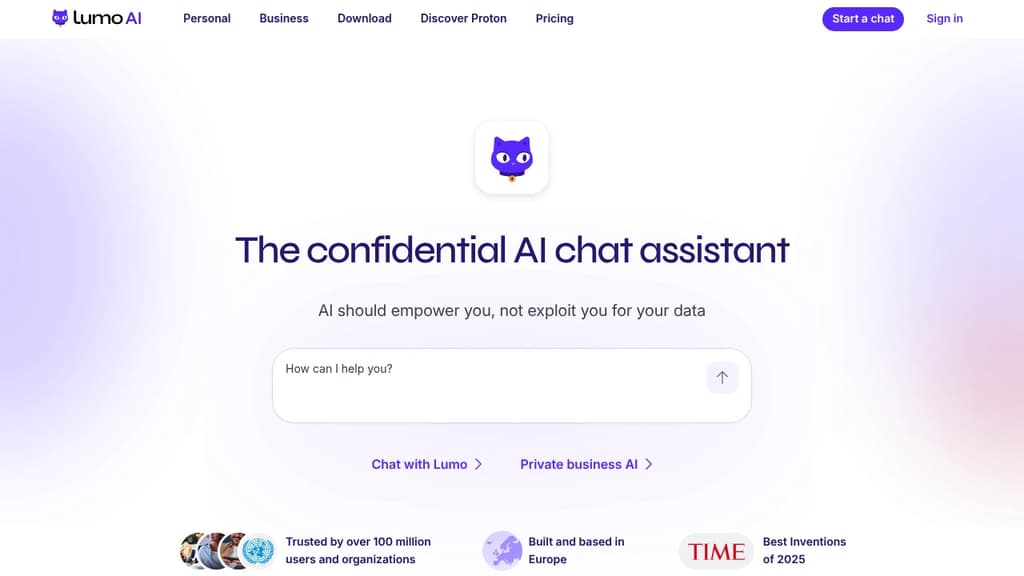
Lumo is an AI chat assistant built by the team behind Proton Mail and Proton Drive. Its core promise is simple: your conversations stay yours. Every chat is stored with zero-access encryption, meaning not even Proton can read what you've asked. No logs, no ad targeting, no data sold to third parties.
Most popular AI chat alternatives collect and retain your messages, often using them to train future models or serve targeted ads. Lumo's open-source code lets anyone verify that it doesn't. You can also use it anonymously via Tor without creating an account.
Based in Switzerland and subject to GDPR, Lumo sits outside US jurisdiction and Big Tech infrastructure. You can delete your account at any time, and Proton cannot share your data with governments or advertisers even if asked.
What Lumo can do day-to-day:
- Image generation: Turn text descriptions into images, with iterative refinement. Your inputs aren't reused to train the model.
- Web search: Built-in real-time search for current information, without queries being tied to an ad profile.
- Document analysis: Upload confidential reports or research and extract insights without that data appearing in future AI outputs.
- Project organization: Turn messy workloads into prioritized plans, handle sensitive admin tasks like visa or tax paperwork.
- Code review and file linking: Connect files from Proton Drive to work with full context across projects.
- Custom Lumos: Create specialized assistants for specific workflows (paid tier).
The free tier covers limited messages, image generations, and one project. Lumo Plus adds unlimited chats, higher model usage, more image generations, and unlimited projects. It's aimed at professionals and teams who handle sensitive information and can't afford to have that data harvested by the tools they rely on daily.

Jan runs open-source AI models on your own hardware or connects to cloud providers like OpenAI, Anthropic, and Google, keeping your conversations off third-party servers.
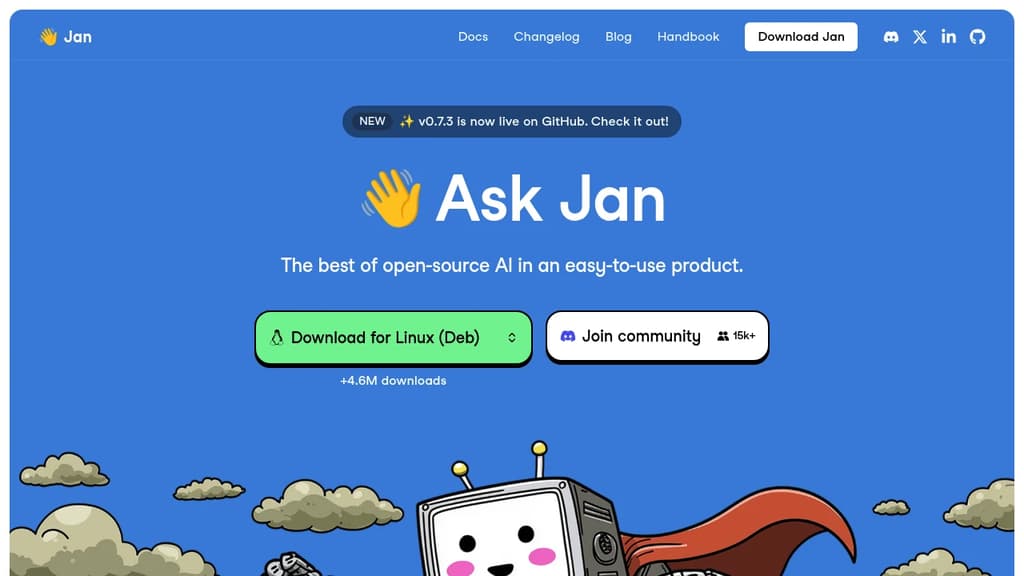
Jan is a desktop AI chat app built for people who want the capabilities of ChatGPT without handing their conversations to a cloud service. It runs entirely on your own machine using open-source models, or you can connect it to hosted providers when you need more power. Either way, you stay in control.
The model selection is broad. Out of the box, Jan supports:
- Local models like Llama, Mistral, Qwen, Gemma, and DeepSeek, downloaded and run on your hardware
- Cloud providers including OpenAI, Anthropic (Claude), Google (Gemini), and others, connected via API key
- Switching between them without leaving the app, so you're not locked into one backend
This flexibility is what separates Jan from simpler local-model runners. You get offline capability when you want privacy, and cloud fallback when a task demands it.
Jan is built in public and has crossed 5.7 million downloads, which puts it among the more widely adopted self-hosted AI interfaces alongside tools like Open WebUI and LibreChat. The codebase is open, community-driven, and free.
The interface is clean and focused on conversation. A memory feature is in development that will carry context and preferences across sessions, so you won't need to re-explain your setup or working style each time you start a new chat.
It's a practical fit for developers, designers, researchers, or anyone who handles sensitive work and doesn't want that data leaving their machine. Local inference does require reasonable hardware, but Jan handles model management inside the app, so you don't need to touch a terminal to get started.

Self-hostable AI assistant that connects to your docs and the web, lets you build agents, schedule automations, and run research with verifiable citations.
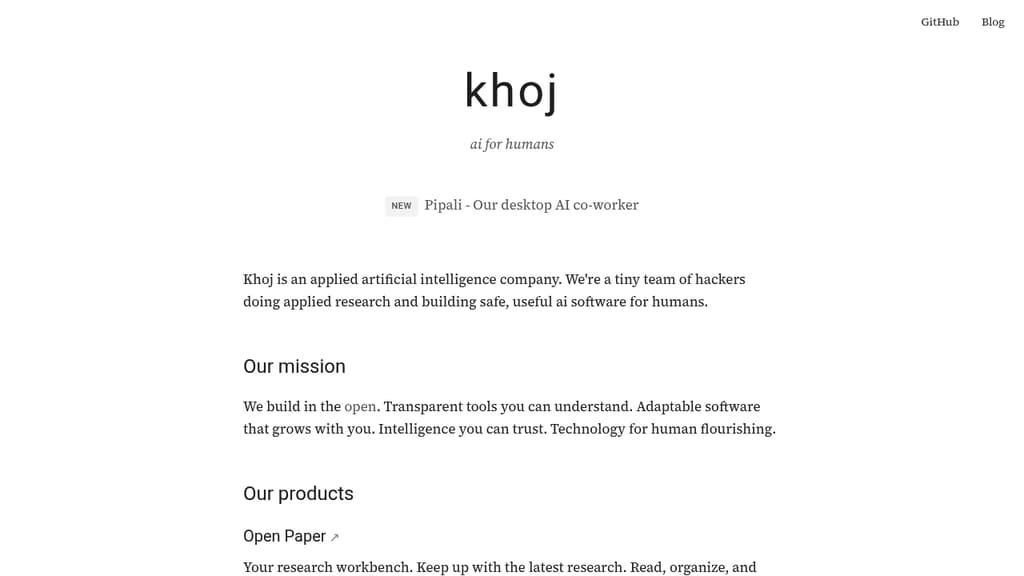
Khoj is a personal AI platform built for people who want a capable assistant they can actually trust. It connects to your documents and the web, turning any supported AI model into a research partner, automation engine, and second brain. The focus is transparency: citations are verifiable, behavior is inspectable, and you stay in control of what it accesses.
At its core, Khoj is designed around three distinct use cases:
- AI second brain: Ingest your own documents, then ask questions, get summaries, or run research across both your files and live web sources. Agents can be built on top to handle recurring tasks.
- Research workbench: Read and organize academic papers with citations you can check. Useful for anyone tracking a field or doing structured literature review.
- AI co-worker (beta): Assign multi-step tasks, track their progress, and receive polished outputs. This runs locally on your machine, keeping sensitive work off third-party servers.
Because it's open source and self-hostable, you're not locked into a single model or vendor. Swap the underlying model, run it on your own infrastructure, and keep your data private. That's a real distinction from closed alternatives like Humanloop or proprietary chat tools.
Khoj sits in similar territory to LobeChat and LLMChat, but leans harder into autonomous agents and scheduled automations rather than pure conversational UI. The scheduled automation feature means Khoj can run tasks on a cadence without you initiating each one manually.
It's a good fit for researchers, knowledge workers, and developers who want an AI assistant with genuine depth rather than a thin chat wrapper.

Cross-platform desktop AI assistant supporting multiple providers, local knowledge base, and custom prompts. Integrates MCP protocol for enhanced AI tool capabilities.
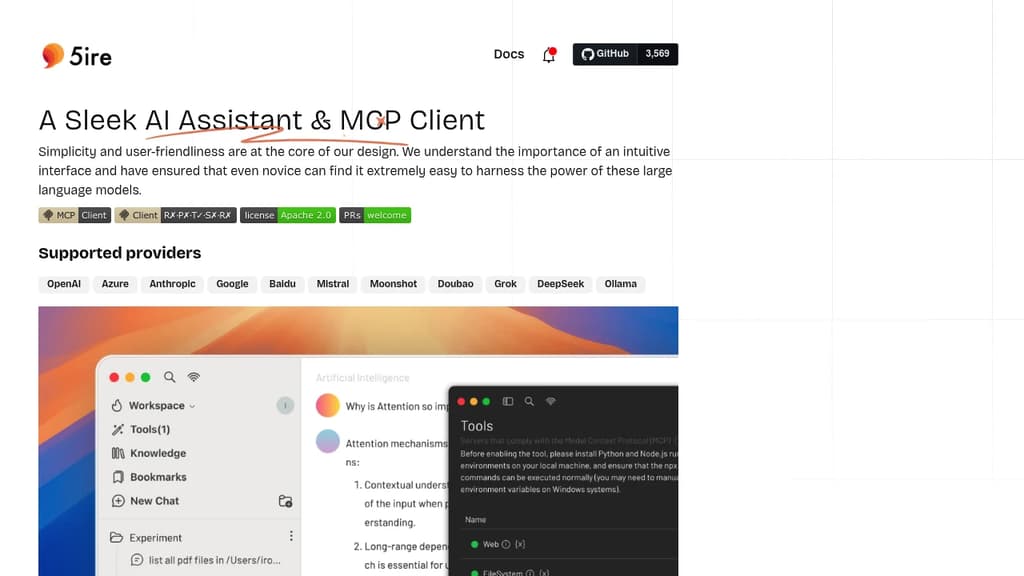
5ire brings sophisticated AI capabilities to your desktop with a clean, intuitive interface that makes advanced AI features accessible to everyone. The application stands out with its support for multiple leading AI providers including OpenAI, Anthropic, Google, and Mistral.
A key differentiator is the integration of the Model Context Protocol (MCP), which acts like a universal connector for AI applications. This allows 5ire to leverage various tools for file system access, database interactions, and remote data retrieval, expanding far beyond simple chat capabilities.
The built-in local knowledge base powered by bge-m3 embedding model enables multilingual document processing and vectorization. Users can analyze docx, pdf, xlsx, and other document formats for powerful local Retrieval-Augmented Generation. Additional features include:
- Usage analytics to track API spending and optimize costs
- Custom prompt library with variable support for reusable templates
- Conversation bookmarks that persist even after message deletion
- Full-text search across all conversations
- Free and open source with cross-platform support
5ire combines enterprise-grade AI capabilities with user-friendly design, making it an ideal choice for both casual users and professionals seeking a powerful desktop AI assistant.

People are looking for alternatives to...
View all alternatives
Spotify

Claude Code

CapCut

Claude

Notion

Lovable
 Docmost – Open-source wiki software with real-time collaboration, diagrams, AI, SSO, RBAC permissions and more.
 Stellar Hosted