Open Source Kap Alternatives
A curated collection of the 5 best open source alternatives to Kap.
The best open source alternative to Kap is OBS Studio. If that doesn't suit you, we've compiled a ranked list of other open source Kap alternatives to help you find a suitable replacement. Other interesting open source alternatives to Kap are: ShareX, Cap, Screenity, and Snapify.
Kap alternatives are mainly Screen Recording Tools but may also be Screenshot Utilities or Browser Extensions. Browse these if you want a narrower list of alternatives or looking for a specific functionality of Kap.

Written by Piotr Kulpinski


OBS Studio offers high-quality video recording and live streaming capabilities, supporting multiple platforms and providers.
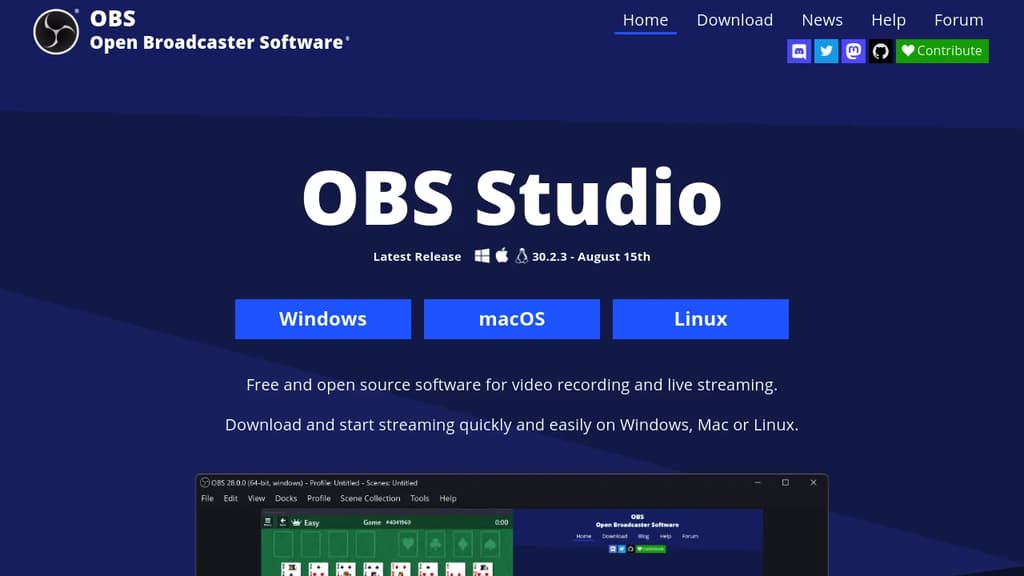
OBS Studio is a powerful, free and open-source software for video recording and live streaming. It's designed to be versatile and user-friendly, catering to both beginners and advanced users.
Key features include:
- High-performance real-time video/audio capturing and mixing
- Scene creation with multiple sources (window captures, images, text, browser windows, webcams, capture cards, etc.)
- Seamless scene switching with custom transitions
- Intuitive audio mixer with per-source filters (noise gate, noise suppression, gain)
- Powerful configuration options for easy source management
- Modular 'Dock' UI for a customizable layout
OBS Studio supports streaming to popular platforms like Twitch and YouTube, as well as local recording with high-quality H264/AAC encoding. It's compatible with Windows, macOS, and Linux, making it accessible to a wide range of users.
The software also offers:
- Studio Mode for previewing scenes before going live
- Multiview for monitoring multiple scenes simultaneously
- Hotkey support for quick actions
- Powerful API enabling plugins and scripts for further customization
Whether you're a content creator, gamer, educator, or business professional, OBS Studio provides the tools you need to produce professional-quality video content and engage with your audience through live streaming.

ShareX is a free, open-source program that captures or records any area of your screen and shares it with a single keypress, supporting various file types and destinations.
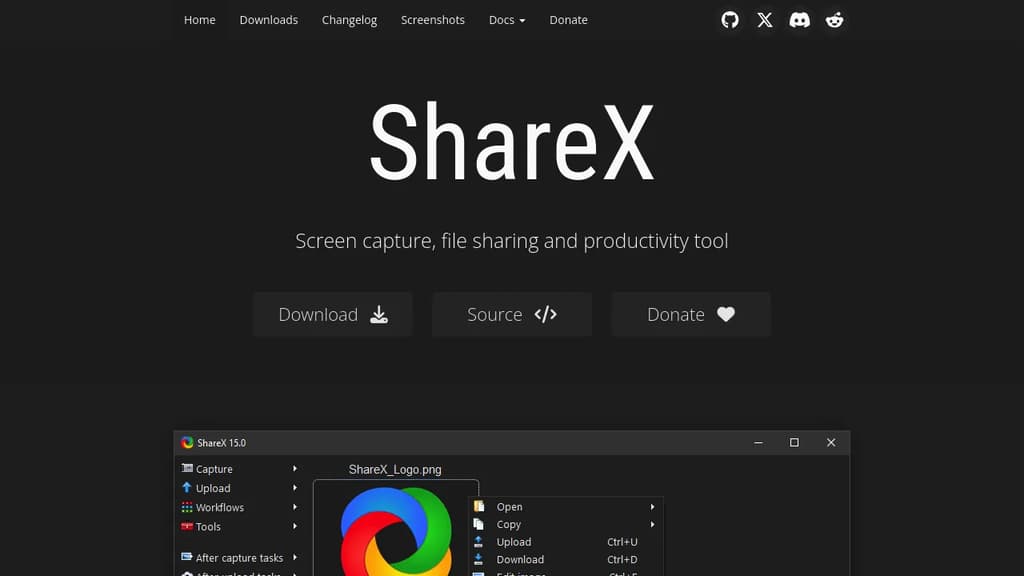
ShareX is a versatile and powerful tool for Windows users, offering a wide range of screen capture and file sharing capabilities. With over 16 years of active development, it has become a trusted solution for both individuals and large companies.
Key features of ShareX include:
- Comprehensive screen capture options: Capture full screen, active window, specific region, or even scrolling content with ease.
- Screen recording: Record your screen as video or GIF, perfect for creating tutorials or demonstrating issues.
- Extensive file sharing support: Upload to over 80 destinations, including custom uploaders for maximum flexibility.
- Productivity enhancements: Includes tools like color picker, ruler, QR code generator, and OCR functionality.
- Customizable workflows: Automate your capture and upload process with a powerful task system.
- Image editing and effects: Annotate, crop, or add effects to your captures before sharing.
ShareX stands out for its commitment to user privacy and control. As a free, open-source tool with no advertisements, it puts the power in your hands. Whether you're a casual user or a power user, ShareX offers the flexibility and features to streamline your screen capture and file sharing workflow.
Getting started with ShareX is easy. Simply download from the official website, GitHub, Microsoft Store, or Steam. Its lightweight design ensures it won't bog down your system, while its extensive feature set grows with your needs.
For those concerned about security, ShareX's open-source nature allows for community review and contributions, ensuring a transparent and trustworthy tool for your daily use.

Record your screen in Instant, Studio, or Screenshot mode, then share via a link with auto-generated transcripts, chapters, and summaries.
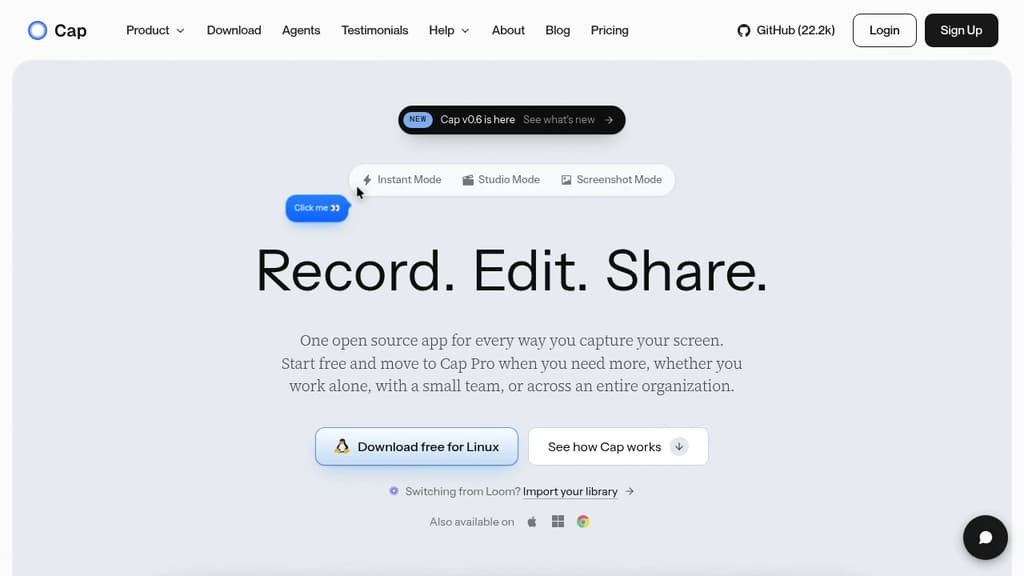
Cap is a cross-platform screen recorder built for people who share work asynchronously. It runs natively on macOS, Windows, and Linux, and covers three distinct workflows in one app: quick-share recordings, polished edited videos, and beautified screenshots.
Instant Mode is the fastest path from recording to sharing. Cap streams the video to the cloud as you record, so the moment you stop, a shareable link is already on your clipboard. Every Instant recording gets an auto-generated title, summary, clickable chapters, and a full transcript. Viewers watch in the browser with no account required.
Studio Mode records locally at 4K/60fps with separate tracks for screen, camera, and microphone. A built-in editor opens when you stop, where you can:
- Blur or pixelate passwords, emails, or faces before anyone sees the video
- Switch scenes between camera-only, split screen, and floating layouts
- Auto-zoom based on recorded clicks, or draw your own zoom regions up to 4.5x
- Generate captions locally in 19 languages, then style and burn them in
- Add animated text as stackable tracks with fade, slide, pop, or typewriter effects
- Apply color grades like Cinematic, Noir, or Vintage, then fine-tune exposure and contrast
- Trim, split, and reorder clips, adjust speed up to 8x, and add background music
Screenshot Mode grabs any window or area with a hotkey, drops it on a styled background with padding and shadow, and lets you annotate before copying straight to your clipboard.
Storage is flexible. You can use Cap Cloud, point recordings at your own S3-compatible bucket or Google Drive, or self-host the entire platform. Recordings are plain video files with no lock-in. Cap Cloud is SOC 2 Type II, ISO 27001, and HIPAA compliant.
For teams switching from Loom, Cap includes a built-in importer that re-hosts existing videos with transcripts and chapters intact. Cap also ships a CLI and a local MCP server so AI coding agents like Claude Code or Cursor can record, upload, and read back transcripts programmatically.
Compared to simpler tools like Kap or browser-based recorders like Screenity, Cap sits closer to a full async-video platform, with editing, AI metadata, team workspaces, and custom storage all included. The free tier covers personal use with local recording and a limited number of cloud links; Cap Pro adds unlimited cloud storage, AI features, and team collaboration.

Capture, annotate, and edit screen recordings with no limits or sign-up required. Completely private and open source.
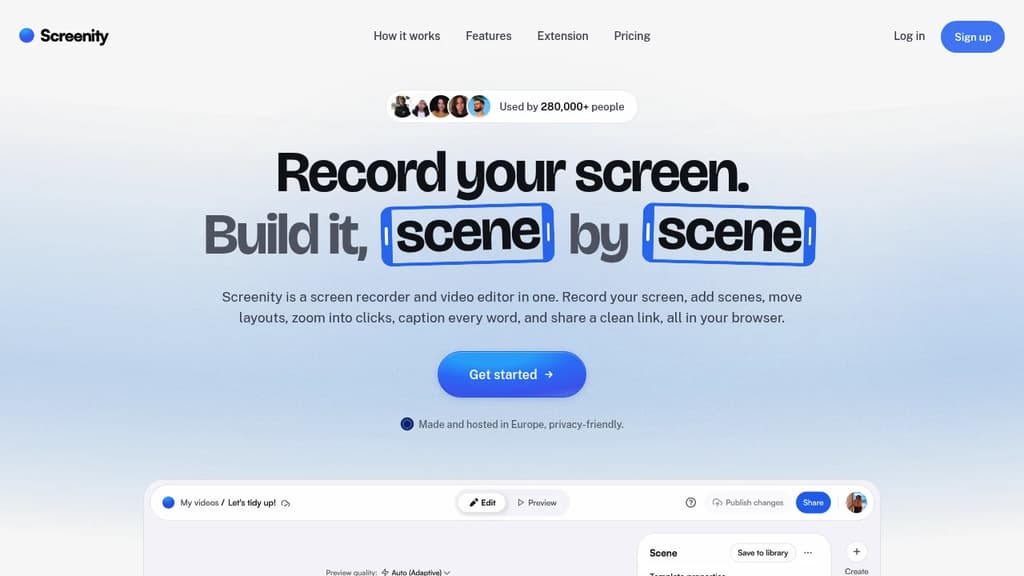
Screenity is a powerful yet user-friendly screen recording tool for Chrome that puts privacy and ease-of-use first. With Screenity, you can:
- Record your screen with no time limits
- Draw and annotate while recording to highlight important areas
- Edit your videos after recording with built-in tools
- Set custom recording timers
- Add camera effects like blur
- Export your recordings in various formats
What sets Screenity apart is its commitment to privacy and open source principles:
- No account required - just install and start recording
- Your data stays private - recordings are saved locally only
- Open source code - audit the software yourself for peace of mind
Whether you're creating tutorials, giving feedback, or recording presentations, Screenity provides a seamless experience without compromising on features or privacy. Its intuitive interface makes it accessible for beginners while offering enough depth for power users.
Try Screenity today and experience hassle-free, private screen recording right in your browser. Perfect for educators, professionals, and anyone who needs to quickly capture and share their screen.

Effortlessly create, share, and collaborate with screen recordings. Control your data with self-hosting or our secure cloud option.
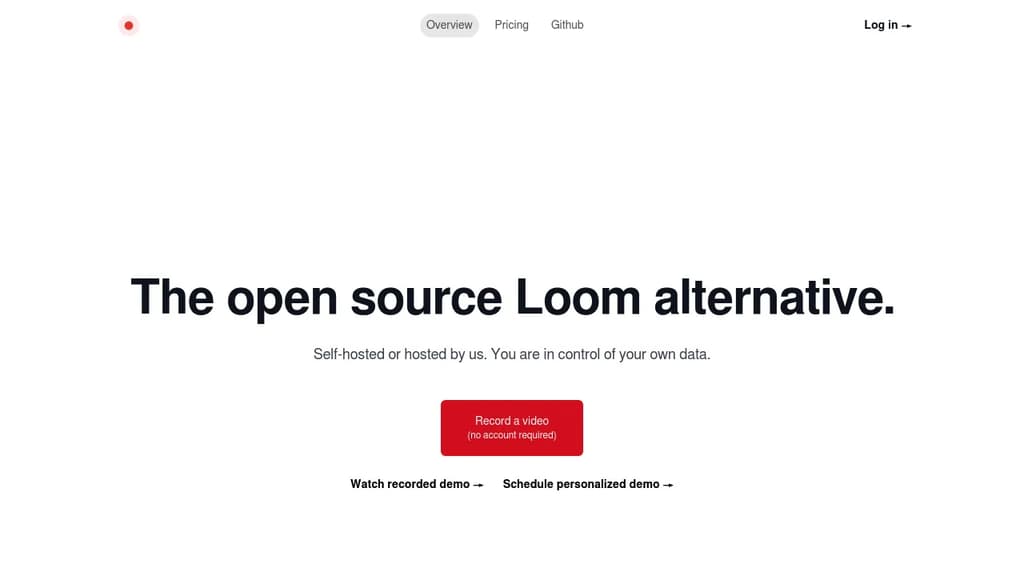
Revolutionize your team's communication with instant, shareable screen recordings. Whether you're documenting bugs, providing customer support, or collaborating on projects, our tool streamlines your workflow with powerful features:
- One-Click Recording: Capture your screen, voice, and camera with a single click
- Instant Sharing: Generate a unique link for immediate viewing, no account required
- Self-Hosting Option: Maintain complete control over your data and privacy
- Cloud Hosting Available: Opt for our secure cloud solution for hassle-free management
- Team Collaboration: Enhance productivity with easy video sharing and feedback
- Customizable Experience: Brand your video player and adjust sharing settings
Perfect for engineering teams, customer support, and cross-functional collaboration. Improve code reviews, create visual documentation, and provide clear, concise explanations without the need for lengthy emails or time-consuming meetings. Experience the power of asynchronous video communication and watch your team's efficiency soar.

People are looking for alternatives to...
View all alternatives
Spotify

Claude Code

CapCut

Claude

Notion

Lovable
 Sent – A unified API for sending messages across SMS, RCS, and apps like WhatsApp.
 Capture