Open Source Gmail Alternatives
A curated collection of the 6 best open source alternatives to Gmail.
The best open source alternative to Gmail is Macro Mail. If that doesn't suit you, we've compiled a ranked list of other open source Gmail alternatives to help you find a suitable replacement. Other interesting open source alternatives to Gmail are: Thunderbird for Android, Tuta, Roundcube, and UnInbox.
Gmail alternatives are mainly Email Clients but may also be AI Personal Assistants or Encrypted Communication Tools. Browse these if you want a narrower list of alternatives or looking for a specific functionality of Gmail.

Written by Piotr Kulpinski


An AI-powered email client that combines inbox management, chat, tasks, and AI agents in one shared workspace, built for keyboard-driven workflows.

Macro Mail is an email client built around the opinion that your inbox shouldn't be separate from your tasks, conversations, and AI tools. Unlike Superhuman, It pulls email, chat, tasks, and AI agents into a single shared workspace while still being designed for people who spend a significant chunk of their day in their inbox and want to move fast.
The keyboard-first design is central to how it works. You can navigate, triage, and act on messages without touching the mouse, which adds up over a full workday.
Key capabilities include:
- @mention anything: people, docs, tasks, channels can be referenced in email and opened in the Macro ecosystem.
- Keyboard Shortcuts: navigate, mark as done, or search through everything all from the keyboard.
- Built-in chat: all communication in one place so there is no switching between email and a separate messaging tool
- Task management: tied directly to the inbox for creating actionable items straight from email.
- AI agents: that can take actions inside the workspace whether it be email drafting, automations, tag labeling, etc.
Macro Mail is aimed at professionals and teams who find standard email clients too passive. If you're already using tools like Inbox Zero for triage or exploring AI agent-based email handling, Macro Mail positions itself as an all-in-one alternative that keeps everything in one place.
The AI layer is woven into drafting, summarization, and agent actions throughout the product. That makes it a different category from clients that add AI as a plugin or optional add-on.

Android email client from the Thunderbird project with unified inbox, multiple account support, OpenPGP encryption, and no ads or data tracking.
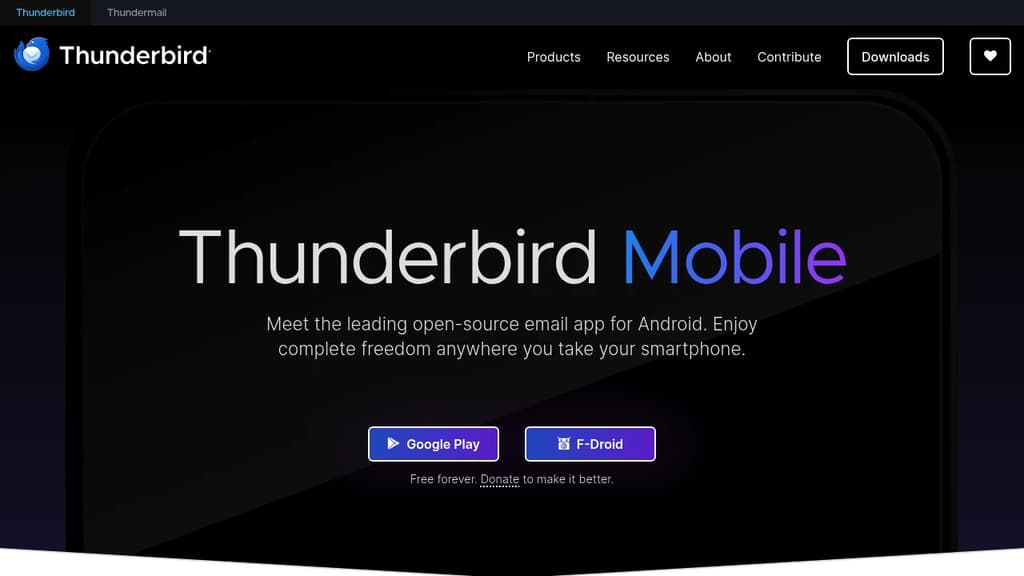
Thunderbird Mobile is the Android version of the long-trusted desktop email client, built on the same principles: no ads, no spyware, and no selling your data. It's funded entirely by donations, which means the app's incentives stay aligned with users rather than advertisers.
If you're juggling separate apps for work, personal, and school accounts, this consolidates them. You can view each account separately or pull everything into a single unified inbox. Setup is quick for existing desktop users: scan a QR code from the desktop app and your settings migrate automatically.
Key capabilities include:
- Multiple account support across virtually any email provider, synced in one place
- OpenPGP encryption via integration with the free OpenKeychain app, giving advanced users end-to-end encrypted messaging that even the email provider can't read
- Unified inbox that lets you monitor all accounts at a glance or switch between them individually
- Light and dark mode with native support for both, so it adapts to your environment
- No tracking or ads, ever, by design
For users already in the email clients space looking at privacy-focused options, Thunderbird Mobile sits alongside tools like Tuta and Twake Mail, but carries the weight of the established Thunderbird brand and community behind it.
The codebase is fully open source and freely licensed. Thousands of contributors have shaped it, and that community also provides support and ongoing development. It's a credible choice for anyone who wants a capable Android mail app without handing over personal data as the price of admission.

Tuta offers encrypted email, calendar and contacts with quantum-resistant security, protecting your privacy without ads or tracking.
Tuta is a secure communication platform that provides end-to-end encrypted email, calendar, and contacts.
Key features:
- End-to-end encryption with quantum-resistant cryptography protects your data from unauthorized access
- Zero-knowledge architecture ensures only you can access your information
- Ad-free experience with no tracking or data mining
- Intuitive apps for Android, iOS, Windows, macOS, and Linux
- Custom domain support for professional email addresses
- Open source clients that can be audited for security
Tuta uses renewable energy to power its services, demonstrating a commitment to sustainability. The platform is trusted by thousands of businesses, including financial institutions and human rights organizations, to safeguard sensitive communications.
With Tuta, you can take back control of your data and enjoy private, secure communication without compromising on features or ease of use. Whether for personal or business use, Tuta provides a comprehensive solution for those who value their digital privacy and security.

PHP-based webmail client with MIME support, address book, folder management, threaded views, PGP encryption, and a plugin API for self-hosted email.
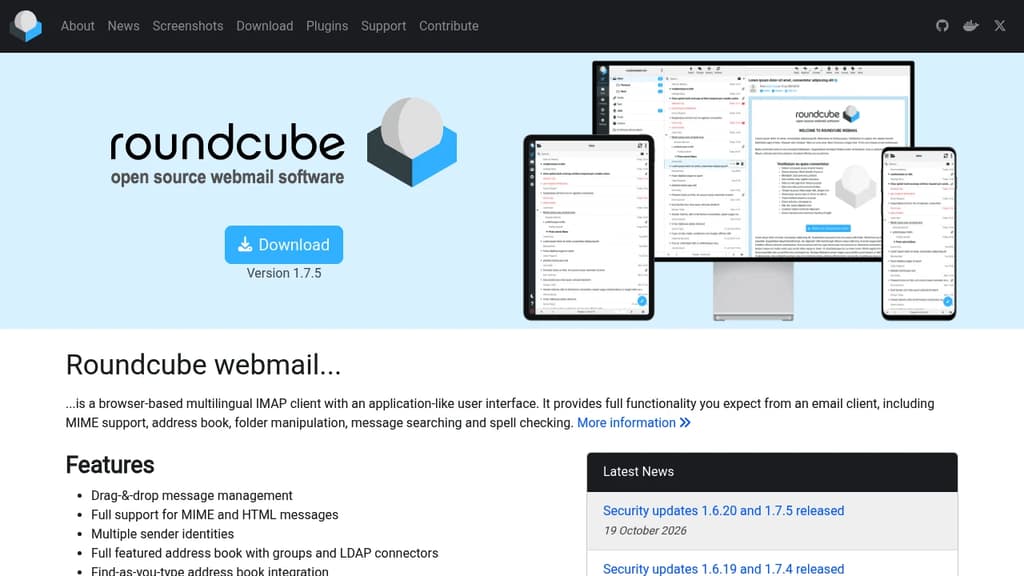
Roundcube is a browser-based IMAP webmail client that runs entirely in the browser but feels like a native desktop email app. It's built for anyone who wants to self-host their email interface without sacrificing the features they'd expect from a full client. Organizations, hosting providers, and individuals running their own mail servers are its natural fit.
The interface handles the day-to-day email workflow well. Drag-and-drop message management, threaded message listing, and find-as-you-type address book lookup keep common tasks fast. HTML and MIME messages are fully supported, and spell checking is built in.
Key capabilities include:
- Address book with group support, LDAP connectors, and seamless compose integration
- Multiple sender identities for managing different email personas from one account
- PGP encryption support for end-to-end secure messaging
- Shared and global IMAP folders with access control lists (ACL)
- IDNA and SMTPUTF8 support for internationalized email addresses
- Built-in caching for faster mailbox access on large accounts
- Responsive skin that adapts across desktop, tablet, and mobile
- Plugin API for extending functionality without modifying core code
- Import/export for contacts and data portability
- XSS protection baked into the interface
There's no cap on users or messages, which makes it practical for shared hosting environments or small organizations running their own infrastructure. The plugin system means the core stays lean while allowing integrations and customizations to be layered on top.
If you're looking at other self-hosted email tools, Twake Mail and Billion Mail take different approaches worth comparing. For teams that need email marketing alongside inbox management, something like Sendportal covers that separate use case.

Streamline team communication with shared inboxes, unlimited email addresses, and customizable workflows. Perfect for modern businesses seeking organized email management.
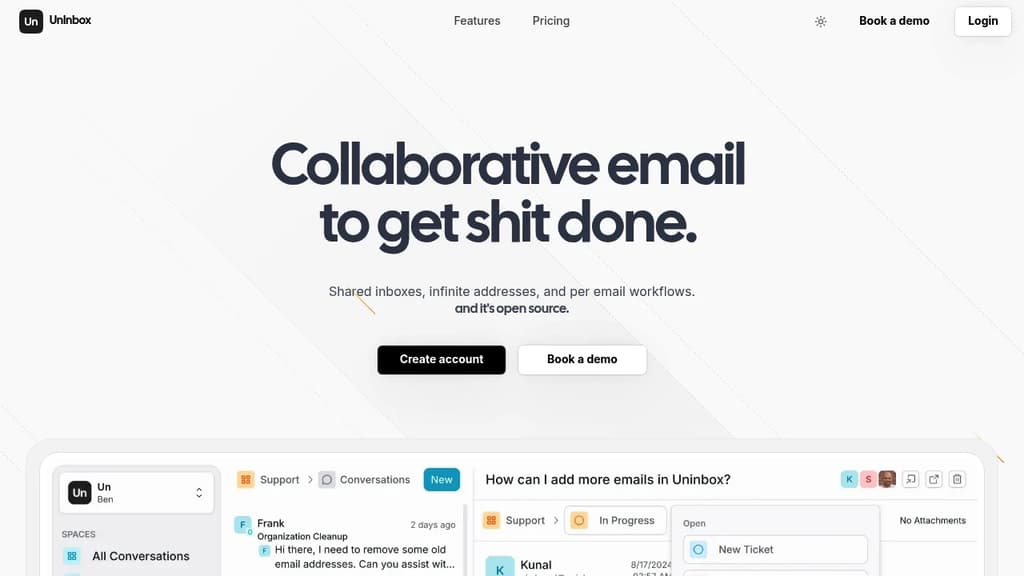
UnInbox revolutionizes team email management with a powerful open-source platform designed for modern business collaboration. Teams can work together seamlessly through shared inboxes, with the ability to comment on conversations and reply from shared addresses, eliminating confusing email chains.
Key features include:
- Shared spaces for team collaboration and communication
- Workflow status tracking for clear task management
- Unlimited custom email addresses (support@, sales@, etc.)
- Flexible workflow management with up to 3 workflows per space
- Team assignment capabilities for better task distribution
The platform offers tiered pricing options from Free to Enterprise, making it accessible for businesses of all sizes. The Pro plan includes advanced features like unlimited custom domains, SMTP & API access, and priority support, while Enterprise customers get additional security features like SAML SSO and dedicated instances.
Perfect for teams who need to manage multiple email addresses, track response statuses, and collaborate effectively on email communications. The open-source nature ensures transparency and customization possibilities for organizations.

Open source professional email solution with PGP encryption, JMAP protocol, AI-powered responses, and advanced antispam protection. Control your data privately.
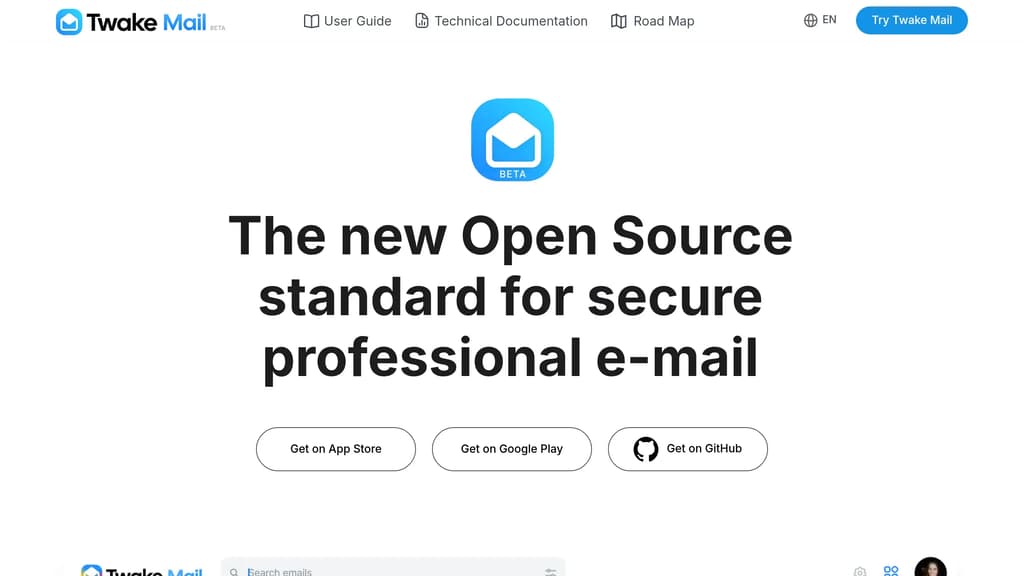
Twake Mail is a next-generation open source email solution that prioritizes security, privacy, and performance for professional use. Built on the cutting-edge JMAP protocol, it delivers 30 times better efficiency than traditional IMAP systems while providing enterprise-grade security features.
Key Security Features:
- PGP data encryption ensures complete email confidentiality
- Advanced antispam protection blocks phishing, spam, and hacking attempts
- Built-in threat detection provides comprehensive cyber attack protection
Modern Technology Stack:
- JMAP protocol for superior performance and resource optimization
- AI-powered responses for smart email management
- Multi-platform support with Flutter technology across desktop, tablet, and mobile
- Collaborative features including inbox delegation and sharing
Enterprise Benefits:
- On-premise deployment for complete data control
- Multilingual support for global teams
- Modular integration with LINAGORA's ecosystem (Chat, Drive, Calendar)
- Sustainable and eco-friendly design with reduced resource consumption
Advanced Search & Organization:
- Custom filters for personalized email management
- Enhanced search with flexible criteria and keyword matching
- Smart categorization to focus on what matters most
Developed by LINAGORA, a leader in European open source with 24 years of experience, Twake Mail is backed by active participation in IETF standardization and Apache Foundation projects. The solution offers complete transparency with code available on GitHub for review and contribution.

People are looking for alternatives to...
View all alternatives
Spotify

Claude

Claude Code

CapCut

Lovable

Notion
 Stellar Hosted – Managed Open Source software hosting in the EU: secure, compliant, fast.

 CodeRabbit