Open Source Freeter Alternatives
A curated collection of the 4 best open source alternatives to Freeter.
The best open source alternative to Freeter is Super Productivity. If that doesn't suit you, we've compiled a ranked list of other open source Freeter alternatives to help you find a suitable replacement. Other interesting open source alternatives to Freeter are: Wekan, Fizzy, and Kanba.
Freeter alternatives are mainly Project & Work Management Tools but may also be Task Management Tools or Time Tracking Tools. Browse these if you want a narrower list of alternatives or looking for a specific functionality of Freeter.

Written by Piotr Kulpinski


Combines task management, time tracking, Pomodoro focus sessions, and GitHub/Jira integration in a local-first app for Windows, macOS, Linux, Android, and iOS.
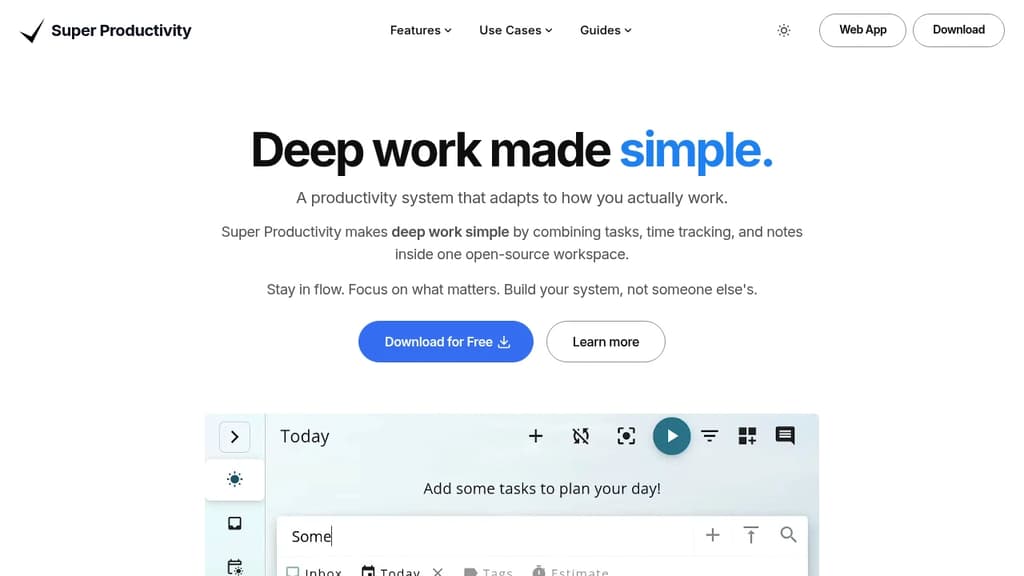
Super Productivity is a task management app built around the idea that your tools shouldn't interrupt you. Everything runs locally by default. No accounts, no telemetry, no subscription. Your data stays on your device unless you actively choose to sync it via WebDAV or Dropbox.
It's aimed at developers, freelancers, and anyone who does focused, heads-down work and wants a single place to manage tasks, track time, and review progress without switching between five different tools.
Core task management covers quick-add, subtasks, notes, due dates, repeating tasks with granular schedules, and automatic rollovers for anything you didn't finish.
Board layouts are flexible. Flip between Kanban, Eisenhower matrix, compact list, or a custom view. Projects, tags, and folders let you organize work the way you actually think about it.
Focus and time tracking are built in. One-click timers with keyboard shortcuts, Pomodoro sessions with configurable breaks, and a distraction-free focus mode that hides everything except the task at hand.
Integrations pull work in from outside. GitHub, GitLab, and Jira issues import directly into your boards. Calendar sync via CalDAV gives you a full picture of your day alongside your tasks.
A few things that stand out compared to other workspace organizers:
- Work logging and reports generate timesheets and summaries instantly, which is useful for freelancers billing by the hour or consultants tracking project time.
- Procrastination helper uses CBT-based prompts to help you actually start a task, not just look at it.
- Plugin system lets you extend the app with custom automation and quick commands.
- Keyboard-first design means most actions have shortcuts, so you rarely need to reach for the mouse.
- No vendor lock-in: export everything as JSON or CSV at any time.
The app runs on Windows, macOS, Linux, Android, and iOS. It's free, built in the open, and has an active contributor community.

Open-source Kanban board solution offering visual task management, self-hosting capabilities, and robust security features for teams and individuals.
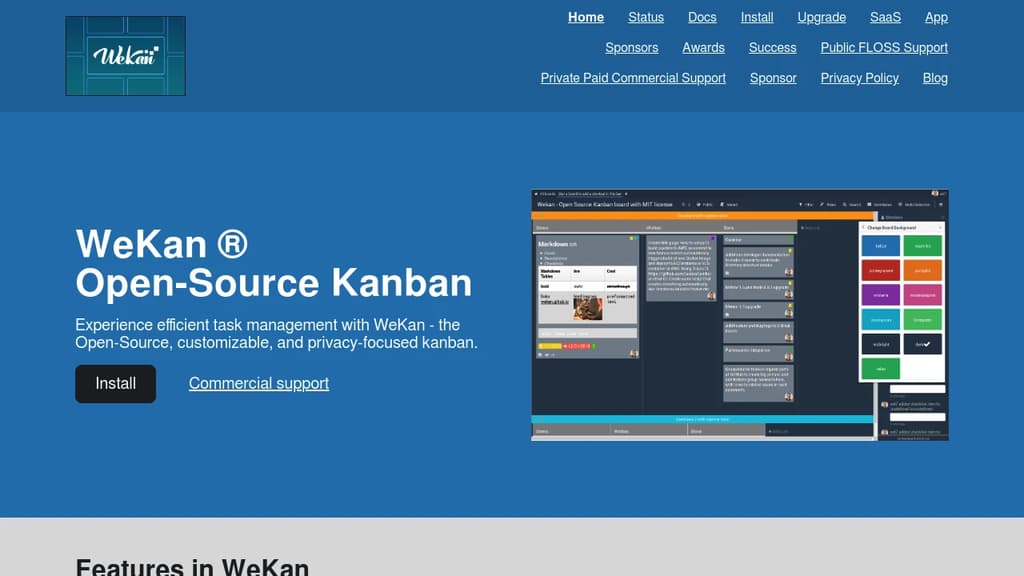
WeKan is a powerful open-source Kanban board platform that puts you in complete control of your project management workflow. Built with privacy and security at its core, this self-hosted solution offers everything you need to organize tasks visually without compromising your data.
Core Features:
- Visual Boards: Create unlimited boards for different projects with customizable columns representing workflow stages
- Flexible Lists: Organize tasks through drag-and-drop functionality across "To Do," "Doing," and "Done" columns
- Rich Cards: Add detailed task information including descriptions, due dates, labels, attachments, and collaborative comments
- Self-Hosting Control: Deploy on your own servers for complete data ownership and customization freedom
Security Advantages:
- Open-source transparency allows community auditing for vulnerabilities
- Granular access controls at board and user levels protect sensitive information
- Data sovereignty through self-hosting eliminates third-party data concerns
- MIT License ensures long-term viability and freedom
Migration Support: Includes tools for importing from other platforms, with special focus on Trello data migration as restrictions tighten on free accounts.
Perfect for teams and organizations requiring visual project management with complete control over their data infrastructure and security policies.

Track issues, ideas, and projects with a modern kanban board that's fast and straightforward. Free for 1000 cards, then $20/month for unlimited use.
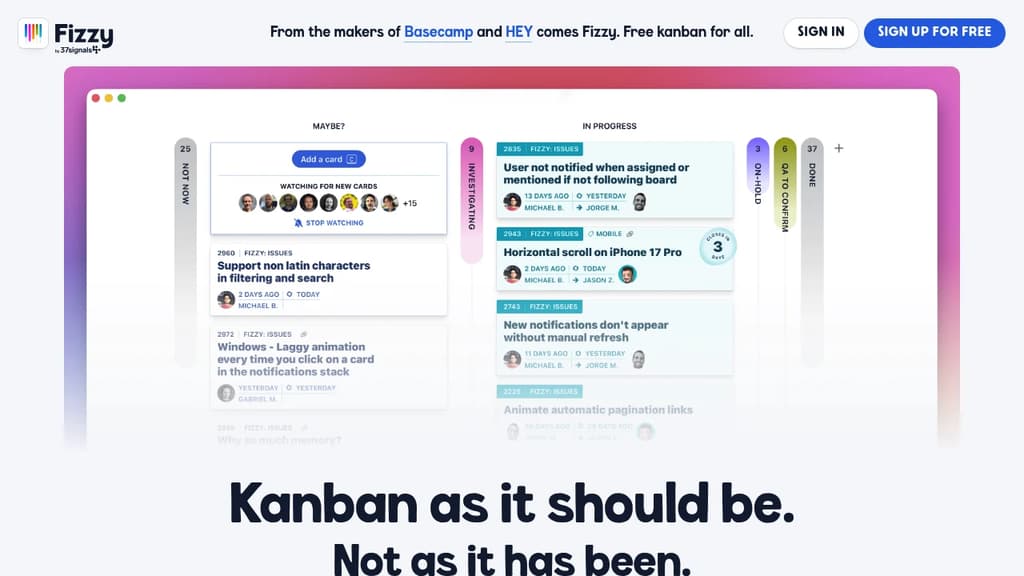
A refreshing alternative to bloated project management tools. While other kanban tools have become slow and cluttered with unnecessary features, Fizzy brings back the simplicity and speed you need to track bugs, issues, ideas, and small projects effectively.
Key features that make work enjoyable:
- Auto close automatically prunes old cards to keep boards clean
- Webhooks integrate with Slack, Campfire, and other tools
- Smart notifications stack for easy access and bubble up when cards need attention
- Public boards let anyone follow project progress
- Stamps provide clear tracking of who filed what and when
- Fast and vibrant interface that makes project management feel fresh again
Generous free tier includes 1000 cards with no time limit, no credit card required, and 1GB storage. After that, unlimited cards and users cost just $20/month with the flexibility to cancel anytime.
Open source flexibility means you can run Fizzy on your own servers for free, customize it for your needs, or contribute to the codebase. Built by 37signals, the team behind Basecamp and HEY, ensuring quality and reliability you can trust.

Organize projects with intuitive Kanban boards, powered by Supabase backend and Stripe payment processing for complete project management workflow.
Transform your project workflow with visual Kanban boards that make task management intuitive and efficient. This elegant project management solution combines the simplicity of drag-and-drop task organization with powerful backend capabilities.
Key features include:
- Visual task management through customizable Kanban boards
- Real-time collaboration with team members across projects
- Secure data storage powered by Supabase infrastructure
- Integrated payment processing via Stripe for client billing
- Responsive design that works seamlessly across all devices
Perfect for freelancers, agencies, and small teams who need to track project progress, manage client work, and handle payments in one unified platform. The clean interface focuses on what matters most - getting work done efficiently while maintaining professional client relationships.
Whether you're managing multiple client projects or coordinating team tasks, this tool provides the flexibility and reliability needed to keep projects moving forward without the complexity of enterprise solutions.

People are looking for alternatives to...
View all alternatives
Claude Code

Spotify

Notion

Lovable

CapCut

Wispr Flow
 ScreenshotOne – The screenshot API for developers. Render screenshots in one simple API call
 Windshift